Drag and drop your audio file here, or click to browse
Supports: MP3, WAV, OGG, M4A, AAC, FLAC, WMA
Karaoke Instrumental
Remove vocals to create a karaoke backing track for singing practice
Stem Separation
Separate into 4 tracks: vocals, drums, bass, others

AI Karaoke Maker
Karaoke Maker for removing vocals and creating instrumental karaoke tracks from songs
AI Karaoke Maker
Upload a song and separate the lead vocal from the instrumental track. The AI Karaoke Maker creates karaoke backing tracks for home singing, party nights, vocal practice, covers, and creator videos without making you install audio editing software. Upload, process, preview, and download in one browser workflow.
What Is an AI Karaoke Maker?
Create Karaoke Tracks from Songs You Already Have
The AI Karaoke Maker turns existing songs into practical sing along material by removing the lead vocal and keeping the instrumental track ready for real singing sessions.

Instrumental Backing Tracks Without Manual Editing
Most karaoke workflows break down when singers have to learn stems, waveforms, export settings, or lyric timing before they can sing. CreateMusicAI keeps the Karaoke Maker focused on the result: upload a song, remove the vocal, and get an instrumental backing track that is easier to rehearse with at home, use before a party, or prepare for a casual cover. The AI Karaoke Maker is built for people who want a clean singing track, not a mixing session.
Preview Both Vocal and Instrumental Results
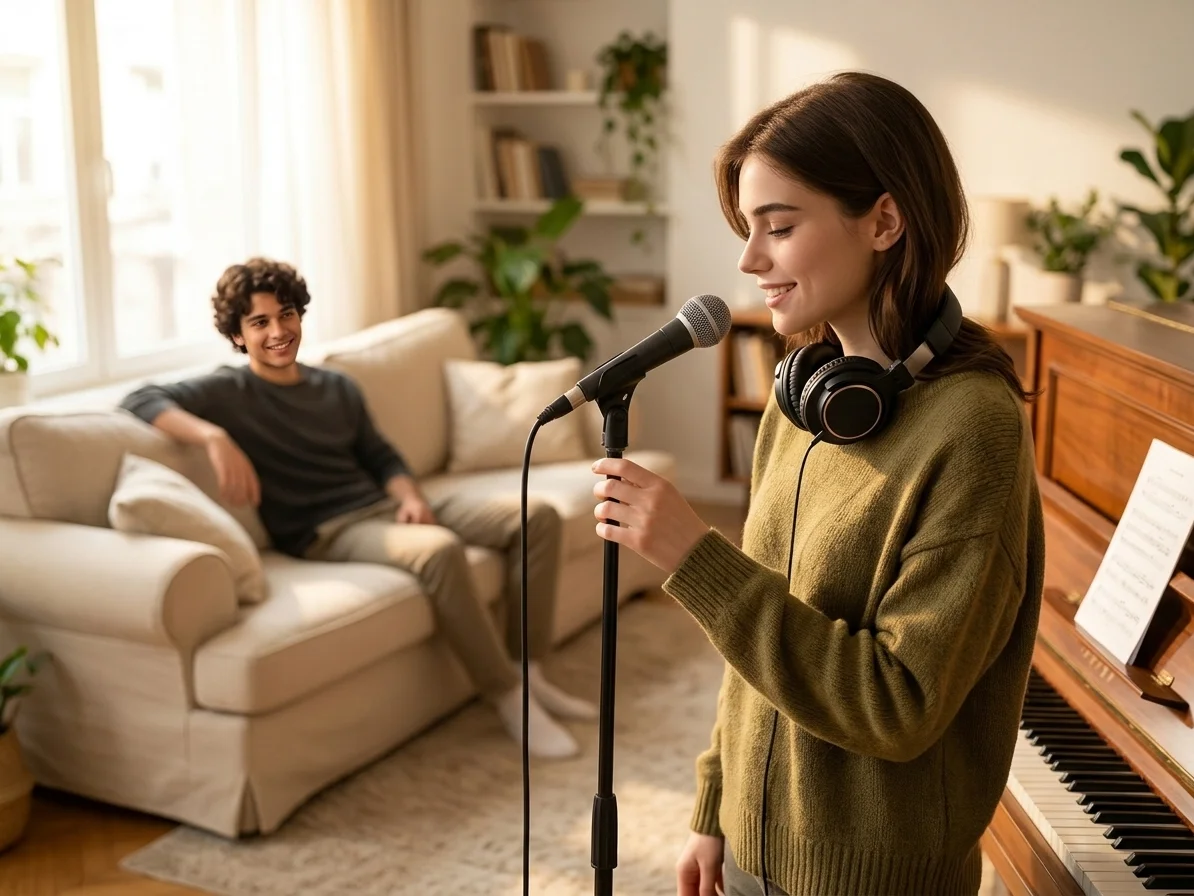
A useful Karaoke Maker should not hide the separated files. After processing, you can preview the instrumental backing track for karaoke and keep the extracted vocal for timing, phrasing, or study. That matters for singers who want to hear where the original breath lands, coaches who teach expression, and creators planning a cover or remix idea. CreateMusicAI keeps both sides visible so you can decide what to download.

Karaoke Practice for Real Rooms
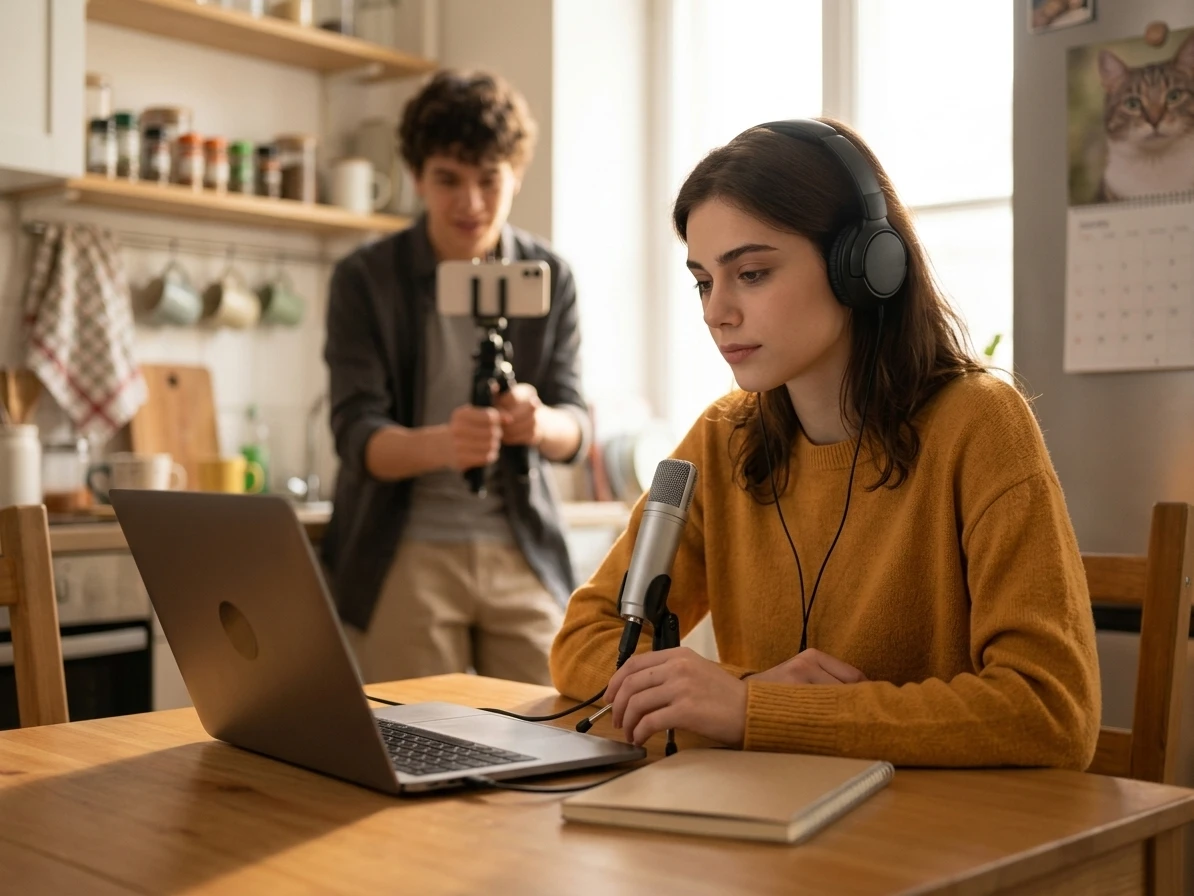
Karaoke is rarely a perfect studio situation. It happens in bedrooms, classrooms, kitchens, living rooms, and small creator setups where speed matters more than technical control. The AI Karaoke Maker helps you make a karaoke track for vocal warmups, birthday nights, group sing alongs, rehearsal clips, or short videos. Some dense mixes may leave light artifacts, but the workflow gives everyday singers a usable instrumental track without manual audio cleanup.
Safer Prep for Covers and Public Clips
Before you sing over a track in a video, classroom, client draft, or public event, you need to understand both sound quality and usage rights. The Karaoke Maker helps you preview the instrumental result first, while the page keeps the copyright boundary clear: removing vocals does not automatically clear third-party song rights. That makes CreateMusicAI useful for practical prep, not risky guesswork.
Who Uses an AI Karaoke Maker
CreateMusicAI keeps karaoke creation practical for singers, hosts, coaches, and creators who need backing tracks from existing songs. The Karaoke Maker is especially useful when the goal is quick practice or a shared singing moment, not professional stem editing.

Home Singers
Create a karaoke backing track from a favorite song and practice the melody without the original lead vocal covering your voice. Use the AI Karaoke Maker for warmups, range checks, or one more run-through before recording a cover.

Karaoke Party Hosts
Prepare instrumental tracks for birthday nights, living room sing alongs, and friend gatherings without handling complex audio software. A host can upload the song before people arrive, preview the result, and keep the party focused on singing instead of setup.
Vocal Coaches
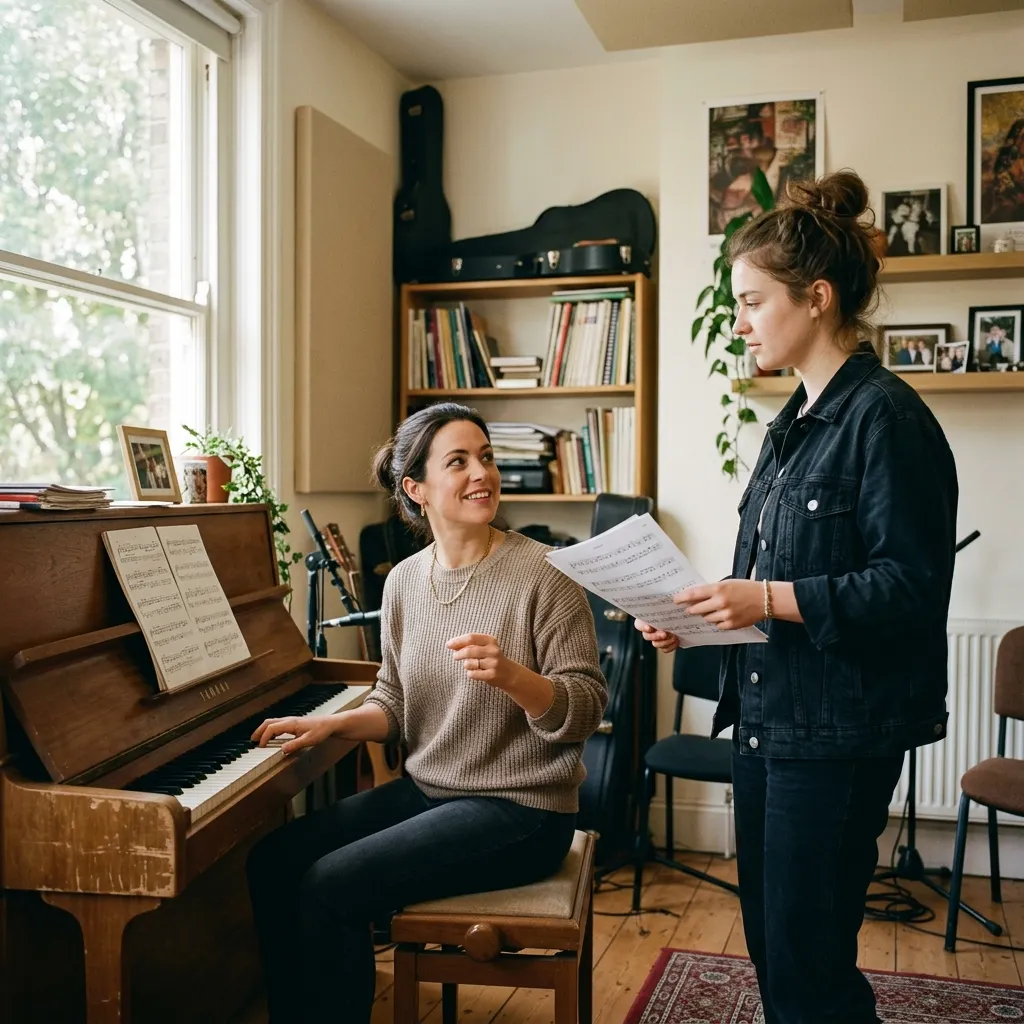
Use the Karaoke Maker to create lesson-friendly backing tracks so students can focus on pitch, phrasing, breath, and confidence. Keeping the original vocal stem also helps students compare timing and emotional delivery without guessing from memory.
Video Creators
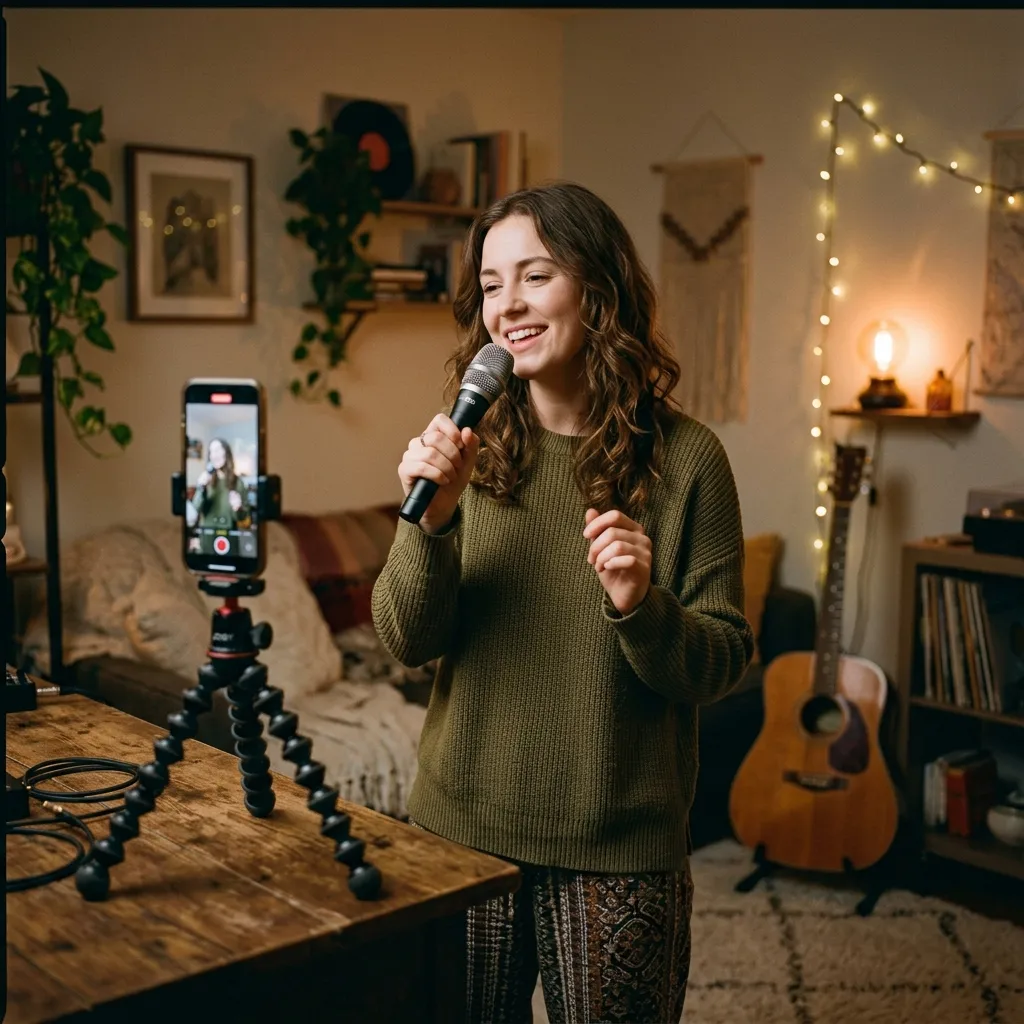
Remove vocals from a track you have rights to use and prepare karaoke-style background audio for covers, challenges, reaction clips, and social videos. The AI Karaoke Maker helps creators move from song idea to usable instrumental without opening a full production tool.
Make a Karaoke Track in Three Focused Steps
The Karaoke Maker follows the same simple path singers expect: choose a song, let AI remove the lead vocal, then download the instrumental track you can actually sing over.
1. Upload the Song You Want to Sing
Choose an audio file from your device or select a track from your music library. Before uploading, make sure you have the right to use the song for your intended purpose, especially if the result will appear in public content.
2. Let AI Separate the Vocal and Instrumental
CreateMusicAI analyzes the recording and separates the lead vocal from the backing track. The AI Karaoke Maker is designed for fast browser-based processing, so you do not need to edit waveforms or adjust stem settings by hand.
3. Preview Download and Start Singing
Listen to the instrumental track first, then download it for practice, parties, covers, or videos. Keep the extracted vocal too if you want to study phrasing, learn difficult entrances, or compare your take with the original singer.
AI Karaoke Maker Questions
Answers for singers and creators who want to remove vocals, create karaoke backing tracks, and understand what this upload-based Karaoke Maker can and cannot do. The Karaoke Maker keeps the process clear for non-engineers.
Is this AI Karaoke Maker the same as an AI song generator?
No. This page follows the vocal remover workflow. You upload an existing song, then CreateMusicAI separates vocals and instrumentals so you can make a karaoke track. Use the AI Karaoke Maker when you want to sing over a familiar song. Use a music generator when you want a new song created from a prompt.
Can I make karaoke tracks from any song?
You can upload supported audio files and create an instrumental version, but you are responsible for having the right to use the original song. That matters for public performances, monetized videos, client work, and commercial releases. The Karaoke Maker changes the audio workflow; it does not clear third-party rights for you.
Does the Karaoke Maker remove vocals completely?
The AI is designed to separate lead vocals from the instrumental and works well for most common mixes. Some songs may still leave light vocal traces, reverb tails, or backing-vocal bleed, especially when the vocal is heavily blended with the instruments. Preview the result before using it for a party, lesson, or video.
Can I download the instrumental track?
Yes. After processing, you can preview and download the instrumental backing track for karaoke, vocal practice, covers, or content creation. The Karaoke Maker download is meant for practical singing sessions where you need a usable backing track quickly.
Can I keep the extracted vocal too?
Yes. The tool can provide separated vocal and instrumental files. Singers can study phrasing and breath control, coaches can point out timing, and creators can plan covers or remix ideas without repeatedly scrubbing through the full original song.
What makes this better than manual audio editing?
Manual editing can require DAW setup, stem tools, export settings, and repeated listening before you get something useful. The AI Karaoke Maker compresses that workflow into upload, process, preview, and download, which is enough for most home practice, party prep, and creator use cases.
Do I need music production experience?
No. The Karaoke Maker is built for singers, hosts, teachers, and creators who need an instrumental track, not a technical mixing session. If you can upload a song and listen to the preview, you can make a karaoke backing track. The Karaoke Maker keeps the interface centered on singers rather than engineers.