Related tools for your next step
MIDI Editor Online
Create and edit MIDI files in your browser with a simple piano roll. Adjust notes, velocity, timing, tempo, and instruments, then export MIDI or audio.
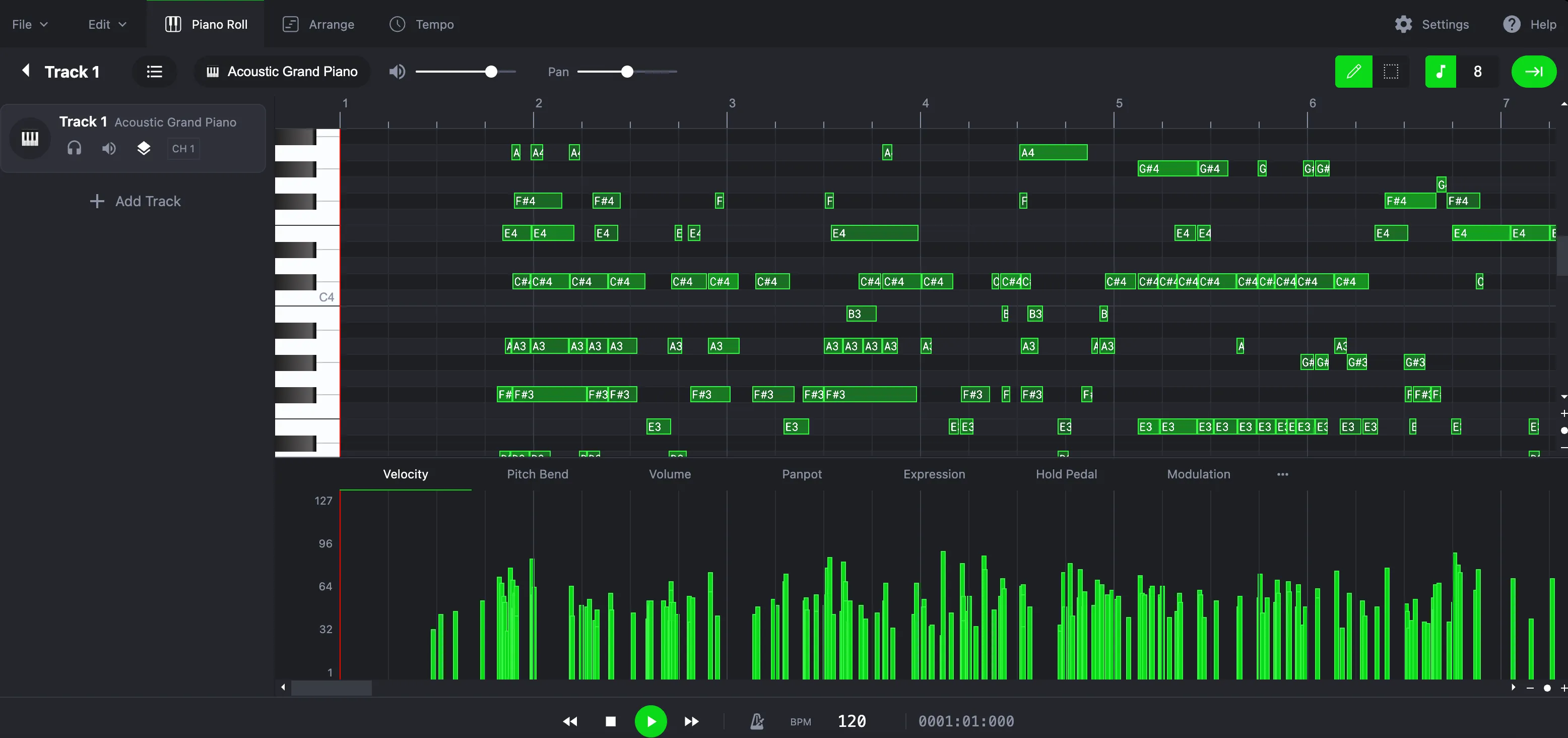
How to Use the MIDI Editor
This online MIDI editor lets you create and edit music step by step.
1. Open or Import MIDI
Start with a blank project or upload an existing MIDI file to the editor.
2. Edit Notes and Timing
Modify pitch, note length, velocity, tempo, and structure using the piano roll.
3. Preview with Instruments
Load instruments to hear your MIDI playback directly in the browser.
4. Export MIDI or Audio
Download the edited MIDI file or export it as an audio file for use in other projects.
What You Can Do with the MIDI Editor
The editor provides essential tools for MIDI creation and editing.

Edit MIDI Notes and Velocity
Adjust pitch, timing, and velocity to refine melodies, chords, and rhythms.

Tempo and Time Signature Control
Change BPM and time signatures to fit different musical structures.
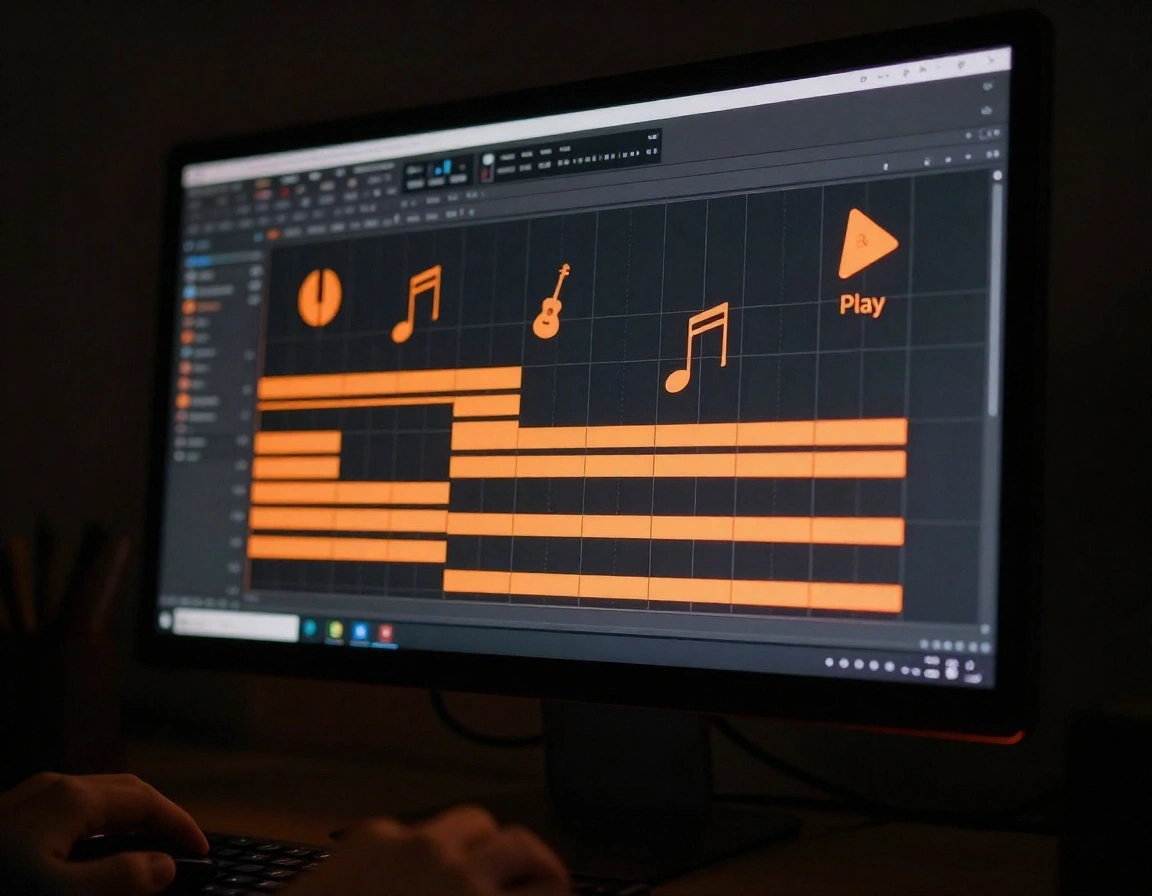
Instrument Preview in Browser
Preview MIDI playback with instruments without installing software.
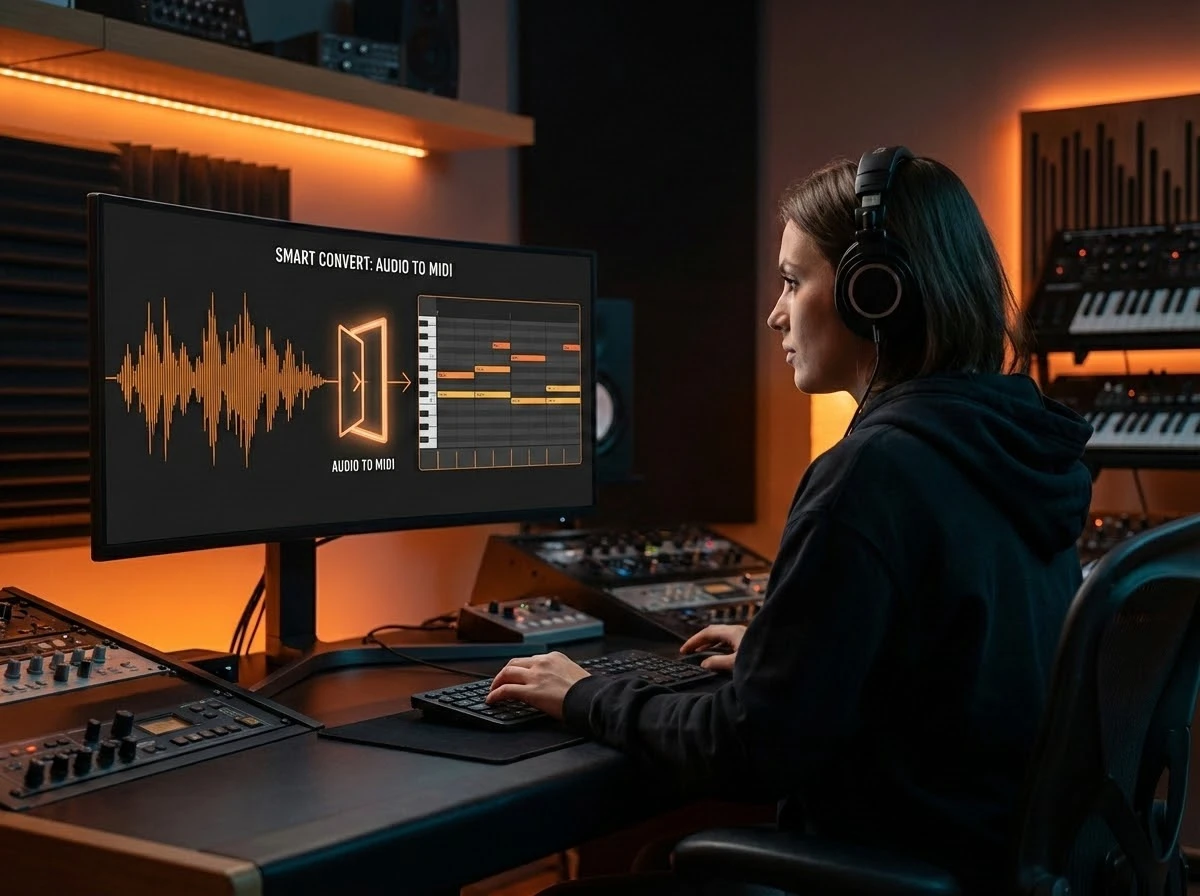
Export MIDI or Audio Files
Download MIDI for DAWs or export audio files for instant playback.
Who Uses a MIDI Editor
Online MIDI editors are useful across many music workflows.

Music Producers & Beatmakers
Edit MIDI patterns, adjust grooves, and export files for use in DAWs.

Composers & Songwriters
Sketch musical ideas quickly without opening a full digital audio workstation.

Students & Teachers
Learn MIDI concepts, notation, and arrangement with hands-on editing.

Game Developers & Content Creators
Create and export MIDI or audio tracks for games, apps, and videos.
MIDI Editor FAQs
Common questions about using the online MIDI editor.
Is this a piano roll MIDI editor?
Yes. The MIDI editor works like a browser piano roll for adjusting notes, timing, velocity, tempo, and instruments. You can sketch ideas on the virtual piano, then refine MIDI files here.
Can I edit MIDI files online without installing software?
Yes. Upload or create MIDI files in the browser, edit notes and timing, then export MIDI or audio without installing a DAW. If you need to create MIDI from audio first, use the Audio to MIDI Converter or MP3 to MIDI Converter.
What is a MIDI editor?
A MIDI editor is a tool for creating and editing MIDI files by adjusting notes, timing, velocity, and musical structure.
Can I edit existing MIDI files?
Yes. You can upload and edit existing MIDI files directly in the editor.
Can I export audio from MIDI?
Yes. You can export MIDI files or convert them into audio files for playback.
Do I need to install software?
No. The MIDI editor runs entirely in your browser.
Can I use edited MIDI files in other software?
Yes. Exported MIDI files are compatible with all major digital audio workstations.