Related tools for your next step
Start Here
Build drum patterns in your browser, play style presets instantly, adjust BPM and swing, then copy the groove as an AI music prompt for full beat or rap beat generation. Use this short guide when you open the drum machine for the first time: hear a preset, change the grid by ear, then turn the beat into a reusable AI music prompt.
Play a Preset
Pick Trap, Lo-fi, Rock, Funk, or EDM, then press Play Groove to hear a complete beat before editing.
Tap the Grid
Lit cells play on that step. Add kicks for weight, remove hats for space, and use M or S to mute or solo a row.
Copy the Prompt
When the groove works, copy the generated prompt so the AI Music Generator gets style, BPM, swing, and drum placement.
Beat Basics
- 1Steps 1, 5, 9, and 13 mark the quarter-note pulse in a 16-step bar.
- 2Snare or clap on steps 5 and 13 creates a familiar backbeat.
- 3Higher swing delays alternating steps for a looser Lo-fi, Funk, or Hip-hop feel.
Online Drum Machine for Fast Beat Ideas
How to Use This Online Drum Machine
Start with a preset groove, change the steps you hear, then move the rhythm into your next AI music idea.
Play a Preset First
Choose Trap, Lo-fi, Rock, Funk, or EDM and press Play Groove. The online drum machine starts with a real pattern so you can hear the pocket before editing. Watch the playhead move across the 16 steps; each lit cell tells you which drum sound is playing at that moment.
Edit the Grid by Ear
Click a cell to turn that drum hit on or off. Add kick steps for more weight, remove hats when the rhythm feels too busy, or solo the snare to check the backbeat. Swing moves off-beats later, which helps Lo-fi and Funk patterns feel less rigid while keeping the BPM stable.
Copy the Beat into a Prompt
When the groove feels useful, copy the AI music prompt. It includes the preset style, BPM, swing amount, and active drum steps, so the AI Music Generator gets a concrete rhythm direction instead of a vague request like make a beat.
Why This Drum Machine Works for Beat Sketching
This free drum machine keeps the first workflow short: play, edit, hear the change, then turn the result into a song prompt.
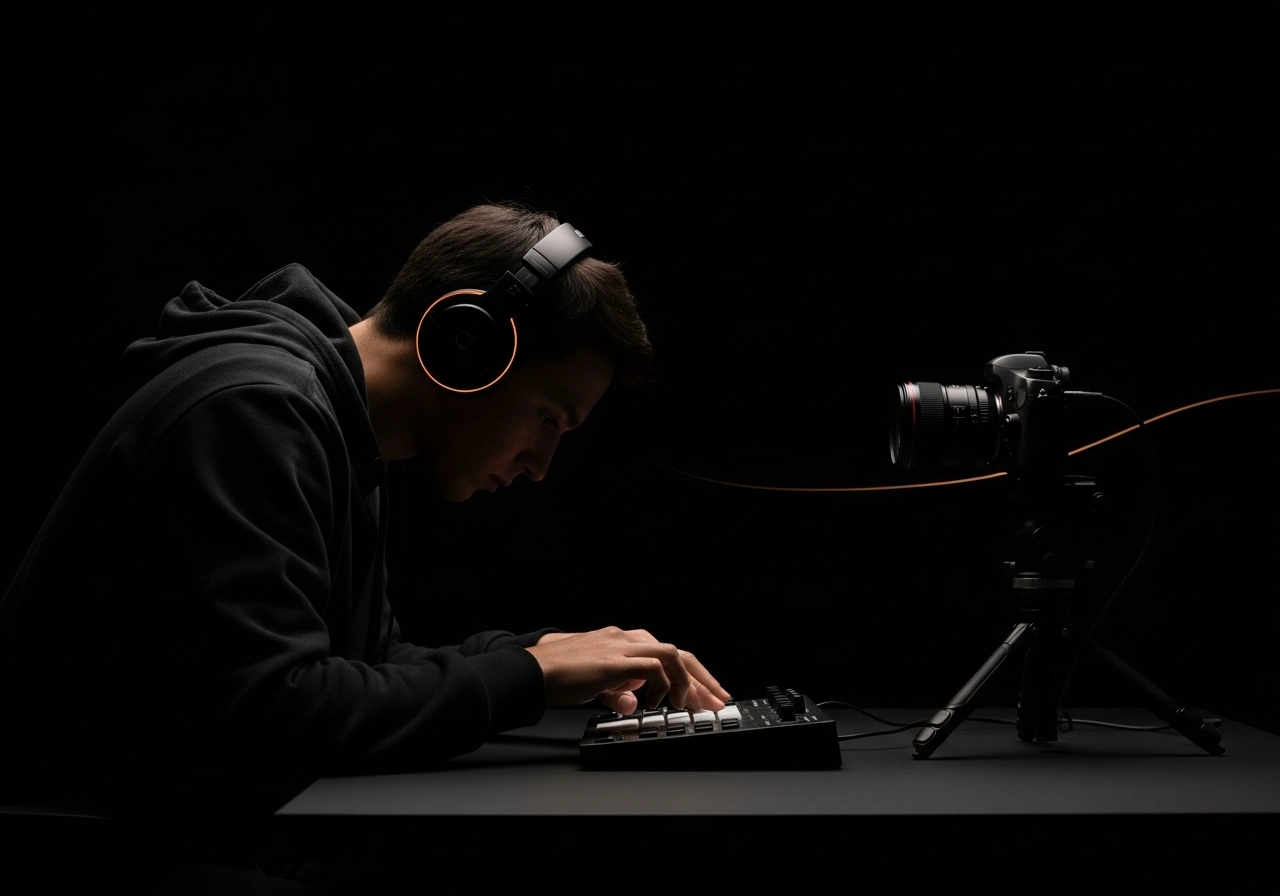
Playable Presets Beat a Blank Grid
Many step sequencers make beginners decide every hit before hearing anything. This online drum machine opens with genre presets that already groove, so the first click gives you sound and motion. From there, changing one kick, hat, or clap becomes a small creative decision rather than a full production lesson.
Mute and Solo Reveal the Pocket
A drum pattern is easier to understand when you can isolate its parts. Mute the crash when it distracts, solo the hats to judge motion, or solo kick and snare to hear whether the foundation works. These controls help new beat makers hear why a groove feels crowded, empty, straight, or syncopated.
BPM and Swing Stay Close to the Grid
Tempo and feel belong beside the sequencer, not hidden in a settings panel. Set BPM for the song direction, then raise swing when you want late off-beats and a looser human pocket. The visual playhead keeps moving with the scheduled audio so the pattern remains readable while you experiment.
Prompt Copy Turns Rhythm into Direction
The Copy Prompt button converts the current beat into a structured music brief. It names the style, BPM, swing, and drum placement, giving the AI Music Generator a stronger starting point for drums, bass, arrangement, and energy. That makes the tool useful even after the browser groove stops playing.
Who Uses This Online Drum Machine
This browser drum machine helps creators hear rhythm ideas before committing to a DAW session or a full AI song prompt.
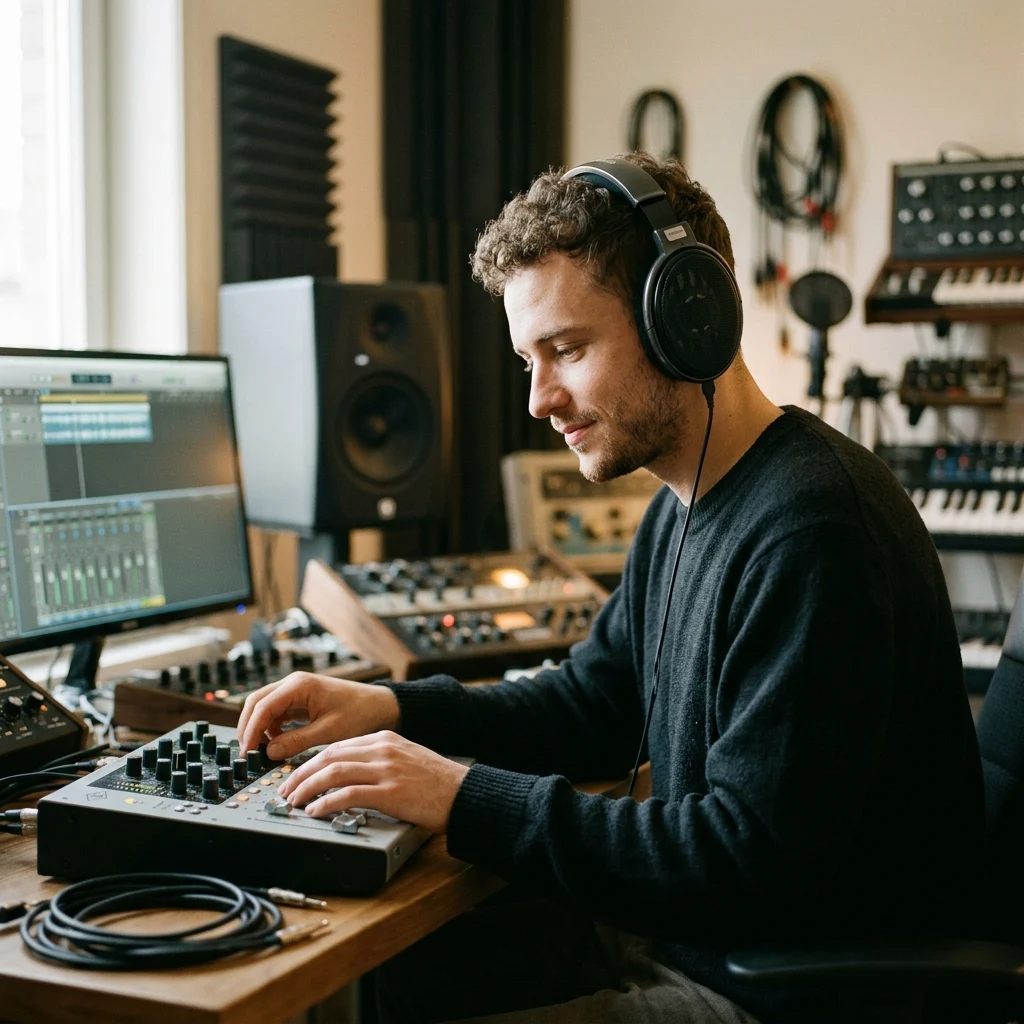
Beat Makers and Producers
Use the online drum machine when a groove idea is too early for a full session. Sketch the kick, snare, hats, and crash first, then move the strongest pattern into your DAW or AI music workflow with a clear BPM and style.
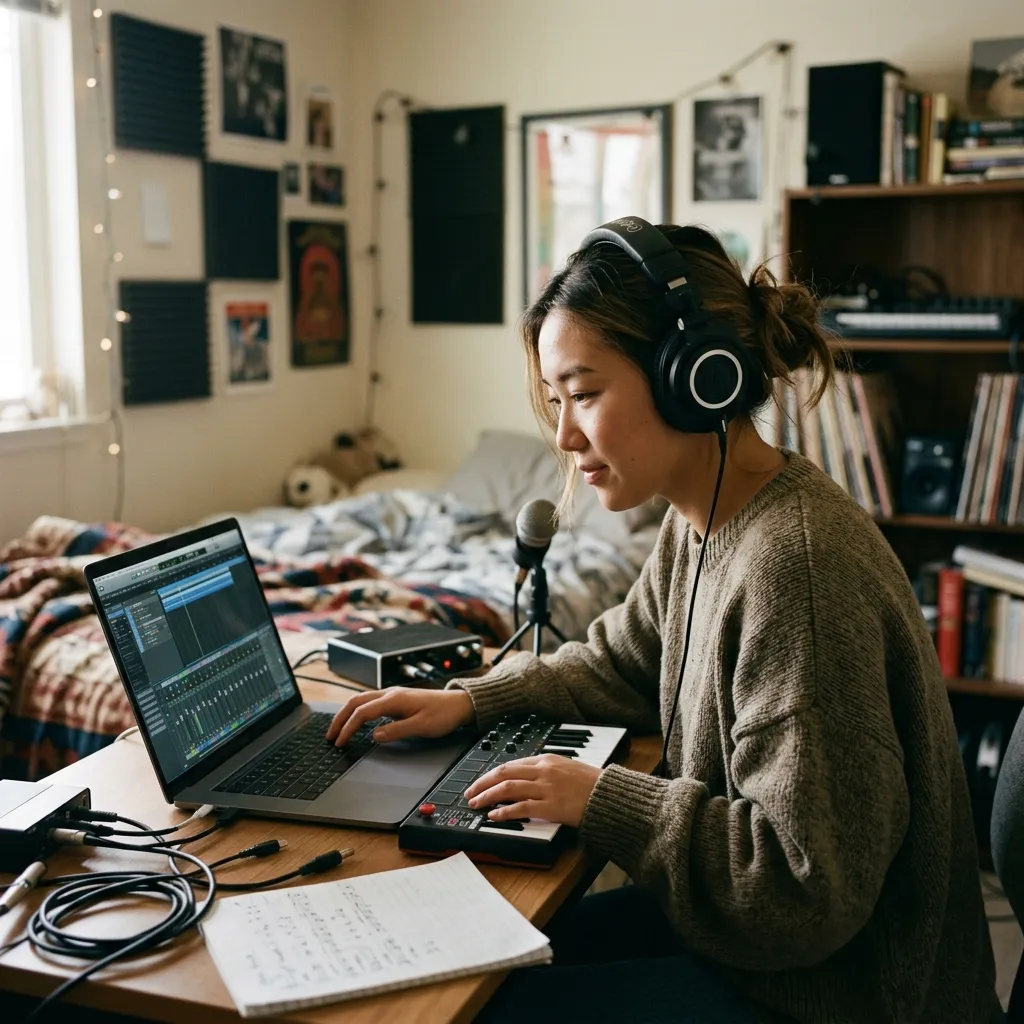
Songwriters Building Momentum
A simple drum loop can unlock melody and lyric phrasing. Start a Lo-fi, Rock, or Funk preset, remove the hits that fight your idea, and keep the browser beat running while you test hooks, bass lines, or chord changes.
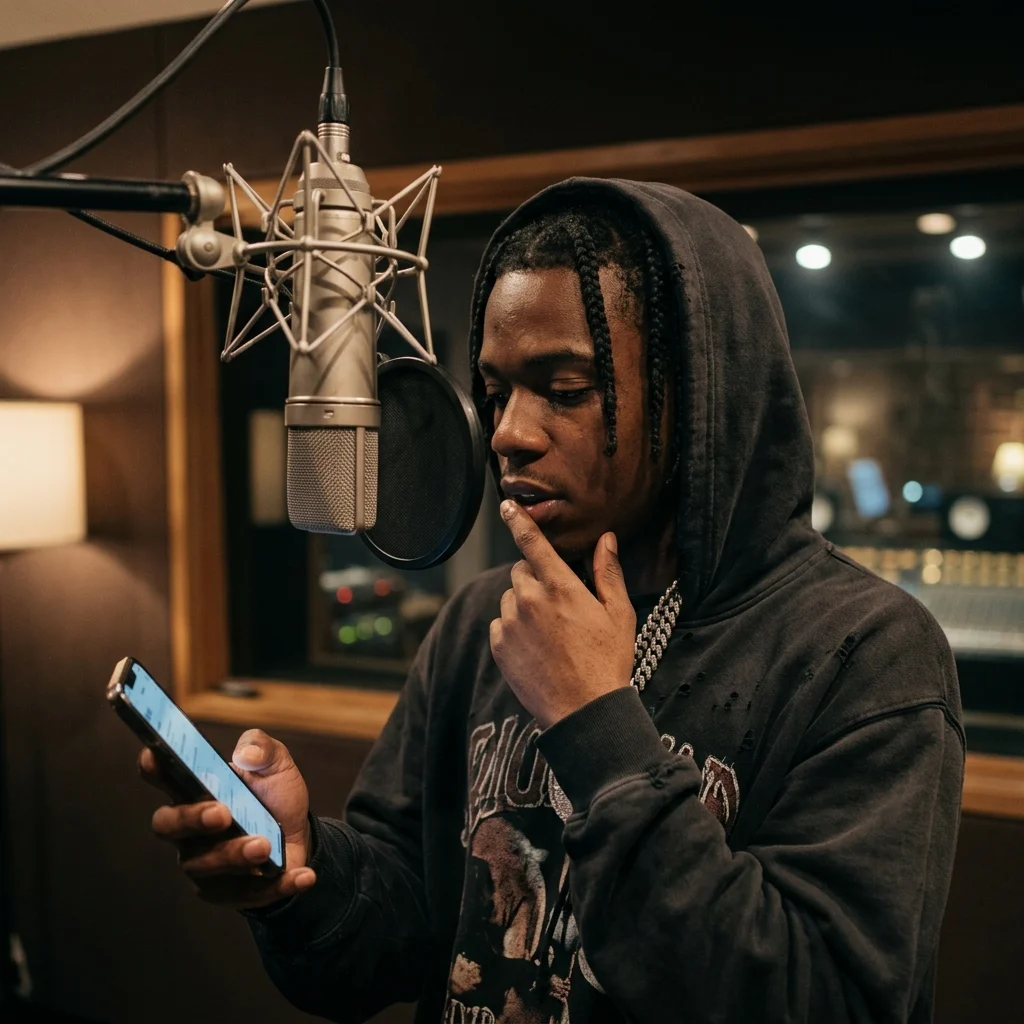
Rappers and Vocalists
Freestyle practice works better when the rhythm has a clear pocket. Pick Trap or EDM, change the hat density, and use the 16-step drum machine to create a loop that supports flow experiments without opening production software.
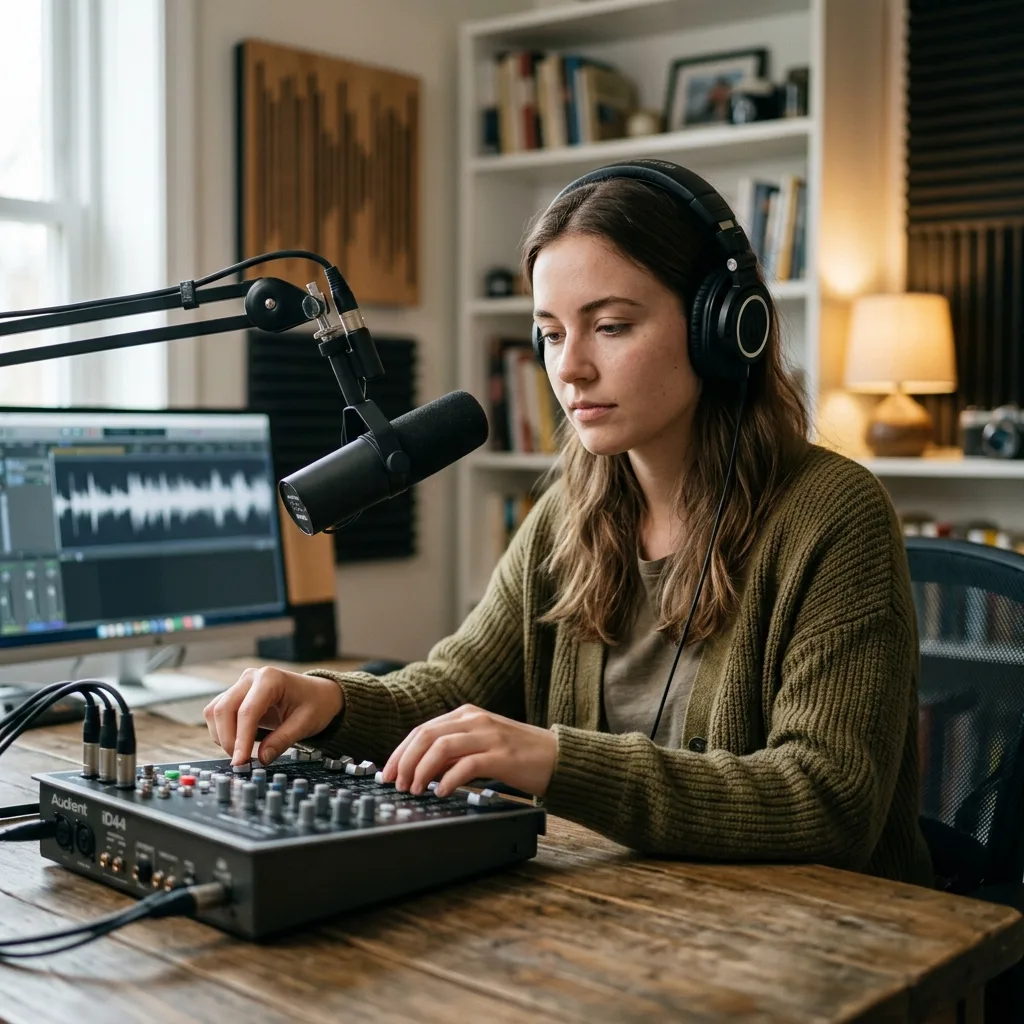
Content and Game Creators
When you need a quick rhythmic brief for background music, the prompt output is faster than describing drums from memory. Copy the pattern, open the AI Music Generator, and ask for a loopable track that follows the groove.
Online Drum Machine FAQs
These answers cover step sequencing, sound generation, BPM, swing, prompt copy, and how to use the beat with AI music tools.
Can I create drum patterns online without a DAW?
Yes. You can create drum patterns online, adjust BPM and swing, and copy the groove as a music prompt without installing a DAW. Pair it with the BPM tapper or metronome when you need tempo practice tools.
Is this a drum machine or a beat maker?
It is a browser drum machine for building drum patterns, loops, and grooves. Use it when you want step-by-step rhythm control; use the AI Beat Maker for complete generated beats, or the AI Rap Beat Maker when you need rap-focused drums and instrumentals from a prompt.
What is an online drum machine?
An online drum machine is a browser tool that lets you create drum patterns without installing a DAW. This CreateMusicAI drum machine uses a 16-step sequencer where each column is a moment in the bar and each row is a drum sound.
Do I need music production experience?
No. Start from a preset, press Play, then click cells to hear changes. Kick adds low weight, snare and clap shape the backbeat, hats create motion, toms make fills, and crash adds section accents.
How does swing change the groove?
Swing delays alternating steps slightly. At 50% the rhythm is straight; higher values push off-beats later. This can make Lo-fi, Funk, Hip-hop, and shuffle-inspired patterns feel more relaxed without changing the BPM.
Are the drum sounds uploaded or sampled from my files?
No. The MVP drum sounds are synthesized with browser audio: low oscillators for kick and tom, filtered noise for snare, hats, clap, and crash. Nothing needs to be uploaded for playback.
Can I export audio from this drum machine?
This version focuses on instant pattern playback and prompt copy rather than audio export. You can copy the rhythm description into the AI Music Generator or recreate the 16-step pattern in a DAW.
How should I use the copied prompt?
Paste the prompt into the AI Music Generator, then add extra direction such as mood, instruments, vocal style, or song section. The drum prompt gives the generation a clearer rhythmic foundation.