
What Is a Lofi Music Generator
AI Lofi Music Generator for Warm Original Beats
Build lofi beats, chillhop loops, study music, and relaxing instrumentals with an AI Lofi Music Generator made for creators who need calm original music. If you already have a song, use the lofi converter instead.
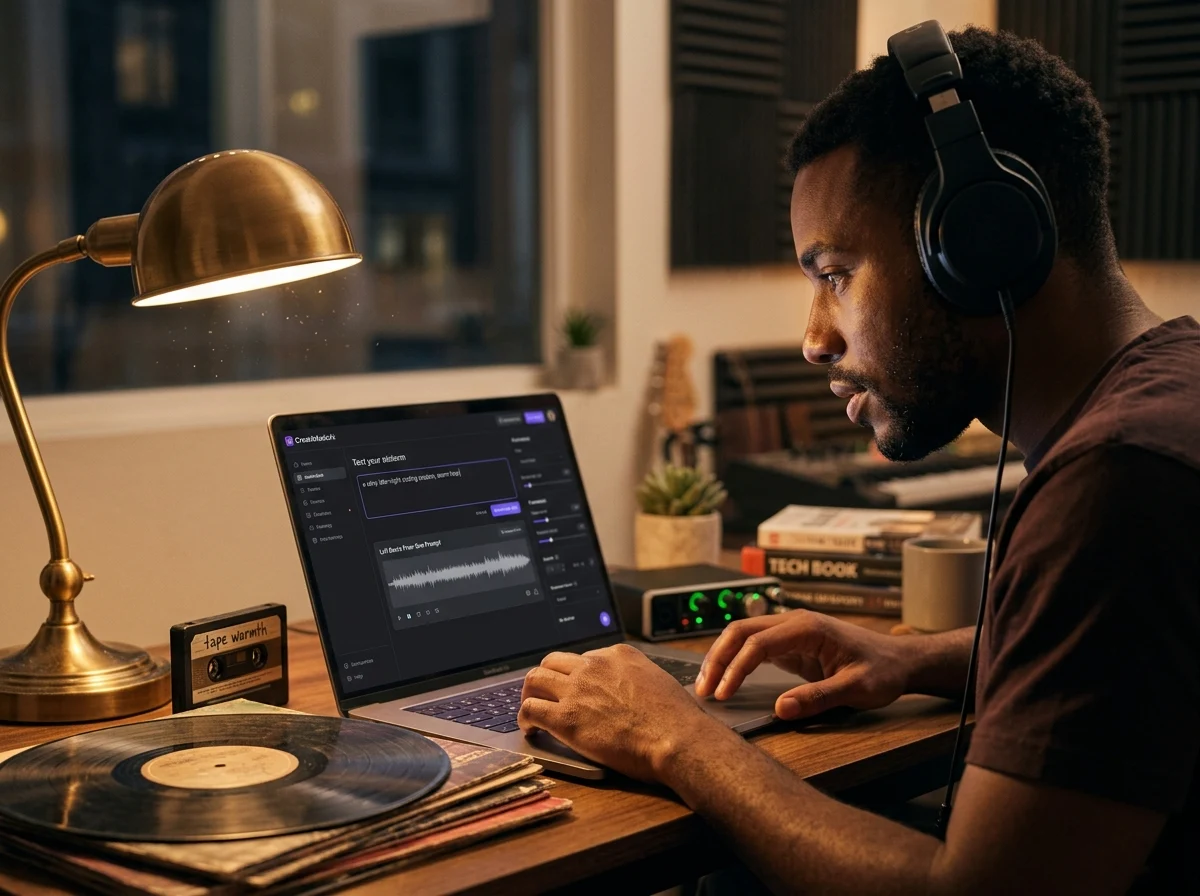
Lofi Beats From One Prompt
With CreateMusicAI, you can describe a rainy desk setup, a late-night coding session, or a cozy cafe and hear it become a full lofi beat. This AI Lofi Music Generator turns your plain-language idea into soft drums, warm keys, muted chords, and a steady groove without DAW setup.
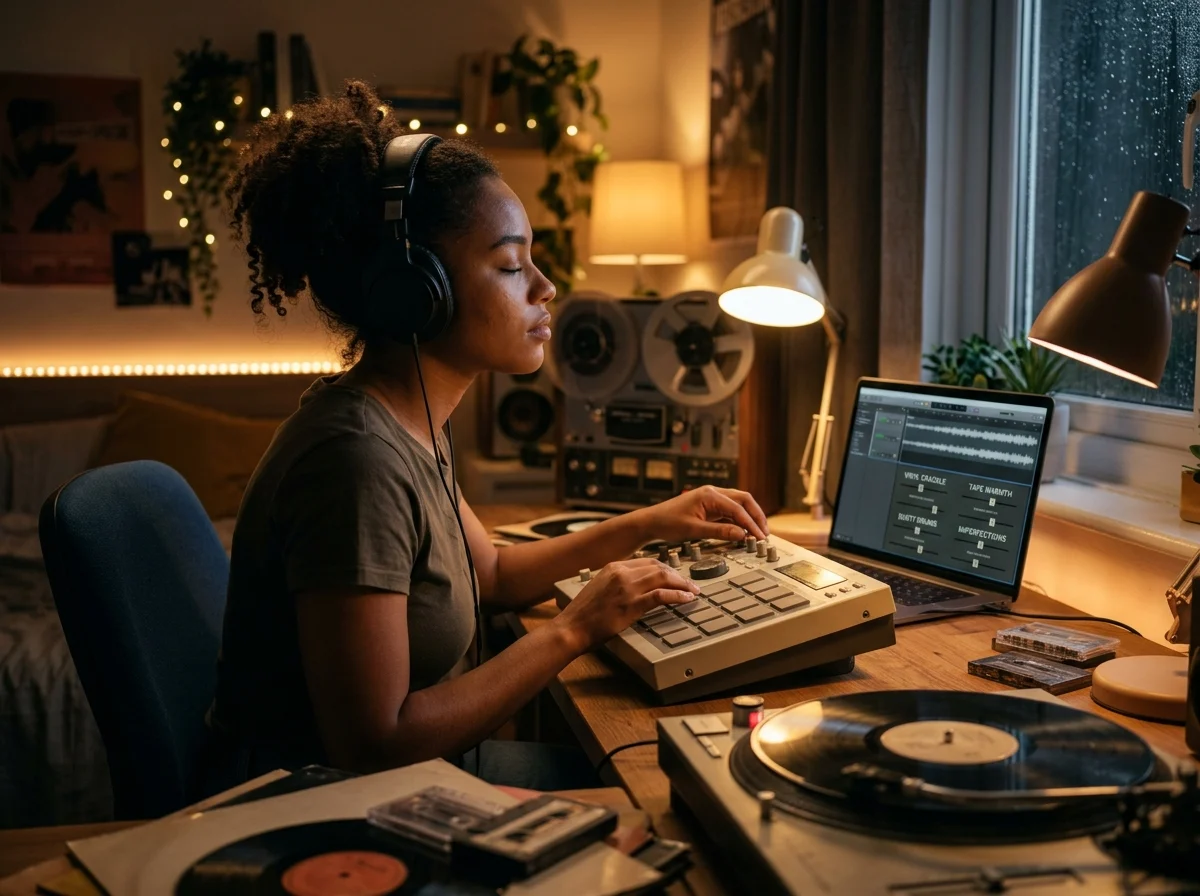
Vinyl Texture Without Stock Loops
Generic tools often add a piano loop and call it lo-fi. Our AI Lofi Music Generator lets you guide vinyl crackle, tape warmth, dusty drums, and subtle imperfections so the track feels handmade. Create lo-fi music from scratch instead of hunting through recycled loop packs.
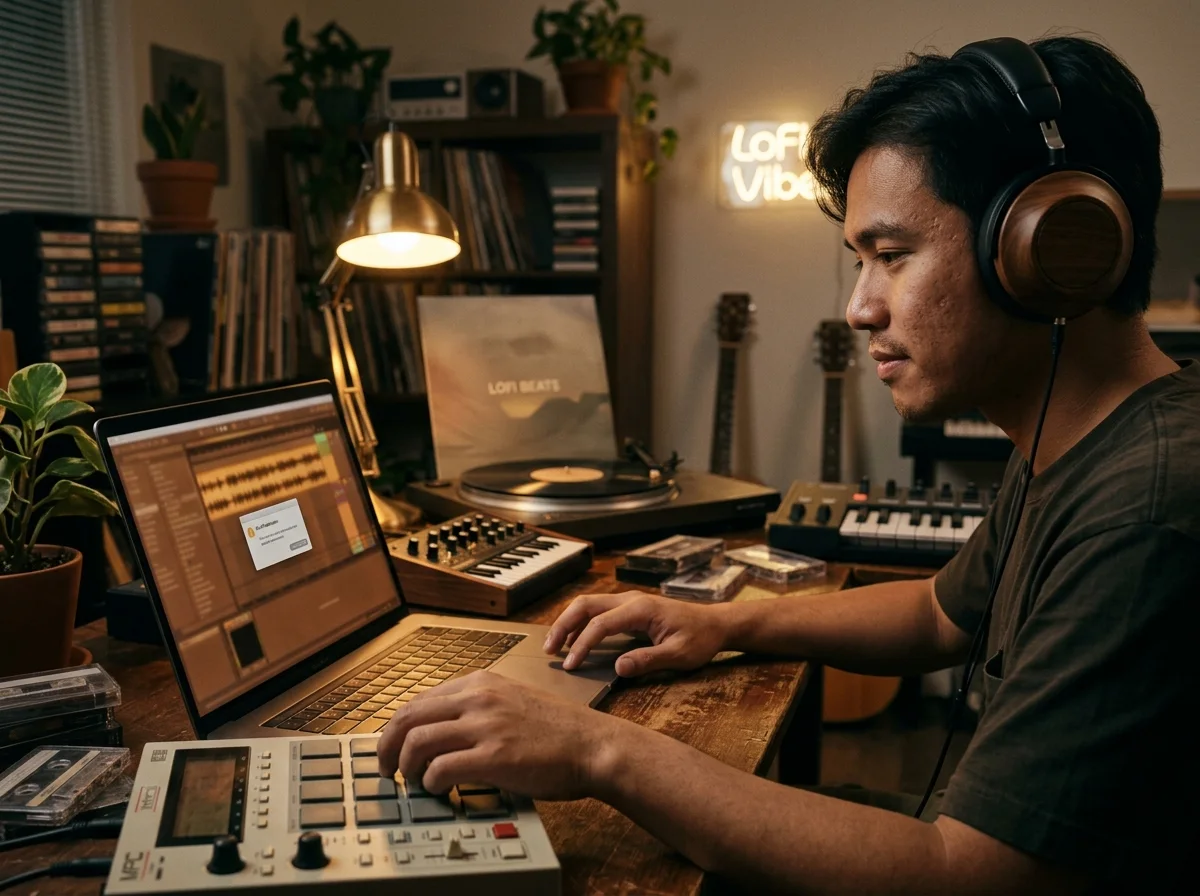
Study Stream Backgrounds That Stay Calm
Study channels, Twitch streams, and coding videos need chill beats that support focus without grabbing attention. Use this AI Lofi Music Generator to shape loop-friendly background music with mellow energy, no vocals, soft percussion, and a relaxed pace that stays out of the way.
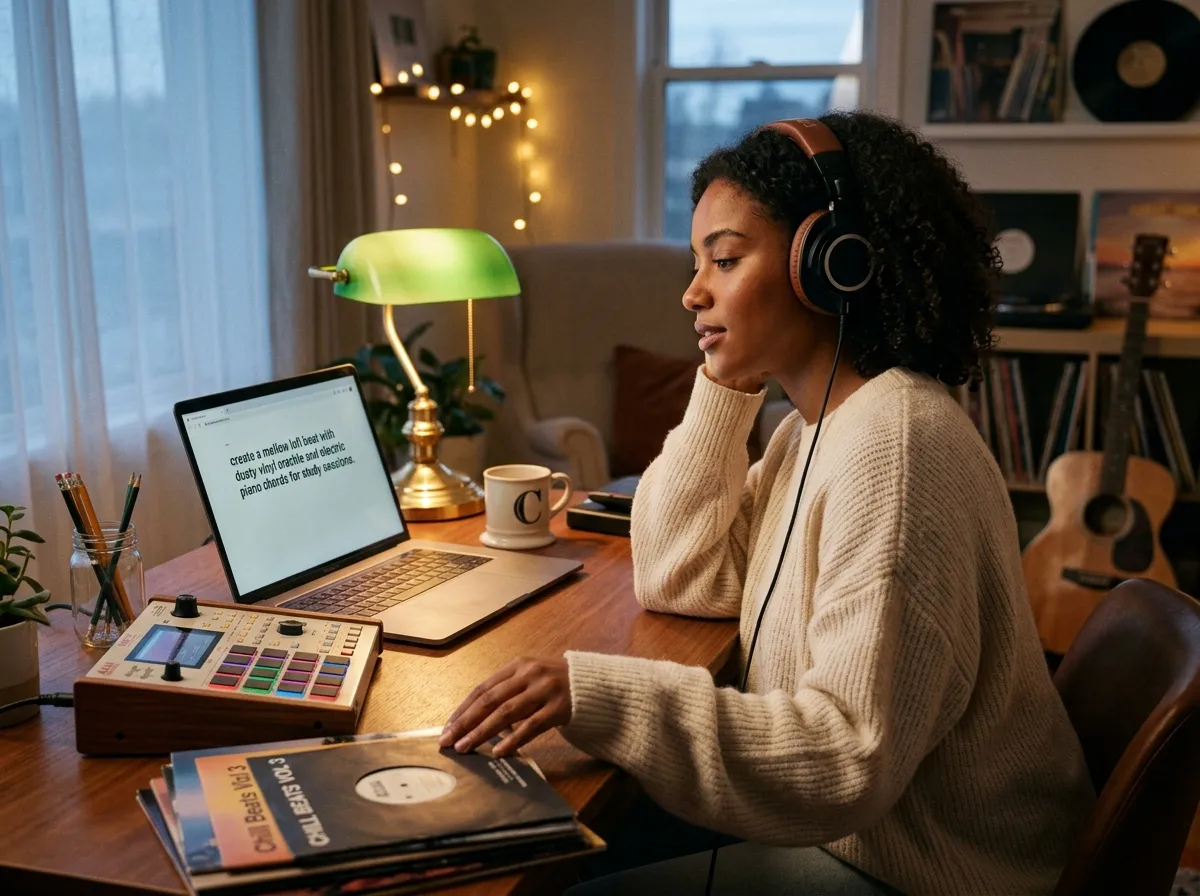
Royalty Free Tracks for Creator Projects
Every track from the Lofi Music Generator is generated from your prompt, not sampled from a third-party recording. Create royalty-free lofi music for YouTube, podcasts, social edits, wellness apps, and client drafts while keeping commercial license details tied to your plan.
Who Gets the Most from Lofi Music Generator Workflows
This AI Lofi Music Generator fits creators who need study music, chill beats, and relaxing instrumentals without digging through stock libraries.
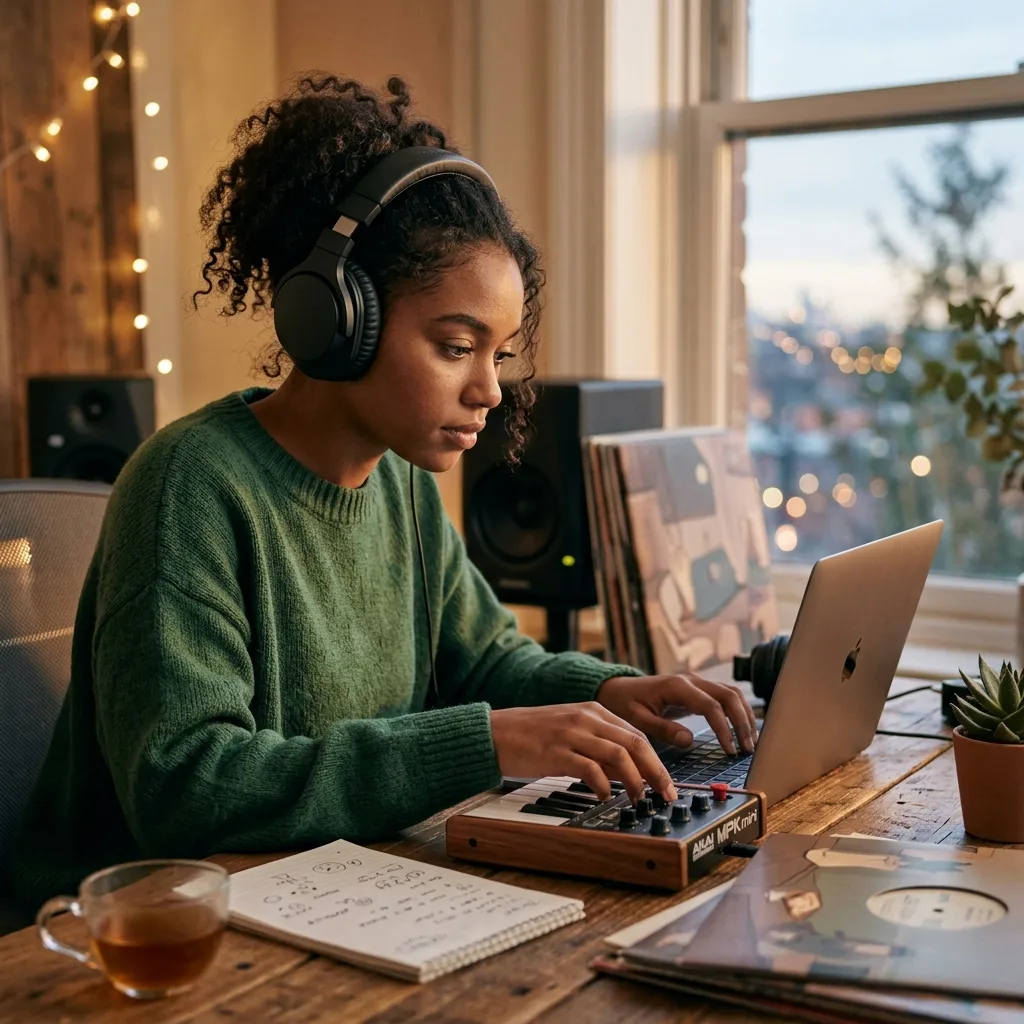
Study and Coding Channels
Building a focus playlist every week can turn into hours of library searching. The Lofi Music Generator helps you create study beats with warm keys, vinyl noise, and no vocals, then keep the strongest versions for livestreams, Discord rooms, or daily coding sessions.
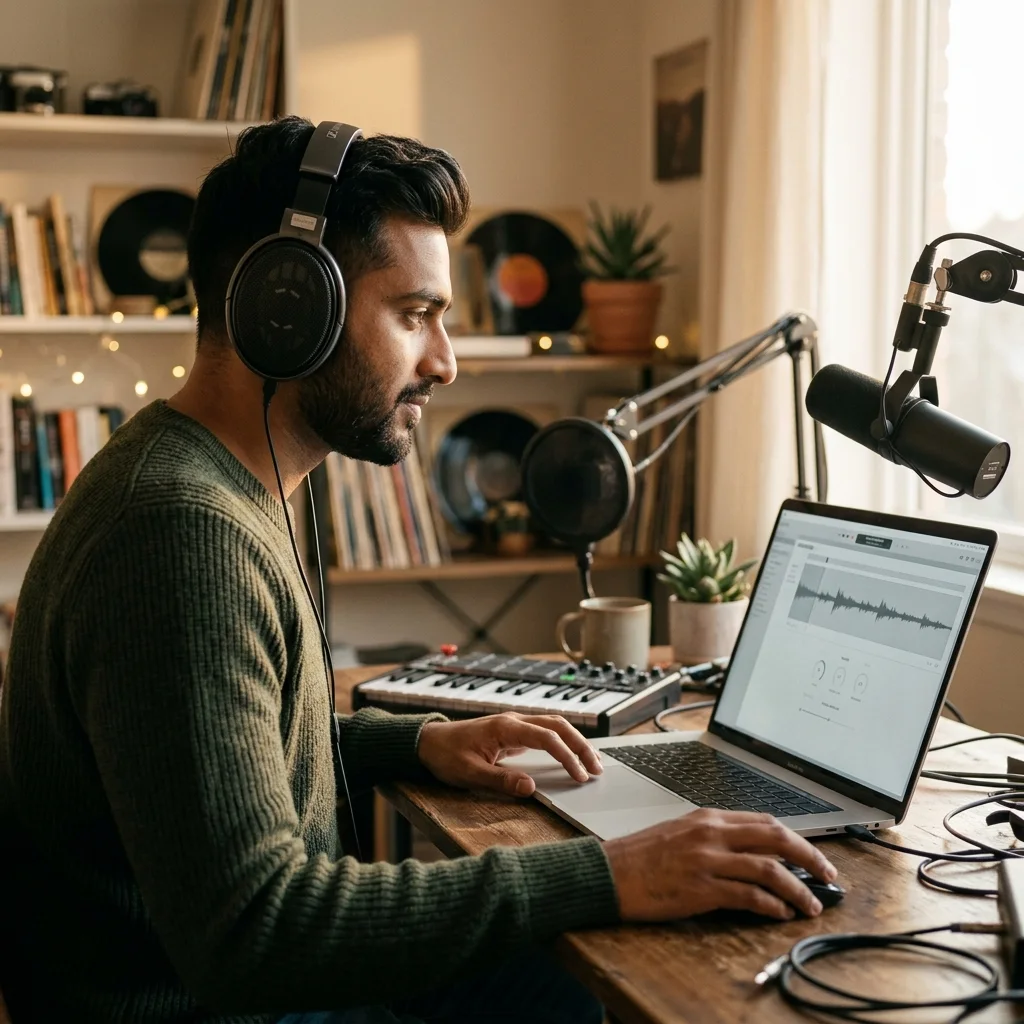
Video and Stream Creators
Monetized videos need background music that will not hijack the scene or trigger copyright stress. Use the Lofi Music Generator to draft royalty-free lofi beds for vlogs, Twitch VODs, podcast intros, and short-form edits from a single prompt.
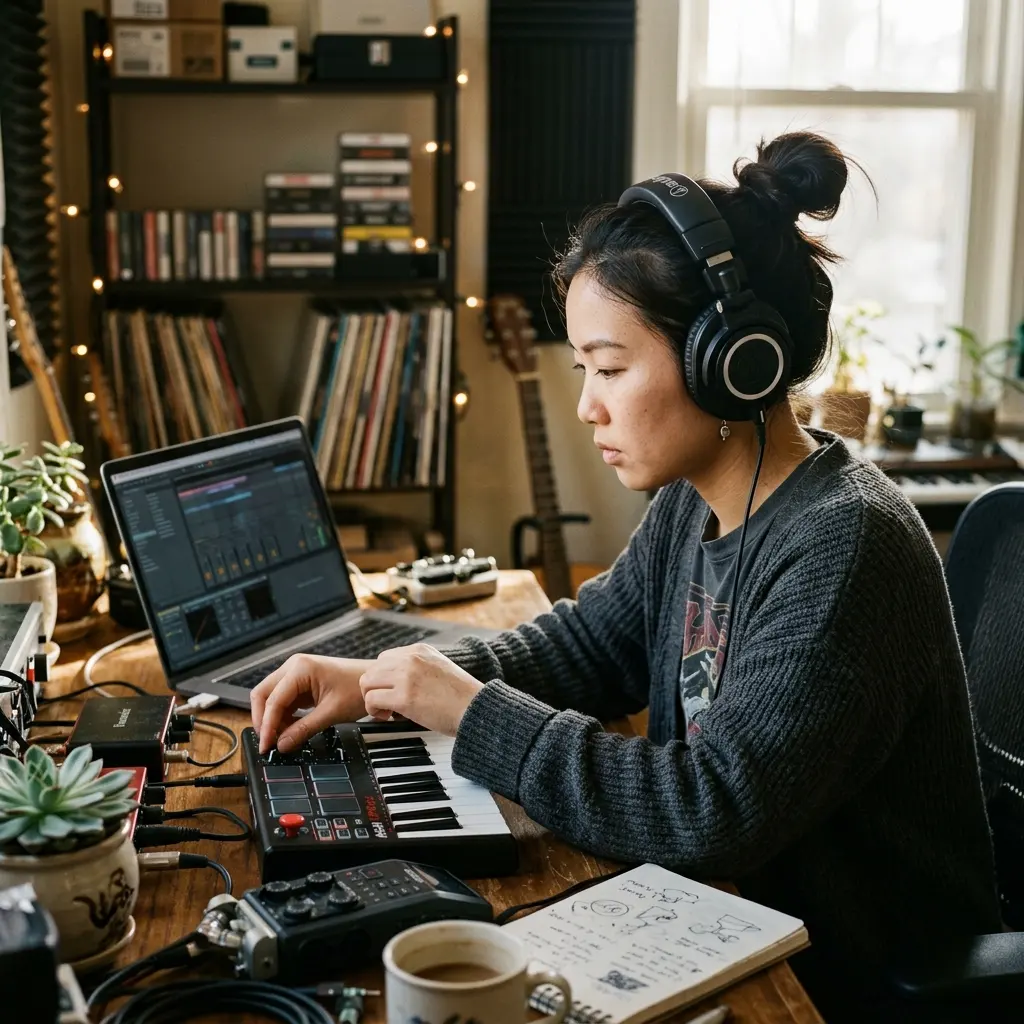
Beatmakers and Producers
Starting from a blank project slows down quick idea testing. Generate 10 lofi hip hop directions, compare drum swing, chord color, and tape texture, then rebuild or remix the strongest draft in your own production workflow.

Podcasts Wellness and Brands
Calm audio has to feel intentional across intros, meditation beds, product videos, and cafe-style campaigns. Use chill beats and relaxing instrumentals to match each scene without booking musicians or reusing the same stock track.
Build with Lofi Music Generator in Three Focused Moves
With CreateMusicAI, the AI Lofi Music Generator turns a mood, scene, and texture choice into usable lo-fi music in three steps.
Describe the Scene
Open CreateMusicAI and write the setting in natural language, such as a rainy night study room, a warm cafe loop, or an instrumental lofi hip hop bed. The Lofi Music Generator handles the calm arrangement direction.
Choose Texture and Mood Tags
Add tags like Lo-Fi Hip-Hop, Chillhop, Warm Keys, Vinyl Noise, Tape Saturation, or No Vocals. These cues tell the AI Lofi Music Generator how dusty, mellow, or loop-friendly the track should feel.
Generate Compare and Download
Create a few versions, keep the strongest groove, and download the track for your project. Adjust the prompt when you want softer drums, more rain ambience, or a cleaner instrumental bed.
Frequently Asked Questions About Lofi Music Generator
Practical answers about creating lofi beats, chill beats, study music, and royalty-free tracks with this AI Lofi Music Generator.
What is an AI Lofi Music Generator?
An AI Lofi Music Generator is a tool that creates original lo-fi music from text prompts and style tags. CreateMusicAI lets you describe mood, tempo feel, instruments, and texture, then generates lofi beats or relaxing instrumentals without requiring a DAW, sample pack, or music theory.
How does CreateMusicAI's AI Lofi Music Generator work?
CreateMusicAI's AI Lofi Music Generator reads your prompt plus tags such as Chillhop, Warm Keys, Vinyl Noise, and No Vocals. It then creates a new track from scratch, matching the groove, ambience, and use case you described for study, streaming, or content background.
Can I try the AI Lofi Music Generator for free?
CreateMusicAI offers free credits so you can test the full creation flow before choosing a paid plan. Start with a simple study beat prompt, compare a few drafts, and decide whether the sound fits your workflow.
Can I use AI lofi music on YouTube or Twitch?
Tracks created from scratch have no third-party sample recordings, which helps reduce copyright conflict compared with stock loops. The Lofi Music Generator creates new audio for YouTube, Twitch, podcasts, or client drafts, then you can check your plan terms for commercial licensing details.
How do I make lofi beats that do not sound generic?
Use concrete texture and scene cues instead of only writing 'chill lofi.' The Lofi Music Generator responds better to details like rainy night, soft drums, muted chords, warm keys, vinyl crackle, tape saturation, and no vocals. Specific sound targets improve the output direction.
Can this tool make instrumental study music with no vocals?
Yes. The Lofi Music Generator supports tags such as Instrumental, No Vocals, Study Beats, Calm, and Background Music to keep the track focused and non-distracting. That setup works well for coding sessions, livestream beds, sleep playlists, and quiet work videos.
Is this different from a lofi converter?
Yes. This AI Lofi Music Generator creates new lofi beats and study music from prompts. A lofi converter starts with an existing song or audio file and adds lo-fi texture. Use this page for original background music, or the AI Background Music Generator when you need a broader soundtrack style.
Start Creating Copyright-Safe Music Today
Join thousands of creators using Create Music AI for royalty-free music—100% safe for YouTube, Spotify, and TikTok. Free to start, no credit card required.