Start With the Theme
Describe a specific scene instead of a broad topic. Conflict, objects, and actions give the generator stronger material than “a breakup song.”
Move from the current task to the next focused tool without starting over.
Start with the part of your song that carries its strongest image or emotion.
Describe a specific scene instead of a broad topic. Conflict, objects, and actions give the generator stronger material than “a breakup song.”
Paste the chorus, hook, or lyric with the strongest image. Compare exact phrases with shorter and more visual variations.
Genre changes the vocabulary and rhythm of a believable title. Use the real genre as direction rather than naming a famous artist.
A precise mood such as restrained, restless, tender, or menacing helps the same idea produce very different titles.
Give the generator clear context, add only useful direction, and compare the full set.
Write a few specific sentences about the story, conflict, image, or hook. Concrete details work better than one-word topics. Avoid private information and artist names.
Include genre and mood in your song idea when they change the title style. Use the output language field to choose a site language or type another one.
Read all ten names aloud and keep the ones that fit the hook without explanation. Edit strong options or continue in the AI Lyrics Generator or AI Music Generator.
Test each title against the hook, visual identity, and next draft.
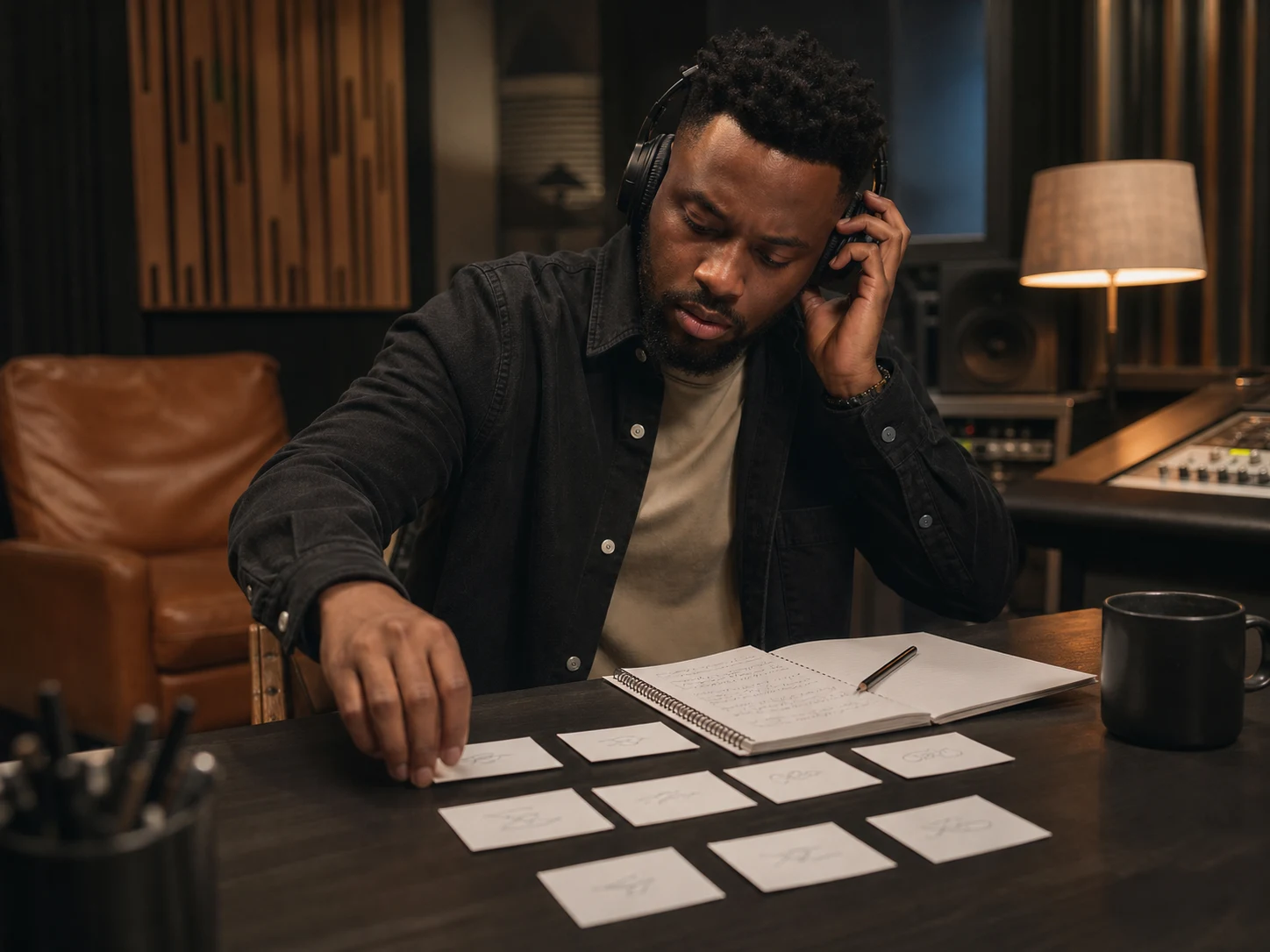
Compare all ten options beside the chorus and imagine each one on a playlist or cover. Copy a favorite or share the full shortlist. Search the final title before release because generated ideas are not guaranteed to be unique.
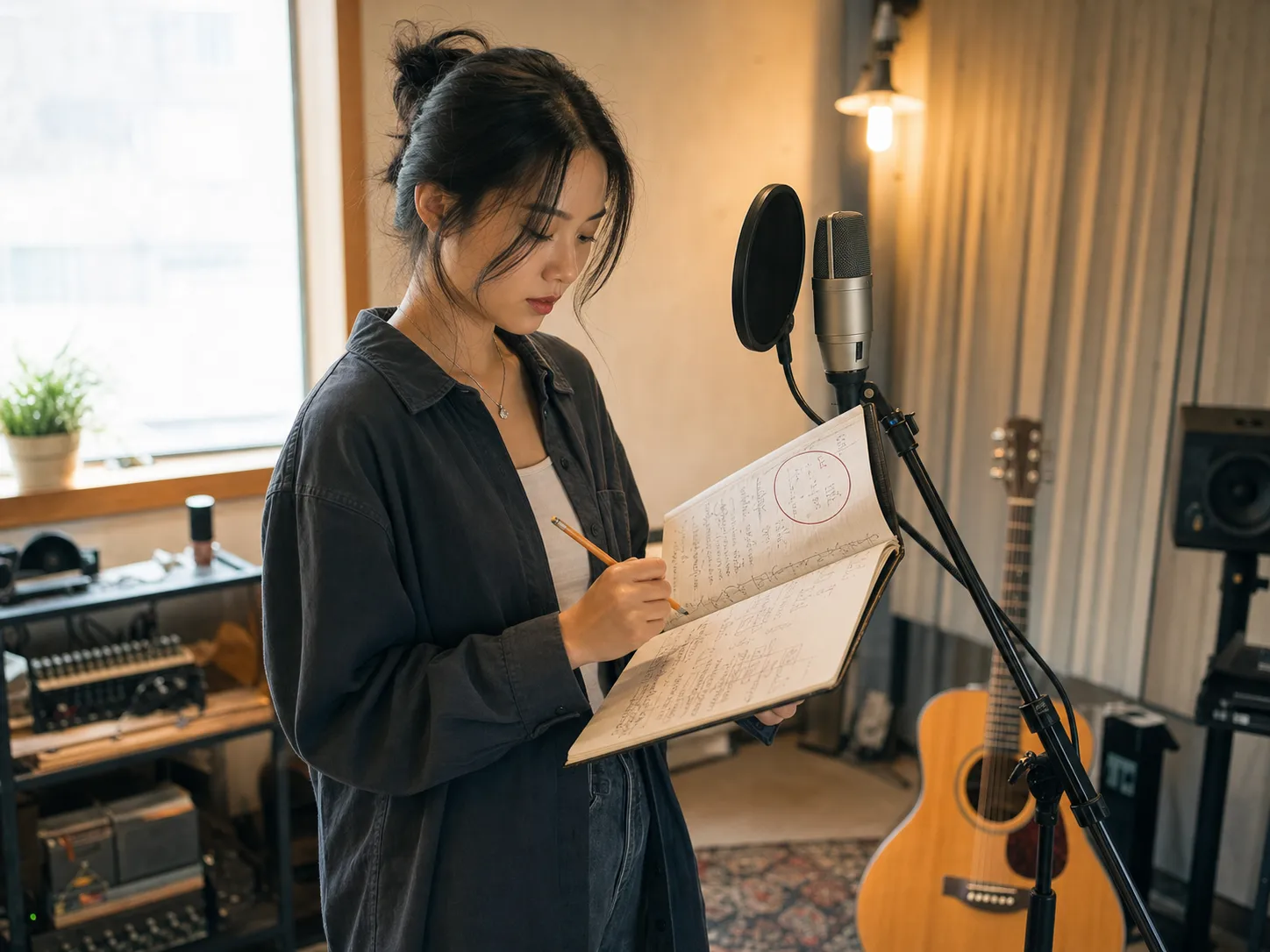
Place the strongest title above your lyric draft and check whether each section supports it. Use a key word as the chorus anchor, or keep the title outside the lyric as a framing idea. Then continue with lyrics, beats, or music generation.
Quick answers about inputs, results, accounts, and release checks.
It suggests titles from a theme, story, hook, lyrics, genre, or mood. CreateMusicAI returns ten concise ideas you can compare and edit.
Yes. Paste the chorus, hook, verse, or lyric section with the strongest image. Compare each result with the complete lyric before choosing.
Each successful request returns ten names. Copy one, copy the full list, or revise the prompt and generate another set. Short-term limits apply.
Yes. Choose a site language or type another language manually. Include genre and mood in the song idea or lyrics when they should shape the title.
No. They are creative suggestions, not availability or legal checks. Search streaming platforms, the web, and relevant registries before public or commercial use.
You can prepare an idea without an account, but generation requires sign-in. It currently uses no credits and saves no history, so copy results you want to keep.
Describe a specific scene, conflict, image, or hook instead of a broad subject. A clear paragraph or focused lyric excerpt is enough.
Develop the idea in the AI Lyrics Generator, try a rhythm in the AI Beat Maker, or continue with the AI Music Generator.