
What Is a DJ Beat Maker
Why Use Our DJ Beat Maker
CreateMusicAI gives the DJ Beat Maker workflow a faster starting point: prompt, choose style tags, generate, listen, and refine.
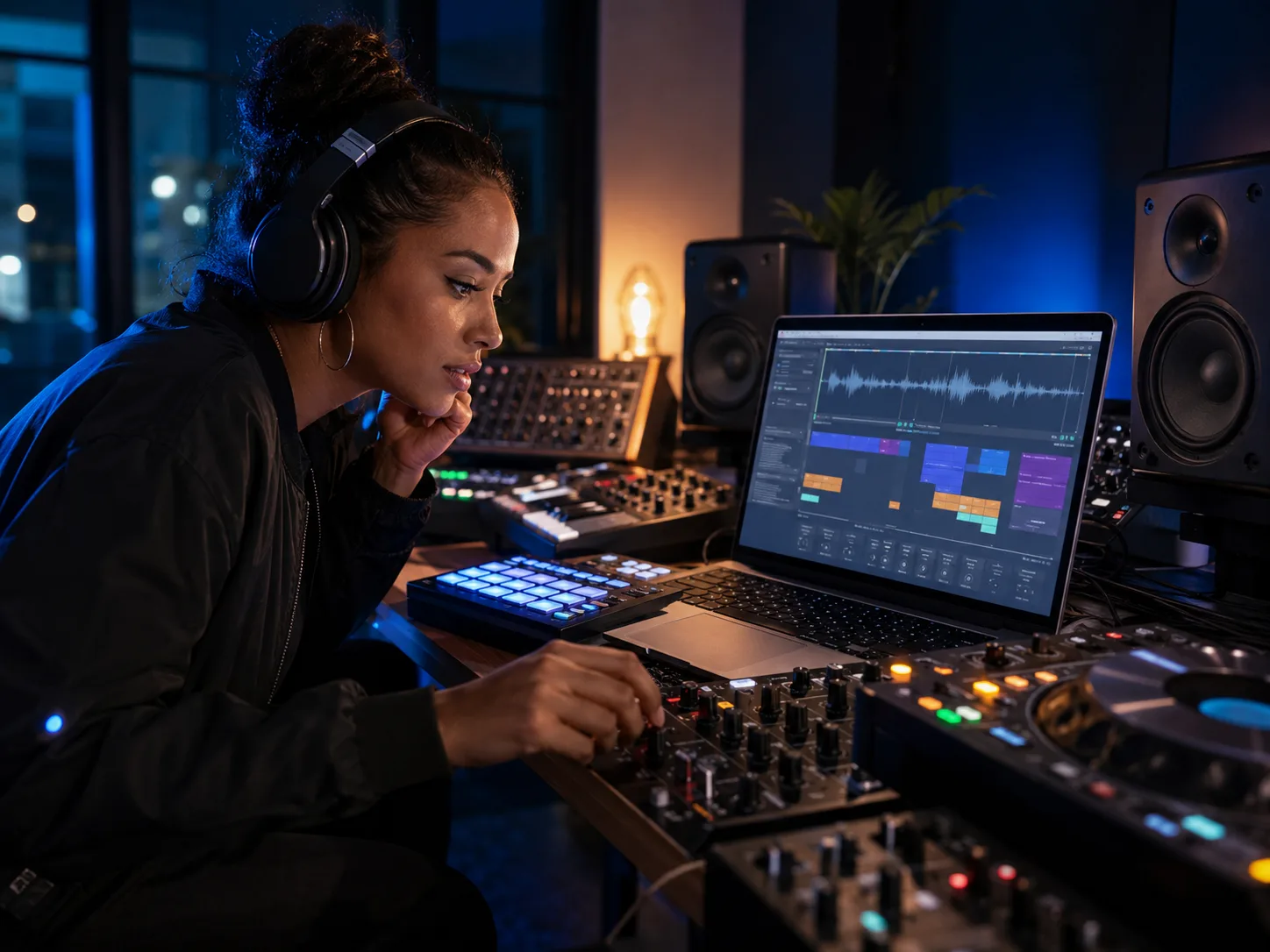
Club Ready DJ Beats From a Prompt
Use the AI DJ Beat Maker to sketch house, techno, garage, trance, EDM, and club trap ideas without opening a blank DAW session. Tell CreateMusicAI the energy you need, such as a deep house warm-up groove or a peak-time techno drive. The DJ Beat Maker reads genre and mood together, so the beat can fit a transition, opener, short set, or remix draft.
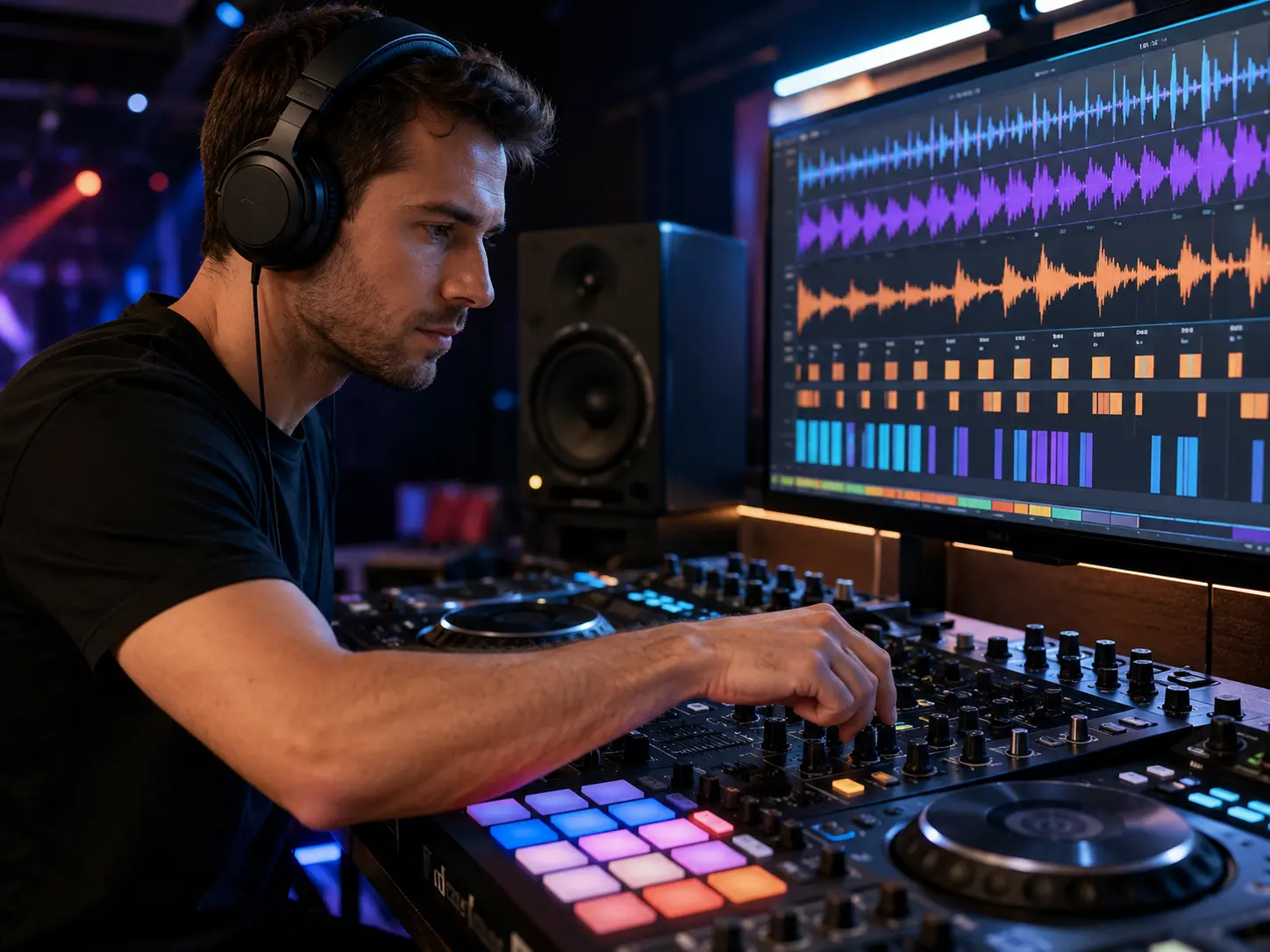
Control BPM Groove and Drop Energy
A useful DJ Beat Maker needs more than a style name. Add BPM cues, four-on-the-floor drums, swingy hi-hats, rolling bass, filter sweeps, or a 32-bar intro, and CreateMusicAI steers the arrangement around those details. The AI DJ Beat Maker works best when you mention tempo, room energy, and the kind of drop you want to test.
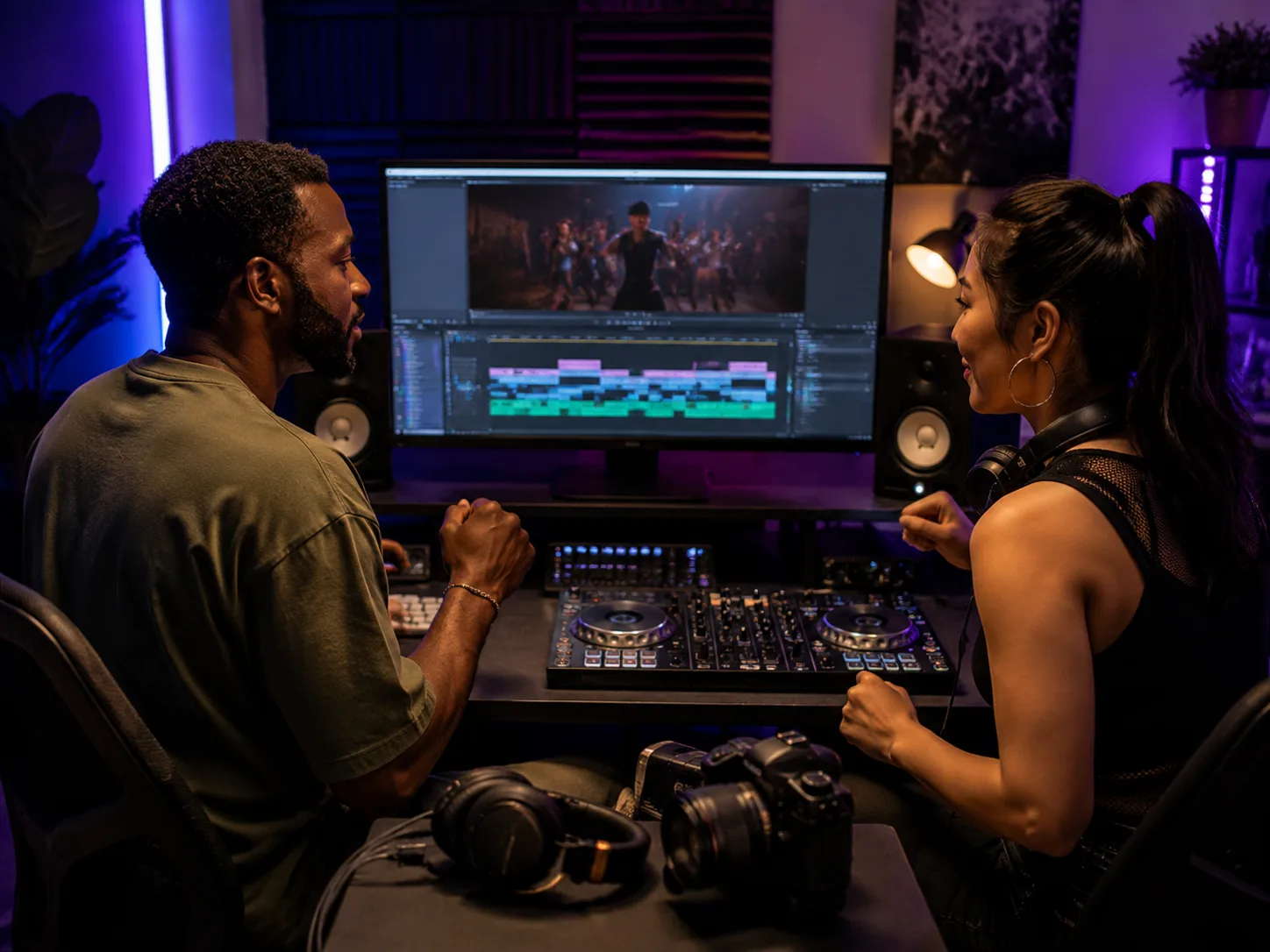
DJ Beats for Sets Videos and Demos
CreateMusicAI helps you make beats for DJ set planning, social clips, channel intros, dance videos, and producer demos. Instead of searching stock loops, use the DJ Beat Maker to match the scene: late-night warehouse, poolside house, gym edit, fashion reel, or bass-heavy gaming clip. The AI DJ Beat Maker gives creators a custom sound bed they can revise before a real project.
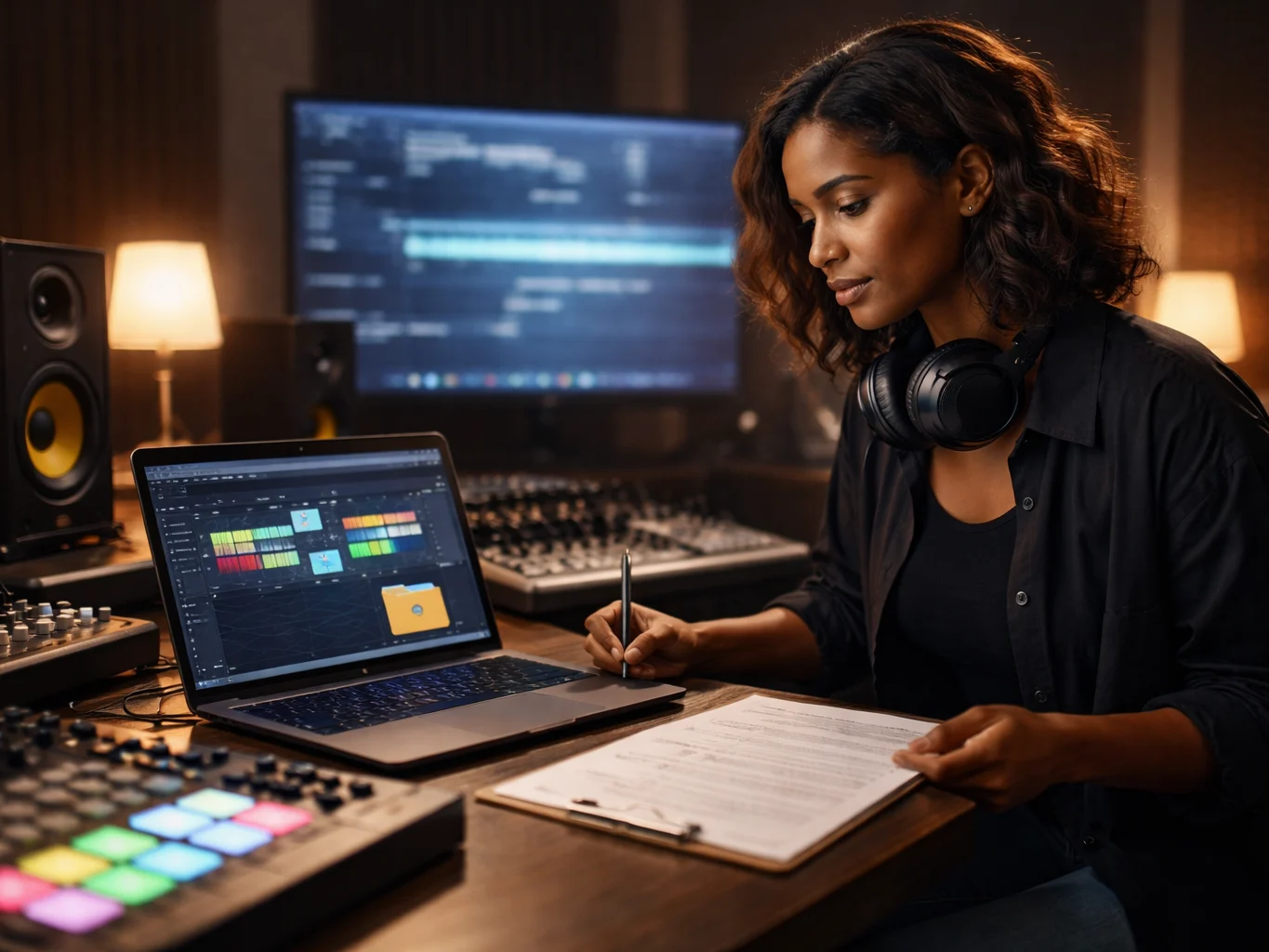
Royalty Free Starts for Original Tracks
Every beat generated by the DJ Beat Maker starts from your prompt instead of a third-party sample pack. That makes CreateMusicAI useful when you need original material for demos, videos, or paid music workflows with clear plan-based rights. Use the AI DJ Beat Maker to build a starting point, then refine the stronger take before arrangement, mixing, or controller prep.
Who Uses an AI DJ Beat Maker
The AI DJ Beat Maker supports DJs, producers, creators, and beginners who need club-focused beats without a heavy setup.
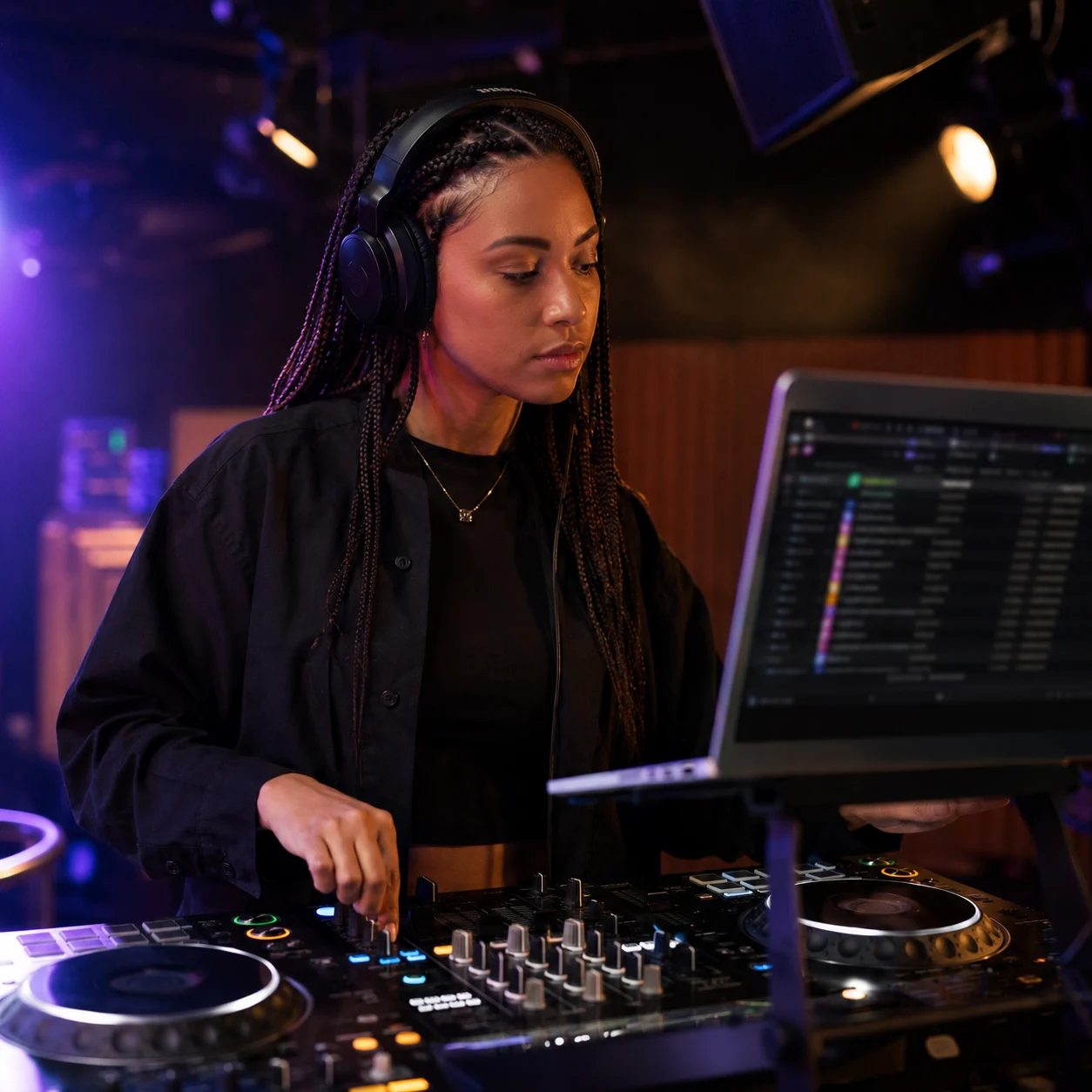
DJs and Set Builders
DJs can use the DJ Beat Maker to test intros, drops, transition beds, and custom edits before building a full set. CreateMusicAI helps when a set needs a missing bridge between house, techno, EDM, or bass music. Start with a 124 BPM club groove, then compare alternatives until the energy fits.
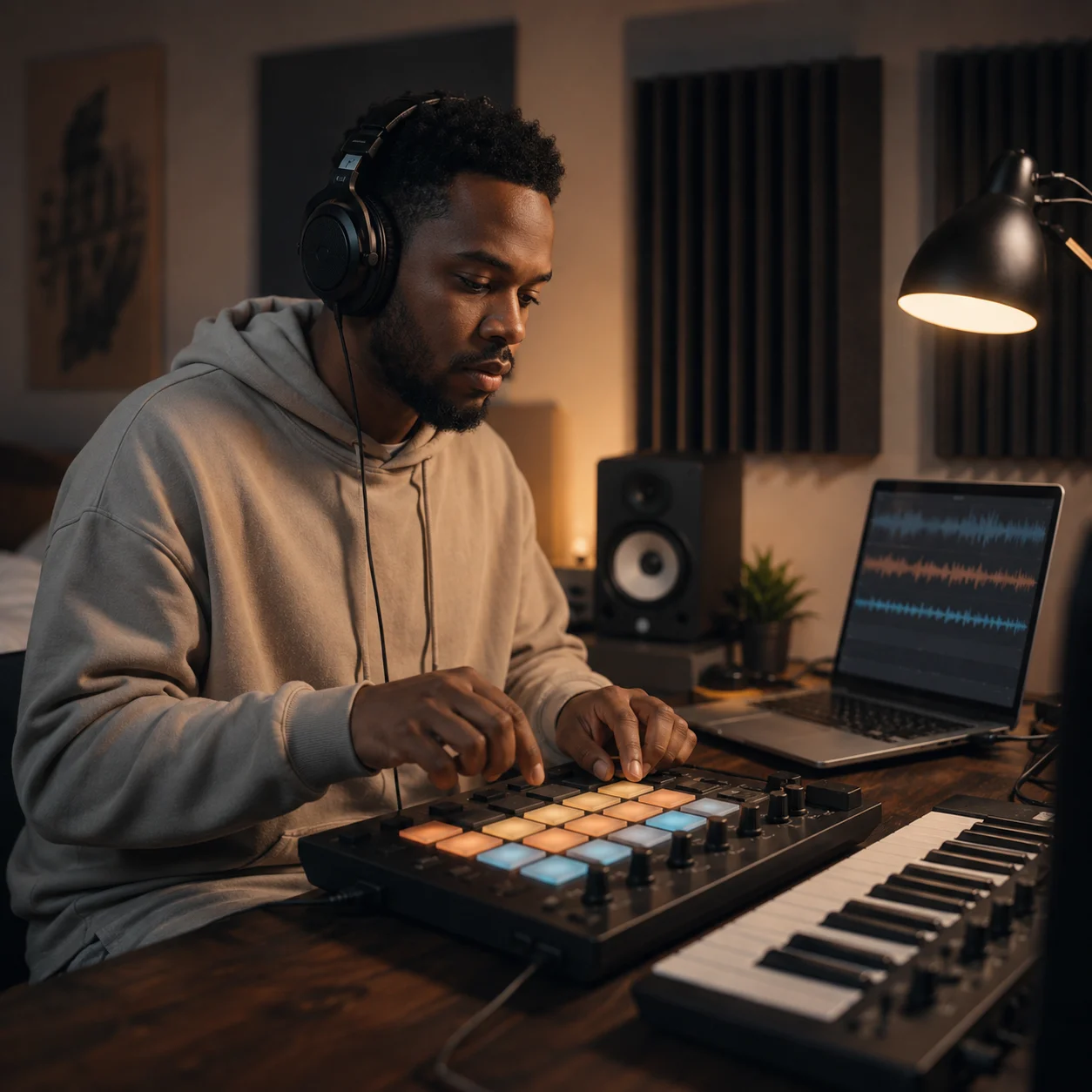
Producers and Beatmakers
Producers can use the AI DJ Beat Maker for fast sketching when the goal is a club rhythm rather than a finished pop song. CreateMusicAI helps compare grooves, bass movement, percussion density, and drop feel before hours of programming. The DJ Beat Maker gives your production session a focused first draft.
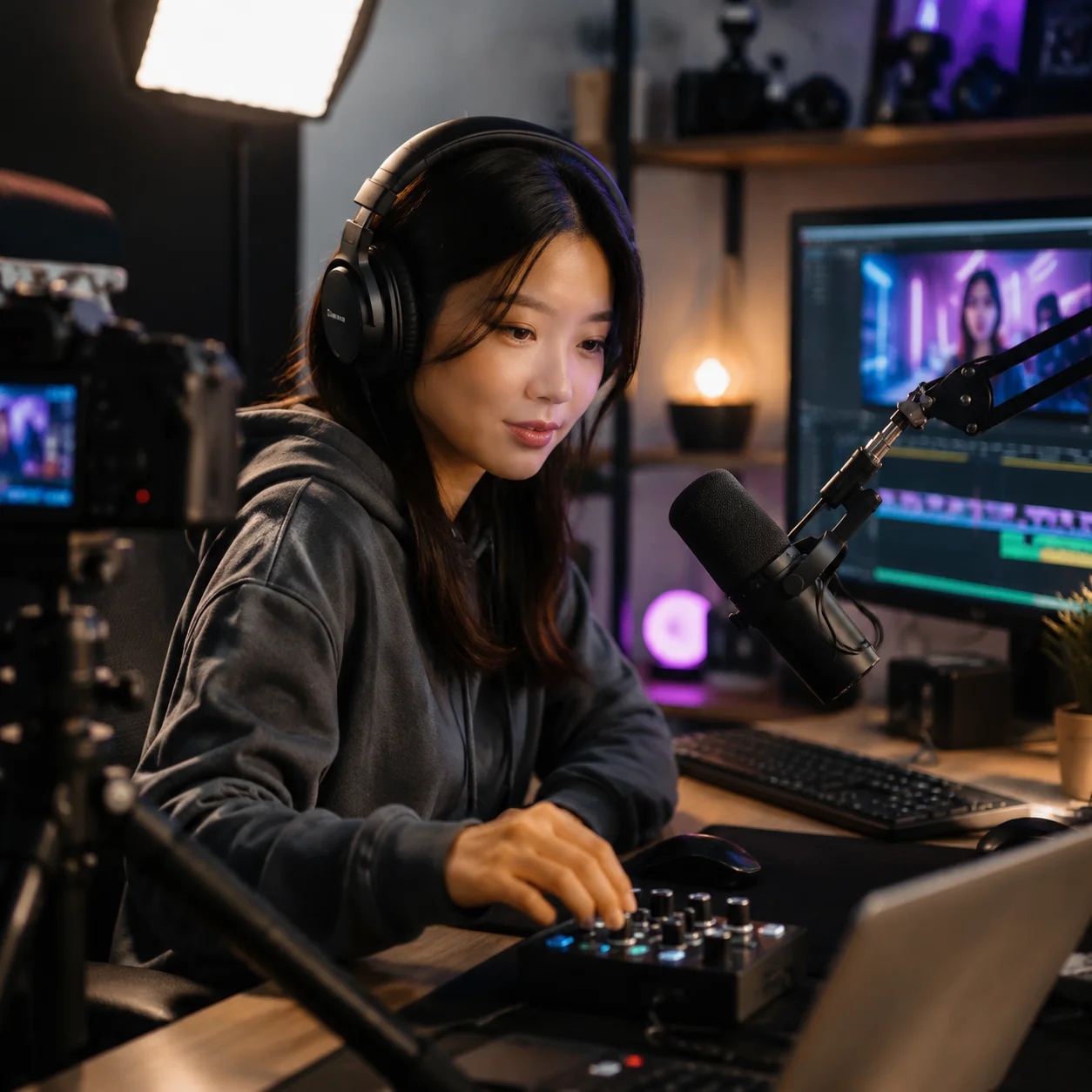
Content Creators and Streamers
Video editors, streamers, podcasters, and social creators need music that feels current without sounding like a reused loop. The DJ Beat Maker can create punchy intros, background beats, and short-form ideas for reels, trailers, workout clips, or livestream scenes. CreateMusicAI keeps the workflow simple.
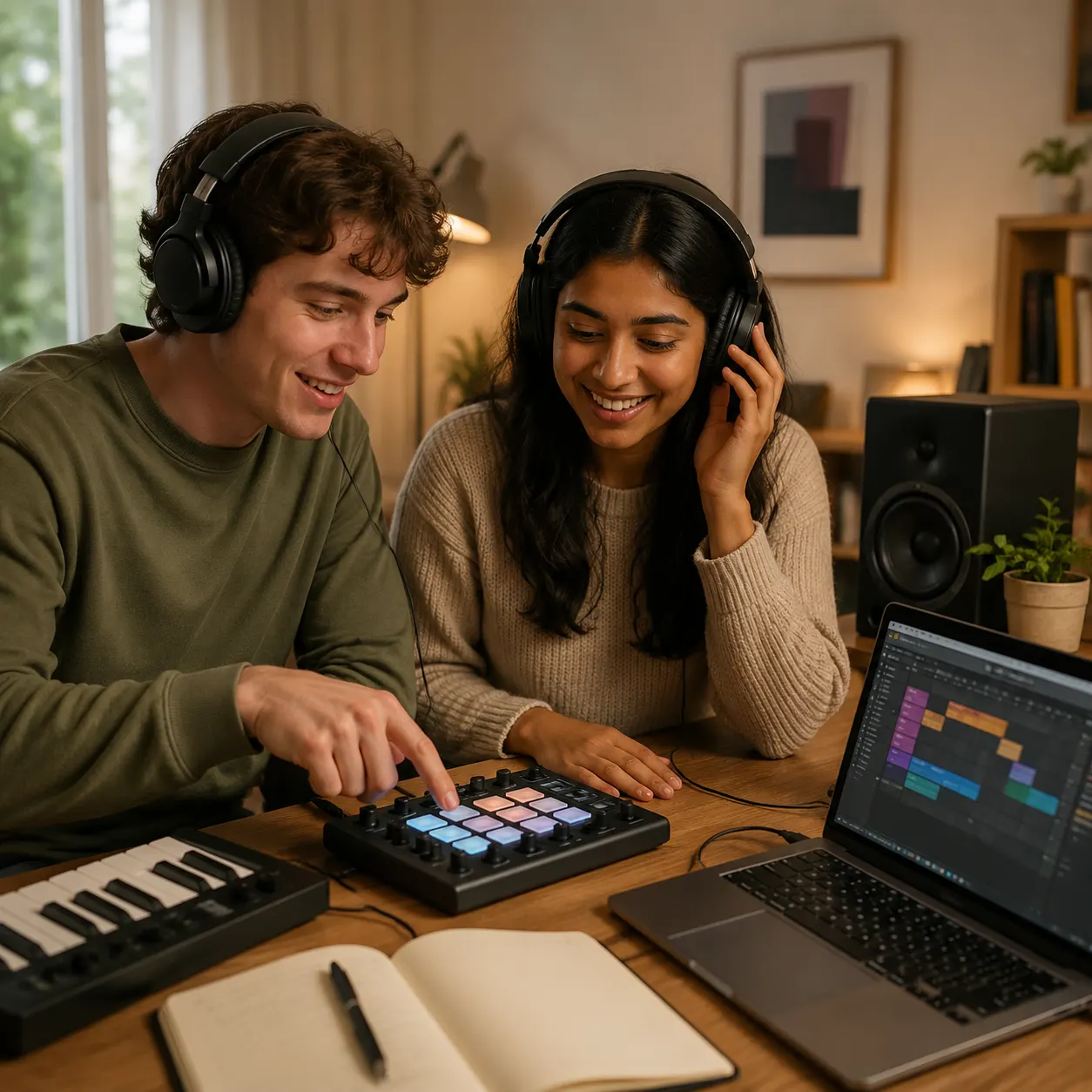
Beginner Music Makers
Beginners often ask whether they need a controller, beat pad, app, or DAW to start. The AI DJ Beat Maker gives a lower-friction answer: write the beat, choose tags, and listen. CreateMusicAI helps new creators hear tempo, groove, instruments, drops, and mix texture. The DJ Beat Maker turns production terms into choices you can test.
How to Make DJ Beats Online
Start with the musical job, then let the AI DJ Beat Maker build a beat you can judge in context.
Describe the Set Moment
Open the DJ Beat Maker and write the scene first. Try 'a 124 BPM deep house groove for the first ten minutes of a rooftop set' or 'a dark techno beat with a long intro and a big second drop'. Mention genre, BPM, room, and purpose. CreateMusicAI responds better to a real DJ use case than only a genre name.
Choose Tags That Shape the Beat
Use style tags to guide the AI DJ Beat Maker: House, Tech House, UK Garage, Drum and Bass, Club Ready, Driving, Four on the Floor, Rolling Bassline, Filter Sweeps, or Minimal Vocal Chops. Tags tell CreateMusicAI whether you want a warm-up groove, peak-time drop, loopable intro, or polished club mix.
Generate Listen and Revise
Generate a draft, listen for groove, low end, intro length, and drop energy, then revise the prompt. If the beat is too busy, ask for minimal percussion. If it is too soft, ask the DJ Beat Maker for punchy drums, tighter bass, and a club-ready master feel. CreateMusicAI makes iteration quick enough to compare ideas before download.
DJ Beat Workflow From Idea to Download
Use this workflow after the first generation to turn a prompt into a DJ-friendly draft you can compare, revise, and keep.
Plan the DJ Job
Decide whether the beat is for an intro, transition, social clip, warm-up groove, or original track starter.
Compare Two Directions
Generate a few takes with different subgenres, BPM cues, and drop energy so the strongest groove stands out.
Keep the Clean Take
Download the version with the best low end, arrangement space, and mix feel before moving into edits or release prep.
DJ Beat Maker FAQ
Answers for creators comparing online beat makers, AI beat generators, DJ apps, and DAW workflows.
What is a DJ Beat Maker?
A DJ Beat Maker creates beats intended for DJ-style use: club grooves, intros, drops, loopable sections, remix starters, and performance-friendly energy. CreateMusicAI's AI DJ Beat Maker uses your prompt and style tags to generate a complete beat draft. Describe BPM, genre, instruments, production texture, and vocal presence instead of programming every drum hit.
Can I create DJ beats online without a DAW?
Yes. CreateMusicAI lets you create DJ beats online from a browser by writing a prompt and selecting style tags. You do not need a DAW to start or a controller to hear the first idea. A DAW is still useful for final edits, but the DJ Beat Maker helps you reach a usable draft first.
Is there a free DJ beat maker online?
CreateMusicAI offers free credits so you can test the AI DJ Beat Maker before choosing a paid plan. Use the free DJ beat maker online workflow to try prompts, compare genres, and learn what details improve the result. For heavier generation, downloads, and commercial use, review the current plan details before you publish.
What genres work best for DJ beats?
The DJ Beat Maker works especially well with clear dance and club directions: House, Tech House, Deep House, Techno, Hard Techno, EDM, Big Room, Trance, UK Garage, Drum and Bass, Dubstep, Club Trap, Dancehall Riddim, Afrobeats club mix, and Reggaeton club remix. CreateMusicAI performs best with one main genre plus tempo, groove, instruments, and texture.
Can the AI DJ Beat Maker make beats for a DJ set?
Yes, especially for sketches, custom intros, transition beds, warm-up grooves, and set planning. Ask for a 32-bar intro, a steady four-on-the-floor groove, a long build, a minimal vocal hook, or a clean club master feel. The AI DJ Beat Maker helps you decide what belongs in a final set or production session.
What makes a good AI DJ Beat Maker prompt?
A strong prompt includes genre, BPM, groove, energy, instruments, production texture, and use case. For example: '124 BPM tech house beat, driving four-on-the-floor kick, rolling bassline, off-beat hi-hats, filter sweeps, minimal vocal chops, club-ready mix for a late-night set'. The AI DJ Beat Maker follows that better than 'make a cool beat'.
Start Creating Copyright-Safe Music Today
Join thousands of creators using Create Music AI for royalty-free music—100% safe for YouTube, Spotify, and TikTok. Free to start, no credit card required.