
What Is a Chillwave Music Generator
Chillwave Music Generator for Dreamy Retro Tracks
Shape dreamy music, synthwave textures, and vaporwave-inspired tracks with an AI Chillwave Music Generator built for fast online creation.
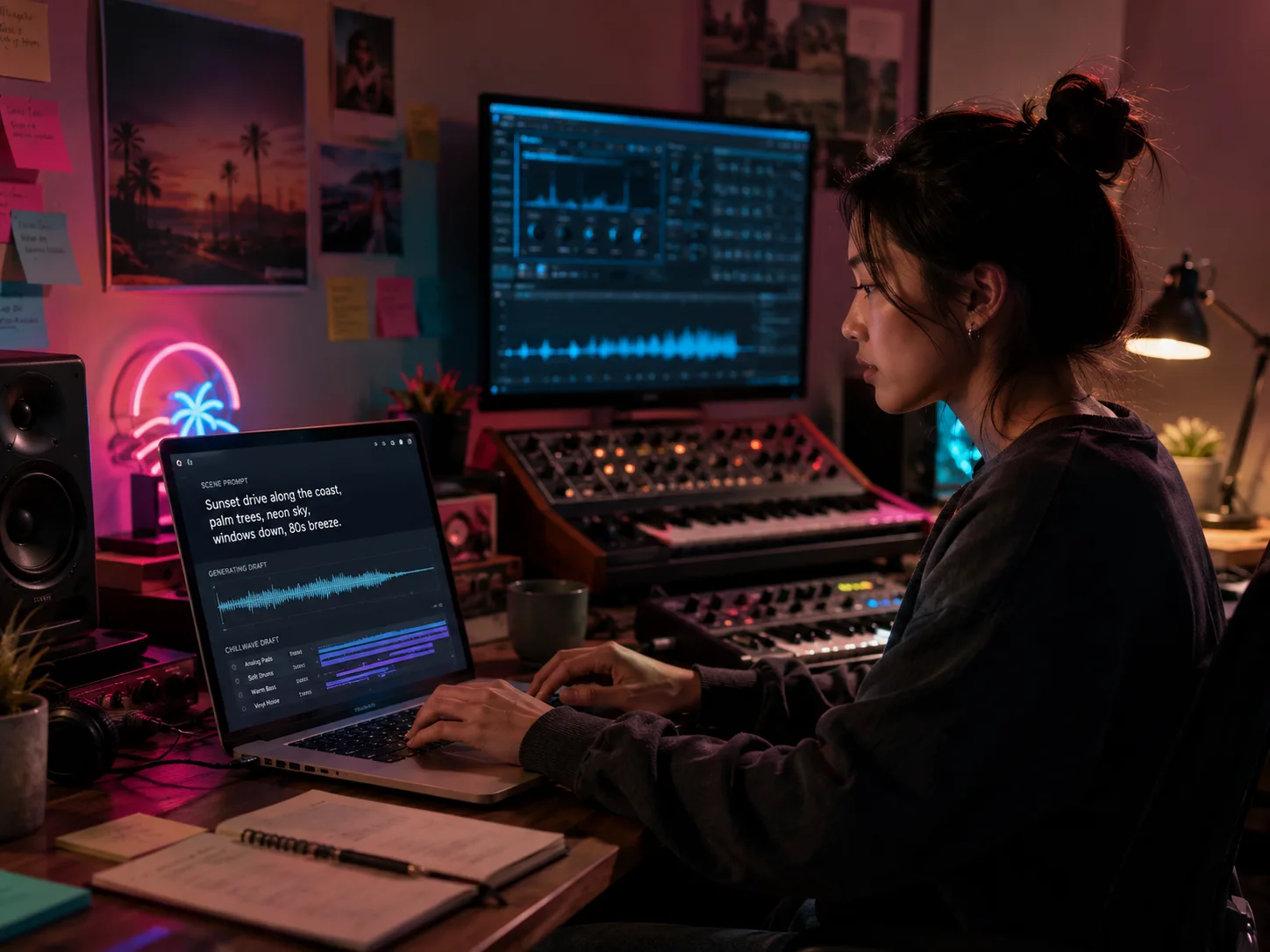
Chillwave Tracks From Scene Prompts
With CreateMusicAI, you can write a sunset drive, neon bedroom, beach haze, or late-night edit and hear the scene become a full chillwave track. This AI Chillwave Music Generator turns natural language into analog synth pads, soft drums, warm basslines, and a nostalgic mood without opening a DAW.
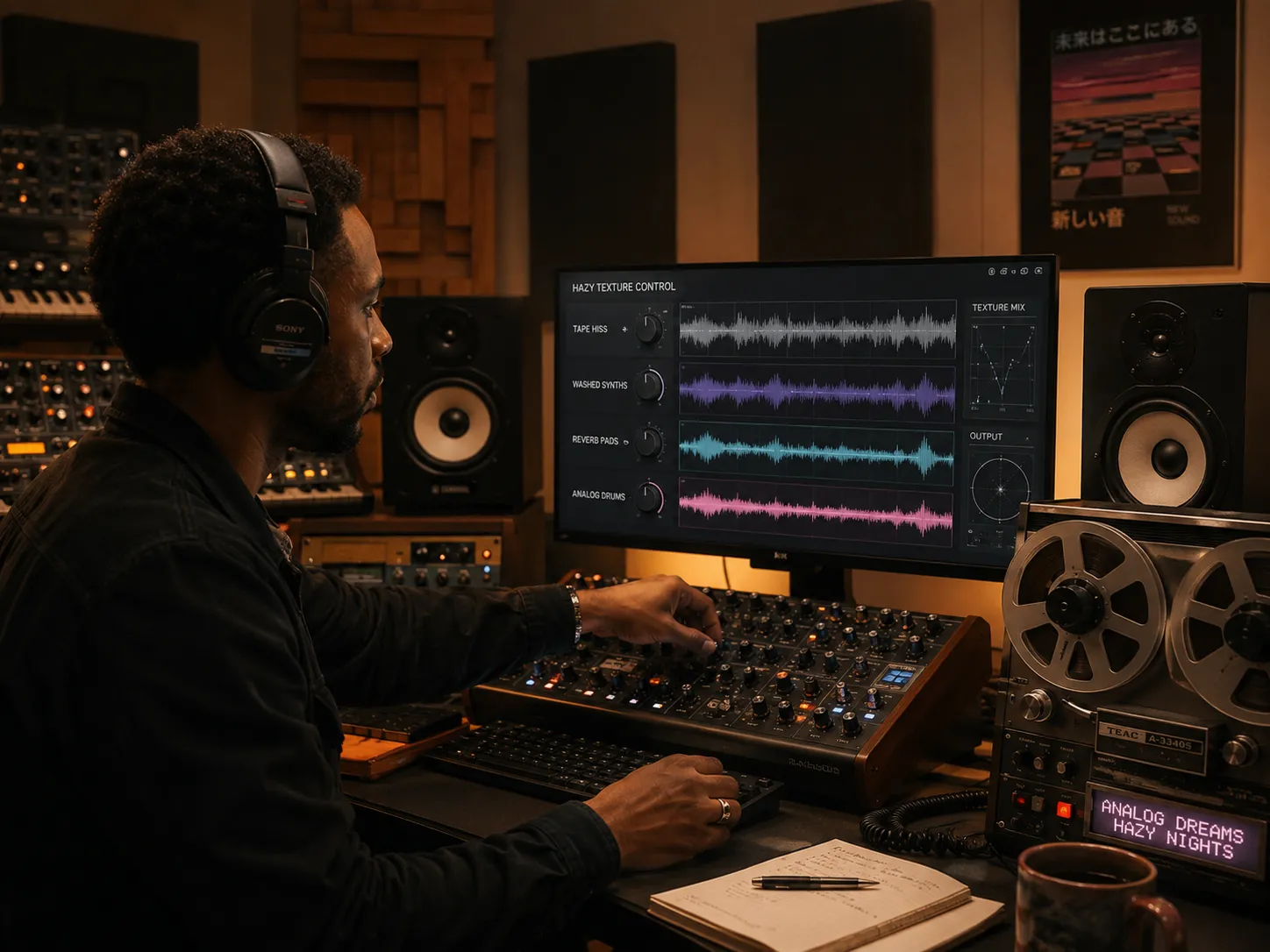
Hazy Synth Textures Without Sample Hunting
Generic tools often make plain electronic loops when you ask for chillwave. The Chillwave Music Generator lets you steer tape hiss, washed-out synths, reverb-drenched pads, vaporwave-inspired tracks, and soft analog drums so the result feels like a real dreamy music direction instead of a preset.
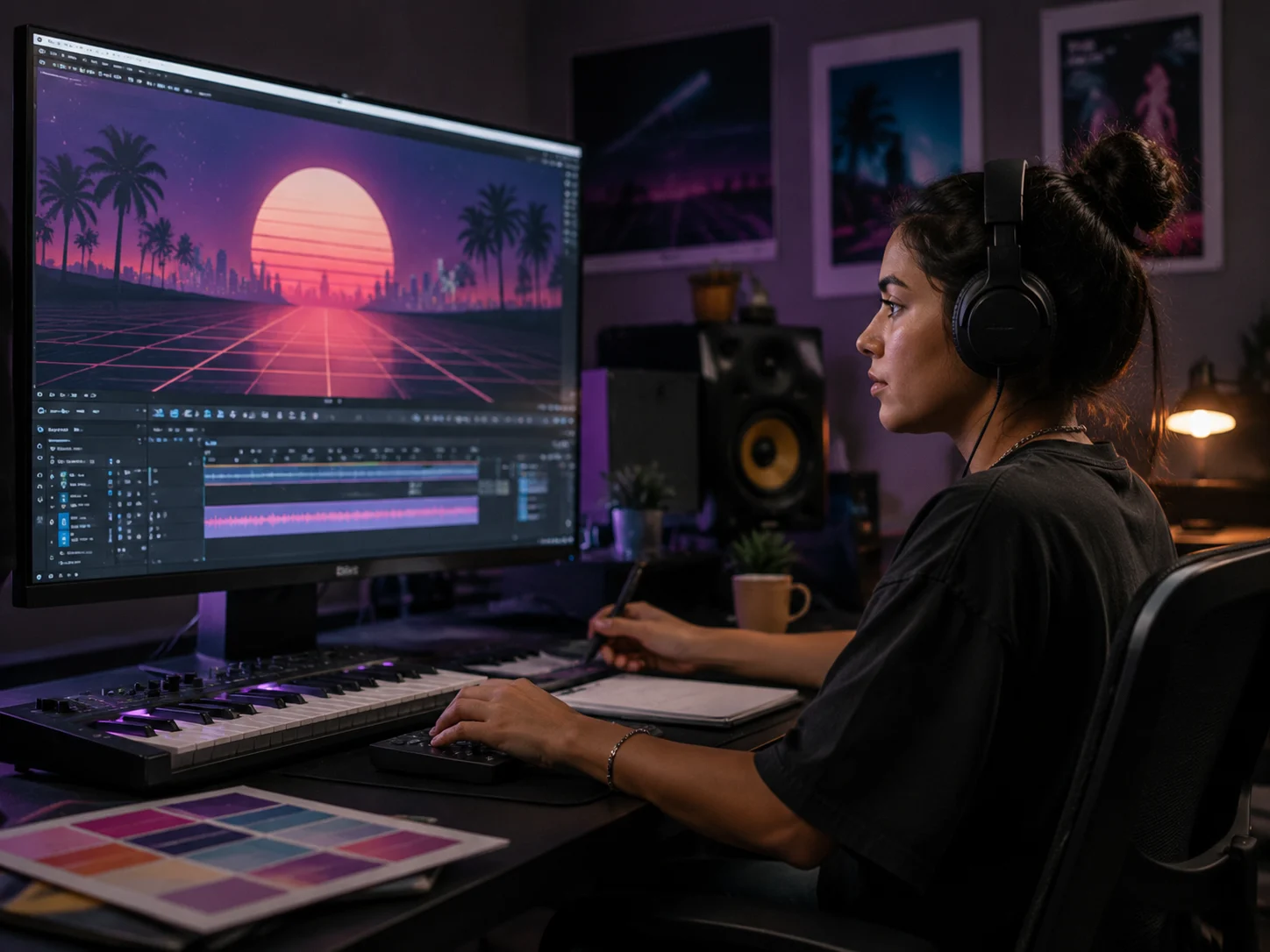
Vaporwave Inspired Tracks for Visual Projects
Video edits, game menus, product reels, and retro visualizers need music that creates atmosphere before the first cut lands. Use the AI Chillwave Music Generator to draft dreamy electronic beds with synthwave textures, slow groove, and enough space for dialogue, footage, or motion graphics.
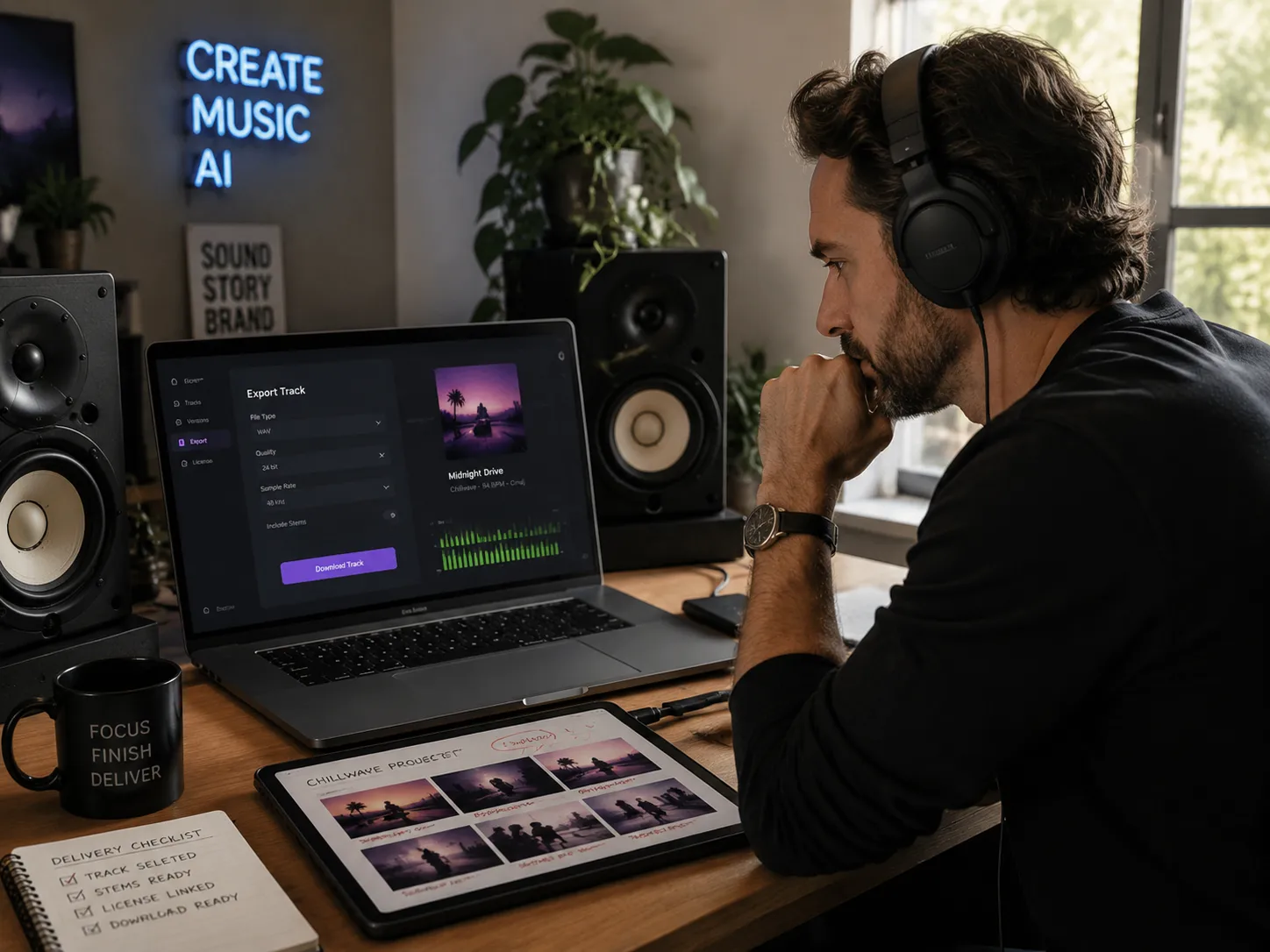
Royalty Free Dreamy Music Ready to Download
Each Chillwave Music Generator result starts from your prompt rather than a third-party sample pack, which helps reduce copyright friction for creator projects. Generate royalty-free chillwave beats, compare several versions, download the strongest take, and keep licensing details connected to your CreateMusicAI plan.
Who Uses AI Chillwave Music Generator Workflows
An AI Chillwave Music Generator helps creators turn retro synth moods into usable online drafts for videos, games, songs, streams, and brand work.
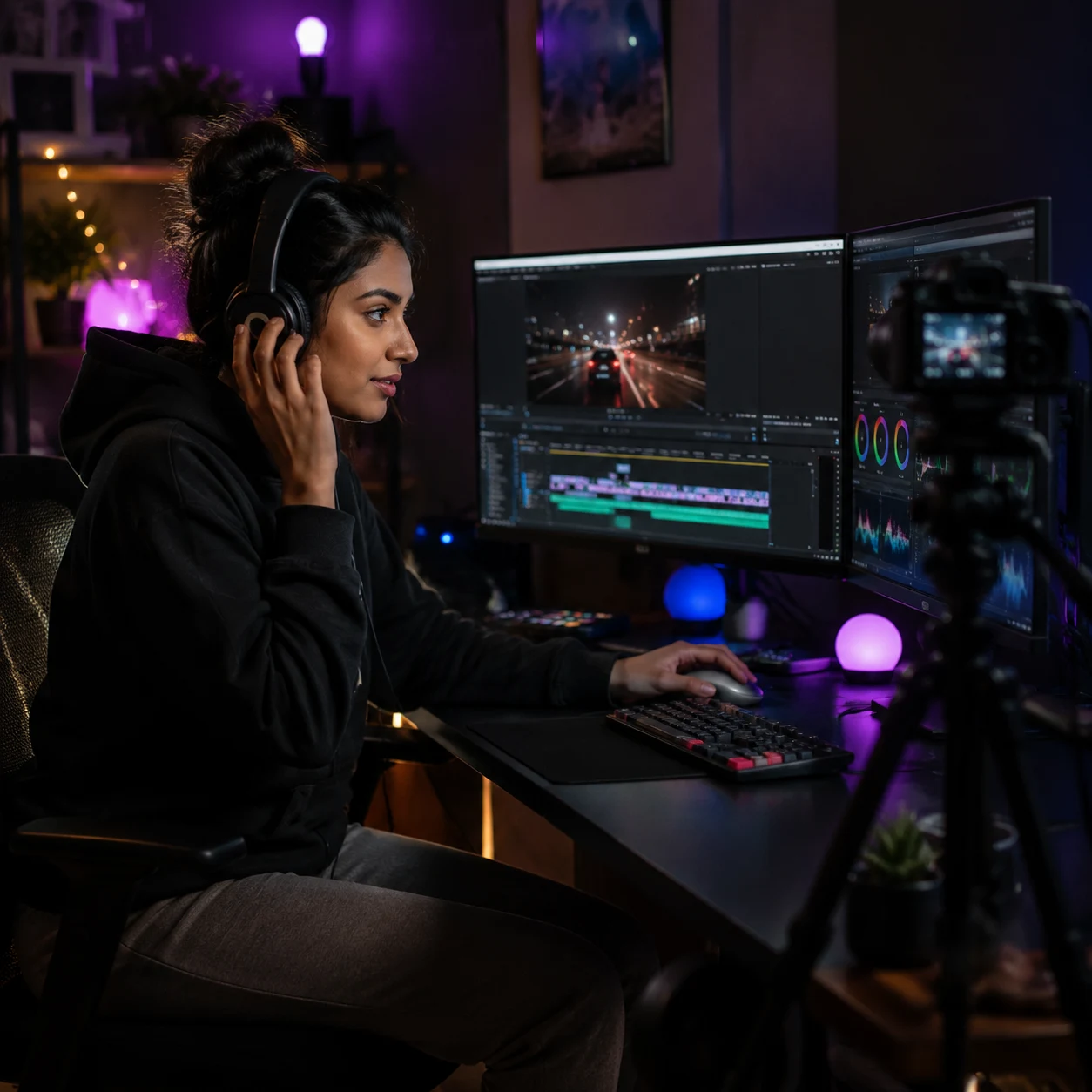
Video Creators and Stream Editors
Searching royalty-free libraries for 30 minutes can slow every upload. The Chillwave Music Generator helps you draft a background bed in a few prompts, match the color of a travel montage or night-drive vlog, and keep a download-ready version for YouTube, Twitch, Shorts, or client revisions.
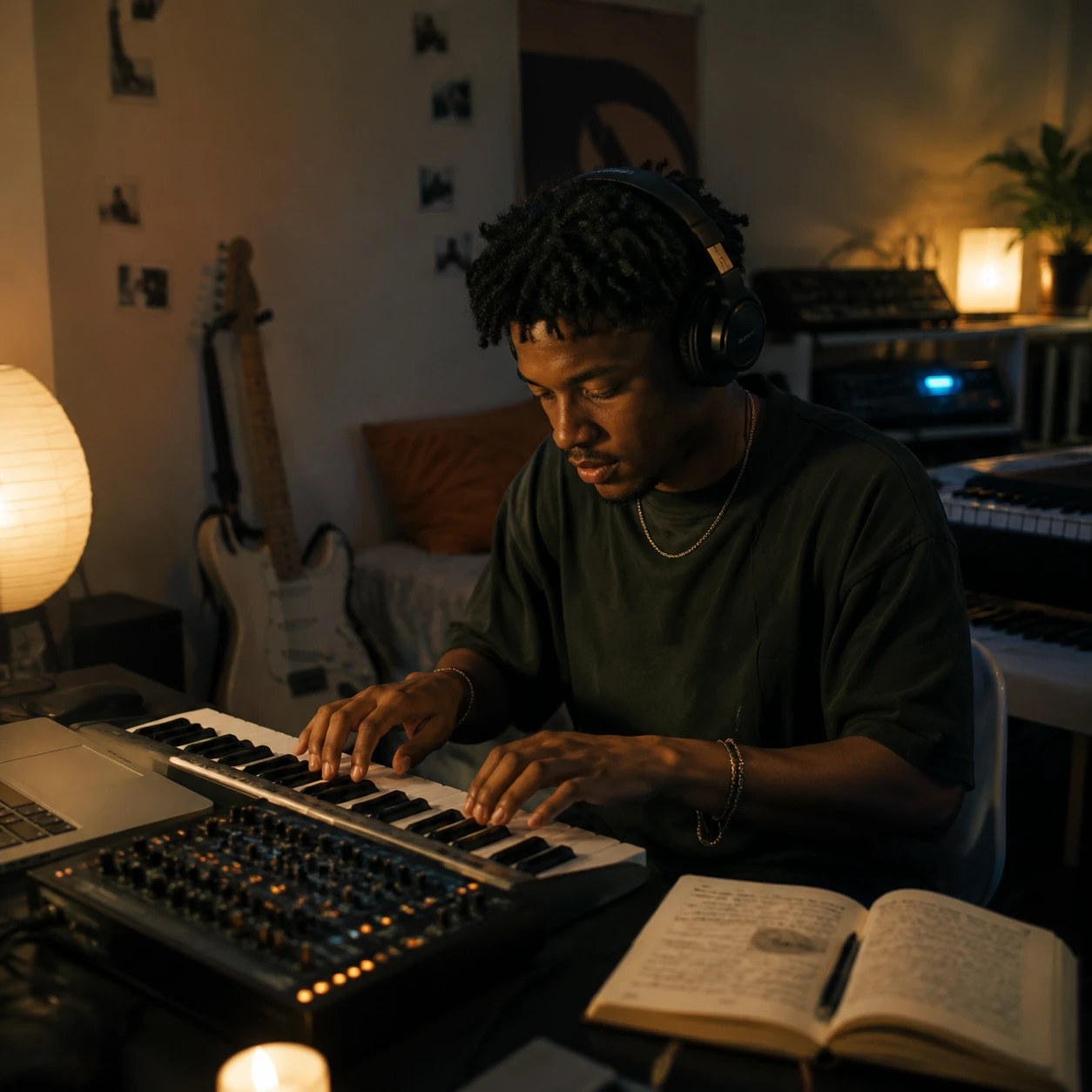
Indie Producers and Songwriters
Layering pads, drum machines, chorus guitars, and tape texture from scratch can eat an entire session. Start with 5 Chillwave Music Generator drafts, compare hooks and bass motion, then rebuild the best idea in your DAW with clearer direction.
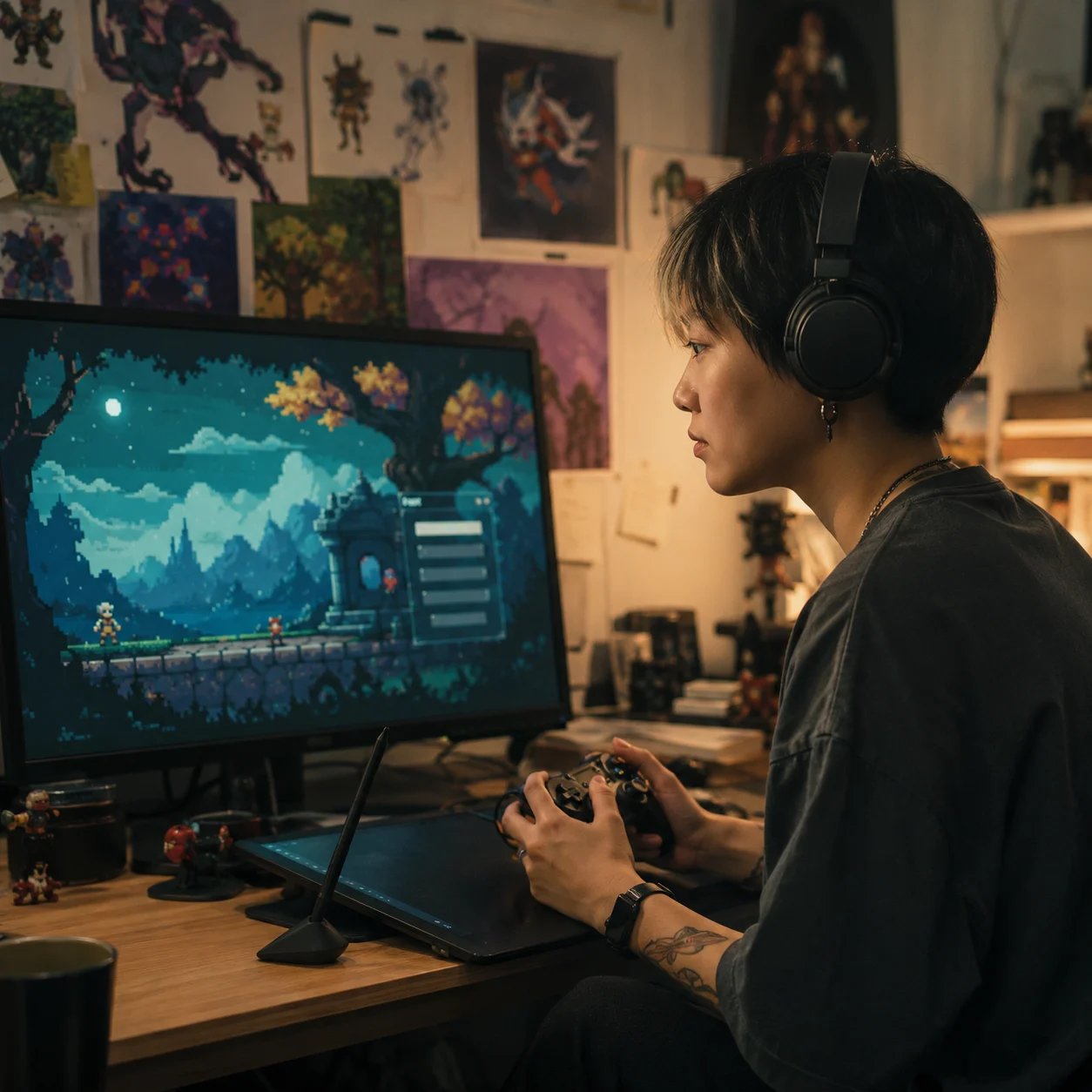
Game and Visual Art Teams
Retro menus, pixel art trailers, and looping gallery installs need atmosphere that does not overpower the image. Create vaporwave-inspired tracks with soft synth leads and wide pads, then test 3 mood options against the scene before final export.
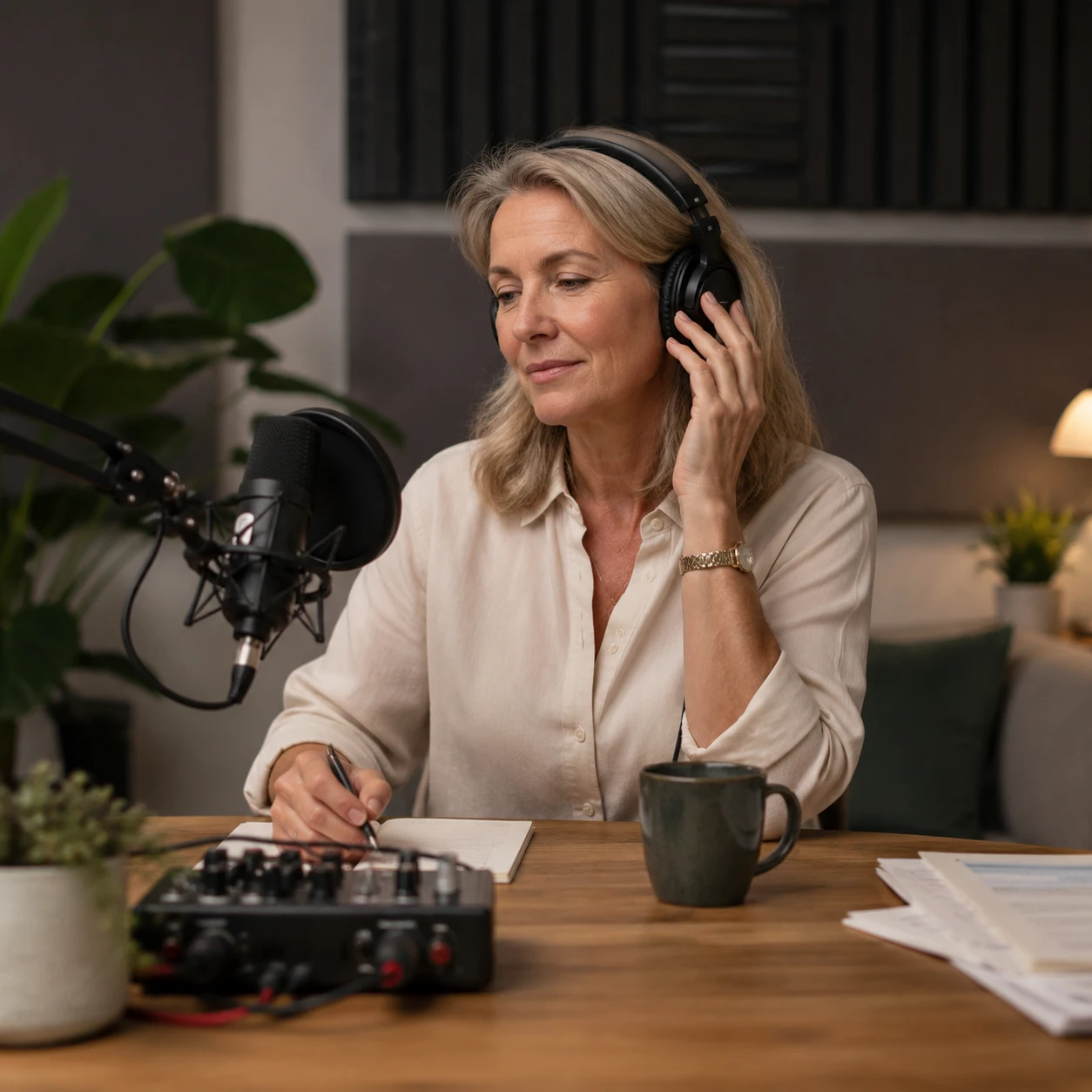
Podcast Brand and Wellness Teams
A calm intro or ambient brand cue has to feel distinct across many episodes and campaigns. Build dreamy music variations for meditation clips, product films, cafe playlists, or podcast bumpers without booking studio time for every 20-second idea.
Create Chillwave Music in Three Moves
With CreateMusicAI, the AI Chillwave Music Generator turns a scene, mood, and texture choice into an AI Chillwave Music Generator draft.
Describe the Retro Scene
Open CreateMusicAI and write the world you want to hear: a sunset boardwalk, VHS bedroom, empty mall, pastel night drive, or hazy summer memory. The AI Chillwave Music Generator reads the scene and builds the first musical direction.
Choose Style and Texture Tags
Add tags like Chillwave, Synthwave, Vaporwave, Dream Pop, Analog Synths, Tape Warble, Washed Out, Instrumental, or Dreamy Vocals. These cues tell our AI how retro, hazy, vocal, or beat-driven the track should become.
Generate Compare and Download
Create a few versions in the Chillwave Music Generator, listen for the strongest hook, and adjust the prompt when you need more sidechain pulse, softer drums, or cleaner pads. Download the best chillwave music draft for your project when the mood lands.
Frequently Asked Questions About Chillwave Music Generator
Practical answers about using an AI Chillwave Music Generator for dreamy music, retro synth textures, downloads, copyright questions, and AI prompt control.
What is the difference between chillwave, synthwave, and vaporwave?
Chillwave is usually hazy, nostalgic, and relaxed; synthwave leans more cinematic and 1980s-inspired; vaporwave often uses surreal, slowed, and internet-era textures. Mention the exact style in your prompt so the AI chillwave music generator knows whether to aim for dreamy chillwave, synthwave drive, or vaporwave atmosphere.
What is an AI Chillwave Music Generator?
An AI Chillwave Music Generator creates retro electronic tracks from text prompts and style tags. You describe a scene, mood, tempo feel, instruments, and vocal direction, then the AI builds dreamy synth pads, soft drums, warm bass, and hazy production cues into an original draft.
How does CreateMusicAI's Chillwave Music Generator work online?
CreateMusicAI's Chillwave Music Generator reads your prompt plus tags like Synthwave, Vaporwave, Dream Pop, Analog Synths, Tape Warble, and No Vocals. It then creates new audio that matches your mood, texture, and use case so you can compare versions quickly.
Can I try the AI Chillwave Music Generator for free?
CreateMusicAI offers free credits so you can test the AI Chillwave Music Generator before choosing a paid plan. Start with one scene prompt, generate a few drafts, and decide whether the retro synth tone fits your workflow.
Can I use chillwave AI music on YouTube or games?
Tracks generated from your prompt are created from scratch, which helps avoid third-party sample conflicts common in stock loops. Use the AI Chillwave Music Generator for YouTube, games, streams, podcasts, and client drafts, then review your plan terms for commercial licensing details.
How do I make AI chillwave sound less generic?
Use specific texture and scene language in the Chillwave Music Generator instead of only writing chillwave. Strong prompts include details such as VHS haze, warm analog synths, washed-out vocals, tape hiss, sunset drive, soft analog drums, sidechain pulse, and wide reverb pads.
Can it create instrumental dreamy music with no vocals?
Yes. Add tags such as Instrumental, No Vocals, Ambient Pop, Wide Stereo Pads, and Low Energy when you need dreamy music for focus videos, menus, meditation, or background edits. Vocal tags can be added later when you want soft hooks or washed-out vocals.
Start Creating Copyright-Safe Music Today
Join thousands of creators using Create Music AI for royalty-free music—100% safe for YouTube, Spotify, and TikTok. Free to start, no credit card required.