Related tools for your next step
How to Use This BPM Tapper
Play the track, tap the main pulse for a few bars, and let the bpm tapper settle into a tempo you can use for mixing, practice, or production.
Tap the Main Beat
Play the song, loop, or live recording and tap once for each main beat. Follow the kick, snare backbeat, or pulse that feels most stable.
Let the Tempo Settle
Keep tapping for several beats while the bpm tapper updates. A longer, steadier run usually gives you a cleaner BPM number than two or three taps.
Why This BPM Tapper Works in Real Sessions
The page stays lightweight, but it still covers the details people care about when they need a quick manual tempo check in the browser.
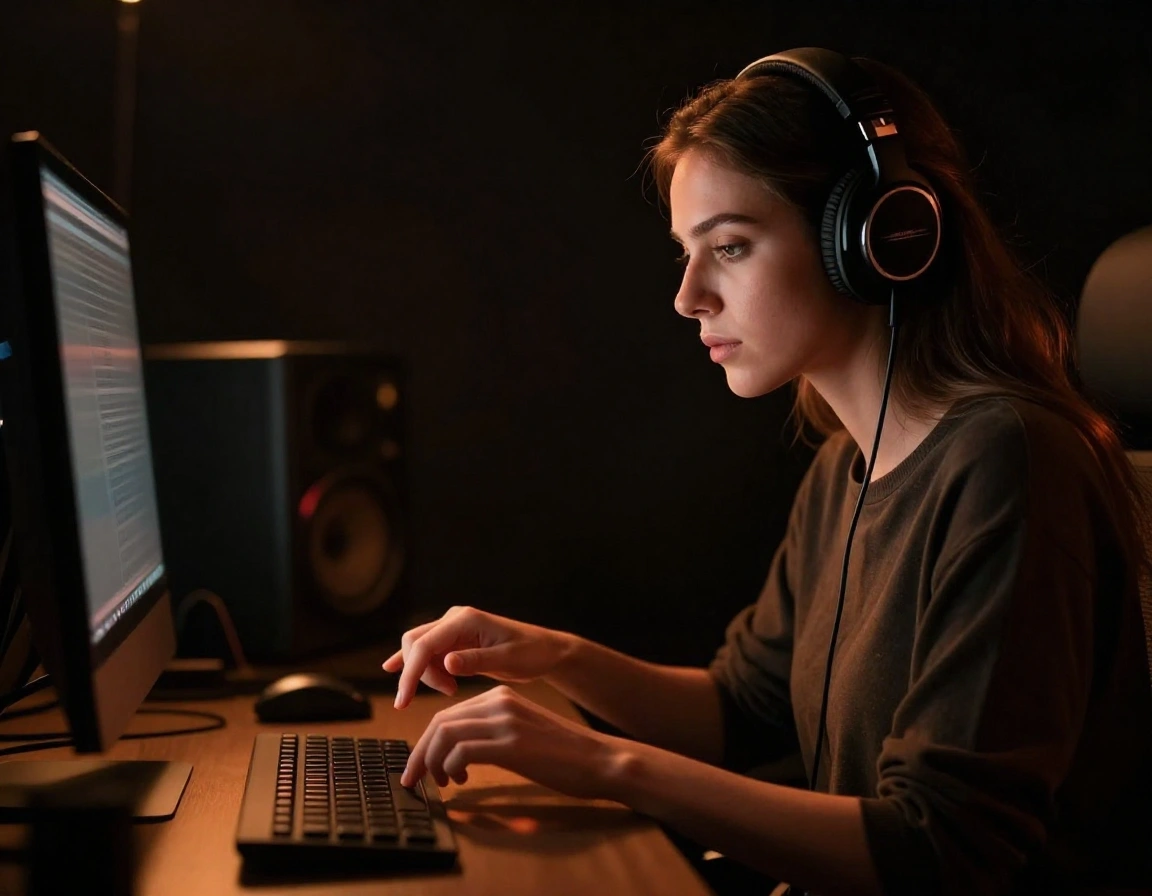
Averaged Taps for a Steadier Tempo
This bpm tapper does not rely on a single gap between two taps. It averages your recent taps, which makes the reading more stable when you stay on the beat.
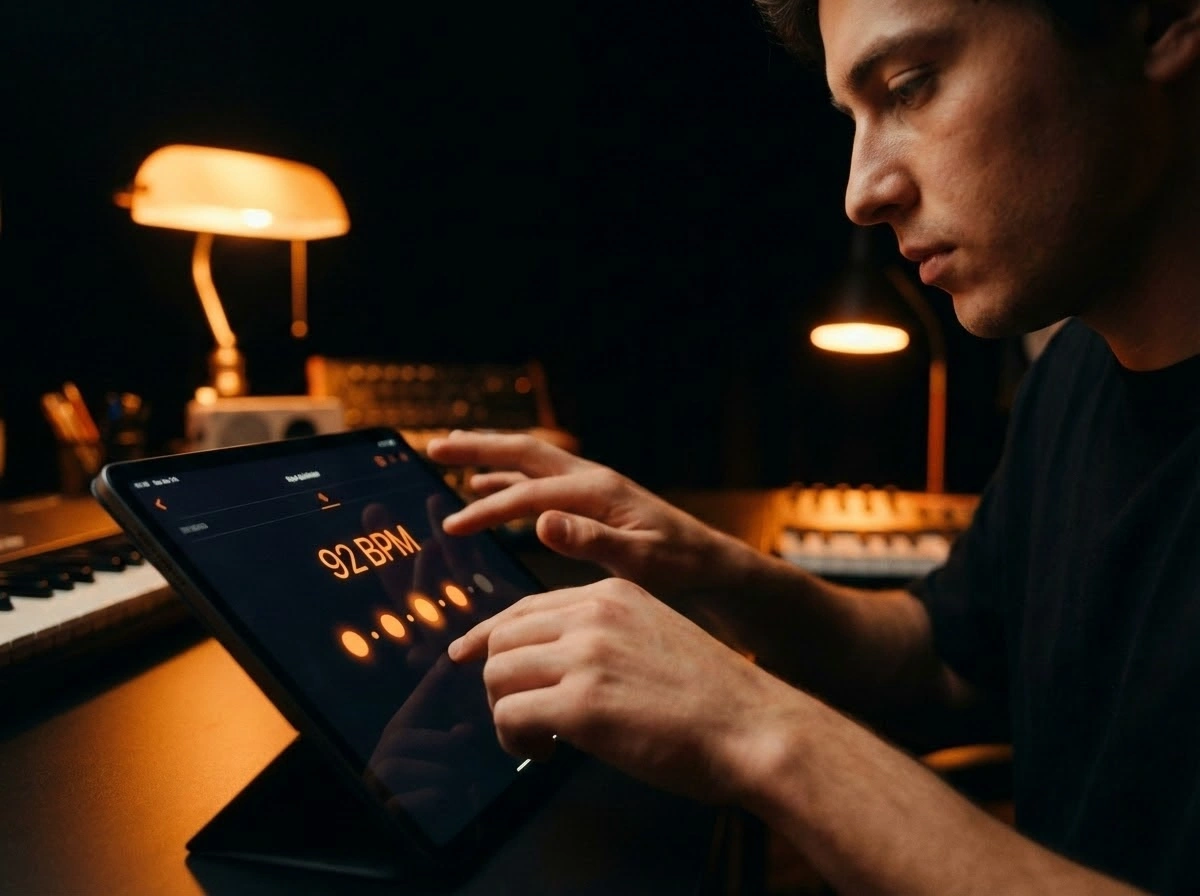
Built for Keyboard Mouse and Touch
Open the bpm tapper online on a laptop, tablet, or phone and tap with the input you already have. No install, no sign-up, and no audio upload required.
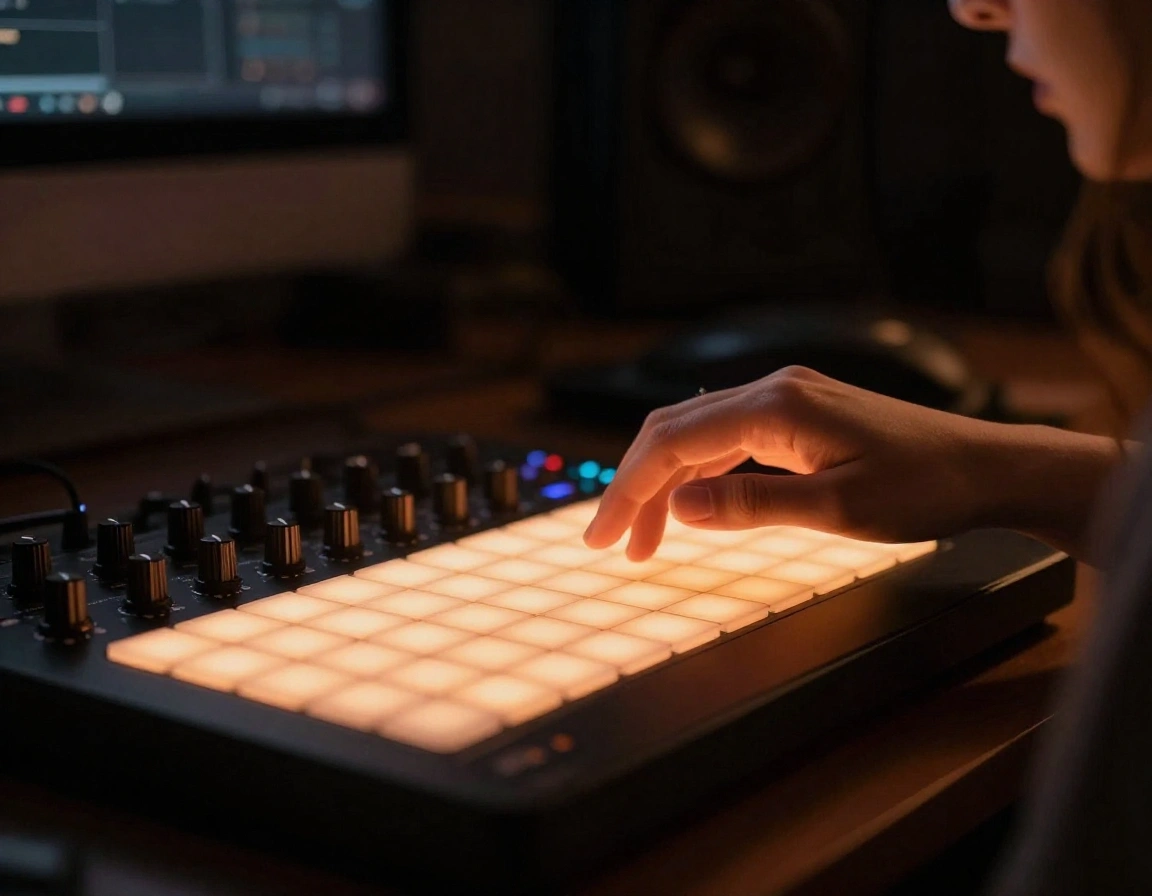
Useful for Songs Samples and Live Takes
Use the bpm tapper online to verify a reference track, check a loop before building drums around it, or estimate tempo from a rehearsal recording with loose timing.

Clear Split from an Automatic BPM Finder
A bpm tapper online is for manual tempo checks when you just need a usable number fast. A BPM finder is the better fit when you want file-based analysis.
Who Uses This Tap Tempo Tool
This tool fits the moments when you need tempo right now and opening a full DAW or analyzer would slow the session down.

DJs
DJs use this bpm tapper to check edits, bootlegs, and rough exports before beatmatching. It is especially useful when a track has no BPM metadata or the groove feels faster than the file says.

Producers
Producers use a bpm tapper online to lock samples, stems, and reference songs to project tempo before building drums, sidechains, or automation around the wrong BPM.
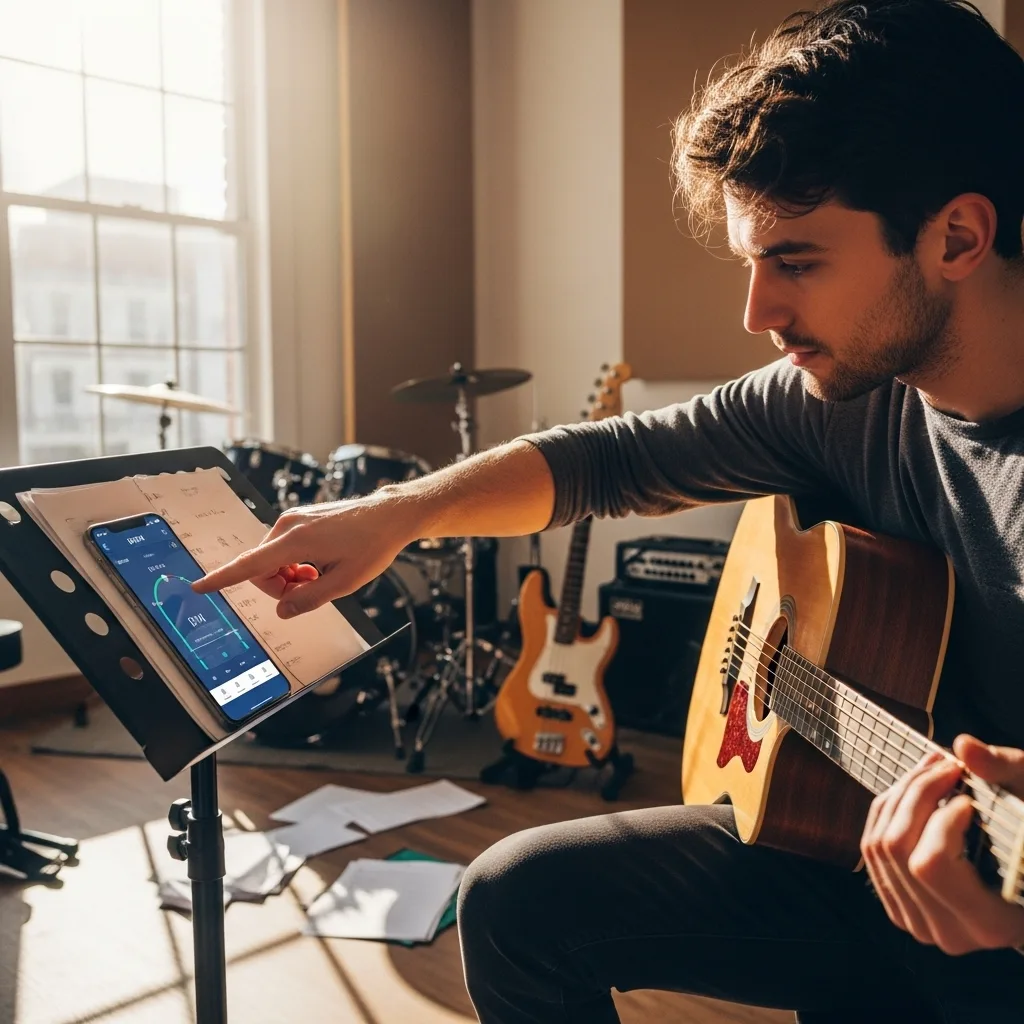
Musicians
Musicians tap along to demos and rehearsal takes so they can set a metronome, chart the song, or explain the pulse to bandmates without guessing by ear alone.

Dancers and Choreographers
Dance teams use the bpm tapper online to match counts to the beat, compare candidate tracks, and decide whether a routine needs the original tempo or a faster edit.
BPM Tapper FAQs
These answers cover the questions people ask most when they need a quick tap tempo tool instead of automatic BPM analysis.
When should I use a BPM tapper instead of a BPM detector?
Use a BPM tapper when you do not want to upload audio, need a fast manual tempo estimate, or are checking a live performance. Use the BPM detector for exact file analysis, and the metronome after you know the tempo you want to practice.
What is a BPM tapper?
A bpm tapper is a manual tap tempo tool. You tap in time with a beat, and the tool converts the spacing between taps into a tempo reading in beats per minute. It is useful when you want a fast estimate without uploading audio.
How accurate is a BPM tapper online?
A bpm tapper online is accurate enough for quick workflow decisions when you tap evenly for several bars. The best results come from following a stable pulse and letting the tool average multiple taps instead of stopping after two hits.
What should I tap when I use a BPM tapper?
Tap the strongest repeated pulse, usually the kick, snare backbeat, or handclap pattern that anchors the groove. If the song swings, drifts, or has a loose live feel, keep tapping longer so the reading can settle.
Do I need to upload audio to use this BPM tapper?
No. This bpm tapper works entirely from your taps, so you can measure tempo while a song plays from streaming apps, vinyl, rehearsal monitors, or anywhere else.
What is the difference between a BPM tapper and a BPM finder?
A BPM tapper is manual: you tap the pulse and the tool estimates tempo from your timing. A BPM finder or BPM detector analyzes an uploaded audio file automatically. Use the tapper for live grooves, rehearsals, and quick checks; use the detector when you have an audio file ready.