Drag and drop your audio file here, or click to browse
Supports: MP3, WAV, OGG, M4A, AAC, FLAC, WMA
Vocals
Remove vocals from any song
Stem Separation
Separate into 4 tracks: vocals, drums, bass, others

AI Vocal Remover
Show Case
AI Vocal Remover Online
Upload an MP3 or another supported audio file to remove vocals from a song online. Separate the vocal and instrumental tracks for karaoke, remixing, practice, or content creation.
Remove Vocals and Separate Instrumentals Online
Upload a song to separate the vocal and instrumental tracks with AI. Preview both outputs in your browser before downloading.
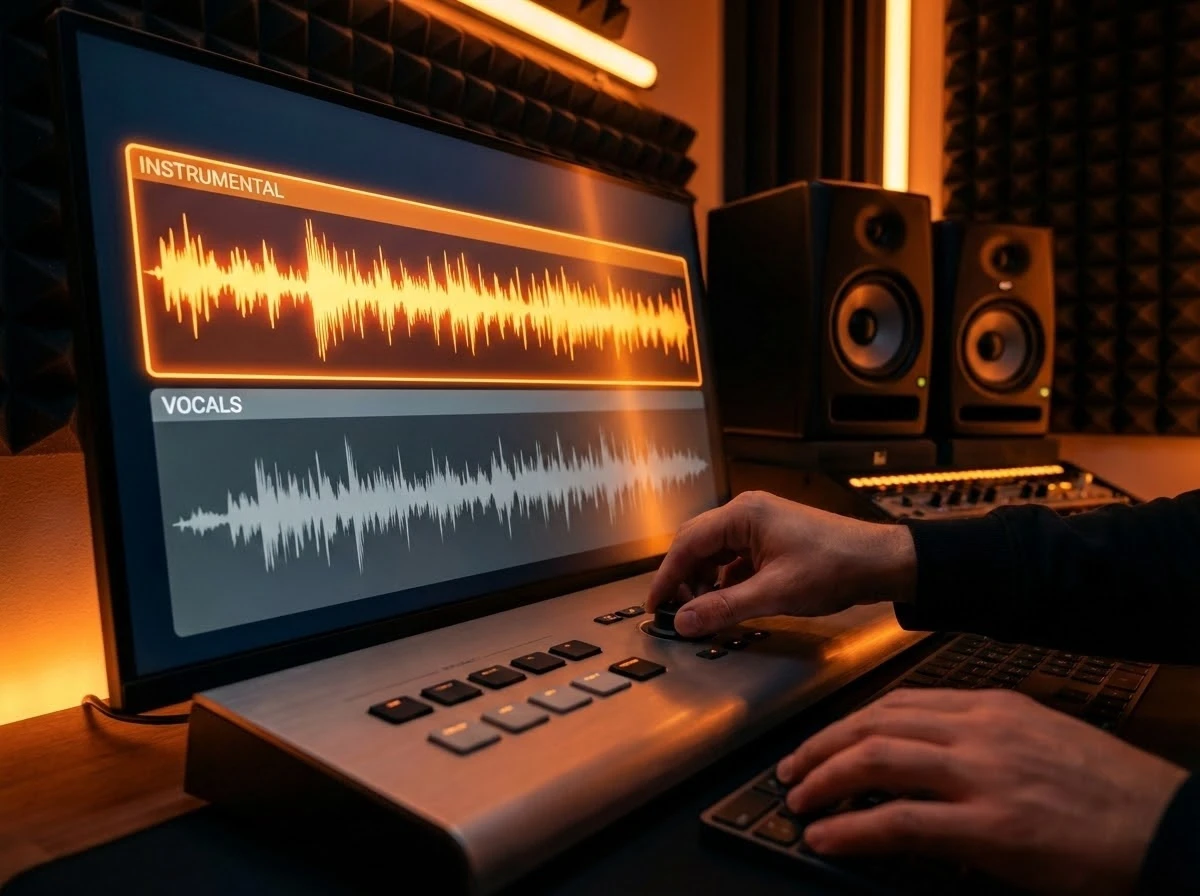
Create Instrumental Backing Tracks
Remove vocals from an MP3 or song to create an instrumental track for karaoke, practice, covers, or background music.

Extract Vocals (Acapellas)
Isolate vocals from a song for remixing, sampling, or creative reuse. Download separate vocal and instrumental files.
Reuse Vocals to Create New Songs
Take extracted vocals and generate a new song using the AI Music Generator. Change genre, style, or arrangement.
What Can You Use the Vocal Remover For?
The AI vocal remover is useful for music creation, learning, and content production across different use cases.

Karaoke & Practice
Create instrumental tracks to sing along with or practice vocals without the original singer.

Remixing & Sampling
Extract vocals or instrumentals for DJ remixes, mashups, and music production workflows.

Video & Content Creation
Remove vocals to use music as background audio for videos, podcasts, and voiceovers.

Learning & Music Study
Isolate parts of a song to study arrangement, instrumentation, or vocal techniques.
How to Remove Vocals from a Song Online
Use the AI vocal remover to separate vocals and instrumentals from MP3, WAV, and other supported audio files.
1. Upload an MP3 or Audio File
Upload a music file such as MP3 or WAV. Files up to 50MB are supported.
2. Remove Vocals with AI
Choose vocal removal to separate the song into vocal and instrumental tracks.
3. Preview and Download
Listen to the separated tracks and download the vocal or instrumental files.
Related music tools
Move from the current task to the next focused tool without starting over.
AI Vocal Remover Questions
Answers about removing vocals from songs, supported audio formats, and separated tracks.
Can I remove vocals from an MP3 online?
Yes. Upload an MP3 file, choose vocal removal, and the tool separates the song into vocal and instrumental tracks that you can preview and download.
Is the AI vocal remover free to use?
You can try the vocal remover for free with limited usage. Paid plans are available for higher volume and additional features.
What file formats are supported?
You can upload MP3, WAV, FLAC, M4A, or OGG files. Separated tracks can be downloaded in MP3 or WAV format.
Do I get both vocal and instrumental tracks?
Yes. Vocal removal produces a separate vocal track and an instrumental track. Results depend on the source audio, and heavy reverb, layered backing vocals, low-quality files, or dense mixes can leave some sound in either track.
Can I use the separated audio commercially?
You are responsible for having the rights to use the original audio. Review the source material rights, your plan terms, and the rules of the platform where you publish.