
Related music tools
Move from the current task to the next focused tool without starting over.
What a Techno Music Generator Creates
Build Techno Around a Real Creative Brief
Move from a broad club idea to a Techno draft with a defined subgenre, rhythmic engine, sound palette, arrangement and purpose.
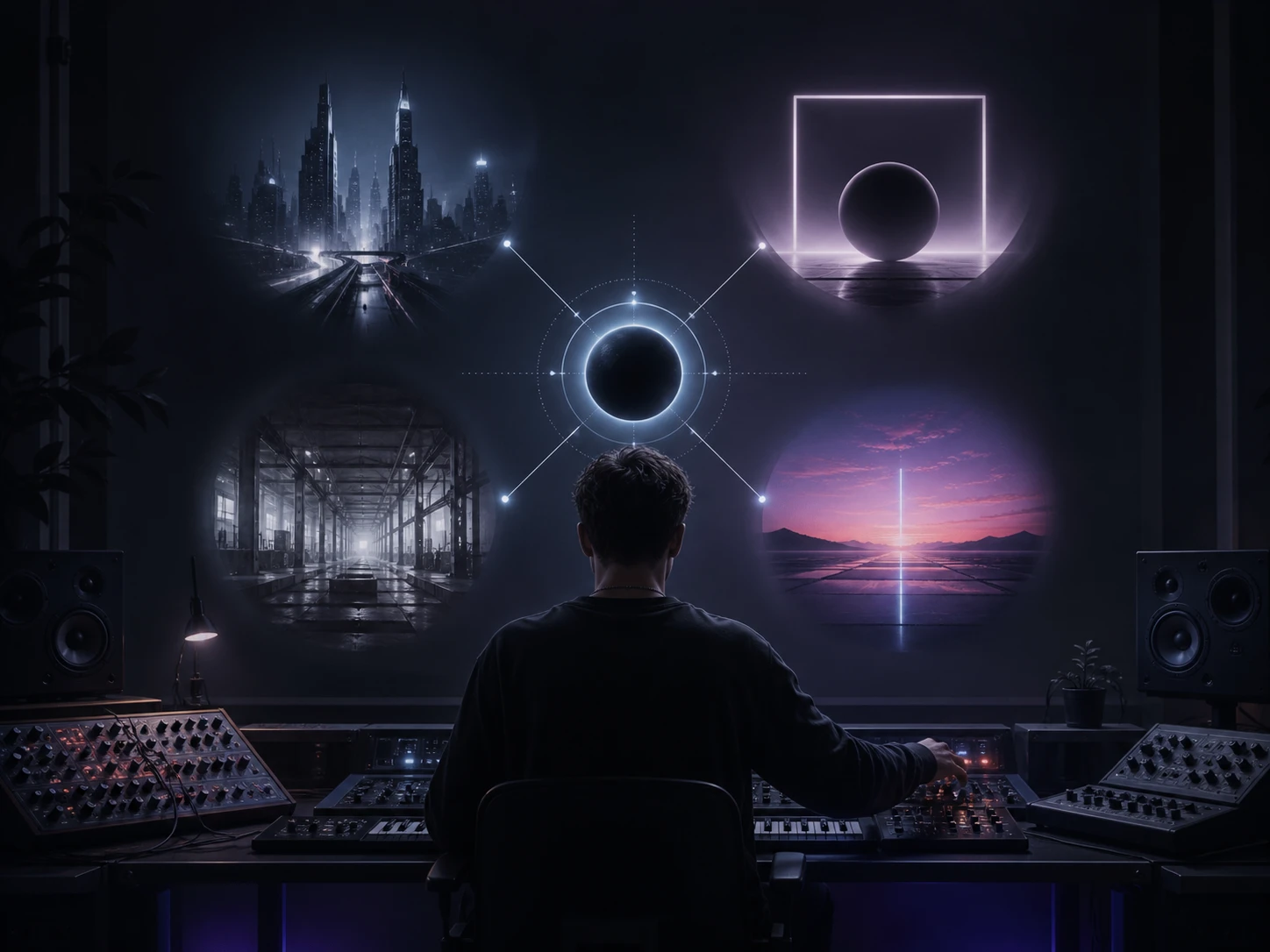
Choose the Techno Lane Before You Generate
Techno is not one interchangeable club sound. Start with Detroit Techno for machine funk and futuristic chords, Minimal Techno for space and controlled repetition, Acid Techno for a moving 303 line, Industrial Techno for metallic weight, Melodic Techno for emotional synth development, or Hard Techno for relentless pressure. Add the project context—a late-night set, trailer, workout, game level or design film—so the generator has a clear target. That combination gives you a more useful first draft than entering only Techno and hoping the arrangement lands in the right part of the genre.
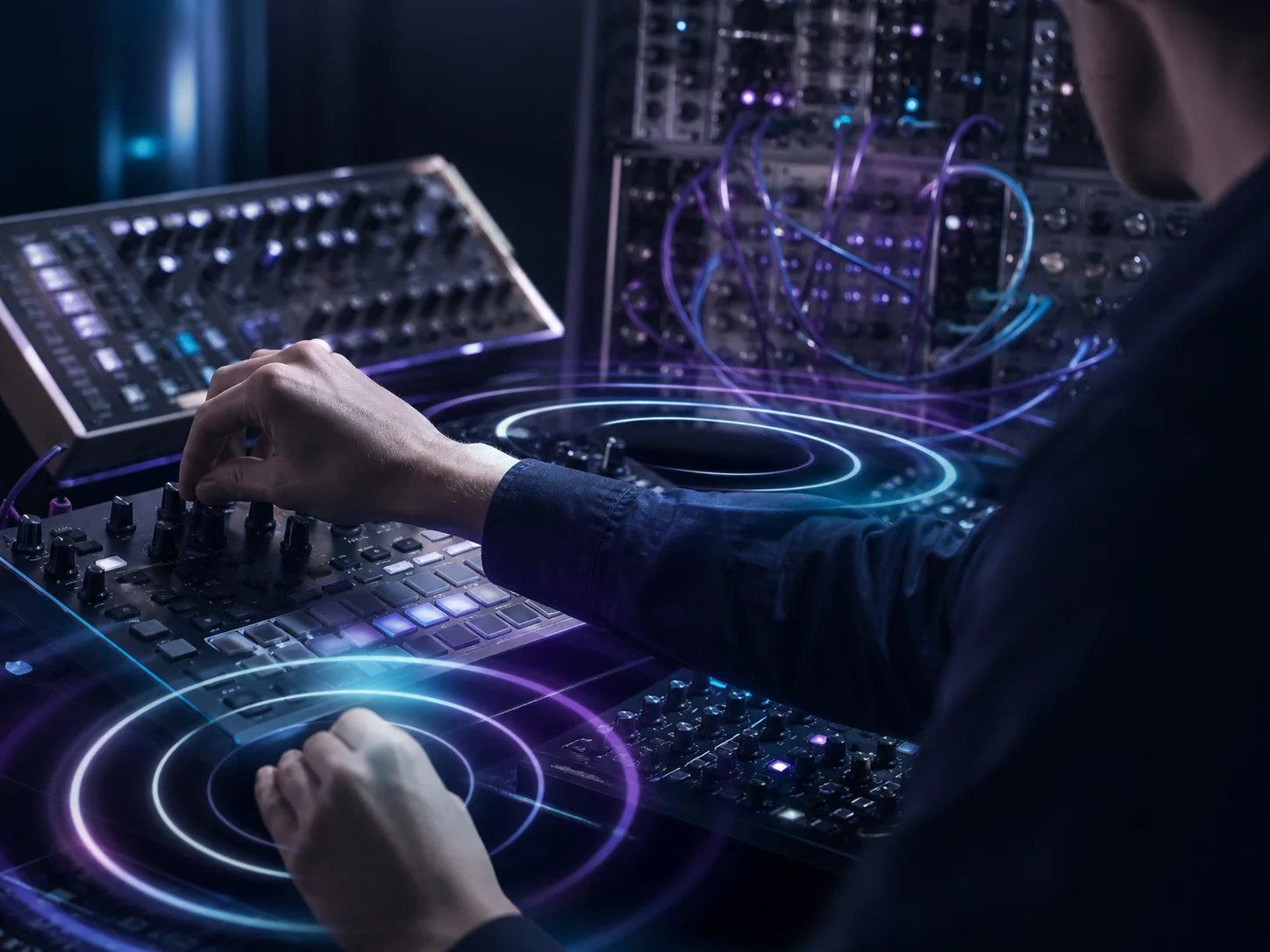
Describe the Groove and Sound in Plain Language
Turn the idea into an executable music brief. Name the kick character, bass movement, hi-hat pattern, percussion density, synth texture and atmosphere: a rumble kick under a rolling bassline, dry offbeat hats, metallic hits, dub chords, an evolving modular sequence or a filtered pad. You can include a tempo feel or key in the prompt, but those are written directions rather than dedicated controls. The practical goal is not technical jargon; it is enough sonic detail for you to hear whether the generated track supports the scene, set or song you are building.
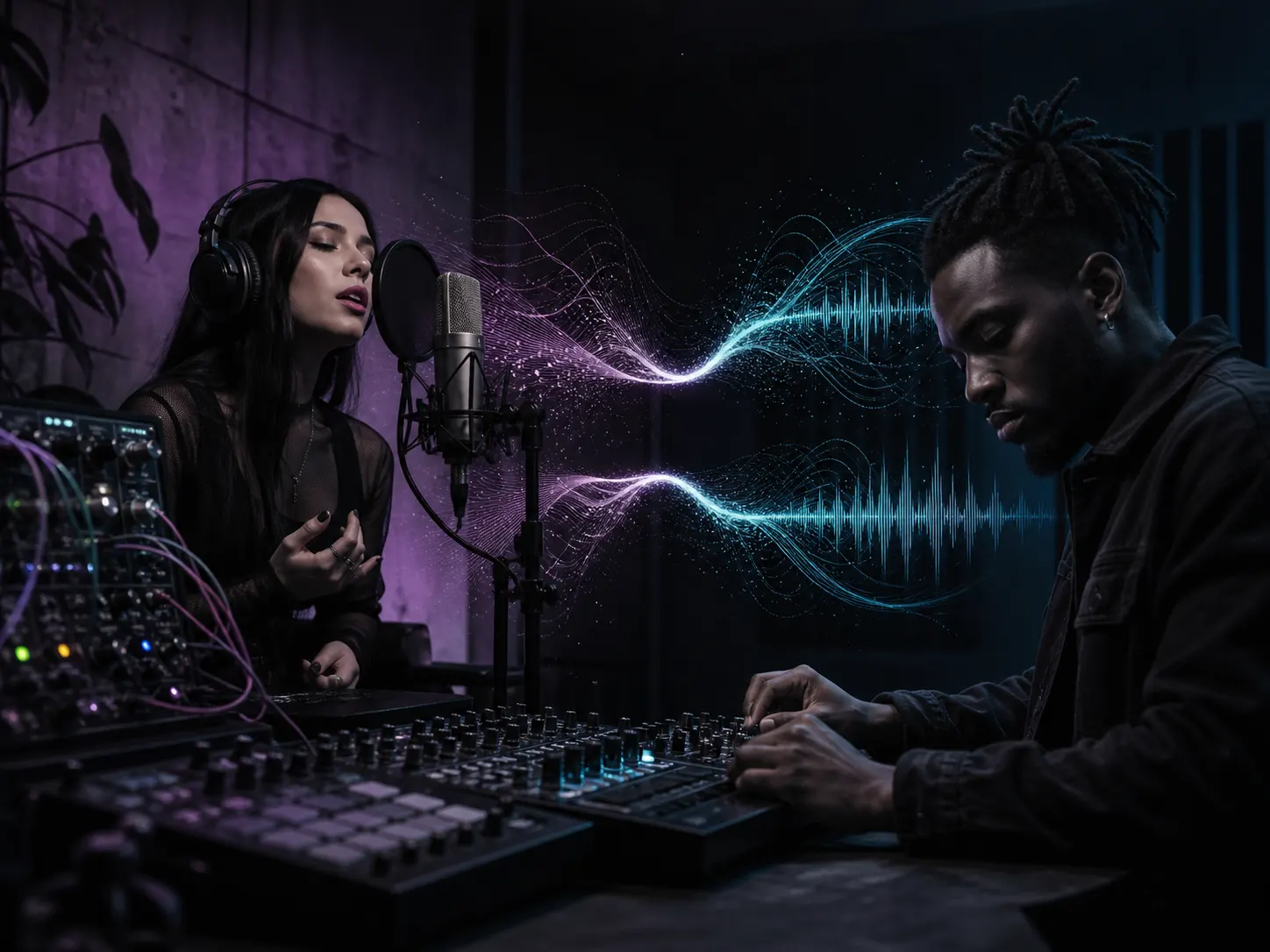
Move Between Instrumental and Vocal Directions
Keep the Techno track instrumental when dialogue, gameplay, movement or a DJ transition needs space. For a song-oriented idea, add lyrics you wrote and choose a restrained vocal direction such as spoken phrase, processed chant, minimal hook or atmospheric vocal texture. Techno often works because the voice supports the rhythm instead of dominating every section, so the prompt should explain where the vocal belongs. CreateMusicAI lets you test both directions without rebuilding the entire concept, then compare which draft better serves the project.
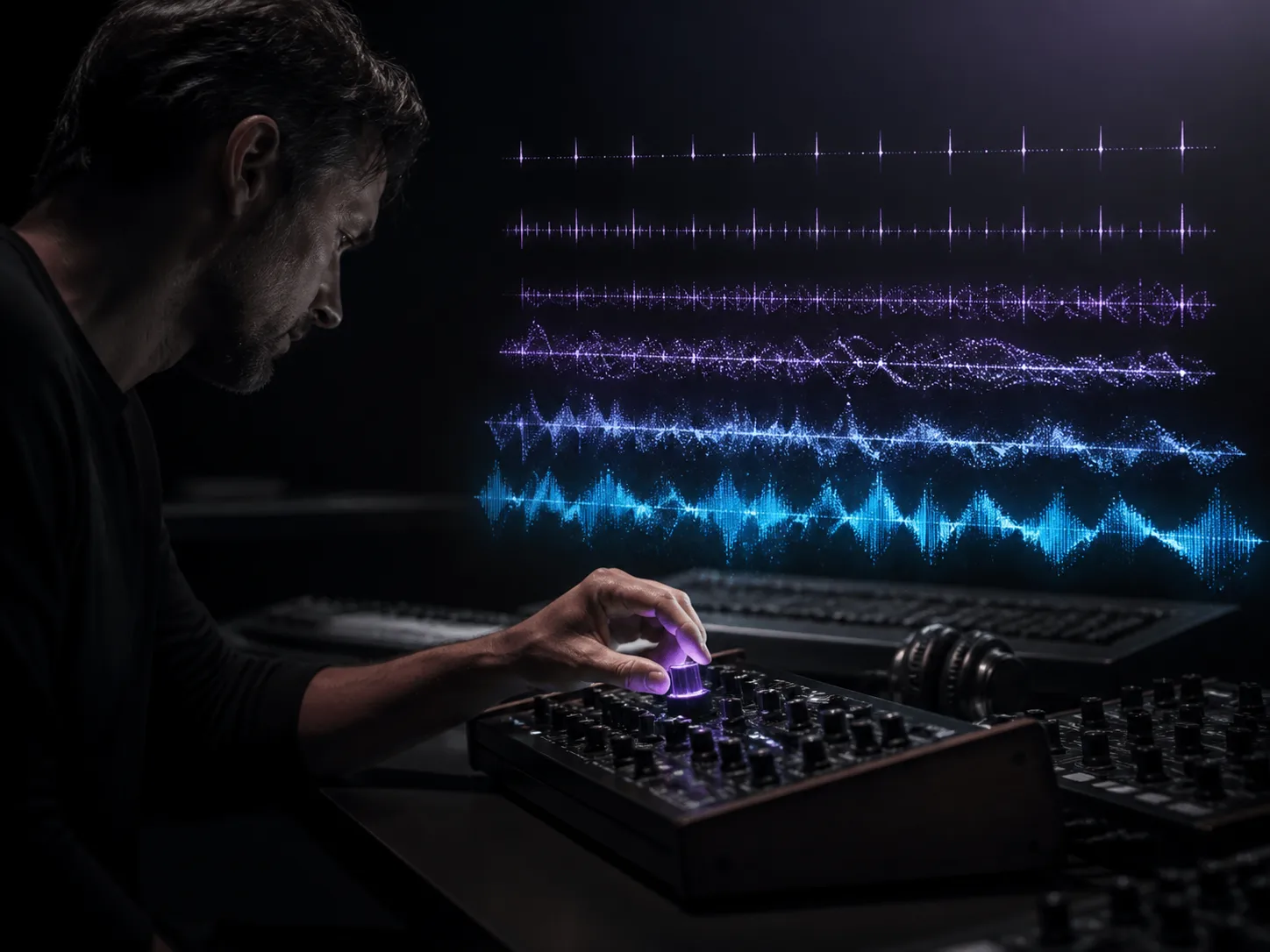
Refine the Track by Changing One Decision
A preview gives you something concrete to judge. Listen for the kick and bass relationship, repetition, transition timing, density, synth movement and vocal space. If the result feels too melodic, busy, bright or aggressive, adjust the relevant prompt phrase or style tag instead of replacing the whole brief. Generate another version and compare the drafts against the original purpose. This feedback loop turns the Techno music maker into a practical sketching workflow for arrangement decisions, collaborator notes and pre-production references.
Who Uses AI to Build Techno Tracks
A focused Techno draft helps different creators test rhythm, atmosphere and arrangement before they commit to a final production path.
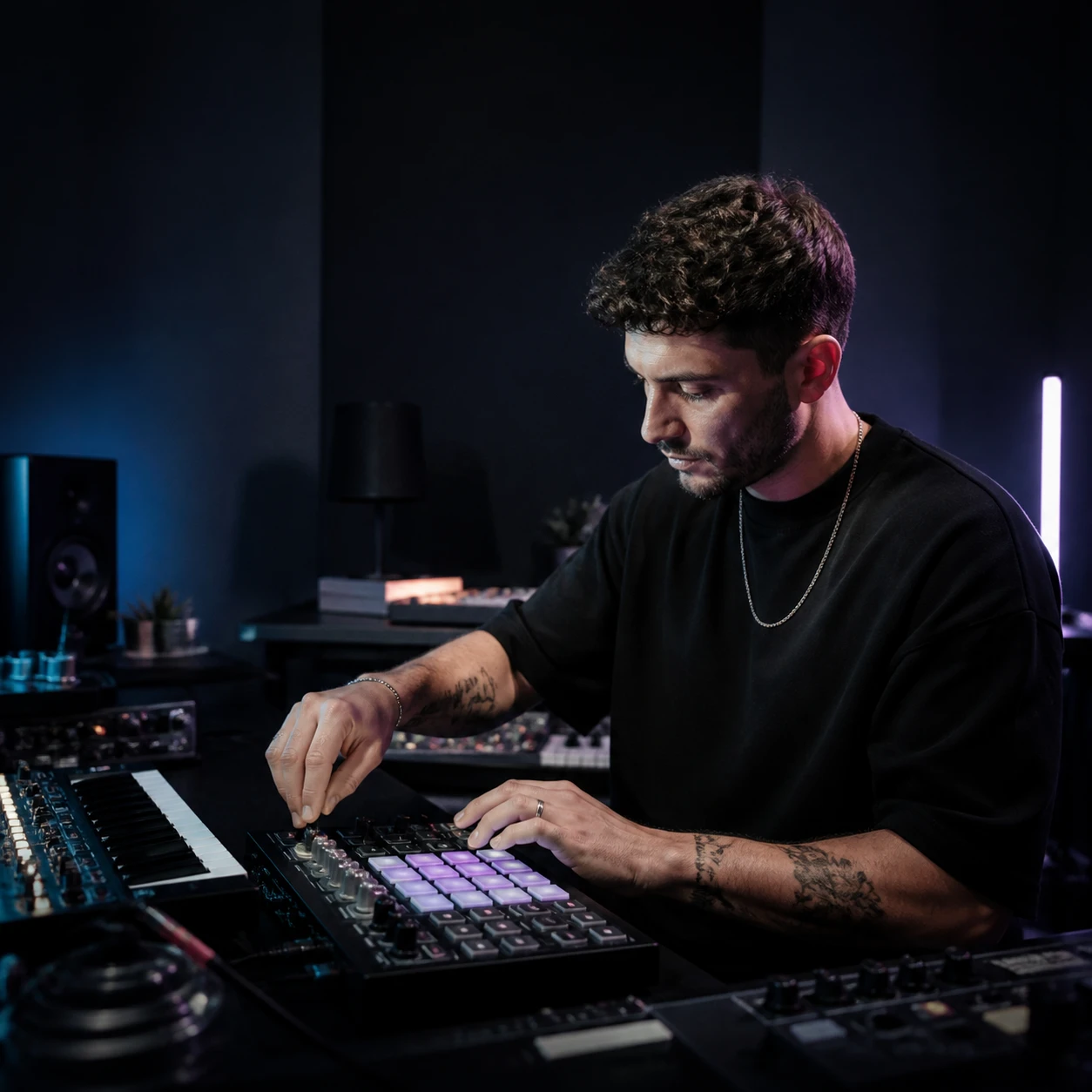
Electronic Producers and Beatmakers
An empty project can make it difficult to evaluate a new subgenre or sound palette. Describe the kick, bass movement, percussion, synth sequence and arrangement, then generate a playable reference. Compare a Minimal, Acid, Detroit or Industrial direction before spending a full session programming every element. The strongest draft can guide a later rebuild, communicate a production target or reveal which part of the brief still needs work.
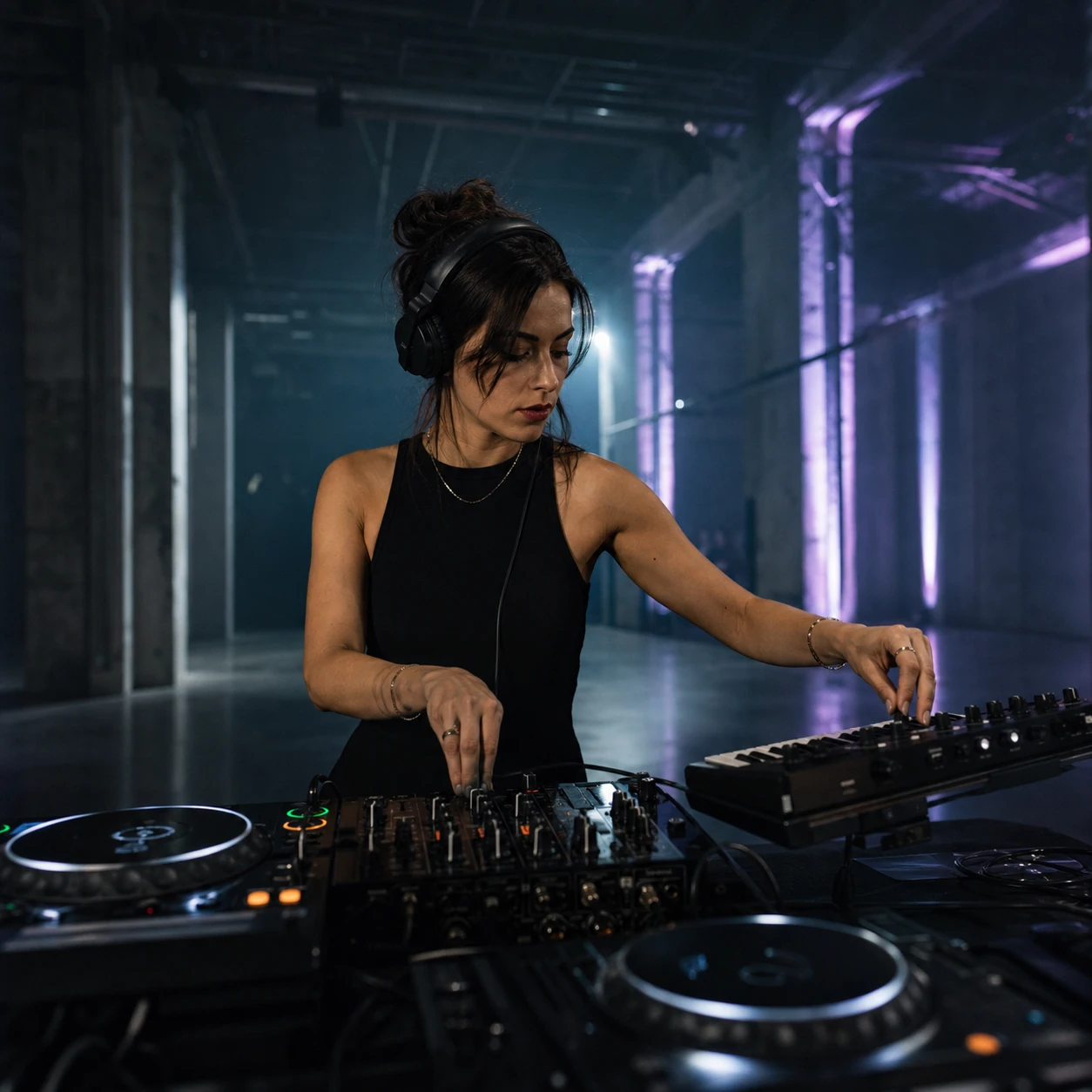
DJs and Live Set Creators
A set idea is easier to judge when the transition energy exists as audio instead of notes. Create a dark opener, hypnotic bridge, melodic reset or peak-time direction, then listen for pacing and pressure. The generated draft can help you plan the emotional arc of a demo or communicate a reference to collaborators. Treat it as an original sketch to refine, not as a promise that every club system or mix context will need the same treatment.

Video Game and Fitness Creators
Stock tracks often miss the exact intensity, loop feel or atmosphere of a scene. Write the visual or movement context into the prompt, choose an instrumental direction and shape the groove around dialogue, gameplay, edits or workout pacing. Preview the result against the project and reduce anything that competes with the main experience. A focused Techno instrumental gives the team a clearer starting point than searching broad electronic catalogues.
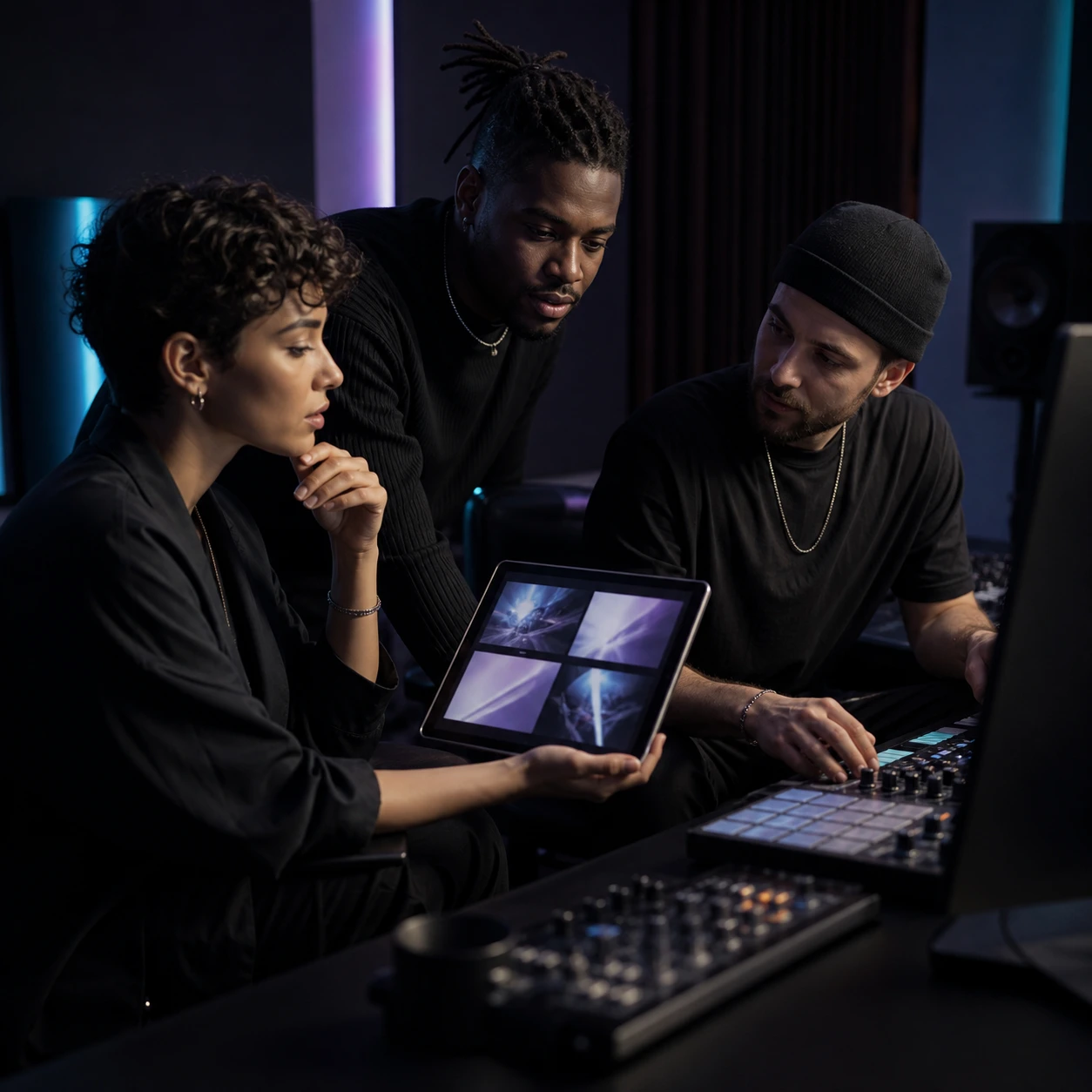
Songwriters Filmmakers and Creative Teams
A written brief can produce several different interpretations in a team meeting. Turn the direction into a playable Techno draft, then discuss the rhythm, mood, sound palette, vocal space and transitions with everyone listening to the same reference. Songwriters can test a minimal hook or spoken phrase; filmmakers and brand teams can compare how the track supports the cut. The preview makes feedback specific before final production or delivery decisions.
Create a Techno Track from a Focused Prompt
Choose the Techno direction, describe the rhythmic and sonic details that matter, then use each preview to make the next brief more precise.
Choose the Subgenre and Project Context
Start with Detroit, Minimal, Acid, Industrial, Melodic, Hard, Dub, Raw, Hypnotic or another Techno lane. Add the real use case and energy, such as a warehouse set opener, neon trailer, focused workout, game level or sparse design-film background. This first decision prevents the request from drifting into generic EDM and gives every later rhythm or sound choice a purpose.
Describe Rhythm Sound and Vocal Space
Write the kick, bassline, hi-hat movement, percussion density, synth texture and arrangement in practical language. Add a tempo feel or key as part of the brief if it matters, then choose instrumental output or add original lyrics and a vocal direction. A short prompt with several compatible details is easier to refine than a list of unrelated genre labels.
Generate Preview and Revise the Brief
Generate the Techno track and preview how the low end, repetition, transitions, synth movement and vocals work together. Change one weak decision at a time—a softer kick, less melody, more space, a longer build or fewer vocals—then generate another version. Compare the drafts and use the download option available with your plan when the direction fits the project.
Frequently Asked Questions About Techno Music Generation
Answers about Techno styles, prompts, instrumentals, lyrics, free credits, BPM and key directions, downloads and commercial licensing.
How can I create a Techno song with AI?
Write a prompt that names the Techno subgenre, energy, rhythm, sound palette, arrangement and vocal direction, or add original lyrics in the custom workflow. Generate a draft, preview how those choices work together, then revise the weak detail and compare another result. A focused brief such as Minimal Techno with a dry kick, sparse dub chords and a spoken hook gives the generator more useful direction than the word Techno alone.
Can I try the Techno Music Generator for free?
Yes. CreateMusicAI provides available free credits so you can test the Techno music generator and preview results before choosing a paid plan. Free access is limited rather than unlimited, and generation or download allowances can change, so check the current pricing page for the latest plan details.
Which Techno styles can I generate?
You can guide a track toward Detroit, Minimal, Acid, Industrial, Melodic, Hard, Dub, Peak Time, Raw, Hypnotic, Deep or Electro Techno. Combine the subgenre with compatible rhythm, sound and production details—for example a 303 line for Acid Techno, spacious chords for Dub Techno or metallic percussion and dark rumble for Industrial Techno.
Can I create an instrumental Techno beat?
Yes. Choose an instrumental or no-vocals direction and describe the groove you need. Include the kick character, bass movement, percussion, synth sequence, atmosphere and project context. The result is a generated Techno track or beat for preview and refinement; the page is not a manual drum sequencer or multitrack DAW.
Can I add my own lyrics or vocals?
Yes. Add lyrics you wrote or have permission to use, then choose the Techno style and vocal direction. Short spoken phrases, processed chants, minimal hooks and atmospheric vocals often leave more room for the rhythmic structure, but you can describe another original approach that fits the song.
Can I set an exact BPM or musical key?
You can write a BPM, tempo feel or key into the prompt as musical direction, but this page does not provide dedicated BPM or key controls and cannot promise an exact result. Preview the generated track and refine the instruction if speed or tonal center is important to the project.
How do I stop generated Techno from sounding generic?
Replace broad adjectives with compatible musical decisions. Name one Techno subgenre, the kick and bass relationship, a percussion pattern, one or two synth textures, the arrangement shape and a real use case. Change one detail between drafts so you can hear which instruction produced the useful difference.
Can I download Techno tracks as MP3 or WAV?
CreateMusicAI includes MP3 and WAV download options, with availability depending on the current plan and browser support. Preview and refine the result first, then use the download format available to your account. WAV conversion may fall back to MP3 when the browser cannot complete the conversion.
Can I use generated Techno music commercially?
Commercial use depends on the CreateMusicAI plan and license terms that apply when the track is generated. Eligible paid-plan tracks can include commercial licensing, and eligible annual-plan tracks can provide a license certificate. Confirm the current terms, use only lyrics and inputs you have rights to, and follow the rules of the platform or distributor where you publish.
Start Creating Copyright-Safe Music Today
Join thousands of creators using Create Music AI for royalty-free music—100% safe for YouTube, Spotify, and TikTok. Free to start, no credit card required.