How to convert MP3 to WAV online
Use the free converter when a DAW, video editor, sampler, or delivery workflow asks for WAV instead of MP3. The goal is simple: convert MP3 to WAV and download a file your next production tool can read.
Upload MP3
Drop an MP3 or another common audio format. The converter reads the audio locally in your browser.
Create WAV
Convert MP3 to WAV by writing the decoded audio into a standard 16-bit PCM WAV file without using CreateMusicAI credits.
Download and continue
Save the WAV for editing, mastering, stem splitting, remix prep, or import into your DAW.
A free MP3 to WAV converter for music workflows
CreateMusicAI adds format conversion as a practical free tool for creators who need clean WAV handoff before deeper audio work. Convert MP3 to WAV first, then continue into editing or AI tools only when the audio needs more than format conversion.
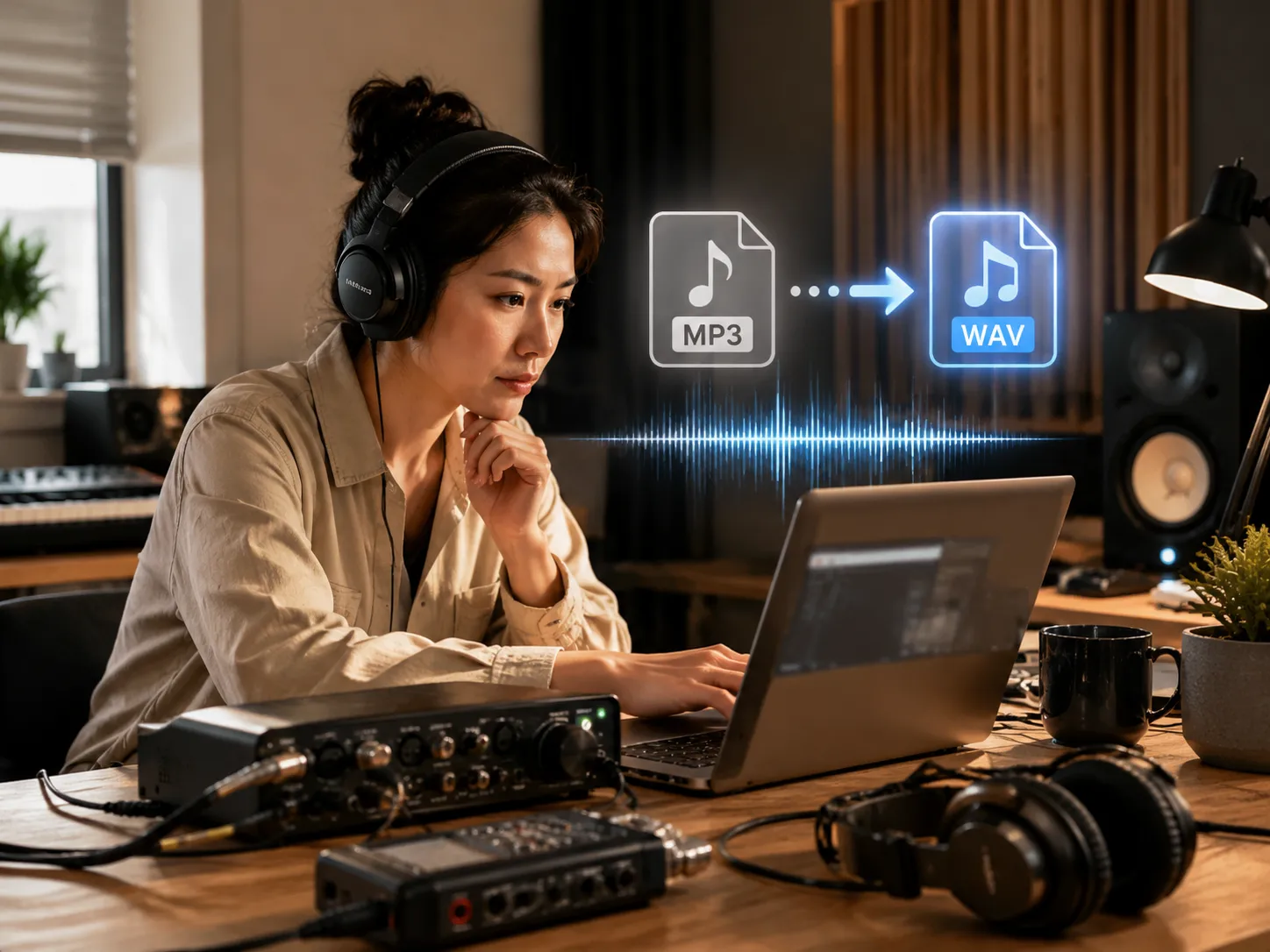
Convert MP3 to WAV locally
The MP3 to WAV converter runs in the browser, so quick drafts, demos, loops, voice notes, and references can become WAV files without a server upload. Convert MP3 to WAV locally before sending audio into a DAW.
Export standard PCM WAV
Create 16-bit PCM WAV files that are easy to import into DAWs, samplers, video editors, podcast tools, and mastering workflows after you convert MP3 to WAV.
Use common audio sources
Start with MP3 plus common browser-decodable formats such as M4A, AAC, OGG, FLAC, WebM, Opus, or WAV when you need a fresh WAV copy.
Continue into AI music tools
After conversion, move to AI music generation, AI mastering, or stem splitting when the track needs creative work beyond format conversion.
Who uses an MP3 to WAV converter
Use the MP3 to WAV converter when compressed audio needs to enter an editing, production, mastering, or delivery workflow that expects WAV.
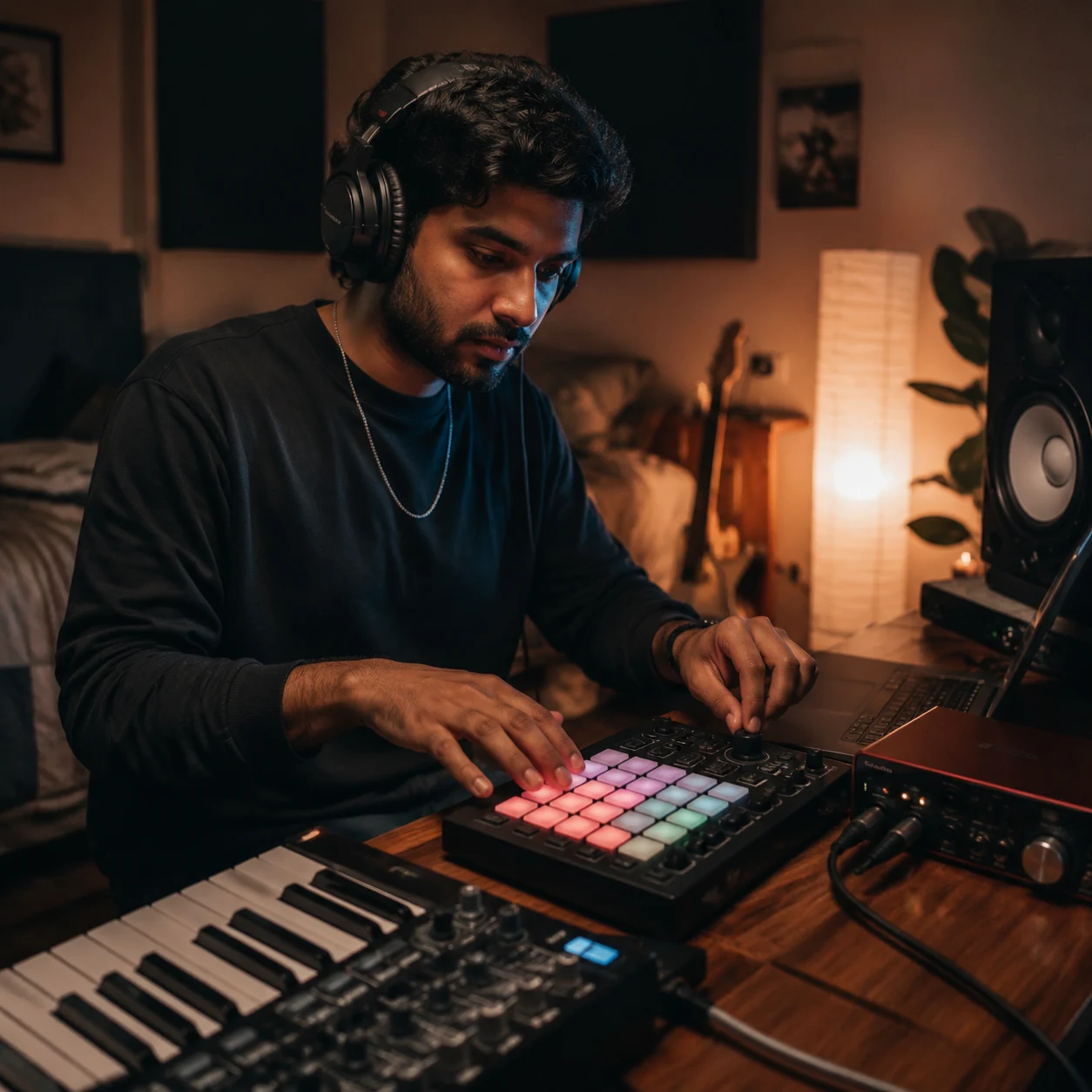
Music producers
Convert MP3 references, loops, and drafts into WAV before arranging, sampling, or importing into a DAW session.
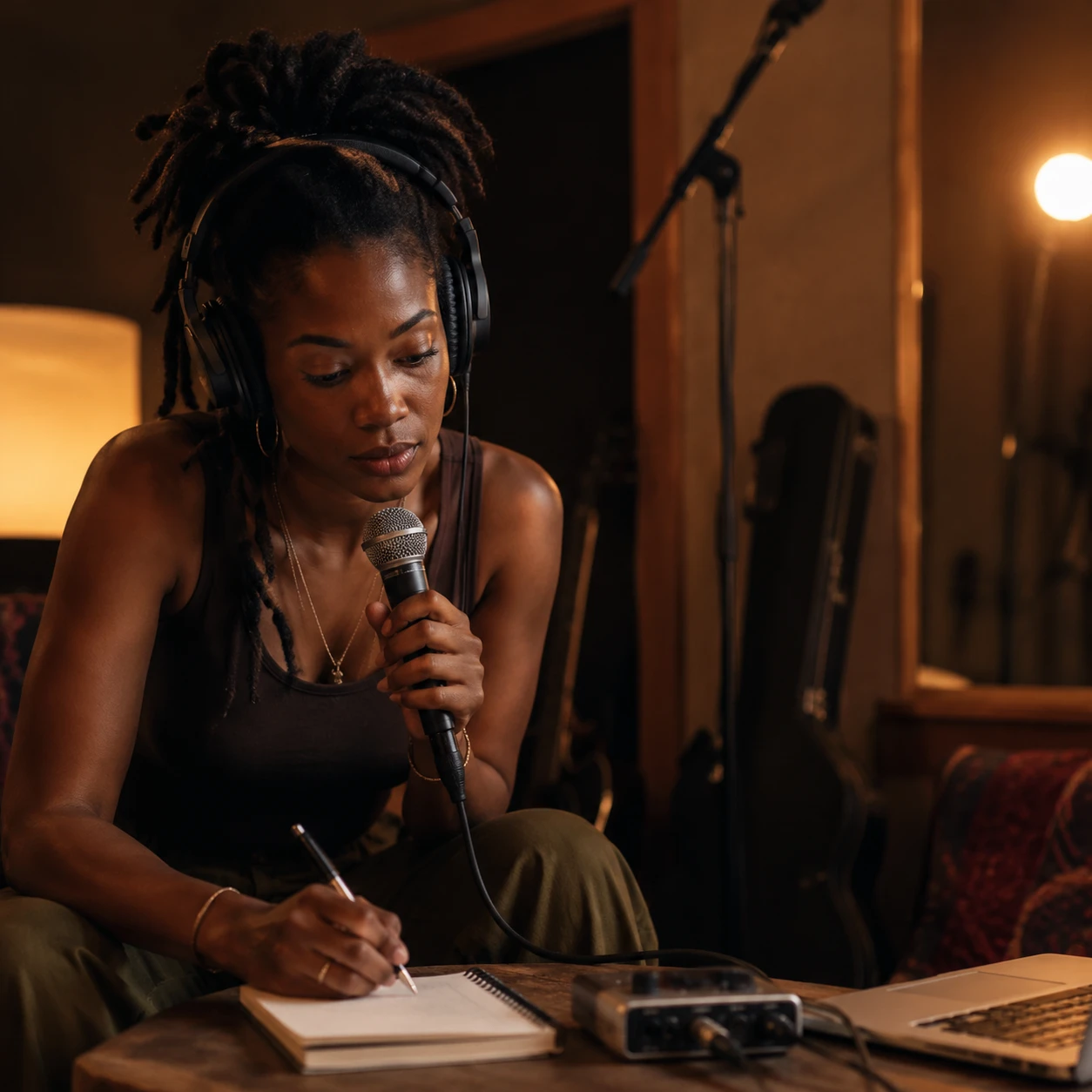
Independent artists
Prepare WAV copies of demos, beats, rehearsal takes, and references before sending them for feedback or mastering.
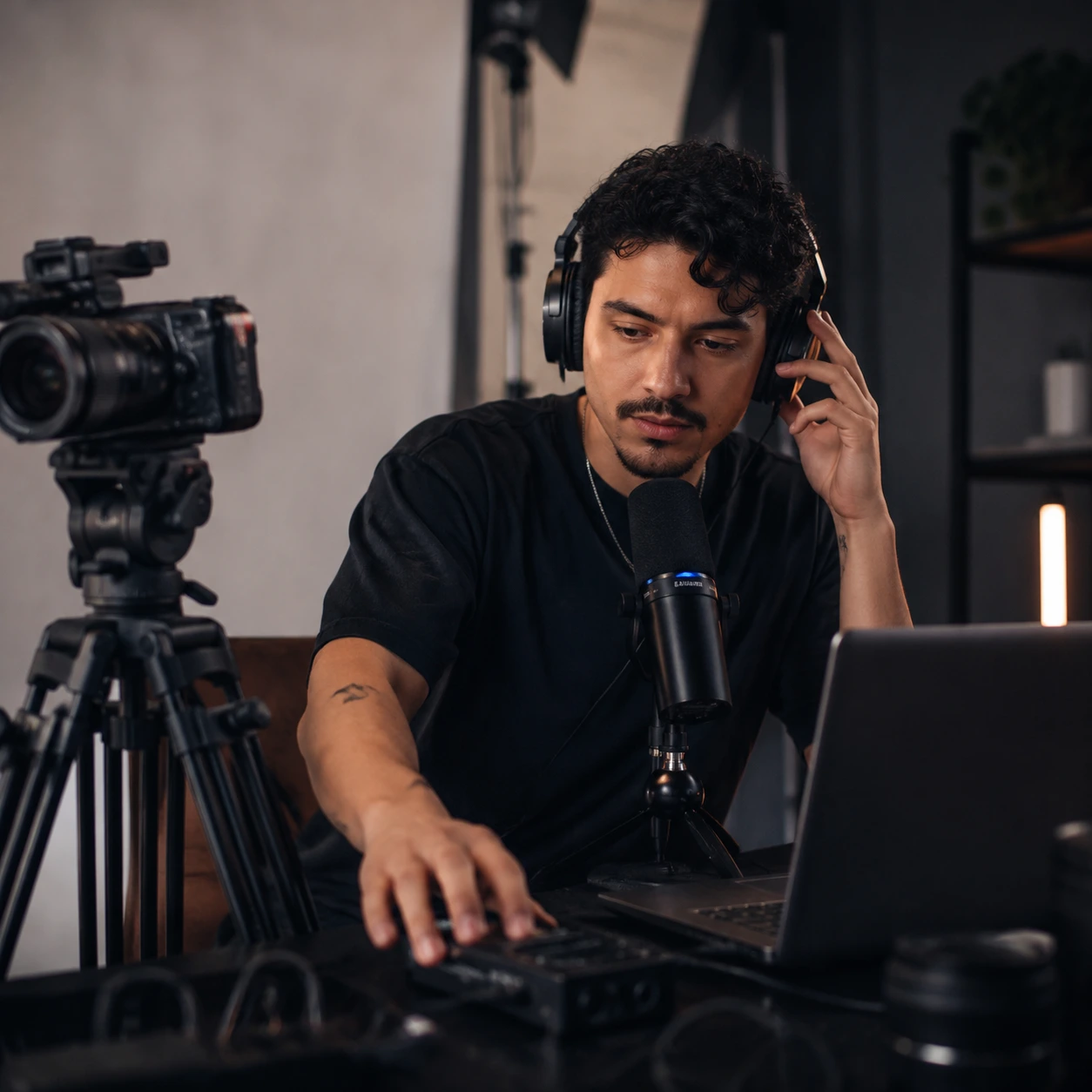
Content creators
Turn MP3 voiceovers, intro music, and podcast clips into WAV for video editors and production templates.
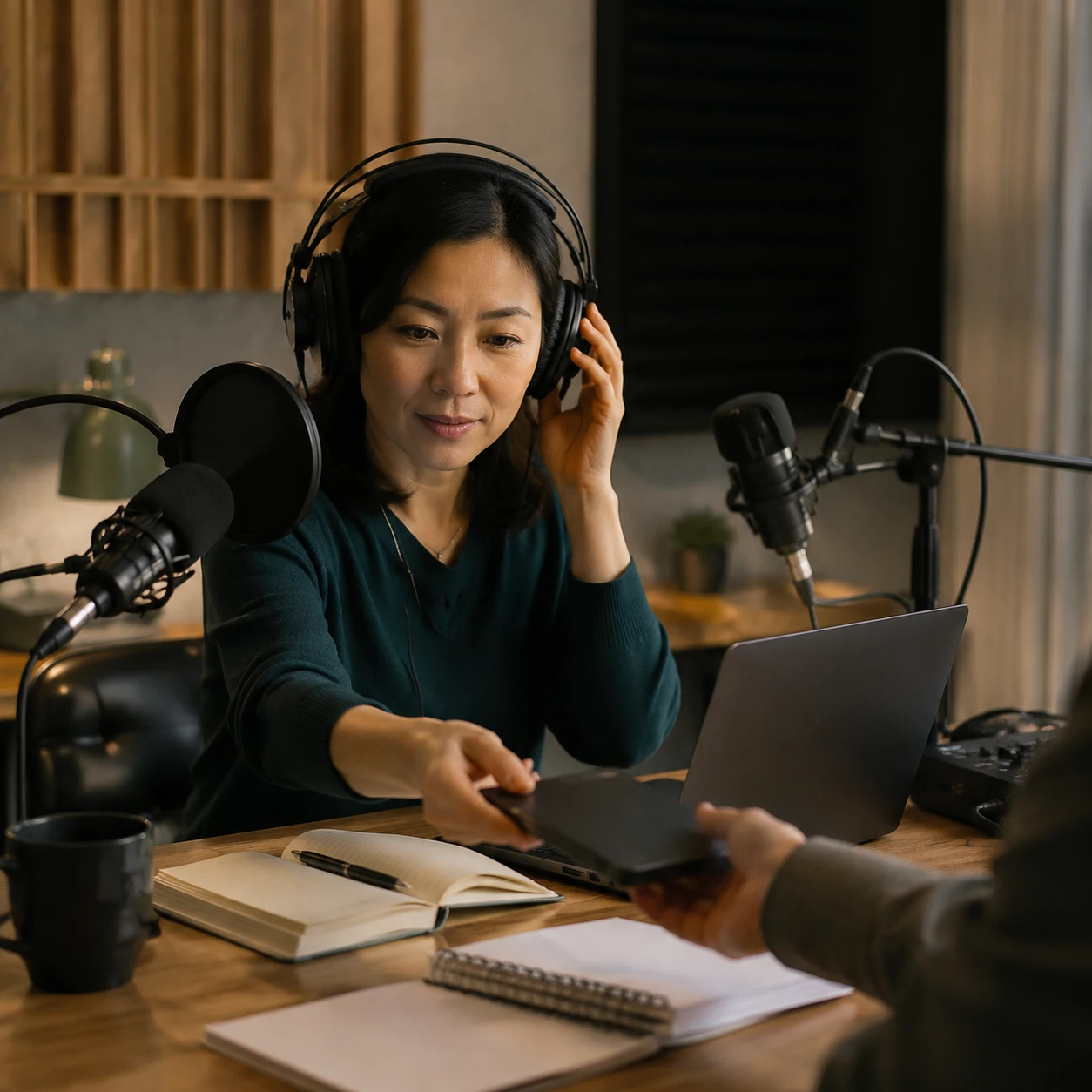
Podcasters and educators
Create WAV files for lesson audio, interview edits, course material, and cleaner handoff to editors.
MP3 to WAV converter FAQ
Quick answers about WAV size, privacy, quality, credits, and what to do after conversion.
Is this MP3 to WAV converter free?
Yes. The MP3 to WAV converter is a free browser tool and does not spend CreateMusicAI credits. Credits are reserved for AI generation, mastering, stem separation, and other server-side music workflows. You can convert MP3 to WAV for free before deciding whether the track needs paid AI processing.
Does convert MP3 to WAV improve audio quality?
No. WAV avoids another lossy encode, but it cannot restore detail already removed by MP3 compression. Use WAV when your next tool needs uncompressed PCM audio.
Does the converter upload my audio?
No. The current conversion happens in your browser. The audio is decoded, written as WAV, and prepared for download locally, so you can convert MP3 to WAV without uploading the source file.
Why is the WAV file larger than the MP3?
MP3 is compressed. WAV PCM stores decoded samples without MP3 compression, so the file is usually much larger than the source.
What WAV format does this tool create?
The browser converter writes 16-bit PCM WAV using the decoded sample rate and up to two channels from the source audio.
What should I do after converting MP3 to WAV?
Import the WAV into your DAW, video editor, sampler, or mastering chain. If you only need to change MP3 to WAV for compatibility, the exported WAV is ready for the next tool. If the audio needs creative work, open AI mastering, AI stem splitter, or the AI music generator from CreateMusicAI.