Drag and drop your audio file here, or click to browse
Supports: MP3, WAV, OGG, M4A, AAC, FLAC, WMA
Vocals
Remove vocals from any song
Stem Separation
Separate into 4 tracks: vocals, drums, bass, others

AI Stem Splitter
Show Case
AI Stem Splitter
Upload a song and split it into separate stems using AI. Isolate vocals, drums, bass, and instruments for remixing, practice, sampling, or music production—no software installation required.
Split Songs into Individual Stems with AI
Use AI to separate a song into clean stems. Choose between simple vocal separation or full multi-instrument stem splitting.
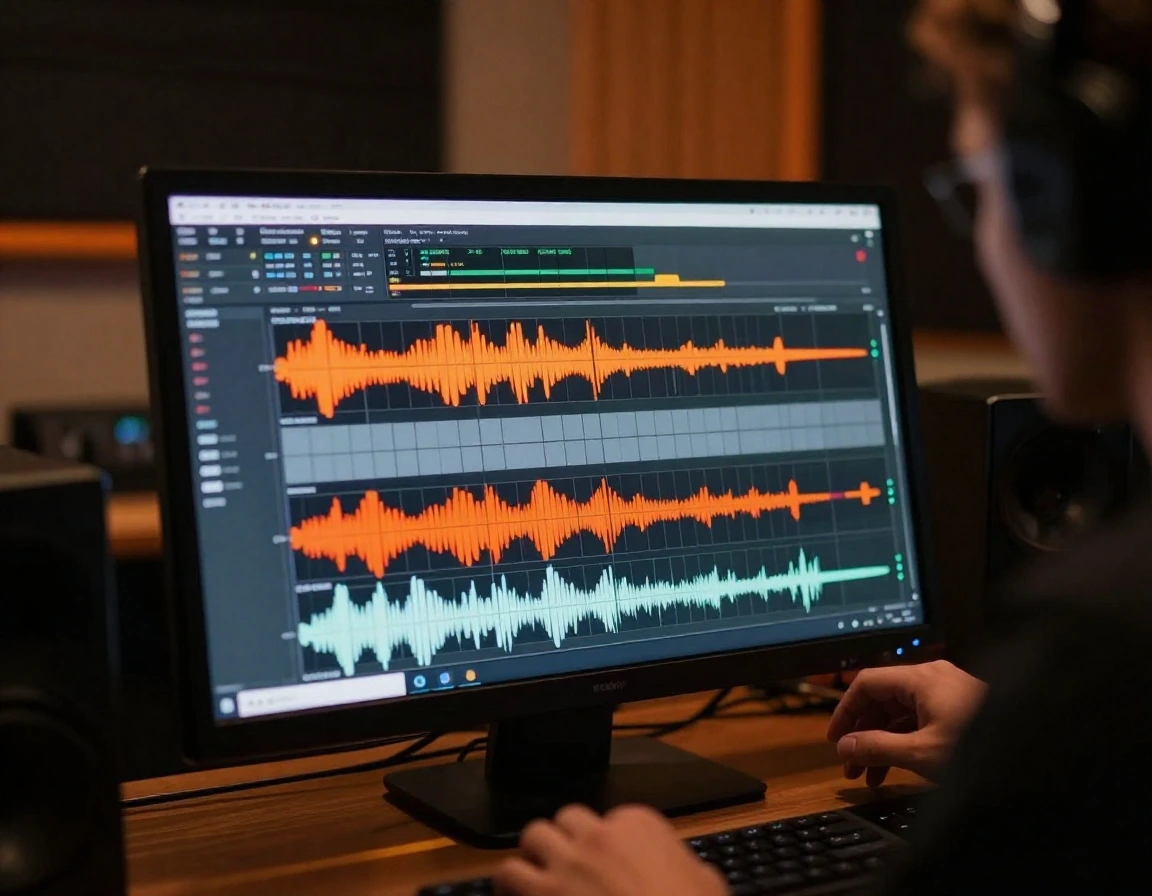
Isolate Drums, Bass, or Vocals
Extract individual stems such as drums, bass, or vocals for sampling, remixing, and music production workflows.
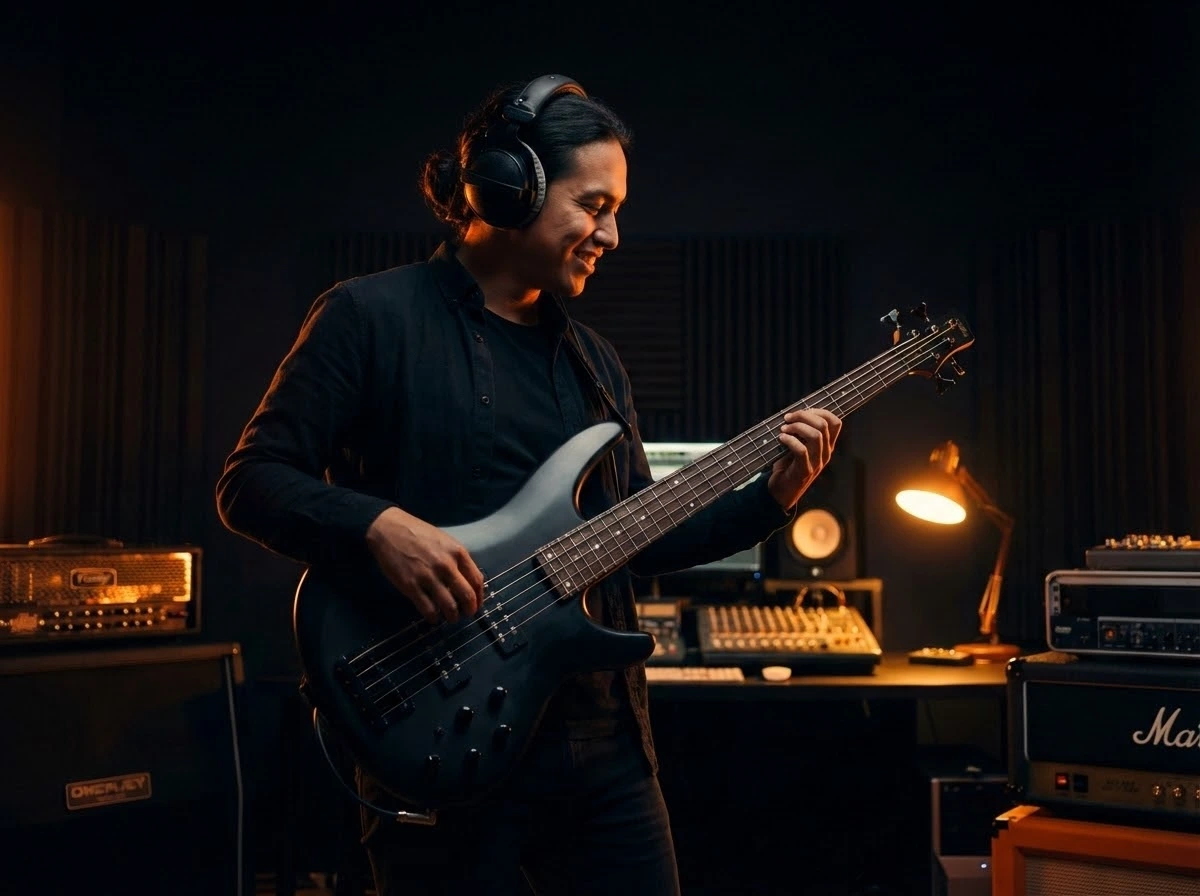
Create Custom Practice Tracks
Remove specific instruments to create custom backing tracks. Practice drums, bass, guitar, or vocals with clean instrumental stems.
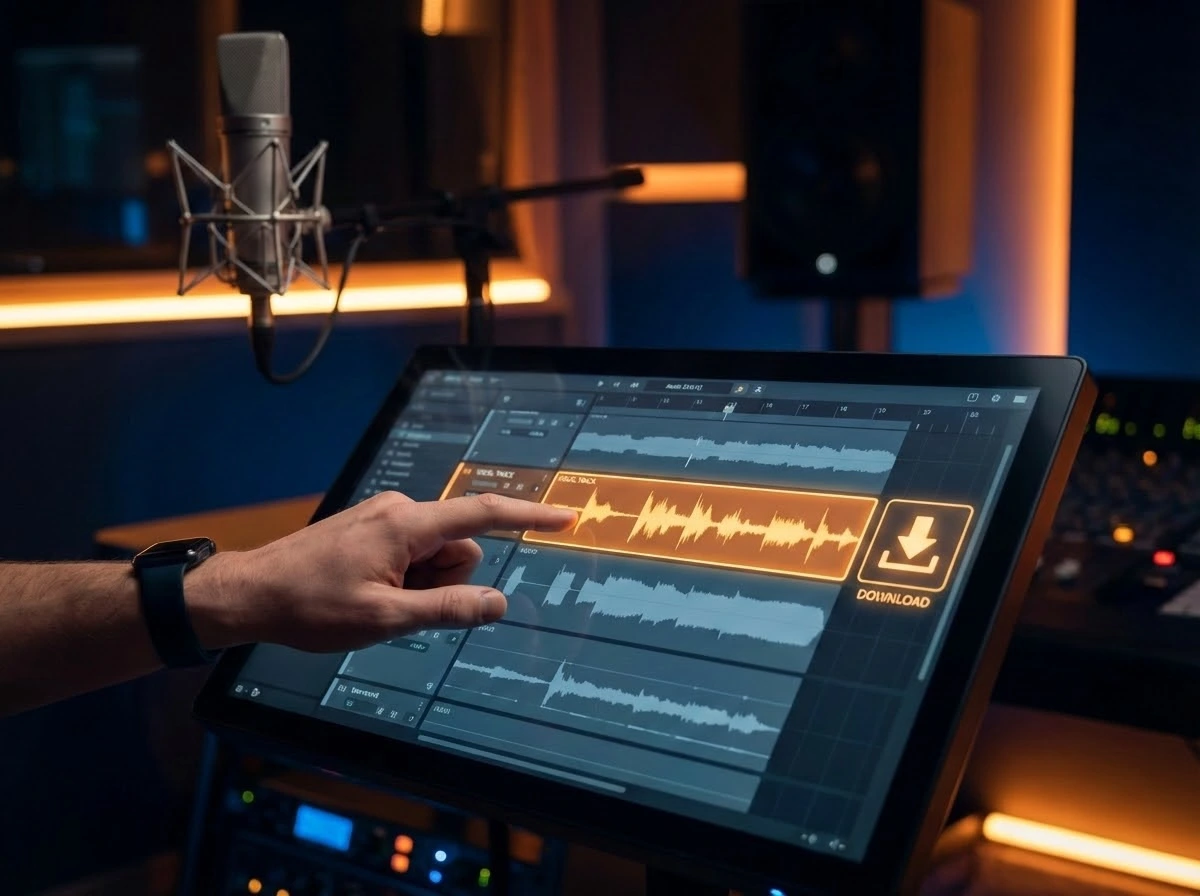
Prepare Stems for Remixing
Download separated stems and import them into your DAW for mashups, remixes, and advanced music editing.
What Can You Use a Stem Splitter For?
AI stem splitting is useful for music creation, learning, and remixing across many scenarios.

Music Producers & Beatmakers
Extract drums, basslines, or melodies for sampling and beat production without manual EQ or filtering.
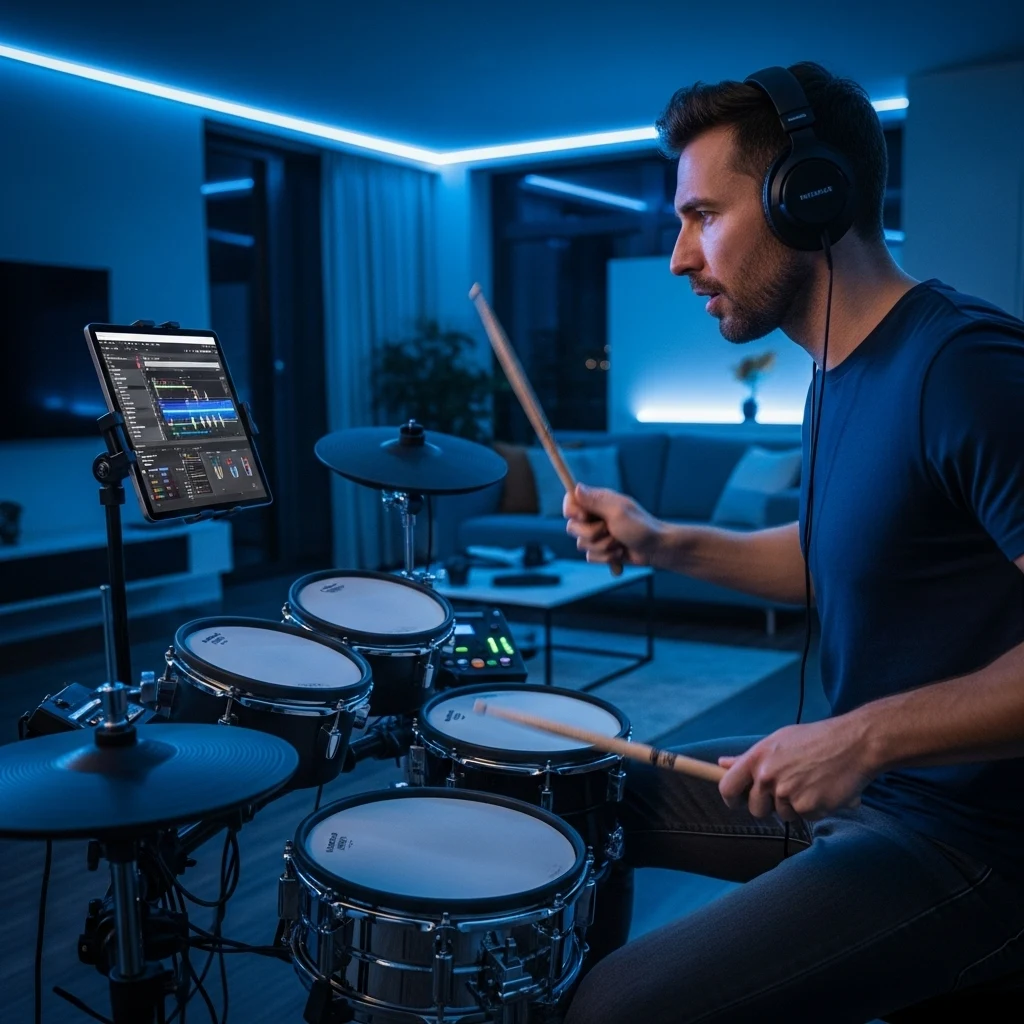
Instrument Practice
Create drumless, bassless, or vocal-free tracks to practice individual instruments with original songs.

DJs & Remix Artists
Separate stems to build mashups, remixes, and edits using vocals and instruments from different tracks.
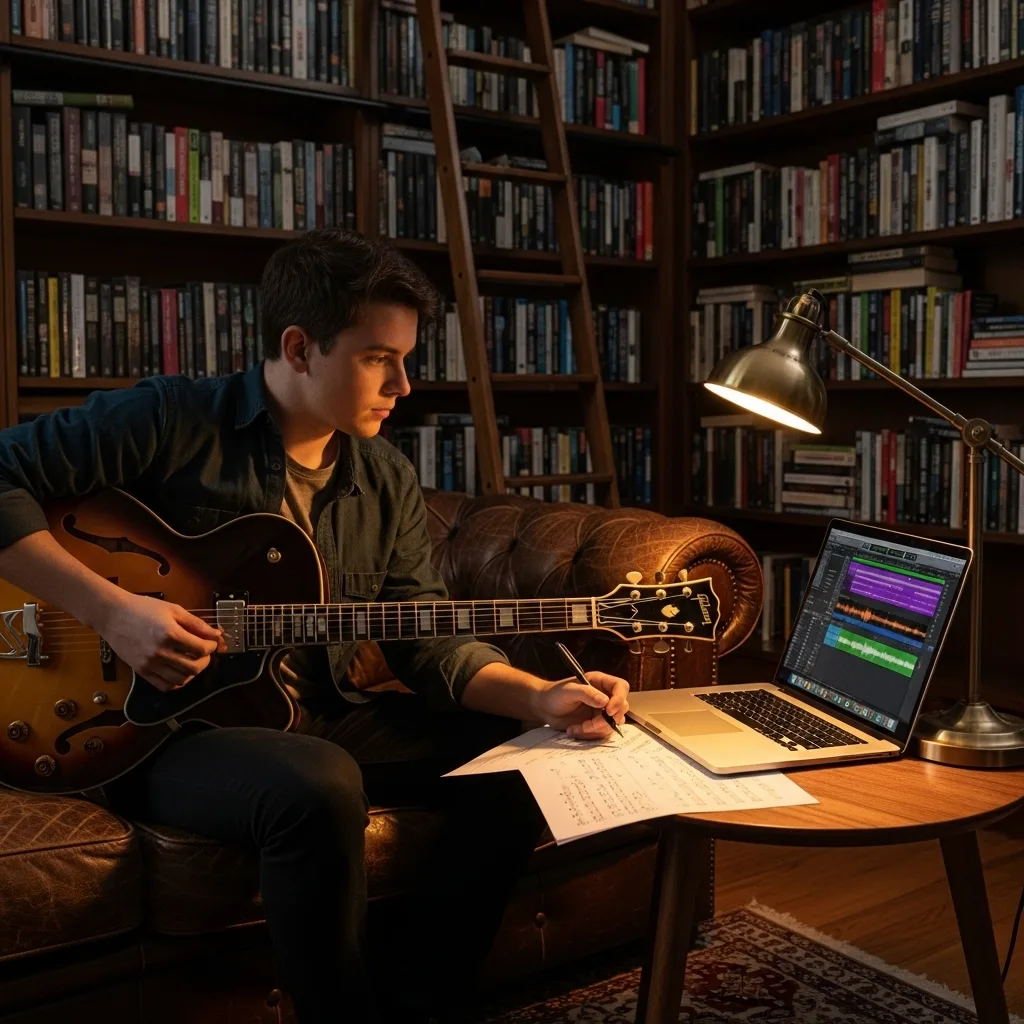
Music Students & Teachers
Isolate instruments to study arrangement, transcription, and performance techniques in detail.
Split Stems in 3 Simple Steps
Separate vocals and instruments using AI in just a few steps.
1. Upload an Audio File
Upload a song in MP3, WAV, or FLAC format. The AI analyzes the audio automatically.
2. Choose Separation Mode
Select 2-stem or 4-stem separation depending on how much control you need.
3. Preview and Download Stems
Listen to each stem and download individual tracks for remixing, practice, or production.
Related music tools
Move from the current task to the next focused tool without starting over.
Frequently Asked Questions
Common questions about using the AI stem splitter.
Is the stem splitter free to try?
You can try the stem splitter for free with limited usage. Paid plans are available for higher processing limits.
What stems can the AI separate?
The AI can split songs into vocals, drums, bass, and other instruments. You can also choose simple vocal and instrumental separation.
What is the difference between Vocal Remover and Stem Splitter?
Vocal Remover separates vocals and music into two tracks. Stem Splitter provides deeper separation into individual instruments for more control.
Can I use the stems in my DAW?
Yes. Downloaded stems can be imported into DAWs such as Ableton Live, Logic Pro, FL Studio, and others.
Can I use extracted stems to create new songs?
Yes. You can upload extracted stems to the AI Music Generator to create new songs with different styles or arrangements.