
Related music tools
Move from the current task to the next focused tool without starting over.
What Is an AI Reggae Music Generator
Shape Reggae Songs Around the Riddim
Use the AI reggae music generator to move from a broad reggae idea to a focused track by choosing the subgenre, groove, instrumentation, production space, and vocal role that fit your project.
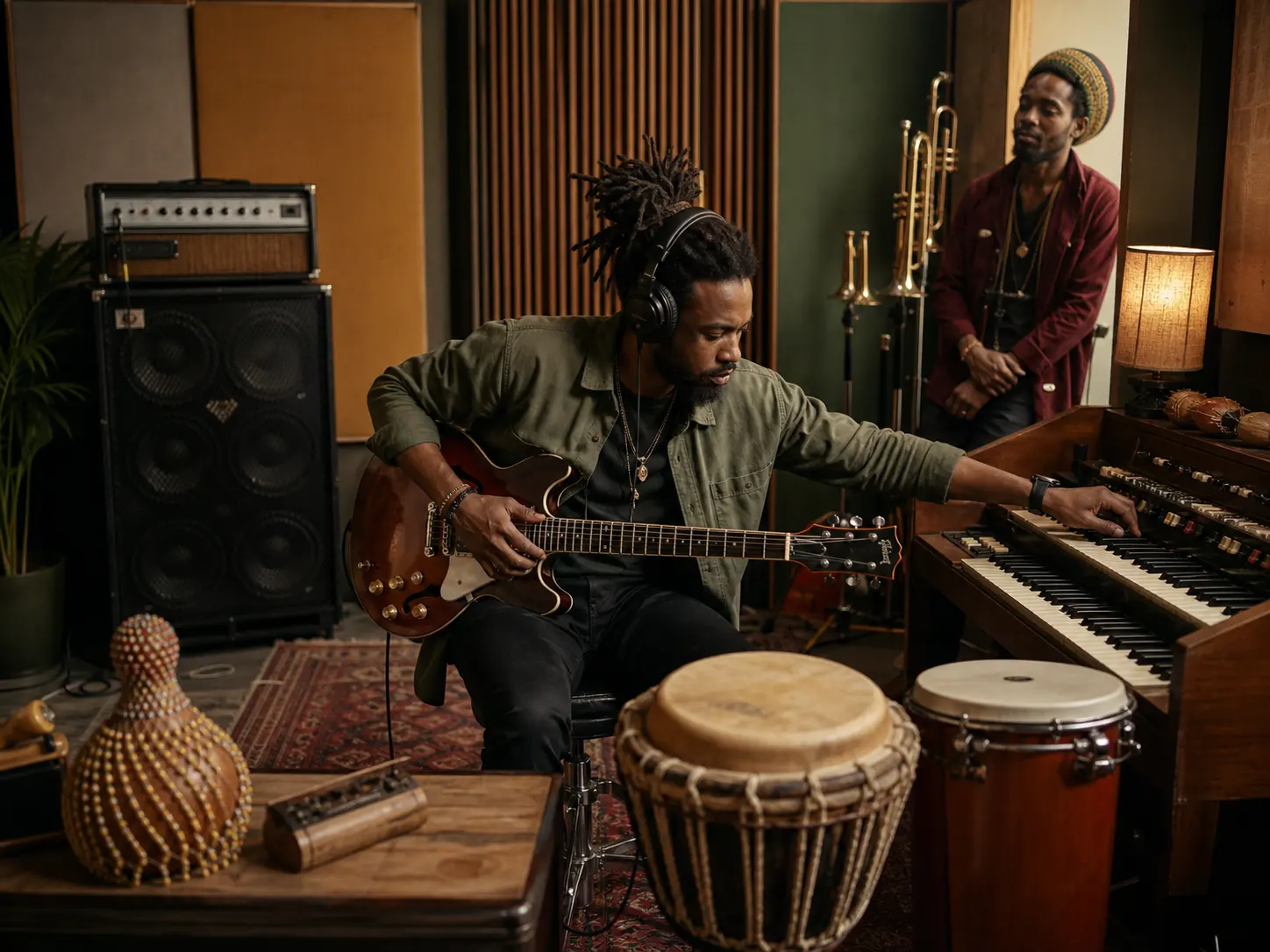
Choose the Reggae Direction
Roots reggae needs a different brief from dancehall, dub, ska, rocksteady, or lovers rock. Pick the lane first, then guide the next draft with its tempo feel, rhythm section, emotional tone, and vocal approach. A documentary may need patient roots reggae, while a dance reel may need tighter digital dancehall energy.
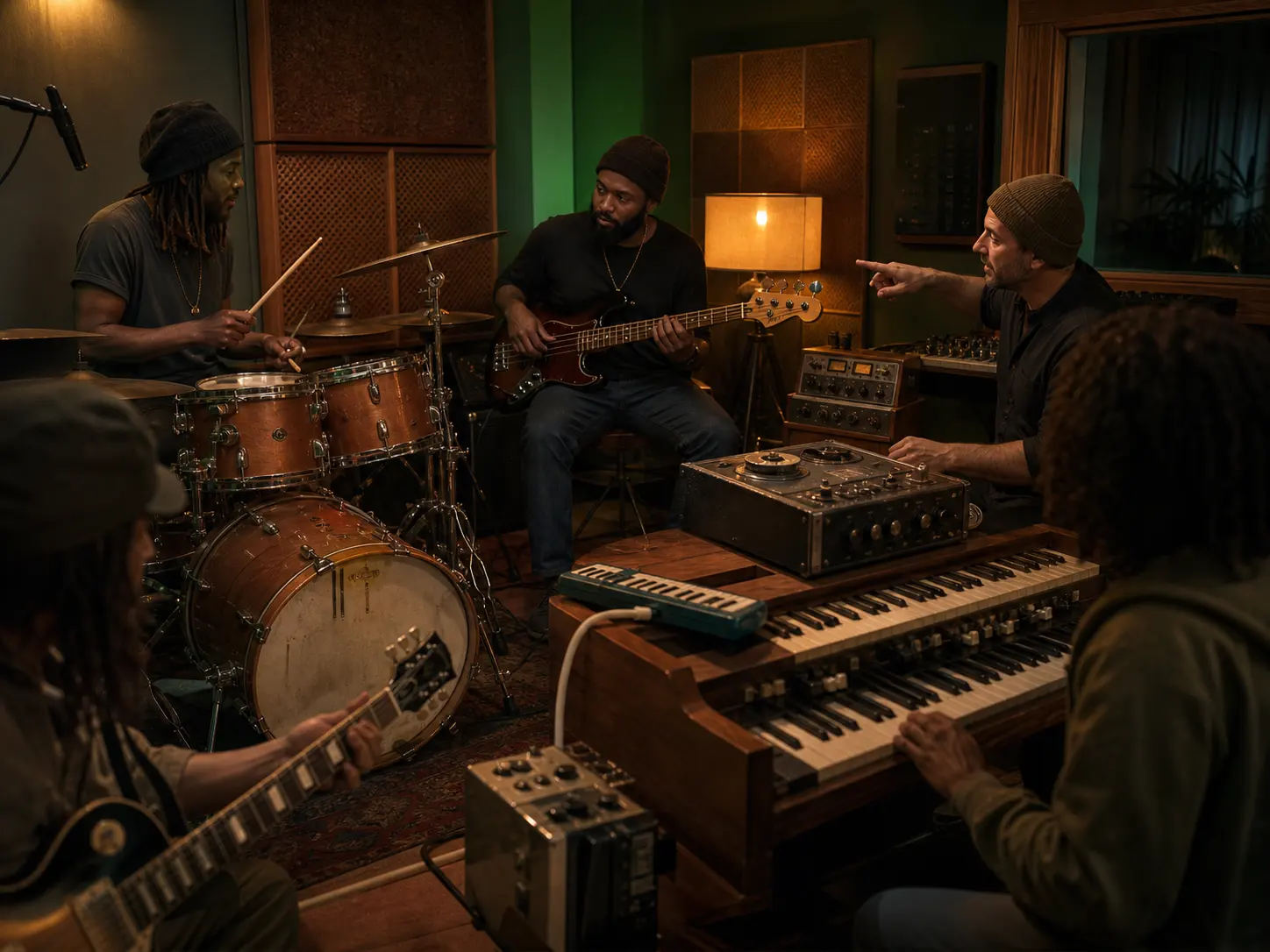
Write the Riddim in Plain Language
A single genre word leaves too many choices open. Name the one-drop or steppers pulse, deep bass movement, skank guitar, bubble organ, horns, melodica, and percussion you want. Add spring reverb, tape delay, dub echo, or a live-band feel so the generator has a concrete arrangement and production brief.
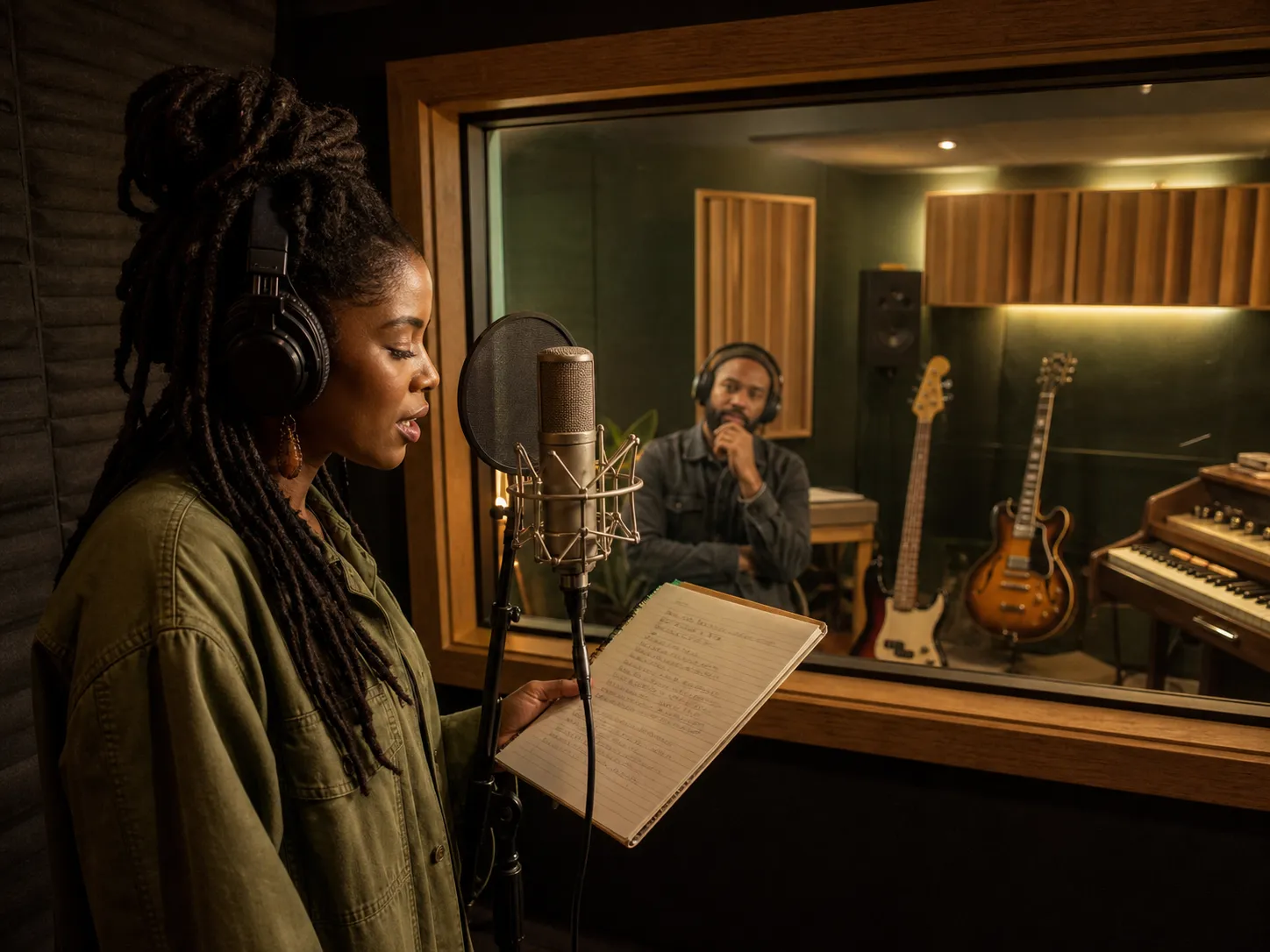
Move Between Instrumental and Vocal Ideas
Keep a reggae beat instrumental for a video, game, podcast, or writing session, or add your own lyrics and choose a vocal direction. Try harmony vocals for lovers rock, toasting for dancehall, chanting for Nyabinghi, or spoken word for dub poetry. You stay focused on the song idea instead of rebuilding the brief for each mode.
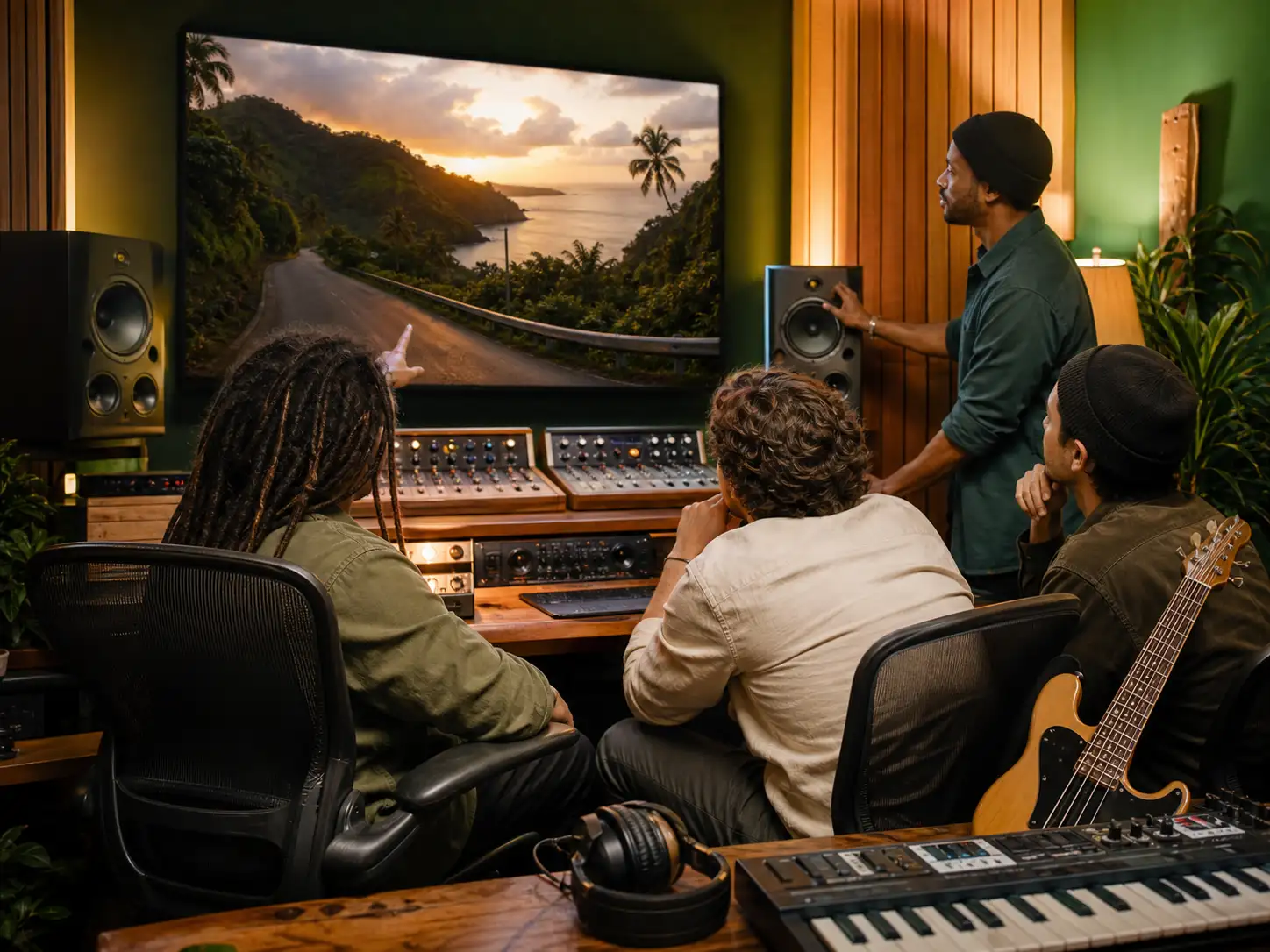
Refine a Draft for the Project
The first result gives you something concrete to judge against the scene or song. Preview the track, listen for the bass weight, drum pocket, hook, vocal space, and transition points, then revise the prompt or tags. Compare another draft and keep the direction that works best before using the download option available with your plan.
Who Builds Reggae Tracks with AI
Different creators use an AI reggae workflow for different kinds of drafts, from a songwriting demo to a clean instrumental bed that leaves room for dialogue.

Songwriters and Independent Artists
A lyric or chorus idea is difficult to judge without a groove behind it. Add your words, choose roots reggae, lovers rock, dancehall, or another direction, and create a vocal draft that lets you review melody, pacing, harmony space, and the strength of the hook before a full production session.
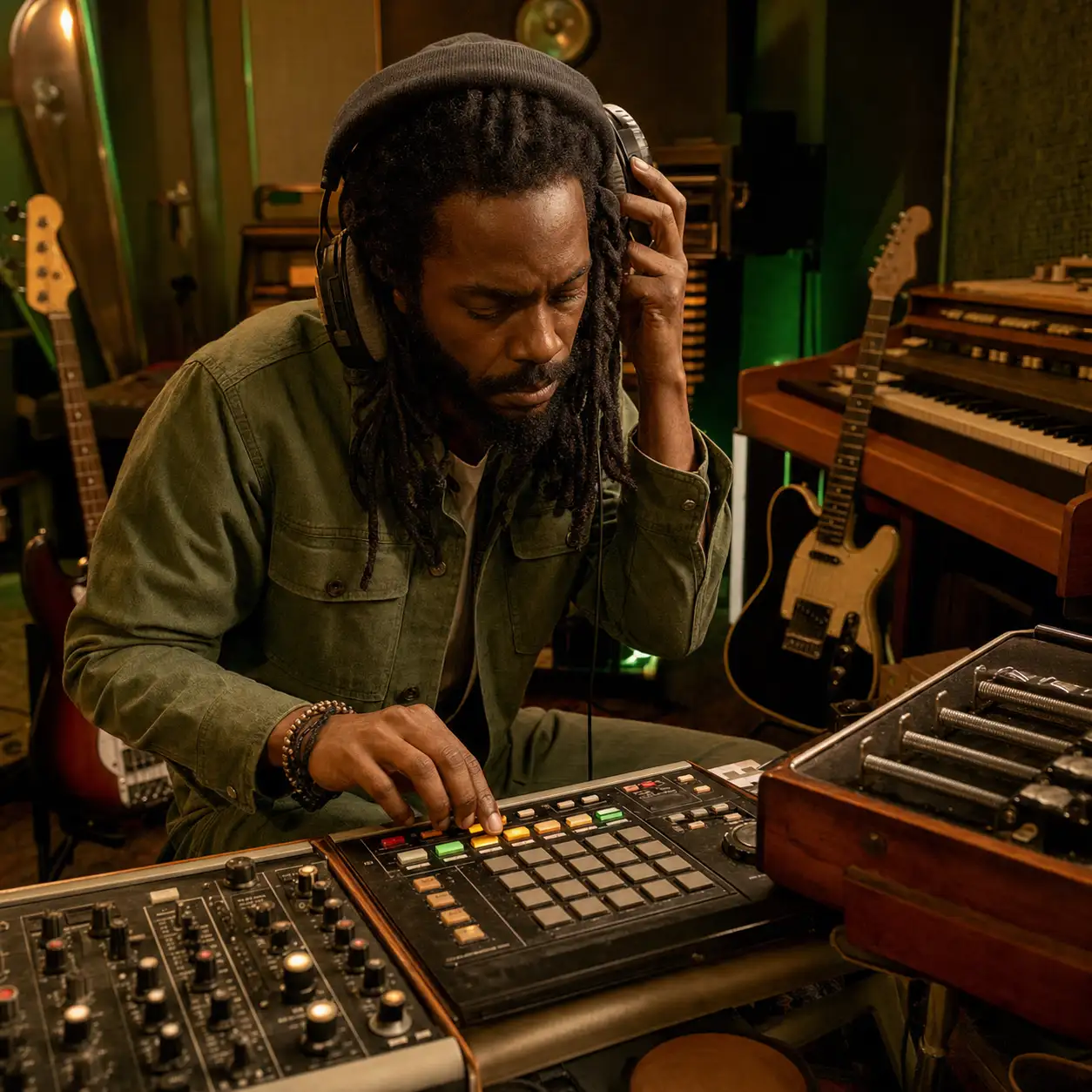
Producers and Beatmakers
Starting every riddim from an empty session slows down experimentation. Describe the drum pocket, bass weight, guitar chop, organ pattern, and dub treatment, then compare several instrumental directions. Use the strongest draft as a reference for arrangement decisions, performer briefs, or a later rebuild in your own production setup.
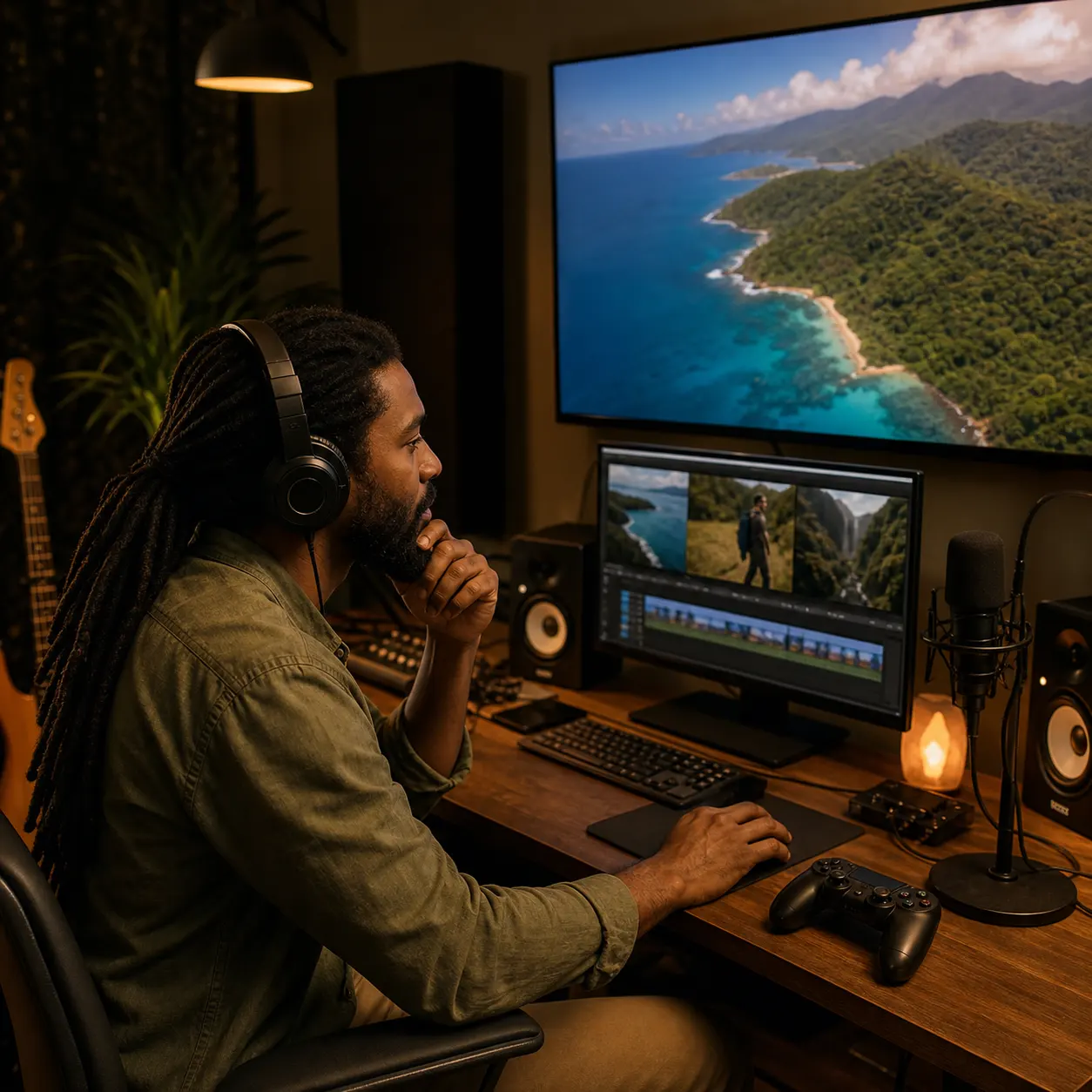
Video Podcast and Game Creators
Stock libraries rarely match a scene's exact pace and emotional tone. Generate a reggae background draft for a travel edit, documentary, podcast intro, game menu, or live stream, then refine the energy and instrumentation until the track supports the content without competing with dialogue or sound effects.
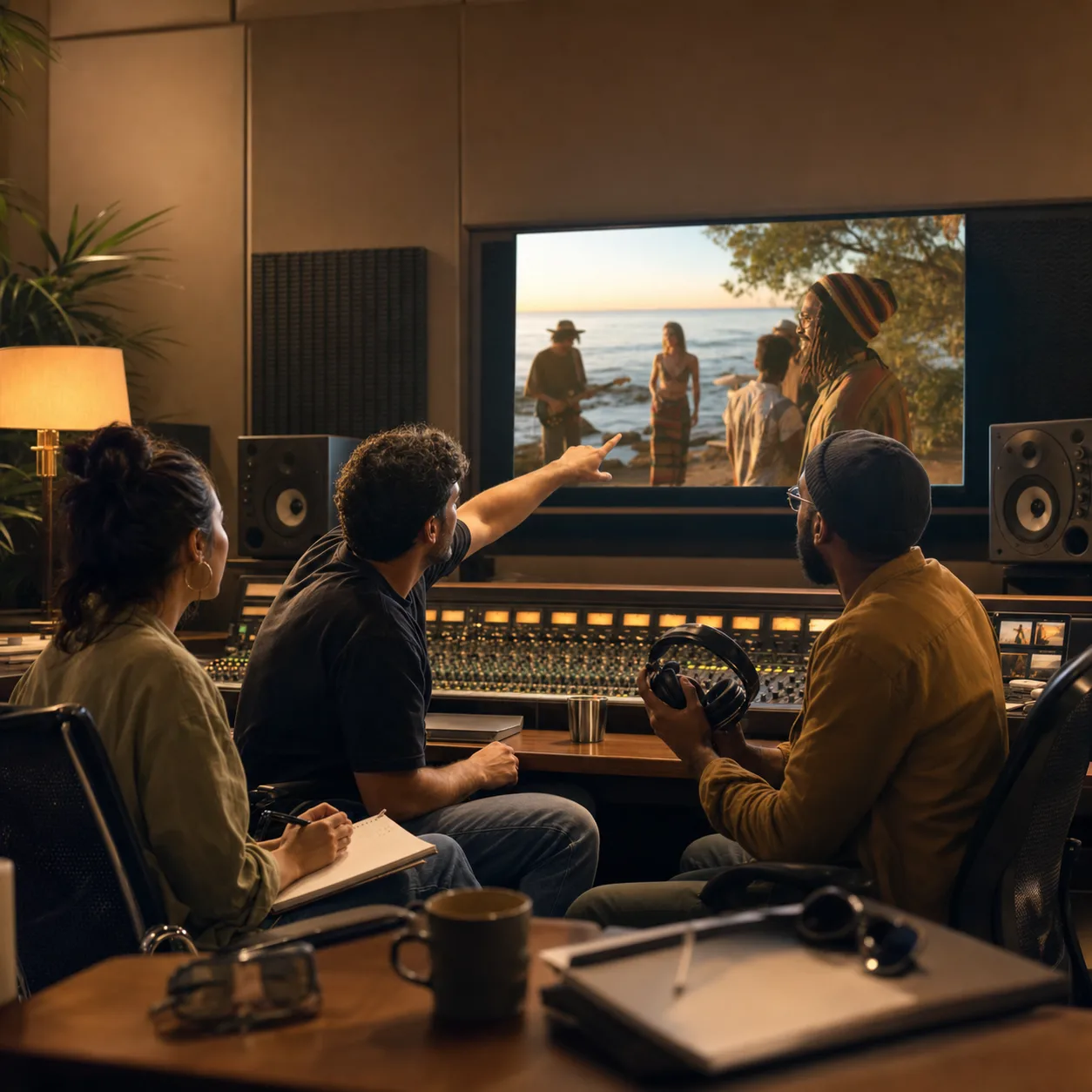
Brands Filmmakers and Creative Teams
A written campaign or scene brief can be hard to discuss when everyone imagines different music. Turn the brief into a playable reggae direction, review it with collaborators, and adjust the subgenre, mood, vocals, and arrangement. The draft gives the team a shared reference before final production or delivery.
Create a Reggae Track from a Clear Brief
Start with the kind of reggae the project needs, add the musical details that define the riddim, then use each preview to make the next instruction more precise.
Choose the Reggae Lane
Select roots reggae, dub, dancehall, ska, rocksteady, lovers rock, steppers, or another focused direction. Add the project context and mood, such as a reflective documentary, romantic evening track, energetic dance reel, or spacious instrumental background. That choice keeps the prompt from drifting into a generic island groove.
Describe the Groove and Voice
Name the rhythm and arrangement in practical terms: one-drop drums, deep bass, skank guitar, bubble organ, horns, melodica, or Nyabinghi percussion. Add production cues such as spring reverb or tape delay, then choose instrumental output, a vocal style, or your own lyrics.
Generate Listen and Refine
Generate the track and preview how the bass, drum pocket, hook, vocals, and effects work together. If the result feels too busy, bright, slow, or vocal-heavy, change only the relevant prompt detail or tag. Generate another version, compare the drafts, and download the option available with your plan when the direction is ready.
Frequently Asked Questions About AI Reggae Music
Answers about Reggae styles, instrumentals, lyrics, prompts, free use, downloads, commercial licensing, and releasing AI-created tracks.
Can AI create reggae music?
Yes. An AI reggae music generator can use a written prompt, style tags, and optional original lyrics to create a new vocal or instrumental draft. The result is more focused when you specify the subgenre, drum feel, bass movement, instruments, production effects, mood, and vocal direction instead of entering only the word reggae.
Can I try the AI Reggae Music Generator for free?
Yes. CreateMusicAI provides free credits that let you test the reggae generator and preview results before choosing a paid plan. Use the first attempts to compare a few focused directions rather than repeating the same broad prompt.
Which reggae styles can I generate?
You can guide the generator toward roots reggae, dub, dancehall, ska, rocksteady, lovers rock, conscious reggae, steppers, Nyabinghi, digital reggae, reggae fusion, or dub poetry. Combine the subgenre with matching rhythm, instrument, production, and vocal details so the labels become an actionable music brief.
Can I create instrumental reggae or a reggae beat?
Yes. Choose Instrumental or No Vocals and describe the riddim you need. A useful reggae beat prompt names the drum pattern, bass weight, offbeat guitar or keyboard accents, tempo feel, and production space, plus the project where the track will be used.
Can I use my own lyrics in a reggae song?
Yes. Add lyrics in the lyrics workflow, then choose the Reggae subgenre, mood, arrangement, and vocal direction. Use only words you wrote or have permission to use. The generator can build a melody, instrumentation, and sung performance around that input.
How do I make an AI reggae prompt sound less generic?
Replace broad mood words with concrete musical instructions. Specify one-drop or steppers drums, deep bass, skank guitar, bubble organ, horns or melodica, then add spring reverb, tape delay, dub echo, vocal style, and a real project context. Change one detail at a time when refining the next draft.
Can I download and use generated reggae tracks commercially?
Tracks generated under a paid CreateMusicAI plan include a commercial license for eligible projects and releases. Annual subscribers can download a license certificate for eligible tracks. MP3 and WAV download options depend on the plan, so review the current plan and license terms before publishing or delivering the music.
Can I release AI-generated reggae music on Spotify?
Spotify does not ban a track solely because AI was used. Before distribution, make sure your CreateMusicAI plan covers commercial use, you hold the necessary rights to lyrics and other material, and the release follows your distributor's and Spotify's rules on impersonation, spam, deception, disclosure, and artificial streaming.
Do I need music production skills to make reggae with AI?
No. You can begin with plain-language descriptions and use the Reggae tags as a checklist for subgenre, mood, instruments, production, and vocals. Production knowledge helps you write more precise prompts, but the first draft does not require a DAW, music theory, or the ability to play every instrument.
Start Creating Copyright-Safe Music Today
Join thousands of creators using Create Music AI for royalty-free music—100% safe for YouTube, Spotify, and TikTok. Free to start, no credit card required.