









Related music tools
Move from the current task to the next focused tool without starting over.
Change a Singing Voice Without Rewriting the Song
An AI song voice changer follows the existing lyrics, melody, phrasing, timing, and arrangement while rendering the vocal with a selected model. Source clarity, model fit, and settings all affect the result.
Use the Song You Already Have
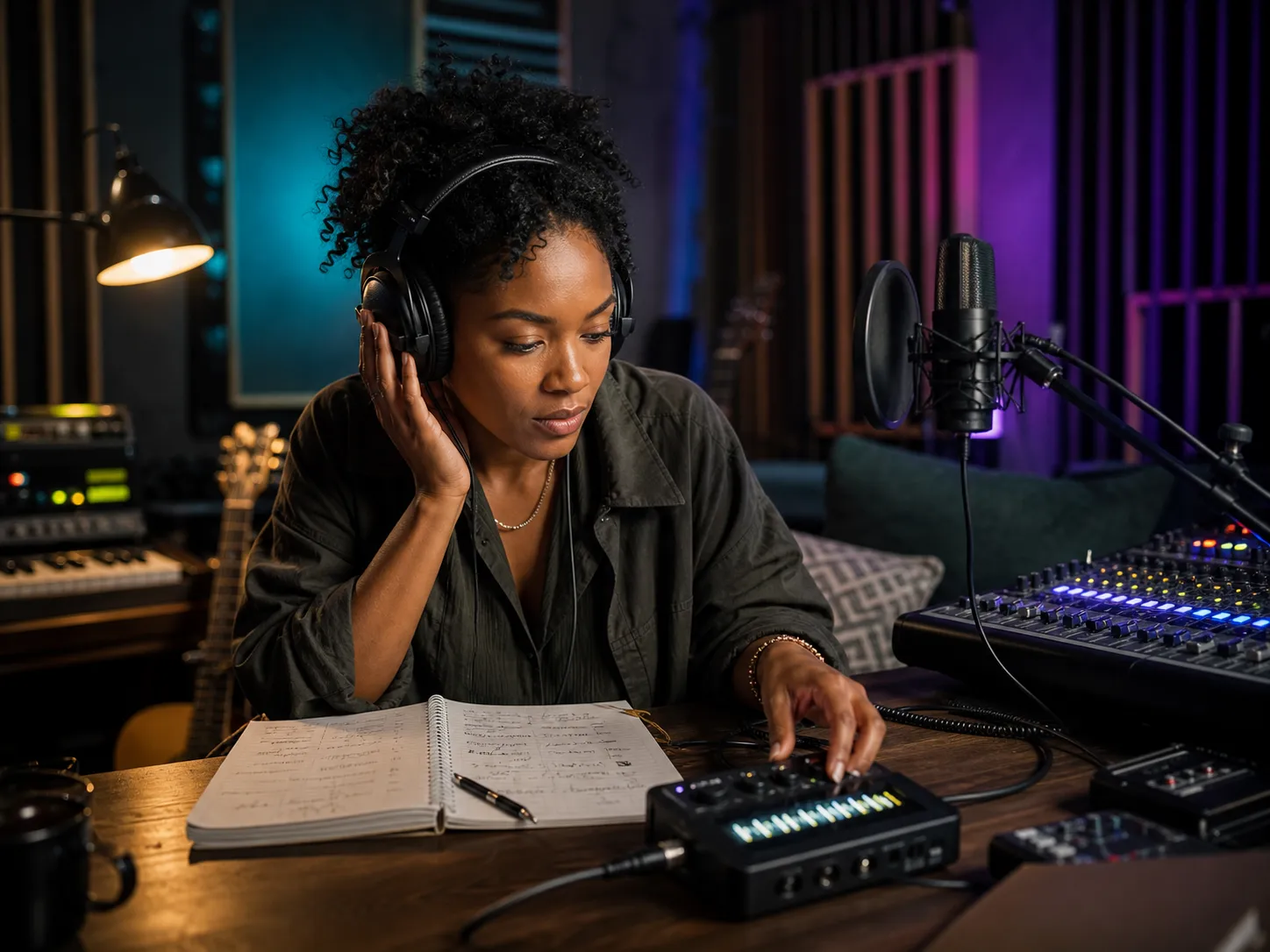
Upload a supported audio file or choose a completed song from your CreateMusicAI workspace. You do not need to recreate the lyrics, melody, or instrumental arrangement just to test another singing voice. A source track with a clear lead vocal gives the conversion a stronger performance reference and makes comparisons easier.
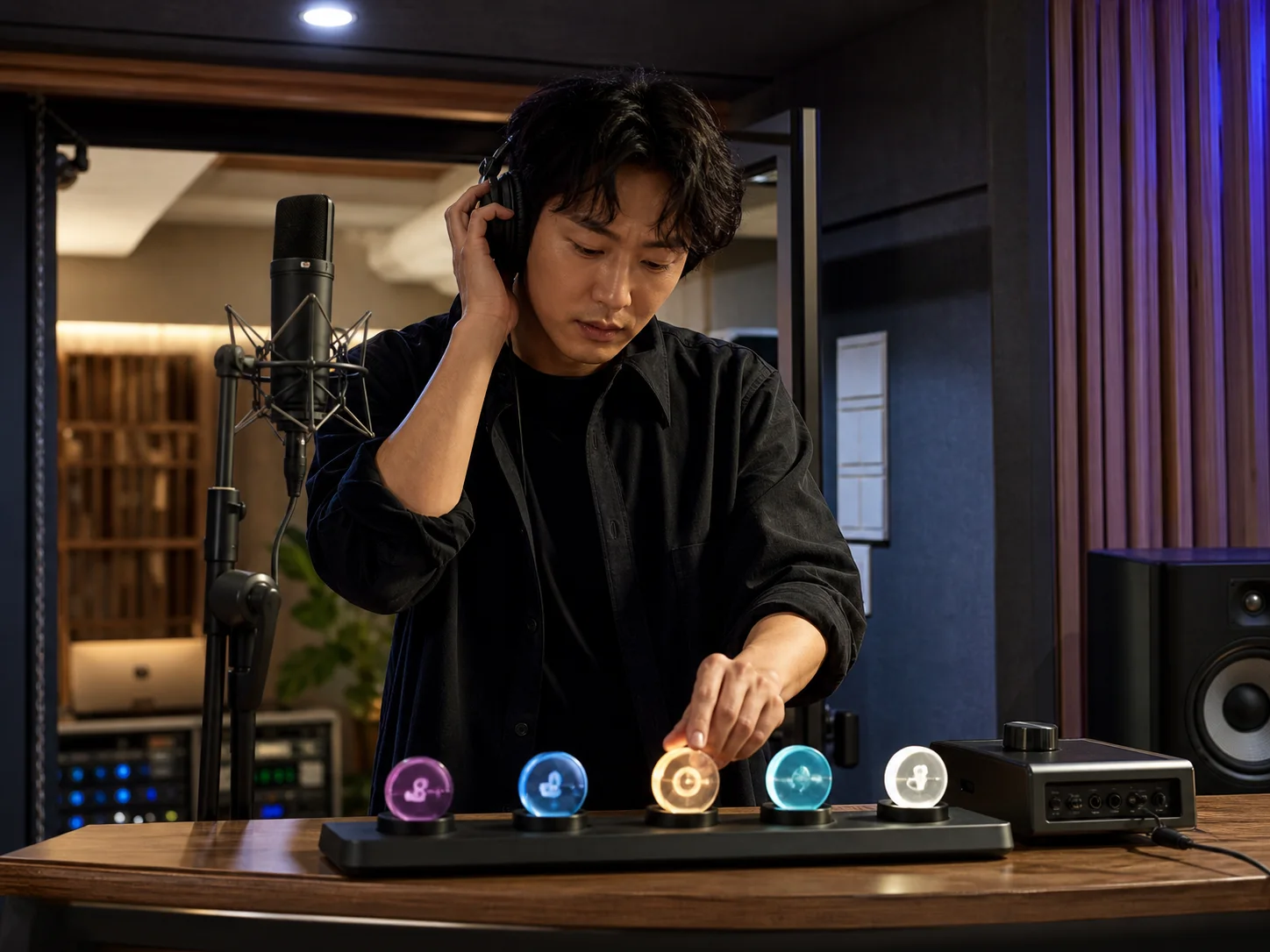
Choose a Public or Custom Voice Model
Browse available voice templates for an experiment, or select a completed model you trained in AI Singing Voice Generator. A custom model is useful when you control the source recordings and want a repeatable voice for authorized demos, alternate versions, or your own music catalog.
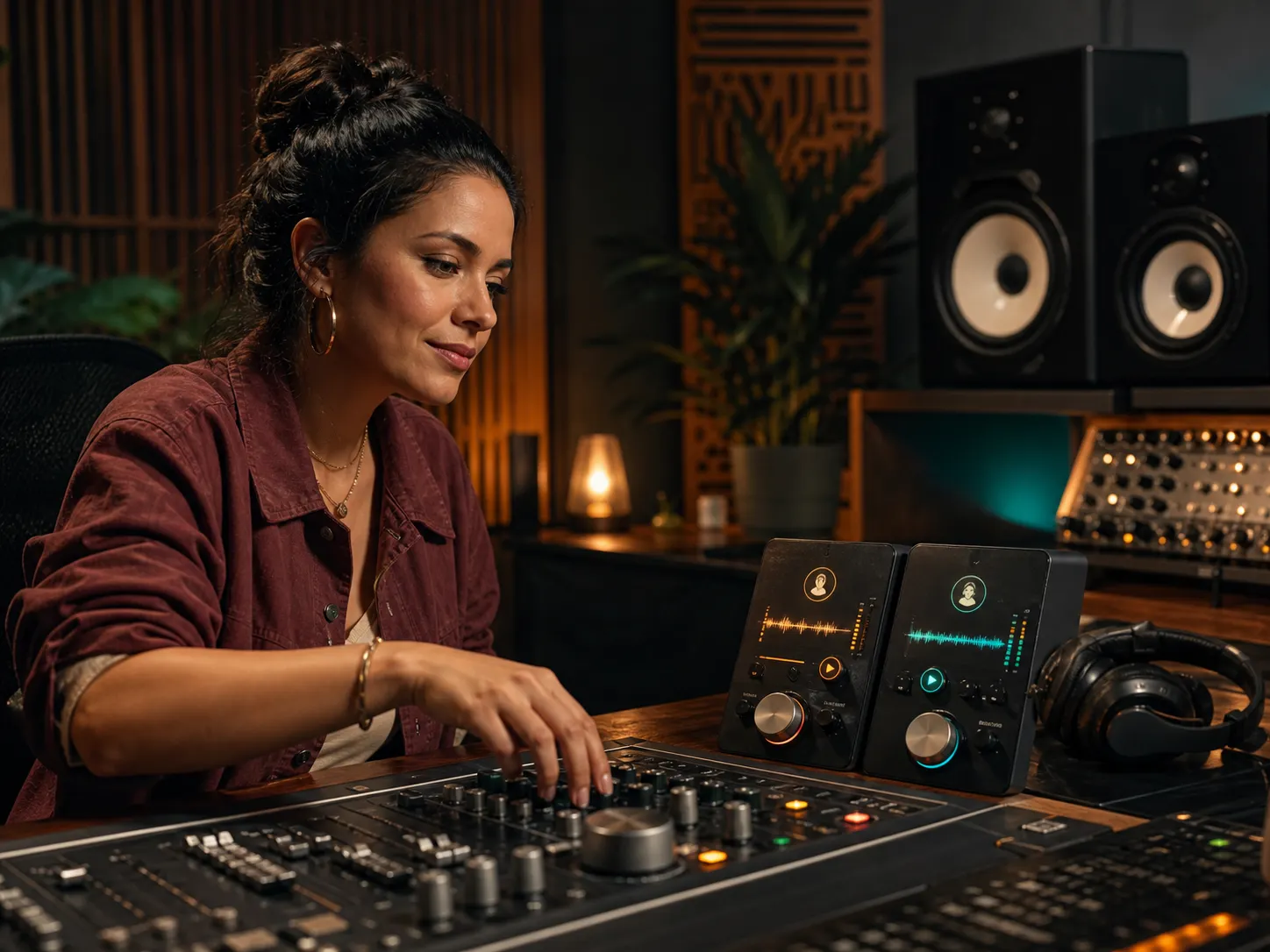
Adjust the Conversion and Final Mix
Tune the full song's pitch, voice similarity, breath protection, dynamics, ambience, and the balance between lead vocal, backing vocal, and instrumental audio. Preview the original and changed versions in context, then download the mixed result. These controls shape the output but cannot replace a clean source or guarantee a particular artistic result.
Ways Creators Use an AI Song Voice Changer
Changing a singing voice can support several stages of music production, from testing an early direction to preparing an authorized alternate version. Review every result in context before release.
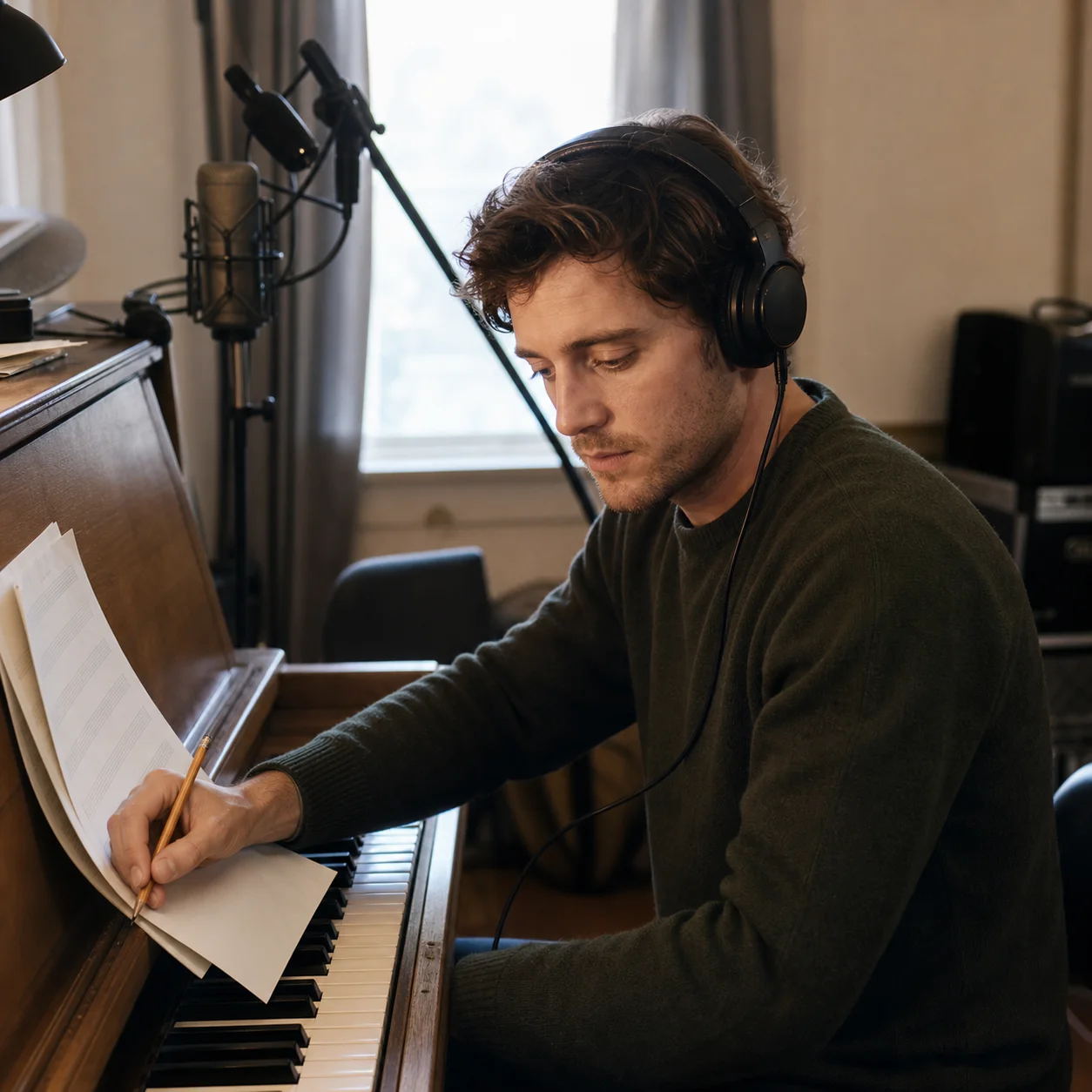
Songwriters Testing a Demo Vocal
Hear how an existing melody and lyric feel with another vocal character before arranging a new recording session. The source performance supplies the timing and phrasing, so you can compare vocal direction without recording every early experiment. Treat the result as a demo until recording, composition, and voice rights are settled.
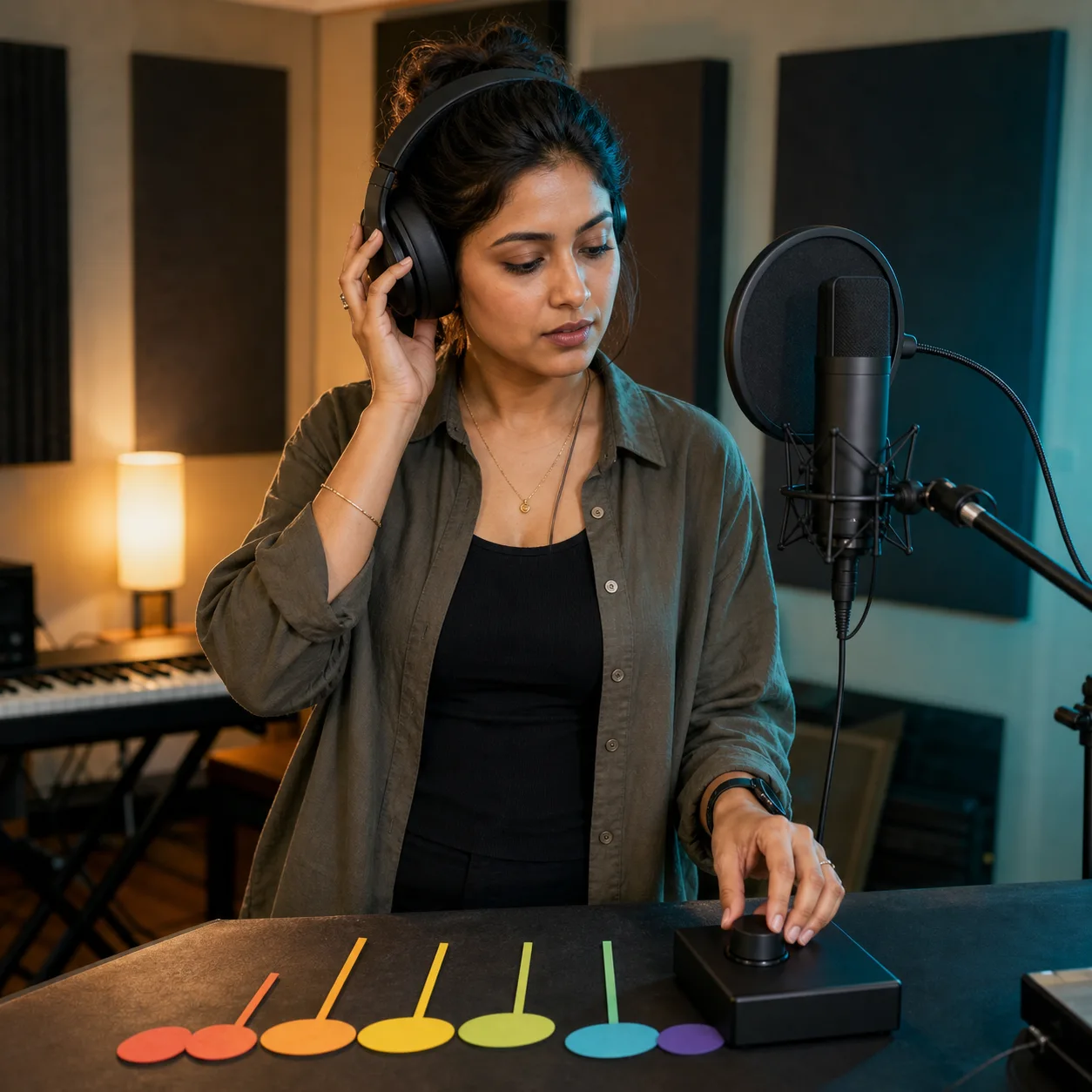
Producers Exploring Range and Tone
Try a target model with a different range, texture, or delivery, then adjust the full-song pitch if the source sits awkwardly for that voice. The comparison can reveal whether a part needs transposition, a cleaner source vocal, or a different model before you spend more time mixing.
Artists Using Their Own Voice Model
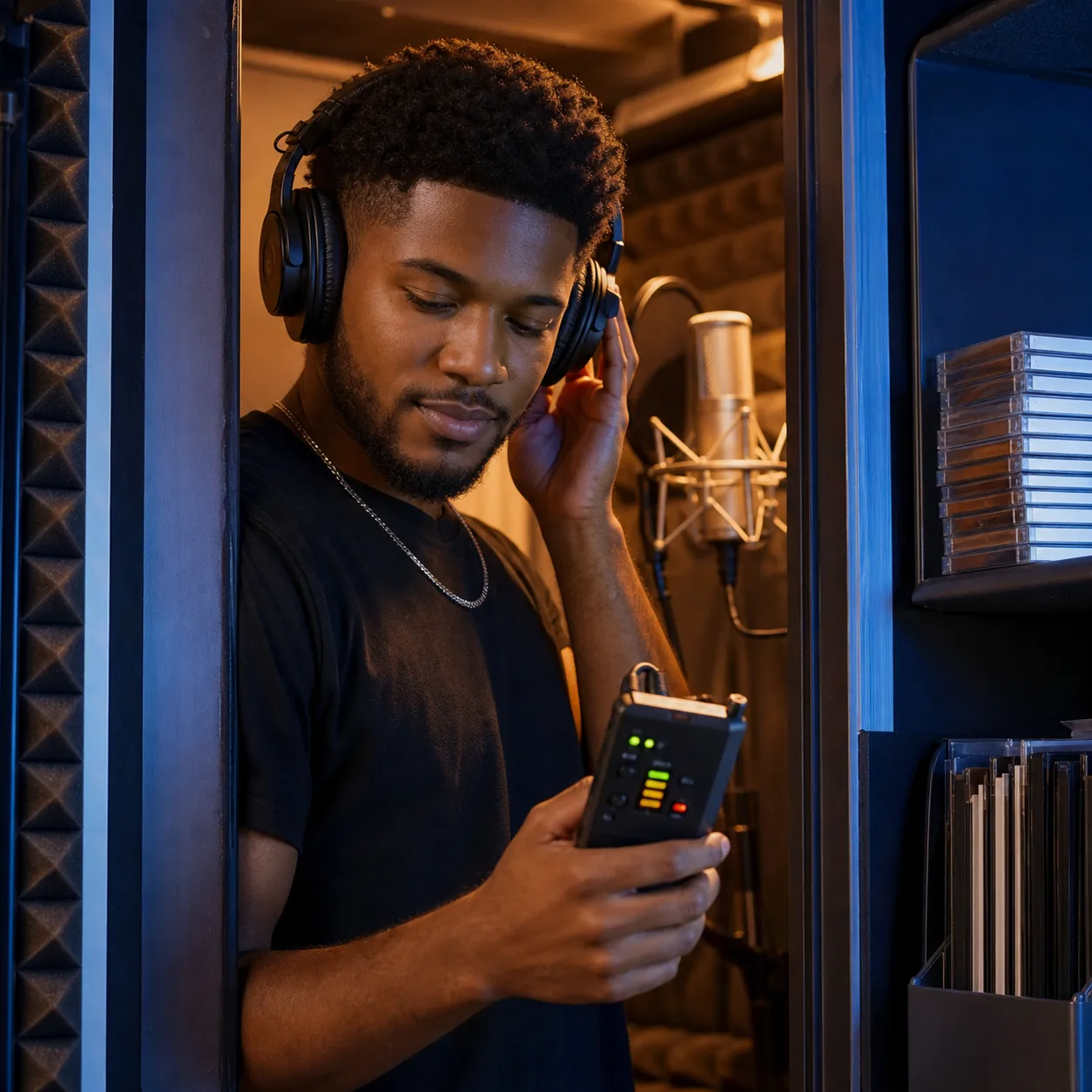
Train a model from recordings you have permission to use, then apply it to your own song drafts and alternate versions. This can support a consistent vocal identity across experiments while keeping the melody and performance reference. Model quality, source quality, and musical fit still matter, so listen critically before publishing.
Creators Making Alternate Song Versions
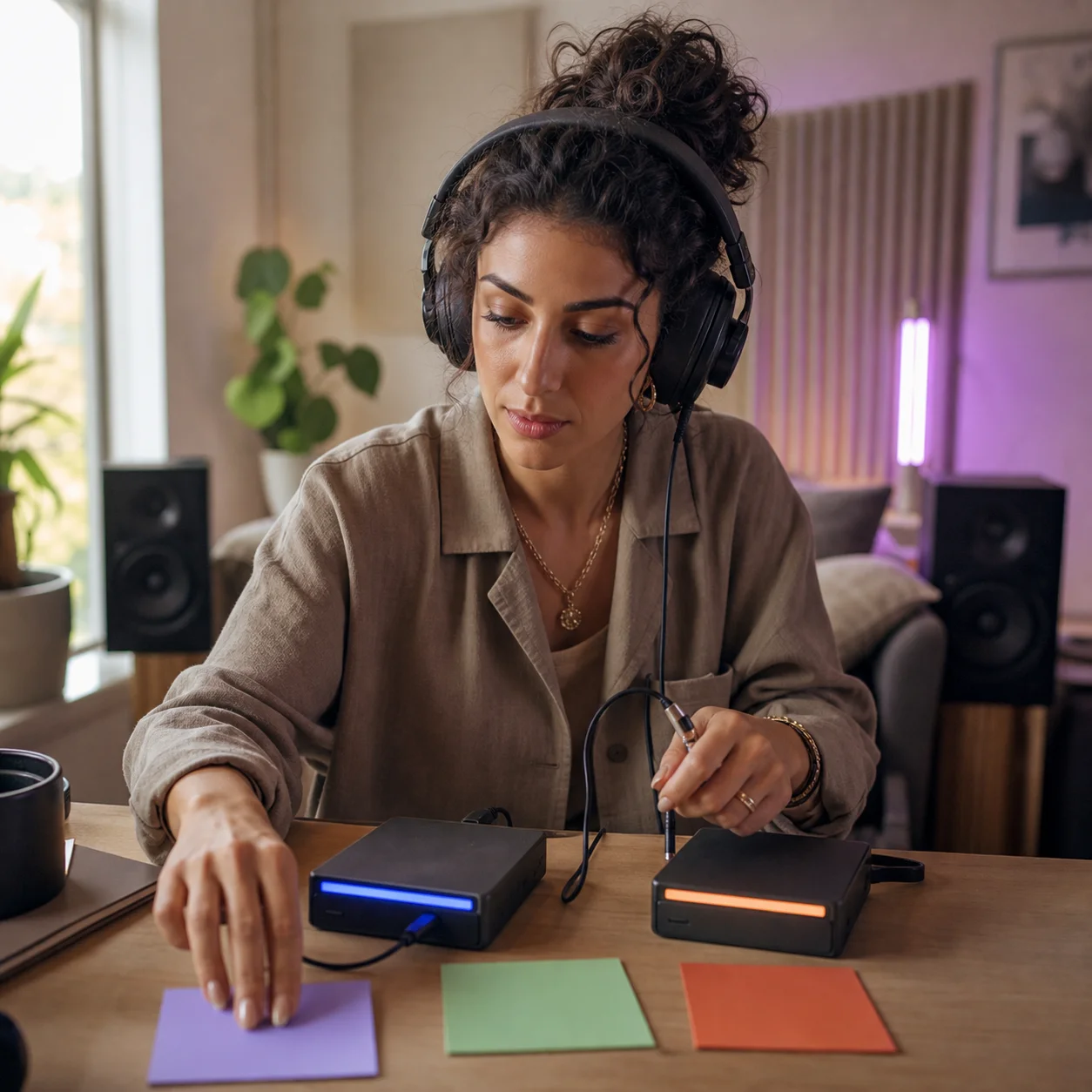
Create a voice-swapped version for an arrangement test, private review, or properly authorized release. Keep the same core song while comparing vocal colors, backing-vocal balance, ambience, and pitch choices. Changing a voice does not automatically grant rights to the source recording, composition, or voice model.
How to Change the Voice in a Song with AI
The AI singing voice changer keeps song selection, voice choice, conversion settings, preview, and download in one three-step workflow.
1. Upload a Song and Select a Voice
Choose a full song from your device or workspace, then select a public template or one of your completed trained models. Pick a model that suits the source singer's range and style, and make sure you have permission to process both the recording and the selected voice.
2. Adjust Conversion and Mix Settings
Set the full-song pitch, similarity, breath protection, dynamics, and ambience. Balance the lead vocal, backing vocal, and instrumental levels so the converted performance sits in the track. Begin with restrained changes, generate a version, and let the comparison guide the next adjustment.
3. Preview and Download the Changed Song
Generate the voice change, then switch between the original and converted song to hear the difference in context. If the voice sounds strained or unclear, revisit the model, pitch, or source recording. When satisfied, download the mixed MP3 and keep your source project for future revisions.
AI Voice Changer for Songs FAQ
Practical answers about song voice conversion, custom models, supported files, credits, output, quality, and usage rights.
What is an AI voice changer for songs?
An AI voice changer for songs converts the singing voice in an existing performance with a selected voice model. The uploaded song supplies the lyrics, melody, timing, phrasing, and arrangement, while the model changes the rendered vocal character. CreateMusicAI's tool is designed for song audio; it is not a live microphone, phone-call, gaming, or general speech voice changer.
How is this different from the AI Song Cover Generator?
Both pages use the same underlying song-conversion workflow. This page is written for the task “change the voice in my existing song,” while AI Song Cover Generator owns the broader “make an AI cover version” intent. The controls and output are shared, but each page explains the workflow from a different user goal and links to the most relevant next tools.
Can I change a singer's voice and keep the same melody?
The conversion follows the source performance, including its melody, lyrics, timing, phrasing, and arrangement. The exact result depends on how clearly the source vocal is captured, whether the selected model fits its range and delivery, and the pitch and conversion settings you choose. It changes the vocal rendering rather than composing a new melody or rearranging the song.
Can I use my own AI voice model?
Yes. Select a completed model from your CreateMusicAI workspace or choose an available public template. To build a model, use AI Singing Voice Generator with recordings you have the right to use, wait until training is complete, and return to this page. The song changer does not create a new voice model from the uploaded song itself.
What audio files can I upload?
The current uploader accepts common song formats including MP3, WAV, OGG, M4A, AAC, FLAC, and WMA. File validation and the current size limit appear inside the operator. A clear source with an audible lead vocal generally gives the model a better performance reference than a noisy recording or one where the vocal is heavily masked by the instrumental.
Which settings can I adjust?
You can adjust the entire song's pitch, model similarity, breath protection, vocal dynamics, and ambience, plus the volume balance for lead vocal, backing vocal, and instrumental audio. These controls shape the conversion and mixed result. They cannot restore performance detail missing from the source or guarantee an exact match to the selected voice model.
Does the tool isolate or remove vocals?
This workflow accepts a full song and returns a mixed song with the converted vocal. It does not offer separate vocal and instrumental stem downloads from this page. If you need isolated audio for another production step, use AI Vocal Remover first, then continue with the CreateMusicAI tool that matches your editing goal.
Is the AI song voice changer free?
You can open the tool and prepare your song and model selection, but generating a changed song requires signing in and uses the credit amount displayed in the interface. Available credits depend on your account and plan. Check the current cost shown on the generation button before starting a conversion; the page does not promise unlimited free generations.
Can I use the changed song commercially?
The tool does not grant rights to a source recording, composition, performance, or voice identity. Commercial use depends on the permissions and licenses attached to every song, recording, and voice model you use, as well as applicable laws and platform policies. Review those rights before releasing, monetizing, or distributing the converted song; this is not legal advice.
How can I improve the voice conversion?
Start with a clean vocal performance, choose a target model that fits the source range, and avoid extreme pitch changes unless the song requires them. Compare the original and changed tracks, then refine similarity, breath protection, dynamics, ambience, and mix levels one change at a time. A clearer source or better-fitting model often helps more than aggressive settings.