
Related music tools
Move from the current task to the next focused tool without starting over.
Create Music for the Moments That Matter
A wedding song needs more than a romantic mood. Give CreateMusicAI the story, the moment, and the musical direction, then shape a draft that fits how the song will be heard.
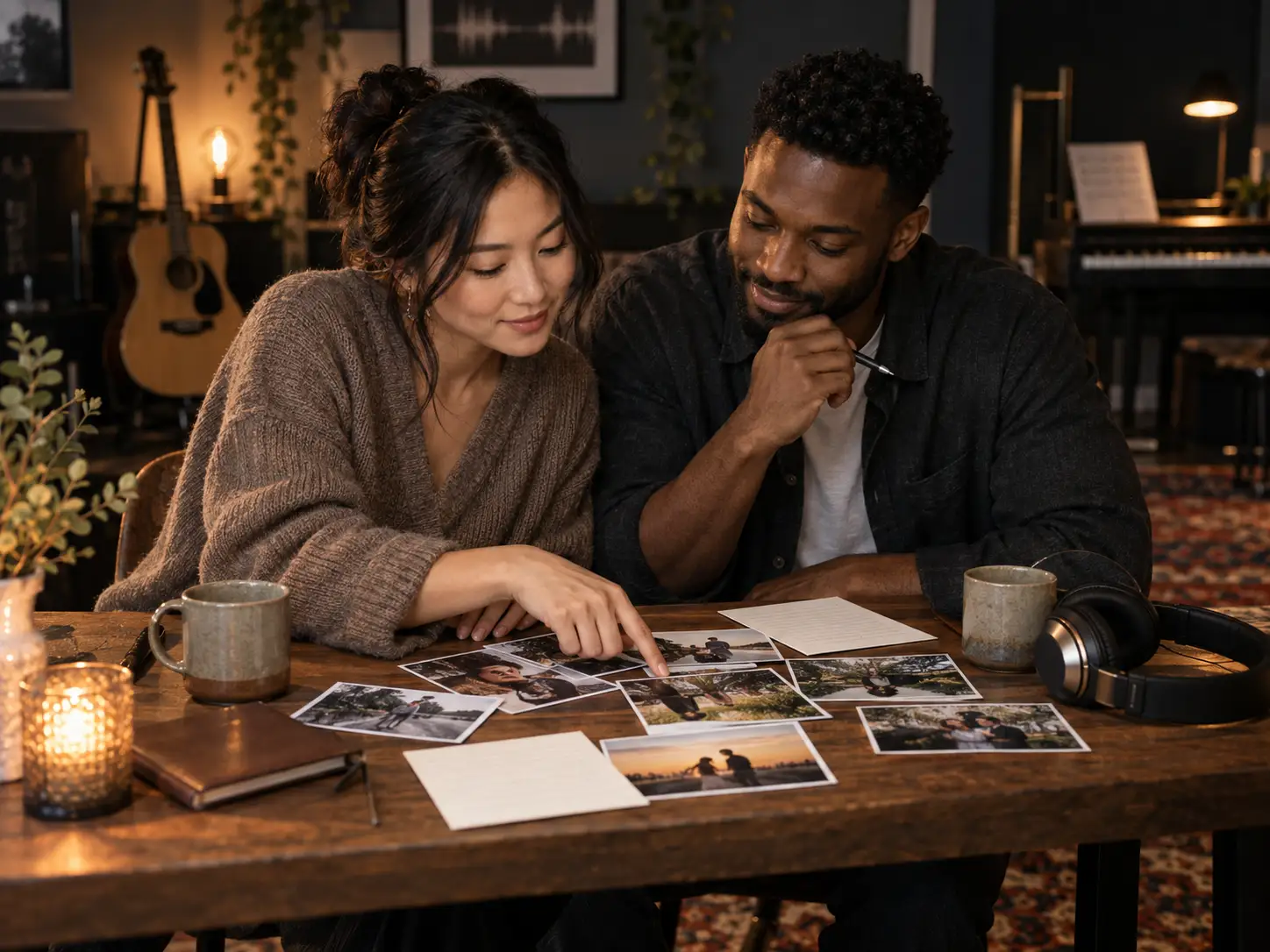
Turn Your Story Into a Wedding Song
Start with the details that make the relationship recognizable: how you met, a small habit you love, a difficult season you crossed, the proposal, or the promise behind the vows. In Prompt mode, describe the story and let the generator interpret it as music. If exact wording matters, open Own Lyrics and paste lines you have written or refined with the AI Lyrics Generator. Keep the chorus focused on one clear message rather than trying to fit the entire relationship into every verse. Generated vocals may interpret names or phrasing differently, so plan to listen and revise before the wedding.
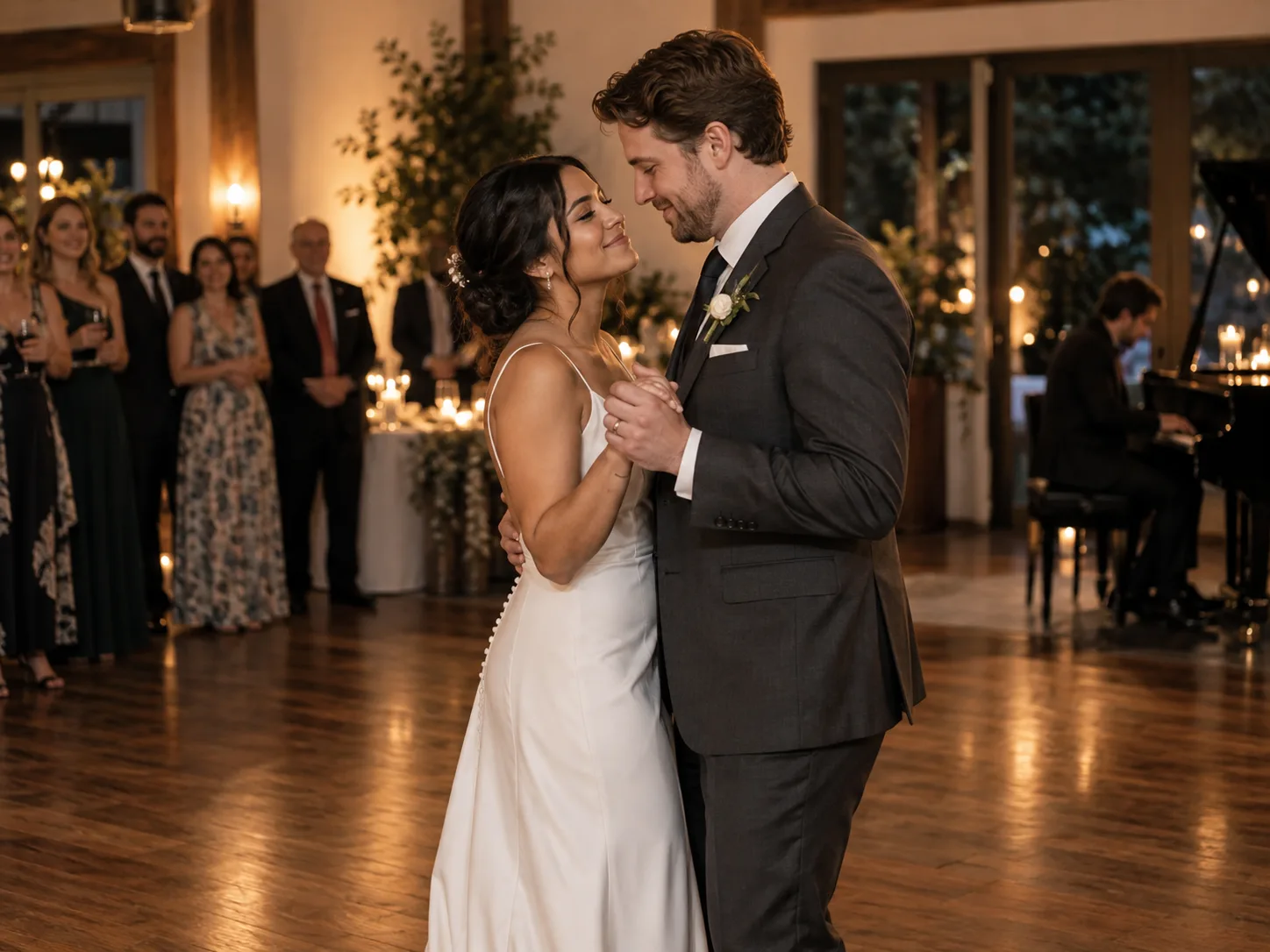
Shape the Music for Your Wedding Moment
A first dance, ceremony entrance, parent dance, and reception toast each need a different kind of energy. Describe where the song will play, then choose a coherent mood, style, instrumentation, and vocal direction. Ask for a close piano ballad when the room should listen to the words, a growing duet for a first dance, or an instrumental arrangement when spoken vows or video dialogue need space. These controls guide the generation; they do not lock an exact tempo, key, cue point, or performance length.
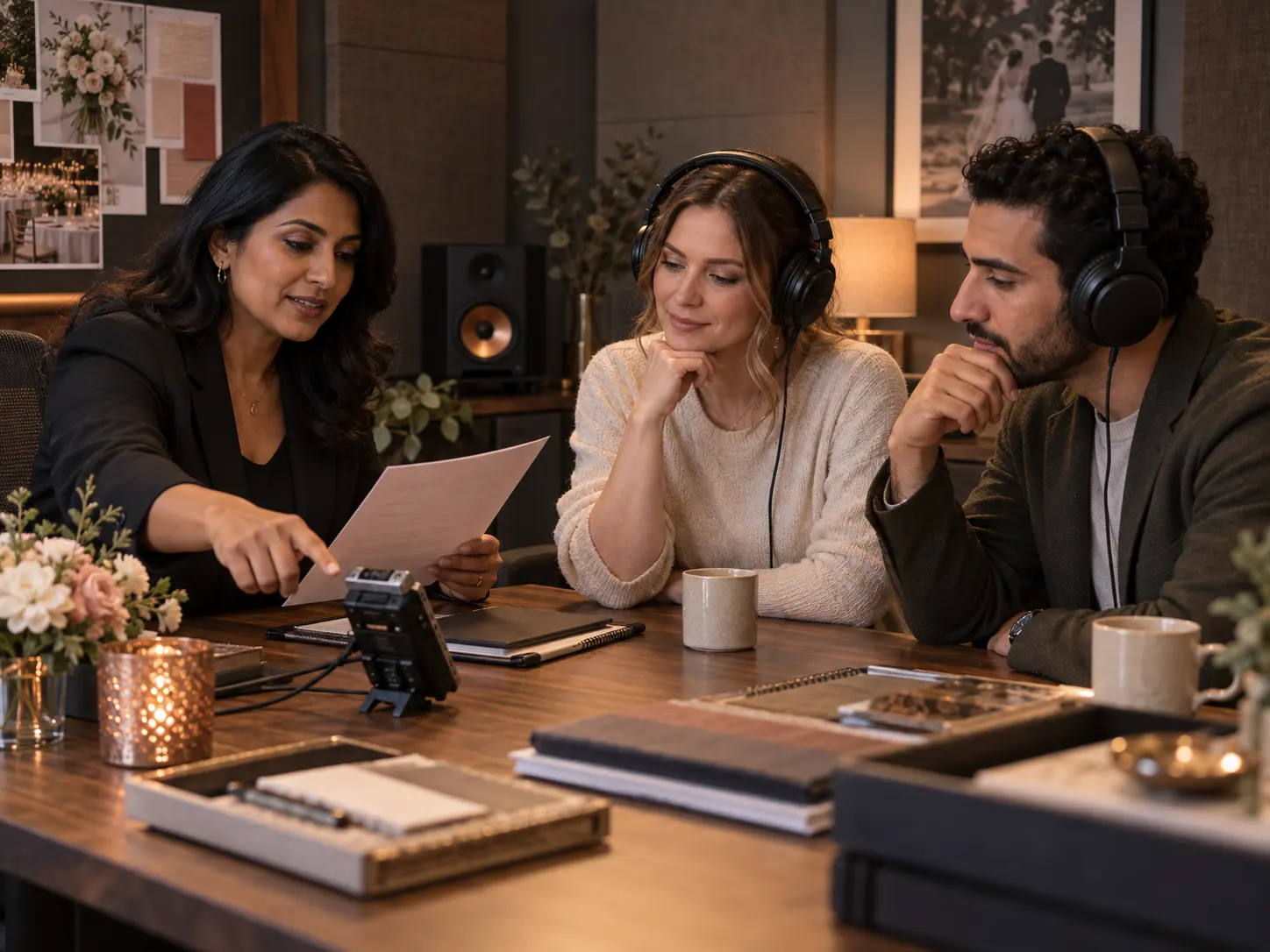
Preview Refine and Prepare the Track
Treat the first result as a draft. Listen for name pronunciation, lyric clarity, the emotional rise, and whether the arrangement suits the ceremony or dance floor. Revise one instruction at a time so you can hear what changed, then generate another version if needed. When the song is ready, use the download access available with your subscription or credits and pass the file to the couple, planner, DJ, venue, or video editor. For a precise entrance or montage edit, trim the finished file with the Audio Trimmer.
Make Your Wedding Song in Three Clear Steps
Decide what the song should say, match it to one wedding moment, and leave time to listen before the track becomes part of the day.
Gather the Story and Choose the Moment
Write down the couple's names, how they met, one or two memories, and the promise or feeling the song should carry. Then name the setting: first dance, aisle entrance, vow exchange, parent dance, reception toast, or wedding film. Specific details give the generator useful material, while the setting helps you choose an appropriate level of energy. Only include personal information you are comfortable submitting, and avoid copyrighted lyrics or a request to copy an existing song.
Choose Prompt or Own Lyrics
Use the guided Agent for help shaping an idea, choose Prompt when you want to describe the story and sound in plain language, or open Own Lyrics when particular lines need to appear. Add style, mood, instruments, and vocal direction, or select instrumental music when words would compete with a ceremony reading or video dialogue. The generator accepts creative direction, but it does not provide dedicated fields for names, BPM, key, or exact cue timing.
Generate Listen and Refine
Sign in, generate with the credits shown in the interface, and listen through the complete result. Check names, important lyric lines, vocal tone, and how the arrangement develops. If something misses the moment, simplify the spelling, shorten a lyric, or change one musical instruction before trying again. Download access depends on your subscription or available credits; review the current pricing before sharing the final file with a DJ, venue, or editor.
AI Wedding Song Generator Questions
Practical answers about stories, names, wedding moments, instrumental music, credits, downloads, and preparing the final track.
What is an AI wedding song generator?
An AI wedding song generator turns a text description or your own lyrics into an original music draft for a wedding moment. You can describe the relationship, choose a mood and style, and request vocals or an instrumental. CreateMusicAI then generates a track to preview and refine. For a broader range of projects beyond weddings, use the AI Music Generator.
What should I put in a wedding song prompt?
Include the couple's names, the moment where the song will play, one or two concrete memories, the main emotional message, and a musical direction. A useful prompt names details guests will recognize, such as where the couple met or a shared Sunday ritual. If the words need more structure first, draft verses and a chorus with the AI Lyrics Generator.
Can the song include our names or vows?
Yes, names and vow lines can be included in the prompt or in Own Lyrics, but exact pronunciation and word-for-word vocal delivery are not guaranteed. Listen carefully before the event. If a name sounds wrong, try a simpler or phonetic spelling, shorten the surrounding line, and generate another draft. Only submit vows and personal details you have permission to use.
Can I make music for a first dance or ceremony?
Yes, you can create drafts for a first dance, ceremony entrance or exit, vow exchange, parent dance, reception toast, or wedding film. State the exact moment and describe how the arrangement should feel there. Generation does not guarantee an exact duration, dance tempo, or aisle cue, so rehearse with the chosen track and edit it before the event when timing matters.
Can I create an instrumental wedding track?
Yes, select the instrumental option when you want music without sung lyrics. Instrumental drafts can work beneath an aisle entrance, spoken vows, dinner, a photo montage, or wedding film dialogue. Describe the scene, emotional arc, and instruments rather than only asking for romantic music, then preview the full arrangement to make sure it leaves enough space for the moment.
Can I try the AI wedding song generator for free?
You can explore the interface and listen to the general audio previews before signing in. Generating a wedding song requires sufficient credits, and the interface shows the cost before you submit. Available rewards, plan credits, download access, and paid features can change, so check your account balance and the pricing page before planning multiple versions for a wedding.
Can I download and share the wedding song?
Yes, generated tracks can be downloaded when your subscription or available credits authorize the download. Active subscribers receive the download access defined by the current plan; other users may be asked to spend credits. Commercial usage rights and downloadable license certificates have separate plan conditions, so review the pricing page and license details before publishing, monetizing, or delivering client work.
How do I prepare the song for a DJ or wedding video?
Download the approved version, use a clear filename, and tell the DJ or editor where the song should start and end. Test it on the venue or editing setup before the event. If the entrance, first dance, or montage needs a precise cut, use the Audio Trimmer to remove extra intro or outro time without promising that generation will hit an exact cue.
Turn Your Wedding Story Into a Song
Choose one wedding moment, add the details that make the relationship real, and create a draft you can listen to together before the day.