
Related music tools
Move from the current task to the next focused tool without starting over.
Hear Music Generated from Text Prompts
These examples began as written prompts describing a mood, style, and sound. Listen to how the AI music generator turns that direction into complete tracks.
 03:32
03:32vocal,uplifting,warm driving bassline,bright and punchy,bright synth stabs,warm,Dance-pop with punchy four-on-the-floor drums,pop,bridge drops to filtered voice and sparse kick then final chorus bursts with extra ad-libs,pre-chorus strips to bass and handclaps before a huge chorus of stacked harmonies and gang vocals,glossy radio-ready mix,bright,and explosive sing-along lifts; verse opens straight in with bold female lead and tight doubles,Slow,bassline
 02:56
02:56glossy and seductive mix.,electric,r&b,vocal,delay throws,crisp drums,lush but tight,Smooth,Late-night R&B funk with a swung pocket,and choppy electric guitar riffs; verse rides the groove with intimate male-female back-and-forth,funk,guitar flickers,chorus lands on a chanty call-response hook with gang doubles. Ad-lib pings,sophisticated,pre-chorus opens with stacked harmonies and a little drum lift,slippery bass
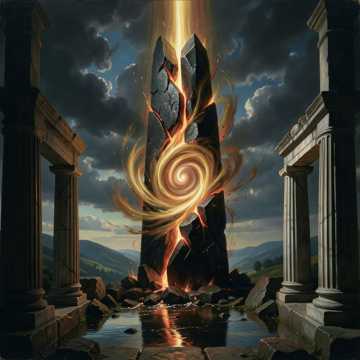 02:28
02:28dramatic,pre-drop tightens with rising strings and filtered impacts,orchestral,then a bridge strips to heartbeat pulses before the final lift. Crisp vocal-free production space,and euphoric lift; verse-like opening launches straight into a powerful melodic hook over synth bass,thunderous low end,glossy high-end sheen,Cinematic electronic with immediate impact,and soaring pads,chorus opens wide with massive drums,ambient,breathtaking,emotional,wide and polished mix.,driving pulse,electronic,orchestral brass
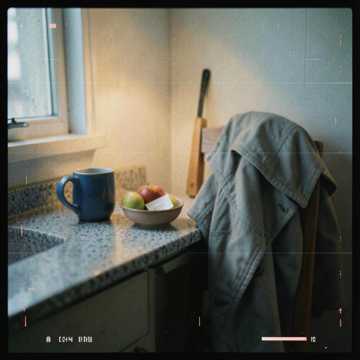 03:51
03:51and a bright punchy mix with glossy low-end warmth.,electric,vocal,pre-chorus opens with rising bass and clipped tambourine,layered harmonies,then a rapid bloom into a huge cinematic chorus with live drums,Indie-pop with intimate male vocals and muted electric guitar,chorus lands wide with stacked gang harmonies and long string swells. Add reverse piano tails,a lifted snare fill into each chorus,soaring,pop,and soaring strings; verse stays close-mic and fragile,emotional
Create Music from Text Prompts and Lyrics
Control Genre, Mood, Instruments, and Vocals
This text to music generator turns a written brief into a playable track. Describe the sound you want, shape the style, vocals, instruments, and mood, then generate. If the words are already written, you can also paste your own lyrics.
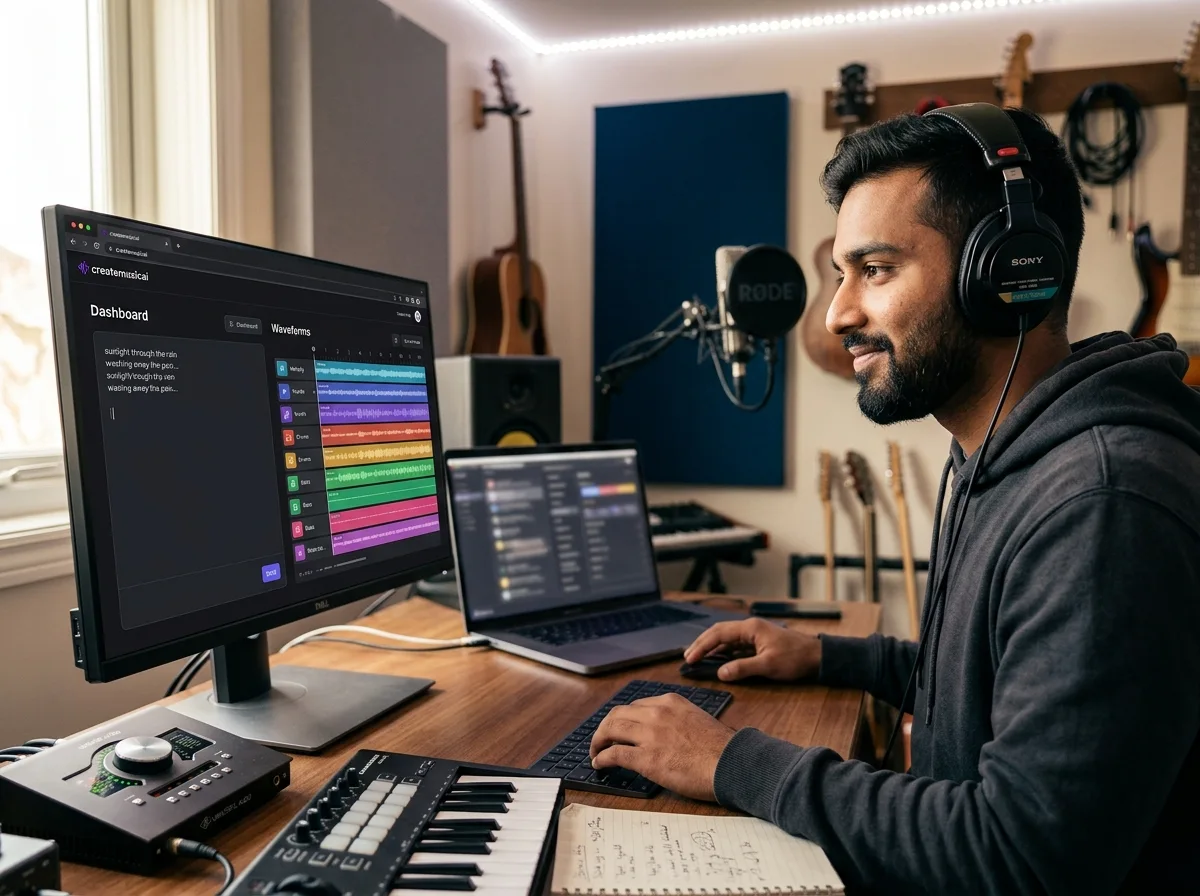
Turn a Text Prompt into a Full Track
Start with a written description of the music you need. The generator turns that prompt into melody, structure, vocals, and instrumentation, so you can compare complete drafts without starting in a DAW.
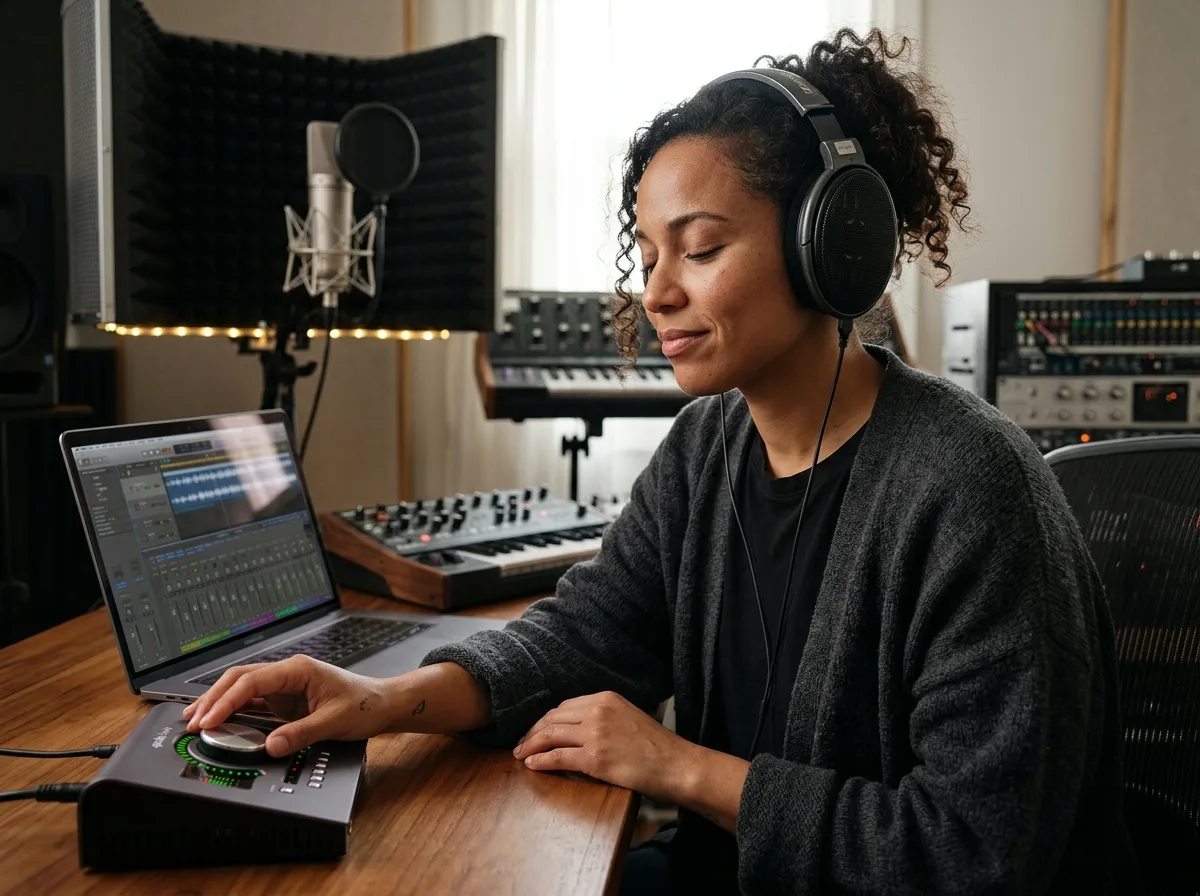
Preview Text-to-Music Results in 30 Seconds
Submit your prompt and preview the AI music generator result in as fast as 30 seconds. Revise the wording, change the style tags, or switch between vocal and instrumental output while the original idea is still fresh.
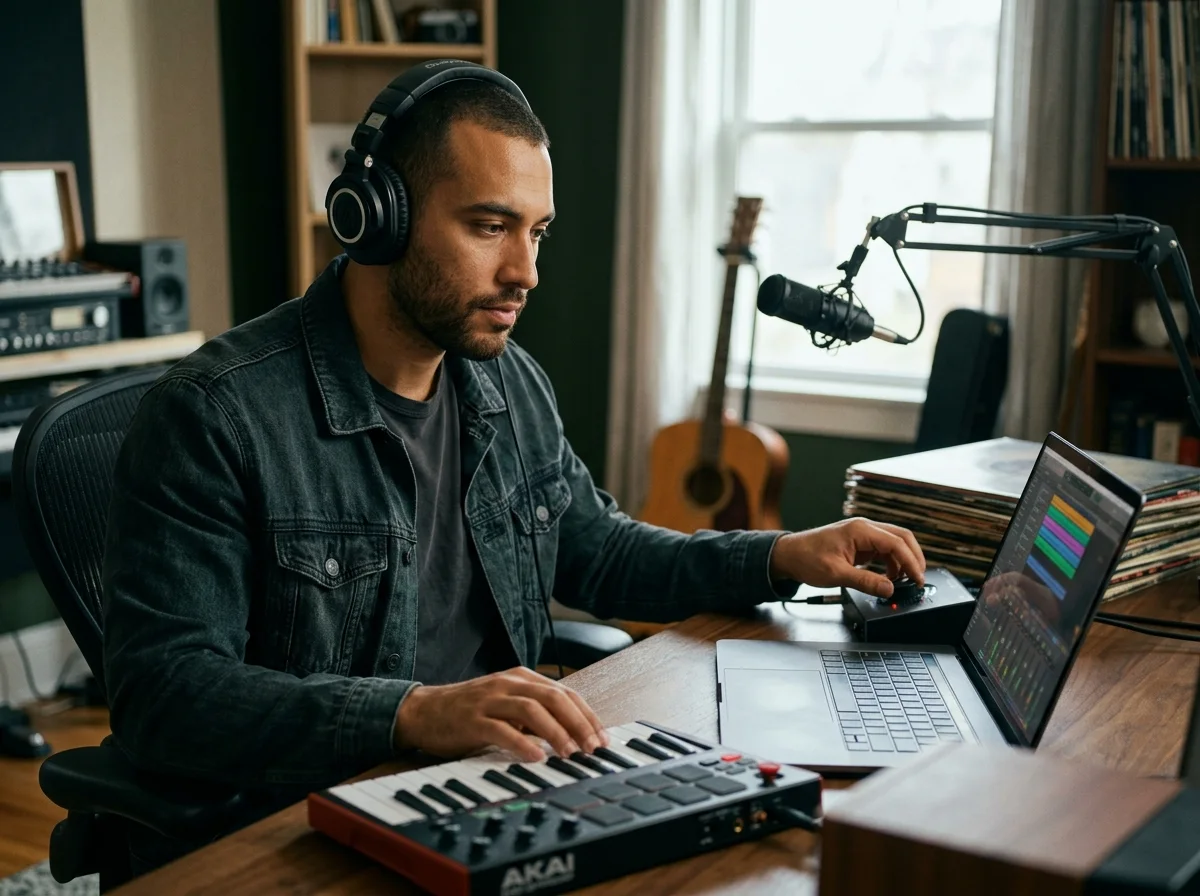
Control Genre, Mood, Instruments, and Vocals
Tell the generator how the written idea should sound. Add genre and mood tags, name instruments, choose vocal direction, and use details such as tempo, energy, or scene to guide the result.
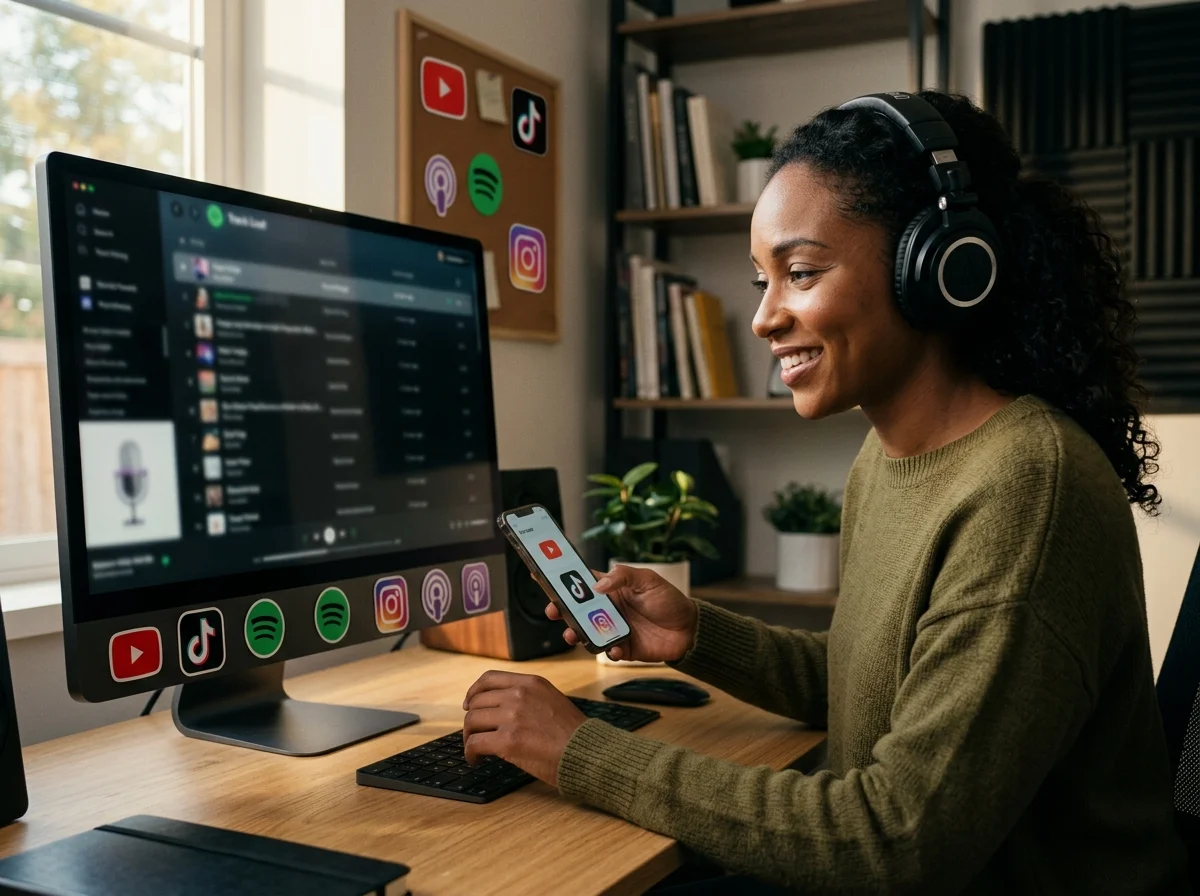
Royalty-Free AI Music, Ready to Use Anywhere
Every track is generated from scratch from your prompt or lyrics. Preview the result for free; tracks generated under a paid plan include a commercial license, and annual subscribers can download a license certificate.
Who Creates Music from Text with CreateMusicAI?
This text-to-music workflow helps creators turn a written brief into a playable draft without starting from a blank production session.
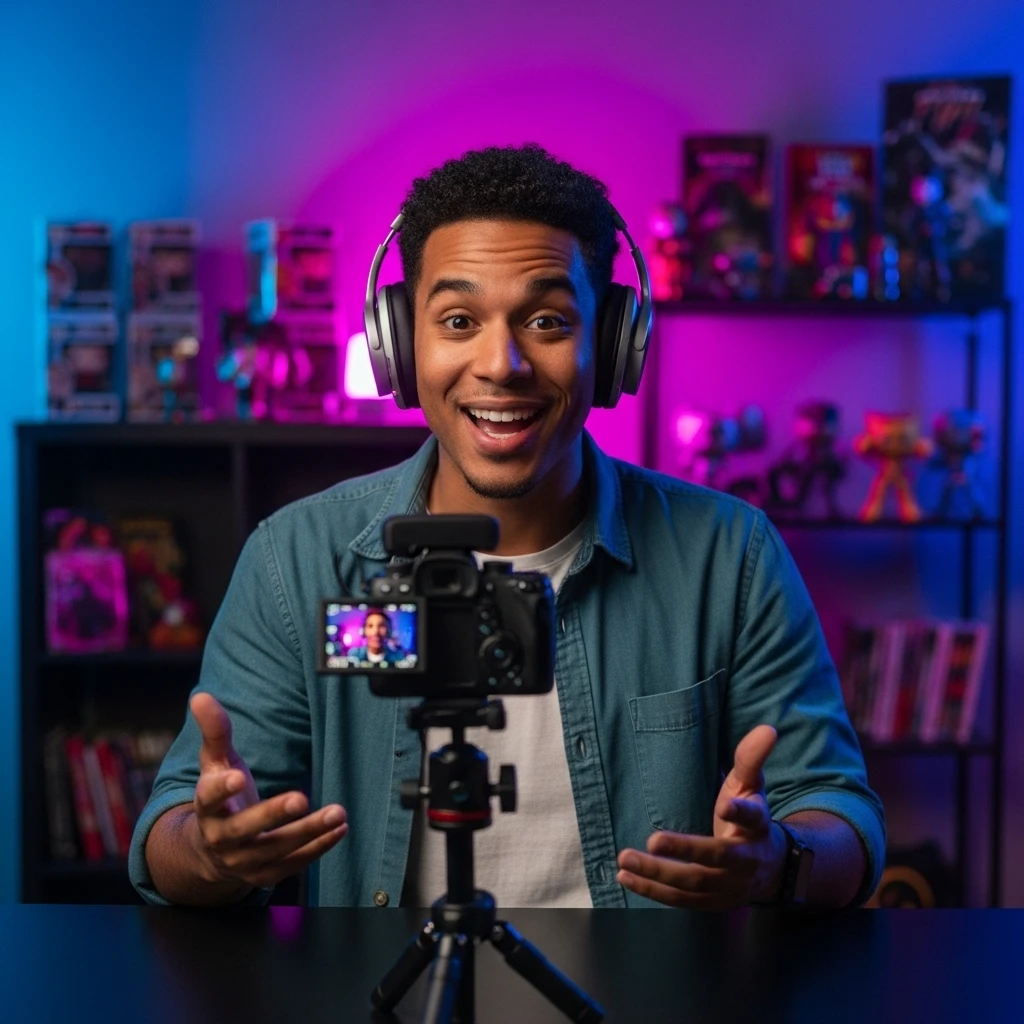
Creators Turning Briefs into Background Music
Describe the pace, mood, and scene in a text prompt, then generate background music for a video, podcast, short, or stream.
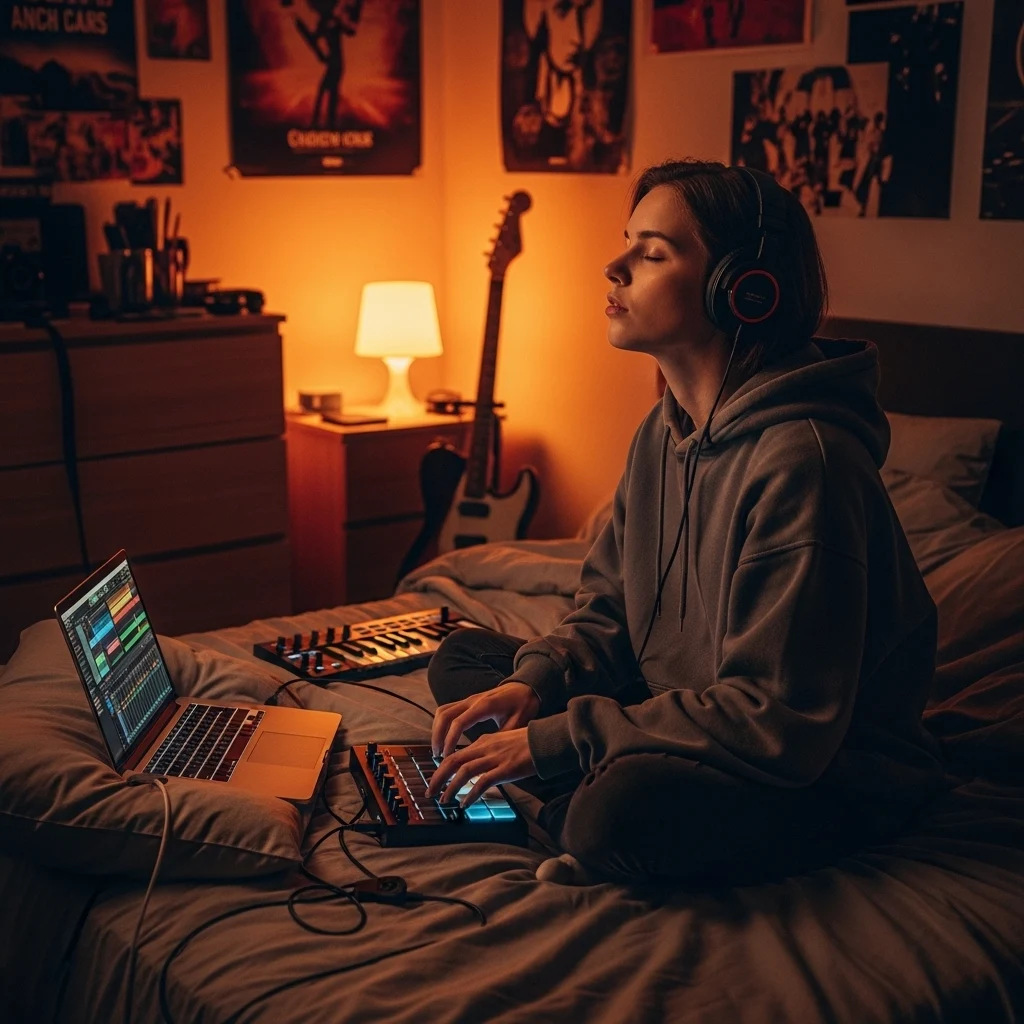
Songwriters Turning Lyrics into Demos
Paste a verse, chorus, or complete lyric and generate a vocal demo around the words. Compare melodies, arrangements, and styles before taking the song into a full production workflow.
Filmmakers and Game Teams Writing to a Scene
Turn a scene description into a musical direction for a level, trailer, or sequence. Refine the prompt with pacing, atmosphere, instruments, and emotional cues.

Brands Turning Campaign Briefs into Music
Convert a campaign brief into original music drafts for ads, product videos, and social posts. Describe the audience, tone, energy, and duration, then iterate from the generated result.
How to Create Music from Text or Lyrics
Start with a scene, mood, sound, or use case. The text-to-music generator uses those written directions as the brief for your track.
1. Write a Text Prompt
Describe the music you want with a scene, genre, mood, instruments, tempo, or energy level. If you already have lyrics, you can paste them as an optional starting point.
2. Choose Style and Vocal Direction
Add style tags to clarify how the prompt should sound. Choose a genre and mood, name instruments, and select an instrumental or vocal direction so the generator has a focused brief.
3. Generate, Preview, and Refine the Song
Generate and preview the first result in as fast as 30 seconds. If it misses the intent, revise the prompt, lyrics, or tags and try another version. When the song is ready, download the WAV or MP3 option available with your plan.
Frequently Asked Questions
Common questions about using a text to music generator, refining the result, and downloading tracks for your project.
Which CreateMusicAI tool should I use?
Use this page when your starting point is a text prompt. For the broad platform overview, visit the AI Music Generator. For a complete-song workflow, try the AI Song Generator. To write lyrics before generating audio, start with the AI Song Lyrics Generator. If you already know the genre, choose its dedicated generator.
How does text-to-music generation work?
The AI music generator reads the musical details in your prompt, including genre, mood, instruments, energy, and scene. It uses that written direction to compose a melody, arrangement, and vocal or instrumental track that you can preview and refine.
Can I generate music from text for free?
Yes. New users can try the AI music generator with a limited number of monthly tracks. Paid plans unlock higher generation limits, longer tracks, and unlimited downloads. No credit card is required to start.
Can I use my own lyrics instead of a prompt?
Yes. Paste your lyrics into the lyrics workflow, then choose the genre, mood, and vocal direction. The generator can build a melody, arrangement, instrumentation, and sung performance around your words.
Can I use text-to-music tracks commercially?
Yes. Tracks generated under a paid plan include a commercial license for ads, client projects, apps, games, streaming releases, and monetized social media. Annual subscribers can also download a license certificate for each eligible track. You can try the workflow for free before upgrading.
What should I include in a text-to-music prompt?
Start with the intended scene or use, then add genre, mood, tempo, instruments, energy, and vocal direction. A prompt such as “warm indie pop for a reflective travel video, female vocals, acoustic guitar, medium tempo” gives the generator clearer direction than a single genre word.
Can a text prompt generate instrumentals or vocals?
Yes. Ask for an instrumental track or include a vocal direction in the prompt. You can also use the style tags to guide whether the result stays instrumental or includes a sung performance.
Can I specify genre and mood in the prompt?
Yes. Describe genres such as pop, rock, hip-hop, jazz, classical, lo-fi, electronic, R&B, country, folk, metal, or cinematic music, then add a mood and instruments. The generator uses those details as creative direction rather than treating the prompt as a song title.
Do I need production skills to turn text into music?
No. Describe what you want in plain language, then select style tags. The generator handles the first composition, arrangement, and production draft while you guide the result by refining the prompt.
What formats can I download after generating a song?
You can download your generated tracks in WAV or MP3 format. Both formats are suitable for professional use — WAV for high-fidelity production workflows, MP3 for web, social media, and streaming.