Upload your Images
Generate a photo-inspired style and title without lyrics.

What Is Photo to Music
Turn Images into Songs with More Control
Photo to Music keeps the visual idea, lyric draft, style direction, and final music generation in one focused workflow. The AI image to music generator turns one upload into a draft you can revise before making the final track.
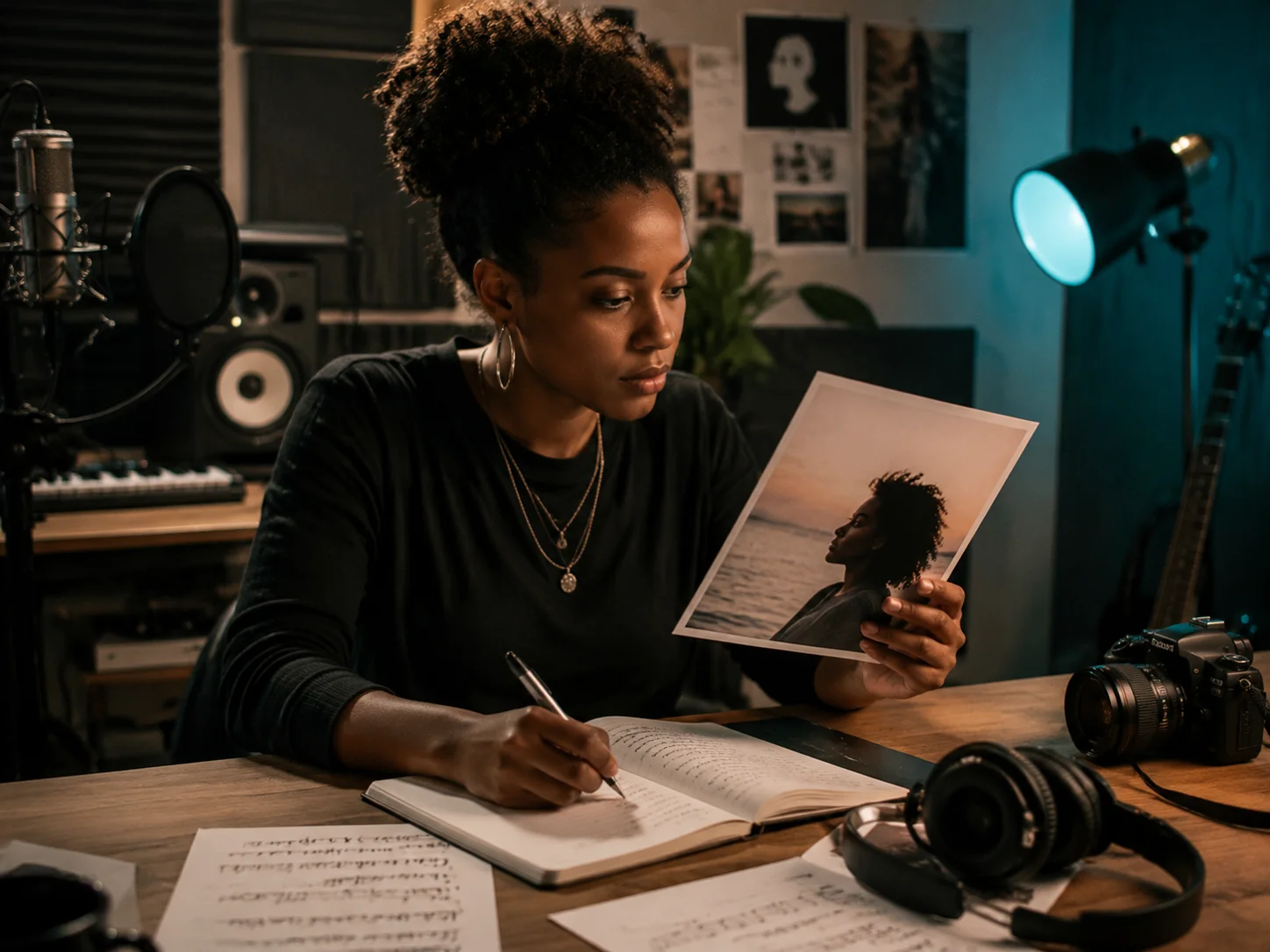
Image First Songwriting
Start with the picture that already carries the feeling: a portrait, skyline, pet, painting, stage shot, or product scene. CreateMusicAI uses the photo as creative context, then writes a title and music direction that match what is visible. This keeps the Photo to Music result tied to the actual image instead of a generic prompt, so Photo to Music feels like an image to song generator instead of another blank prompt box.
Optional Notes for Better Songs
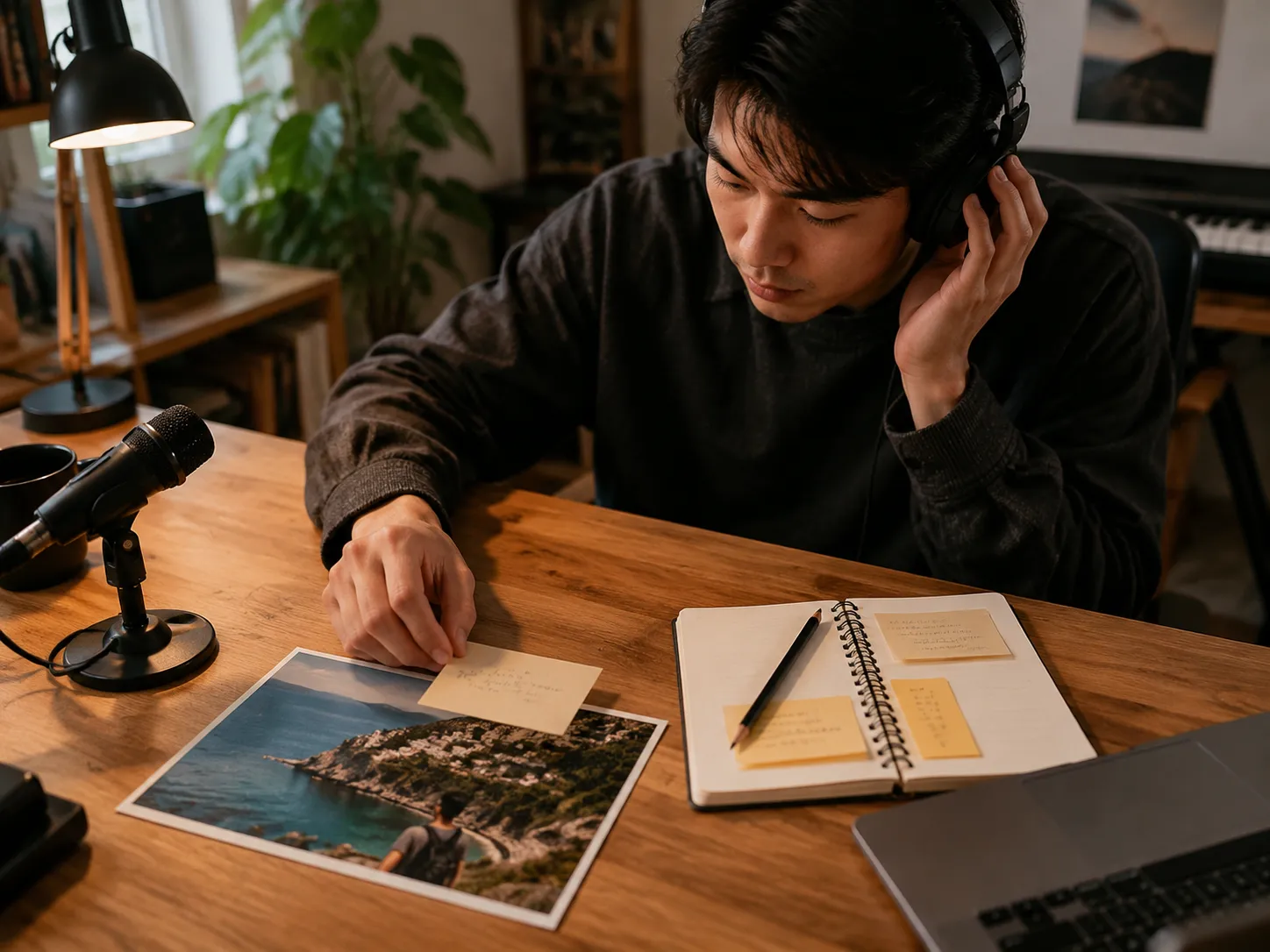
Add a short note when the photo needs context that the model cannot see. Mention the memory, mood, relationship, release idea, or style boundary you want. The AI image to music generator combines those notes with visual details, so the first draft feels personal without inventing private backstory. Photo to Music keeps those notes attached to the photo-based draft for Step 2.
Lyrics or Instrumental Mode
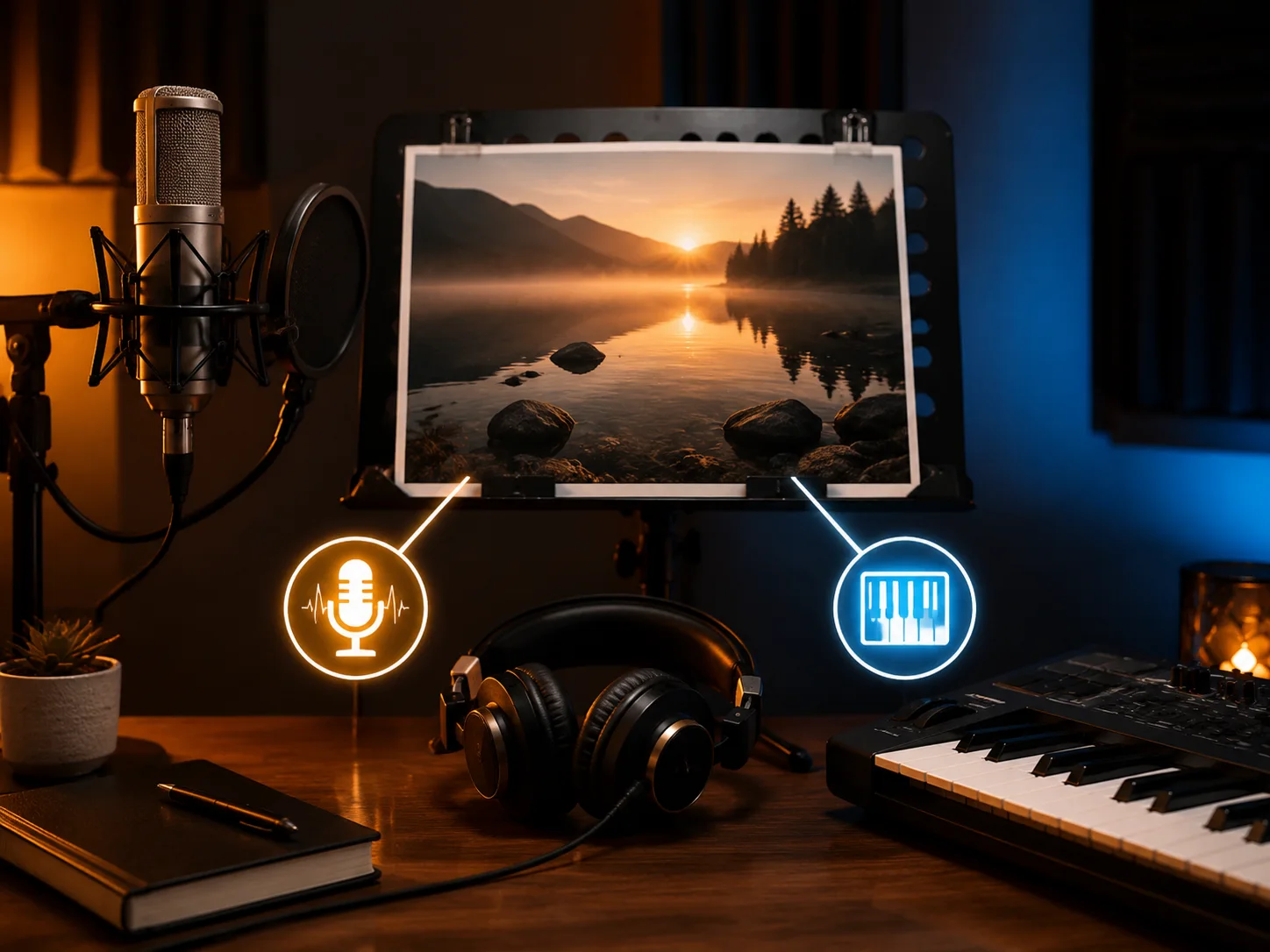
Choose vocal mode when you want structured lyrics with verses, chorus, and a singable direction. Switch on instrumental mode when the image should become a soundtrack, background cue, or emotional score. Photo to Music carries the selected result into Step 2, so the final music form only asks for what the song actually needs. This makes Photo to Music useful as an AI image to music generator for both vocal songs and instrumental cues.
Edit Before Final Generation
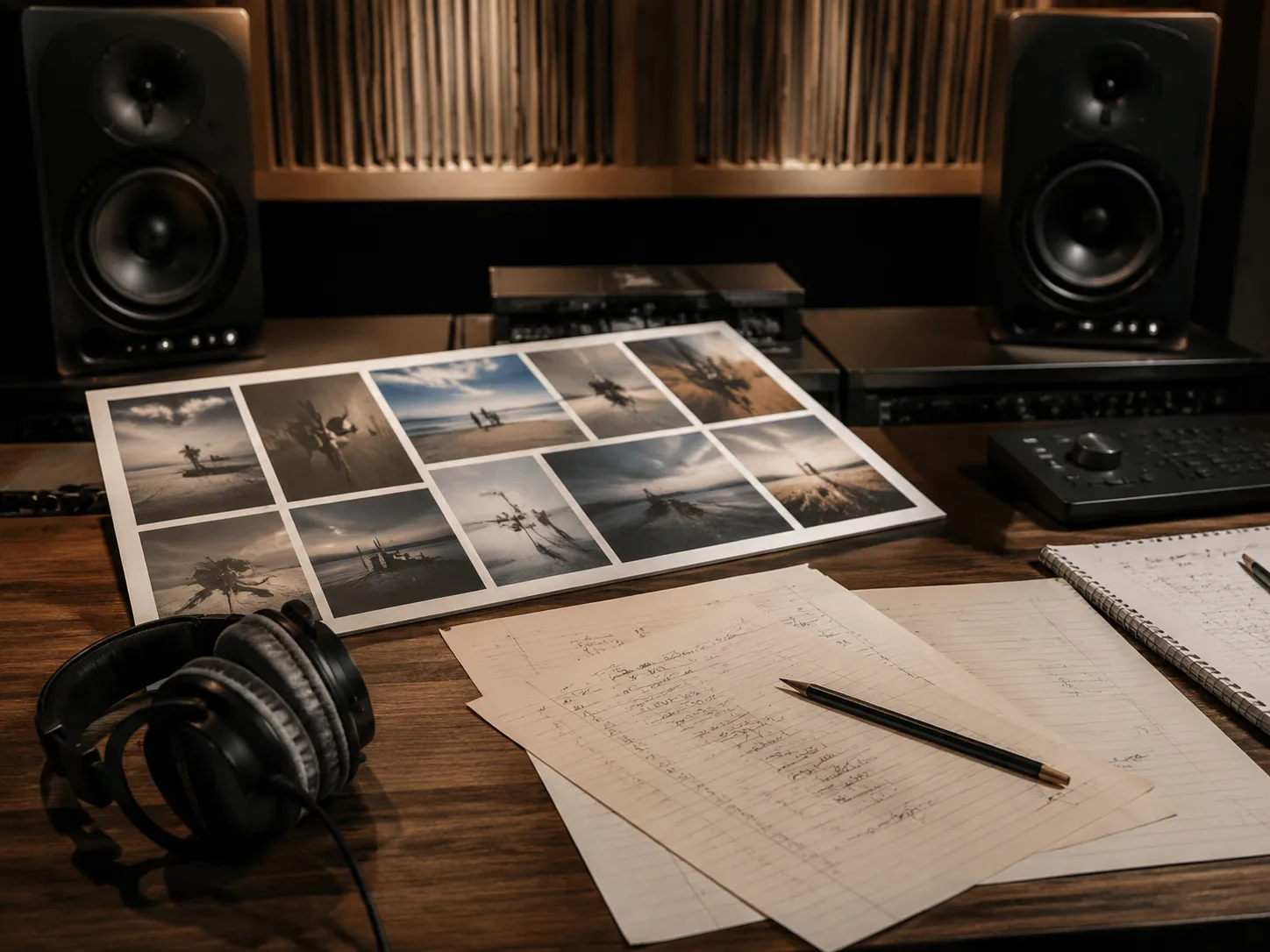
The first AI pass is a draft, not a locked result. Review the title, lyrics, vocal direction, and style tags before spending credits on the full song. You can tighten a line, remove a detail, change the genre, or keep only the mood. That review step makes Photo to Music useful for real projects, not just quick experiments, because the AI image to music generator gives you an editable song plan first.
Who Uses Photo to Music
Photo to Music helps creators who begin with a visual idea and need a song that matches the image instead of a blank text prompt. Use the AI image to music generator when the photo is the creative brief.
Content Creators
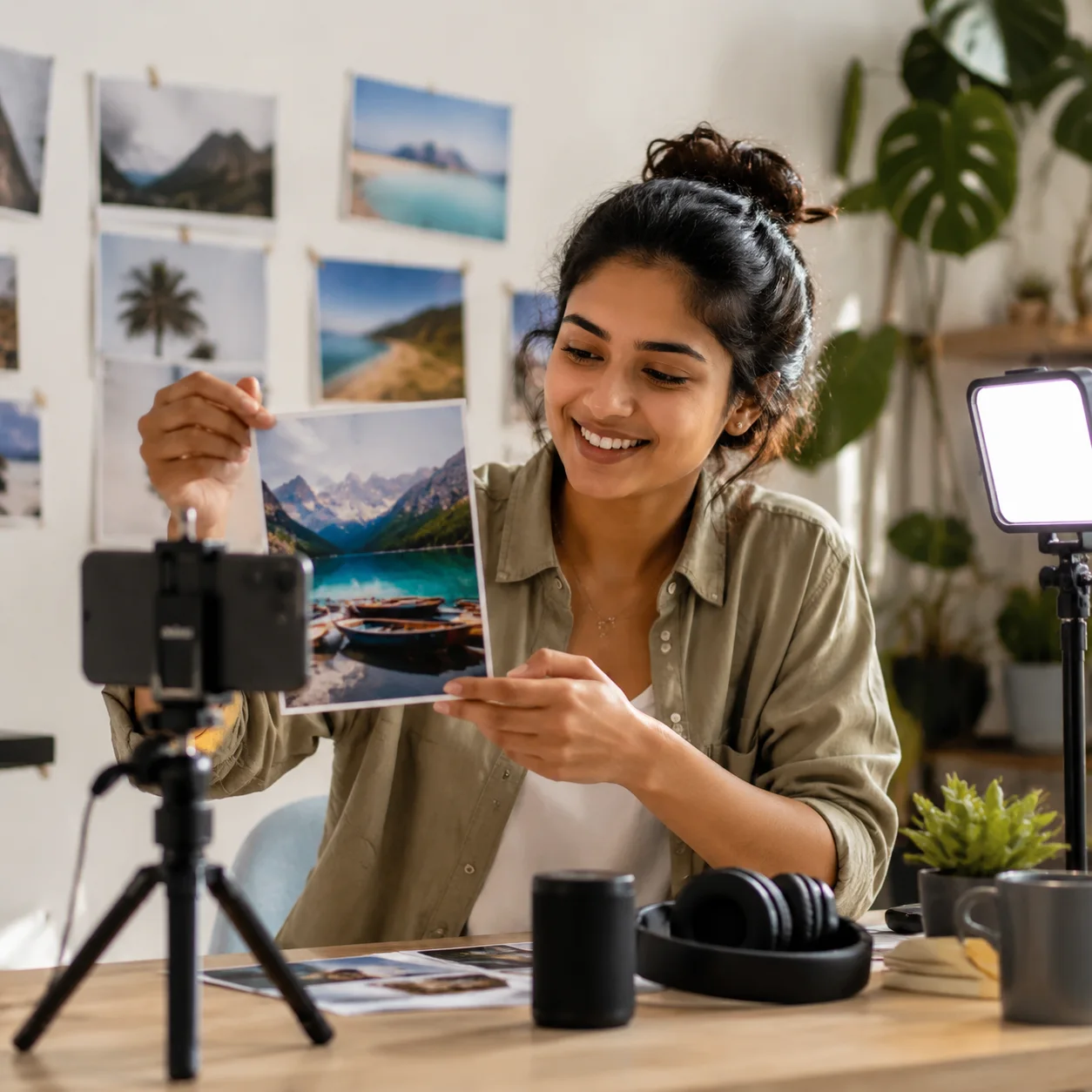
Creators can turn travel shots, thumbnails, pet clips, mood boards, or campaign images into original AI songs for videos, reels, intros, and background moments. The image gives the song a clear creative anchor before any editing starts, and Photo to Music keeps that anchor visible through the AI image to music generator flow.
Musicians and Producers
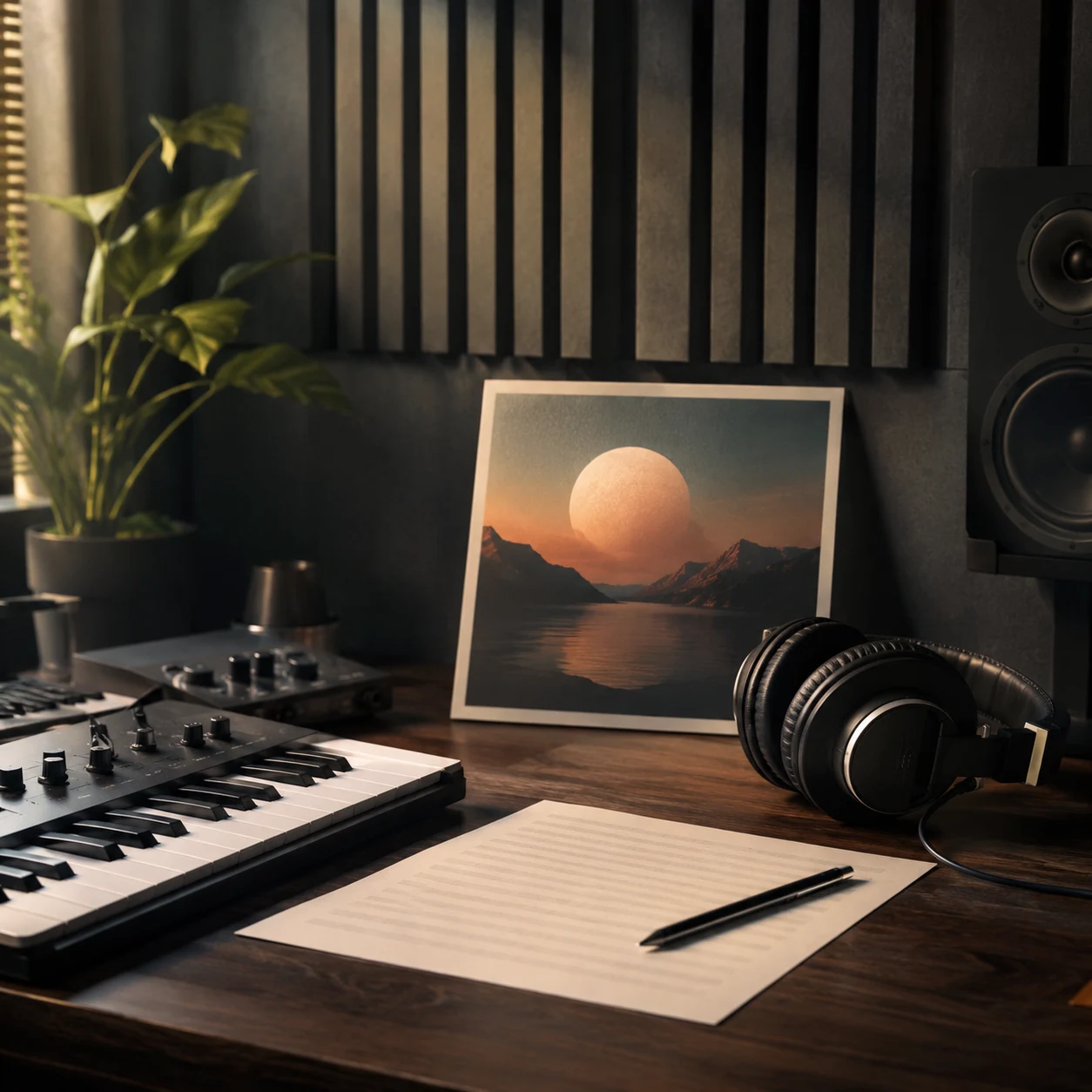
Artists can use cover art, shoot references, or concept images to explore lyric ideas and style directions. Photo to Music gives a fast sketch of what the image might sound like, then leaves room to edit before generating a track. For early demos, Photo to Music acts like an AI image to music generator that turns visual references into songwriting material.
Memory Keepers
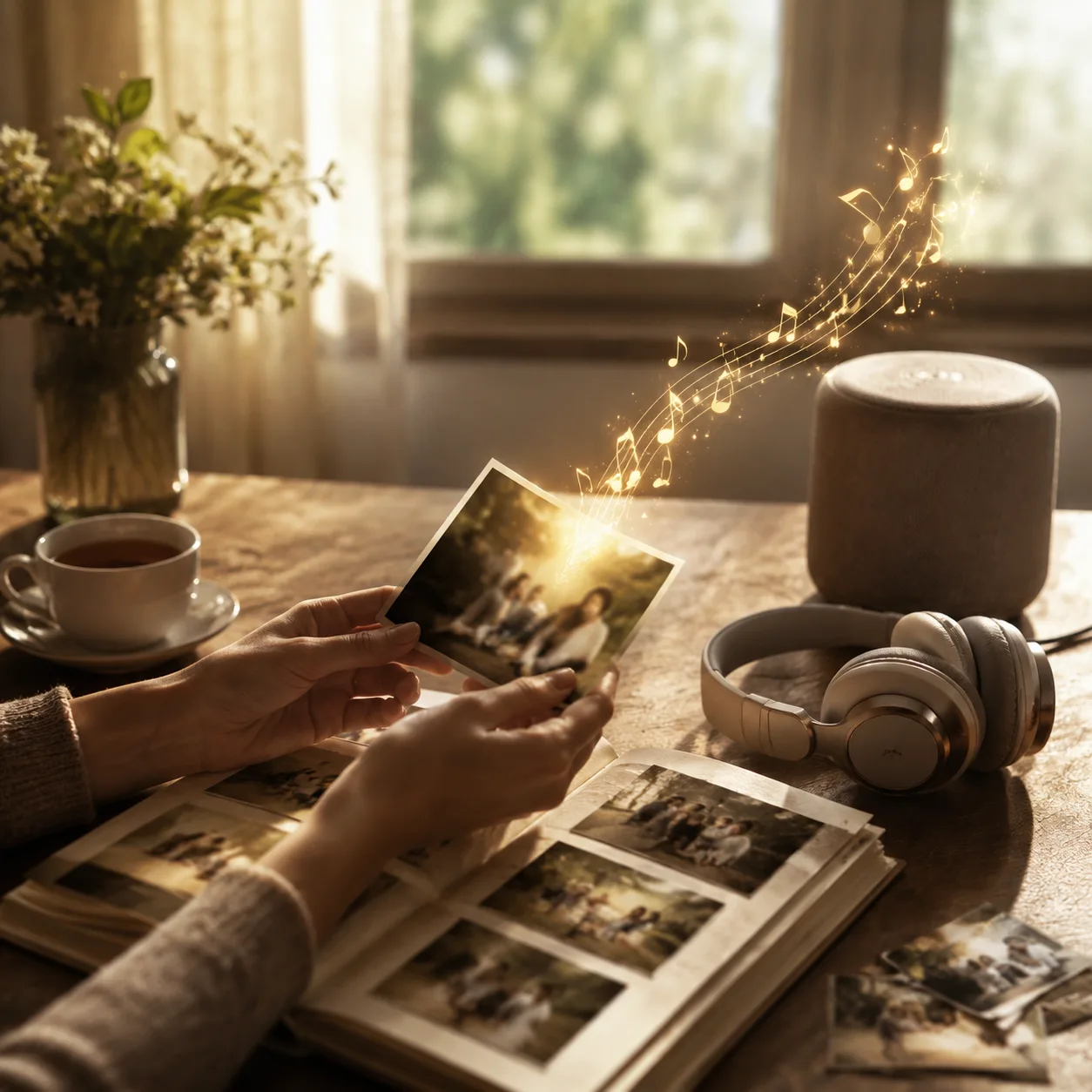
Family photos, wedding images, birthday portraits, and milestone pictures often need a personal song rather than stock background music. Add a short note, keep the lyrics grounded, and generate a song that follows the picture's emotion. Photo to Music helps a memory photo become a photo to song draft before the final track.

Marketers and Brand Teams
Teams can turn product visuals, event photos, or brand scenes into short song concepts for social assets and launch tests. The workflow keeps the image, copy angle, and generated music connected from draft to final track. Photo to Music gives teams an AI image to music generator for fast brand-safe music concepts.
How to Make Music from a Photo
The Photo to Music workflow has two steps: create a photo-based song draft, then edit and generate the finished track. The AI image to music generator keeps the upload, draft, and music generation connected.
Upload the photo
Choose a JPG, PNG, or WebP image. Use a clear photo where the mood, subject, color, or setting can guide the song. Add optional notes if the image needs personal context. Photo to Music works best when the picture has enough visual detail for the AI image to music generator to read.
Generate the song draft
Pick a language and decide whether you want lyrics or an instrumental. CreateMusicAI analyzes the photo and returns a title, music style, and lyrics when vocal mode is on. This is the Photo to Music draft stage, where the photo becomes the song direction. Photo to Music keeps this draft free to inspect before the final audio generation step.
Edit and create music
Review the generated title, lyrics, vocal gender, and style. Adjust anything that should change, then generate the full AI song with your credits and preview it in your music history. Photo to Music sends your edited draft into the same final music generation flow as other CreateMusicAI tools.
Photo to Music FAQ
Answers about image uploads, lyrics, instrumental mode, storage, credits, and the difference between image inspired music and visualizer tools.
Does Photo to Music create a song or a video?
Photo to Music creates a song. The image is used as creative input for lyrics, title, and style. If you want an MP4 with a photo and audio waves, use the Photo Music Visualizer page instead. Photo to Music is an AI image to music generator, not a photo video maker.
What does the AI read from my photo?
The model looks at visible elements such as subject, setting, color, mood, composition, and obvious context. It should not invent private details, names, brands, or backstory that are not visible or written in your notes. Photo to Music uses those visible signals to guide the song draft.
Can I add extra information with the image?
Yes. Add a short note when the song should mention a feeling, event, relationship, scene, or style direction. Keep it concise so the AI image to music generator can combine your note with the photo instead of replacing the visual prompt. Photo to Music works best when the note supports the image.
Can Photo to Music make instrumentals?
Yes. Turn on Instrumental Only in Step 1. The first step returns a title and style without lyrics, and Step 2 generates an instrumental track from that photo-inspired music direction. Photo to Music can be used as an AI image to music generator for background scores as well as songs.
Where is my uploaded image stored?
The image is uploaded so the vision model can analyze it. CreateMusicAI keeps the existing storage flow and saves the image key with the lyric draft metadata, without adding a new database field for this feature. Photo to Music does not require a new song table image column.
Is Step 1 free?
The photo analysis and song draft step is free with rate limits. The final music generation step uses credits because it creates the complete audio track with vocals or instrumental arrangement.
Can I edit the generated lyrics before creating music?
Yes. Step 2 is an edit screen. You can rewrite lyrics, change the title, adjust style tags, choose vocal gender, or switch the direction before submitting the final music generation task.
What images work best?
Clear images with a strong subject, mood, or scene work best. Portraits, landscapes, artwork, pets, travel photos, stage shots, and product scenes usually give the AI enough detail to build a coherent song idea.