Drag and drop your audio file here, or click to browse
Supports: MP3, WAV, OGG, M4A, AAC, FLAC, WMA
Vocals
Extract the acapella and instrumental pair
Stem Separation
Separate into vocals, drums, bass, and other instruments

AI Acapella Extractor
Preview your separated acapella and instrumental results.
Hear the Vocal Split Before You Commit
Play the demo split and listen for the details that matter in real projects: lead vocal clarity, reverb tails, instrumental bleed, and whether the backing track still feels usable.
What Is an Acapella Extractor
What Sets This Acapella Extractor Apart
This Acapella Extractor is designed for the moment after separation: checking quality, choosing the right output, and moving the vocal into a real workflow.
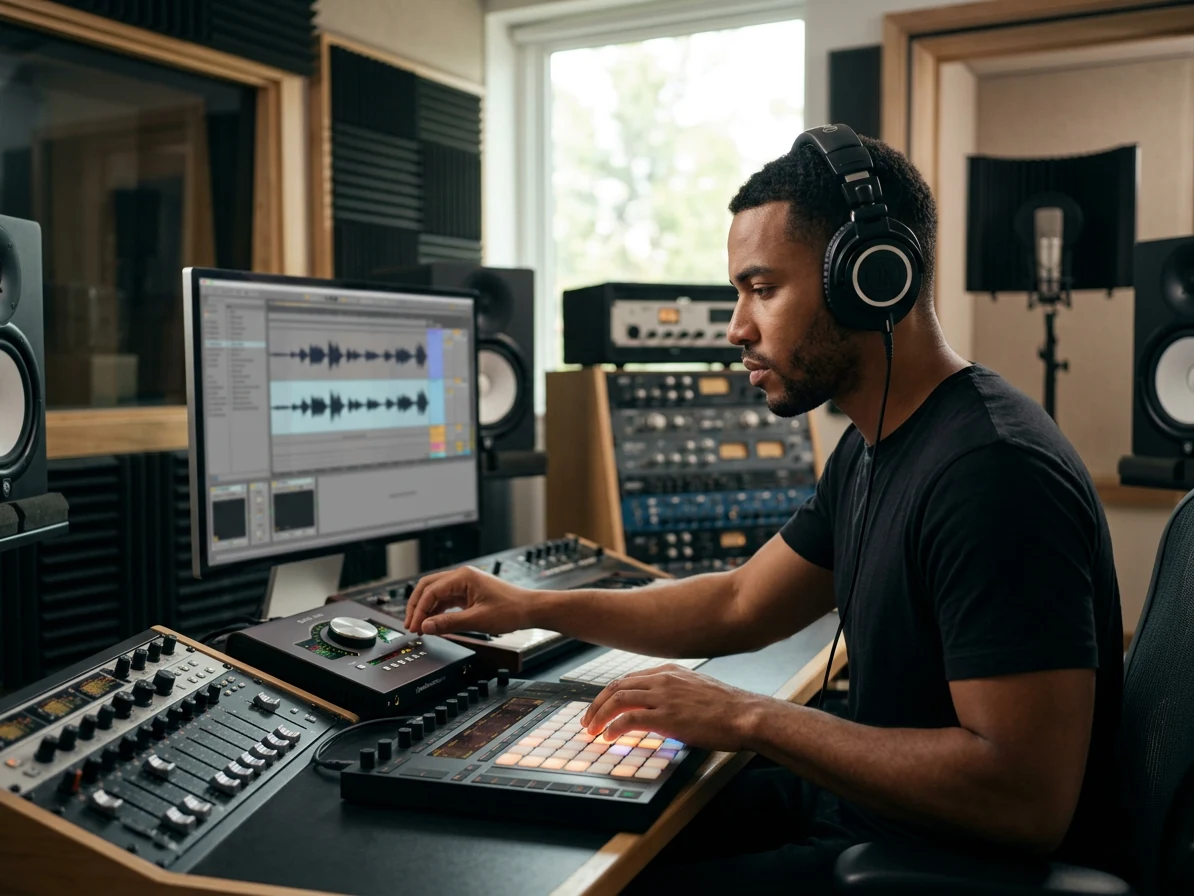
Lead Vocals You Can Actually Test
A remix idea dies fast when the chorus is buried under cymbals or synth wash. The Acapella Extractor gives you a separated vocal stem you can audition immediately: loop the hook, check the verse consonants, and hear whether the lead vocal has enough presence for a new beat. Use the AI Acapella Extractor before you spend an hour warping a vocal that will never sit in the mix.
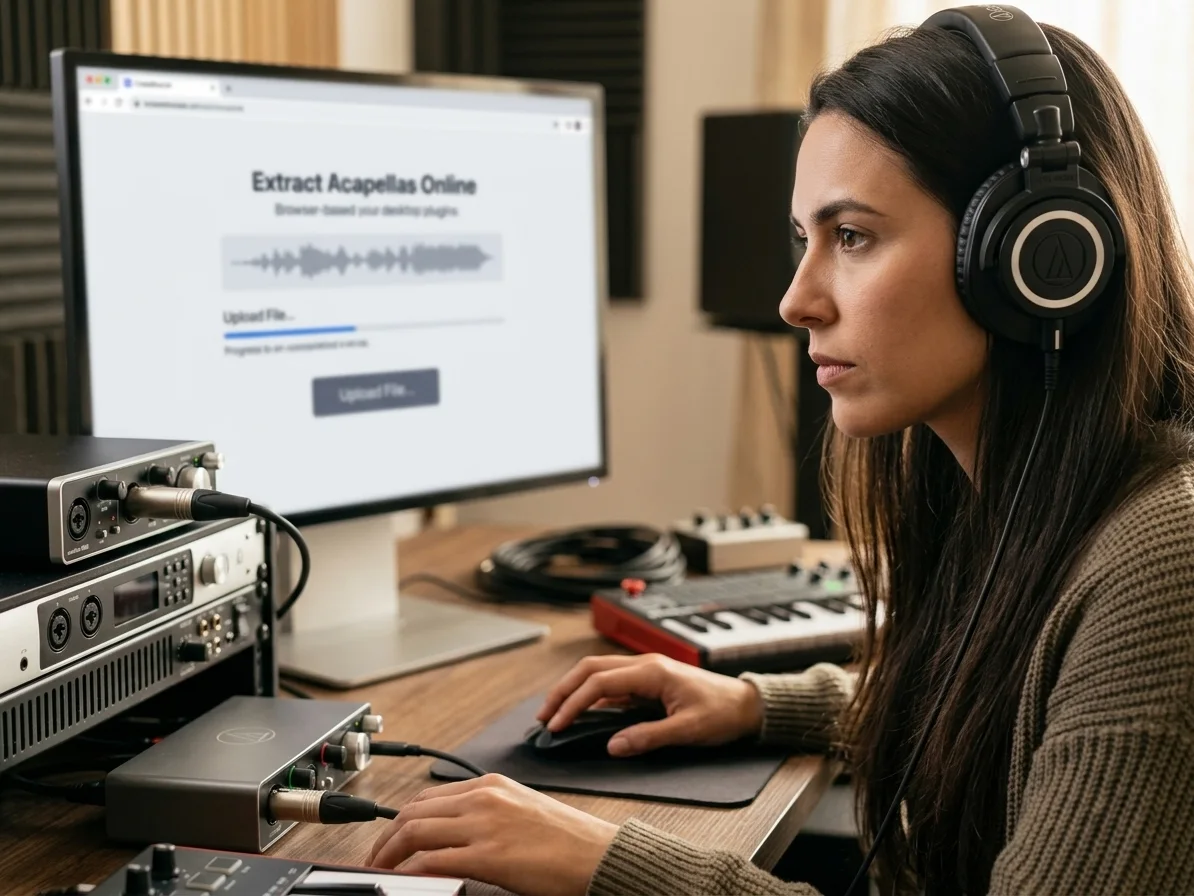
Extract Acapellas Without Plugin Setup
No routing template, no manual EQ notch, no phase inversion experiment. Open CreateMusicAI's AI Acapella Extractor, upload a common audio file, and extract acapella from song files directly in the browser. It is built for fast checks: grab the vocal, compare the instrumental, and decide if the result belongs in your DAW session.
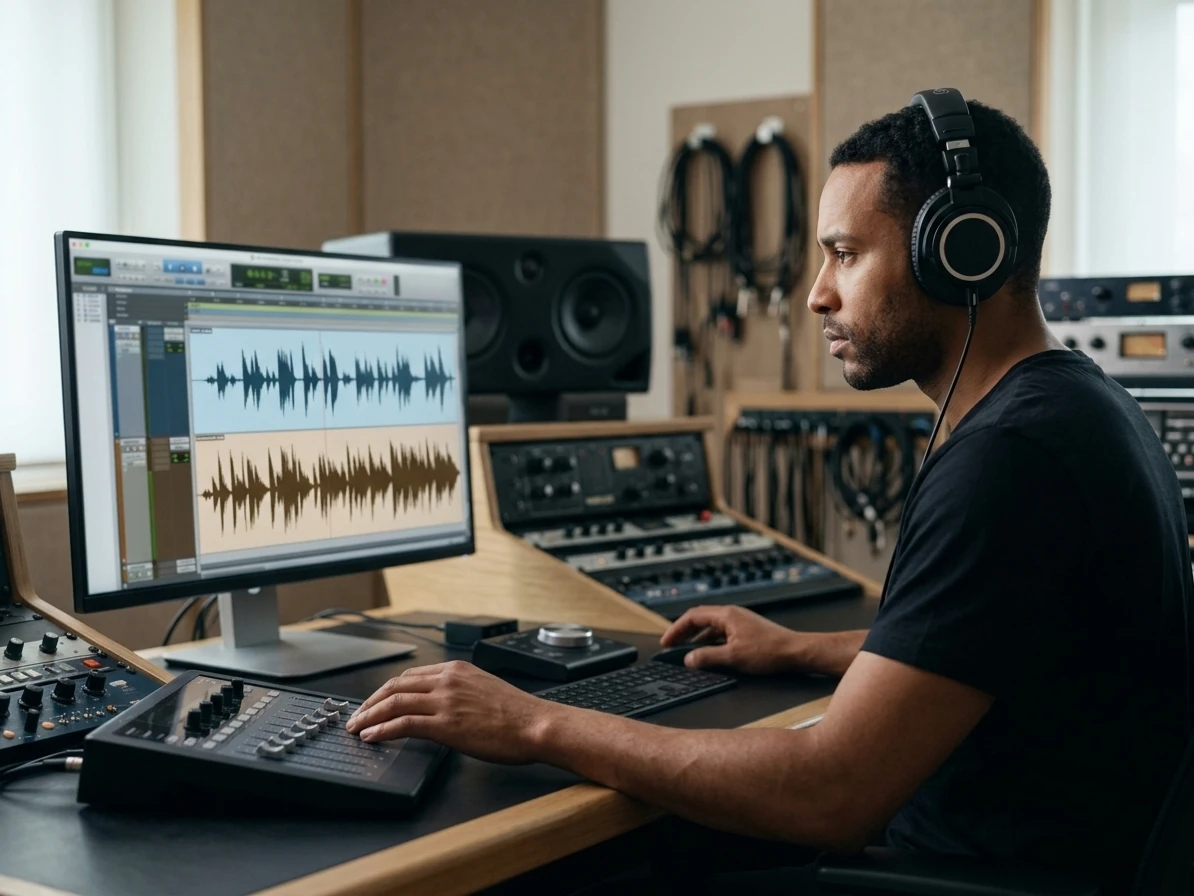
Preview Bleed Before Download
Most failed acapellas sound fine for five seconds and fall apart when the chorus hits. Preview both outputs inside the Acapella Extractor so you can catch bleed, reverb smears, backing-vocal spill, or hollow instrumental artifacts before exporting. That extra listen saves you from building a remix around a vocal that cannot hold up.
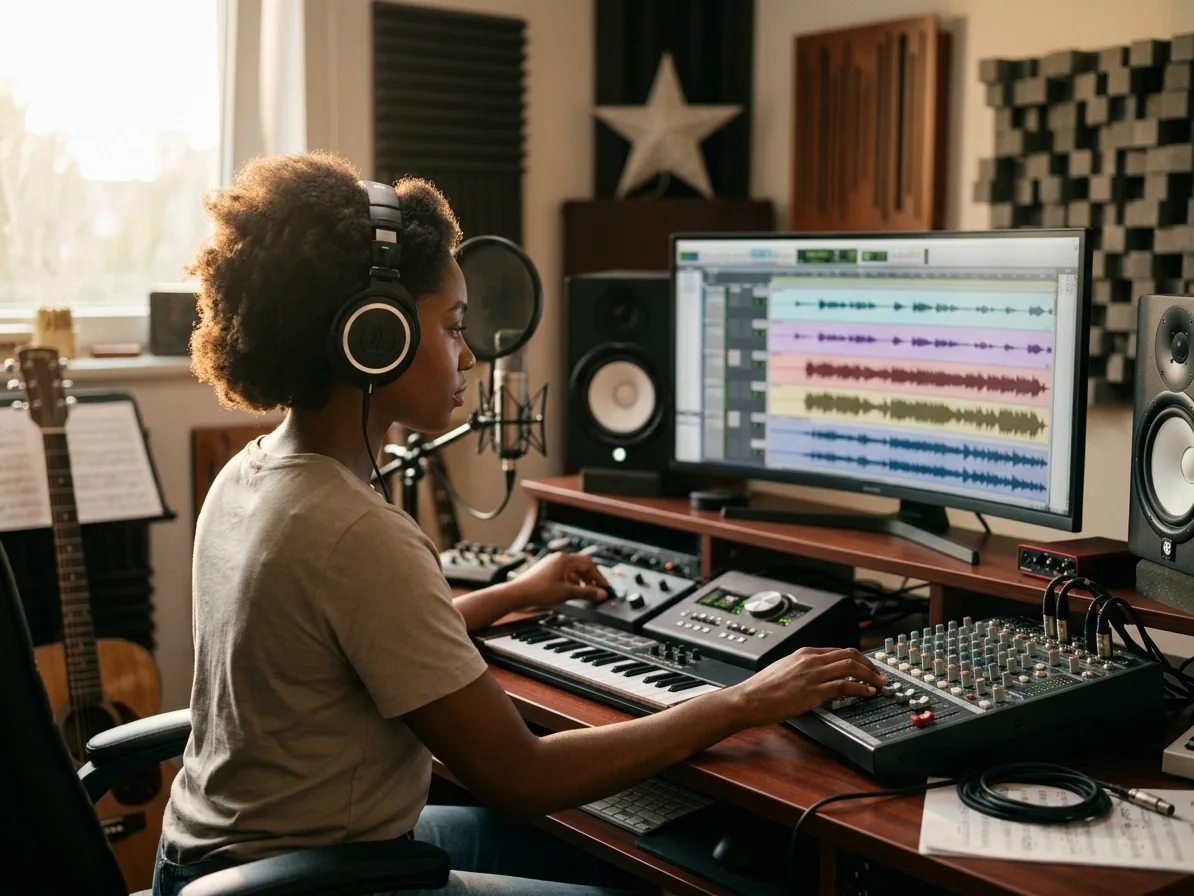
A Clear Next Step After Extraction
The useful question is not just 'can I isolate vocals?' It is what you do next. After the Acapella Extractor finishes, download the vocal for a DAW remix, use the instrumental for karaoke practice, study phrasing for a cover, or bring the idea into CreateMusicAI to sketch a new arrangement. The AI Acapella Extractor keeps that handoff short.
Who Actually Uses an Acapella Extractor
This is not a generic audio cleanup page. The AI Acapella Extractor fits concrete workflows where the vocal has to be separated, judged, and used quickly.

Remix Producers
You found the perfect hook, but there is no official acapella pack. Use the Acapella Extractor to pull the lead vocal, test tempo changes, and hear if the chorus survives over a new drum groove before you commit to a full remix session.
Karaoke Singers
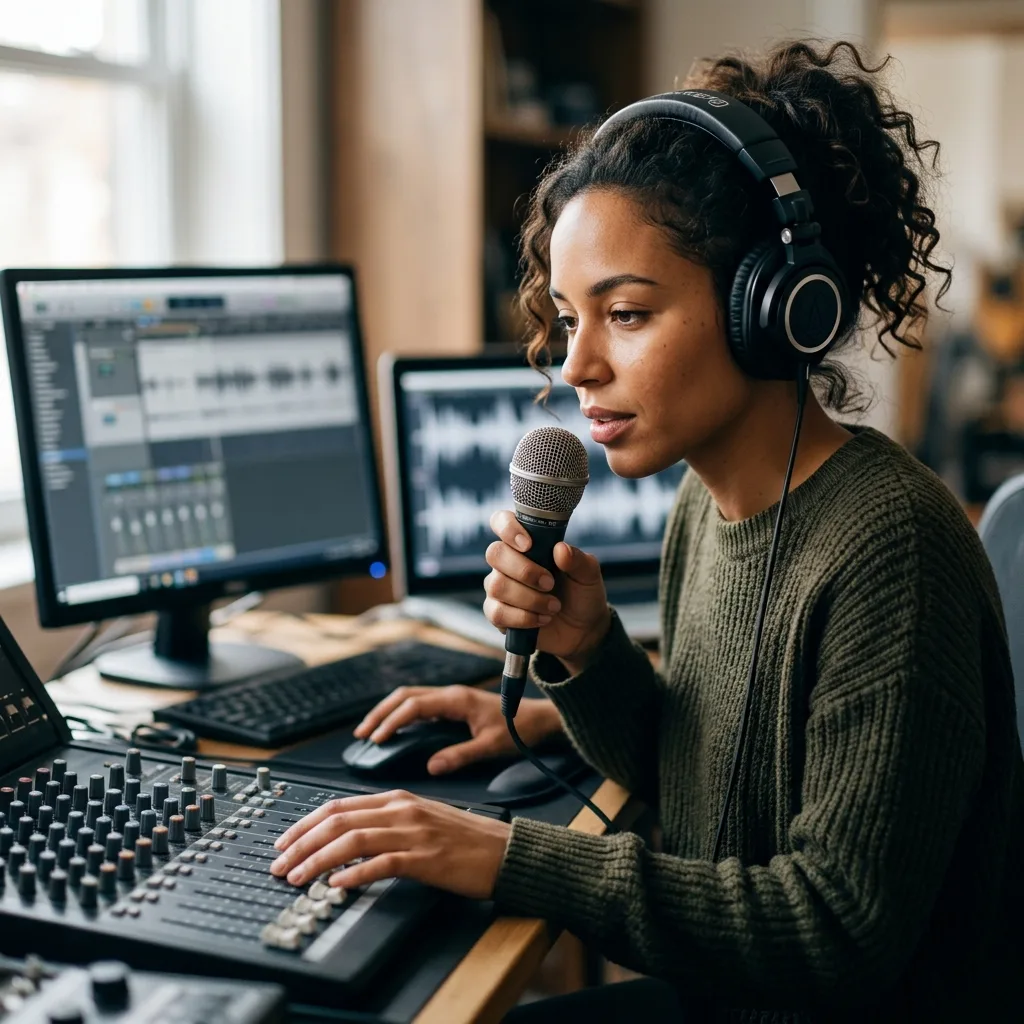
Official karaoke versions are often missing, low quality, or in the wrong key. Run the AI Acapella Extractor, keep the instrumental for practice, and use the isolated vocal as a reference for breath timing, phrasing, and difficult entrances.
Cover Creators
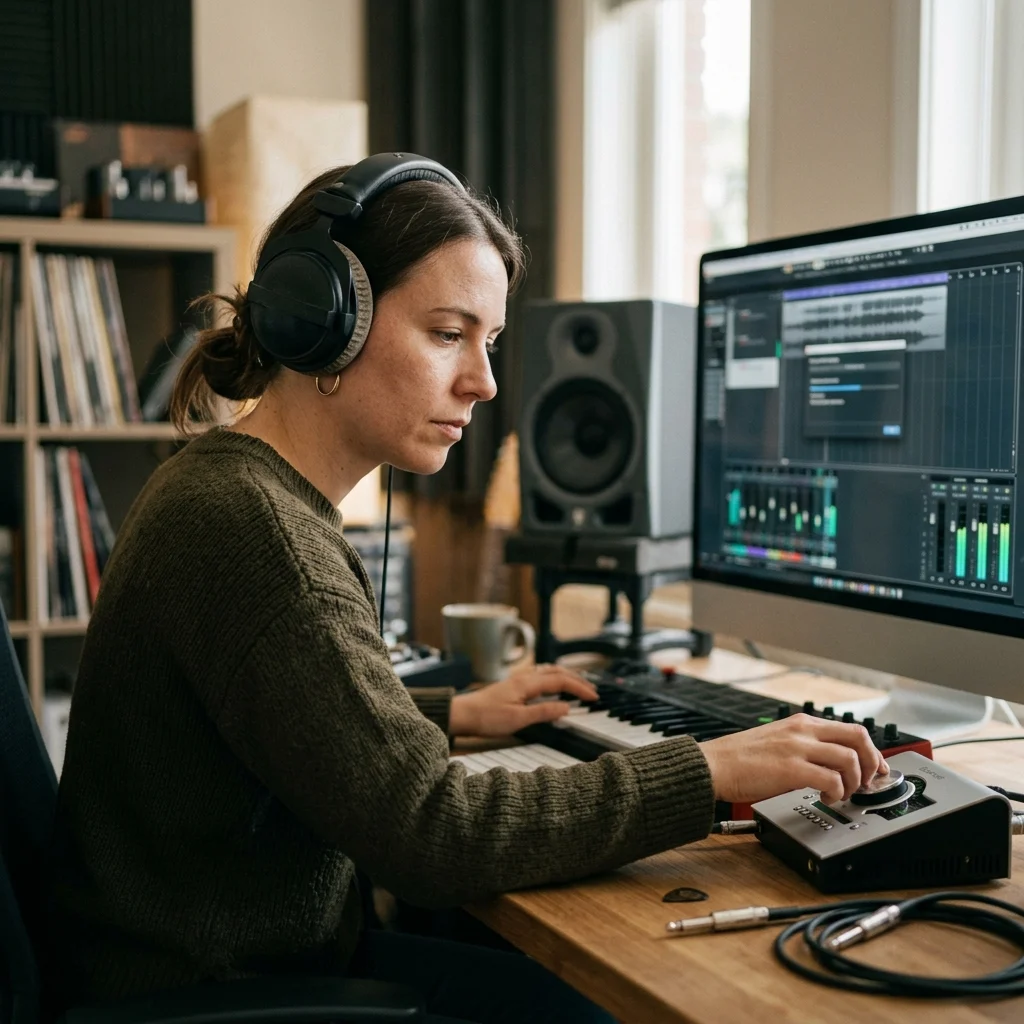
A cover sounds weak when you only copy the melody from memory. Extract the vocal, zoom in on breath points, vibrato, harmony entrances, and ad-libs, then record your version with details you can actually hear.

Music Teachers
Explaining arrangement is easier when students can hear the parts separately. Use the Acapella Extractor to compare vocal phrasing against the instrumental bed, then discuss dynamics, harmony support, and where the singer sits in the mix.
Use the AI Acapella Extractor in Three Focused Steps
With CreateMusicAI's AI Acapella Extractor, the goal is not just separation. The goal is deciding whether the vocal is good enough for your next move.
1. Upload the Cleanest Source You Have
Start with the best version of the song available to you. A cleaner file gives the Acapella Extractor more room to isolate vocals without dragging extra percussion, synths, or crowd noise into the result.
2. Use Vocal Mode for Acapella Work
Keep vocal mode selected when your target is an acapella and instrumental pair. Switch to full stem separation only when you need drums, bass, and other instruments for deeper remix editing.
3. Check the Chorus Before You Download
Do not judge the split from the intro alone. Preview the loudest chorus, the quietest verse, and any backing-vocal sections. If the vocal still feels clear, download the acapella or instrumental and move into your project.
Frequently Asked Questions About the AI Acapella Extractor
Practical answers about vocal isolation quality, remix workflows, karaoke use, and rights when you upload existing songs.
What does an Acapella Extractor do?
An Acapella Extractor uses audio separation to isolate the vocal from a finished mix. CreateMusicAI also returns the instrumental side, so you can compare the acapella against the backing track before deciding which output is useful.
Is the AI Acapella Extractor free to try?
Yes. CreateMusicAI gives you a way to try the AI Acapella Extractor before building a bigger workflow around it. Use the free trial to test the exact material you care about: a dense chorus, a live recording, a remix hook, or a karaoke practice track.
Can I extract acapella from song files online?
Yes. Upload your audio, keep vocal mode selected, and CreateMusicAI will process the file online. You can preview the acapella and instrumental before download, which is important because vocal isolation quality changes from song to song.
Will the Acapella Extractor remove all background music?
No Acapella Extractor can guarantee perfect separation on every song. Dense masters, heavy reverb, backing vocals, distorted guitars, crowd noise, or compressed dance mixes can leave bleed and artifacts. The preview step is there so you can judge the result before using it.
What is the difference between an acapella extractor and a vocal remover?
Both workflows split vocals from music. An acapella extractor focuses on keeping the vocal for remixing, cover study, sampling tests, or teaching. A vocal remover usually emphasizes the instrumental track for karaoke, background music, or sing-along practice.
Can I use extracted acapellas commercially?
Only if you have the necessary rights to the original recording and composition. CreateMusicAI does not turn copyrighted uploads into royalty-free material and does not grant permission to commercially reuse someone else's song.
What can I do after using the AI Acapella Extractor?
Bring the vocal into a DAW, test a remix beat, build a mashup draft, create karaoke practice material, study vocal phrasing, or use CreateMusicAI to sketch a new arrangement around the separated vocal idea.