Related tools for your next step
How to Convert MP3 to MIDI
With CreateMusicAI, you can convert MP3 to MIDI in three practical steps and move the result into your DAW piano roll. Convert MP3 to MIDI first, then refine.
Upload or Record Audio
Open CreateMusicAI and add an MP3 file, a phone recording, or a short vocal idea. Clean single melodies, piano lines, guitar riffs, and humming usually give the MP3 to MIDI Converter the clearest notes.
Analyze Pitch and Timing
Start conversion so the MP3 to MIDI Converter can detect note events, pitch movement, and timing. Full mixes can work, but the MP3 to MIDI Converter performs best when isolated vocals or instruments need less cleanup.
Download or Edit MIDI
Download the .mid file after you convert MP3 to MIDI, import it into your DAW, assign a virtual instrument, then quantize timing or adjust velocity until the part fits your session.
MP3 to MIDI Converter Features for Real Workflows
Use this MP3 to MIDI Converter when you need editable notes from MP3 ideas, vocal sketches, samples, or clean instrument recordings. The goal is not to copy the original tone; it is to convert MP3 to MIDI so you can rebuild the musical idea with your own instruments, tempo, and arrangement choices.
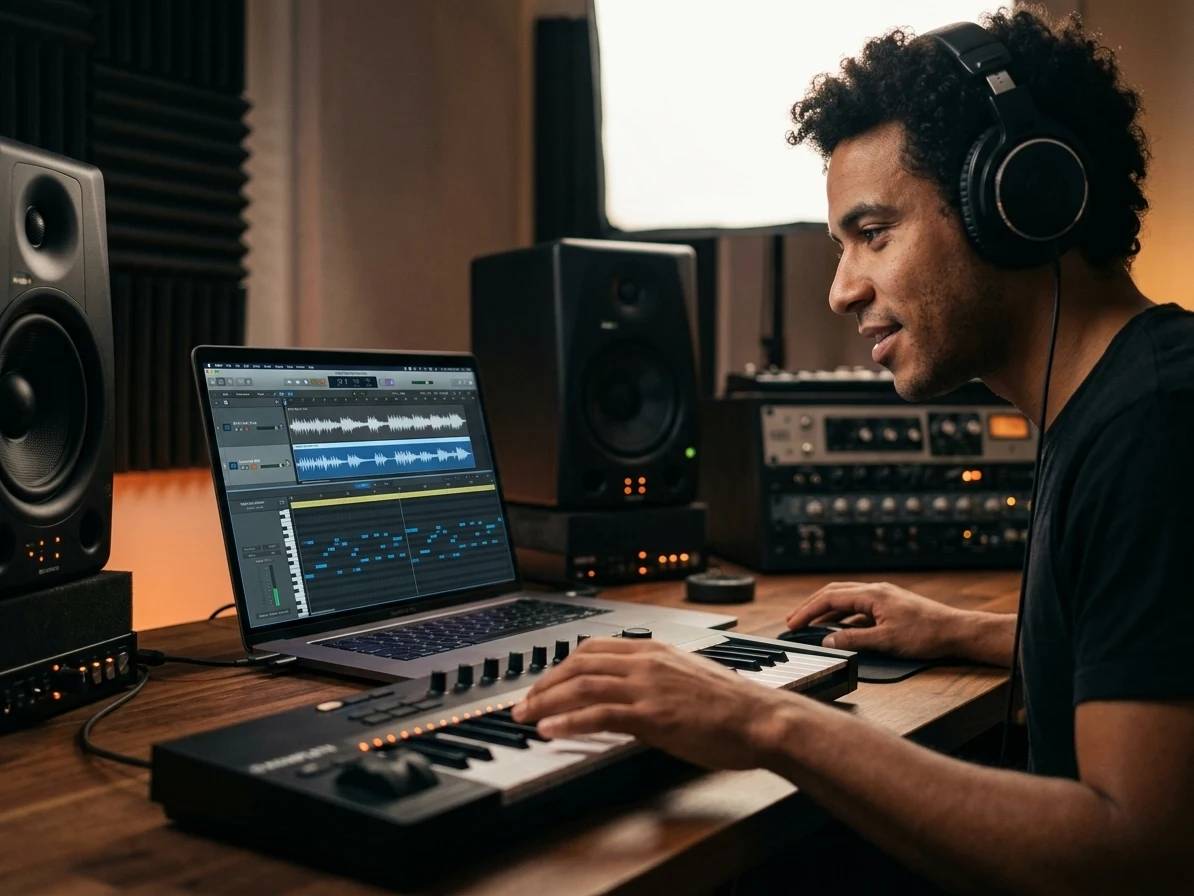
Turn MP3 Melodies Into MIDI Notes
CreateMusicAI's MP3 to MIDI Converter analyzes pitch and timing, then gives you a MIDI file you can edit in a piano roll instead of redrawing every note by hand.
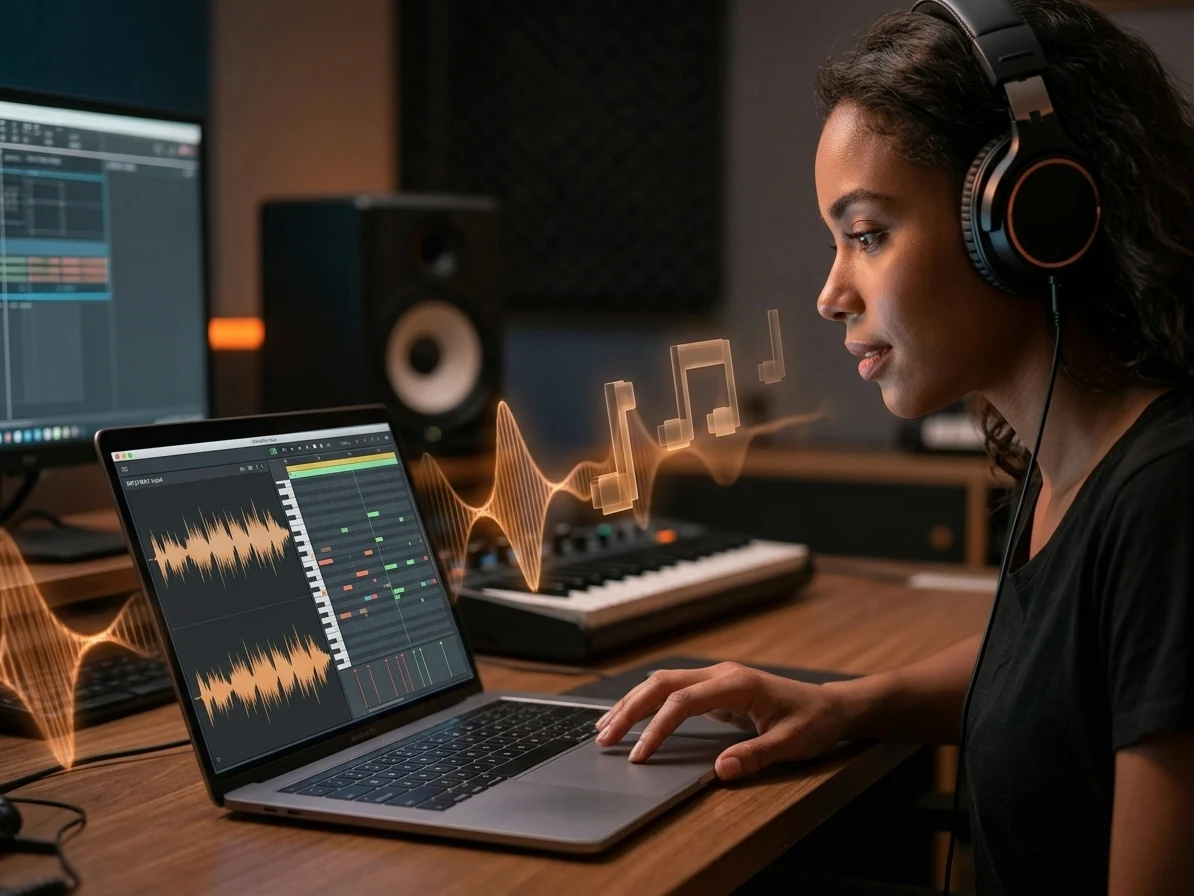
Use Common Audio Formats
Upload MP3, WAV, FLAC, or OGG files and convert MP3 to MIDI without installing plugins. The MP3 to MIDI Converter also handles quick recordings from the browser.
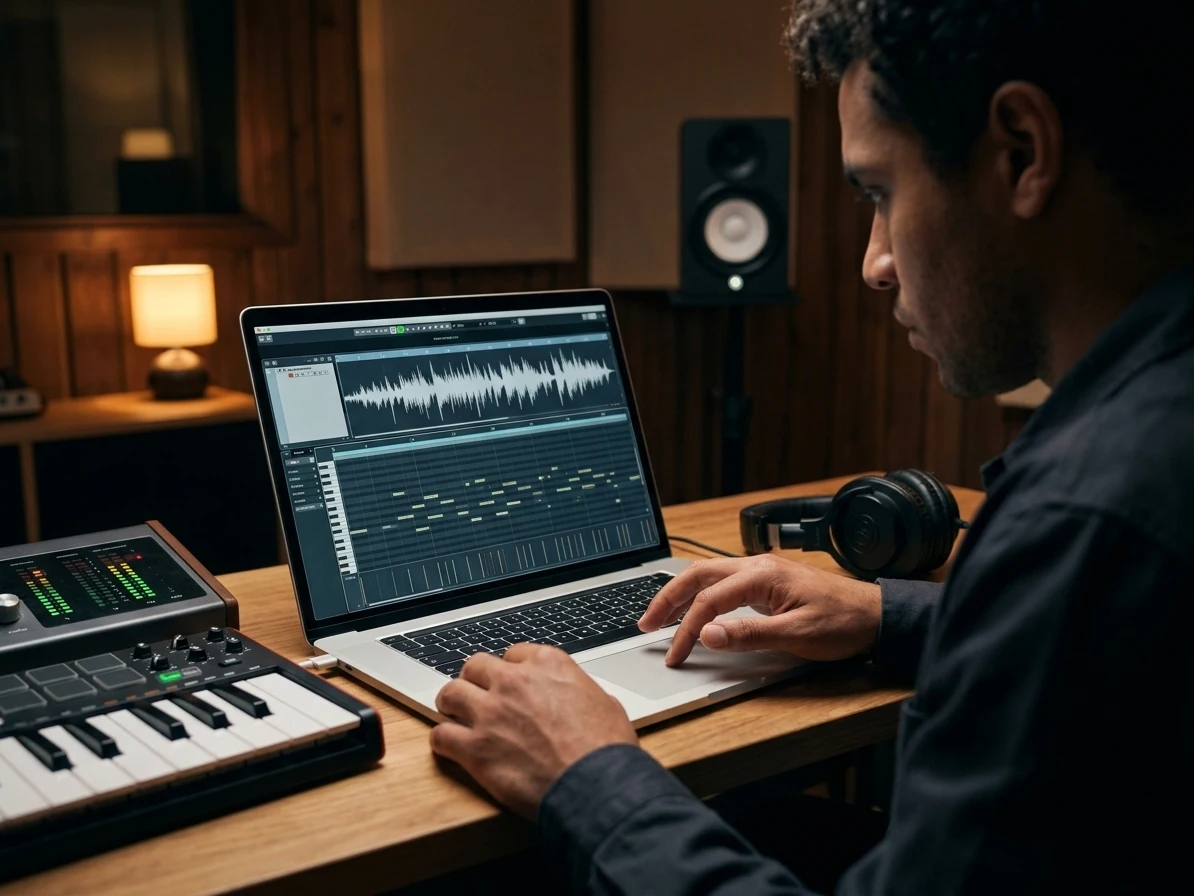
Capture Vocals Instruments and Hooks
The MP3 to MIDI Converter works best with clear vocals, humming, piano, guitar, basslines, and other focused parts. Before you convert MP3 to MIDI from a dense full song, choose the cleanest section and expect some DAW cleanup after export.
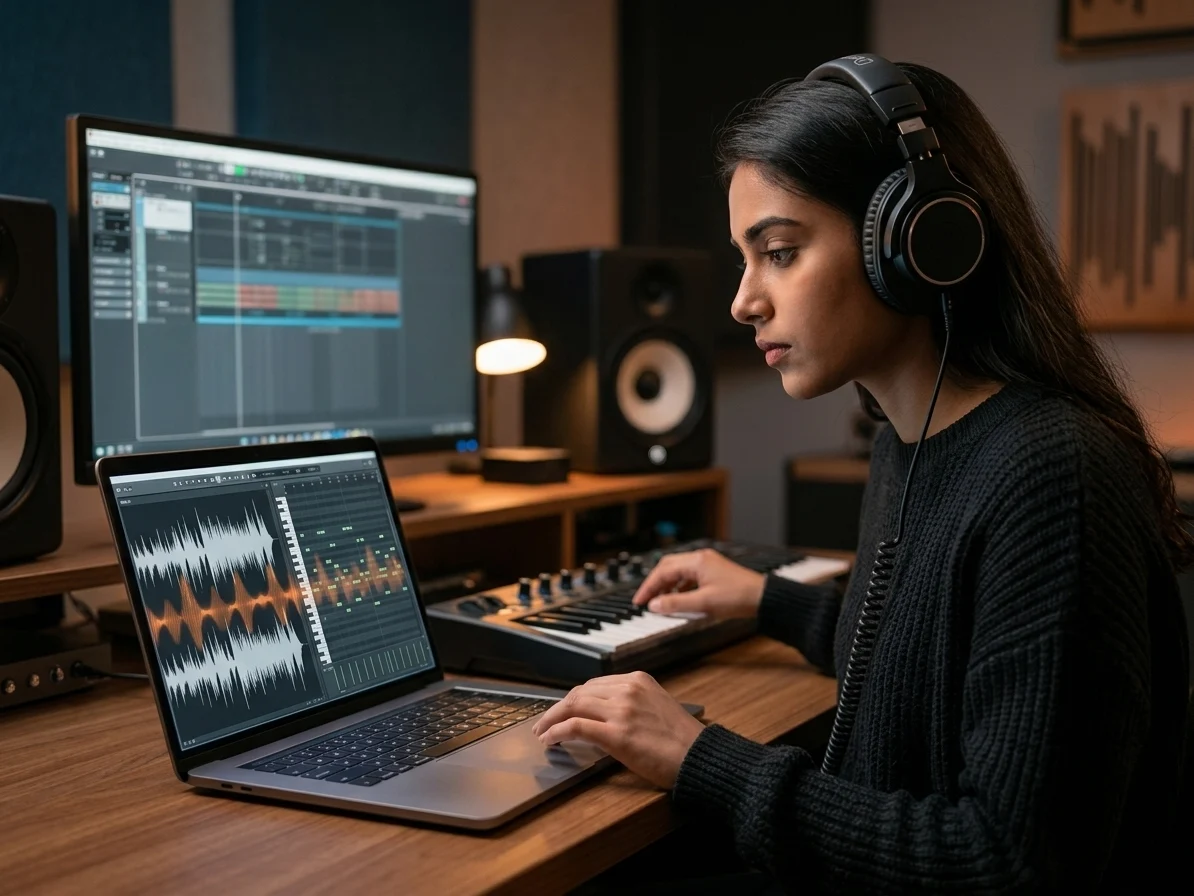
Keep Audio Processing in Your Browser
Your source audio stays local while our browser workflow creates the MIDI output. Convert MP3 to MIDI with a privacy-friendly MP3 to MIDI Converter for drafts, demos, and practice material.
Who Uses an MP3 to MIDI Converter
This MP3 to MIDI Converter helps creators convert MP3 to MIDI and move from finished audio or rough recordings to MIDI parts they can edit, arrange, and reuse.
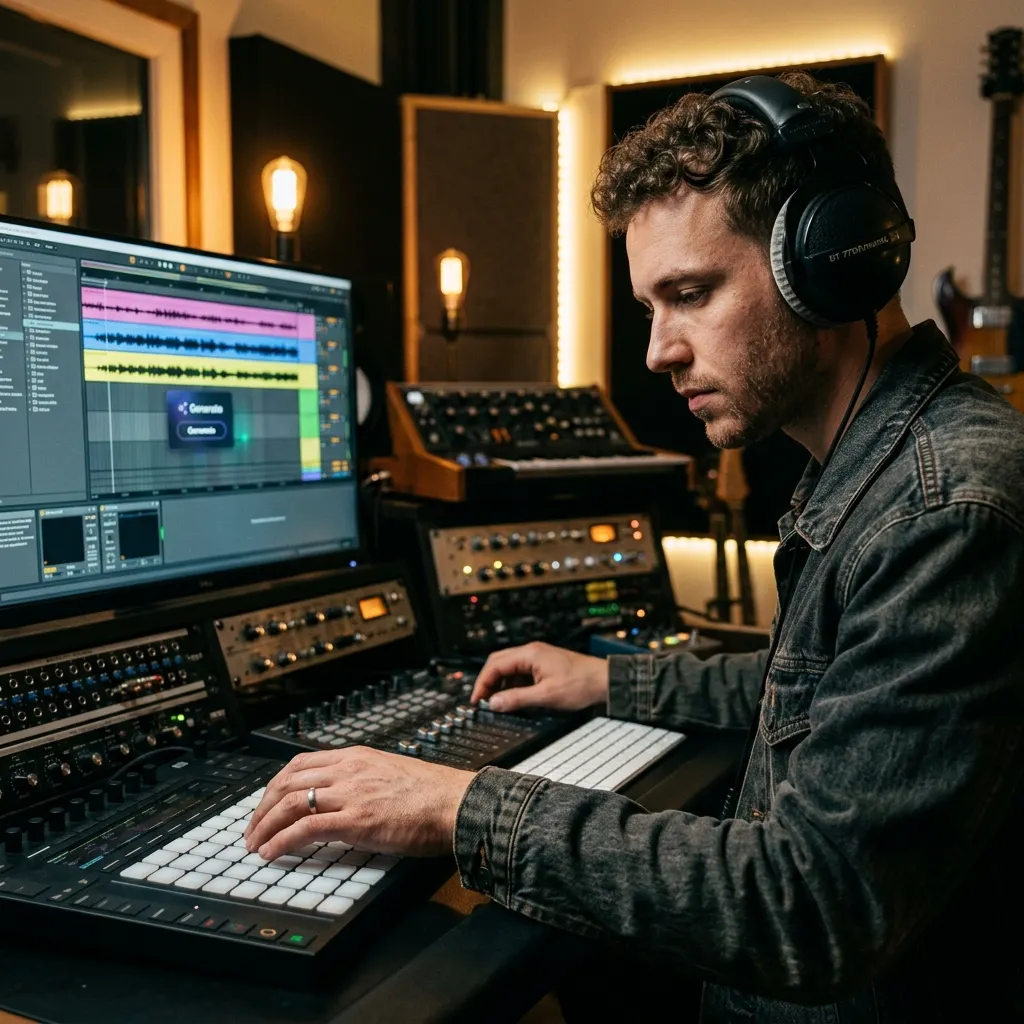
Music Producers
A sample idea can take hours to replay by ear. Convert MP3 to MIDI, drop the file into your DAW, and audition new instruments, tempo changes, or chord edits in minutes. This MP3 to MIDI Converter is especially useful when you need a quick sketch before rebuilding the part with your own sounds.

Songwriters and Musicians
Phone recordings often disappear before they become songs. Use the MP3 to MIDI Converter to capture a sung melody, guitar riff, or piano sketch as notes you can develop.

Students and Music Teachers
Manual transcription slows lessons and practice sessions. Use the MP3 to MIDI Converter to convert MP3 to MIDI, open it in notation or piano-roll software, and study pitch, rhythm, and intervals.

Content Creators and DJs
Remix ideas move faster when the hook is editable. Turn an MP3 clip into MIDI, change the instrument, sync the tempo, and rebuild the phrase for videos, sets, or edits. The MP3 to MIDI Converter helps you test a musical direction before spending time on a full arrangement.
MP3 to MIDI Converter FAQs
Answers for converting MP3 files, improving transcription accuracy, editing MIDI, and using the browser-based workflow.
What is an MP3 to MIDI Converter?
CreateMusicAI's MP3 to MIDI Converter analyzes an audio file and creates MIDI note events from detectable pitch and timing. The output is not another audio file; it is editable musical data you can open in a DAW, notation app, or MIDI editor.
Can I convert MP3 to MIDI online for free?
You can start online with the MP3 to MIDI Converter and test the workflow without installing software. Upload an MP3, run the analysis, then download a MIDI file when notes are detected. Check the current product limits inside the app before large projects.
What audio gives the most accurate MIDI result?
Clean recordings with one clear melody usually work best. Vocals, humming, piano, guitar, basslines, and isolated instruments are easier to read than dense full mixes with reverb, drums, and several instruments fighting for the same frequency range.
Will it work on full songs and mixed MP3 files?
The MP3 to MIDI Converter can analyze full songs, but complex mixes may produce extra notes or missed chords. For better results, use the clearest section of the song and plan to clean timing, velocity, and note length after export.
Can I edit the converted MIDI in a DAW?
Yes. After you convert MP3 to MIDI, download the .mid file and import it into your DAW piano roll. You can assign a virtual instrument, quantize timing, change key, adjust velocity, delete wrong notes, and reshape the melody for a remix or arrangement.
How should I prepare an MP3 before conversion?
Trim the file to the clearest section before using the MP3 to MIDI Converter. Lower background noise, avoid heavy reverb, and choose parts where the lead melody is easy to hear. If you convert MP3 to MIDI from a busy chorus, plan extra cleanup for short false notes, timing drift, and missed chord tones. For long files, start with one phrase rather than the whole song. The MP3 to MIDI Converter gives cleaner results when the main part is exposed, steady, and not buried under drums or wide stereo effects.
Is my MP3 uploaded to a server?
CreateMusicAI processes this MP3 to MIDI Converter workflow in the browser. Your audio stays on your device during conversion, which is useful for private demos, unreleased songs, lesson material, and quick production sketches.
Why does my converted MIDI sound different from the MP3?
MIDI stores notes, timing, and performance data, not the original audio tone. After the MP3 to MIDI Converter creates the file, load a piano, synth, guitar, or other virtual instrument in your DAW. The MP3 to MIDI Converter gives you editable notes, then your instrument choice shapes the sound.
Can CreateMusicAI convert voice recordings to MIDI?
CreateMusicAI can convert voice recordings, humming, and sung hooks when the pitch is clear enough. Record a focused melody, avoid background noise, then convert MP3 to MIDI with the MP3 to MIDI Converter for writing, arranging, or practice.
Can I use MIDI made from commercial songs?
The MP3 to MIDI Converter creates an editable MIDI interpretation, but rights still depend on the source audio. Use your own recordings freely, and treat commercial songs as protected material unless you have permission. For covers, remixes, uploads, or MIDI packs, check the original rights before distribution.