Arrastra y suelta tu archivo de audio aquí, o haz clic para buscar
Soporta: MP3, WAV, OGG, M4A, AAC, FLAC, WMA
Instrumental de karaoke
Eliminar la voz para crear un acompañamiento de karaoke
Separación de pistas
Separar en 4 pistas: voces, batería, bajo, otros

AI Karaoke Maker
Usa el AI Karaoke Maker de CreateMusicAI para quitar voces de canciones y crear pistas instrumentales de karaoke para practicar, fiestas y contenido.
AI Karaoke Maker
Sube una canción y separa la voz de la pista instrumental. Crea pistas de karaoke para cantar en casa, fiestas, práctica vocal y videos sin instalar software.
Qué es un AI Karaoke Maker
Crea pistas de karaoke con las canciones que ya tienes
AI Karaoke Maker elimina la voz principal y te ofrece una pista instrumental limpia para practicar canto, organizar fiestas, preparar covers y crear contenido rápidamente.

Crea pistas instrumentales para karaoke
Sube una canción y deja que CreateMusicAI separe la voz del acompañamiento. AI Karaoke Maker te ayuda a obtener una versión instrumental para cantar en casa o ensayar antes de una fiesta.
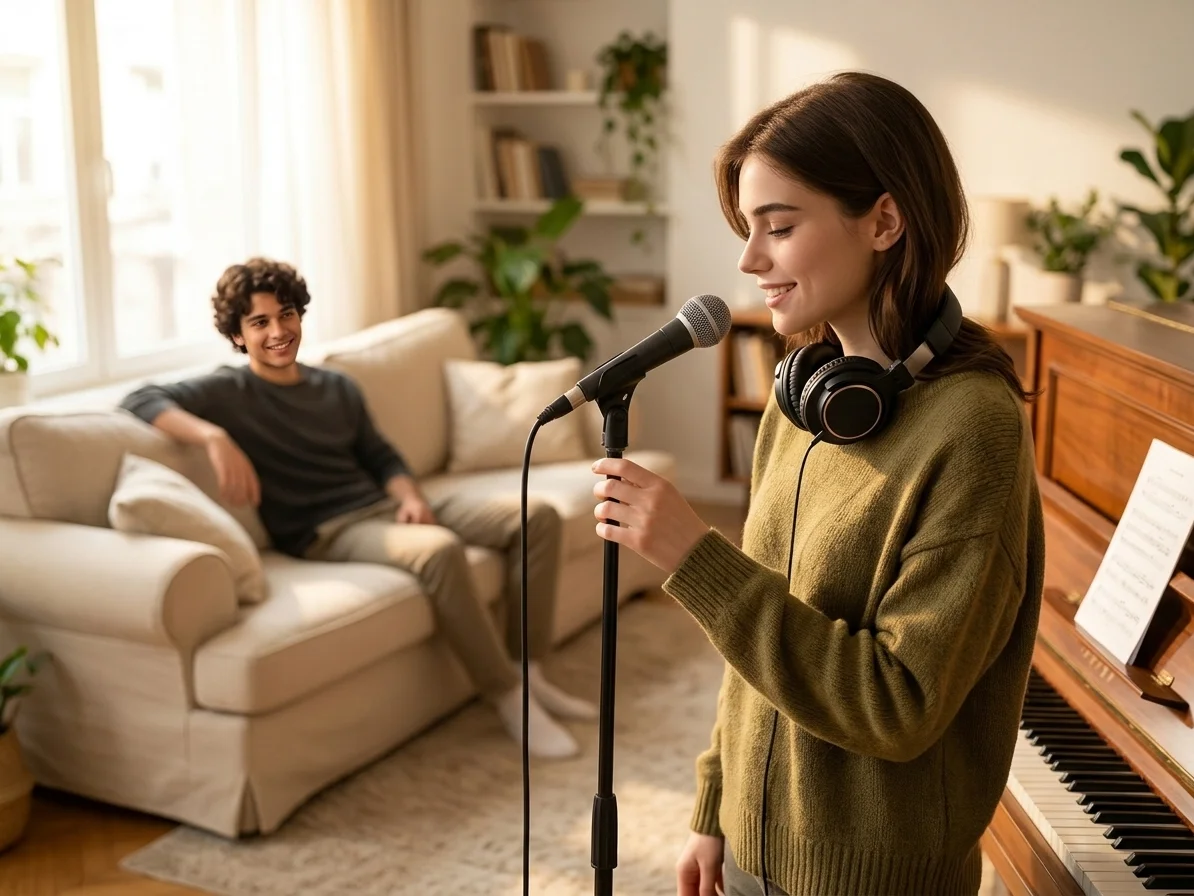
Conserva la voz y el instrumental por separado
Descarga el instrumental para karaoke o conserva la pista vocal para estudiarla y probar ideas de remix. Karaoke Maker permite previsualizar fácilmente ambas pistas antes de guardarlas.
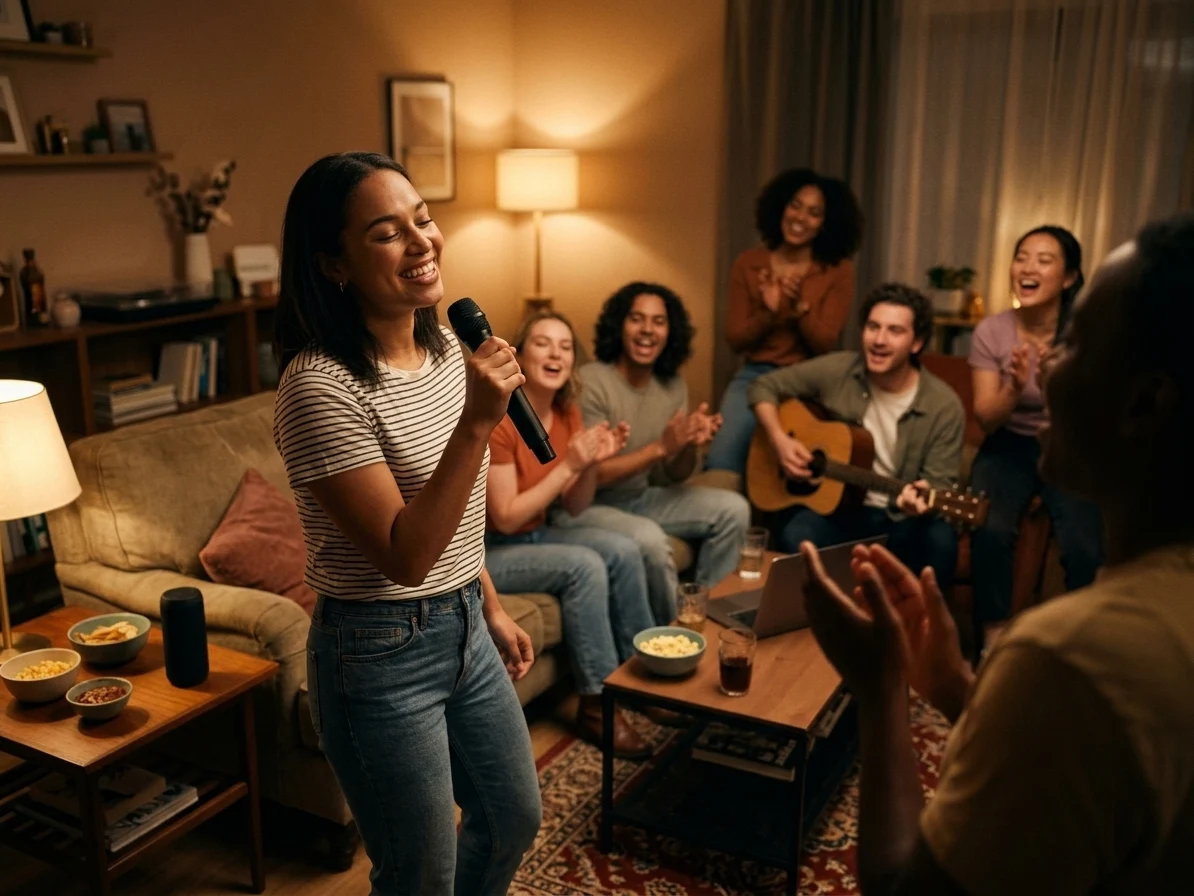
Practica y disfruta sin editar audio
Olvídate de editar formas de onda y de separar pistas manualmente. Sube, procesa, previsualiza y descarga una pista de karaoke para calentar la voz, cantar en casa o crear videos cortos.
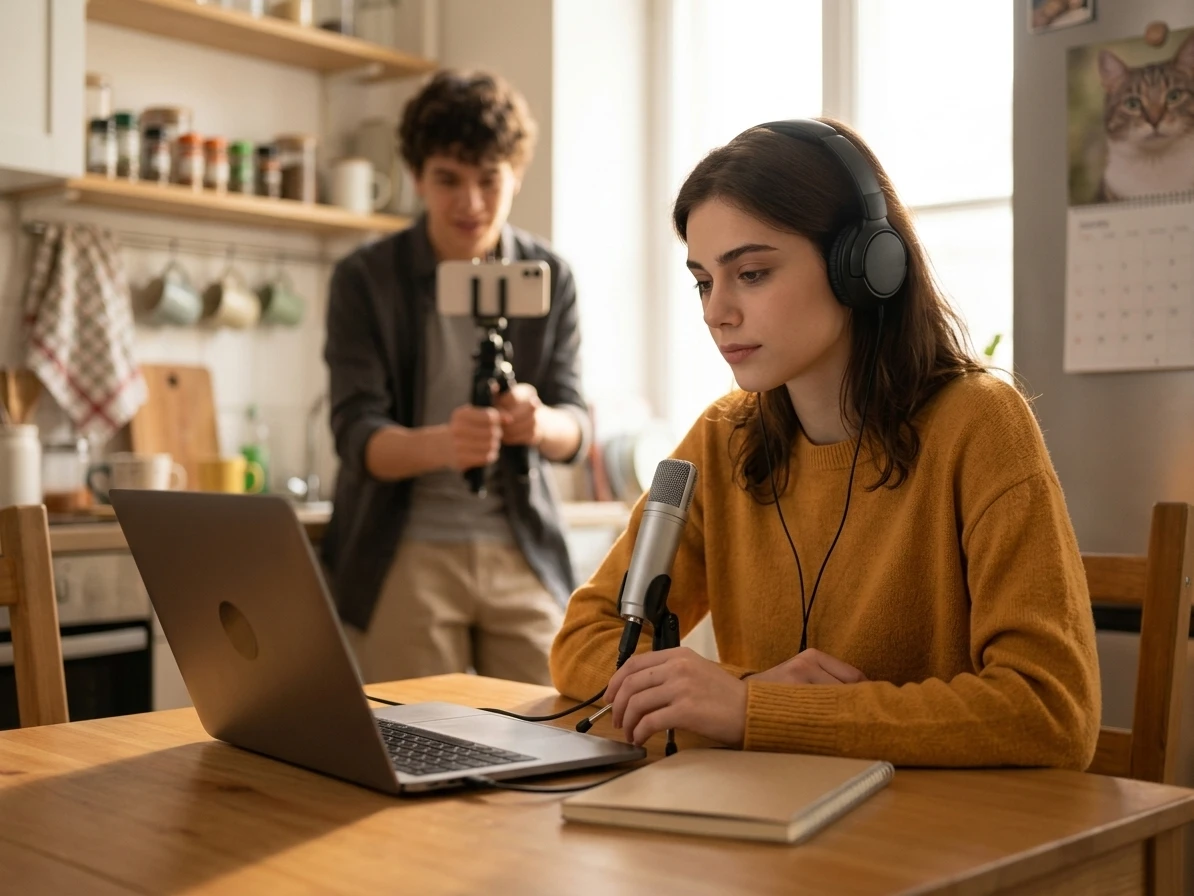
Preparación más segura para covers y clips públicos
Antes de cantar sobre una pista en un video, clase, borrador de cliente o evento público, necesitas revisar calidad de sonido y derechos de uso. El Karaoke Maker te ayuda a previsualizar el instrumental y mantiene claro que quitar voces no libera derechos de terceros.
Quién utiliza un creador de karaoke con IA
CreateMusicAI facilita la creación de karaoke para cantantes, anfitriones, profesores y creadores que necesitan acompañamientos limpios a partir de canciones existentes.
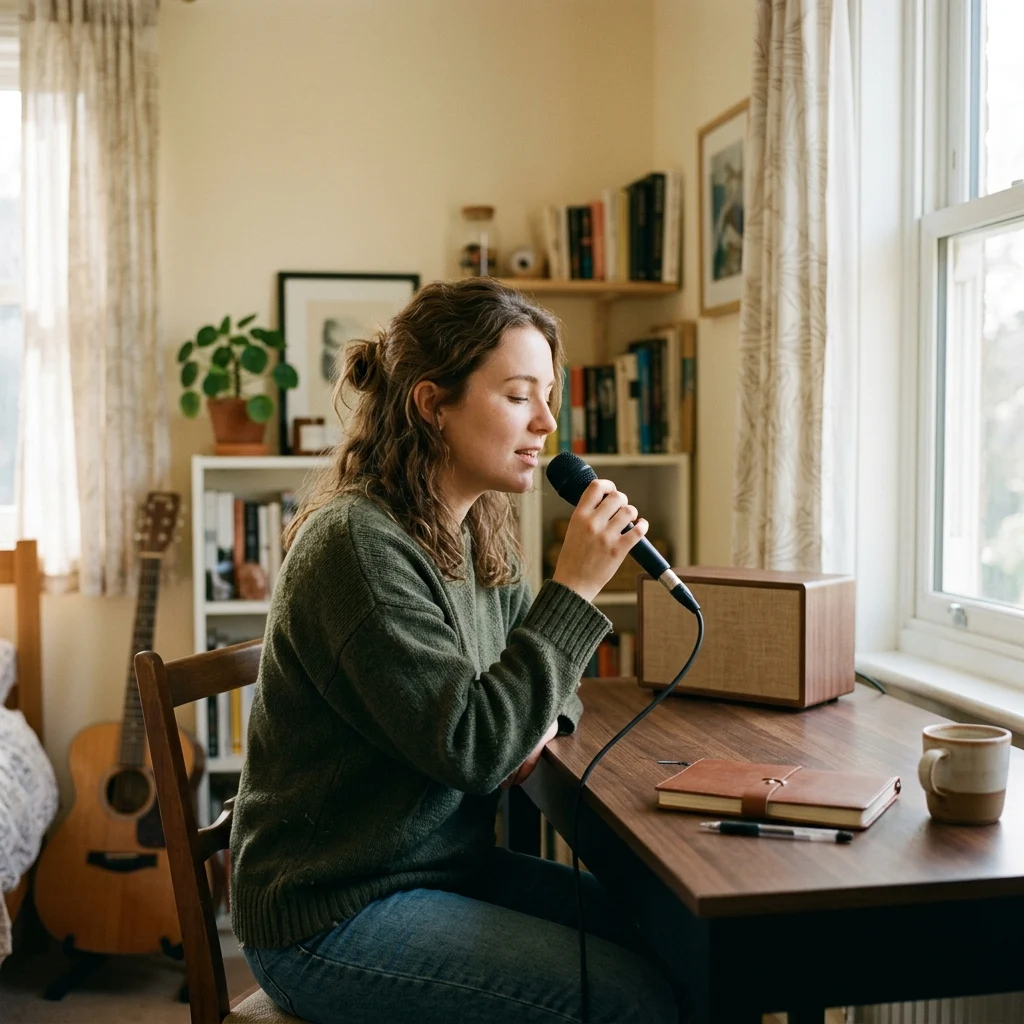
Cantantes en casa
Crea un acompañamiento de karaoke a partir de tu canción favorita y practica la melodía sin que la voz principal original tape la tuya.

Anfitriones de fiestas de karaoke
Prepara pistas instrumentales para cumpleaños, sesiones de canto en casa y reuniones con amigos sin usar programas de audio complejos.
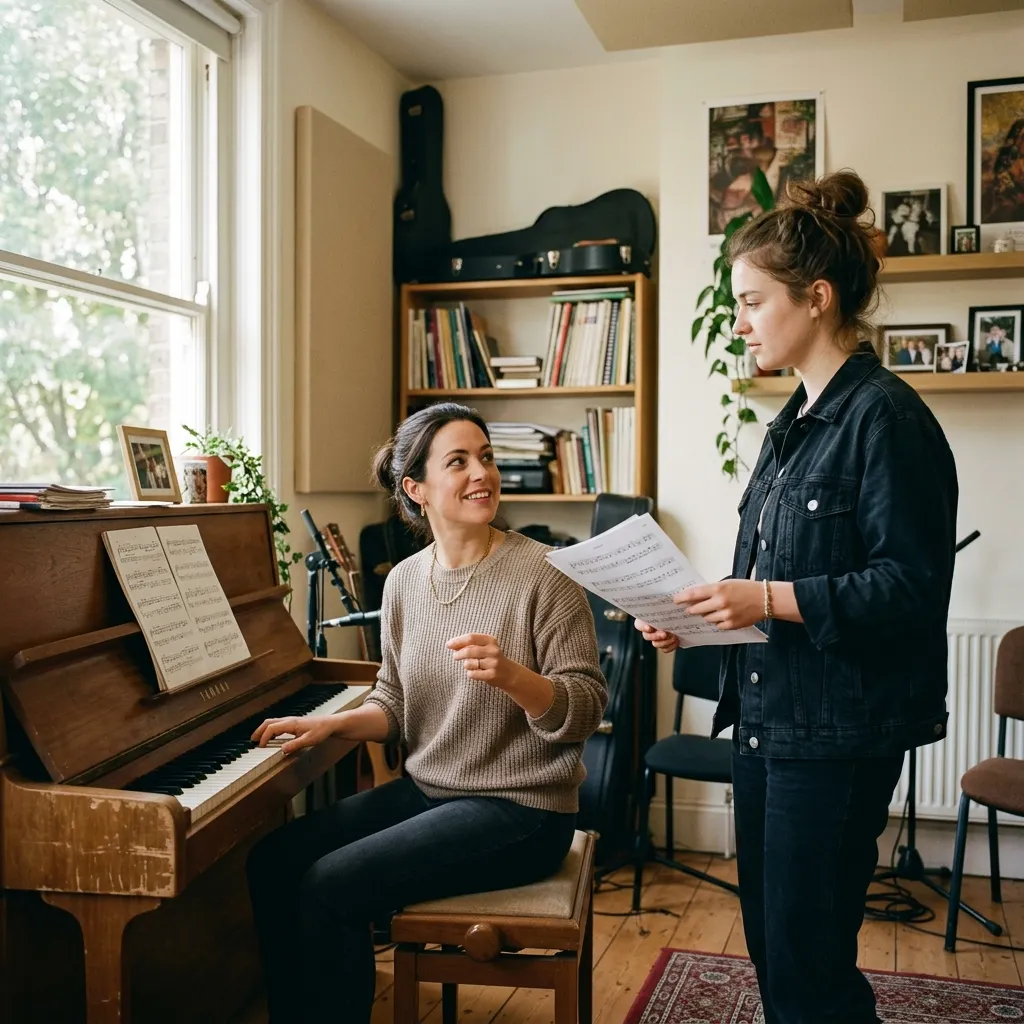
Profesores de canto
Usa Karaoke Maker para crear acompañamientos adecuados para clase y ayudar a los alumnos a centrarse en la afinación, el fraseo, la respiración y la confianza.
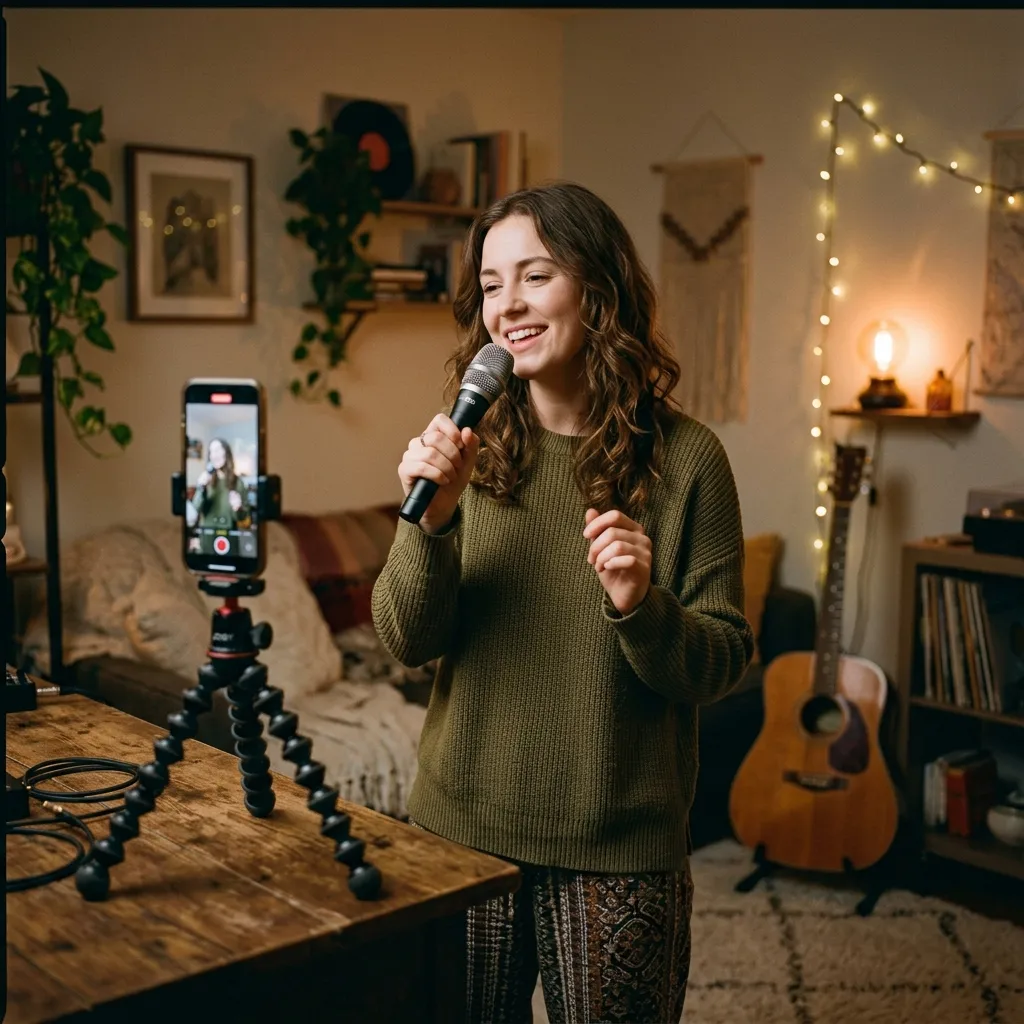
Creadores de video
Elimina la voz de una pista que tengas derecho a usar y prepara audio de fondo estilo karaoke para covers, retos y clips en redes sociales.
Crea una pista de karaoke en 3 pasos
Sube tu canción, deja que la IA separe la voz del instrumental y descarga el acompañamiento de karaoke que necesitas.
1. Sube tu canción
Elige un archivo de audio de tu dispositivo o una pista de tu biblioteca musical. AI Karaoke Maker funciona directamente en el navegador.
2. Elimina la voz principal
CreateMusicAI analiza la grabación y separa la voz del instrumental para que puedas previsualizar el acompañamiento listo para karaoke.
3. Descarga y canta
Guarda la pista instrumental para practicar, celebrar fiestas, preparar covers o crear videos. Conserva también la pista vocal si quieres estudiar el fraseo o el ritmo.
Preguntas sobre AI Karaoke Maker
Respuestas para cantantes y creadores que quieren eliminar voces y crear acompañamientos de karaoke online.
¿AI Karaoke Maker es lo mismo que un generador de canciones con IA?
No. Esta página sigue el flujo de eliminación de voz. Subes una canción existente y CreateMusicAI separa la voz del instrumental para crear una pista de karaoke. Usa AI Karaoke Maker cuando quieras cantar sobre una canción conocida y un generador cuando quieras crear una canción nueva a partir de una instrucción.
¿Puedo crear pistas de karaoke con cualquier canción?
Puedes subir archivos de audio compatibles y crear una versión instrumental, pero eres responsable de contar con el derecho de uso de la canción original. Esto es importante para actuaciones públicas, videos monetizados, trabajos para clientes y lanzamientos comerciales.
¿Karaoke Maker elimina la voz por completo?
La IA está diseñada para separar la voz principal del instrumental y funciona bien con la mayoría de las mezclas. Algunas canciones pueden conservar ligeros restos de voz, colas de reverberación o coros, sobre todo cuando la voz está muy integrada con los instrumentos.
¿Puedo descargar la pista instrumental?
Sí. Después del procesamiento puedes previsualizar y descargar el acompañamiento instrumental para karaoke, práctica vocal, covers o creación de contenido.
¿Puedo conservar también la voz extraída?
Sí. La herramienta puede proporcionar archivos separados de voz e instrumental. Resulta útil para estudiar el fraseo, preparar covers o planificar ideas de remix.
¿Qué ventajas ofrece frente a la edición manual de audio?
La edición manual puede exigir configurar un DAW, usar herramientas de separación, ajustar la exportación y escuchar el resultado varias veces. AI Karaoke Maker reduce ese proceso a subir, procesar, previsualizar y descargar.
¿Necesito experiencia en producción musical?
No. Karaoke Maker está pensado para cantantes, anfitriones, profesores y creadores que necesitan una pista instrumental, no una sesión técnica de mezcla. Si puedes subir una canción y escuchar la previsualización, puedes crear un acompañamiento de karaoke.