Arraste seu arquivo aqui ou clique
Suporta: MP3, WAV, OGG, M4A, AAC, FLAC, WMA
Instrumental para karaokê
Remover a voz para criar uma base de karaokê
Separação de Faixas
Separar em 4 faixas: vocais, bateria, baixo, outros

AI Karaoke Maker
Use o AI Karaoke Maker da CreateMusicAI para remover vozes de músicas e criar faixas instrumentais de karaokê para prática, festas e conteúdo.
AI Karaoke Maker
Envie uma música e separe a voz da faixa instrumental. Crie bases de karaokê para cantar em casa, festas, prática vocal e vídeos sem instalar software.
O que é um AI Karaoke Maker
Crie faixas de karaokê com músicas que você já tem
O AI Karaoke Maker remove a voz principal e oferece uma faixa instrumental limpa para praticar canto, animar festas, preparar covers e criar conteúdo rapidamente.

Crie bases instrumentais para karaokê
Envie uma música e deixe a CreateMusicAI separar a voz do acompanhamento. O AI Karaoke Maker ajuda você a obter uma versão instrumental para cantar em casa ou ensaiar antes de uma festa.
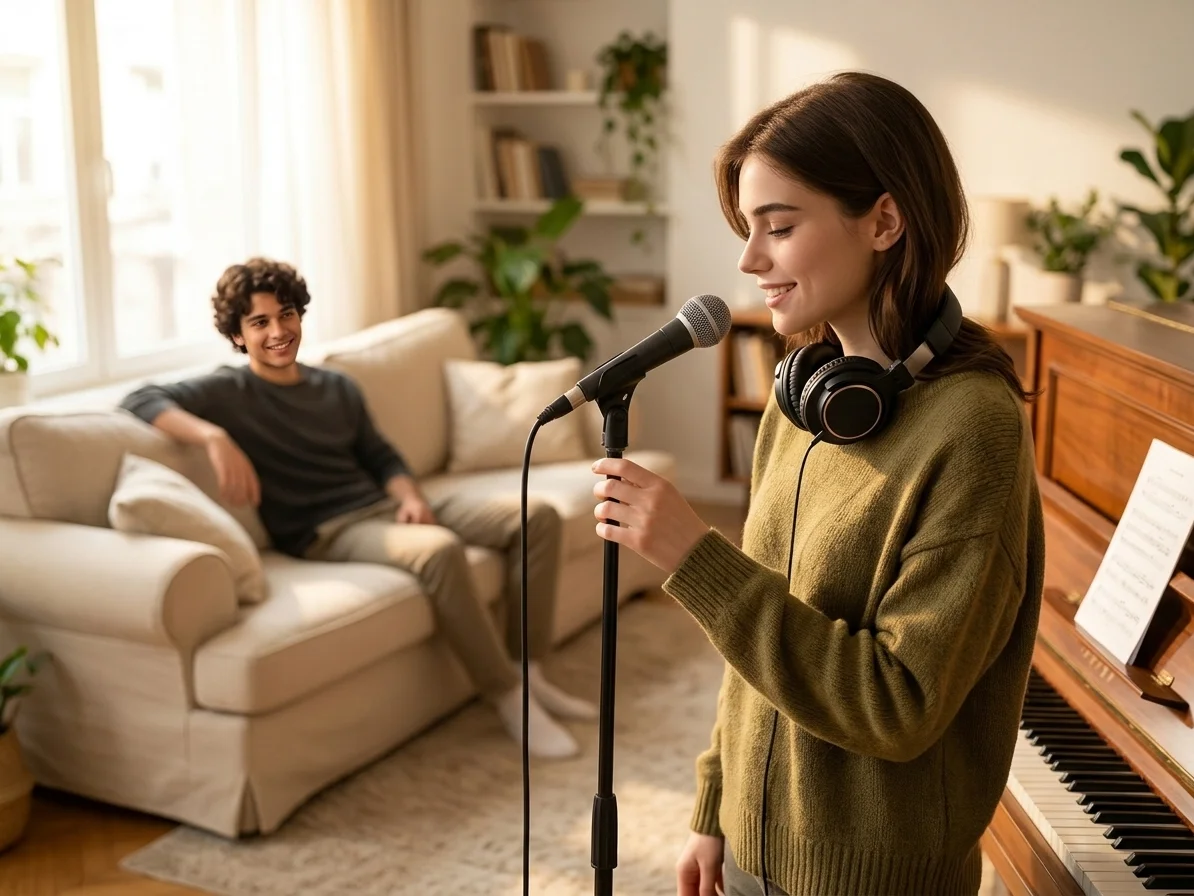
Mantenha voz e instrumental separados
Baixe o instrumental para o karaokê ou guarde a faixa vocal para estudar e testar ideias de remix. O Karaoke Maker permite ouvir as duas faixas antes de salvar.

Pratique e divirta-se sem editar áudio
Deixe de lado a edição de formas de onda e as ferramentas manuais de separação. Envie, processe, ouça e baixe uma faixa de karaokê para aquecimento vocal, canto em casa e vídeos curtos.
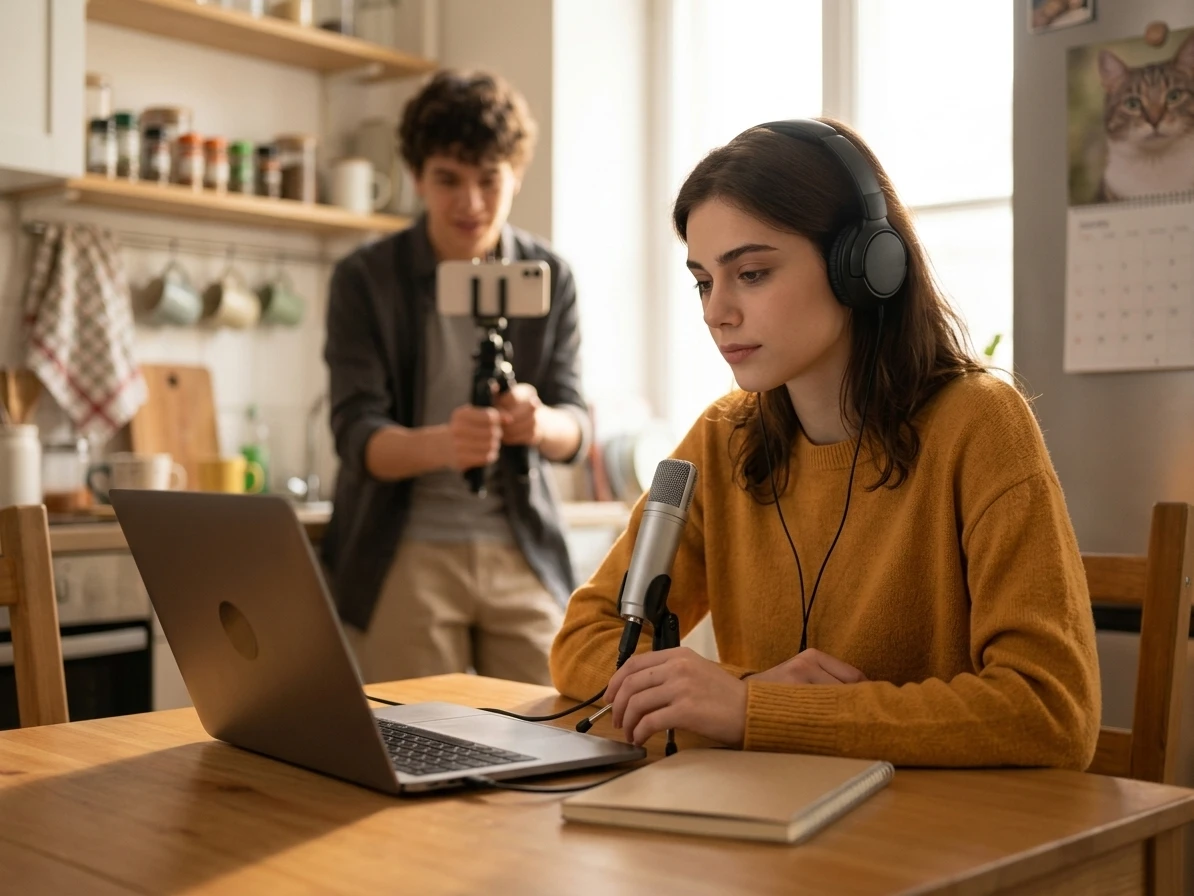
Preparo mais seguro para covers e vídeos públicos
Antes de cantar sobre uma faixa em vídeo, aula, rascunho para cliente ou evento público, você precisa avaliar qualidade sonora e direitos de uso. O Karaoke Maker ajuda a pré-visualizar o instrumental e deixa claro que remover vozes não libera direitos de terceiros.
Quem usa um criador de karaokê com IA
A CreateMusicAI facilita a criação de karaokê para cantores, anfitriões, professores e criadores que precisam de acompanhamentos limpos a partir de músicas existentes.
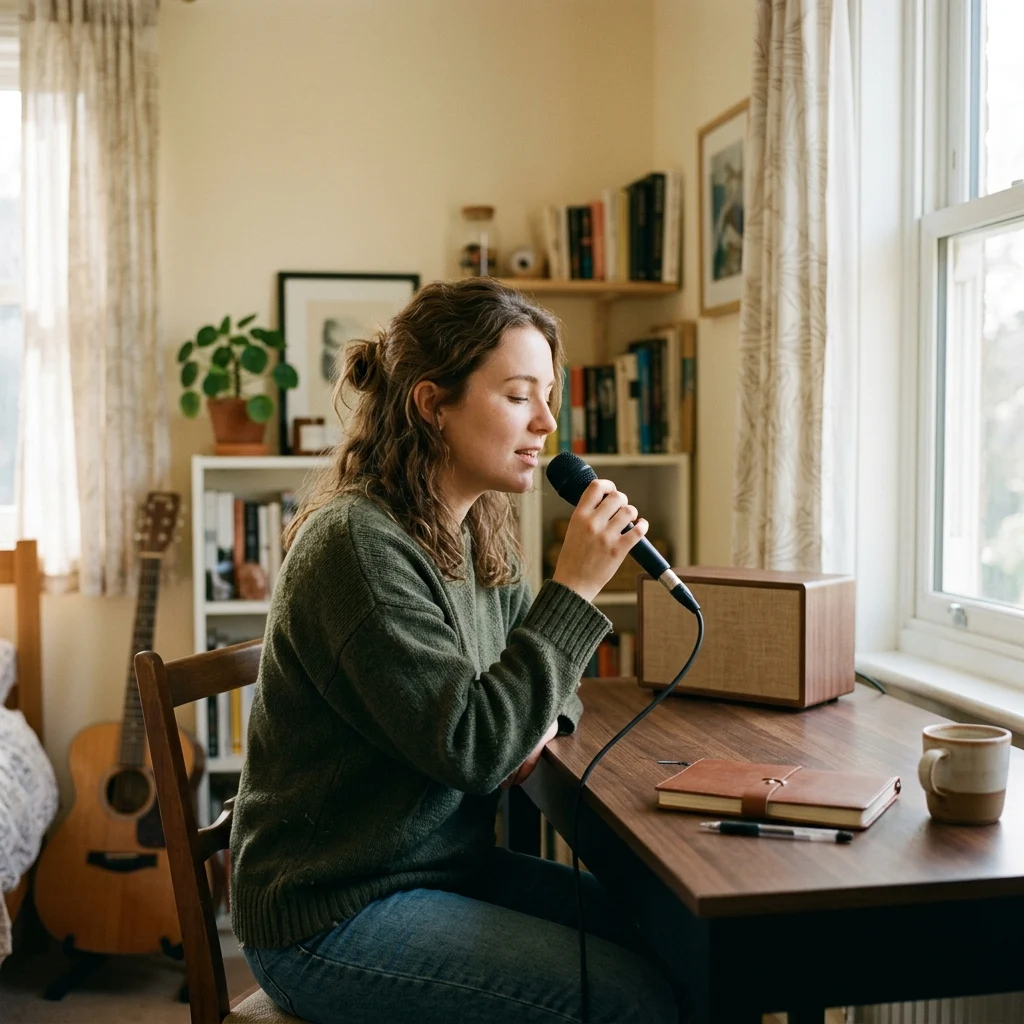
Cantores em casa
Crie uma base de karaokê a partir de uma música favorita e pratique a melodia sem que a voz principal original encubra a sua.

Anfitriões de festas de karaokê
Prepare faixas instrumentais para aniversários, cantorias em casa e encontros com amigos sem lidar com programas de áudio complexos.
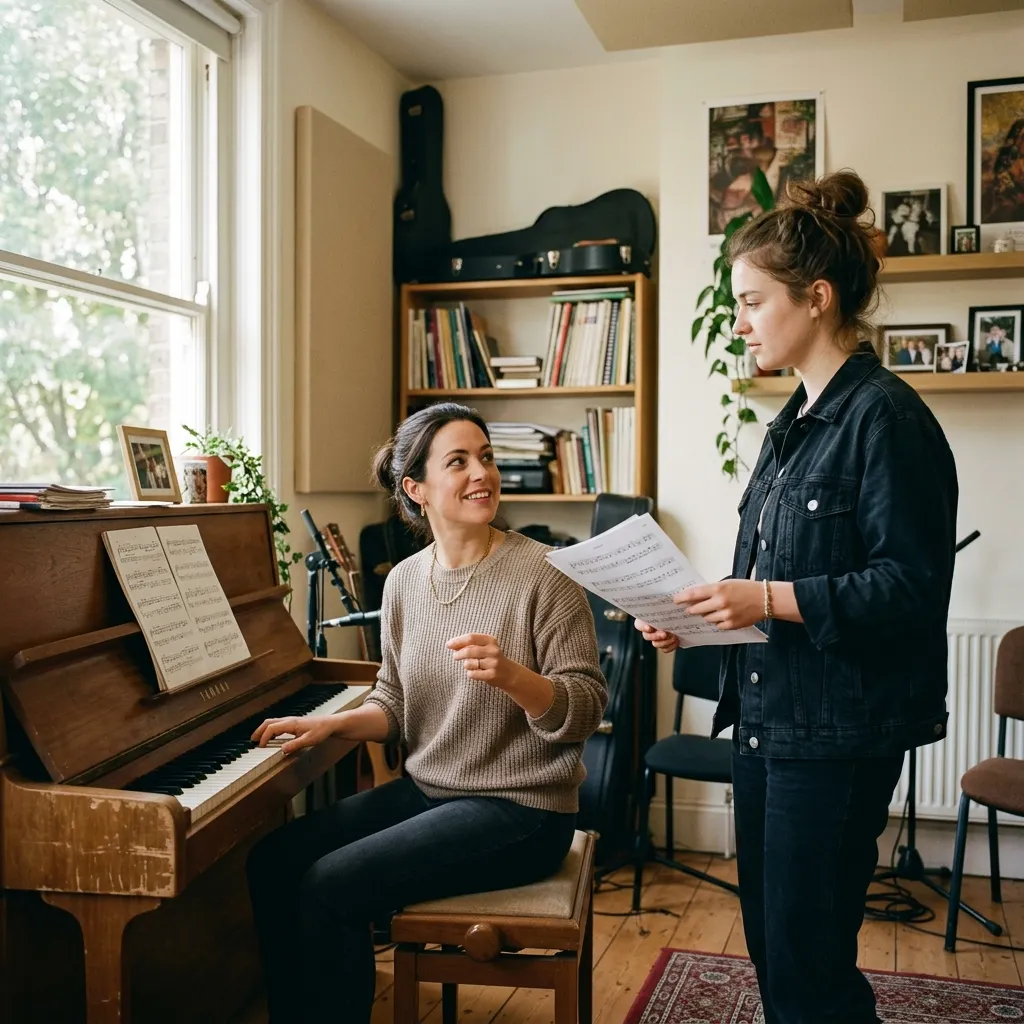
Professores de canto
Use o Karaoke Maker para criar acompanhamentos adequados às aulas e ajudar os alunos a se concentrarem em afinação, fraseado, respiração e confiança.
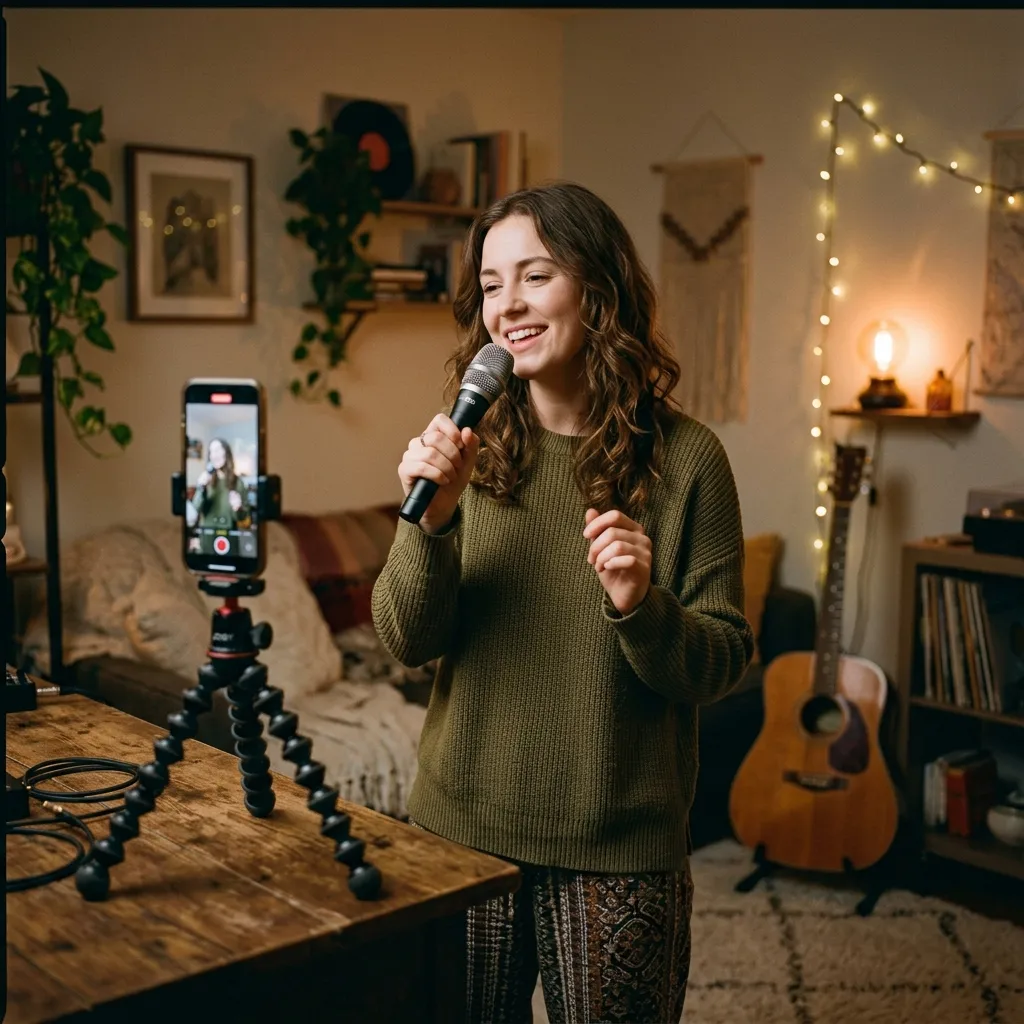
Criadores de vídeo
Remova a voz de uma faixa que você tem direito de usar e prepare áudio de fundo no estilo karaokê para covers, desafios e vídeos nas redes sociais.
Crie uma faixa de karaokê em 3 passos
Envie sua música, deixe a IA separar a voz do instrumental e baixe a base de karaokê de que você precisa.
1. Envie sua música
Escolha um arquivo de áudio no seu dispositivo ou selecione uma faixa da sua biblioteca. O AI Karaoke Maker funciona diretamente no navegador.
2. Remova a voz principal
A CreateMusicAI analisa a gravação e separa a voz do instrumental para você ouvir a base pronta para o karaokê.
3. Baixe e cante
Salve a faixa instrumental para praticar, animar festas, preparar covers ou criar vídeos. Guarde também a faixa vocal se quiser estudar o fraseado ou o ritmo.
Perguntas sobre o AI Karaoke Maker
Respostas para cantores e criadores que querem remover vozes e criar bases de karaokê online.
O AI Karaoke Maker é igual a um gerador de músicas com IA?
Não. Esta página segue o fluxo de remoção vocal. Você envia uma música existente e a CreateMusicAI separa a voz do instrumental para criar uma faixa de karaokê. Use o AI Karaoke Maker para cantar uma música conhecida e um gerador quando quiser criar uma música nova a partir de um comando.
Posso criar faixas de karaokê com qualquer música?
Você pode enviar arquivos de áudio compatíveis e criar uma versão instrumental, mas é responsável por ter o direito de usar a música original. Isso é importante para apresentações públicas, vídeos monetizados, trabalhos para clientes e lançamentos comerciais.
O Karaoke Maker remove a voz completamente?
A IA foi criada para separar a voz principal do instrumental e funciona bem na maioria das mixagens. Algumas músicas podem conservar leves vestígios de voz, caudas de reverberação ou vocais de apoio, principalmente quando a voz está muito misturada aos instrumentos.
Posso baixar a faixa instrumental?
Sim. Depois do processamento, você pode ouvir e baixar a base instrumental para karaokê, prática vocal, covers ou criação de conteúdo.
Também posso guardar a voz extraída?
Sim. A ferramenta pode fornecer arquivos separados de voz e instrumental. Isso ajuda a estudar o fraseado, preparar covers ou planejar ideias de remix.
Quais são as vantagens em relação à edição manual de áudio?
A edição manual pode exigir a configuração de uma DAW, ferramentas de separação, ajustes de exportação e várias audições. O AI Karaoke Maker reduz esse processo a enviar, processar, ouvir e baixar.
Preciso ter experiência em produção musical?
Não. O Karaoke Maker foi feito para cantores, anfitriões, professores e criadores que precisam de uma faixa instrumental, não de uma sessão técnica de mixagem. Se você consegue enviar uma música e ouvir o resultado, consegue criar uma base de karaokê.