Glissez votre fichier ici ou cliquez pour parcourir
Supporte : MP3, WAV, OGG, M4A, AAC, FLAC, WMA
Instrumental de karaoké
Retirer la voix pour créer un accompagnement karaoké
Séparation de Pistes
Séparer en 4 pistes : voix, batterie, basse, autres

Créateur de karaoké IA
Utilisez l’AI Karaoke Maker de CreateMusicAI pour retirer les voix de chansons et créer des pistes instrumentales de karaoké pour pratique, fêtes et contenu.
Créez une piste karaoké en supprimant la voix
Importez une chanson, séparez la piste vocale de l’instrumental, prévisualisez les deux résultats et téléchargez la version adaptée à votre karaoké.
Qu’est-ce qu’un créateur de karaoké IA ?
Créer une piste karaoké à partir d’une chanson existante
Le créateur de karaoké IA retire la voix principale et fournit une piste instrumentale pour répéter, chanter en soirée, préparer une reprise ou accompagner une courte vidéo.

Créer un accompagnement instrumental
Importez une chanson et séparez la voix de l’accompagnement. Vous obtenez une version instrumentale pour chanter chez vous ou répéter avant une soirée.
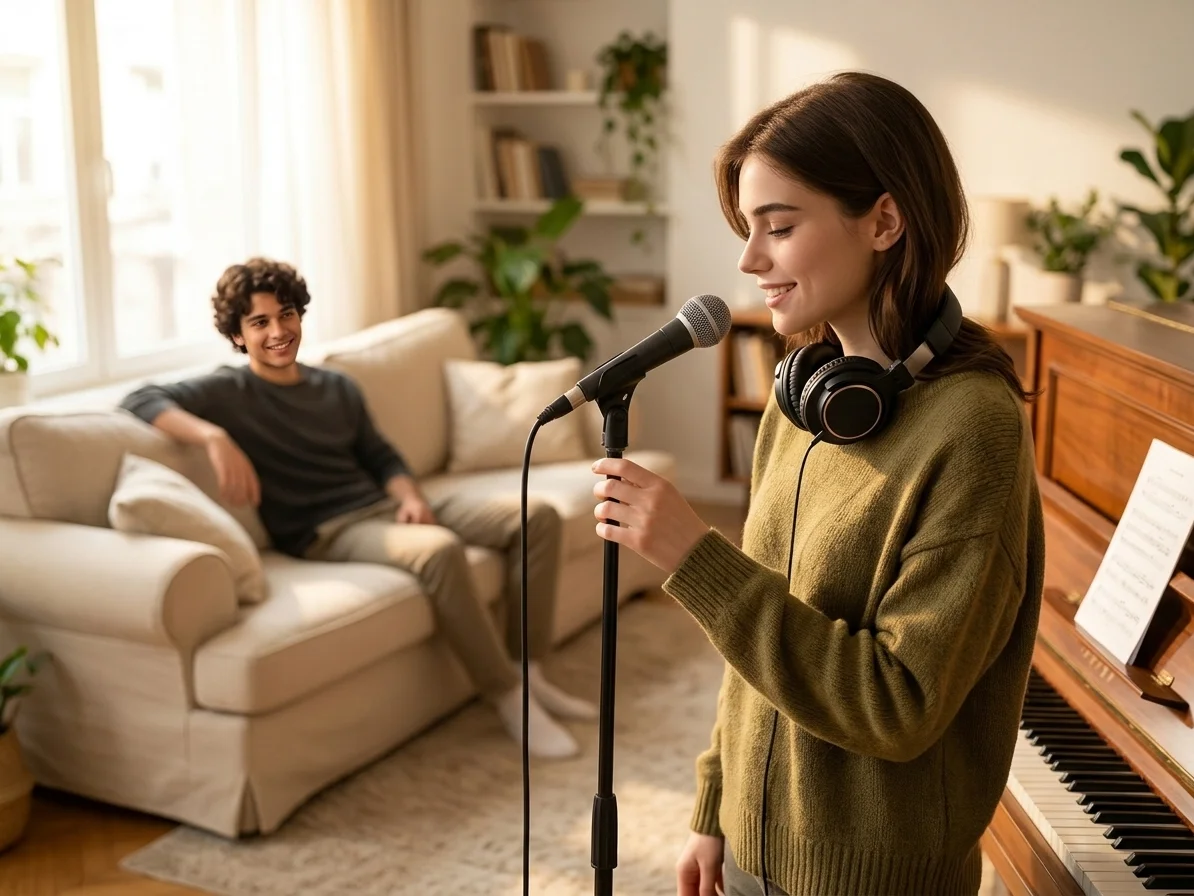
Conserver la voix et l’instrumental séparément
Téléchargez l’instrumental pour le karaoké ou conservez la piste vocale pour travailler une interprétation ou préparer un remix. Les deux pistes peuvent être écoutées avant l’enregistrement.

Répéter sans logiciel de montage audio
Importez le morceau, séparez les pistes, écoutez le résultat et téléchargez une version karaoké pour les échauffements vocaux, les soirées ou les vidéos courtes.
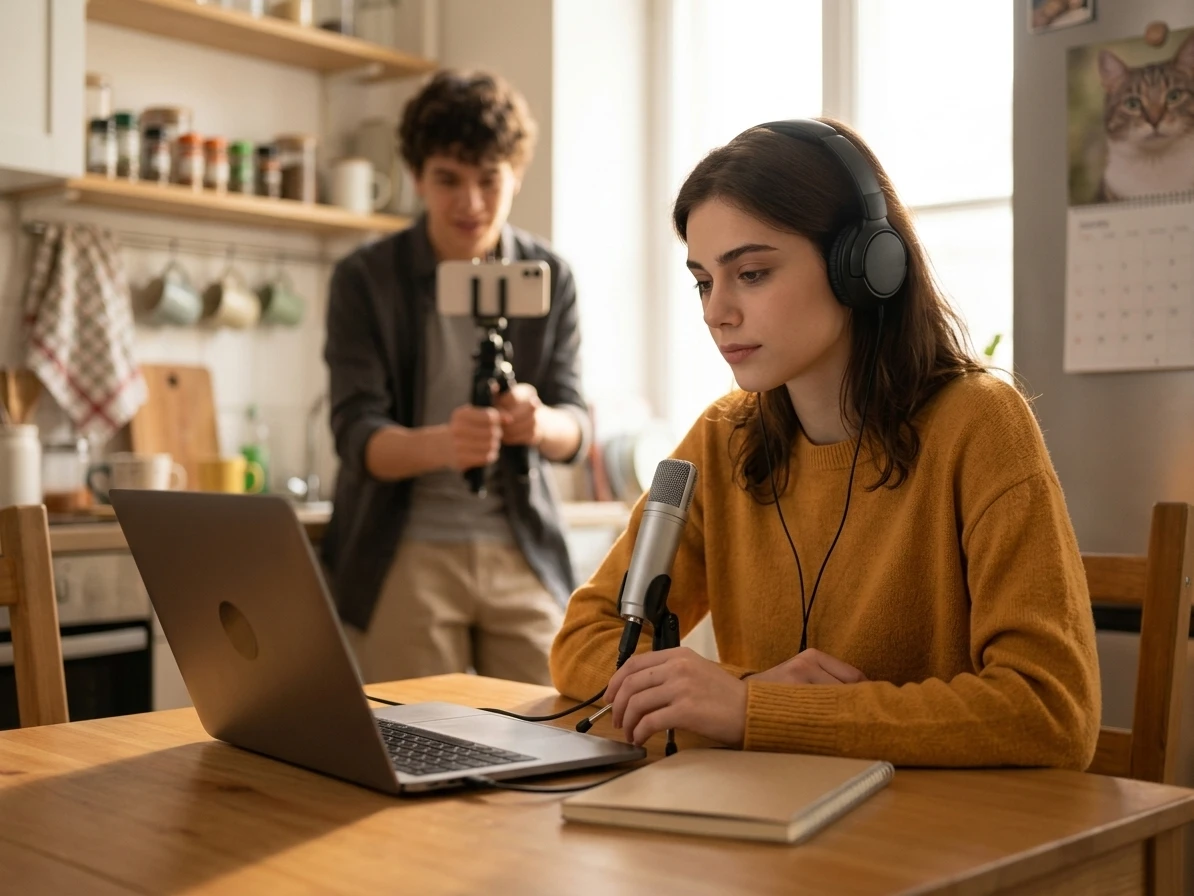
Préparer plus sûrement covers et clips publics
Avant de chanter sur une piste dans une vidéo, un cours, une maquette client ou un événement public, il faut vérifier la qualité audio et les droits d’usage. Le Karaoke Maker aide à prévisualiser l’instrumental et rappelle que retirer les voix ne libère pas les droits tiers.
À qui s’adresse le créateur de karaoké ?
Le créateur de karaoké s’adresse aux chanteurs, animateurs, professeurs de chant et créateurs qui souhaitent obtenir un accompagnement à partir d’un morceau existant.

Chanteurs à la maison
Créez un accompagnement karaoké à partir d’un morceau favori et travaillez la mélodie sans que la voix principale d’origine couvre la vôtre.

Animateurs de soirées karaoké
Préparez des pistes instrumentales pour un anniversaire, une soirée à la maison ou une rencontre entre amis sans utiliser de logiciel audio complexe.
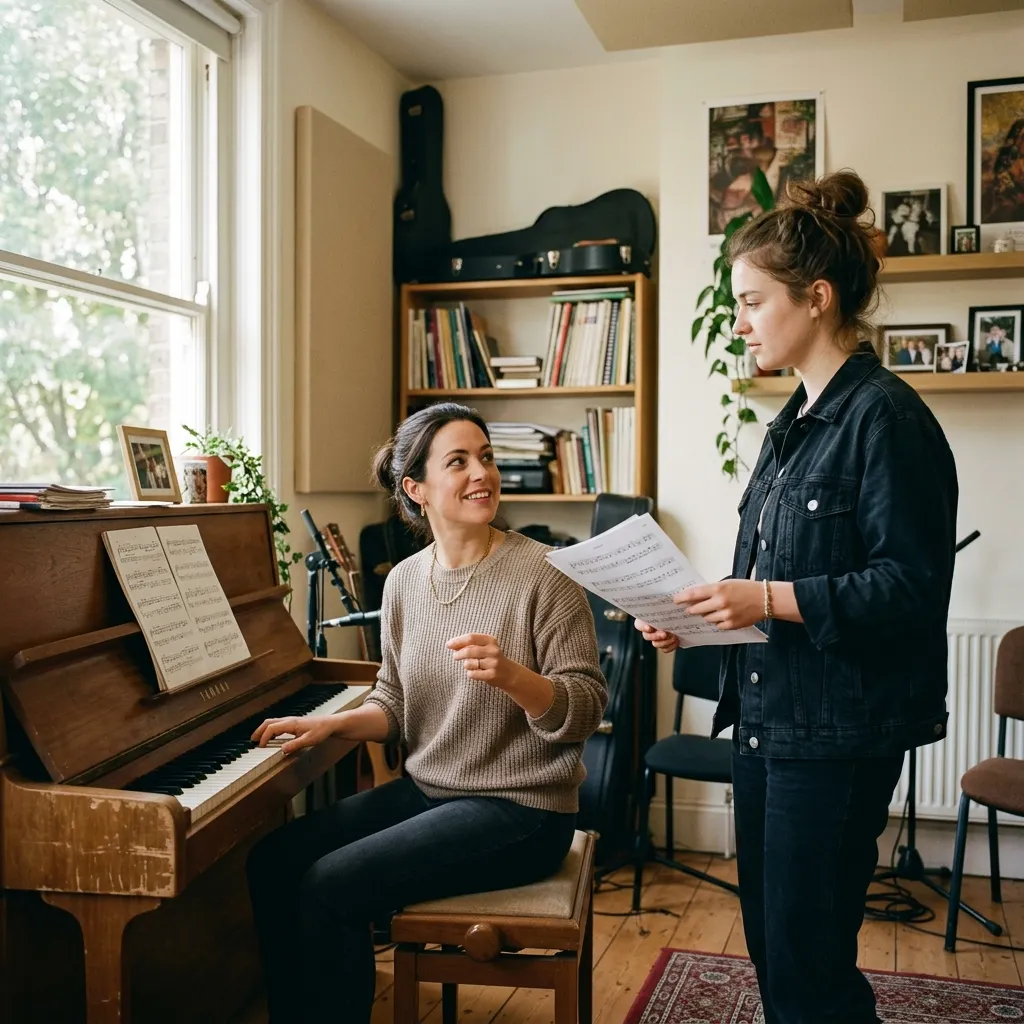
Professeurs de chant
Créez des accompagnements pour les cours afin que les élèves puissent travailler la justesse, le phrasé, la respiration et l’interprétation.
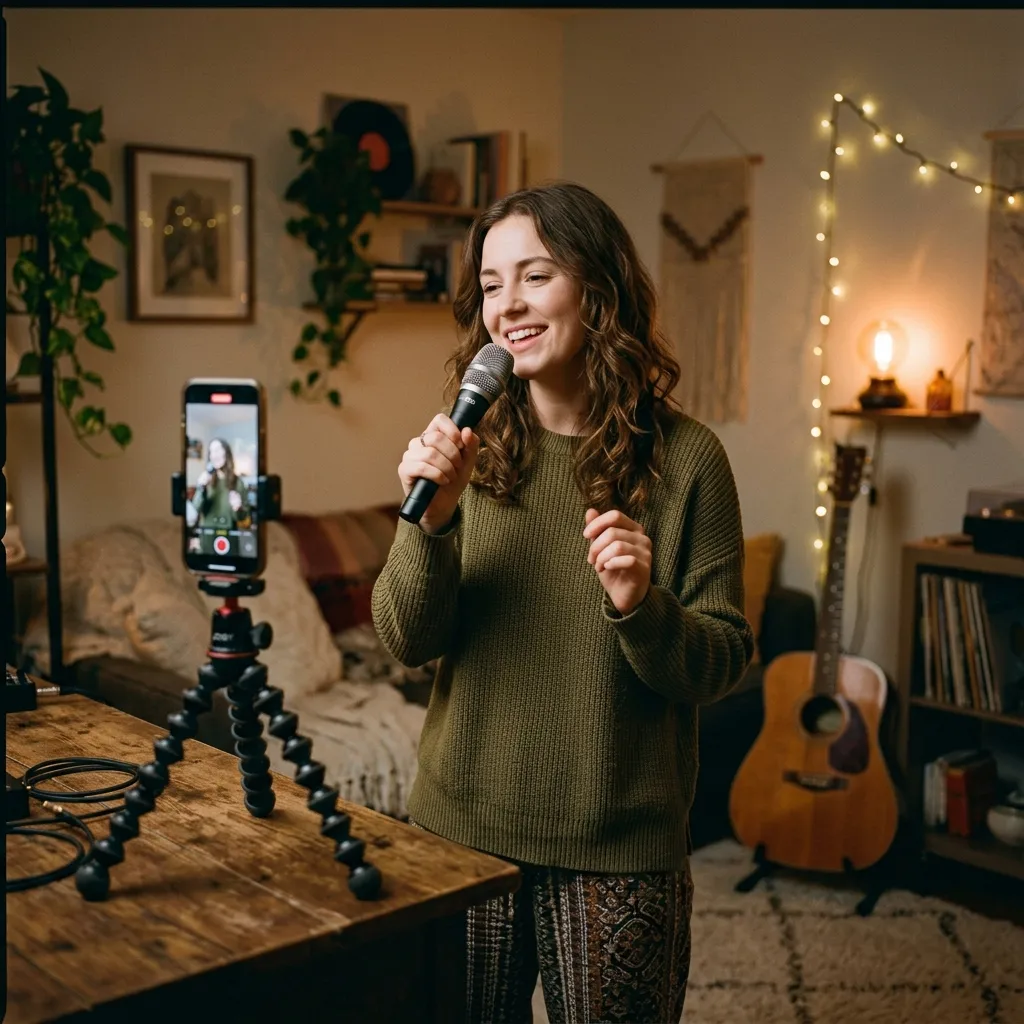
Créateurs de vidéos
Retirez la voix d’un morceau que vous avez le droit d’utiliser et préparez un accompagnement pour une reprise, un défi ou une vidéo sociale.
Créer une piste karaoké en 3 étapes
Importez une chanson, séparez la voix et l’instrumental, puis téléchargez la piste d’accompagnement souhaitée.
1. Importer une chanson
Choisissez un fichier audio sur votre appareil ou une piste de votre bibliothèque. Le traitement démarre directement dans le navigateur.
2. Retirer la voix principale
CreateMusicAI analyse l’enregistrement et sépare la voix de l’instrumental afin que vous puissiez écouter la piste d’accompagnement.
3. Télécharger et chanter
Enregistrez l’instrumental pour répéter, chanter en soirée, préparer une reprise ou accompagner une vidéo. Conservez aussi la piste vocale pour étudier le phrasé et le placement.
Questions sur la création de karaoké
Réponses sur la séparation de la voix et de l’instrumental, le téléchargement et la création d’une piste karaoké à partir d’une chanson existante.
Est-ce la même chose qu’un générateur de chansons ?
Non. Ici, vous importez une chanson existante et séparez la voix de l’instrumental pour créer une version karaoké. Un générateur de chansons produit au contraire une nouvelle musique à partir d’une consigne.
Puis-je créer une piste karaoké à partir de toute chanson ?
Vous pouvez importer les formats audio pris en charge et créer une version instrumentale. Vous devez disposer des droits nécessaires sur le morceau d’origine pour un usage public ou commercial.
La voix est-elle supprimée complètement ?
L’IA sépare la voix principale de l’instrumental. Selon le mixage, la réverbération et les fréquences qui se chevauchent, de légers restes de voix ou artefacts peuvent subsister.
Puis-je télécharger la piste instrumentale ?
Oui. Après le traitement, vous pouvez écouter et télécharger l’instrumental pour le karaoké, les exercices vocaux ou la création de contenu.
Puis-je aussi conserver la piste vocale séparée ?
Oui. Vous pouvez conserver les fichiers vocaux et instrumentaux séparés pour étudier le phrasé, préparer une reprise ou organiser un remix.
Pourquoi est-ce plus simple qu’un montage audio manuel ?
Le montage manuel peut nécessiter la configuration d’un logiciel audio, des outils de séparation, des réglages d’exportation et plusieurs écoutes. L’AI Karaoke Maker réduit ce processus à l’importation, au traitement, à la prévisualisation et au téléchargement.
Dois-je avoir de l’expérience en production musicale ?
Non. Le Karaoke Maker s’adresse aux chanteurs, animateurs, professeurs et créateurs qui ont besoin d’une piste instrumentale, pas d’une session technique de mixage. Si vous savez importer une chanson et écouter le résultat, vous pouvez créer un accompagnement karaoké.