How to cut an MP3 online
Make a ringtone, hook, intro, sample, or shorter song clip in three steps.
Upload your MP3
Choose an MP3 up to 120 MB. The waveform loads locally in your browser so you can find the section you need.
Select the part to keep
Drag the highlighted range or enter exact start and end times. Zoom in when a cut needs frame-level precision.
Export the cut clip
Preview your selection, then download it as a new MP3 or WAV file without uploading the source audio to our server.
Cut MP3 files without a desktop editor
A focused MP3 cutter for fast browser edits, from short social clips to precise music sections.

Cut MP3 clips online
Keep only the chorus, intro, outro, voice line, or sample you need. The visible waveform makes each MP3 cut easier to place.
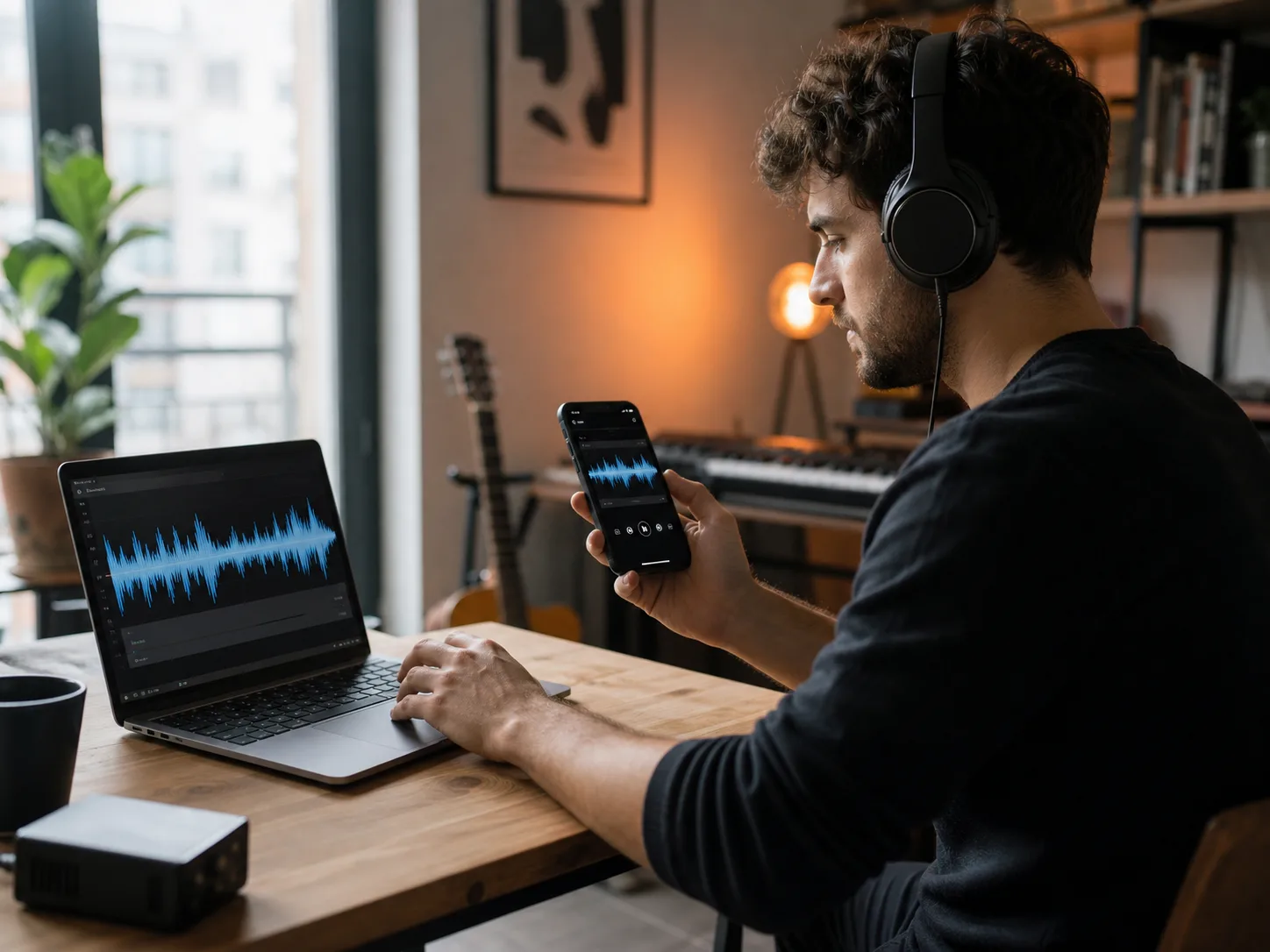
Make ringtones from MP3
Choose the strongest short section of a song, set clean boundaries, and export a lightweight clip for a ringtone or alert.
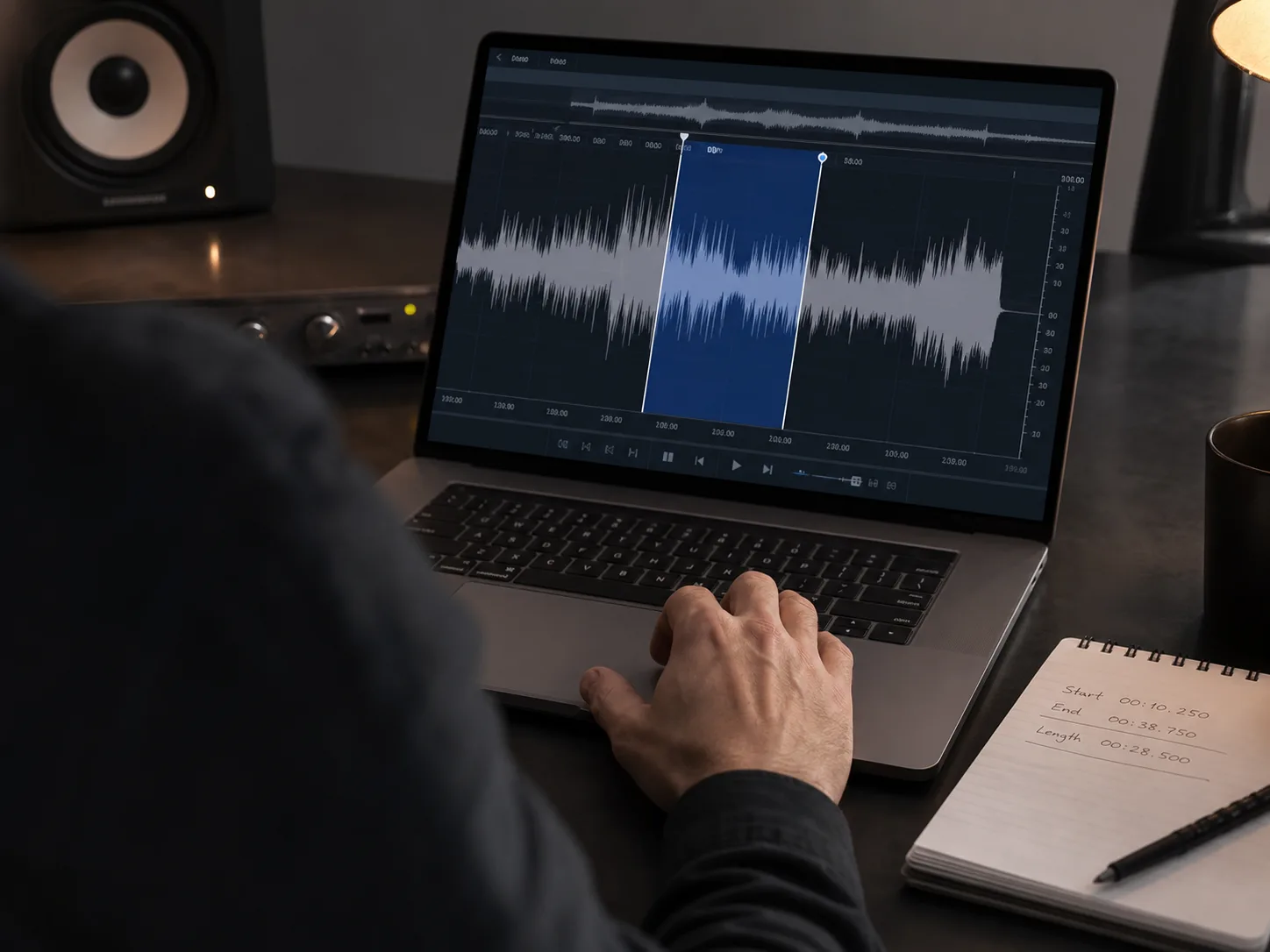
Set precise cut times
Use waveform handles for speed or type exact times when you need a repeatable start and end for production, lessons, or delivery.
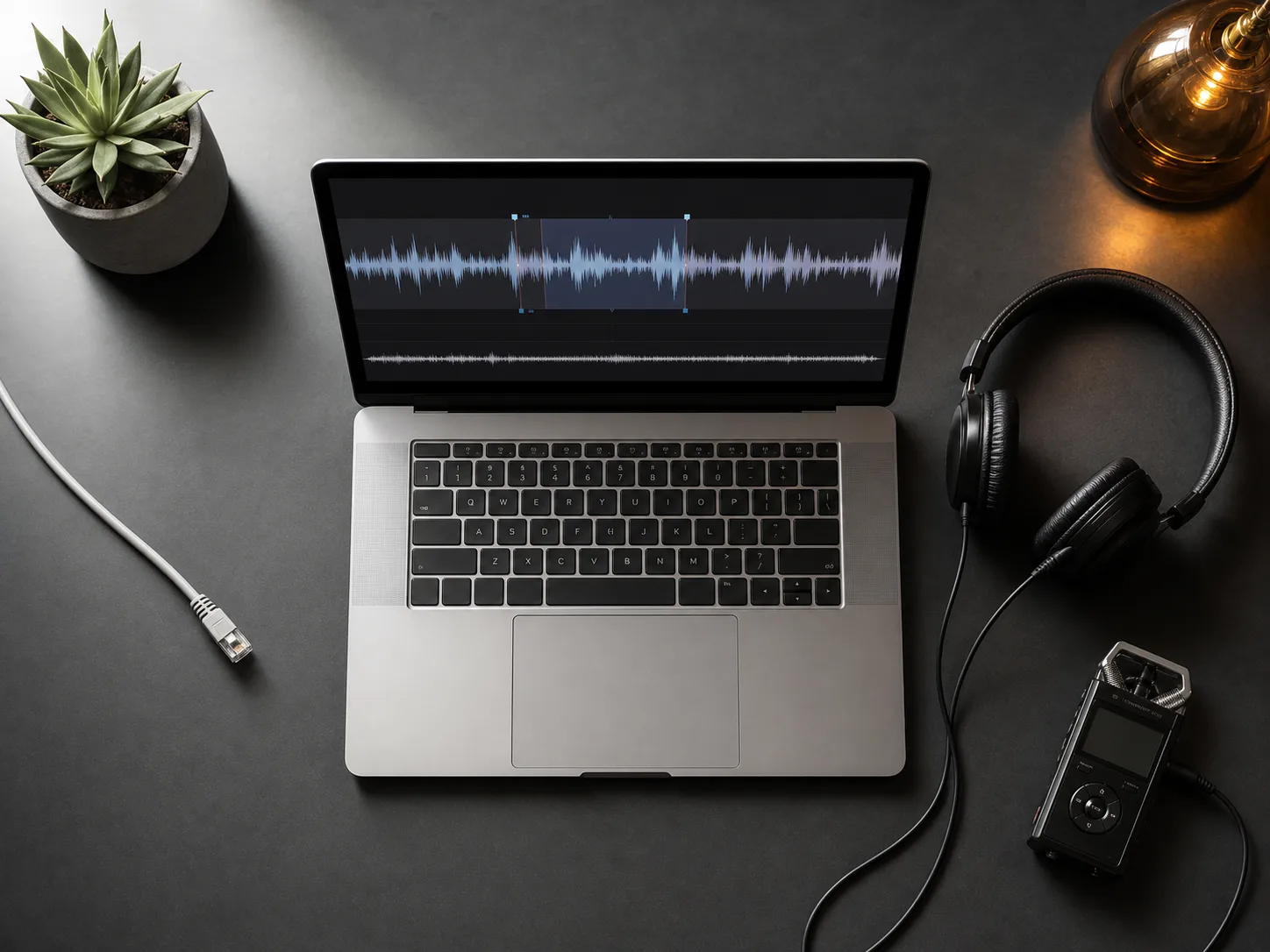
Keep MP3 cutting private
Decoding, preview, cutting, and export run locally in the browser. Your source audio is not uploaded for this workflow.
Who uses an online MP3 cutter
Cut the exact section needed for music, video, teaching, podcasts, or everyday listening.

DJs and musicians
Prepare hooks, loops, rehearsal clips, set references, and samples before arranging or sharing.

Video creators
Trim music beds, sound bites, intros, and social clips to the duration needed for an edit.

Podcasters and educators
Extract interview moments, lesson examples, pronunciation clips, and concise feedback audio.

Everyday listeners
Make a ringtone, remove a long intro, keep a favorite section, or shorten an audio file before sending it.
Related music tools
Move from the current task to the next focused tool without starting over.
MP3 cutter FAQ
Answers about supported formats, privacy, exports, and browser compatibility.
Is the MP3 cutter free?
Yes. Cutting and exporting audio in this browser tool does not use CreateMusicAI credits.
Does the MP3 cutter upload my file?
No. The current cutter decodes, previews, trims, and exports audio locally in your browser.
Can I choose exact start and end times?
Yes. Drag the waveform selection or enter precise start and end values, then preview the result before export.
What formats can I upload?
The tool accepts common browser-decodable formats including MP3, WAV, M4A, AAC, OGG, FLAC, WebM, and Opus, up to 120 MB.
What formats can I export?
You can export the selected section as MP3 for convenient sharing or WAV for an uncompressed editing file.
Why will an audio file not open?
Browser codec support varies. If a file fails to decode, convert it to a standard MP3, WAV, or M4A file and try again.