Free Blank Sheet Music
Create blank sheet music for lessons, practice, composition sketches, and notation drills. Start from a popular staff paper preset, preview the full page, then print or download PDF, PNG, or SVG.

Related tools for your next step
Free Blank Sheet Music and Staff Paper
Print Blank Sheet Music Fast
Use CreateMusicAI to make printable staff paper in three simple steps, with the full blank sheet music page visible while you edit.
Choose the Page
Pick Letter or A4, then choose portrait or landscape. Select treble, bass, grand staff, or blank staff so the staff paper starts from the right notation layout.
Tune the Layout
Set staff systems, measures per line, margins, spacing, and line weight. Add a title, hide clefs, or load local fonts when the page should match a class or studio template.
Print or Download
When the preview looks right, print blank sheet music from the browser or download PDF, PNG, or SVG. PDF suits handouts, PNG works in slides, and SVG stays editable.
Staff Paper Controls for Blank Sheet Music
Create blank sheet music with practical controls for page setup, staff layout, title styling, and download format.
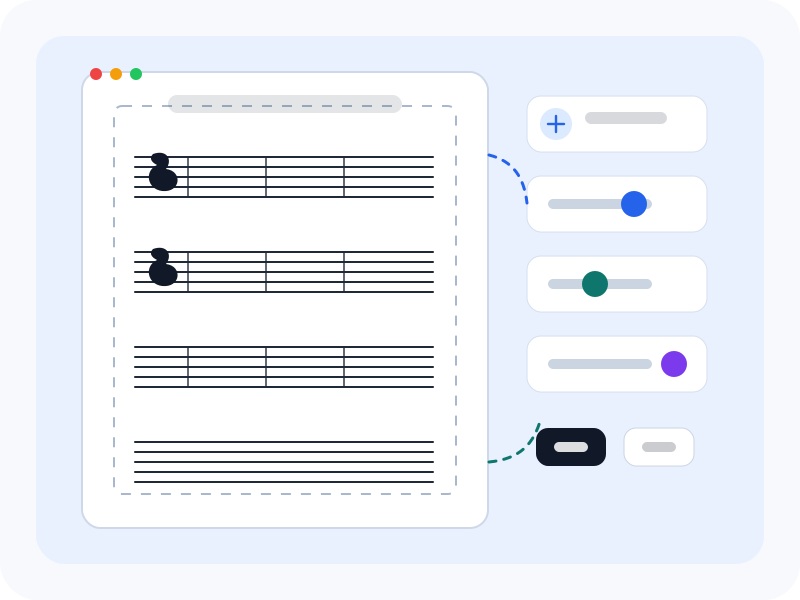
Margins and Spacing Are Editable
Adjust page margin, staff spacing, and line weight before export. Larger spacing helps beginners write clearly, while tighter staff paper gives composers more room for drafts.
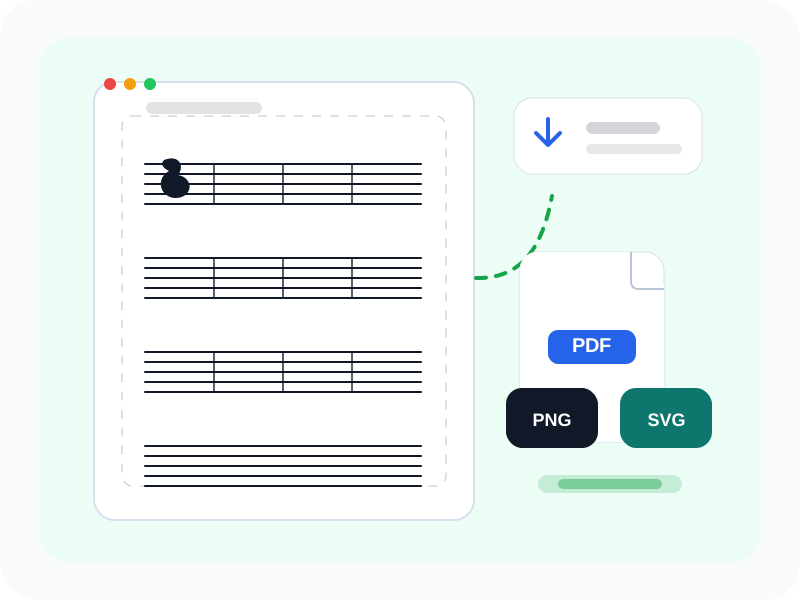
Downloads Match the Preview
Export PDF, PNG, or SVG from the same layout you see on screen. The download actions stay beside the sheet for fast classroom and studio use.
Blank Sheet Music FAQs
Quick answers about free blank sheet music, staff paper PDF downloads, clefs, margins, title fonts, and SVG export.
What is blank sheet music?
Blank sheet music is an empty staff paper page used for notation, lessons, practice, and composition. CreateMusicAI lets you control paper size, staff type, measures, margins, spacing, title, and downloads from one live preview.
Can I use CreateMusicAI for free?
Yes. You can create, preview, print, and download blank sheet music in your browser for free, including staff paper layouts for common lesson and practice needs.
Can I print blank sheet music directly?
Yes. Use the Print button after checking the preview. The print view uses the same staff paper layout, so you do not need to download a separate PDF first.
Which download formats are supported?
CreateMusicAI supports PDF, PNG, and SVG downloads. PDF is best for handouts, PNG is useful for slides or digital worksheets, and SVG gives you a vector file for further editing.
Which staff paper layouts are included?
The tool includes ready-made presets for blank staff paper, treble clef practice, bass clef practice, piano grand staff, treble or bass staff with measures, large beginner staff paper, and landscape manuscript paper. You can also customize treble staff, bass staff, grand staff, and blank staff layouts manually.
Can I adjust margins and staff spacing?
Yes. You can change page margins, staff spacing, staff system count, measures per line, and line weight before printing or downloading the final staff paper.
Is this music manuscript paper editable?
Yes. You can edit the layout before export, including page size, title, clefs, margins, spacing, and line weight. SVG download also keeps the staff paper editable in vector tools.