How to convert WAV to MP3 online
The workflow is simple: add a WAV file, choose MP3 settings, then download the converted MP3 without opening a DAW. Follow these steps to convert WAV to MP3 for previews, delivery copies, and everyday sharing.
Upload WAV
Drop a WAV export from your DAW, recorder, voice memo, lesson, podcast edit, or music project.
Choose MP3 quality
Pick a quality preset such as Small file, Recommended, or Highest quality, then fine-tune the bitrate if needed. This helps you convert WAV to MP3 with the right balance of quality and file size.
Download MP3
Convert the file in your browser, compare the output size, and save an MP3 for sharing, previewing, publishing, or delivery. The WAV to MP3 result is ready as soon as encoding finishes.
A free WAV to MP3 converter for music workflows
CreateMusicAI adds WAV to MP3 conversion as a fast free tool for the moments after you export, record, master, edit, or share audio. It is designed for users who want to convert WAV to MP3 before sending a practical copy.
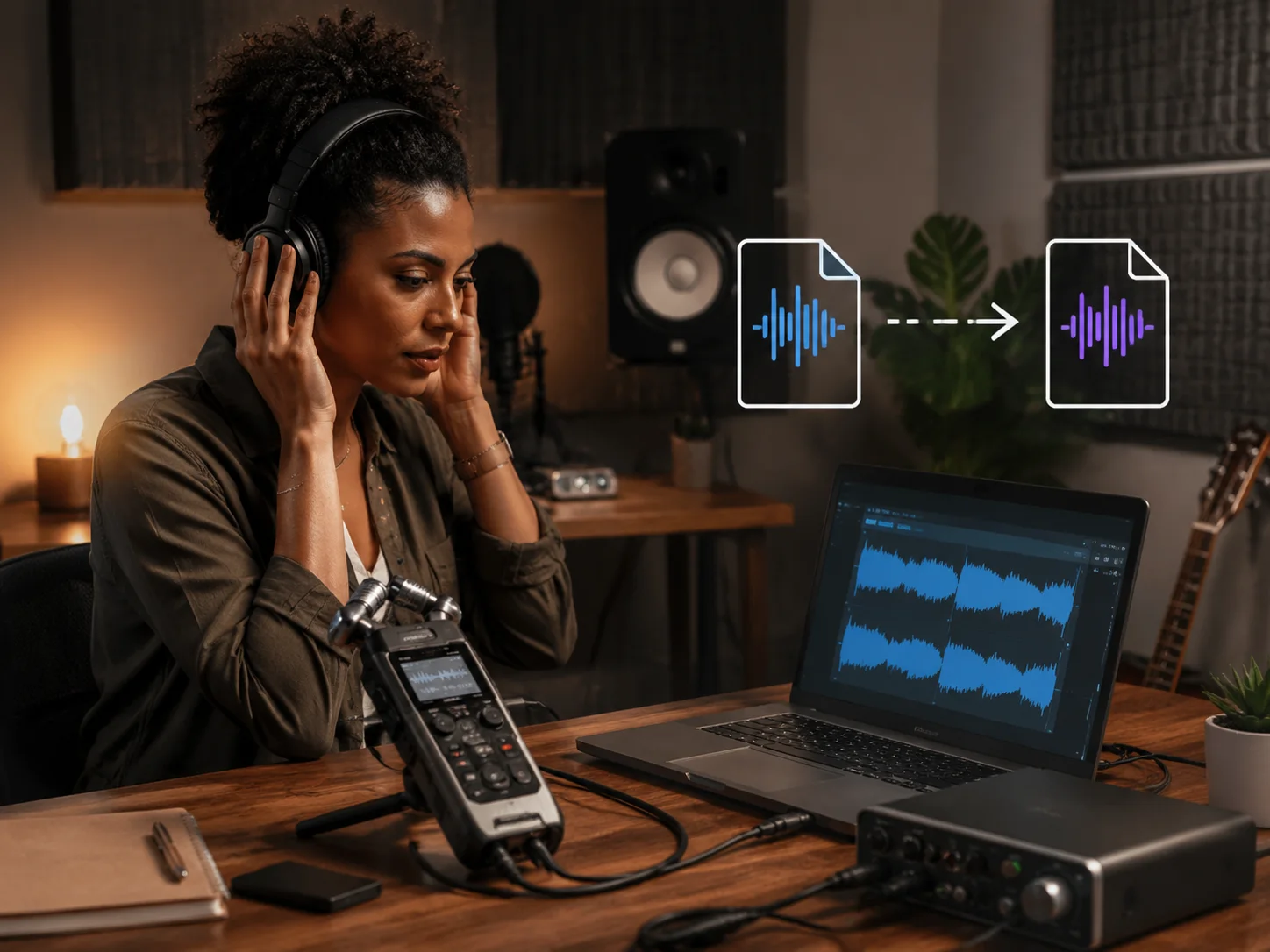
Convert WAV to MP3 in the browser
The converter works locally, so demos, voice recordings, loops, lessons, and exported mixes can become MP3 files without a server upload. Use it whenever you need a WAV to MP3 copy from a high-quality source.
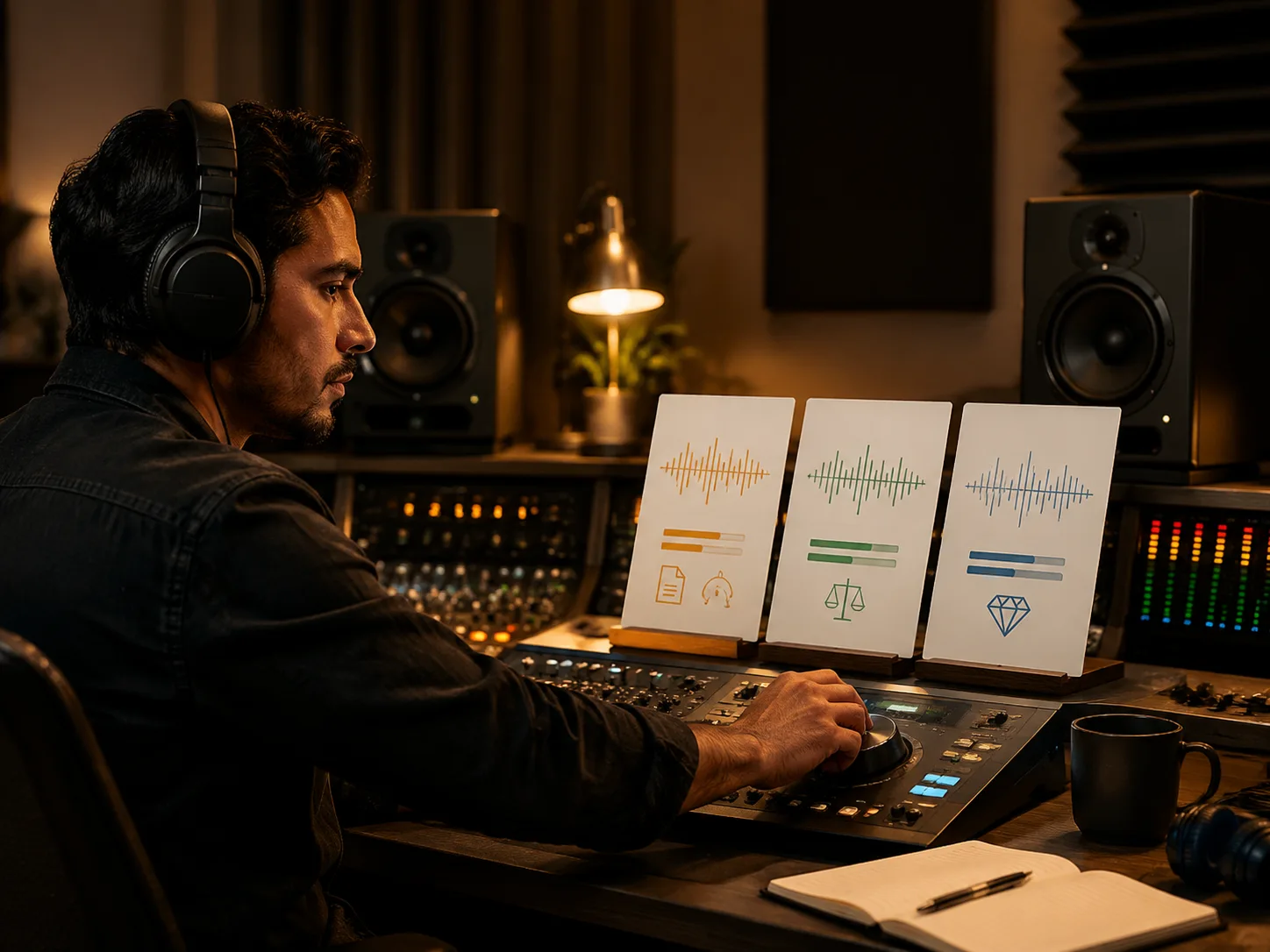
Choose the right bitrate
Use 128 kbps for lightweight previews, 192 kbps for balanced music sharing, or 256-320 kbps when detail matters more than file size.
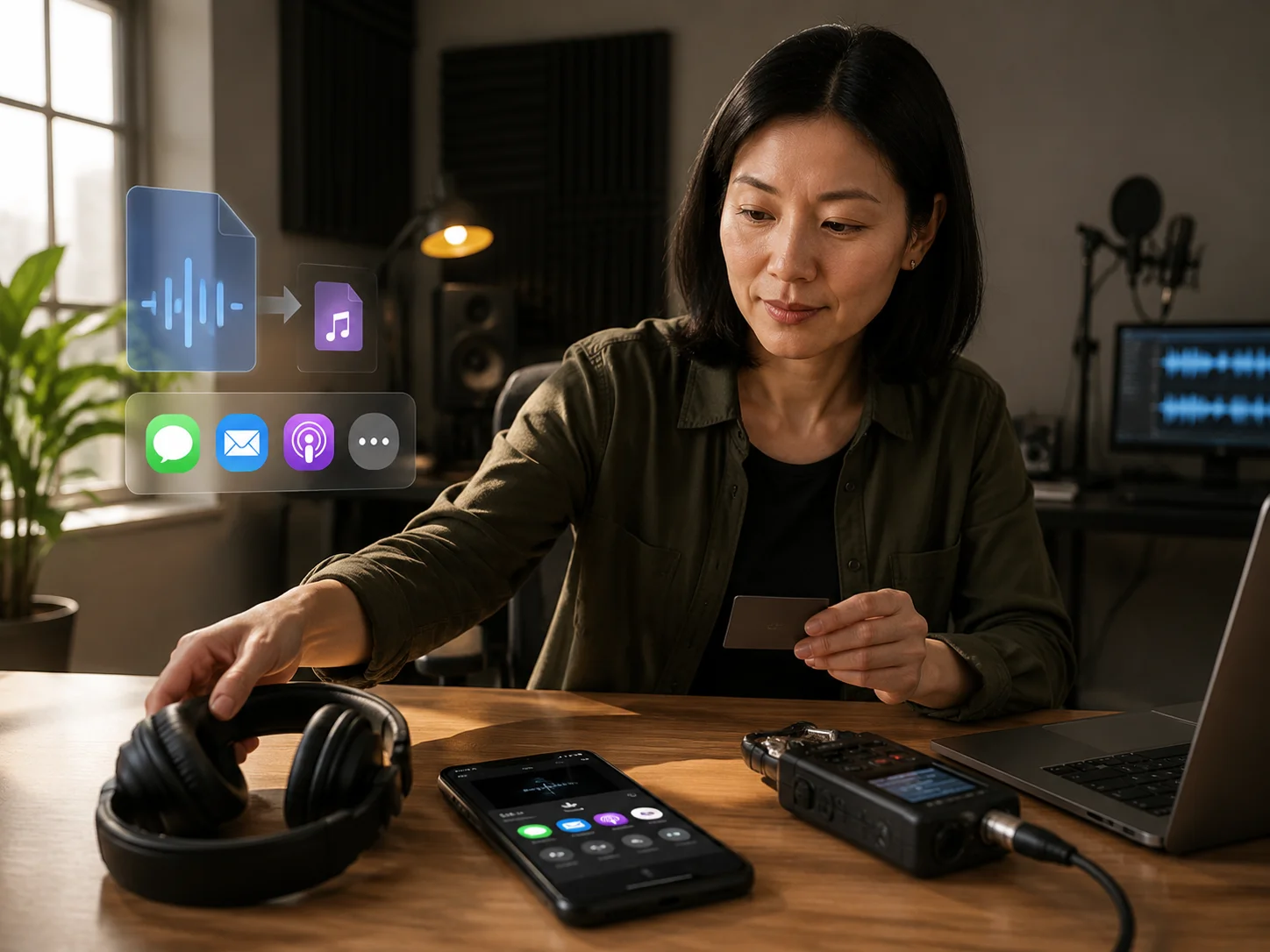
Make WAV exports easier to share
Turn large WAV files into practical MP3 copies for email, social posts, feedback links, beat previews, course audio, and client approvals. This is the common reason to convert WAV to MP3 after exporting from a recorder or DAW.
Continue the music workflow
After conversion, move to AI music generation, AI mastering, or stem splitting when the file needs creative work instead of only an MP3 copy. The WAV to MP3 converter stays free while those AI workflows remain separate.
Who uses a WAV to MP3 converter
Use the converter when a high-quality WAV export needs a lighter MP3 copy for sharing, review, upload limits, or everyday listening. These workflows often start with users who simply need to convert WAV to MP3 fast.
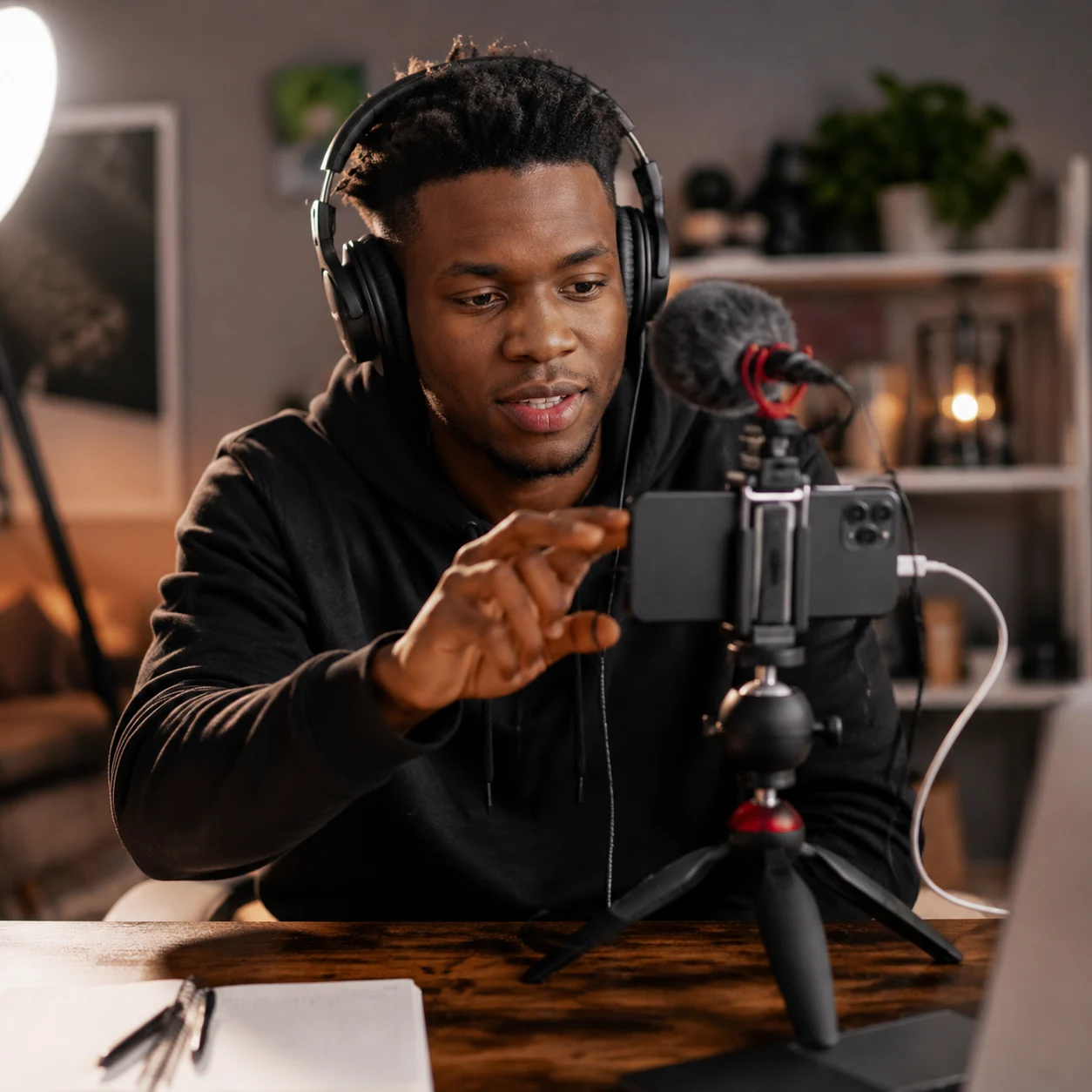
Content creators
Convert WAV voiceovers, intros, podcast clips, and social audio into MP3 files before sending or uploading. A browser WAV to MP3 tool keeps the handoff quick.
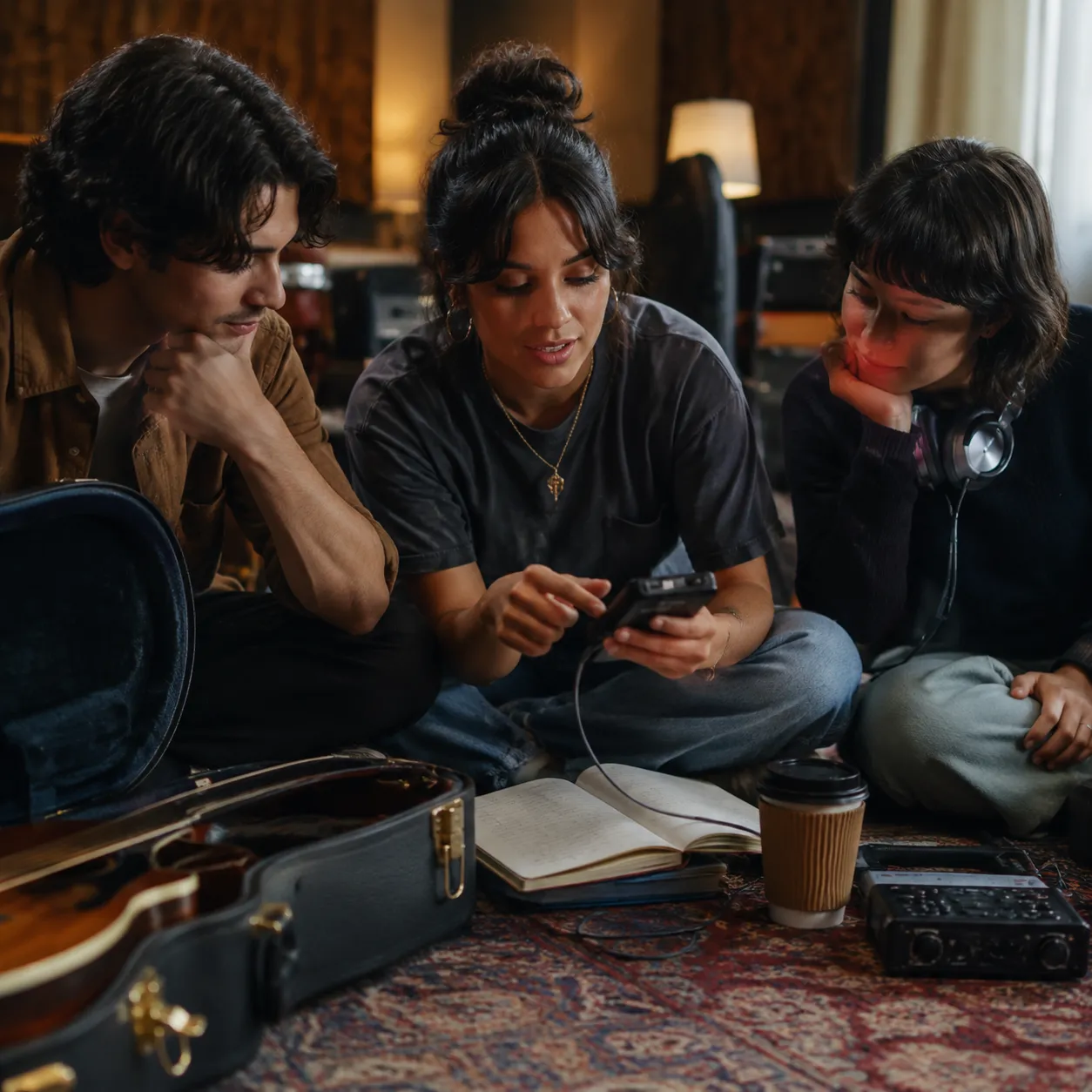
Independent artists
Share smaller MP3 demos, rehearsal takes, beat ideas, and reference mixes before choosing what to master or release. Convert WAV to MP3 when the original WAV is too large for feedback.

Producers and DJs
Make MP3 previews from WAV loops, edits, set notes, mashup drafts, and client approval exports. The WAV to MP3 copy is easier to send while the WAV stays as the source.
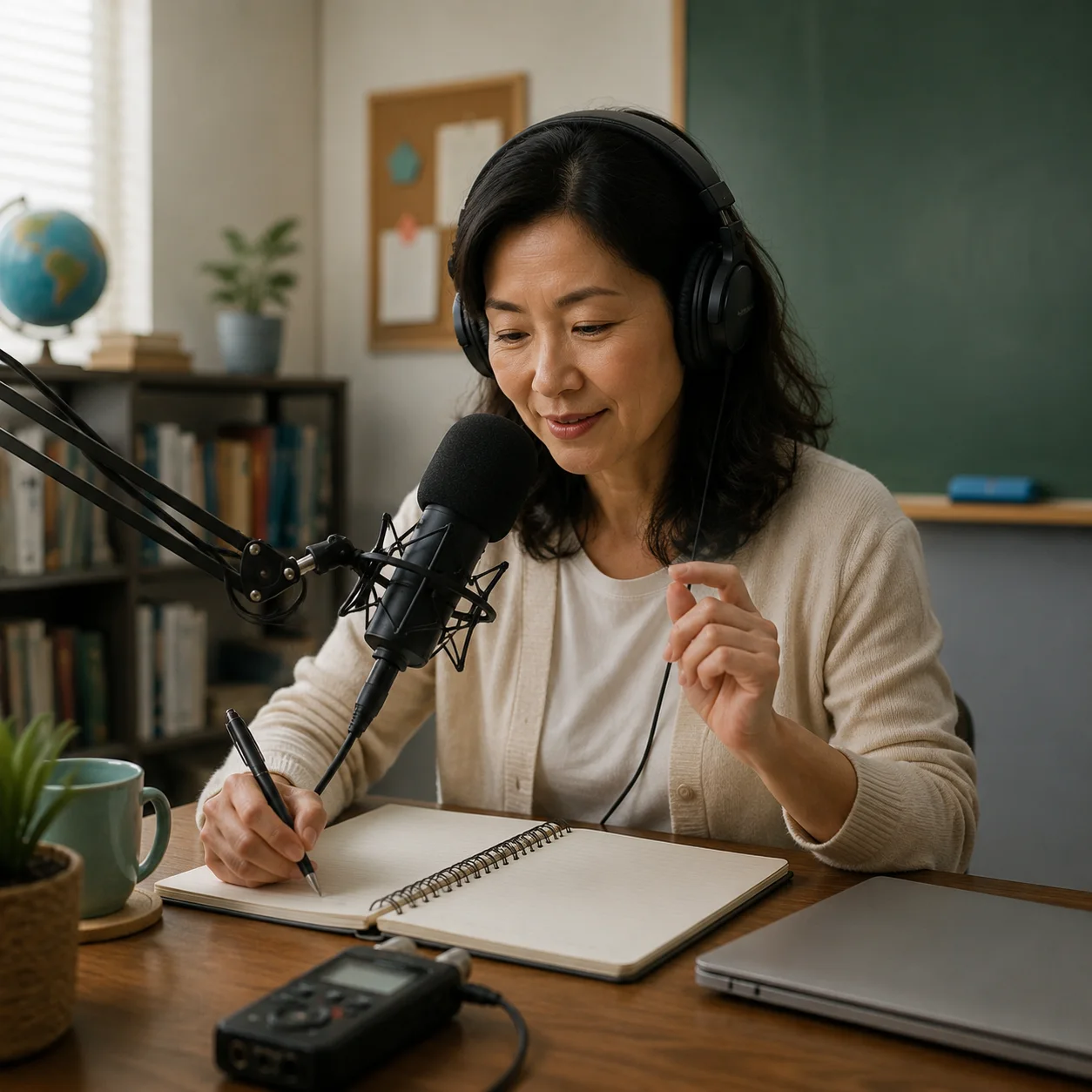
Podcasters and educators
Turn WAV recordings into MP3 lessons, interviews, classroom audio, and private feedback files.
WAV to MP3 converter FAQ
Quick answers about free conversion, privacy, bitrate, quality, credits, and how this tool connects to CreateMusicAI.
Is this WAV to MP3 converter free?
Yes. The WAV to MP3 converter is a free browser tool and does not spend CreateMusicAI credits. Credits are reserved for AI generation, mastering, stem separation, and other server-side music workflows, so you can convert WAV to MP3 without using credits.
Does WAV to MP3 conversion upload my file?
No. The current WAV to MP3 conversion happens in your browser. The audio is decoded, encoded, and prepared for download locally.
What bitrate should I choose for MP3?
Use 128 kbps for lightweight previews, 192 kbps for a balanced music file, and 256 or 320 kbps when you want higher quality and do not mind a larger MP3.
Will MP3 sound exactly like WAV?
No. MP3 is a compressed format, so it trades some audio detail for a smaller file. Keep the original WAV as your master copy and use MP3 for delivery, review, and everyday sharing.
Why is my WAV file not supported?
Some browsers cannot decode every WAV variant. If conversion fails, export the audio as a standard PCM WAV file, shorten the file, or try another browser.
What should I do after converting WAV to MP3?
Use the MP3 for delivery. If you came here to change WAV to MP3 quickly, keep the WAV as your source and use the MP3 for sharing. If the audio still needs creative work after conversion, open AI mastering, AI stem splitter, or the AI music generator from the broader CreateMusicAI workflow.