What is a slowed and reverb generator
How to make slowed reverb songs online
CreateMusicAI keeps the slowed and reverb maker workflow direct: upload a clean file, tune the effect while comparing previews, then export the version you want.
Upload a clean audio file
Start with the clearest source you have. MP3 and WAV work well, and most browser-readable audio formats can be decoded. A slowed and reverb generator gives better results when the original is not clipped, heavily compressed, or already covered in room echo.
Adjust speed, reverb, and bass
Choose a preset such as Classic 0.85x, Daycore, Vaporwave, Sped Up, or Nightcore, then refine the settings manually. Use small speed changes, keep reverb below the muddy point, add bass only when the slower version feels thin, and switch between original and processed preview before rendering.
Download WAV or MP3
Check the busiest part of the track before saving. Download WAV when you want a cleaner working file for a video editor, DAW, or later mastering pass. Download MP3 when you need a smaller slowed reverb online reference for sharing, review, or a quick project folder.
A focused slowed reverb generator for quick edits
Use CreateMusicAI to control speed, pitch feel, reverb, bass, waveform preview, presets, and export in one slowed and reverb maker workspace.
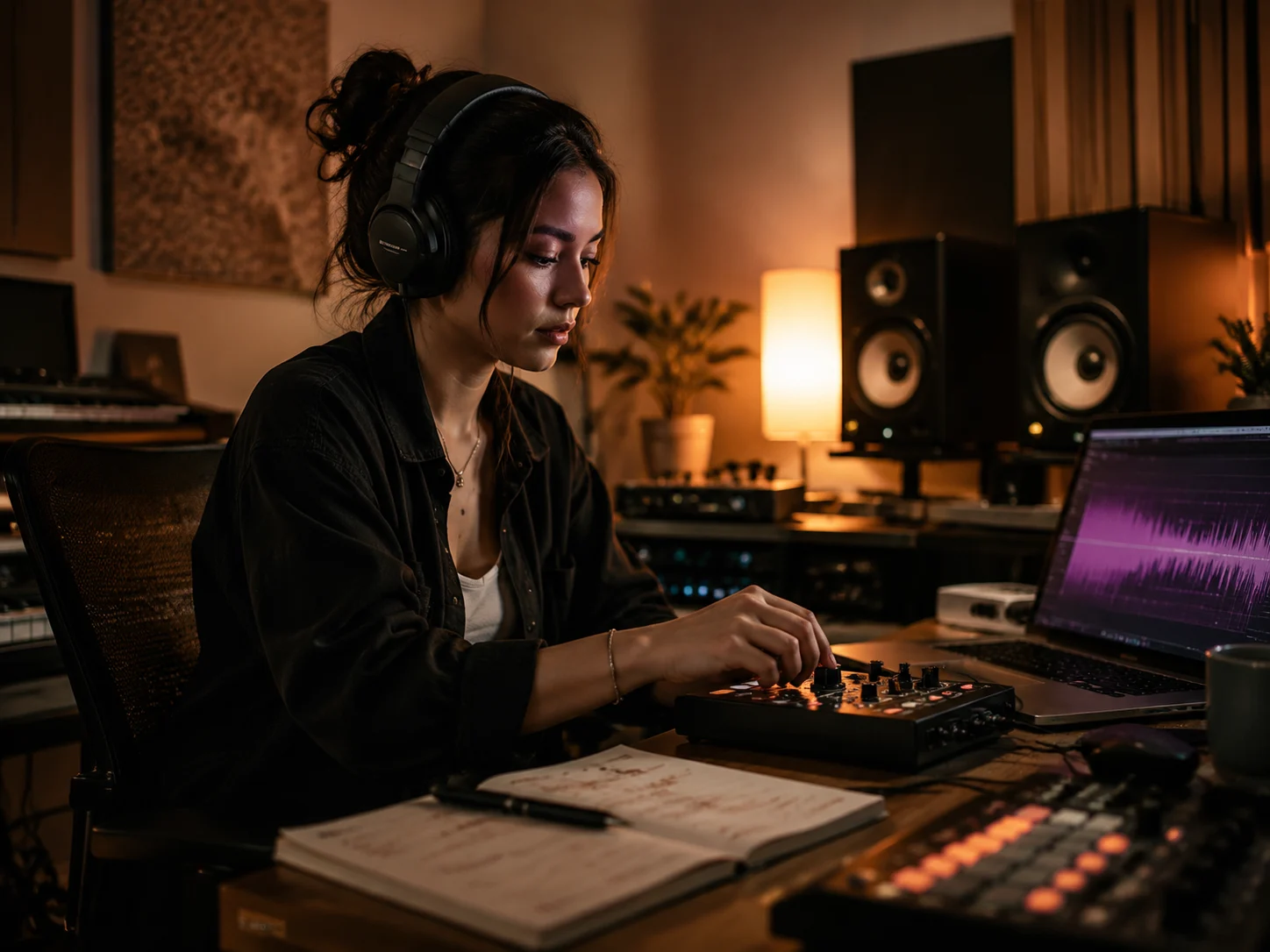
Shape a slower deeper mix
Start near the classic 0.8x slowed and reverb generator sound, then move in small steps instead of trusting one fixed preset. The tool lets the pitch fall with the speed change for the familiar deeper tone, or you can preserve pitch during preview when you want slower timing without that drop. This makes the edit easier to judge before you export.
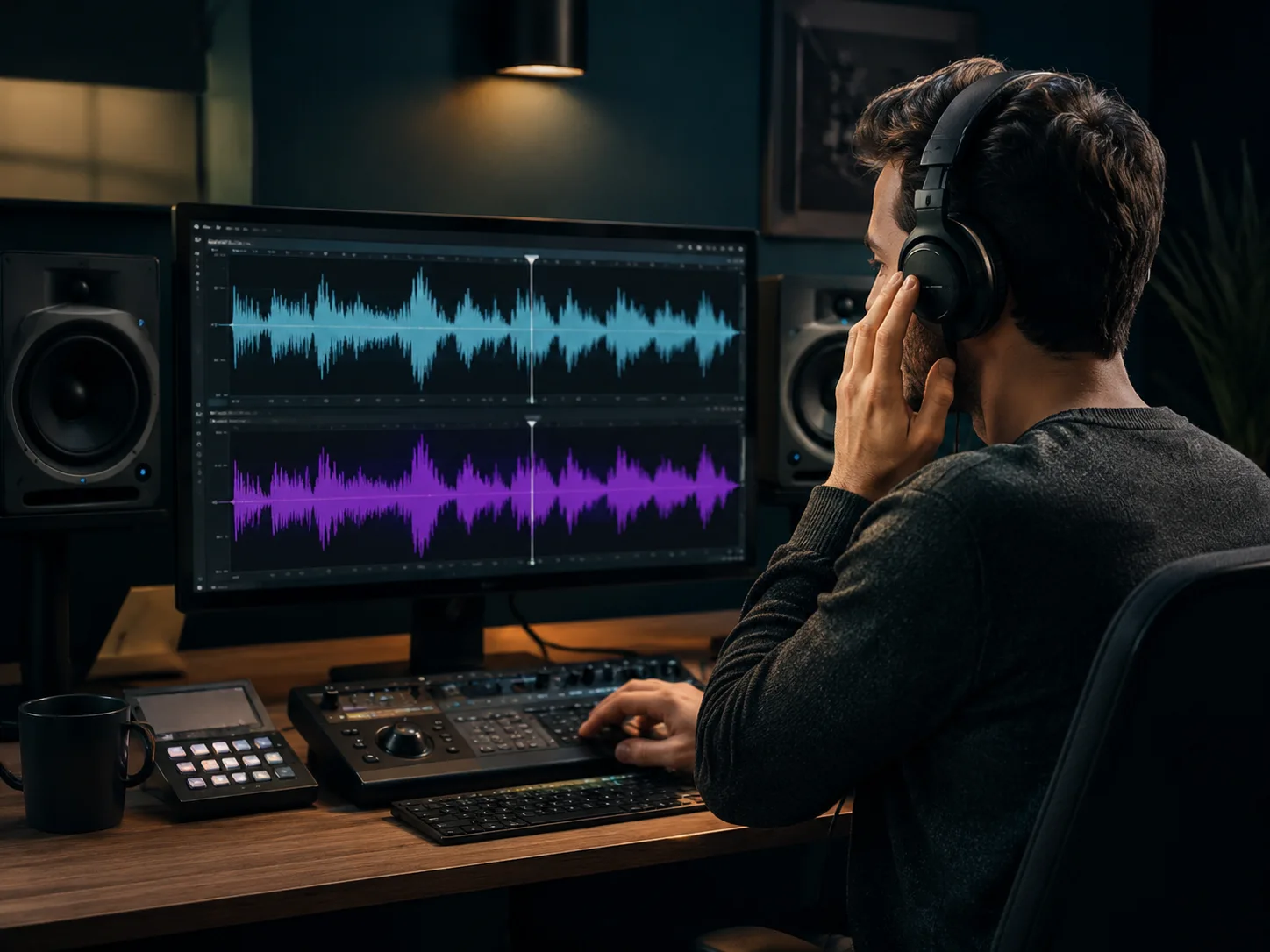
Compare original and processed audio
A/B preview keeps the slowed reverb generator honest. Play the original, switch to the current effect, drag through the waveform, and test the chorus or densest section instead of only the intro. CreateMusicAI helps you decide whether the slowed and reverb edit adds mood, or whether it is simply making the track softer.
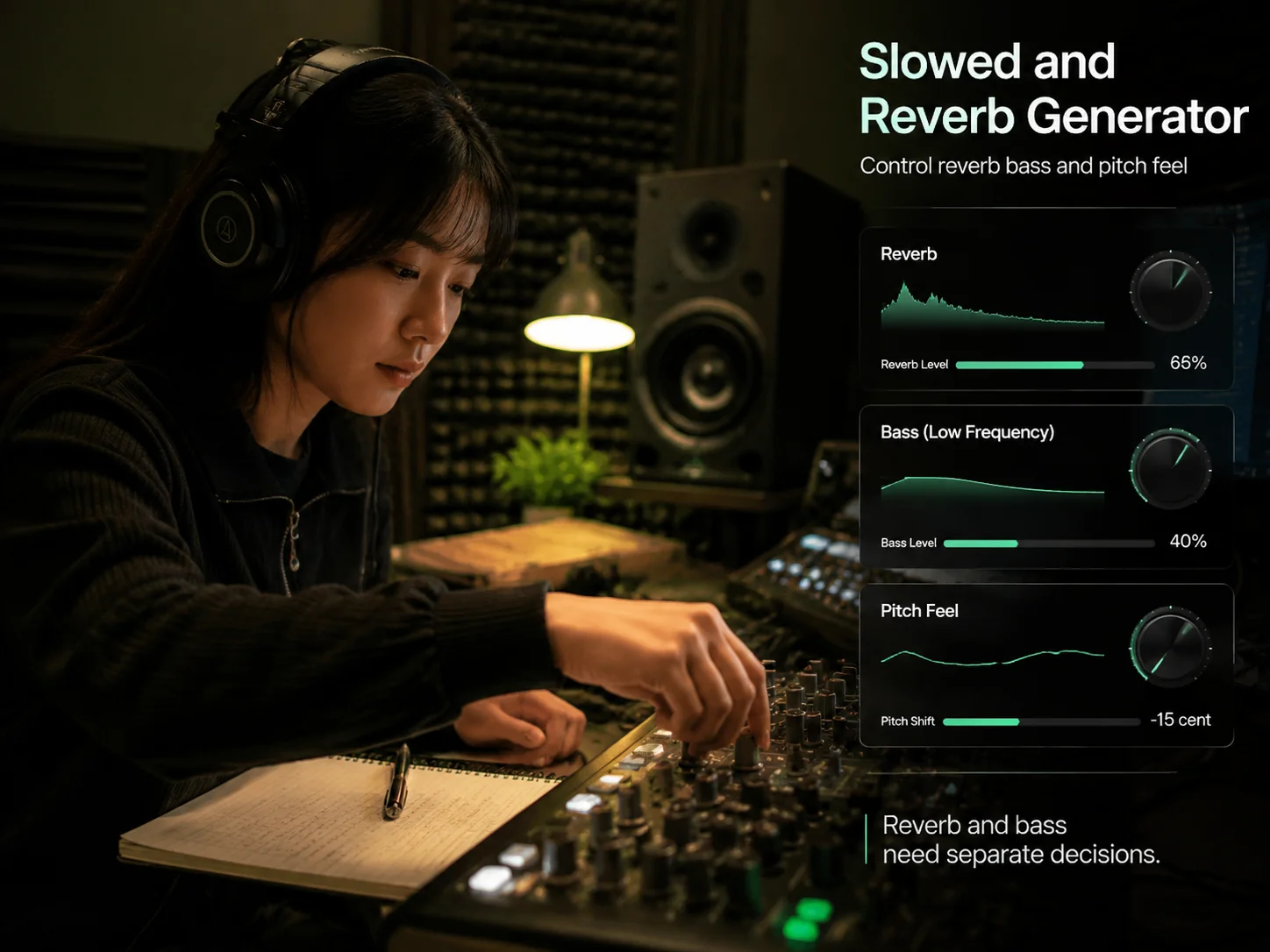
Control reverb bass and pitch feel
Reverb and bass need separate decisions. Too much reverb blurs consonants and weakens drums, while too much bass can crowd the slowed mix. Use the controls to add space, restore weight, and keep the groove readable. The slowed and reverb generator stays simple enough for beginners while still giving creators room to fine-tune.
Export WAV or MP3 edits
When the slowed and reverb maker settings feel right, render the current version and download a complete audio file. WAV is useful for later trimming, mastering, or video editing. MP3 is better for lightweight review files and quick sharing. Processing audio does not clear copyright, so use files you own, licensed music, or private practice material responsibly.
Who uses slowed and reverb edits
A slowed and reverb generator helps creators test mood, timing, and ambience quickly when a full DAW session would slow the idea down.

Short form video editors
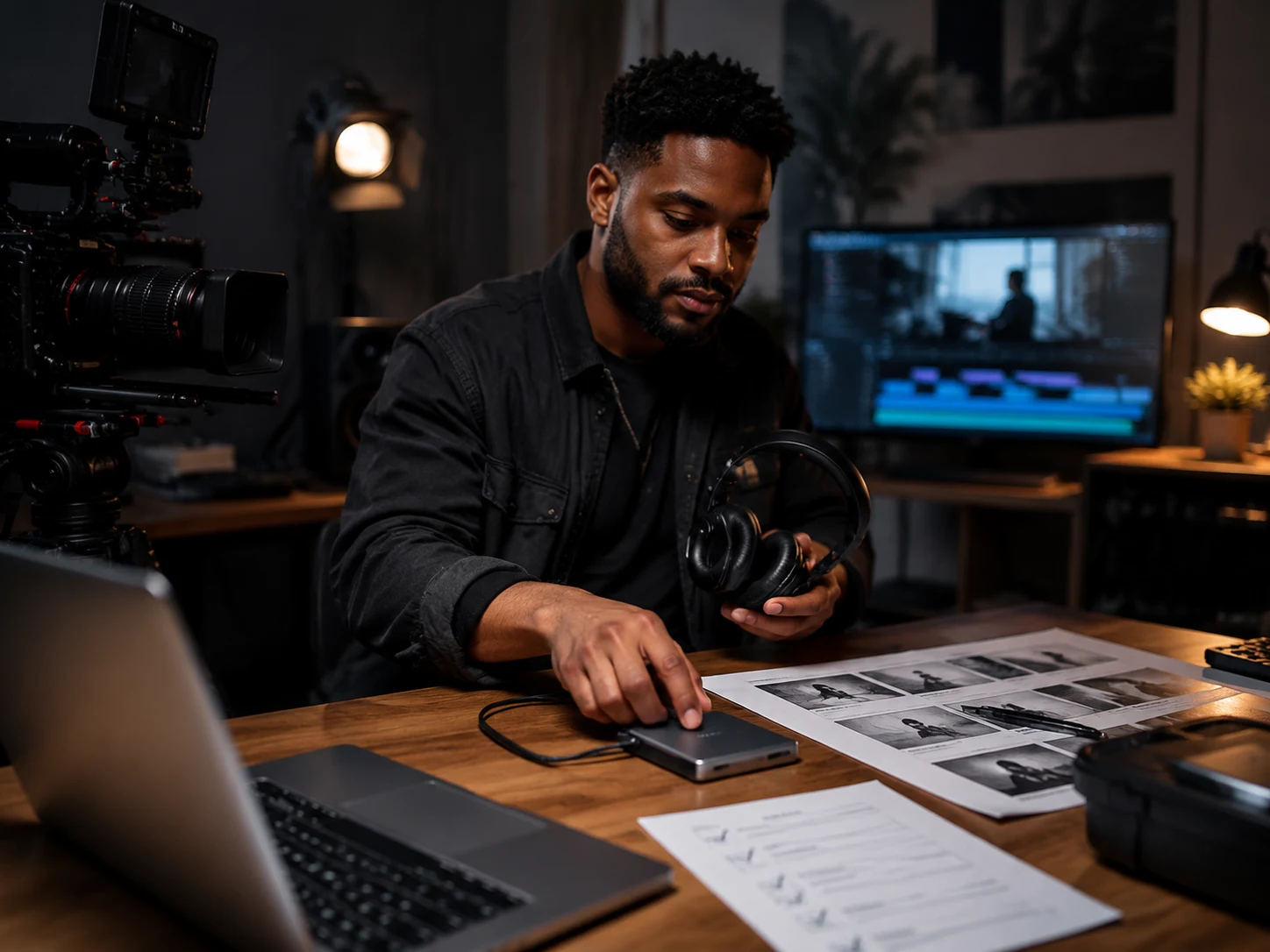
Use the slowed reverb generator to make a song feel dreamier, heavier, or more reflective before cutting a Reel, Short, TikTok, trailer beat, or visual montage. The two-preview layout helps match the edit to the exact scene instead of guessing from a fixed preset.
Remix hobbyists and music fans
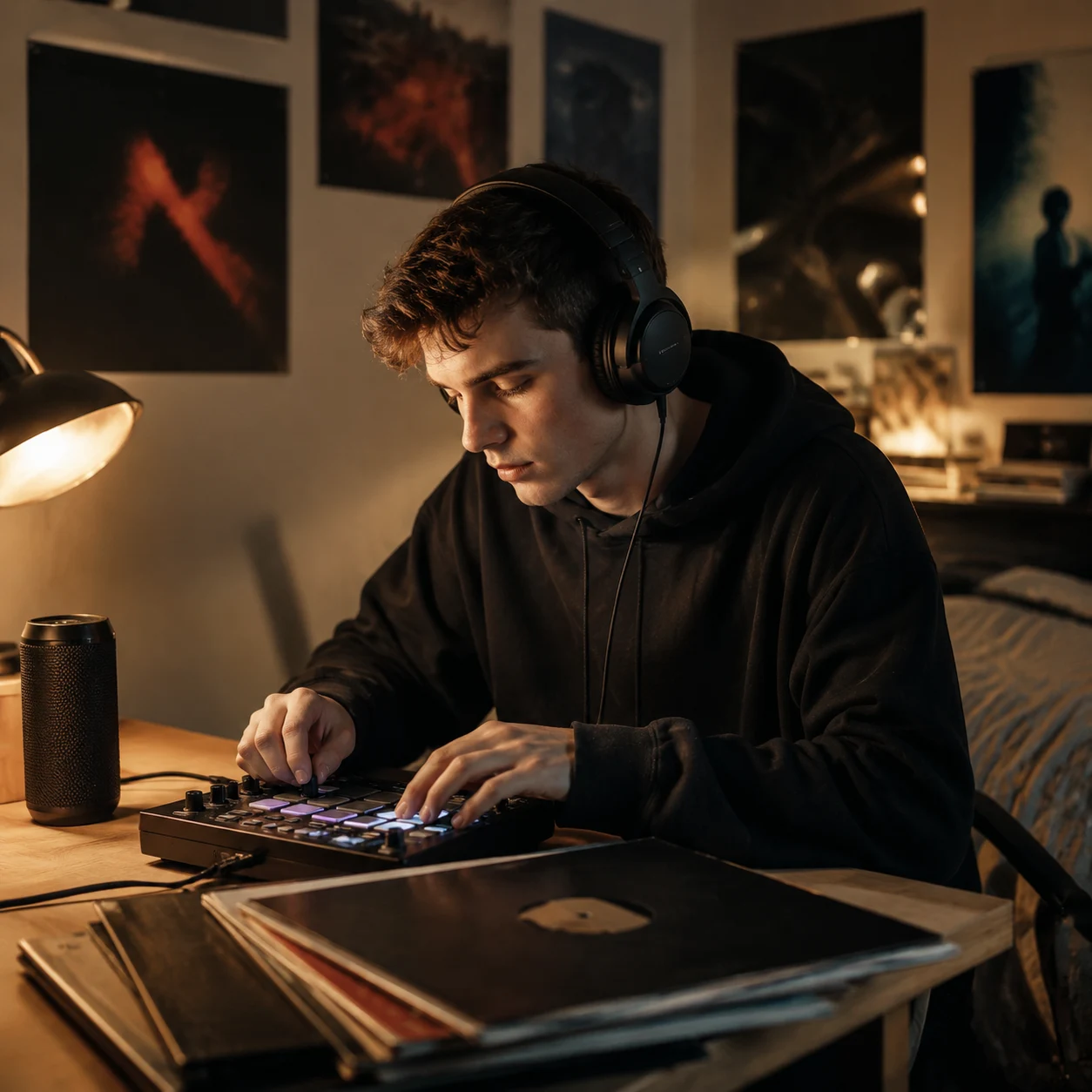
Small changes often decide whether a slowed and reverb version works. Try several speed and reverb settings, compare the hook, and keep a private edit or reference file when the mood lands.

DJs and set builders
Create a quick reference for an intro, transition bed, late-night set idea, or practice folder. A slowed and reverb maker lets you test tempo feel and ambience before spending time on a polished performance edit.

Students and new producers
Speed, pitch, reverb, and bass are easier to learn when the controls sit on one screen. Beginners can hear how a slower track changes tone, why heavy reverb gets muddy, and how WAV and MP3 exports fit different workflows.
Slowed and reverb generator FAQ
Answers about slowed reverb generator settings, pitch, browser rendering, WAV and MP3 downloads, presets, sound quality, and copyright boundaries.
What is a slowed and reverb generator?
A slowed and reverb generator is an audio tool that slows a song, often lets pitch drop with the speed change, and adds reverb for a wider sound. It is used for private edits, short videos, study loops, fan remix sketches, and DJ references.
How does CreateMusicAI process slowed reverb audio?
CreateMusicAI decodes the uploaded file in the browser, applies speed, reverb, and bass settings for preview, then renders the current settings into WAV or MP3. The slowed reverb generator also provides original and processed preview rows so you can compare before downloading.
Does slowing a song lower the pitch?
Classic slowed and reverb usually lets pitch fall when playback speed decreases, which creates the deeper tone people expect. The pitch-preserve preview switch helps you compare slower timing without that deeper pitch feel.
Can I make Nightcore or Daycore versions?
Yes. The preset list includes slower directions, Daycore-style lower energy, Sped Up, and Nightcore-style faster playback. After choosing a preset, you can still adjust speed, reverb, bass, and preview position before export.
Why does heavy reverb make slowed edits sound muddy?
Reverb repeats and smears parts of the recording. When vocals, drums, synths, and bass already fill the same space, high reverb can blur detail. Start with a moderate amount, then check the chorus or densest part of the song.
Should I download WAV or MP3?
Download WAV when you want a cleaner working file for a DAW, video editor, or later conversion. Download MP3 when you need a smaller review file. Both buttons render the current slowed and reverb generator settings.
Can I upload slowed reverb edits to YouTube or social platforms?
The tool can process audio, but it does not grant rights to copyrighted recordings. If you upload an edit of someone else's song, claims or takedowns may still happen. Use music you own, licensed tracks, or material you are allowed to transform.
What settings should beginners try first?
A practical starting point is about 0.8x speed, 35% to 45% reverb, and little or no bass boost. Listen to the hook and the busiest section before downloading, then adjust the slowed reverb generator settings by ear.