Related tools for your next step
How to Convert Audio to MIDI
This tool converts audio recordings into MIDI files in a few simple steps.
1. Upload or Record Audio
Upload an audio file or record a melody using your microphone. Single-instrument or vocal recordings work best.
2. Convert Audio to MIDI
The AI analyzes pitch and timing and converts the audio into MIDI notes automatically.
3. Download or Edit MIDI
Download the MIDI file or open it in the online MIDI editor for further editing.
What the Audio to MIDI Converter Does
The tool extracts musical information from audio and converts it into MIDI format.
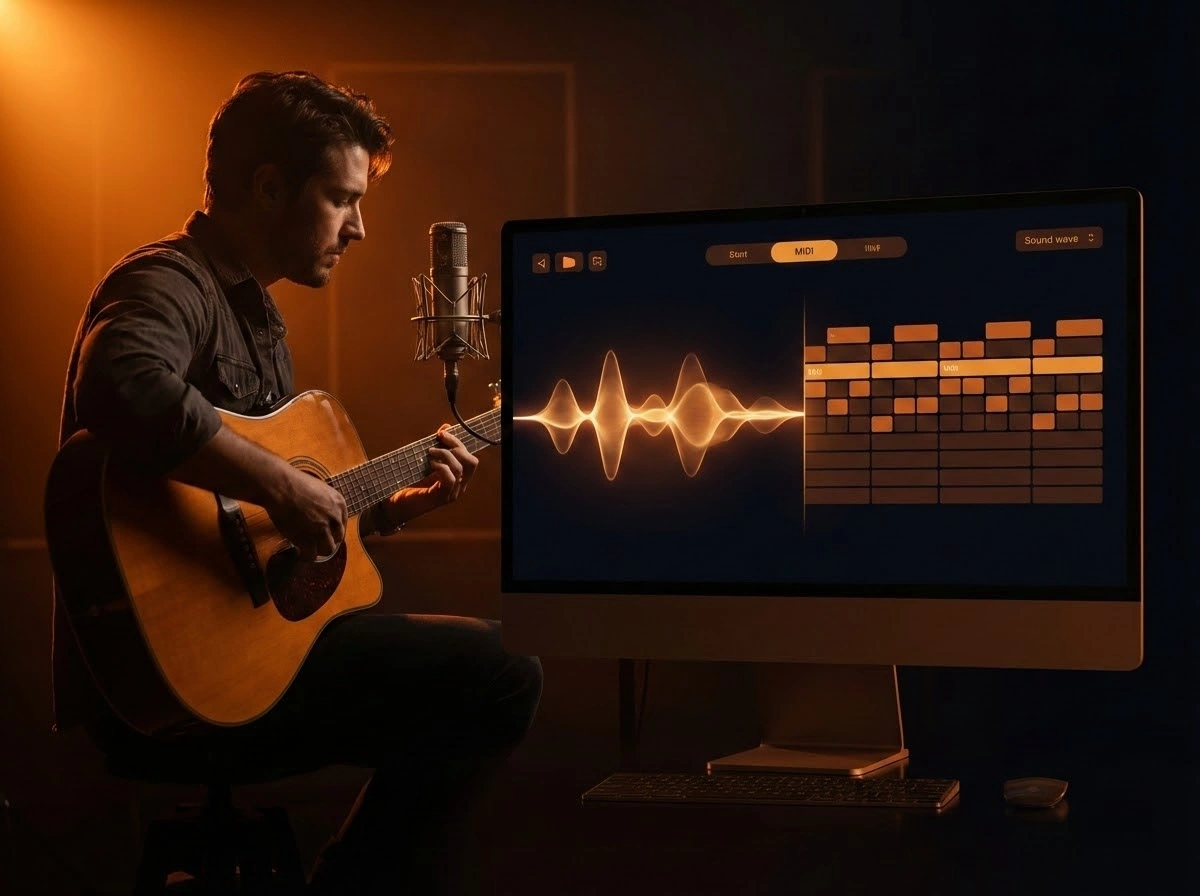
Convert Audio Notes to MIDI
Detect notes and timing from audio recordings and turn them into editable MIDI data.
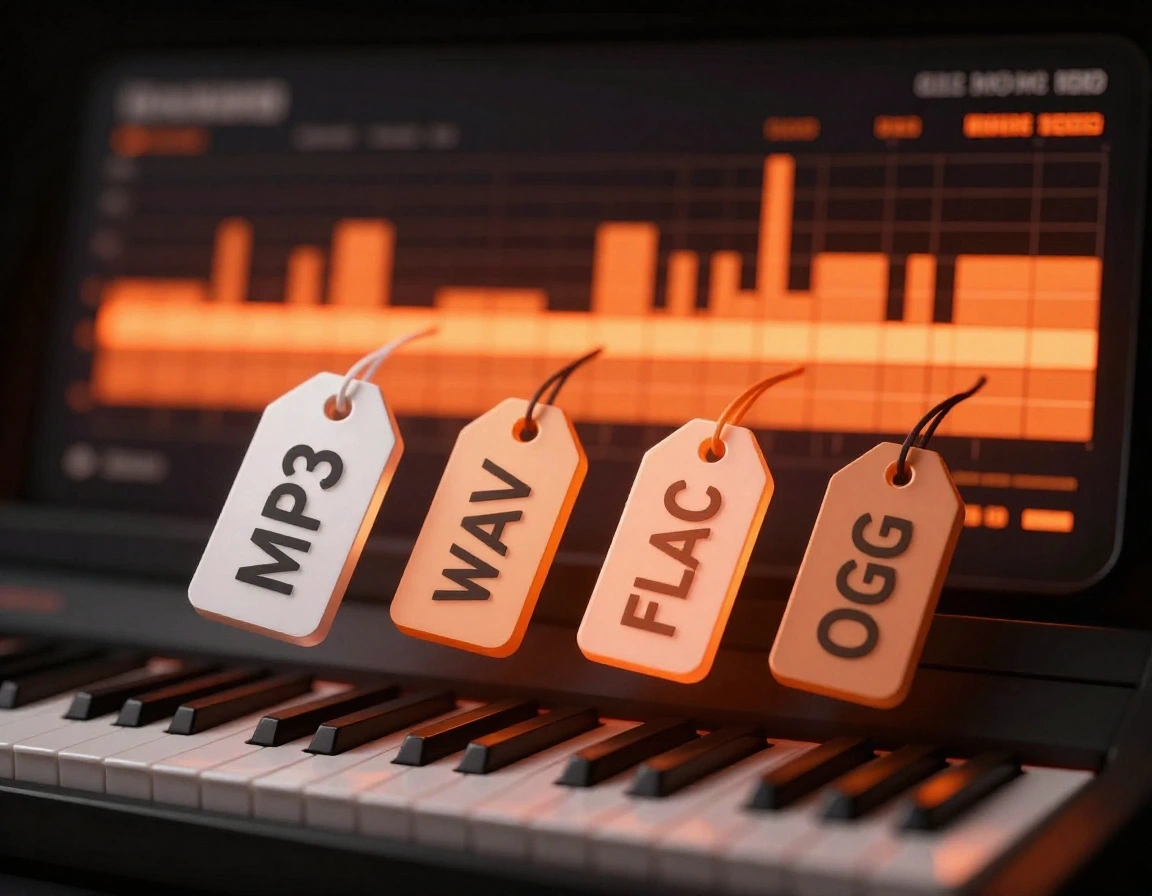
Supports Common Audio Formats
Convert MP3, WAV, FLAC, and OGG audio files to MIDI without installing software.

Voice and Instrument Input
Use vocals or single-instrument recordings to capture melodies as MIDI.
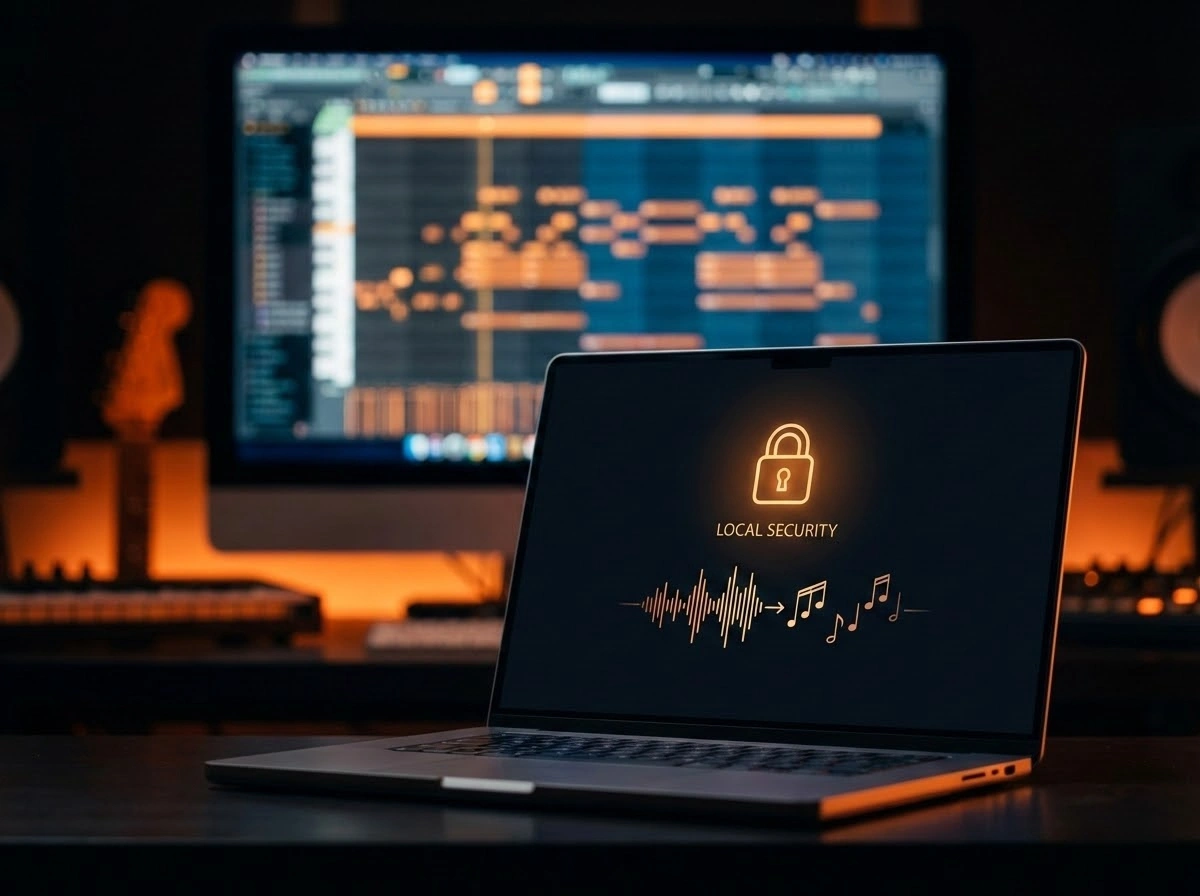
Privacy-Friendly Processing
Audio is processed locally in the browser. Files are not stored on servers.
Who Uses an Audio to MIDI Converter
Audio to MIDI conversion is useful in many music workflows.
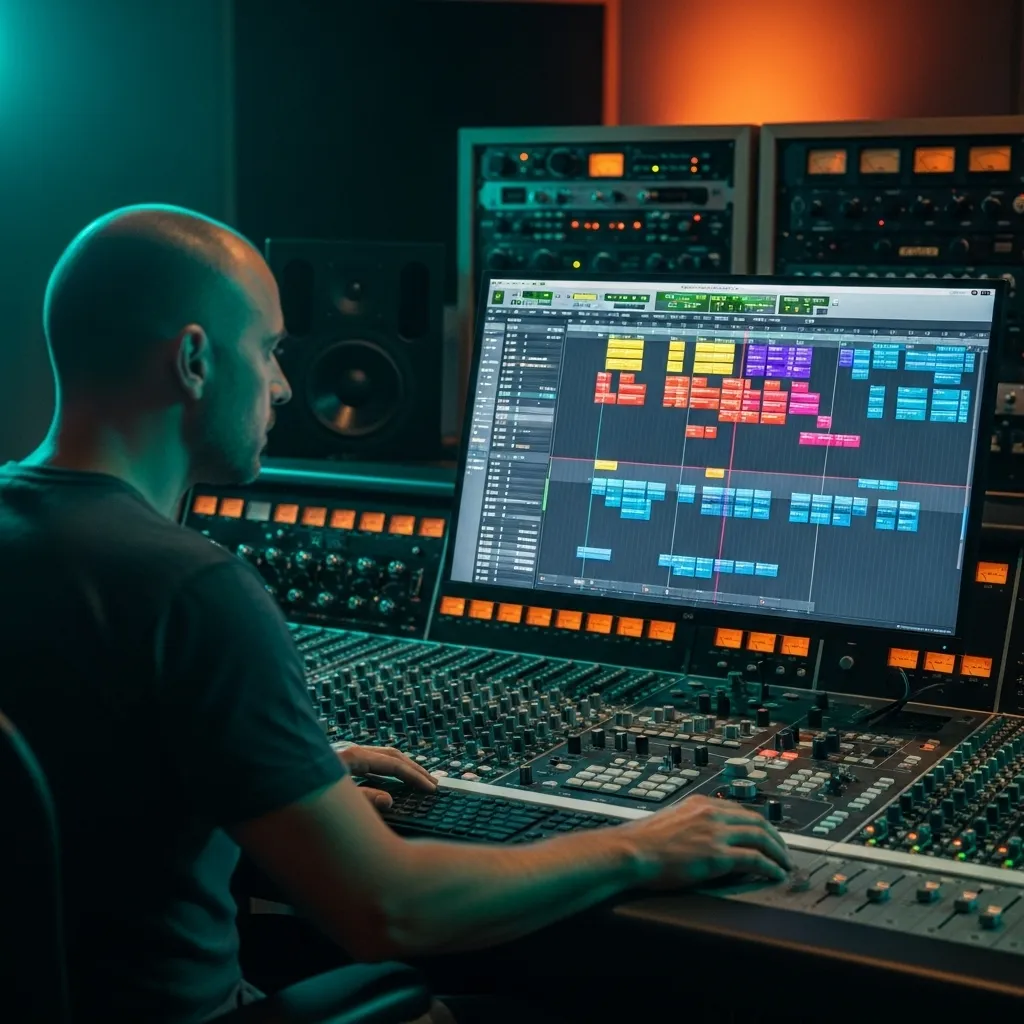
Music Producers
Extract melodies or basslines from audio samples to reuse them in projects.

Songwriters & Musicians
Record vocal ideas or instrument parts and convert them into MIDI for arrangement.
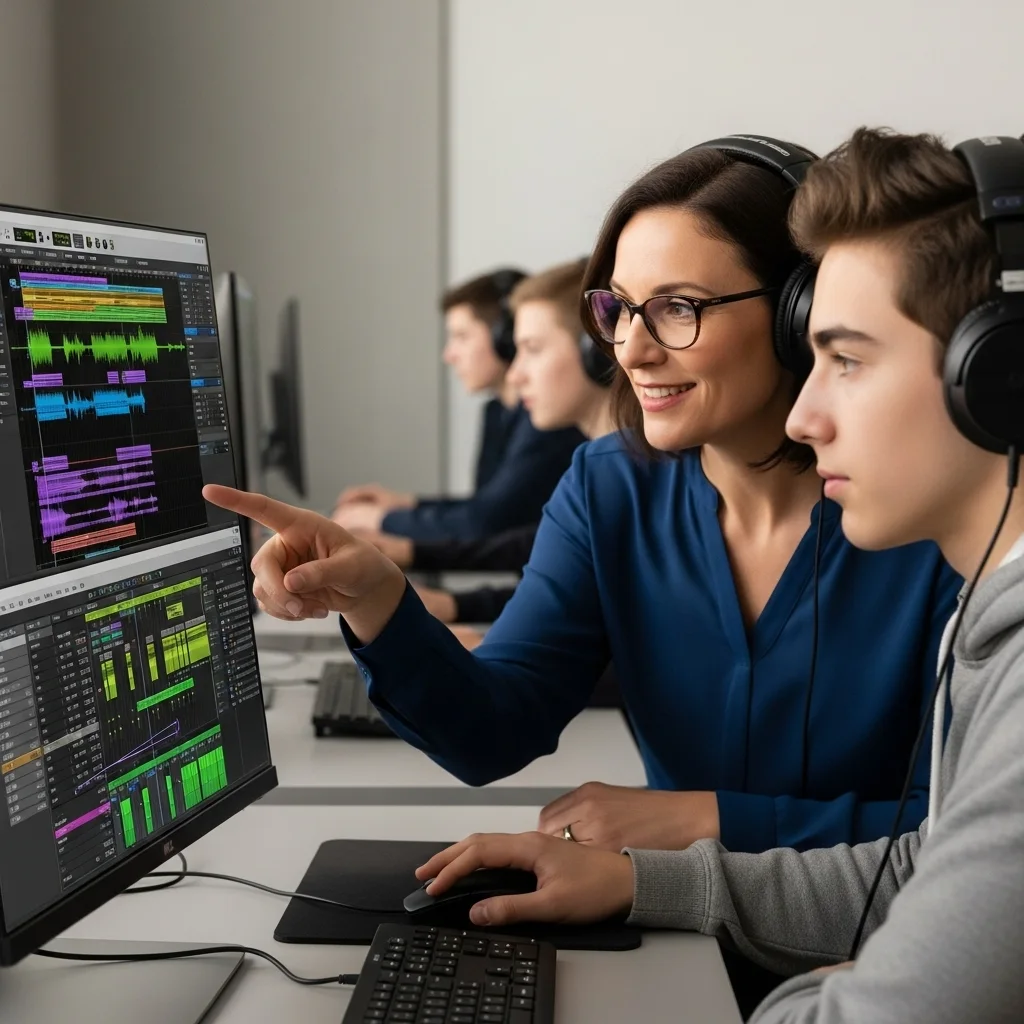
Students & Teachers
Transcribe music for learning, analysis, and practice.

Content Creators & DJs
Turn audio clips into MIDI for remixing, looping, or creative reuse.
Audio to MIDI Converter FAQs
Common questions about converting audio files to MIDI.
What is an audio to MIDI converter?
An audio to MIDI converter analyzes sound recordings and extracts notes, timing, and pitch to create a MIDI file.
What audio works best for conversion?
Single-note melodies, vocals, piano lines, guitar riffs, and clean single-instrument recordings work best for audio to MIDI conversion. Full mixes are harder because multiple instruments overlap. Use the pitch identifier when you only need note or pitch data.
Which audio formats are supported?
Common formats such as MP3, WAV, FLAC, and OGG are supported.
Can I edit the MIDI after conversion?
Yes. After conversion, open the result in the MIDI editor to adjust notes, timing, velocity, and instruments. If your source is an MP3 file, the MP3 to MIDI Converter is another focused entry point.
Is the converted MIDI royalty-free?
MIDI generated from your own recordings can be used freely. Copyright depends on the original audio source.