Your Phonk Maker for Every Subgenre and Mood
Go from a text prompt or song idea to a finished phonk beat in under a minute. Use it as a phonk maker online or a song to phonk converter for drift, gym, and gaming edits.
Authentic Cowbell and 808 Patterns
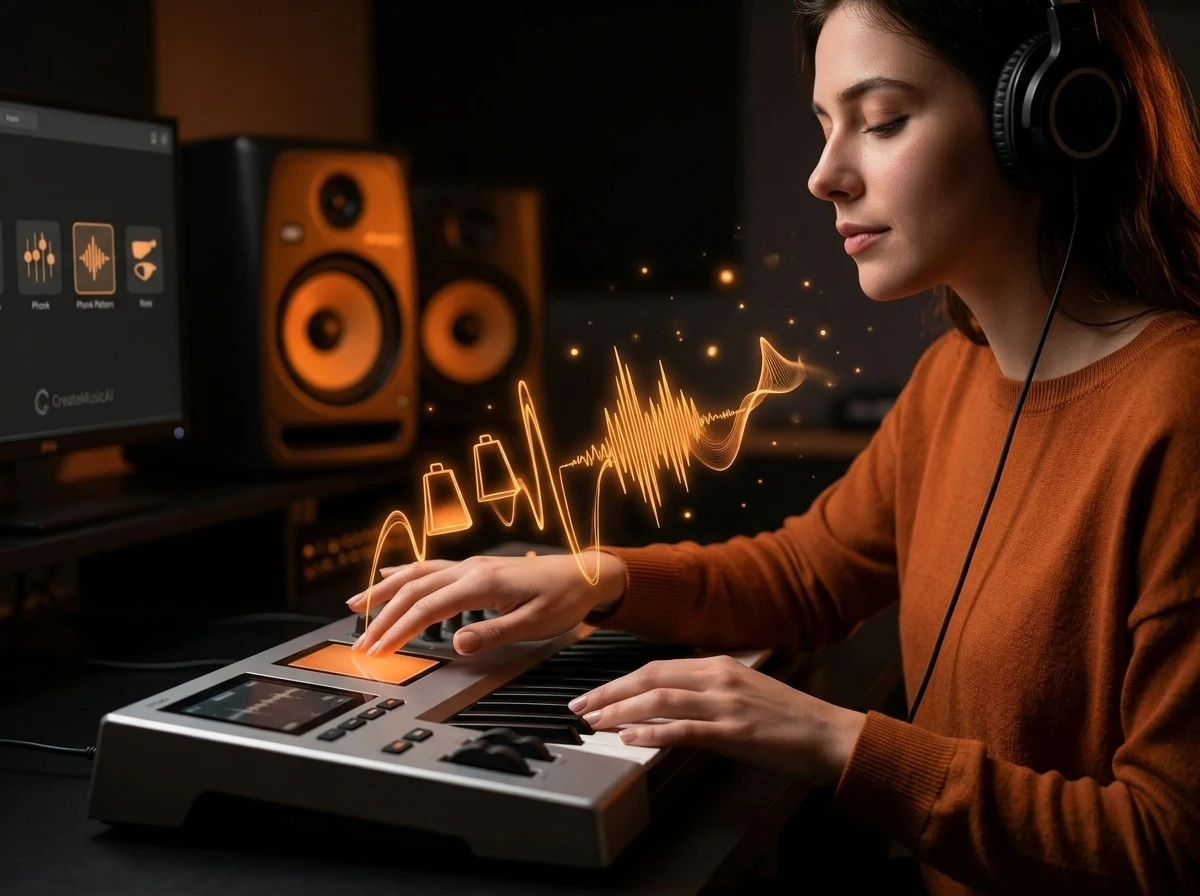
With CreateMusicAI, you get the crisp cowbell hits and heavy distorted 808s that define real phonk music. Describe your vibe — drift, Memphis, or Brazilian — and our Phonk Maker builds the drum pattern, bassline, and arrangement from scratch. No sample clearance headaches, no DMCA takedowns.
Every Phonk Subgenre Covered
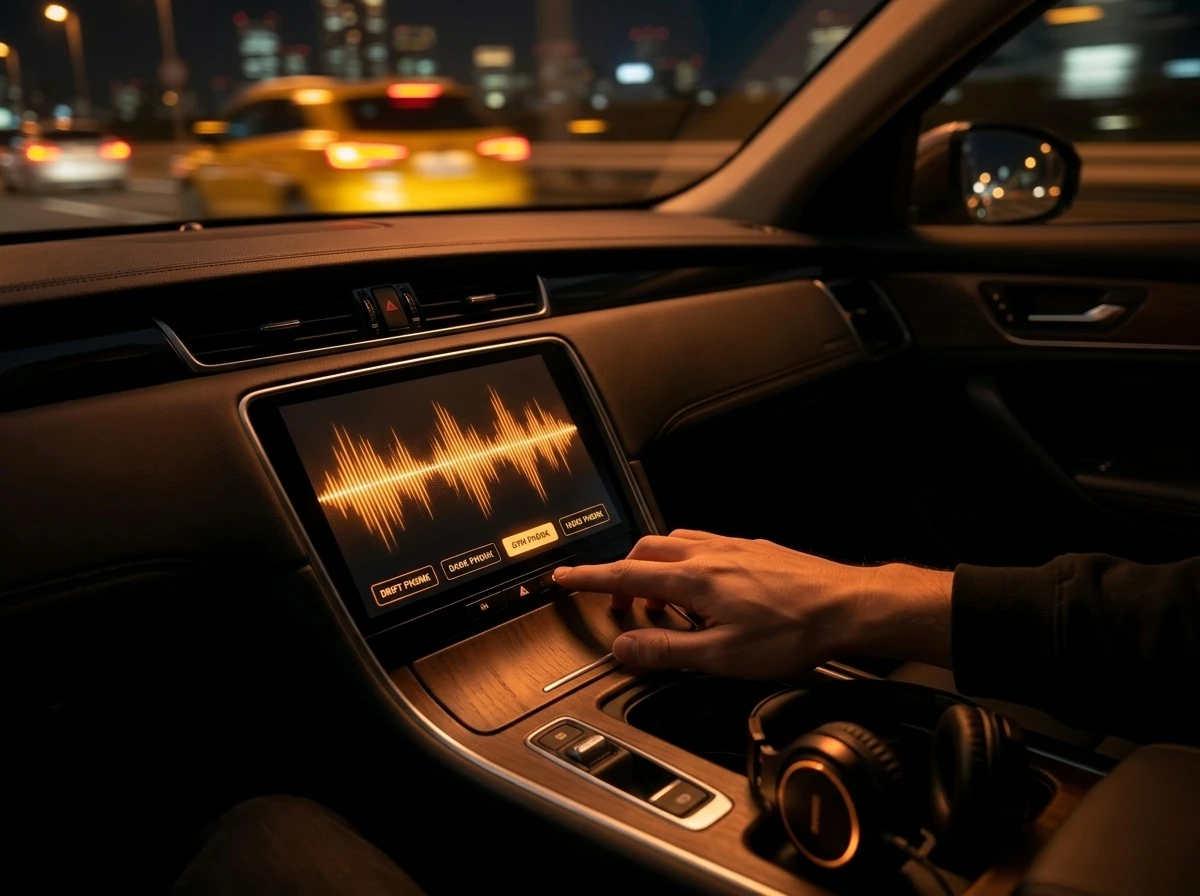
Drift phonk for car edits, dark phonk for gaming montages, gym phonk for workout clips — our Phonk Maker understands over 10 phonk subgenres. Each output captures the specific energy, tempo, and texture that fans of that style expect, so your phonk beats always sound on point.
Phonk Beats Ready in Seconds
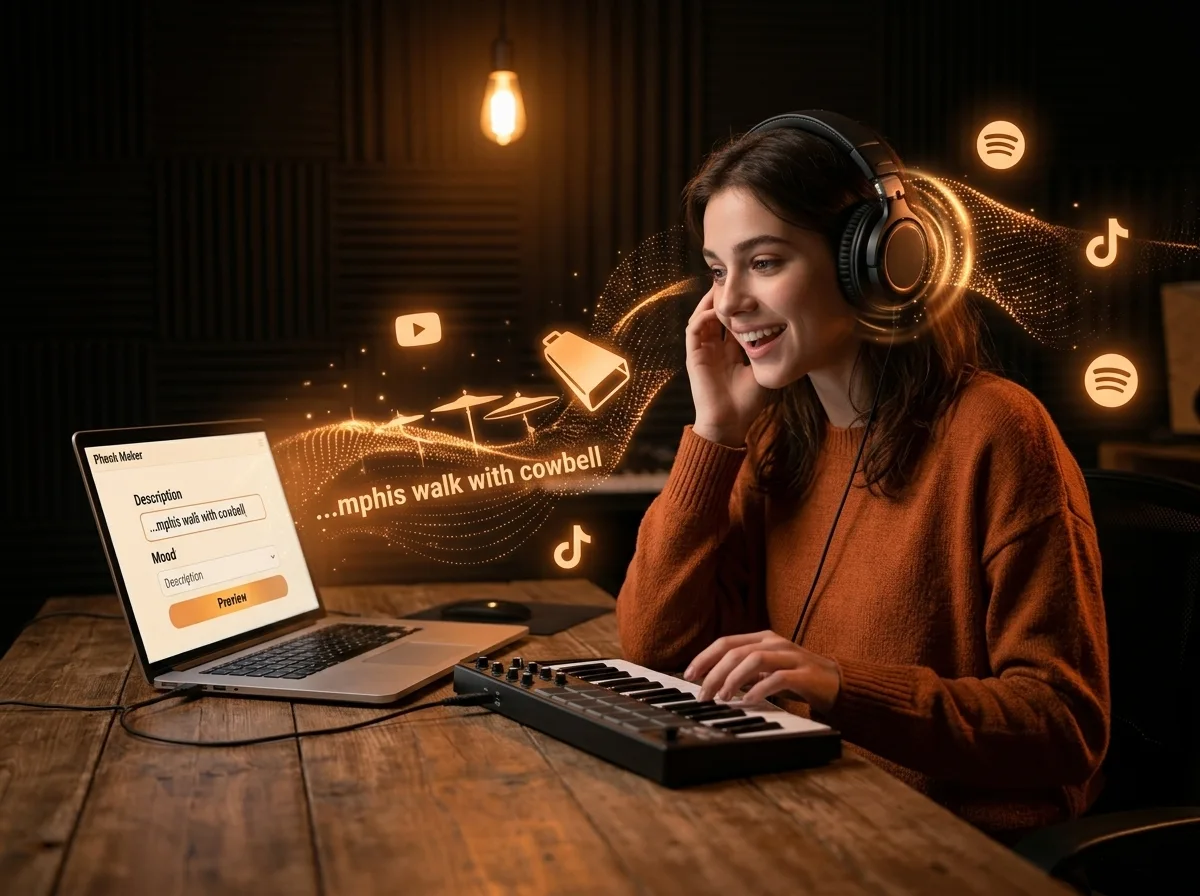
Skip the FL Studio learning curve and hours of sample hunting. Our Phonk Maker lets you type a description, pick your mood, and get a full phonk track with chopped vocals, rolling hi-hats, and tape saturation. Preview in 30 seconds, download in WAV or MP3 for immediate use on TikTok, YouTube, or Spotify.
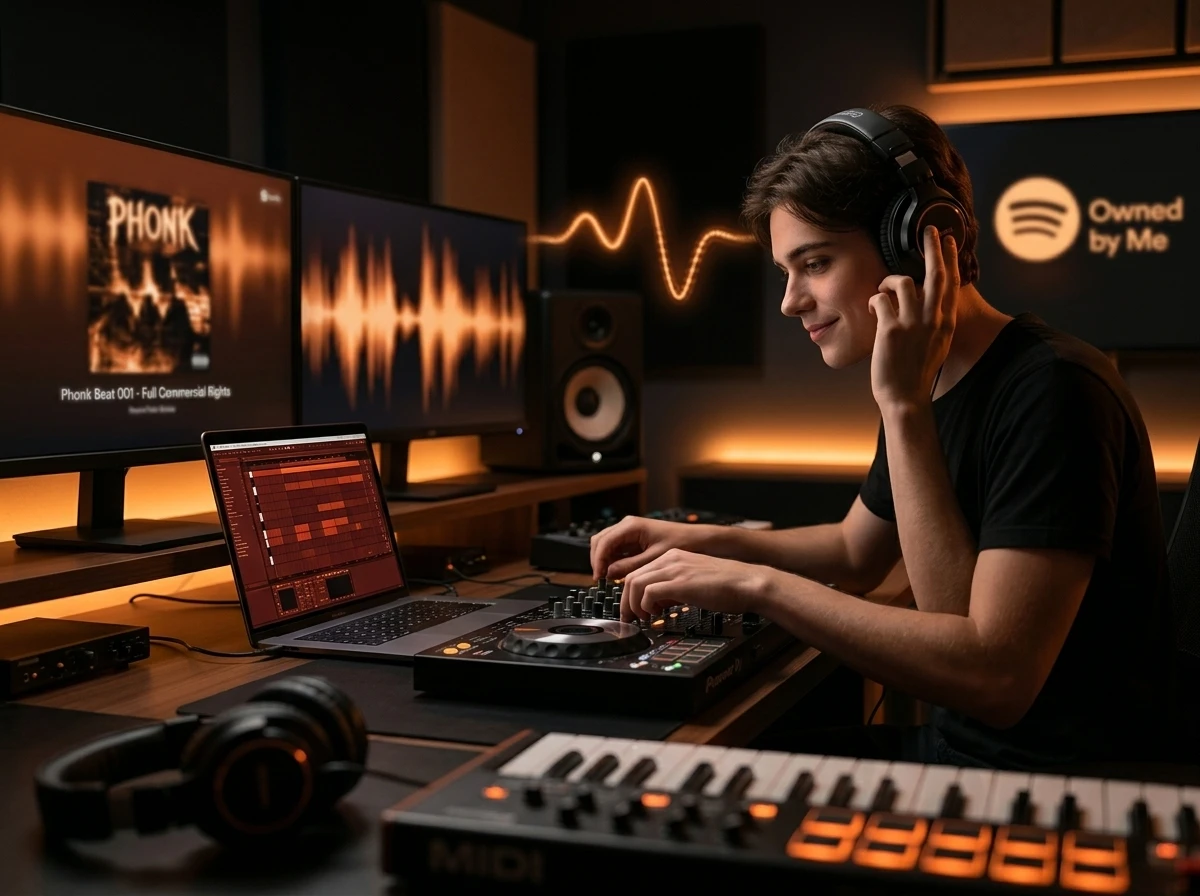
Royalty-Free Phonk Music You Own
Every track you create with our Phonk Maker is 100% original and royalty-free. Use your phonk beats in drift edits, content, livestreams, or commercial projects without worrying about copyright claims. Your phonk music, your rights — that simple.
Who Uses Our Phonk Maker
From drift edit creators to aspiring producers, our Phonk Maker gives you the exact phonk music you need without expensive gear or production skills.
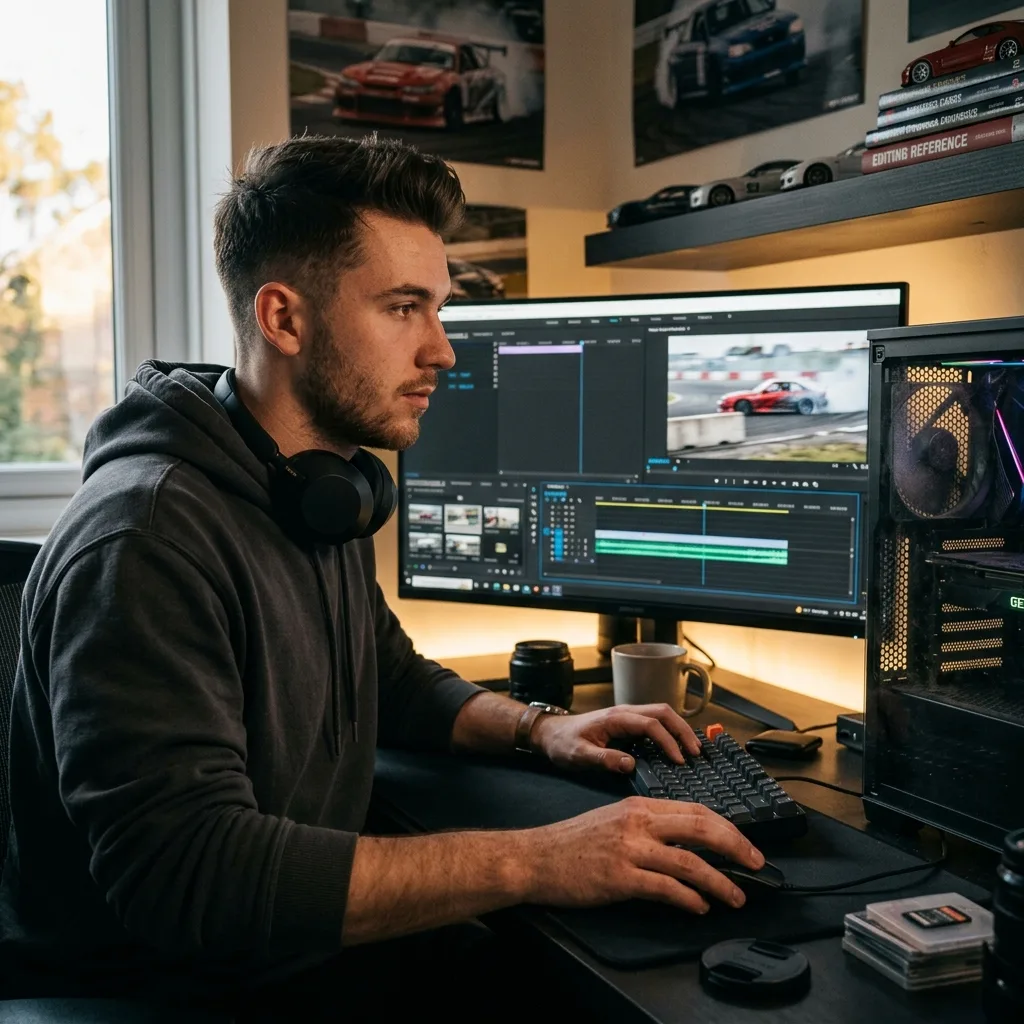
Drift & Car Edit Creators
You need hard-hitting drift phonk for your JDM compilations and car edit videos, but licensing beats is expensive and time-consuming. Our Phonk Maker generates custom cowbell-driven tracks in seconds — royalty-free and ready to upload to TikTok or YouTube.
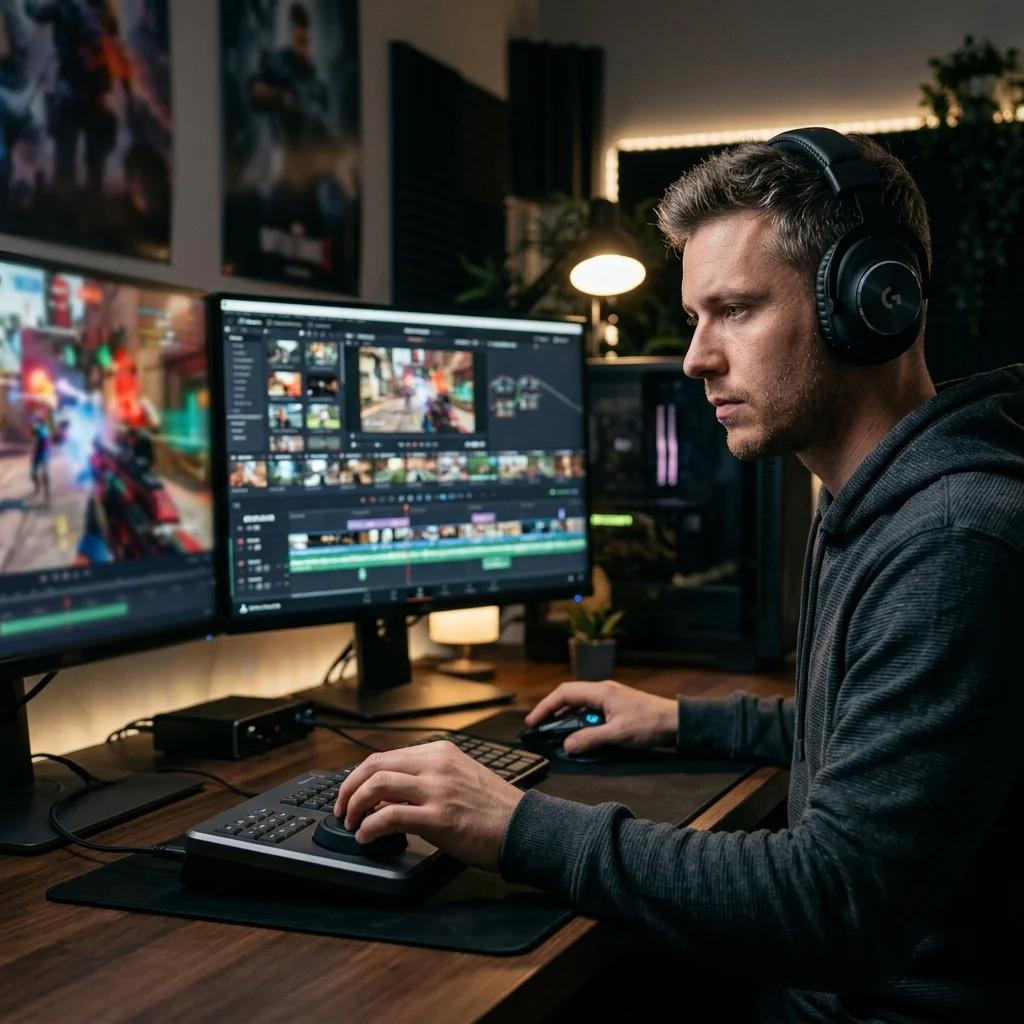
Gaming Montage Editors
Your kill compilations and highlight reels deserve aggressive phonk beats that match the intensity of the gameplay. Describe the energy you want, and our Phonk Maker delivers phonk music with the exact tempo and drop timing for your edits.
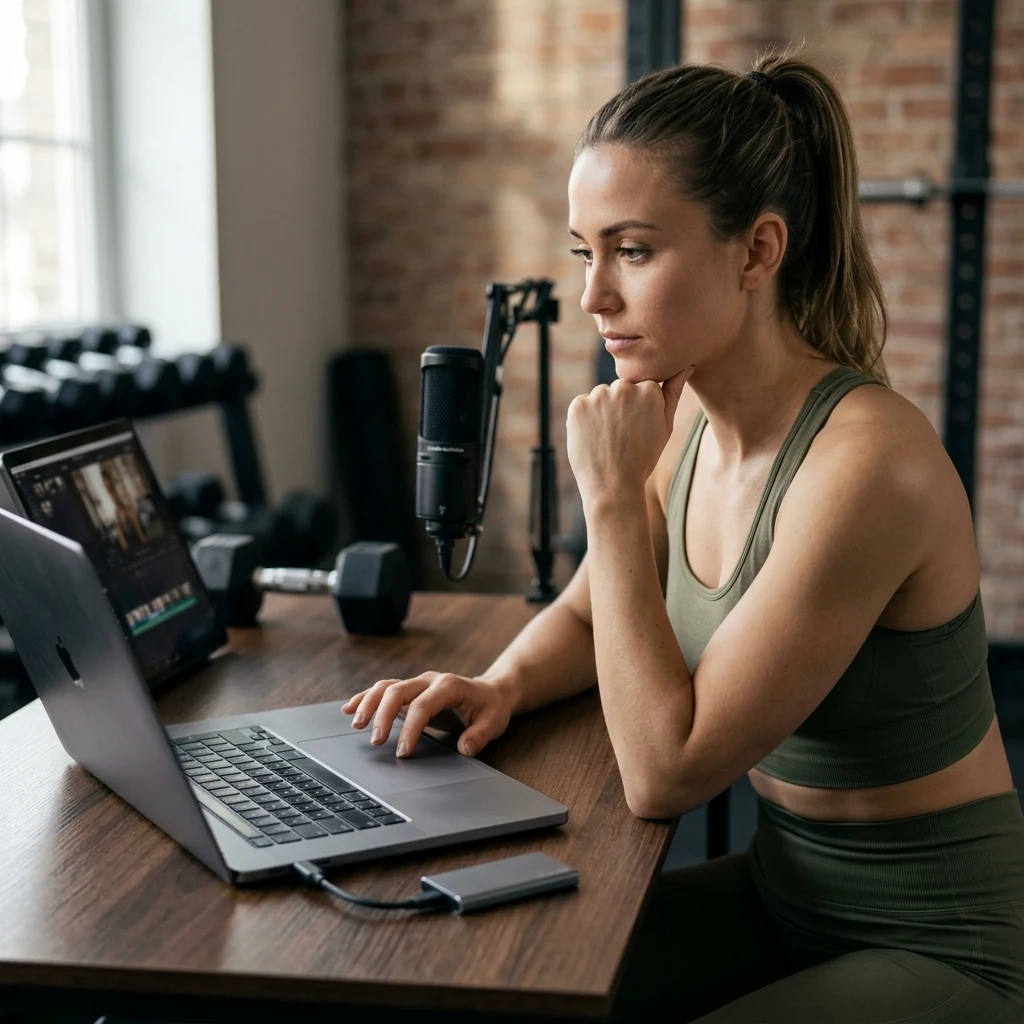
Fitness Content Creators
You build workout videos and gym reels that need pump-up phonk music to keep viewers motivated. Our Phonk Maker creates gym phonk tracks with heavy bass and relentless energy — no more scrolling through generic royalty-free libraries.
Aspiring Phonk Producers
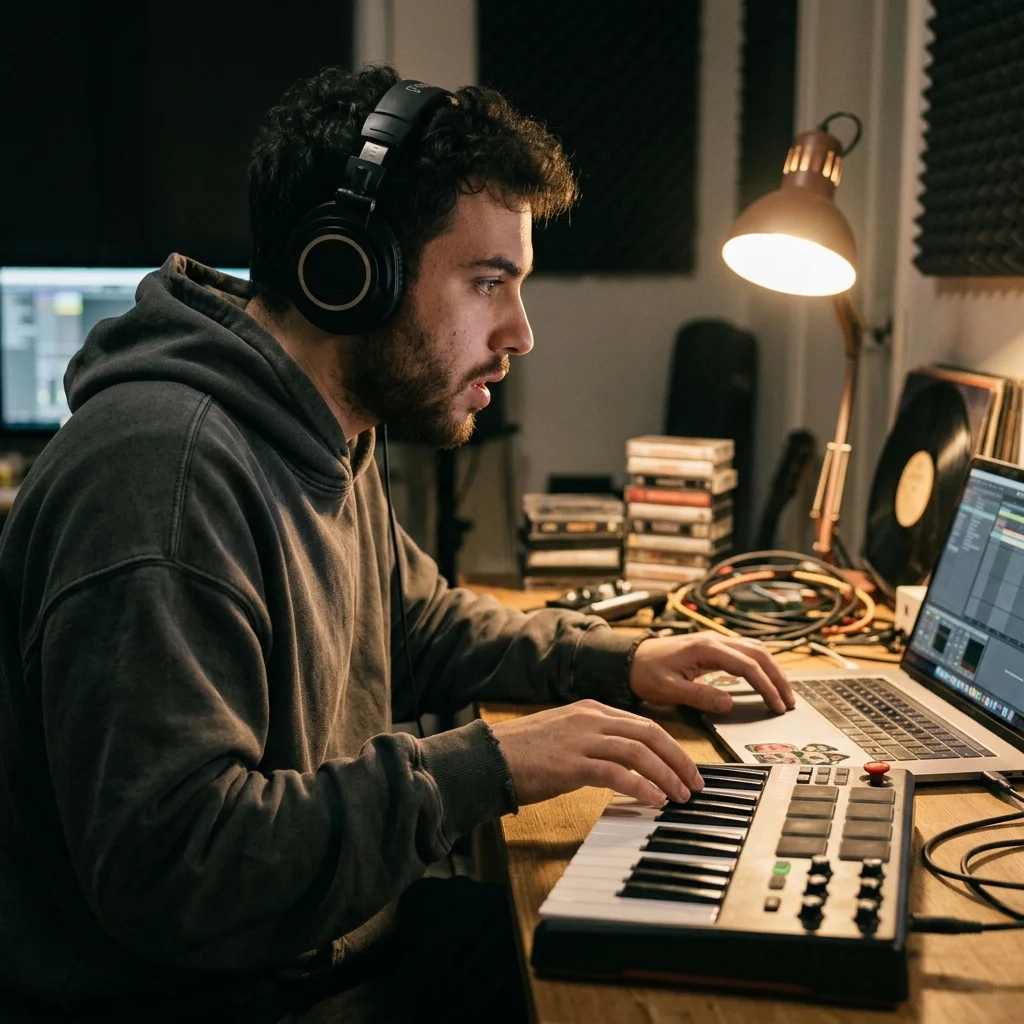
You want to make your own phonk beats but FL Studio templates and sample packs feel overwhelming. Start with our Phonk Maker to prototype ideas fast, then export stems to refine in your DAW. Turn inspiration into finished tracks without the steep learning curve.
Make Phonk Beats in Three Quick Steps
With CreateMusicAI, creating phonk music takes just three steps. Pick your style, describe your track, and download your finished phonk beat.
Pick Your Phonk Style
Open CreateMusicAI and choose from drift phonk, Memphis phonk, dark phonk, Brazilian phonk, and more. Select mood tags like aggressive, bouncy, or sinister to dial in the exact feel you want.
Describe Your Track
Type a short description of the phonk music you need in our Phonk Maker — mention the vibe, instruments, or use case. Something like 'hard drift phonk with heavy cowbell and distorted 808 for a car edit' works perfectly.
Generate and Download
Hit generate and preview your phonk beat in the Phonk Maker in about 30 seconds. Download in WAV or MP3, or adjust the tags and regenerate until the track matches your vision. Every output is royalty-free.
Frequently Asked Questions About Phonk Music Creation
Everything you need to know about making phonk beats with AI.
What is the difference between a phonk maker and a phonk converter?
A phonk maker creates a new phonk beat from your prompt, mood, tempo, or reference idea. A phonk converter takes an existing song idea or style direction and reshapes it into a phonk-style track with drift, Memphis, gym, or cowbell phonk elements.
What is an AI Phonk Maker and how does it work?
A Phonk Maker is an AI tool that creates phonk beats from text descriptions. CreateMusicAI's Phonk Maker analyzes your prompt — including subgenre, mood, and instrumentation preferences — and generates a complete track with distorted 808s, cowbell patterns, and chopped samples in about 30 seconds.
What phonk subgenres can CreateMusicAI produce?
CreateMusicAI supports over 10 phonk subgenres including drift phonk, Memphis phonk, Brazilian phonk, dark phonk, house phonk, aggressive phonk, cowbell phonk, gym phonk, and underground phonk. Each subgenre produces distinct instrumentation, tempo, and texture.
Can I use phonk beats from this tool in my TikTok or YouTube videos?
Yes. Every phonk track generated through our Phonk Maker is original and royalty-free. You can upload phonk music to TikTok, YouTube, Spotify, or any platform without copyright claims or DMCA issues.
Do I need music production experience to make phonk beats?
Not at all. CreateMusicAI's Phonk Maker handles the entire production process — from drum patterns to bass design. You just describe what you want in plain language. No DAW knowledge, no sample libraries, no plugins required.
How does AI phonk compare to phonk made in FL Studio?
Our AI produces phonk beats with the same genre-defining elements — distorted 808s, Memphis hi-hats, cowbell rolls, and chopped vocals. The main difference is speed: what takes hours in FL Studio happens in seconds here. Many producers use our Phonk Maker for quick ideas, then refine in their DAW.
What audio formats can I download my phonk music in?
CreateMusicAI's Phonk Maker exports tracks in WAV and MP3 formats. WAV files deliver studio-quality audio for professional mixing, while MP3 works perfectly for social media uploads and streaming.
Can I create phonk instrumentals without vocals?
Yes. You control whether your phonk beats include vocals, ad-libs, or stay purely instrumental. Many creators prefer instrumental phonk for drift video edits and video backgrounds where dialogue or narration sits on top.
Start Creating Copyright-Safe Music Today
Join thousands of creators using Create Music AI for royalty-free music—100% safe for YouTube, Spotify, and TikTok. Free to start, no credit card required.