
Game Music Maker Features for Playable Worlds
Use an AI Game Music Maker to create loopable game music, battle themes, menu cues, and background tracks from one clear scene prompt.
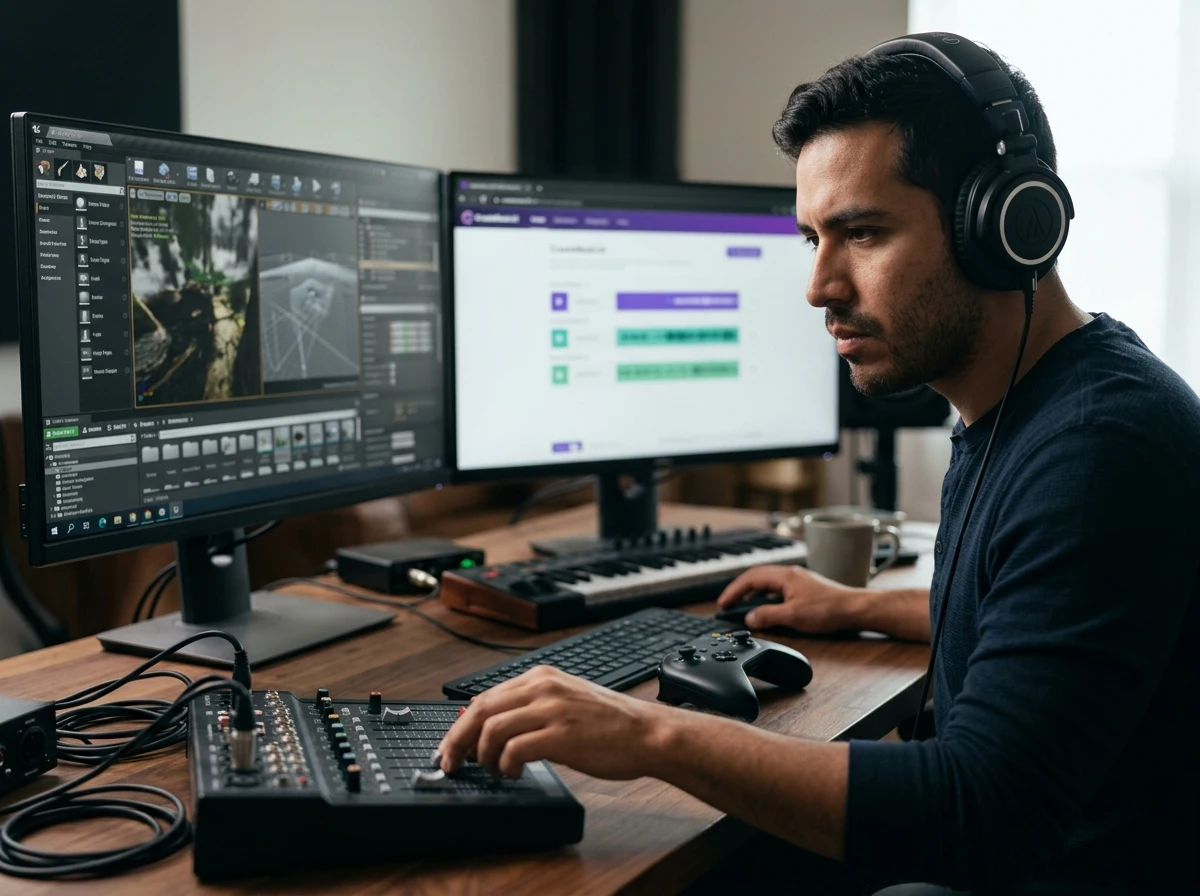
Scene Prompts Become Soundtrack Drafts
With CreateMusicAI, your Game Music Maker prompt can describe a forest level, boss arena, puzzle room, or title screen. The AI Game Music Maker reads mood, pace, and style cues so each draft starts close to the gameplay moment you hear.
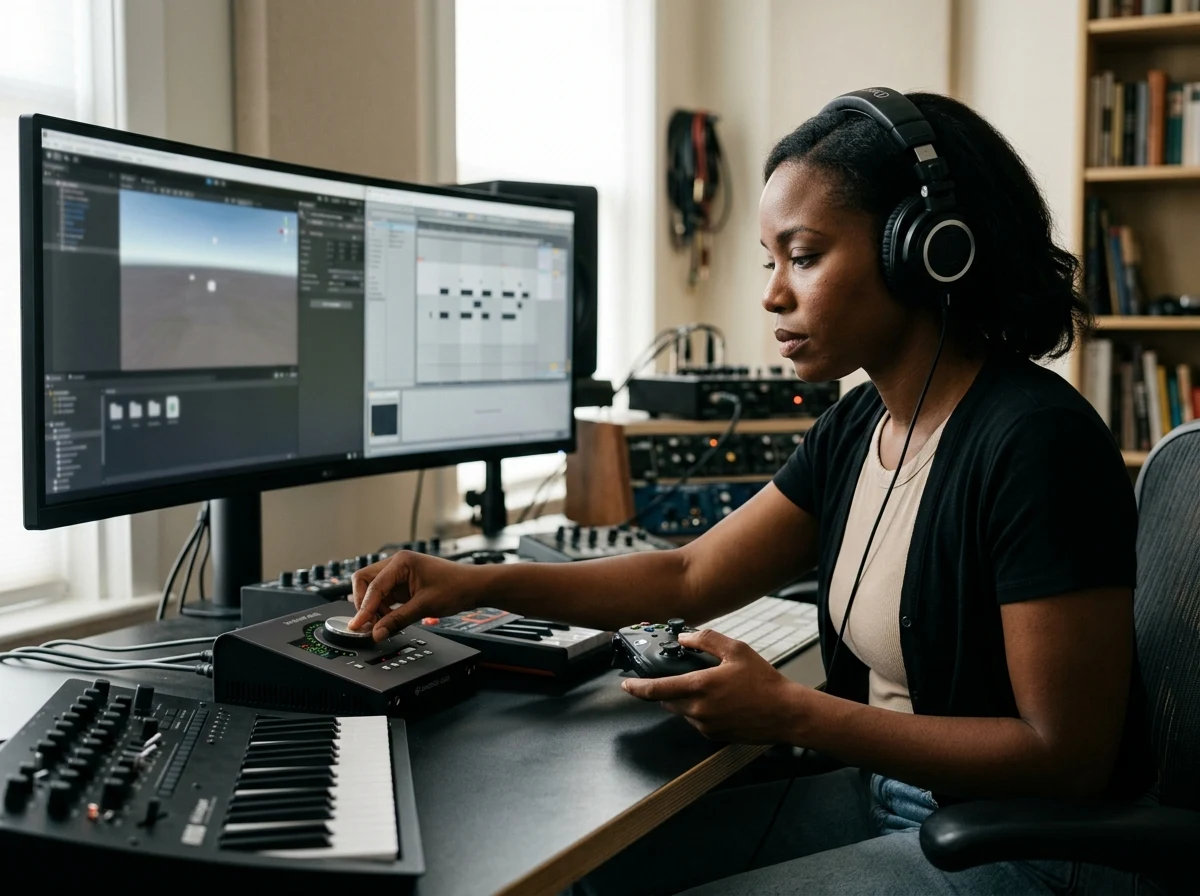
Loop Friendly BGM for Game Flow
Awkward stock loops can break player focus. This Game Music Maker helps you request loopable game music, 8-bar progressions, calm menu beds, or combat intensity, giving your game soundtrack generator workflow cleaner starting points.
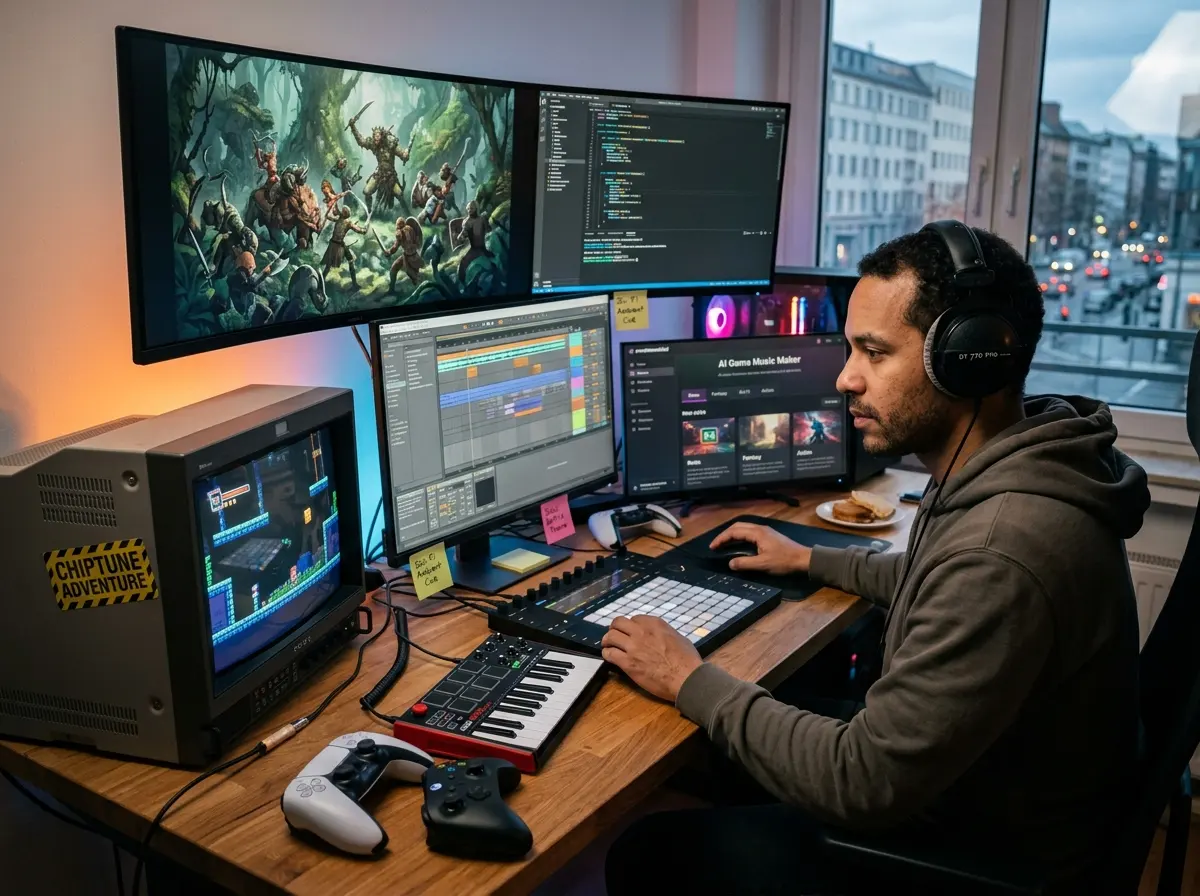
Retro Fantasy Sci Fi and Action Styles
Build chiptune adventures, orchestral fantasy battles, synthwave racing cues, cyberpunk menus, or atmospheric exploration themes. Our AI Game Music Maker covers video game background music styles without forcing every project into one generic preset.
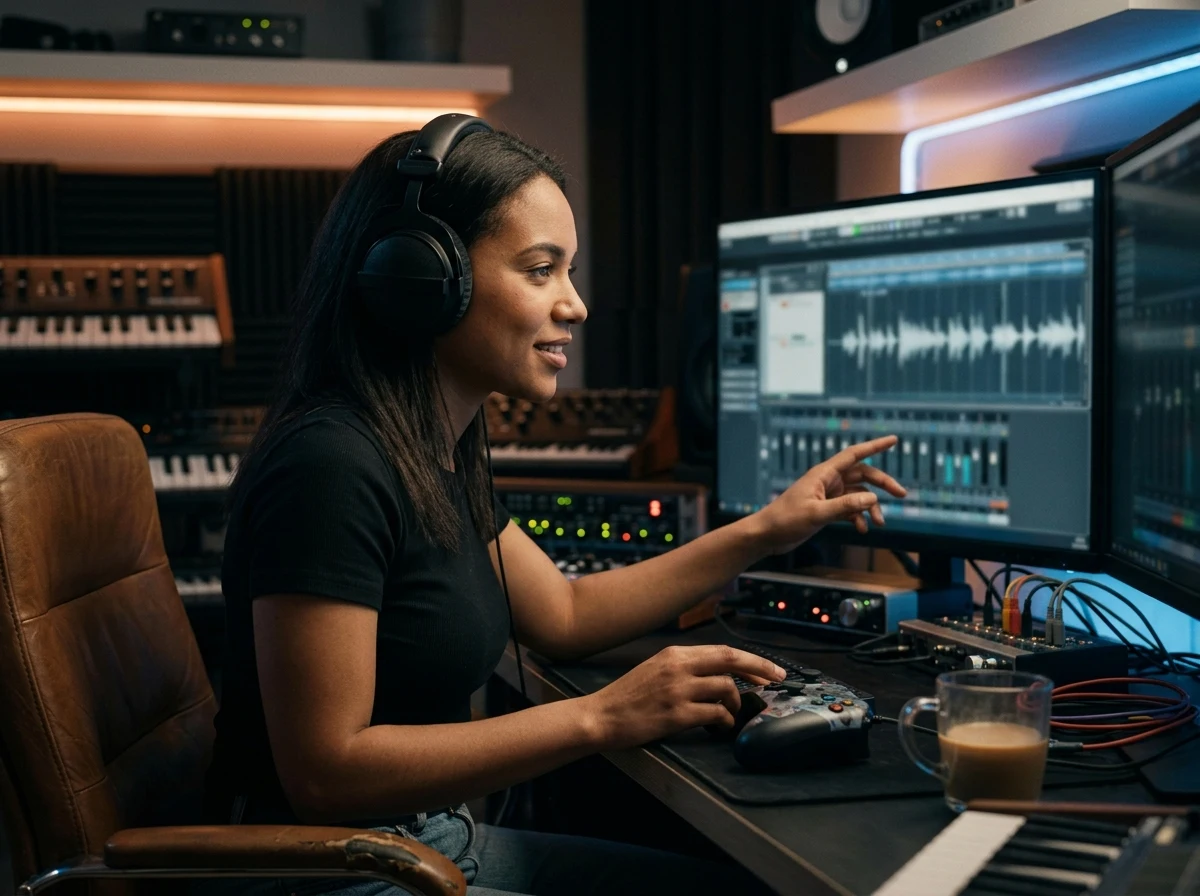
Royalty Free Tracks Built From Scratch
Every Game Music Maker result is generated from scratch rather than pulled from a stock library. You get royalty-free game BGM that avoids third-party sample conflicts and keeps your soundtrack ideas tied to your own prompt.
What Is a Game Music Maker
Who Needs an AI Game Music Maker
An AI Game Music Maker helps creators replace generic placeholders with game-ready music ideas for jams, prototypes, streams, and polished releases.
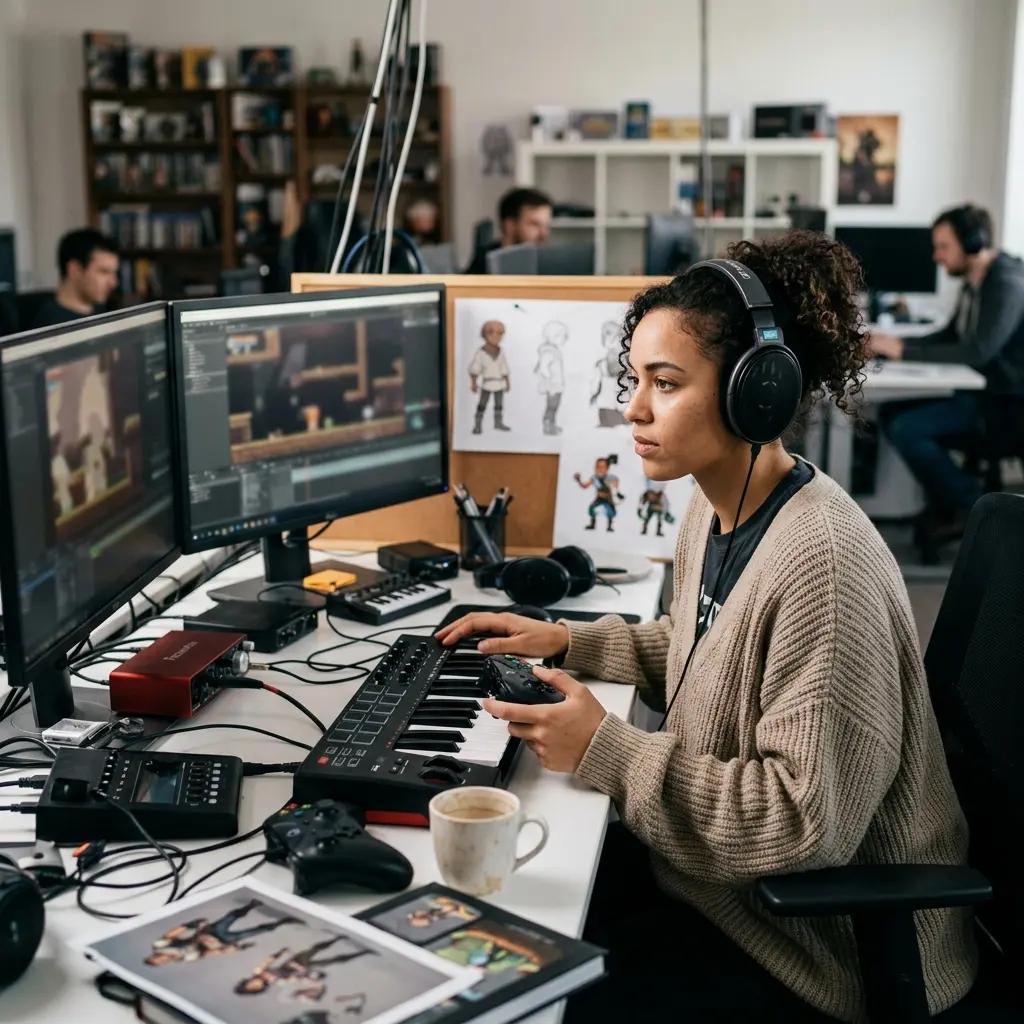
Indie Game Developers
A small project can need menu, level, victory, and battle cues before the first playtest. Use the Game Music Maker to draft 4 distinct soundtrack directions, then keep the versions that match your mechanics and art style.
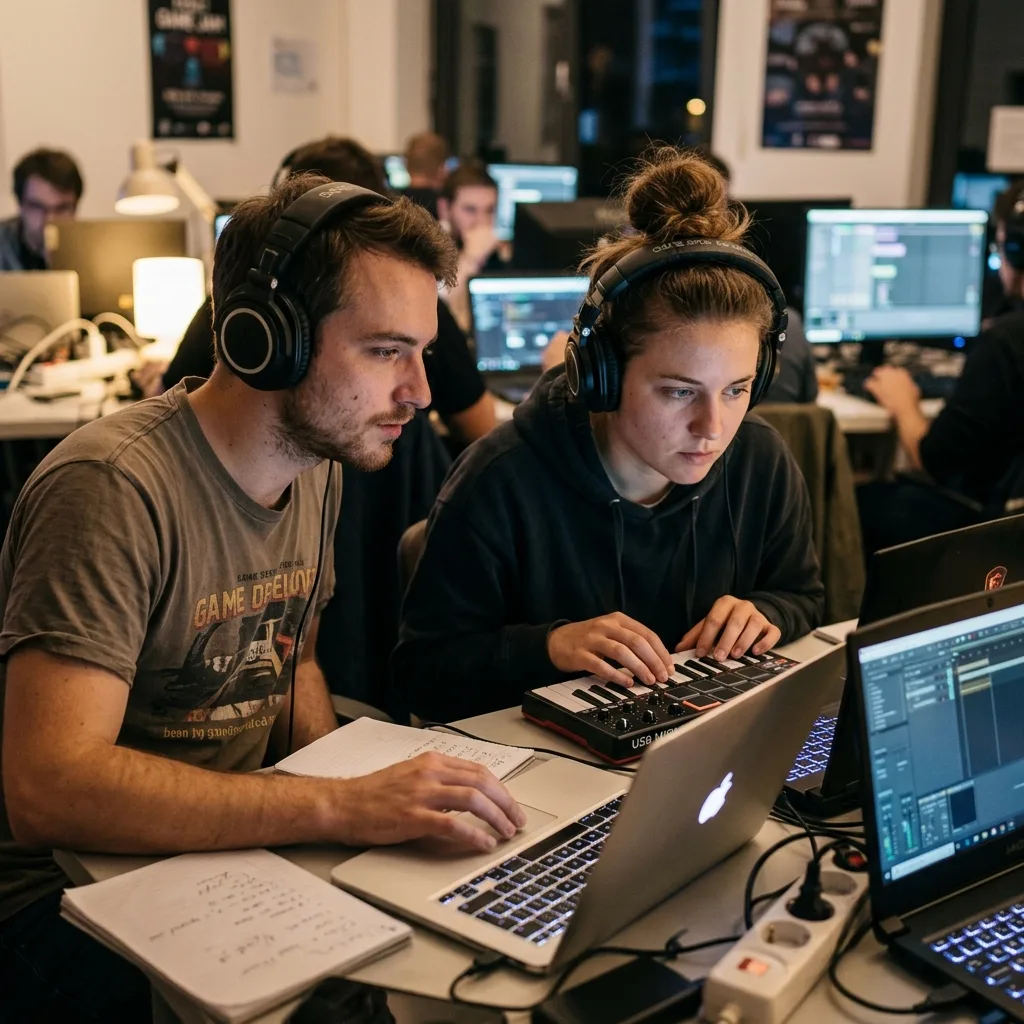
Game Jam Teams
A 48-hour build leaves no room for a slow DAW setup. The AI Game Music Maker turns a theme, genre, and mood into fast BGM options, so the team can ship with music that feels intentional.
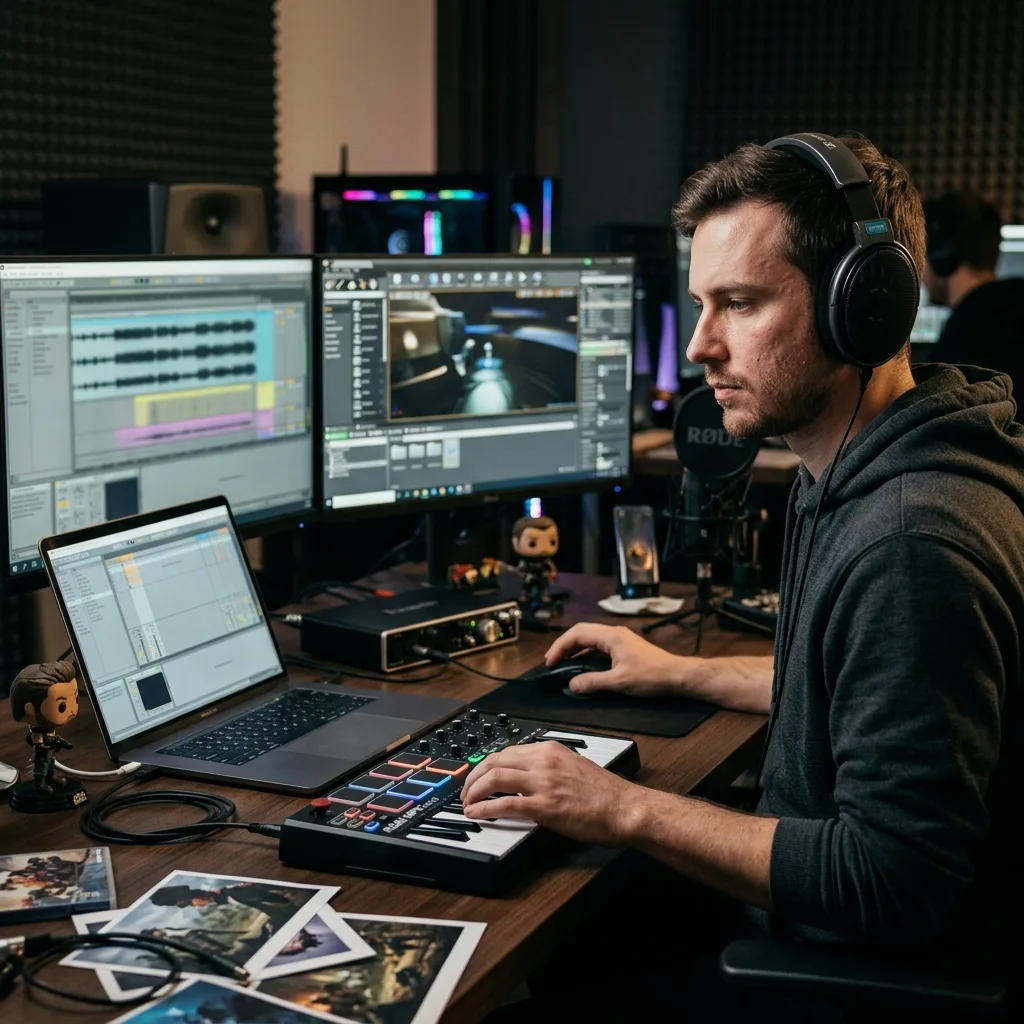
Game Engine Creators
Gameplay often shifts from calm exploration to tense combat in one scene. CreateMusicAI helps you plan 2 or 3 related music states with consistent instruments, making adaptive music ideas easier to organize.
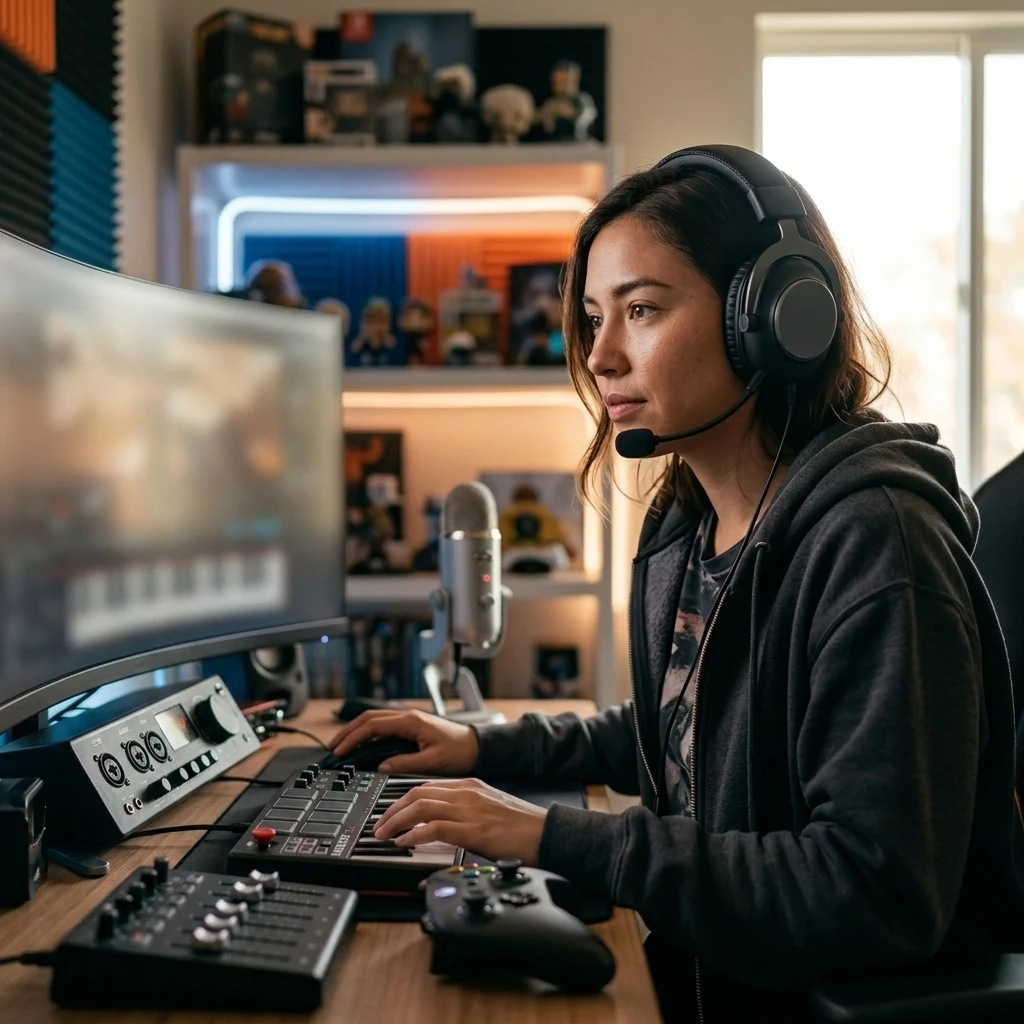
Streamers and Modders
Royalty-free packs rarely match a custom overlay, mod, or fan project. Use this video game music maker to create fresh background tracks for lobbies, maps, trailers, and live scenes.
Create Game Music in Three Steps
With CreateMusicAI, an AI Game Music Maker workflow starts from scene intent and ends with a soundtrack draft you can test in context.
Choose the Game Moment
Open CreateMusicAI and decide what the track must support: a menu, boss fight, puzzle level, racing scene, victory fanfare, or quiet exploration loop.
Describe Mood Style and Loop Needs
Tell the Game Music Maker the genre, energy, instruments, and structure. Try phrases like loopable chiptune chase, orchestral fantasy battle, or calm sci-fi menu BGM.
Generate Compare and Place
Create a few variations, compare them against gameplay, then download the best direction. The AI Game Music Maker gives you usable game music generator drafts before final editing.
Game Music Maker Questions
Answers for creators using an AI Game Music Maker to build loopable, royalty-free music for games, videos, streams, and prototypes.
What is an AI Game Music Maker?
An AI Game Music Maker converts text descriptions into original game soundtrack drafts. You describe the scene, genre, mood, and energy, then the tool creates music ideas for menus, combat, exploration, trailers, or prototype builds.
How does CreateMusicAI's Game Music Maker work?
CreateMusicAI's Game Music Maker reads your prompt for gameplay context, instrumentation, and emotional direction. A prompt with 3 or 4 sonic anchors, such as chiptune lead, brass fanfare, or ambient pads, usually gives the AI clearer results.
Can I try this game music generator for free?
CreateMusicAI offers free credits so you can test the AI Game Music Maker before committing. Generate a few soundtrack ideas, compare different moods, and decide whether the workflow fits your project.
Can I use the music in my game?
Yes. Game Music Maker tracks are generated from scratch, so they are royalty-free by nature and not copied from stock loops. Commercial licensing depends on your plan, so check the current account options before publishing client or paid work.
Can it make loopable game music and BGM?
Yes. Ask for loopable game music, an 8-bar loop, a menu bed, or background music that stays non-intrusive during play. The Game Music Maker can draft BGM that is easier to test against repeated gameplay.
What game music styles does it support?
The AI Game Music Maker supports chiptune, 8-bit, 16-bit retro, orchestral fantasy, synthwave, cyberpunk, dungeon ambient, speedrun EDM, rhythm game music, puzzle minimalism, and cinematic story cues.
Do I need music theory or a DAW?
No. If you can describe a scene, the Game Music Maker can create a starting track. Use plain phrases like tense dungeon exploration, heroic victory fanfare, or playful pixel platformer, then refine the prompt after listening.
Can I generate instrumental tracks or vocals?
Yes. Most game BGM works best as instrumental music, and you can request no vocals for menus or levels. For battle themes or cutscenes, the AI Game Music Maker can also explore choir, chanting, vocal swells, or stylized vocal textures.
Start Creating Copyright-Safe Music Today
Join thousands of creators using Create Music AI for royalty-free music—100% safe for YouTube, Spotify, and TikTok. Free to start, no credit card required.