The Browser Tool That Fixes Your Entire Music Library
Edit MP3 Tags in Three Steps
Upload your file, update whatever fields need fixing, and download. The whole process takes under a minute.
Upload Your Audio File
Drag any MP3, FLAC, WAV, OGG, or M4A file into the editor — or click to browse. Existing tags load into every field in under a second, so you can see exactly what needs fixing before you change anything.
Edit Every ID3 Tag and Add Album Art
Update title, artist, album, year, genre, track number, comments, and lyrics all in one form — no switching between tabs or windows. Drop a JPEG or PNG onto the cover art zone to embed artwork without re-encoding the audio. Pro users can also set Mood and Scene fields.
Download Your Tagged File Instantly
Click download and get your fully tagged file in seconds. Everything runs locally in your browser — no files are sent to any server, stored, or logged anywhere. Your music, your device, your privacy.
Related music tools
Move from the current task to the next focused tool without starting over.
Complete MP3 Tag Editing From ID3 to Album Art
Everything your music apps and media players need — ID3 fields, artwork embedding, and extended metadata — handled in one place, for any format, without installing software.

All Standard ID3 Fields in One Interface
Title, artist, album, year, genre, track number, comments, and lyrics — all in a single clean form. Tags load the moment you drop in a file, so there's no hunting through menus or re-entering data you already had. Fix your tags once and your whole collection stays searchable.
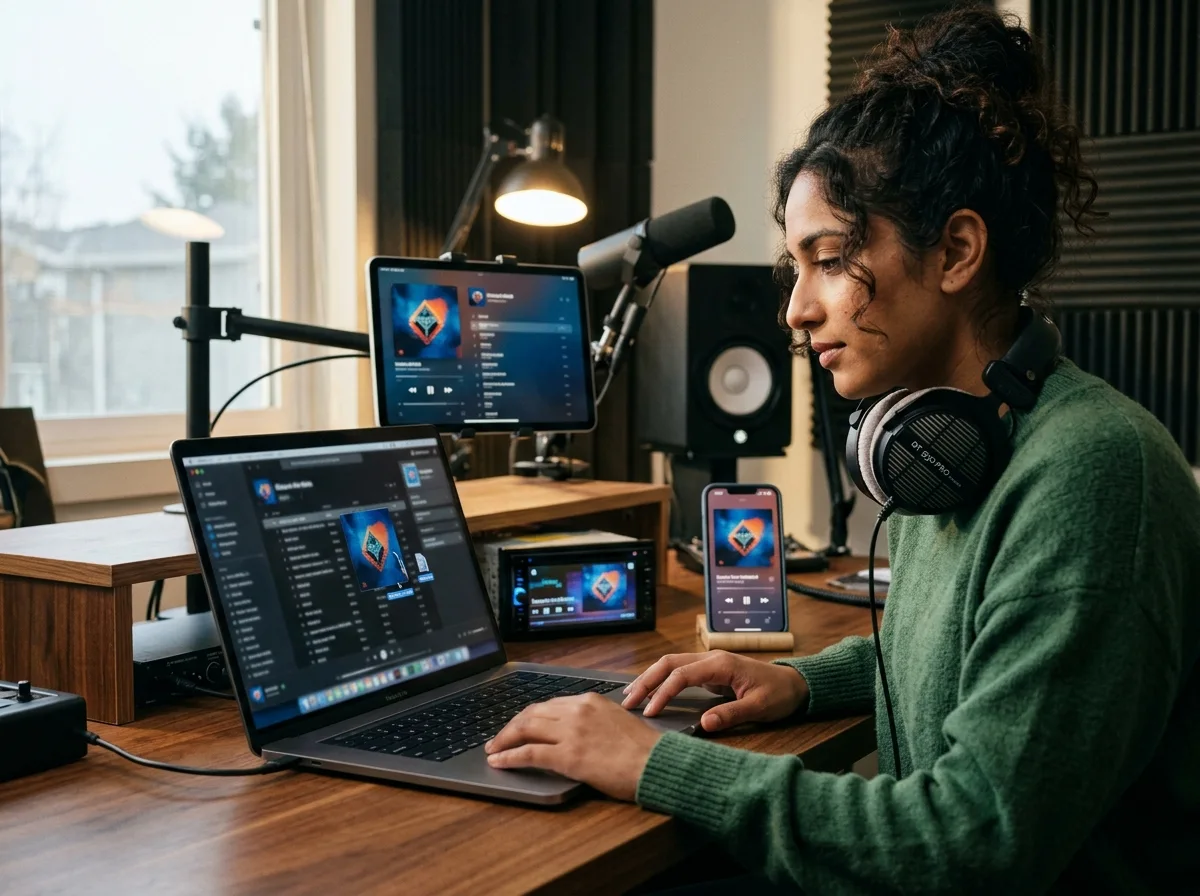
Embed Album Art That Displays Everywhere
Upload any JPEG or PNG and we write it directly into the file's APIC metadata frame. Your cover then displays on iPhone, Android, car stereos, Spotify, Apple Music, and every major desktop player — no more blank squares or missing thumbnails.
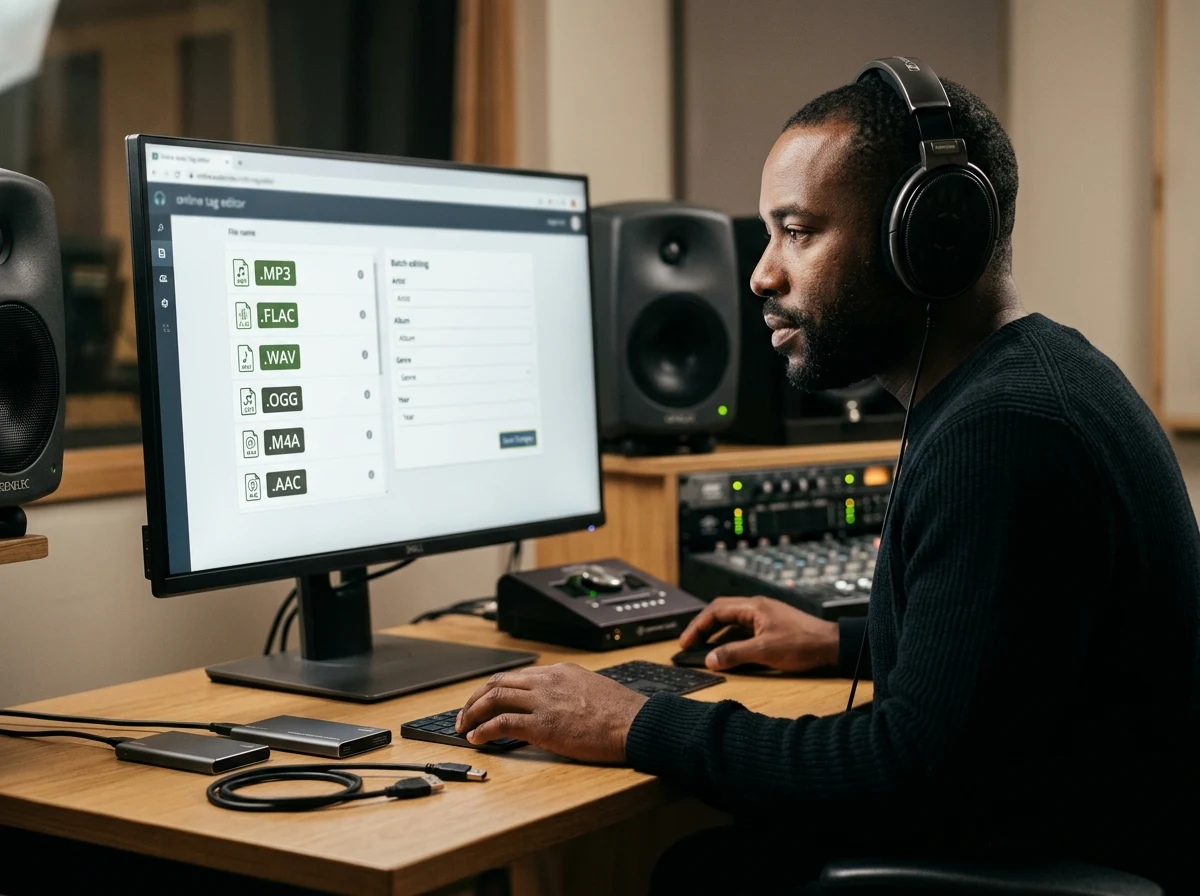
Edit MP3 Tags for FLAC, WAV, OGG and More
Supports ID3v2 for MP3, Vorbis comments for OGG and FLAC, and embedded metadata for WAV, M4A, AAC, and WMA. One tool handles every format in your library — no need to install separate apps for different file types.
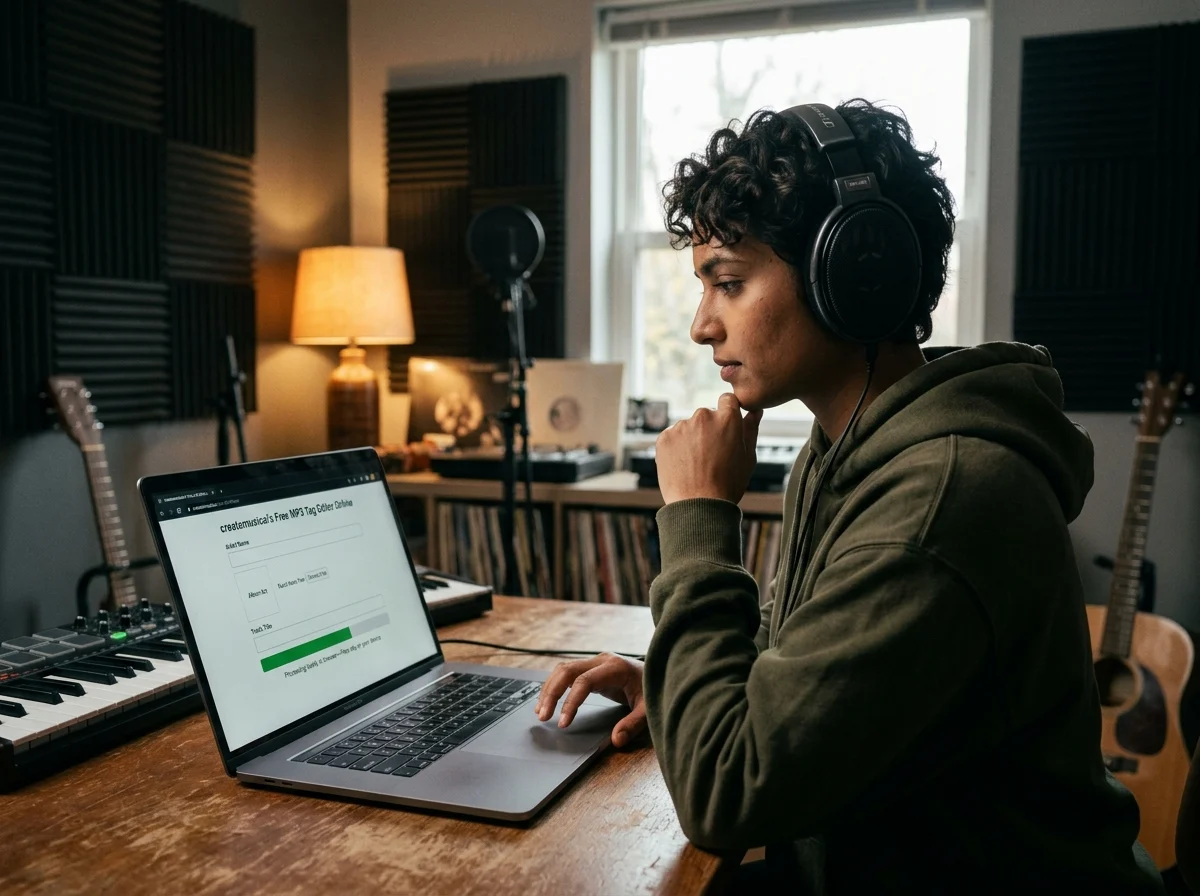
Your Files Never Leave Your Device
All tag processing runs locally in your browser using client-side code. Your audio is never uploaded, stored, or analyzed — making it safe for private recordings, unreleased demos, and personal libraries.
Who Uses Our Free MP3 Tag Editor
From music collectors to independent artists, anyone who needs clean, accurate audio metadata can fix it in seconds — no desktop software required.

Music Collectors & Listeners
Years of downloads, rips, and format conversions leave libraries full of 'Unknown Artist' files, missing artwork, and duplicate track names. Fix metadata one file at a time from any device with a browser — no installation required. Once your tags are right, your music apps, car stereo, and smart playlists all start working the way they should.

Independent Musicians & Artists
Every track you self-release needs correct ID3 tags before it hits streaming platforms — wrong metadata means wrong credits and fans who can't find you. Set title, artist, album, year, and genre, embed your cover art, and upload knowing your files will be indexed correctly on Spotify, Apple Music, and Bandcamp.

Podcasters
Podcast episodes depend on accurate metadata for RSS feeds, episode numbering, and cover display in podcast apps. Set title, show name, episode number, description, and artwork before you publish — so your show looks professional in Apple Podcasts, Spotify, and every podcast directory.

DJs & Event Producers
A poorly tagged library kills your workflow mid-set. Add genre, BPM notes, mood, and scene metadata so your DJ software filters exactly what you need. Handles bulk-tagged downloads from label packs and helps you clean up artist names, fix album fields, and organize by event or venue.
Common MP3 Tag Problems This Editor Fixes
Most music library headaches come from the same handful of metadata issues. Here is what our free online MP3 tag editor resolves in seconds.
Unknown Artist or Unknown Album
Files downloaded, ripped from CDs, or converted between formats often lose their artist and album metadata. Type the correct artist name, album title, and year directly into the form — no database lookup or internet connection needed.
Missing or Wrong Album Art
Blank cover squares appear when the APIC frame inside your file is empty or contains a low-resolution placeholder. Upload any JPEG or PNG and it gets embedded as the official cover, displaying on every device and player that reads APIC metadata.
Incorrect Track Numbers Scrambling Playback Order
Albums ripped from multiple discs, or downloaded track by track, frequently arrive with wrong or missing track numbers. Edit the Track Number field for each file to restore the correct playback order across all your apps.
Genre Tags That Break Smart Playlists
Genre metadata written by different tools is wildly inconsistent — one file might say 'Rock', another 'rock', a third 'Alternative Rock'. Smart playlists treat these as three separate genres. Standardize the Genre field and every playlist filter works as intended.
Audio and Artwork Formats This MP3 Tag Editor Supports
Writes ID3v2 metadata for MP3, Vorbis comments for OGG and FLAC, and standard metadata for WAV. Album art embedding is built in for every format.
Full ID3v2 tag support including album art and lyrics
Lossless audio with Vorbis comment metadata
Professional uncompressed audio with embedded metadata
Open-source format using Vorbis comment tagging
Best for album covers and photos—smallest file size
Perfect for artwork with transparency or sharp graphics
Lightweight format for simple cover images
Common Questions
How do I edit MP3 tags online without uploading files?
Drop an audio file into the editor, update the metadata fields, add or replace album art, and download the corrected file. The browser reads and writes the tags locally, so your MP3 never leaves your device.
Can I use this as an MP3Tag online alternative?
Yes. CreateMusicAI works as an MP3Tag online alternative for editing MP3 and ID3 tags, fixing titles, artists, albums, genres, lyrics, comments, and adding album art without installing desktop software. Your files are processed locally in the browser and are not uploaded.
What is a free online MP3 tag editor?
A browser-based tool for editing audio metadata — title, artist, album, year, genre, and album art — without installing any software. CreateMusicAI reads your file locally and writes the corrected tags back, without ever uploading your audio to a server.
How does CreateMusicAI's MP3 tag editor work in the browser?
When you drop in a file, JavaScript-based ID3 parsing libraries read the existing metadata and populate the form automatically. You edit the fields, embed artwork if needed, then download the corrected file. No audio data ever touches our servers.
Can I edit metadata for FLAC, WAV, and OGG files too?
Yes — MP3, FLAC, WAV, OGG, M4A, AAC, and WMA are all supported. FLAC and OGG use Vorbis comments rather than ID3 tags, but the editor handles that difference automatically. You fill in the same fields regardless of format.
Are my audio files safe when I edit MP3 tags online?
Completely safe. All processing happens locally in your browser — your audio files are never uploaded, stored, or analyzed. Private recordings, unreleased demos, and personal music libraries are all safe to edit here.
Can I change or add album art when I edit MP3 tags?
Yes. Upload any JPEG, PNG, or GIF and it gets written into the file's APIC cover art frame. The artwork then displays on iOS, Android, car stereos, Spotify, Apple Music, and desktop media players. Uploading a new image replaces any existing cover.
What are the Mood and Scene fields in the MP3 tag editor?
Mood and Scene are extended metadata fields available to Pro users. Mood lets you tag tracks with emotional context — 'Energetic,' 'Melancholic' — while Scene captures usage scenarios like 'Workout' or 'Late Night.' These fields power smart playlist filtering as your library grows.
Does using a free online MP3 tag editor affect audio quality?
No. Only the metadata header is modified — the audio stream itself is untouched. Your bitrate, sound quality, and audio fingerprint stay exactly the same. File size changes by a few kilobytes at most.
Can I edit lyrics and comments using the MP3 tag editor?
Yes. The Lyrics field stores text in ID3v2's USLT frame, which displays in apps that support lyric views like Apple Music and foobar2000. The Comment field is useful for notes about the track, source information, or licensing details.
Does this online MP3 tag editor work on mobile devices?
Yes — it works in any modern browser, including Safari on iPhone and Chrome on Android. Upload from your phone's local storage, edit every ID3 field including album art, and download the corrected file back to your device. No app install needed.
What is the difference between ID3v1 and ID3v2 tags?
ID3v1 is the original 1996 format — it stores only 30 characters per field with no support for cover art or lyrics. ID3v2 is the modern standard, supporting longer text fields, embedded artwork, lyrics, and custom fields. We always write ID3v2 for compatibility with current media players and streaming services.