Related tools for your next step
Online Metronome for Steady Practice
How to Use This Online Metronome
CreateMusicAI keeps this free online metronome simple: choose BPM, pick a click sound, start slowly, then raise tempo with control.
Set a Practical BPM
Start with a metronome BPM you can play cleanly for 4 full bars, even if that number feels slower than your goal. Open the online metronome, drag the tempo slider, or use the plus and minus buttons for 1 BPM changes. For difficult passages, begin 20 to 30 BPM below performance speed, listen for the first accented beat, and make sure your hands, voice, or movement land with the click before increasing the tempo.
Choose a Click You Can Follow
A free online metronome should not force one sound on every session. Use tick when you need a focused practice metronome, snap when headphones need a sharper transient, kick when dancers or bands need a low pulse, and hi-hat when a production groove needs a lighter tempo tool. Adjust volume or mute instantly if you only need the visual 4/4 metronome count during a quiet lesson.
Practice in Small Tempo Steps
Press Start, follow the 4 beat indicators, and treat the accented downbeat as your reset point. If your timing drifts, stop raising the browser metronome and repeat the same BPM until the phrase feels relaxed. When the pattern stays even for several passes, move up by 2 to 5 BPM. This online metronome workflow keeps progress measurable without turning practice into guesswork.
Why This Online Metronome Feels Reliable
This free online metronome combines fast browser access, audible click choices, and visual 4/4 feedback for daily tempo practice.
Audio Scheduled Clicks Stay Even
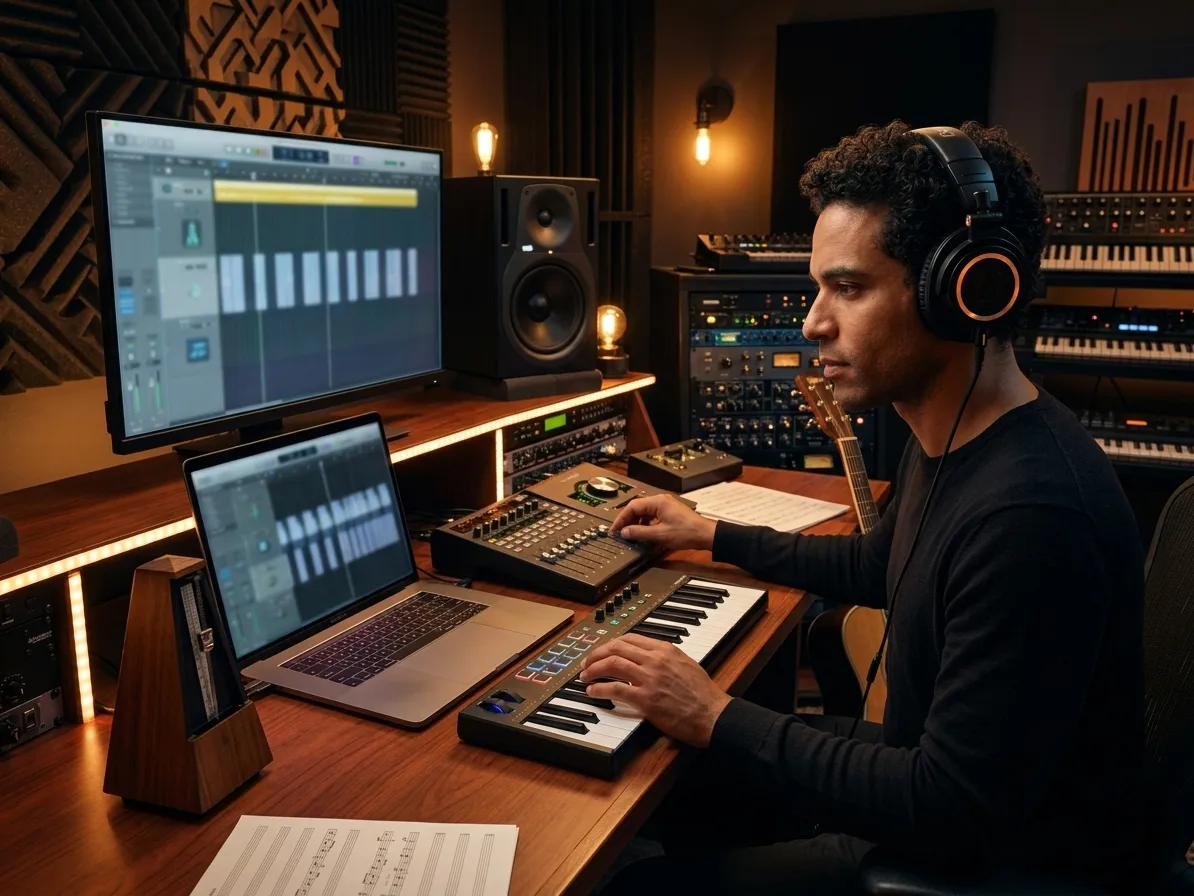
CreateMusicAI uses the browser audio clock to schedule each click ahead of playback, which helps this online metronome feel steadier than a basic timer loop. The result is a practice metronome that supports slow drills, fast scales, vocal warmups, and recording count-ins without obvious tempo wobble. You set the BPM, press Start, and the click keeps moving while you focus on playing in time.
Four Beat Feedback Shows the Bar
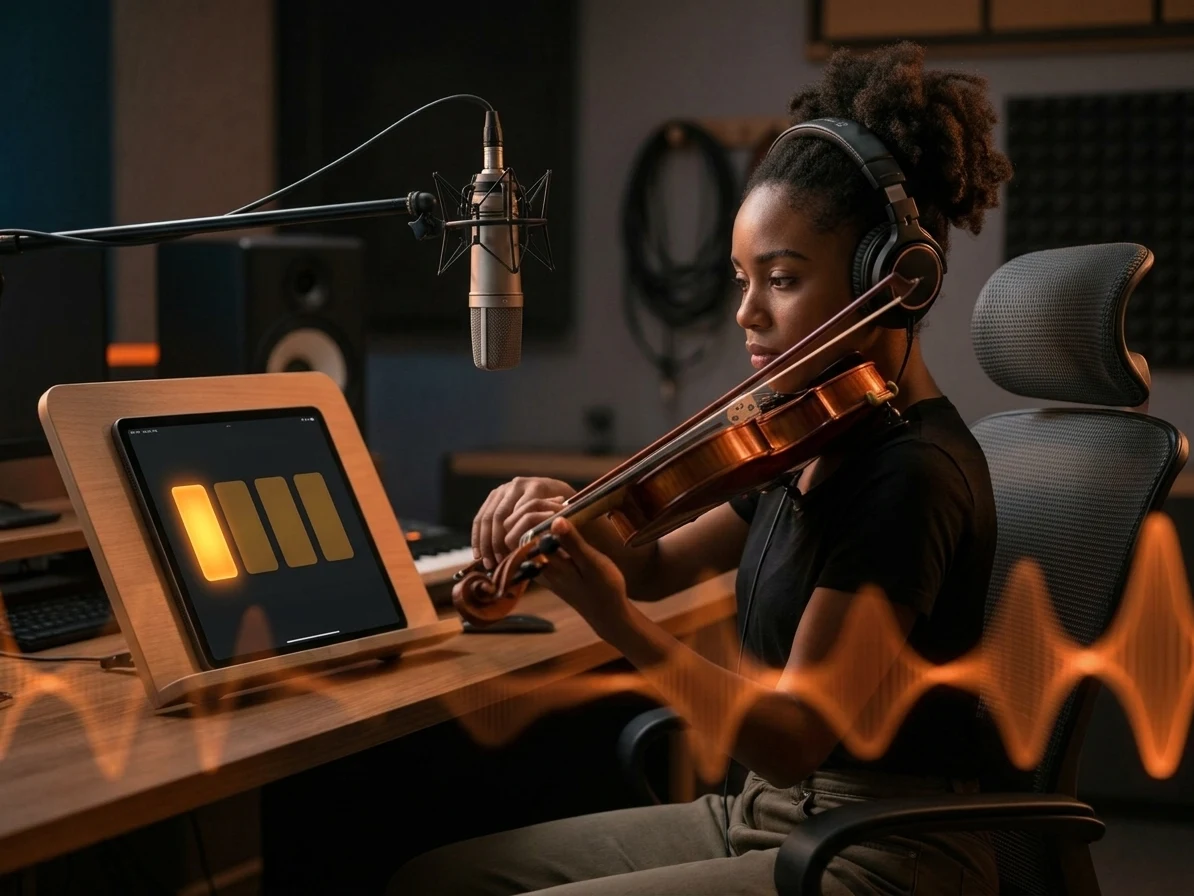
The visual beat lights make this free online metronome easier to follow when you are working in common 4/4 time. Beat 1 is accented, so the downbeat stays clear even when you mute the sound, lower the volume, or practice in a room where a loud click would be distracting. The online metronome gives you sound and sight together, which is useful for students, dancers, and anyone rebuilding internal timing.
Click Sounds Fit the Session
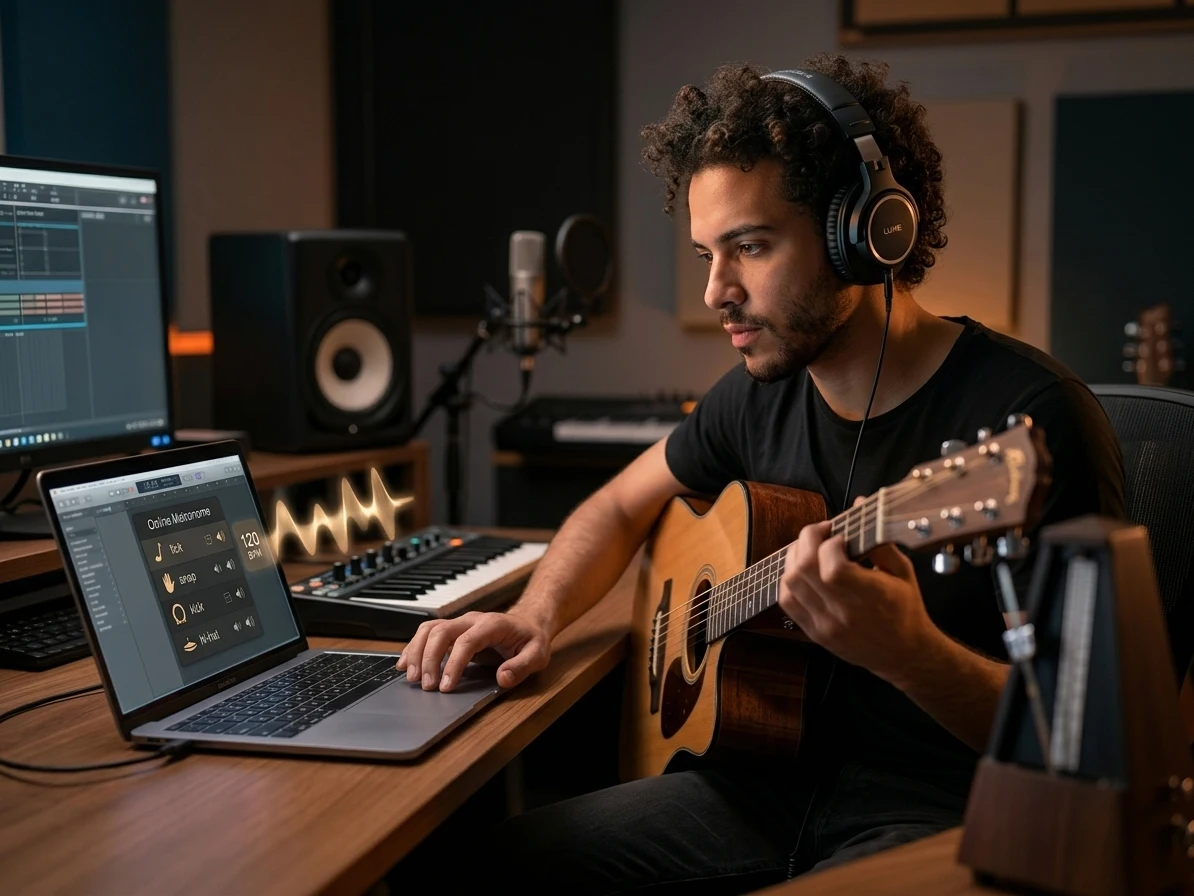
Different practice rooms need different clicks. This online metronome includes tick, snap, kick, and hi-hat sounds so the tempo tool can cut through guitar, piano, headphones, classroom speakers, or a laptop mix. The free online metronome keeps volume and mute controls beside the sound selector, so you can change the click quickly without losing the BPM you already chose.
No Uploads or Setup Required
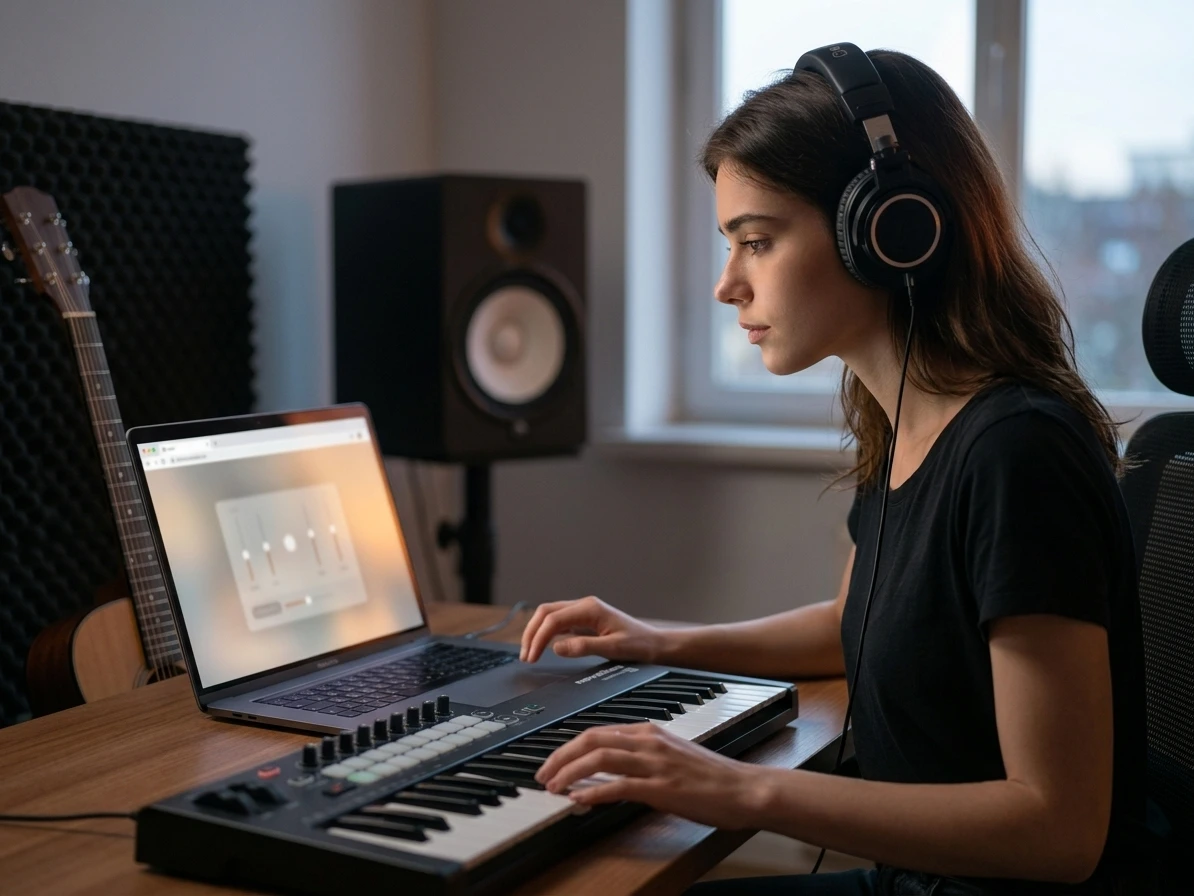
A browser metronome should open and work before the idea disappears. This online metronome runs directly on the page, needs no audio upload, and does not ask you to install software before hearing a click. Use it beside a DAW, during a lesson, in rehearsal, or on a phone at the studio door when you just need a steady pulse now.
Who Uses This Online Metronome
This free online metronome helps musicians, producers, dancers, and teachers turn a chosen BPM into repeatable timing work.

Musicians and Vocalists
Rushing a hard passage at full speed can waste 30 minutes and still leave the weak beat hidden. Use the free online metronome to slow the phrase down, lock in 4 clean bars, and raise the tempo in small steps. Guitarists, pianists, drummers, singers, and wind players can keep the same online metronome open while moving from warmups to repertoire.
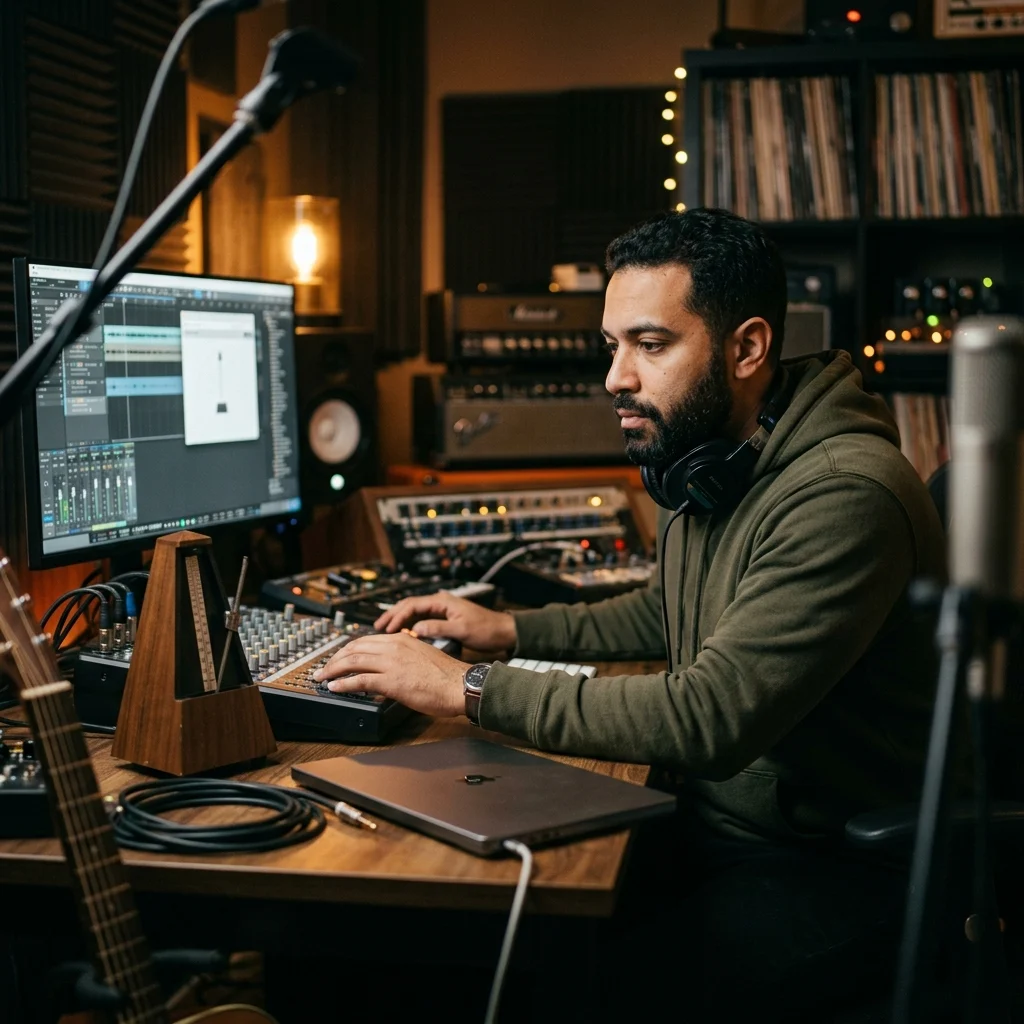
Producers and Recording Creators
Opening a full DAW just to check a count-in breaks writing momentum. This browser metronome gives producers a quick click for scratch vocals, MIDI ideas, guitar takes, and loop testing before a session template is ready. Set metronome BPM, count 1 bar in, and keep the online metronome running while you decide if the groove wants a faster or slower pocket.
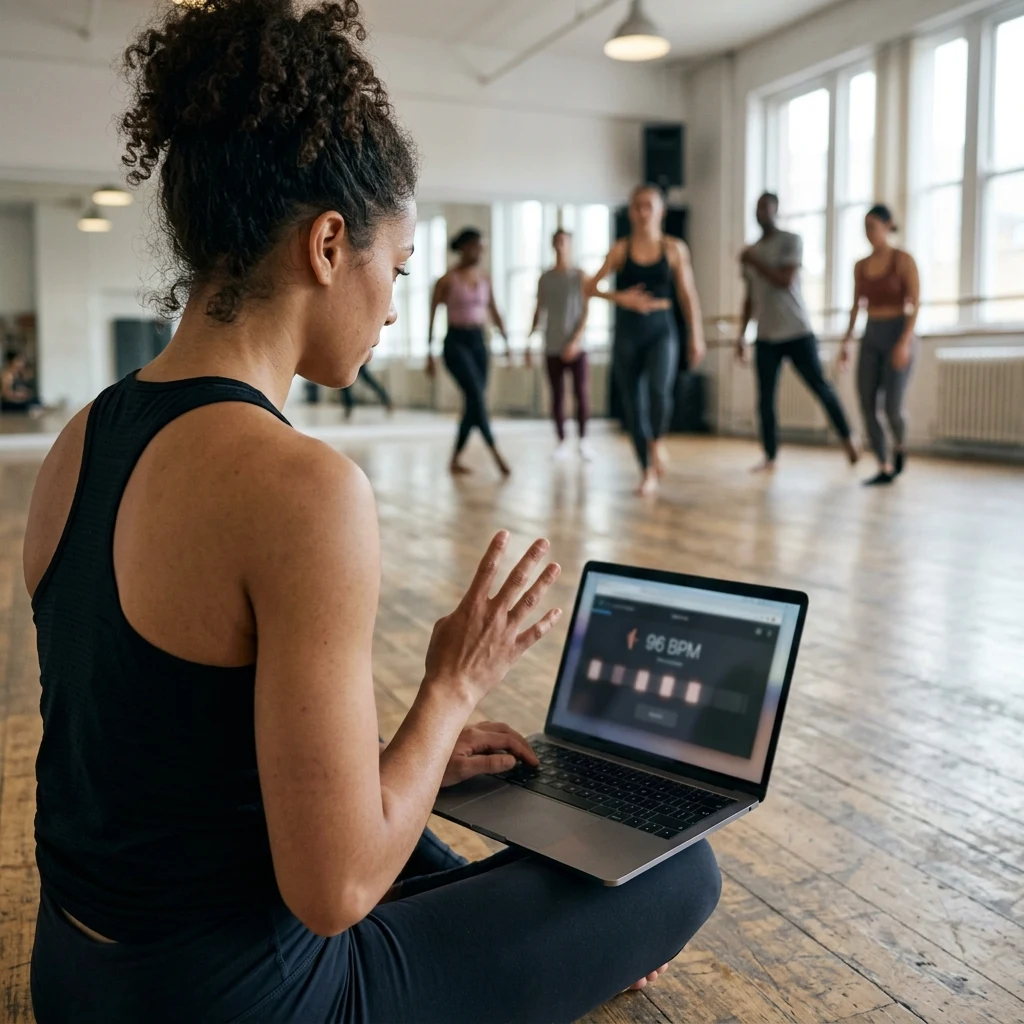
Dancers and Choreographers
A routine can feel right at 96 BPM and crowded at 104 BPM, especially across 8-count sections. This free online metronome gives dance teams a clear 4/4 metronome pulse for warmups, footwork drills, and classroom counts. The kick sound helps movement groups feel the beat from a laptop speaker while the visual indicators keep counts visible across the room.

Teachers and Coaches
Group lessons move faster when the tempo tool is already visible. Teachers can open CreateMusicAI, set a browser metronome for the exercise, and show students exactly how a 5 BPM change affects control. The online metronome keeps rhythm drills, clapping games, ensemble entrances, and sight-reading practice focused on timing instead of setup.
Online Metronome FAQs
These free online metronome answers cover accuracy, BPM choices, 4/4 practice, browser use, and when a metronome is better than tempo detection.
How do I choose the right BPM for practice?
Start slower than the target tempo, play cleanly, then raise the BPM in small steps. Guitar, piano, drums, and vocal practice all benefit from a steady online metronome, while the online tuner helps when pitch accuracy matters too.
What is an online metronome?
An online metronome is a browser tempo tool that plays a steady click at the BPM you choose. CreateMusicAI online metronome adds a clear downbeat, 4 beat visual feedback, volume control, and several click sounds so musicians can practice timing without installing software.
Is this free online metronome accurate enough for practice?
Yes. CreateMusicAI schedules clicks with the Web Audio clock instead of relying only on a basic screen timer, so the pulse is stable for normal practice, lessons, and count-ins. For professional recording, always compare the click against your DAW grid before committing final takes.
What BPM should I choose when practicing with a metronome?
Choose a BPM where you can repeat the passage cleanly for several bars. Many players start 20 to 30 BPM below the target tempo, then increase by 2 to 5 BPM after each clean pass. The online metronome makes those small changes quick.
Can I use this as a 4/4 metronome?
Yes. This free online metronome is designed around a clear 4 beat cycle with an accented first beat, which fits common 4/4 practice, dance counts, and recording count-ins. Follow the lights when you need visual confirmation of the bar.
Do I need to upload audio to use the browser metronome?
No. The browser metronome generates its own click in your device, so no song, sample, or recording upload is required. If you need to discover a song tempo first, use a BPM tapper or BPM finder, then return to this online metronome for practice.
How is a metronome different from a BPM tapper?
A metronome plays a steady click at the BPM you choose. A BPM tapper estimates tempo from your taps, and a BPM detector reads tempo from an audio file. Use the metronome after you know the tempo you want to practice.