


How to Make a Diss Track: From Lyrics to a Full Song
CreateMusicAI turns a target, tone, and rap style into diss track lyrics you can refine before generating vocals and a matched beat.
Set The Target And Boundaries
Open CreateMusicAI and describe the rivalry, joke, comeback, or fictional opponent in 1 focused prompt. Pick clean or explicit language so the Diss Track Generator knows how sharp the bars should be without crossing your line.
Choose The Battle Energy
Select trap diss, drill diss, boom bap, comedic roast rap, or another style. Add rhyme targets, tempo, persona, and point of view so the AI Diss Track Generator can shape verses around your exact angle.
Generate Lyrics Then Music
Use the diss track lyrics generator to review the hook, verses, punchlines, and flow before creating the final track. Keep the best bars, rewrite weak lines, then generate vocals and a beat matched to your diss track style.
Diss Track Lyrics Generator Tools for Sharper Bars
Write targeted diss track lyrics, control the punchlines and rap style, then turn the finished draft into a full song in one workflow.
Punchlines With A Real Angle
CreateMusicAI's AI Diss Track Generator helps you turn a simple complaint, rivalry, or joke into setups, flips, hooks, and payoffs. You can steer the target, rhyme focus, and persona so the output sounds specific instead of generic filler.

Clean Roast Or Explicit Battle Mode
The Diss Track Generator supports clean jokes for school, work, streams, and public videos, plus harder explicit energy for private battle rap drafts. You decide how aggressive the track feels before the lyrics are written.
Rap Styles That Match The Attack
Choose from battle rap, trap diss, drill diss, boom bap diss, comedic roast rap, grime diss, and club diss styles. The AI Diss Track Generator keeps the beat direction and vocal delivery aligned with your lyrical angle.

From Lyrics To A Finished Track
Go beyond a text-only diss song generator. After the lyrics work, generate a full track with rap vocals, beat direction, and a title ready for editing, downloading, or testing against another version.
Who Uses An AI Diss Track Generator
Creators, rappers, streamers, and playful roast writers use this Diss Track Generator when punchlines need speed and structure.
Short Form Creators
A creator feud recap needs a hook, 2 tight verses, and a punchline that lands fast. Use the AI Diss Track Generator to draft clean or savage bars, then turn the strongest take into a track for short video edits.
Battle Rap Writers
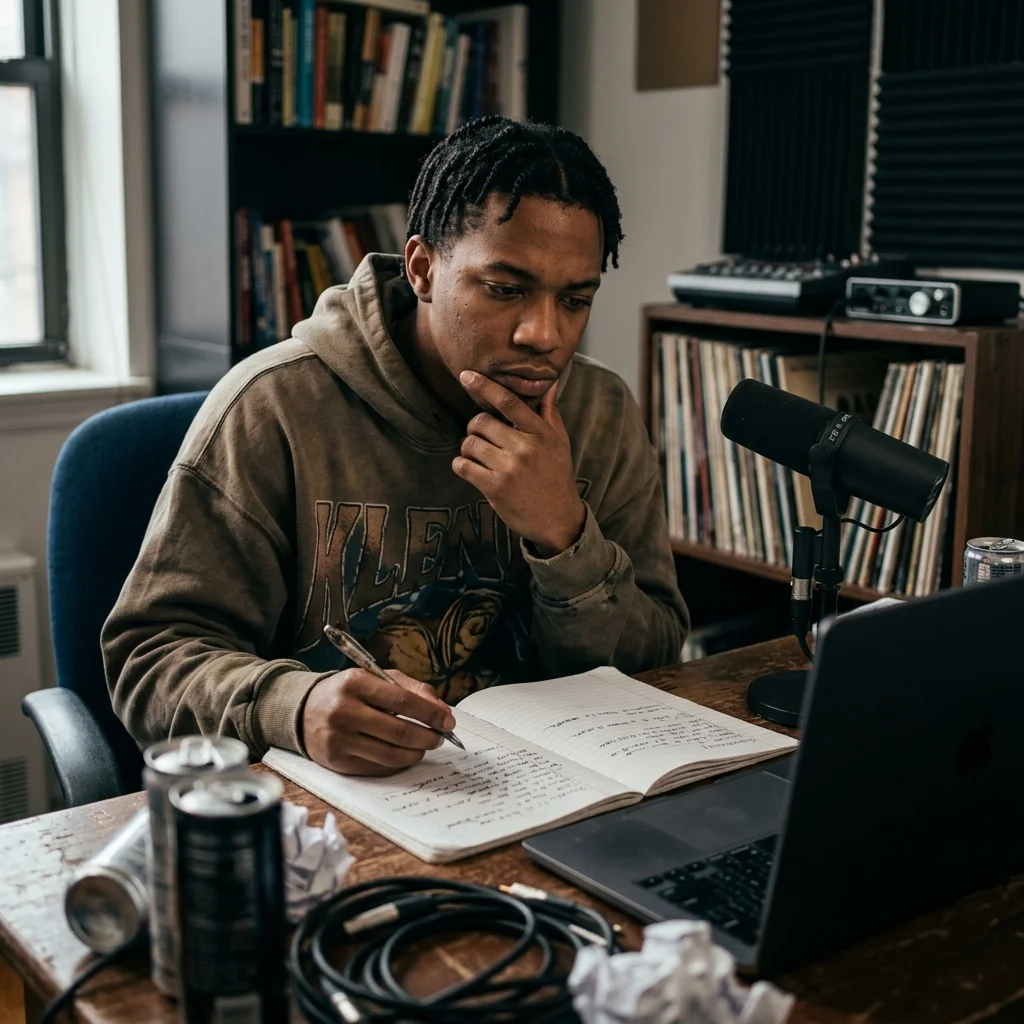
Writer's block can stall an entire round. The Diss Track Generator gives you angles, rhyme targets, and persona choices so you can test 3 versions before deciding which punches deserve a final rewrite.

Clean Roast Groups
School projects, office events, and friend-group jokes need energy without risky attacks. CreateMusicAI helps you keep the Diss Track Generator playful, clean, and specific enough to feel personal without sounding hostile.
Streamers And Gaming Crews
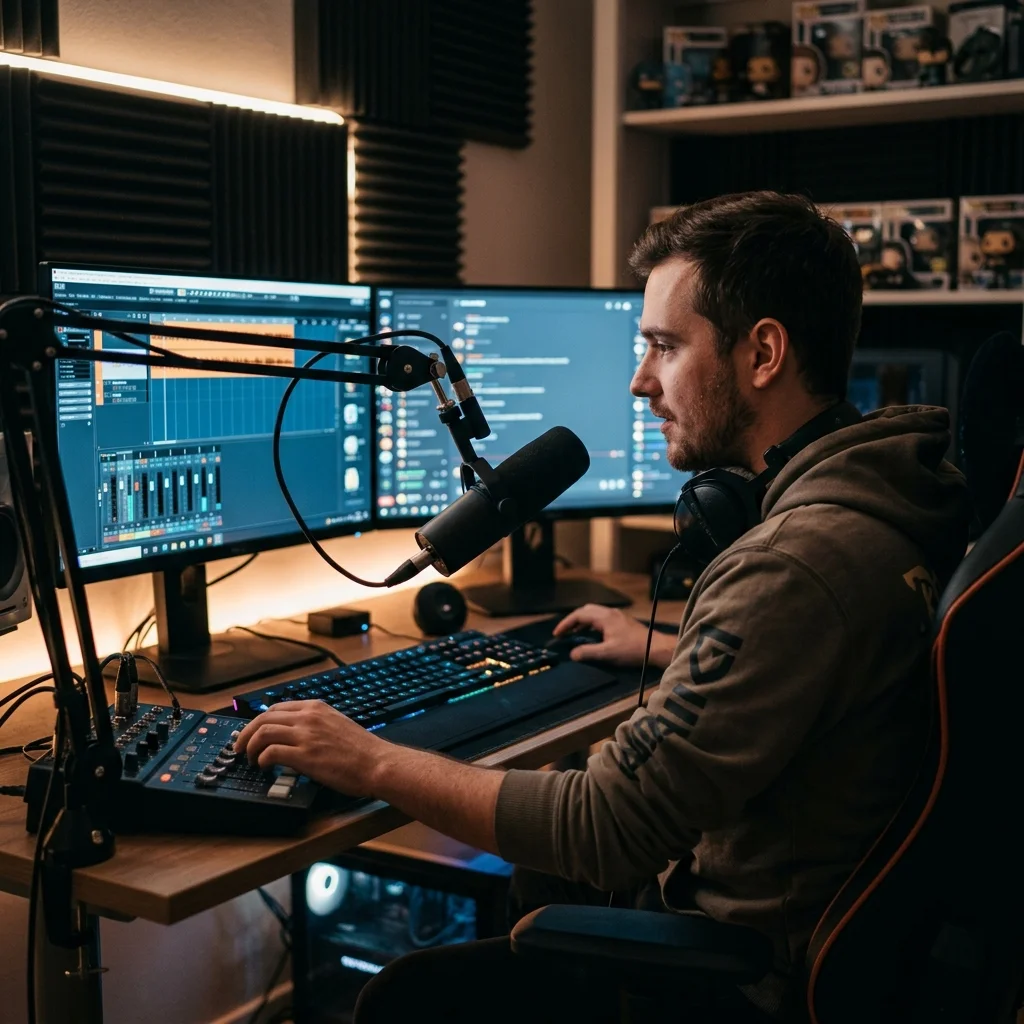
Rival teams, tournament clips, and live chat jokes move quickly. Use the AI Diss Track Generator to build a comeback song with 4 repeatable hooks, then generate music that fits your stream segment.
Diss Track Generator FAQ
Answers for creators comparing AI diss lyrics, roast songs, battle rap flows, clean edits, audio generation, and royalty-free output.
What is a Diss Track Generator?
A Diss Track Generator creates battle rap lyrics or full diss songs from your prompt. It can turn a target, conflict, joke, or comeback idea into hooks, verses, punchlines, and a style direction for the final track.
How does this diss track lyrics generator work?
CreateMusicAI uses your topic, rap style, emotion, rhyme targets, and clean or explicit setting to draft structured diss track lyrics. After you review the bars, you can generate music with vocals and a beat.
Can I make a clean diss track for public sharing?
Yes. The Diss Track Generator includes a clean setting for playful roasts, school-safe edits, workplace jokes, and public videos. You can keep the song witty and direct without using profanity, threats, slurs, or protected-class attacks.
Can I try the AI Diss Track Generator free?
CreateMusicAI gives new users free credits to start testing the AI Diss Track Generator. You can draft lyrics first, check the flow, and decide if the full track workflow fits your battle rap or roast song project.
Can this diss track lyrics generator create a full song?
Yes. First, the Diss Track Generator writes editable lyrics with a hook and verse structure. Then you can generate a complete AI track with rap vocals, beat direction, title, and downloadable audio output.
Which rap styles work best for diss tracks?
Battle rap, trap diss, drill diss, boom bap diss, hardcore battle rap, grime diss, and comedic roast rap are strong starting points. The AI Diss Track Generator lets you choose the style before the first lyric draft.
How do I write diss track lyrics that do not sound generic?
Start with the target, conflict, and one clear angle. Add the setting, 2 or 3 rhyme targets, the desired tone, and the boundary you do not want crossed. Specific prompts help the diss track lyrics generator produce sharper hooks, verses, and punchlines with fewer filler bars.
Can I use my own lyrics in the final track?
Yes. You can paste your own bars, edit the generated draft, or combine both approaches before making music. CreateMusicAI keeps the workflow flexible so the finished diss song still reflects your voice and ideas.
Are AI diss tracks royalty-free?
Tracks generated from scratch with CreateMusicAI are designed for royalty-free use because they do not rely on pre-recorded samples. For commercial releases, review your plan terms and keep your lyrics original and legally safe.
What makes a good prompt for a diss song generator?
A strong prompt names the target type, conflict, tone, rap style, and safety boundary in 2 or 3 sentences. The AI Diss Track Generator performs better when you ask for a hook, verse count, rhyme targets, and clean or explicit delivery.