Note: Min 1min, Max 30min, Recommend 10min.






From Audio Sample to AI Singer in 3 Steps
Train a voice model from 1-10 minutes of audio. The AI learns tone, pitch, vibrato, and vocal character to generate realistic singing for any project.
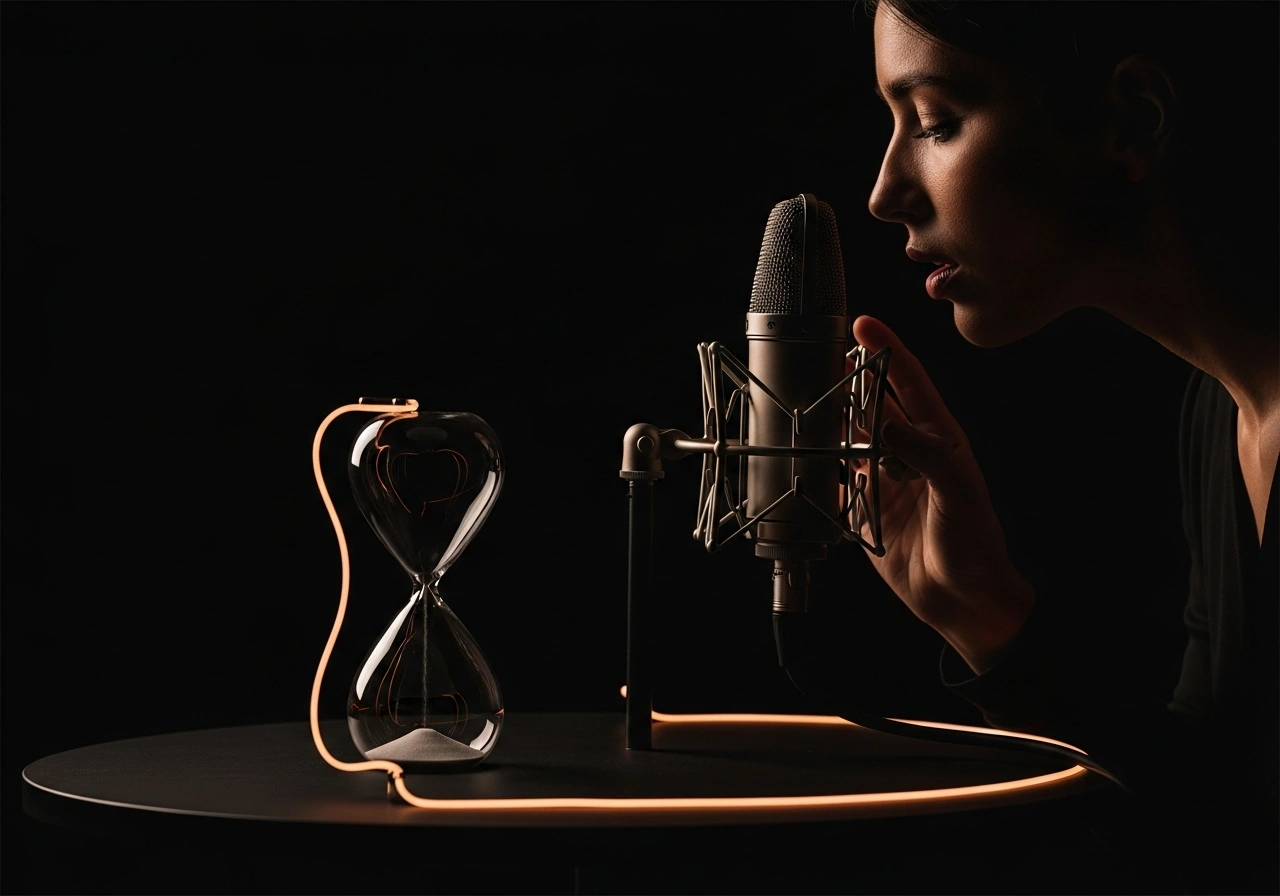
Train Your Voice Model
Upload vocal samples and the AI learns pitch, vibrato, phrasing, and timbre. Cleaner audio produces better results.
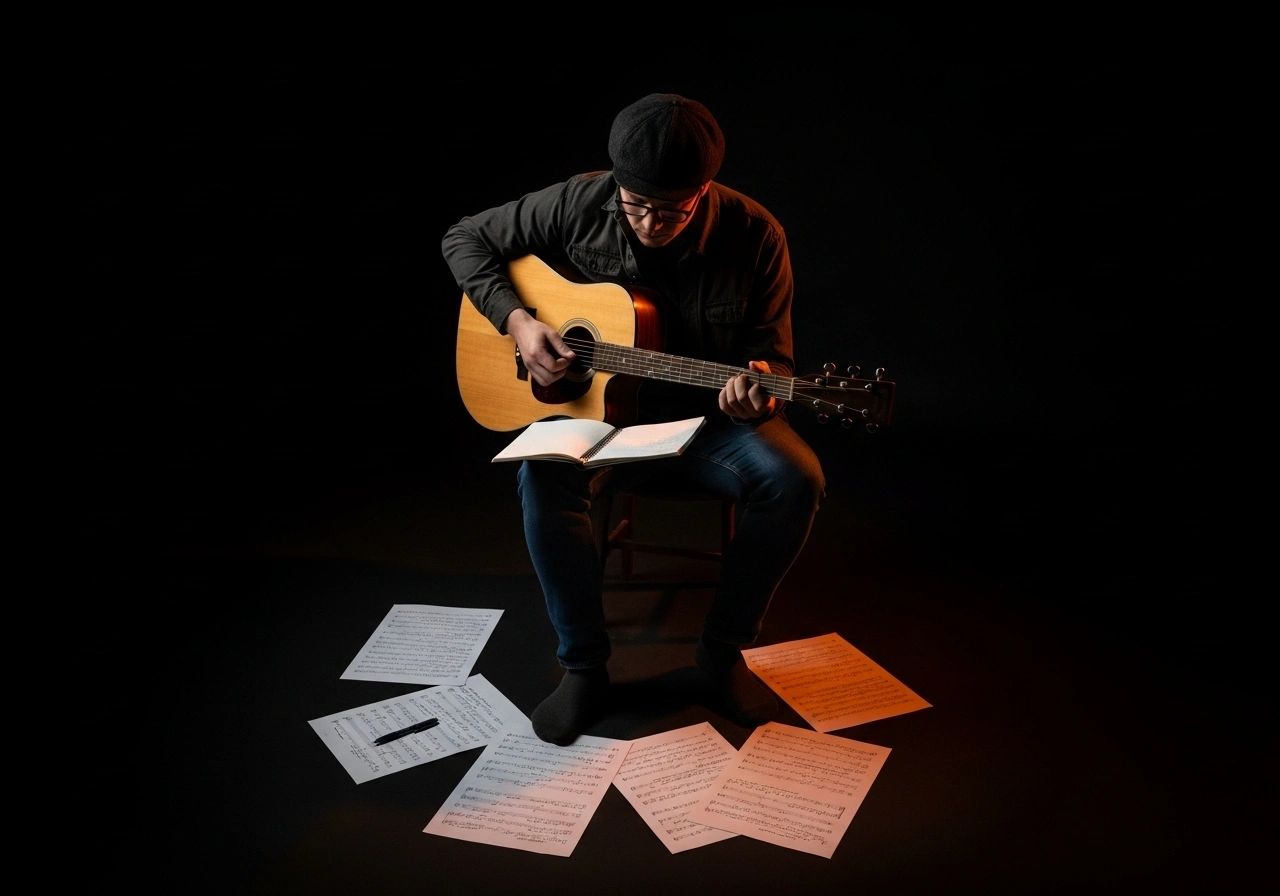
Generate Covers and Demos
Apply your trained model to any song. Test hooks, draft vocals, and create covers across different styles and arrangements.
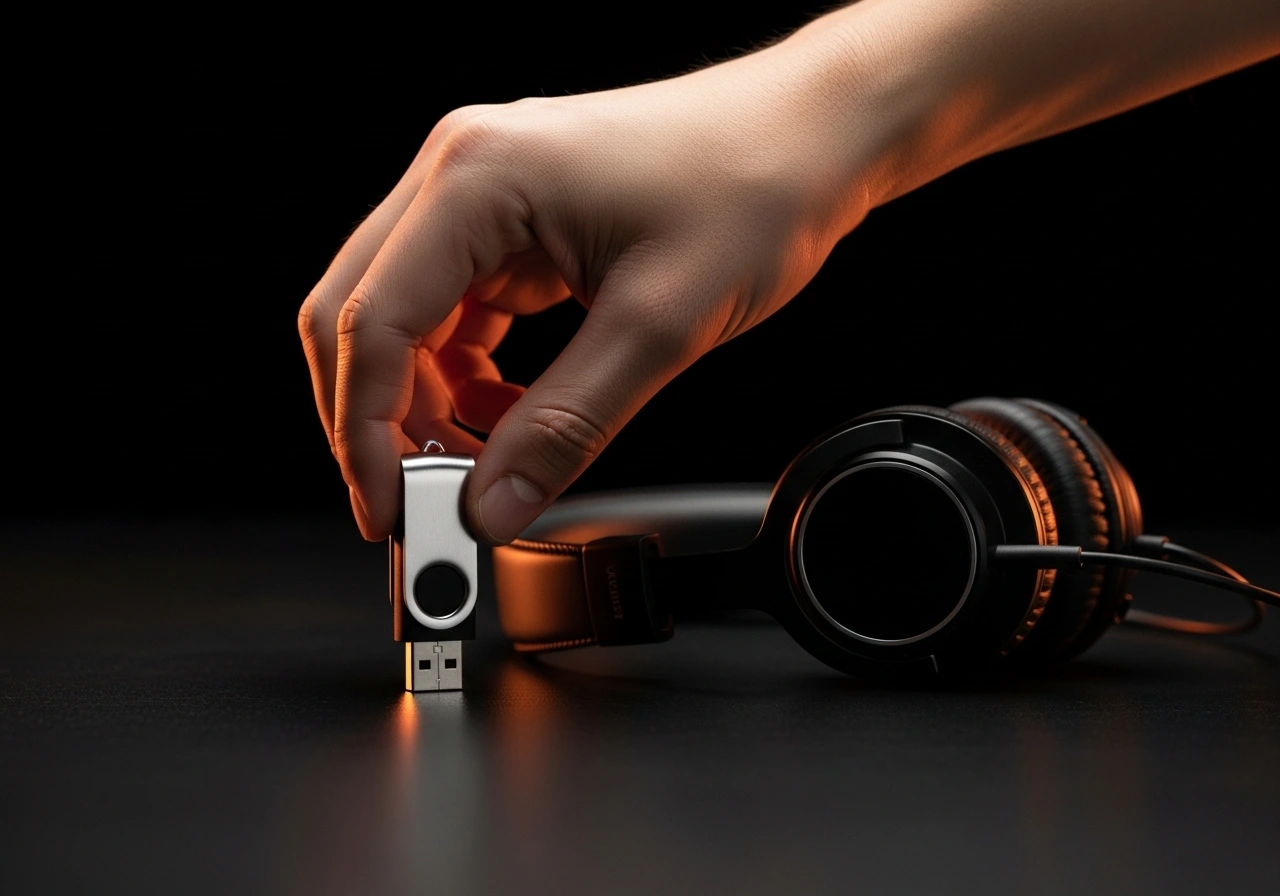
Export Studio-Ready Audio
Download high-quality WAV files ready for mixing and mastering. Use in videos, releases, and client work.
Built for Creators Who Move Fast
Voice cloning for music production, content creation, and songwriting — without the studio overhead.
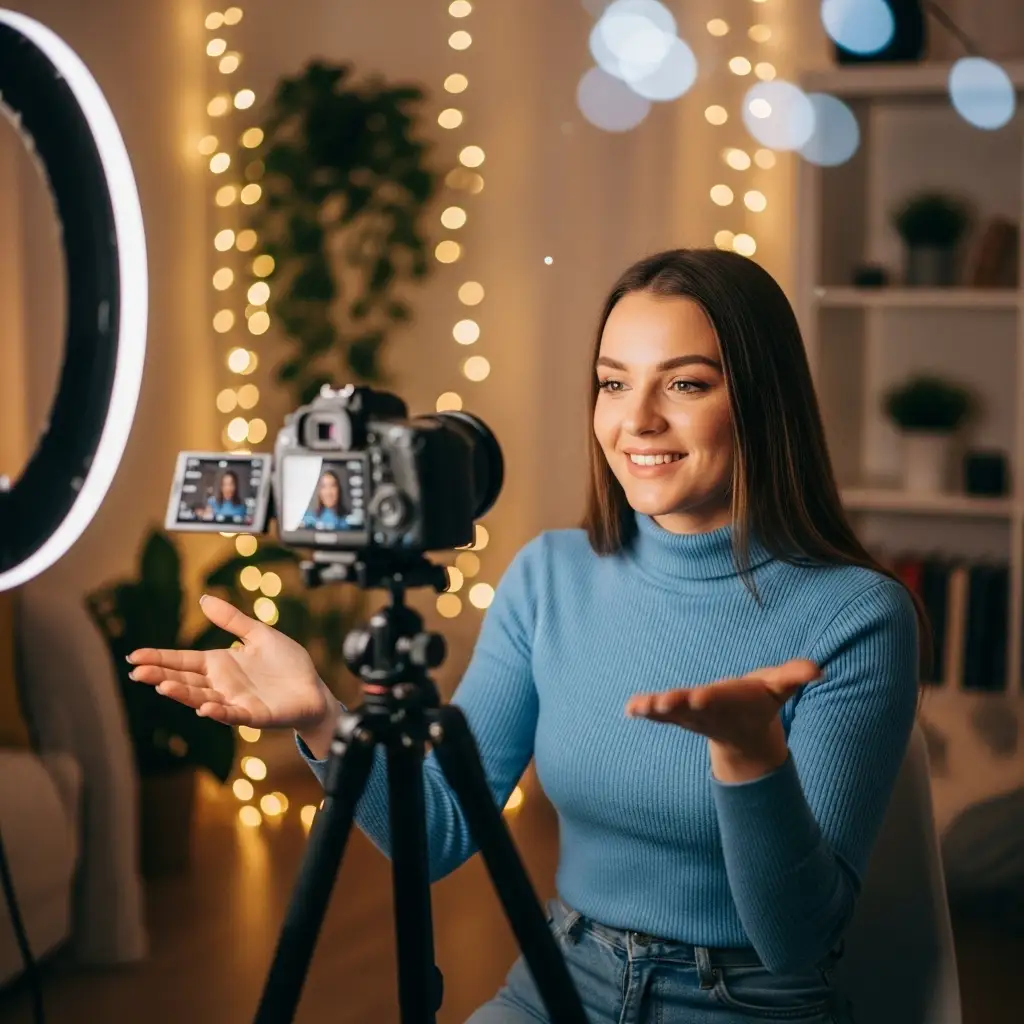
TikTok and YouTube Creators
Create AI singing covers and vocal content for short-form videos. Stand out with unique voice combinations.
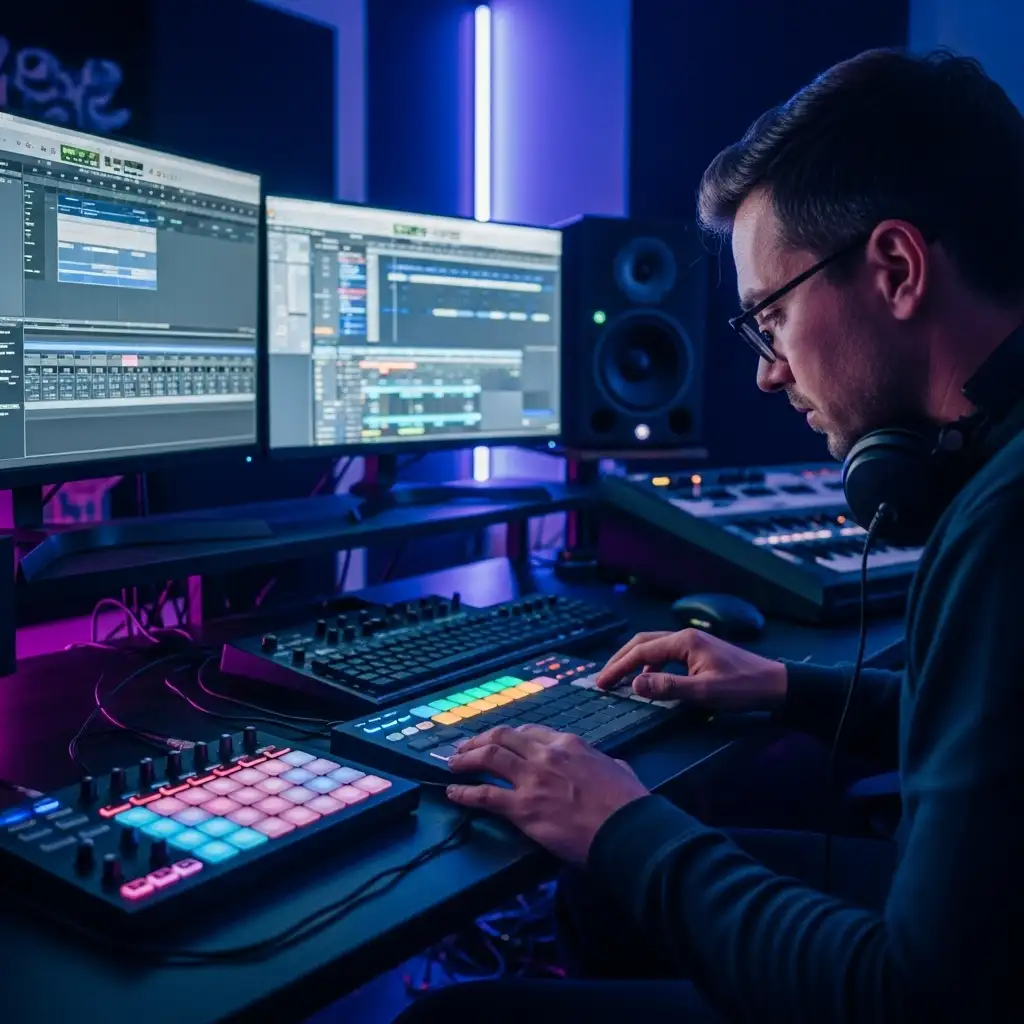
Music Producers and Beatmakers
Prototype vocals quickly. Test melodies, hooks, and harmonies before committing to a recording session.
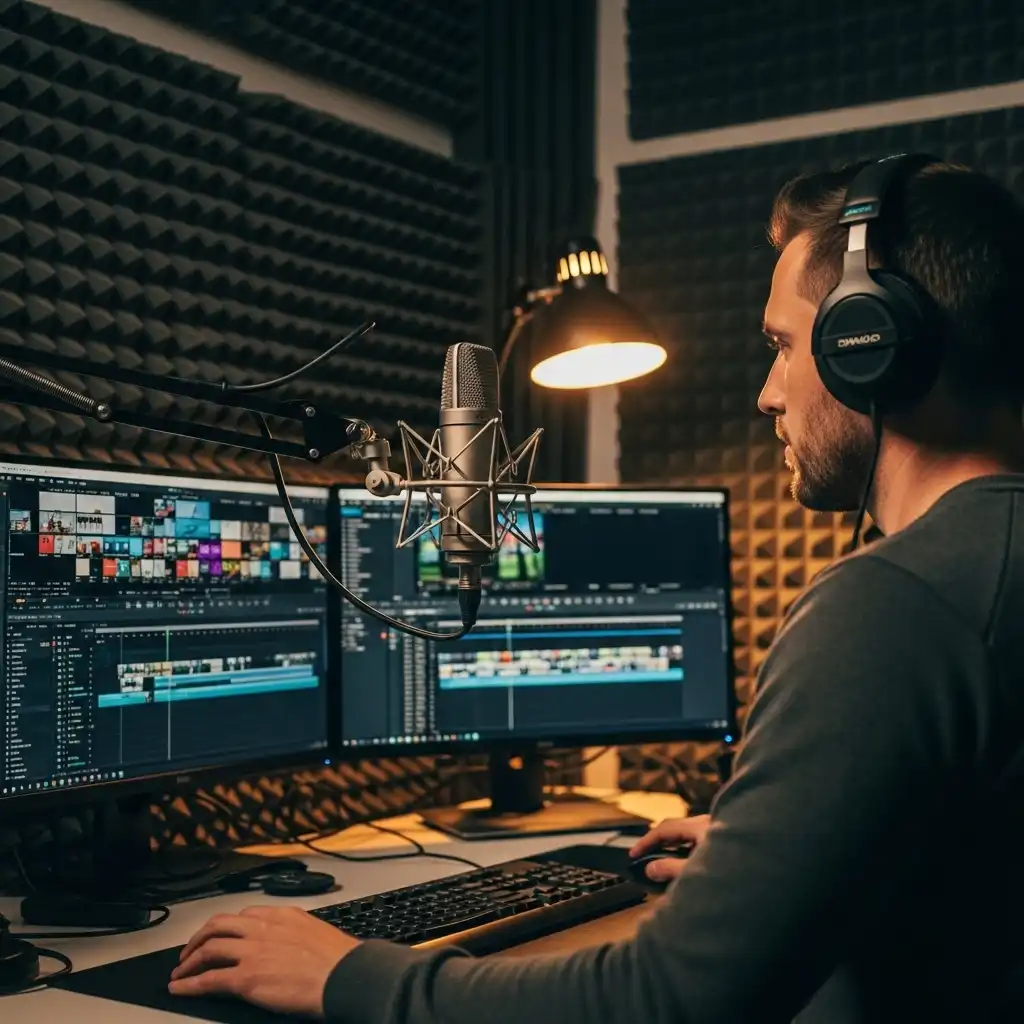
Podcasters and Video Editors
Generate sung intros, outros, and jingles. Build recognizable audio branding without hiring singers.
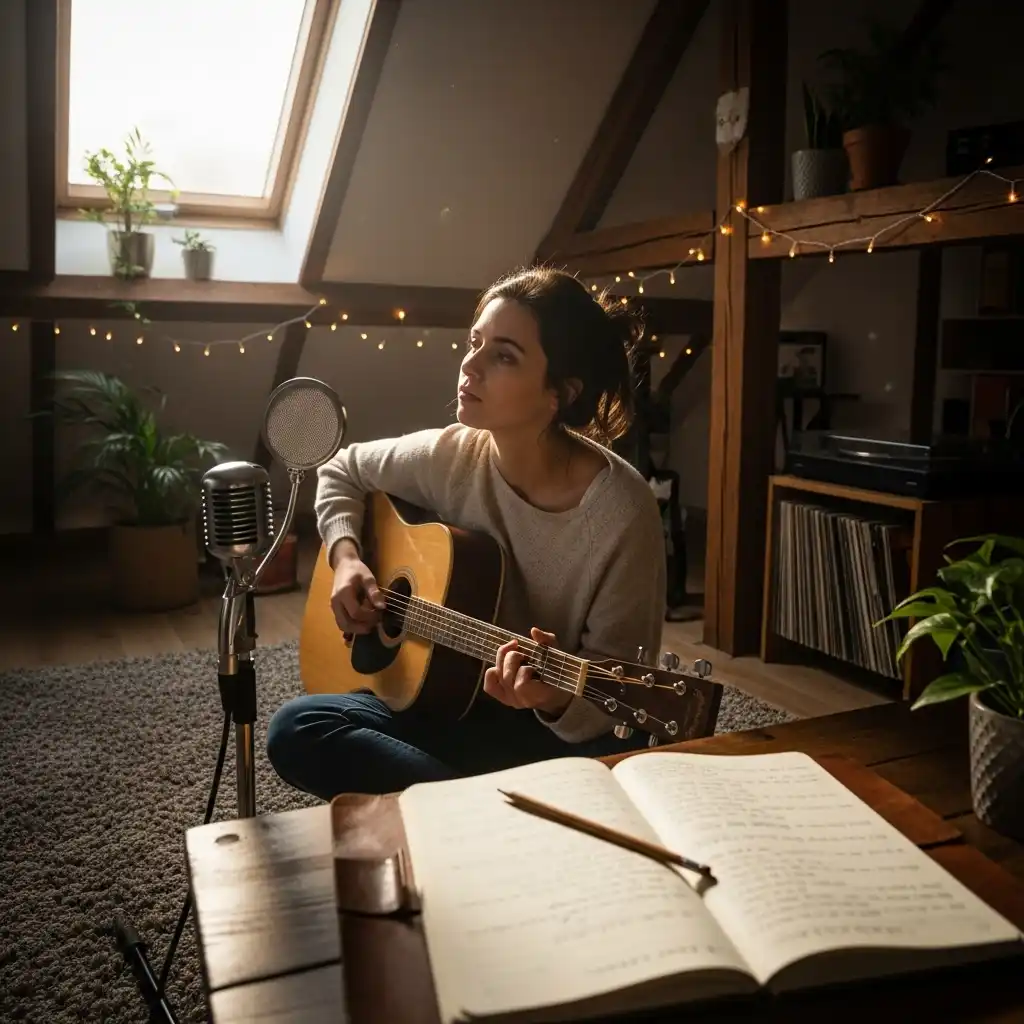
Songwriters and Independent Artists
Create vocal demos for pitching songs and collaborating — without booking studio time or waiting on vocalists.
How to Clone a Singing Voice
Three steps from audio sample to AI-generated vocals. No credit card required.
Upload or Record Voice Samples
Drag and drop audio files or record directly in your browser. 1-10 minutes of clean vocal audio works best.
Train Your Voice Model
The AI learns tone, pitch behavior, vibrato, and pronunciation. Training time varies by audio length — most models finish in minutes.
Generate and Download
Apply the voice model to any song and export the result. Start with clean vocals and stable pitch material for best quality.
AI Singing Voice Generator FAQ
Common questions about voice cloning, training quality, and commercial use.
What is an AI singing voice generator?
An AI singing voice generator trains a voice model from audio samples and uses it to generate new singing vocals. You can create covers of existing songs or vocals for original compositions.
Is this a voice changer or text-to-speech?
Neither. Voice changers modify existing recordings, and TTS focuses on speech. This tool trains a singing voice model that generates new vocal performances from scratch.
How much audio do I need to train a voice?
Minimum 1 minute. For better quality, 3-10 minutes of clean audio produces more stable and realistic results. More varied samples help the model handle different pitches and styles.
What kind of audio works best?
Clean, dry vocals with minimal background noise. Consistent volume, clear pronunciation, and fewer heavy effects like reverb or chorus improve training quality.
What audio formats are supported?
MP3, WAV, OGG, M4A, AAC, FLAC, and WMA.
How long does training take?
Most models finish in minutes. Training time depends on audio length and system load.
Why did my voice training fail?
Common causes: audio too short, too noisy, contains silence, corrupted file, or unsupported format. Try using a cleaner file that meets minimum duration requirements.
Why does the voice sound unstable?
Unstable results usually come from noisy samples, inconsistent pitch, heavy effects, or insufficient training length. Use cleaner vocals and add more varied samples.
Can I generate AI covers from any song?
You can upload audio you own or have rights to use. If the source song is copyrighted, you are responsible for permissions and platform policies.
Can I use AI vocals commercially?
Yes, with the right permissions. Ensure you have rights to clone the voice and to use any copyrighted compositions. Paid plans include commercial use rights for AI-generated content.
Can I publish AI vocals to YouTube or Spotify?
Yes, as long as you have rights to the voice and the underlying composition. Platforms may have their own policies for AI content and monetization.
Is it legal to clone any voice?
Only clone voices you have rights to use — your own voice, voices you have licensed, or recordings with permission. Cloning others without consent may violate laws or platform rules.
Can I keep my trained model private?
Yes. Voice models are private by default. You control visibility based on your workflow.
Can I delete or retrain my voice model?
Yes. You can manage, delete, or retrain models anytime — especially useful when improving sample quality or adding more training audio.
Does it support multiple languages?
Yes. Performance depends on training samples. For best results, include samples in your target language.
What is the recommended training length?
5-10 minutes of clean, varied vocal audio is the sweet spot for quality and training stability.