AI Singing Video Generator to Make Photos Sing
CreateMusicAI is an AI Singing Video Generator that helps you make photo sing with music from one song and one singer image. Instead of searching for a separate singing photo app, filming a vocalist, or matching mouth movement by hand, you upload audio, upload or generate a singer image, and create a lip sync MP4. The AI Singing Video Generator is built for creators who want to make photo sing online, test short music promos, and turn static cover art into a performance clip for TikTok, YouTube Shorts, Reels, demos, and fan edits. Use the AI Singing Video Generator when you need fast social motion around a song, but a full AI music video generator would be broader than the job.
AI singing video cases
See finished examples made from real songs, singer images, and AI lip sync video generation.
Moon Runs Out.mp3
Close to Me.mp3
Make a Photo Sing in Three Steps
With CreateMusicAI, the AI Singing Video Generator turns a song and singer image into a publishable lip sync video, so you can make photo sing without manual editing.
1
Choose the song
Upload your own audio or choose a completed track from My Music. The AI Singing Video Generator uses that song as the performance source, so your TikTok, YouTube Shorts, or Reels clip starts with the exact music you want to publish.
2
Prepare the singer image
Upload a clear singer image or generate one with templates, a custom prompt, gender direction, and optional references. A front-facing face, visible mouth, and stable framing help the AI lip sync video generator produce a cleaner performance inside the AI Singing Video Generator workflow.
3
Generate the video
Choose vertical or wide format, select video quality, and create the MP4. The AI Singing Video Generator saves drafts, generated singer candidates, processing tasks, completed videos, downloads, and remix actions in history.
AI Singing Video Generator Features for Creators
Generate AI singing videos from a portrait and music idea. Use this page when you want lip-sync singing clips; use the photo music visualizer when you want a cover-art style audio visualizer without a singing face.
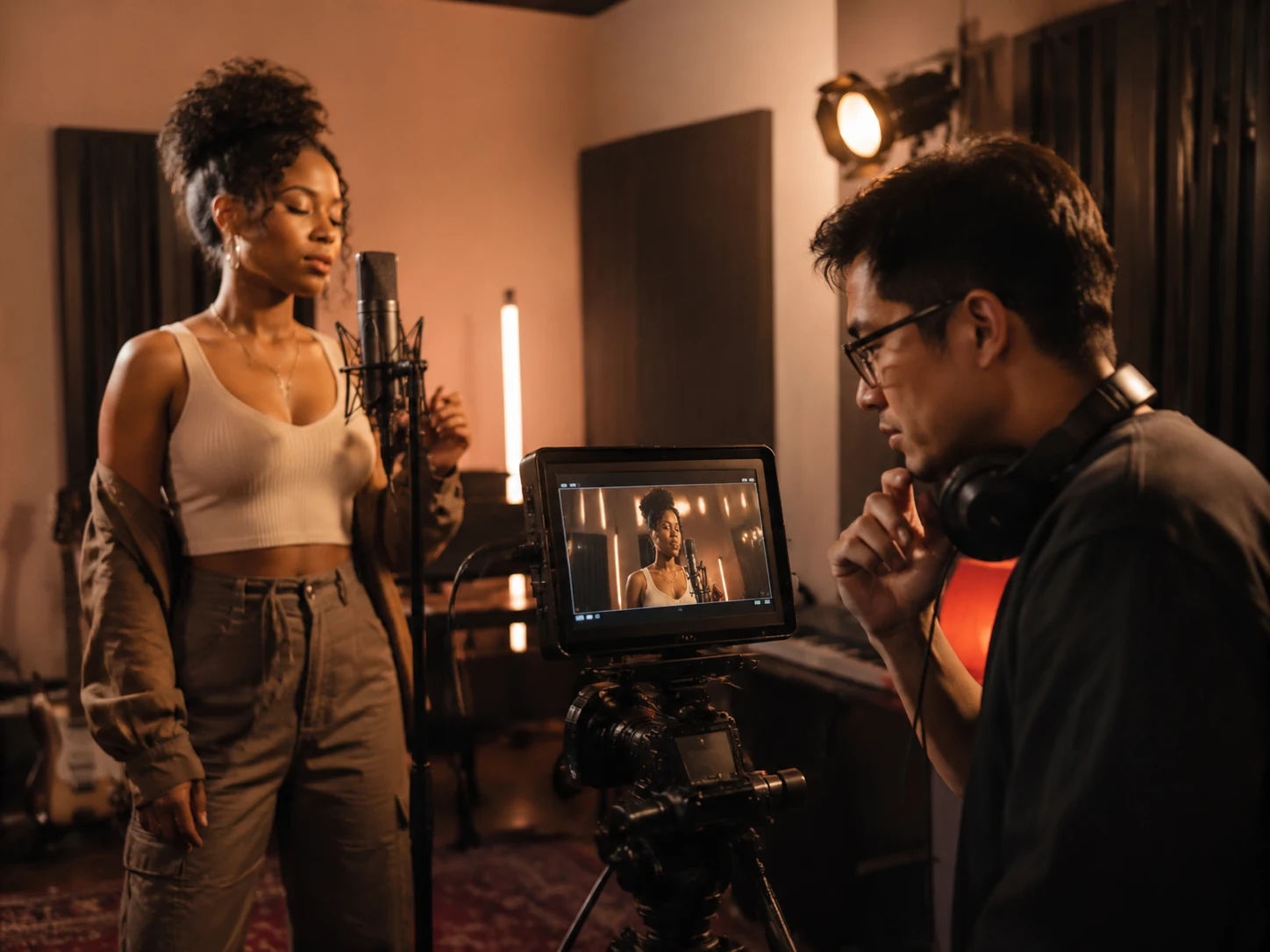
Make photo sing with your own song
CreateMusicAI's AI Singing Video Generator starts from the music you already care about. Upload a song or choose a finished AI Music Generator track, then make photo sing with the exact hook, chorus, or demo you want to promote. It works for short music drops, fan edits, teaser posts, and social clips where motion helps people stop scrolling, especially when you need the AI Singing Video Generator to connect the singer image to the song.
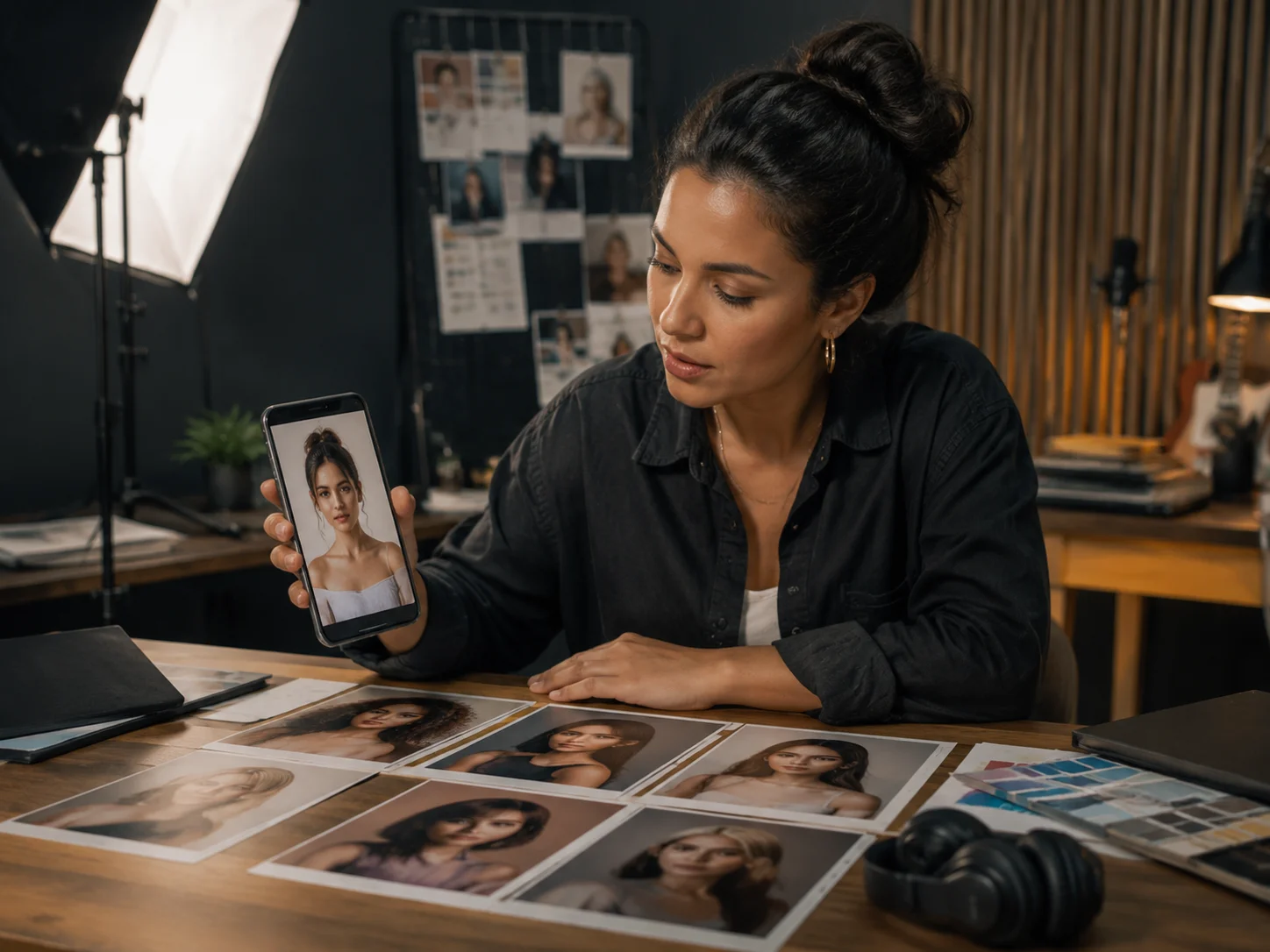
Create singer images on the same page
Generate a front-facing singer image without leaving the AI Singing Video Generator workflow. Choose a template, write a custom prompt, select male or female singer direction, and compare multiple candidates before choosing the face for your AI lip sync video generator result.
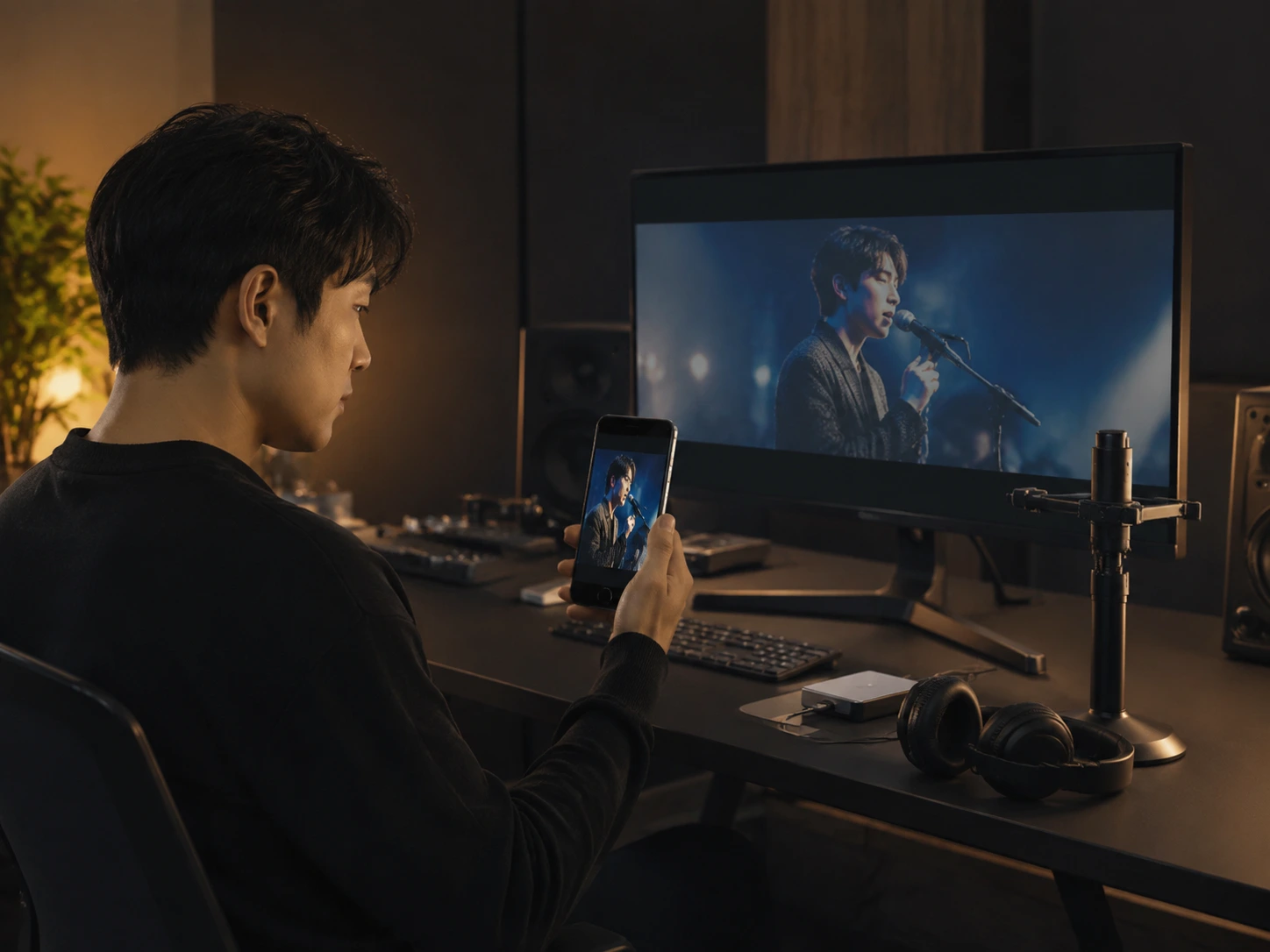
Publish MP4 clips for short video platforms
Vertical format fits TikTok, YouTube Shorts, and Instagram Reels, while wide format works for YouTube, landing pages, and promo embeds. The AI Singing Video Generator keeps output simple because creators usually need a fast MP4, not a complicated editor, when they make photo sing for social distribution.
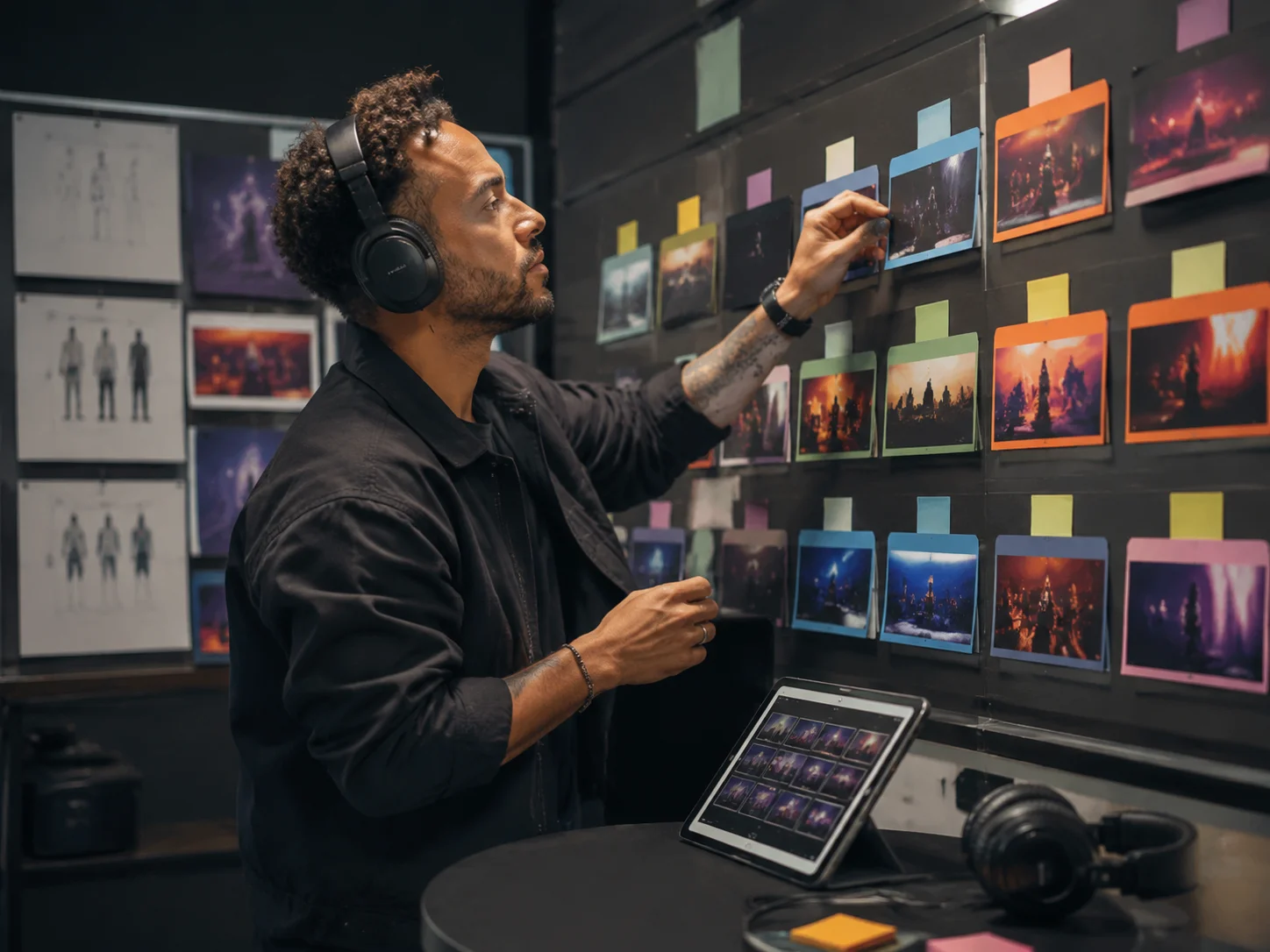
Save drafts and remake better versions
The first take is not always the keeper. Our AI Singing Video Generator keeps drafts, singer candidates, processing tasks, completed videos, downloads, and remix actions in history, so you can make photo sing again with a stronger image, format, or performance setting.
Who Uses an AI Singing Video Generator
The AI Singing Video Generator serves creators who need song driven video motion without filming a vocalist or editing lip sync by hand, and it helps them make photo sing for real release moments.
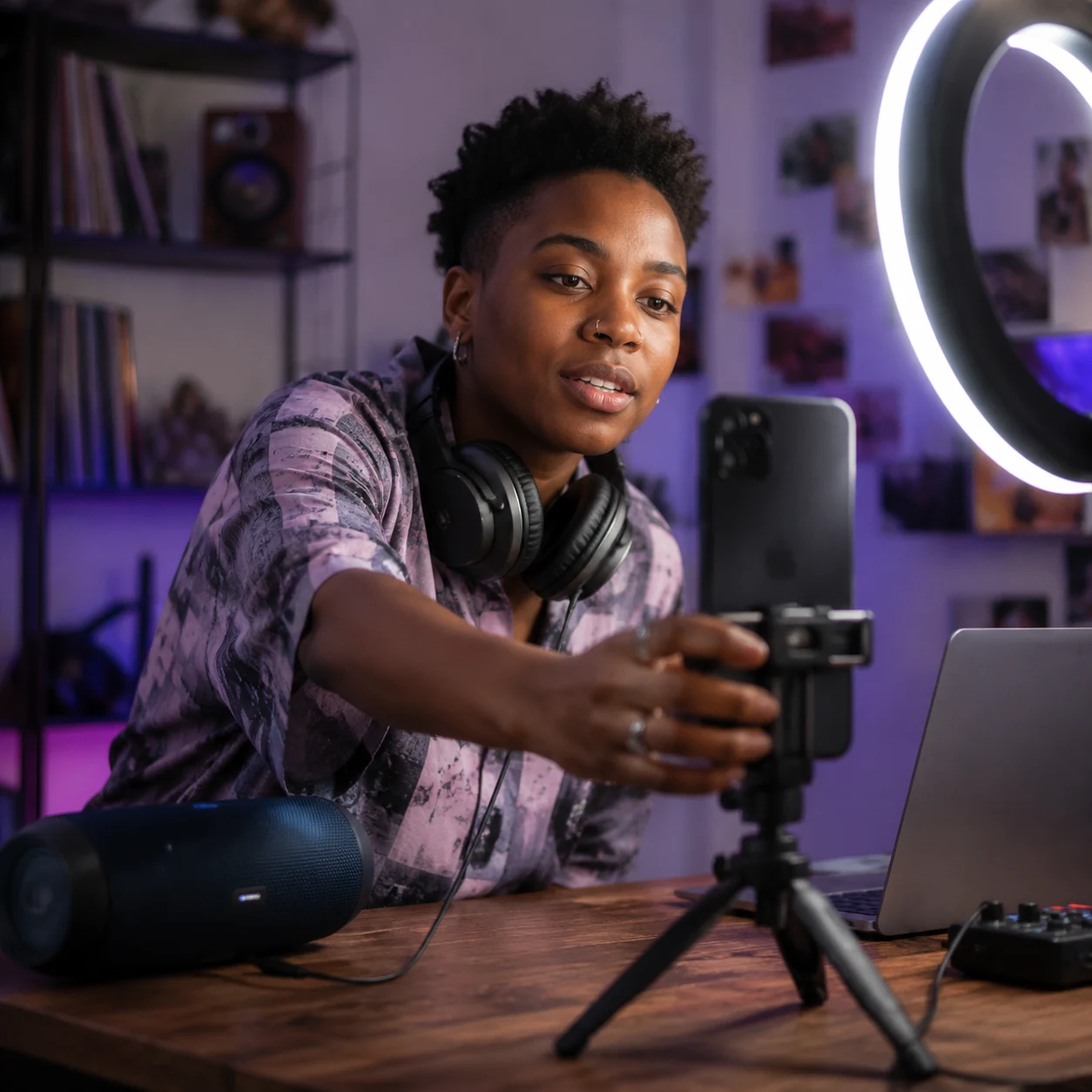
TikTok and Shorts creators
A hook with only cover art can feel flat after 3 seconds. Make photo sing online with a vertical MP4, test several singer looks, and publish a clip built for TikTok, YouTube Shorts, or Reels before the moment passes. The AI Singing Video Generator keeps that process focused on one song and one image.
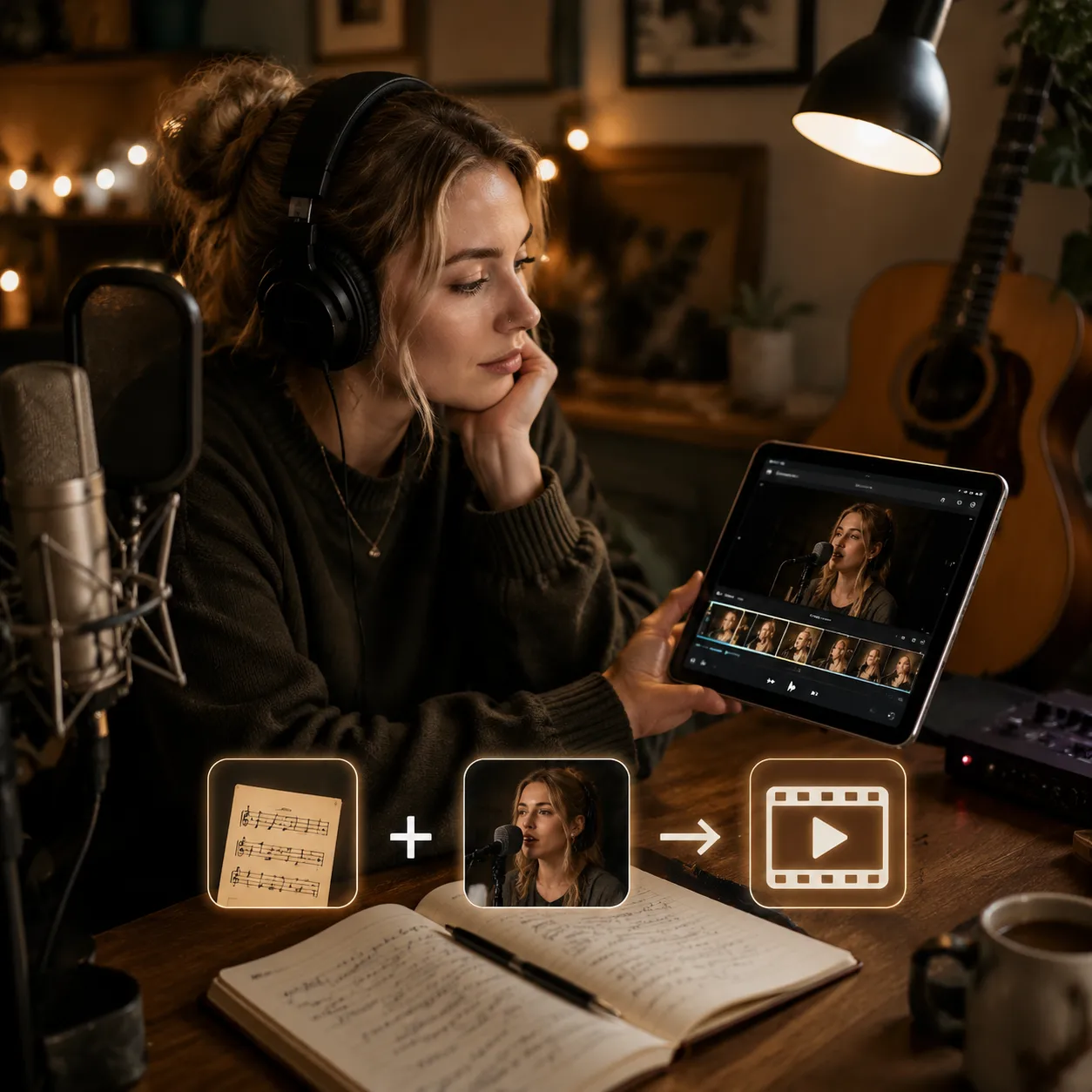
Independent musicians
A simple demo visual can cost hours of filming or hundreds in session time. The AI Singing Video Generator turns one track and one singer image into a studio style performance clip for chorus promos, work in progress updates, and song pitches, so you can make photo sing before booking a shoot.
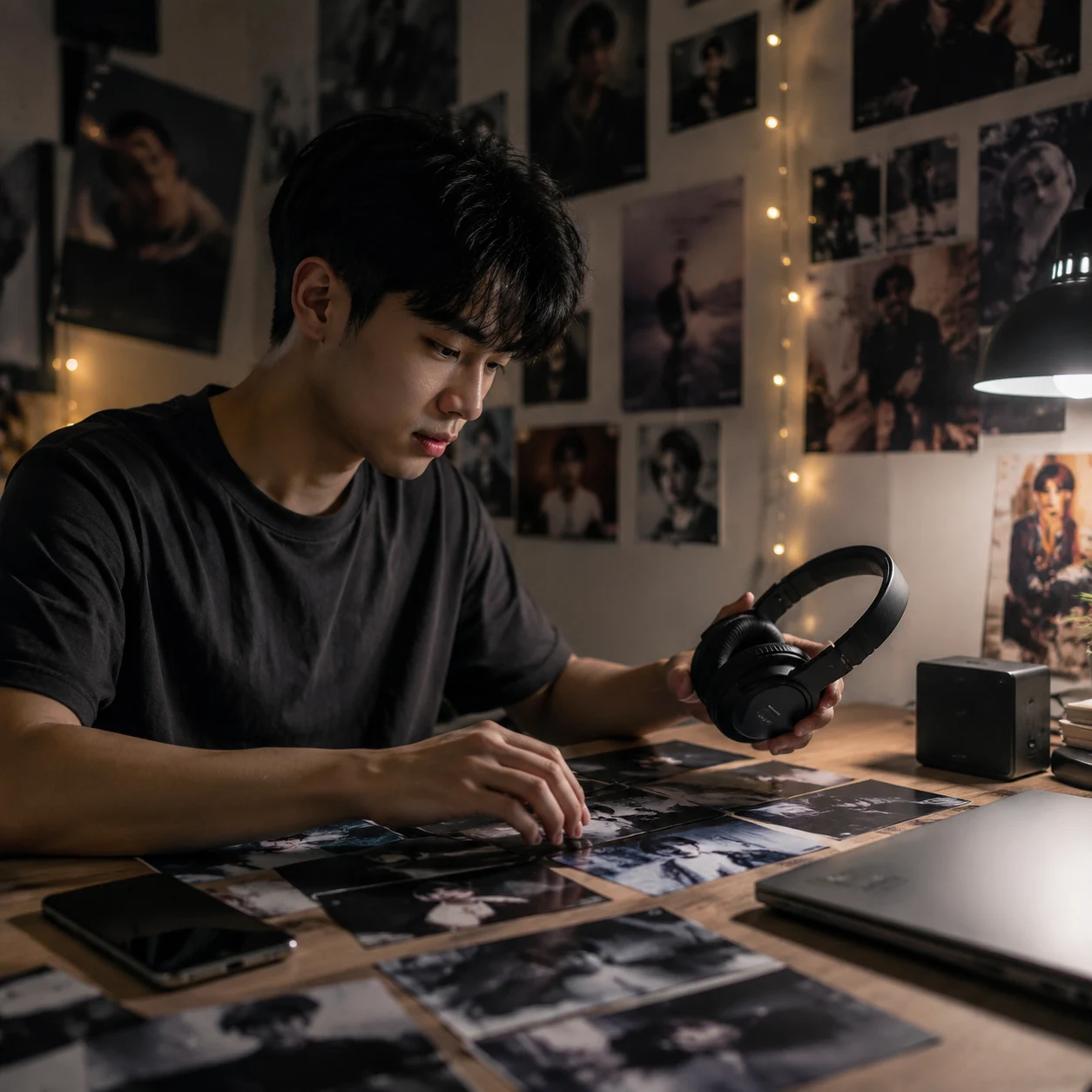
Fan edit makers
Fan edits often need a performance moment that feels made for the song. Use a custom singer image, create an AI lip sync music video generator style clip, and download an MP4 for compilations, reaction posts, and social edits.

Music marketers
Campaign calendars move faster than studio production. Use CreateMusicAI to create repeatable singing photo video assets for teasers, paid social tests, pre-save announcements, and creator briefs while keeping rights decisions tied to the music and images you provide. The AI Singing Video Generator makes photo sing assets repeatable across campaign variants.
AI Singing Video Generator FAQ
Practical answers about how the AI Singing Video Generator helps make photo sing, create AI lip sync music videos, publish MP4 clips, and use CreateMusicAI responsibly.
What is an AI Singing Video Generator?
CreateMusicAI's AI Singing Video Generator creates a singing video from one audio track and one singer image. You can upload music, generate or upload the singer image, choose vertical or wide format, and export an MP4 for social posts, demos, or music promotion.
Can I make photo sing online free?
Yes, you can start testing the make photo sing workflow with CreateMusicAI credits. The AI Singing Video Generator lets you prepare audio, generate singer images, save drafts, and review the creation flow before choosing the video quality and release plan that fits your project.
How does the AI lip sync video generator make photo sing?
The AI lip sync video generator uses your song as the audio source and your singer image as the visual source. A clear front-facing face, visible mouth, and stable portrait usually help the AI Singing Video Generator create a cleaner singing performance when you make photo sing.
Can I post the singing video on TikTok or YouTube?
Yes, you can download the generated MP4 and use it for TikTok, YouTube Shorts, Reels, or regular YouTube uploads. Make sure you have the right to use the song, image, likeness, and any other uploaded materials before publishing.
Is this the same as a music visualizer?
No. A music visualizer usually reacts to audio with waves, motion graphics, or cover art. CreateMusicAI focuses on a singer image performing to the song, so the AI Singing Video Generator result is closer to an AI lip sync music video than a waveform video.
Can I use music from My Music?
Yes. You can choose a completed track from My Music or upload an audio file directly. This keeps the AI Singing Video Generator connected to your existing CreateMusicAI workflow, from the AI Song Generator to video creation and download.
Do I need to record a real singer video first?
No. The AI Singing Video Generator is designed for a singer image workflow, not a traditional video shoot. Upload or generate the singer image, add the song, and let the tool create the performance from those inputs.
What video formats can I create?
CreateMusicAI supports vertical and wide video formats for the most common social and promo needs. Use vertical format for TikTok, YouTube Shorts, and Reels, or choose wide format for YouTube, website embeds, and artist promo pages when you make photo sing with the AI Singing Video Generator.