
Everything an Instrumental Generator should handle
Our AI Instrumental Generator creates no-vocal tracks with genre control, scene-ready structure, and royalty-free instrumental music for real projects.
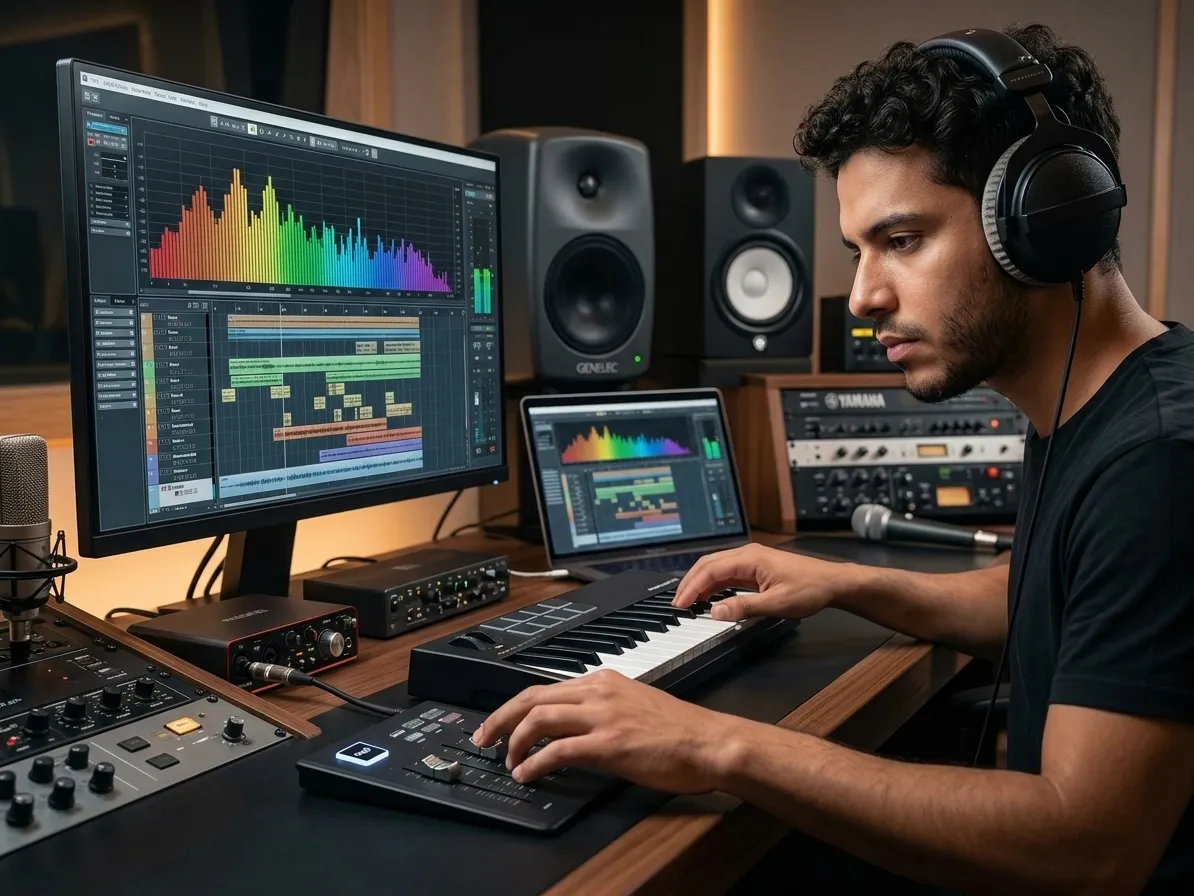
Instrumentals with clean vocal space
CreateMusicAI's AI Instrumental Generator opens with Instrumental Only enabled, so your first draft starts as a true no-vocal track. Make beats for rappers, podcast beds, demo backing tracks, or vocal-ready instrumentals without fighting random whispers, hook fragments, or lyric bleed.
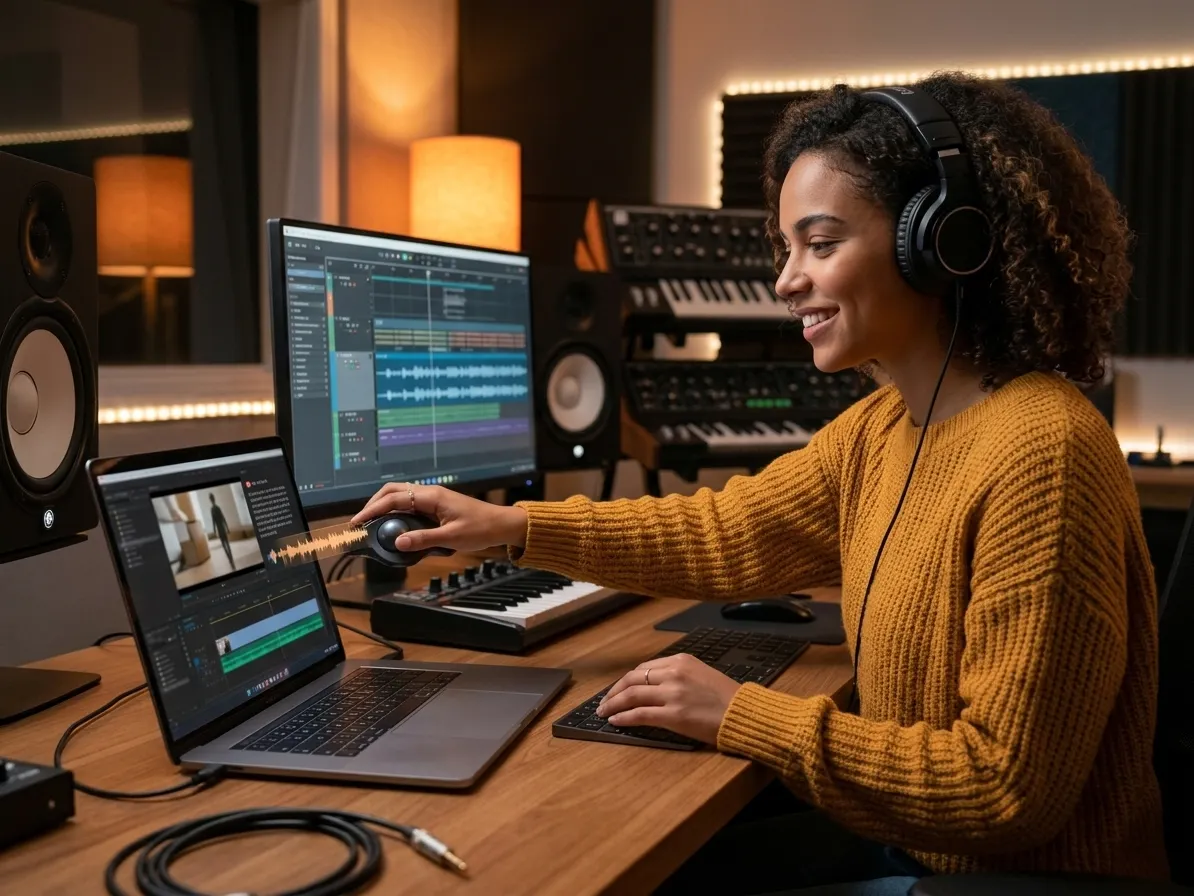
Background music matched to the scene
Stock libraries force you to choose between almost-right tracks and licensing friction. Describe the scene instead: a 30-second product reveal, a quiet podcast intro, a gaming montage, or a loopable stream break. The AI Instrumental Generator builds background music around that exact job.
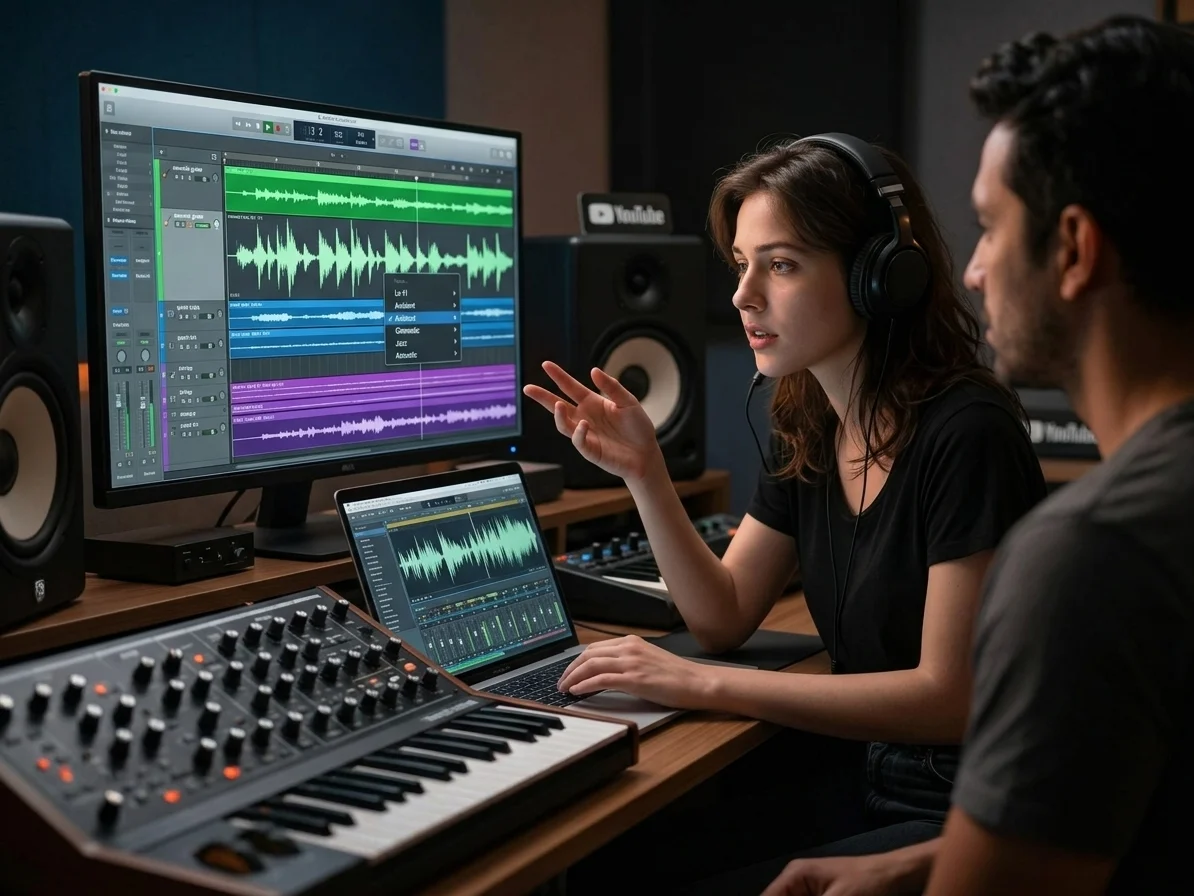
Genre specific arrangements without presets
Generic tools flatten every request into the same soft loop. This AI Instrumental Generator responds to subgenre, mood, instrument, texture, and Vocal Mode tags, giving you lo-fi drums, cinematic strings, jazz piano, ambient pads, or electronic synth energy that matches the brief.
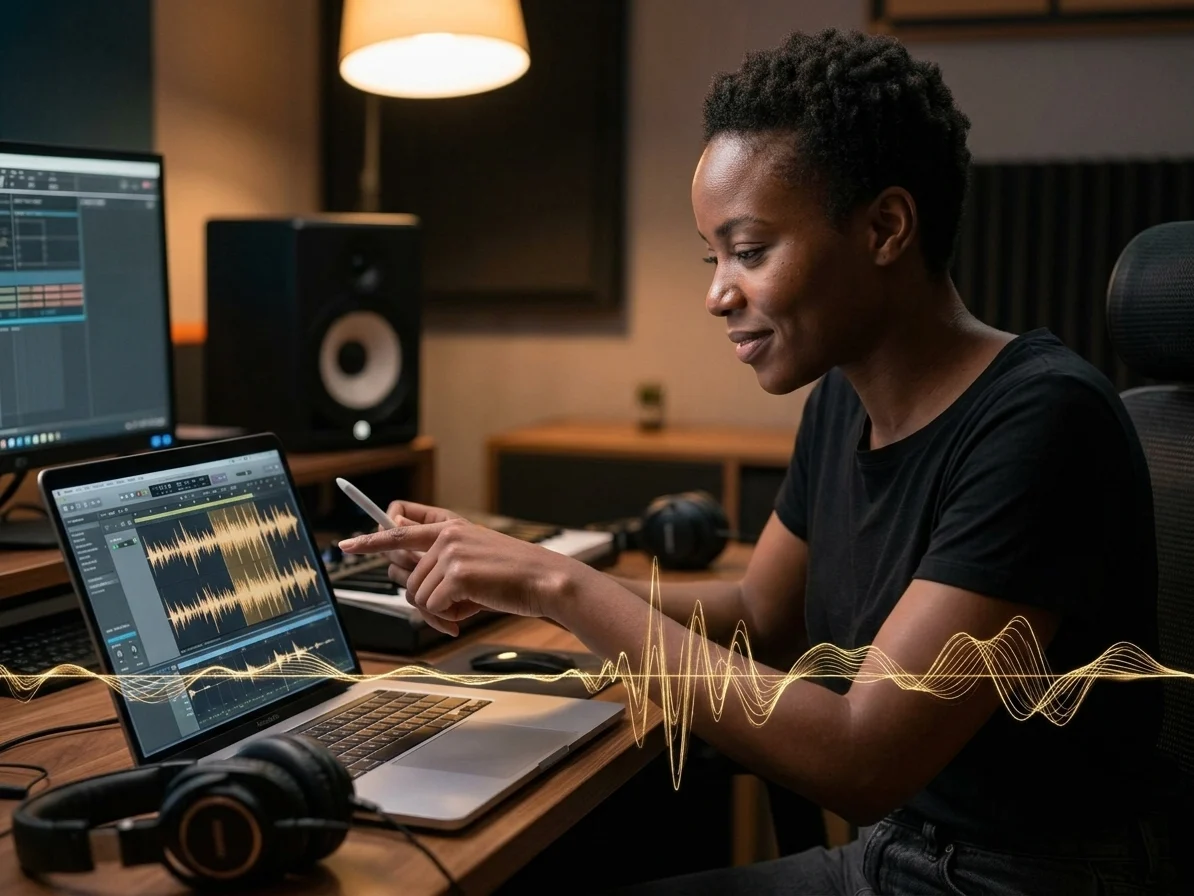
Royalty free tracks built from scratch
Every output is generated from scratch rather than pulled from pre-recorded loops or third-party sample packs. Use the Instrumental Generator to create royalty-free instrumental music for YouTube, podcasts, client ads, indie games, short films, and vocal writing sessions. This Instrumental Generator workflow gives you fewer copyright worries and more control than recycled library cues.
Who gets the most from custom instrumentals
An Instrumental Generator saves hours when stock music sounds generic, vocals distract, or a deadline needs usable background music fast.
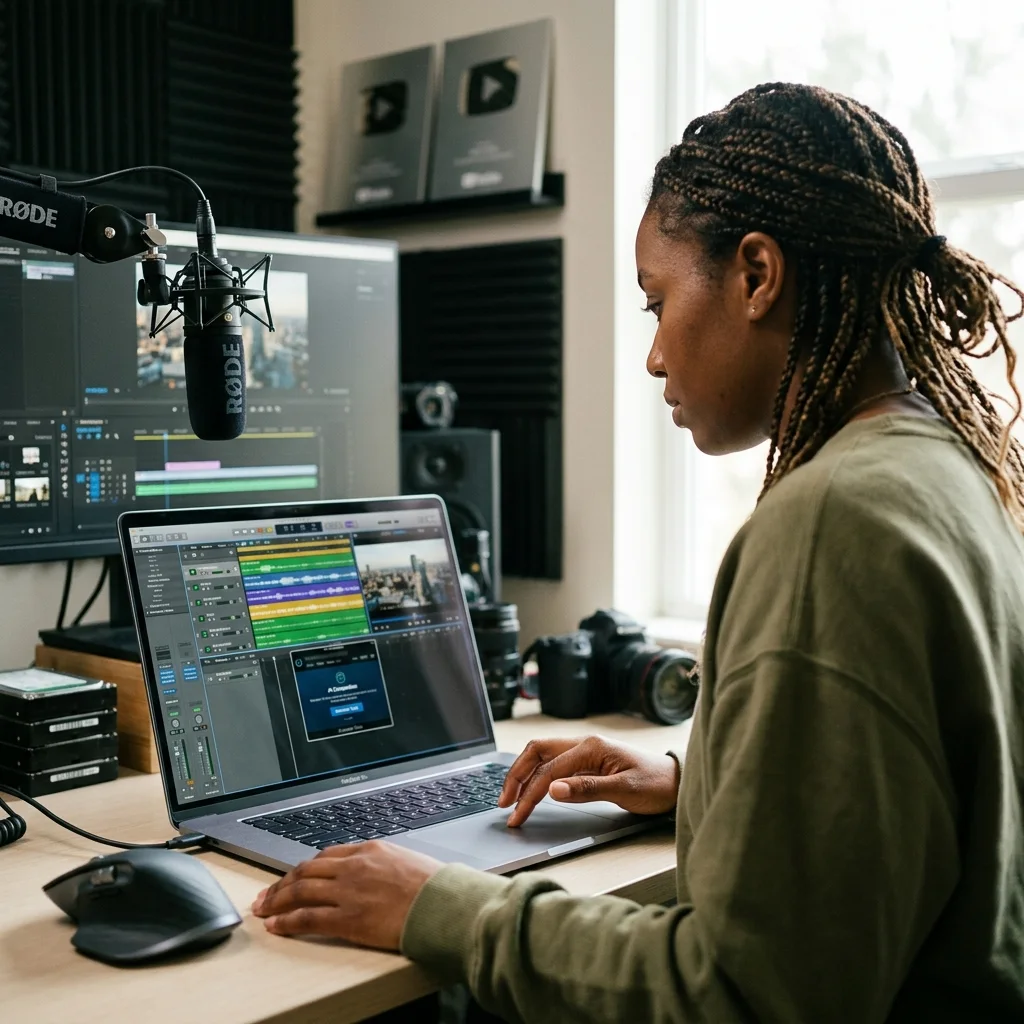
Video creators
Searching stock sites for one usable cue can burn 30-60 minutes before the edit even starts. Generate a no-vocal instrumental matched to pacing, mood, and platform, then keep the cut moving instead of settling for a track everyone has heard. The Instrumental Generator also keeps the first draft free of vocal clutter.
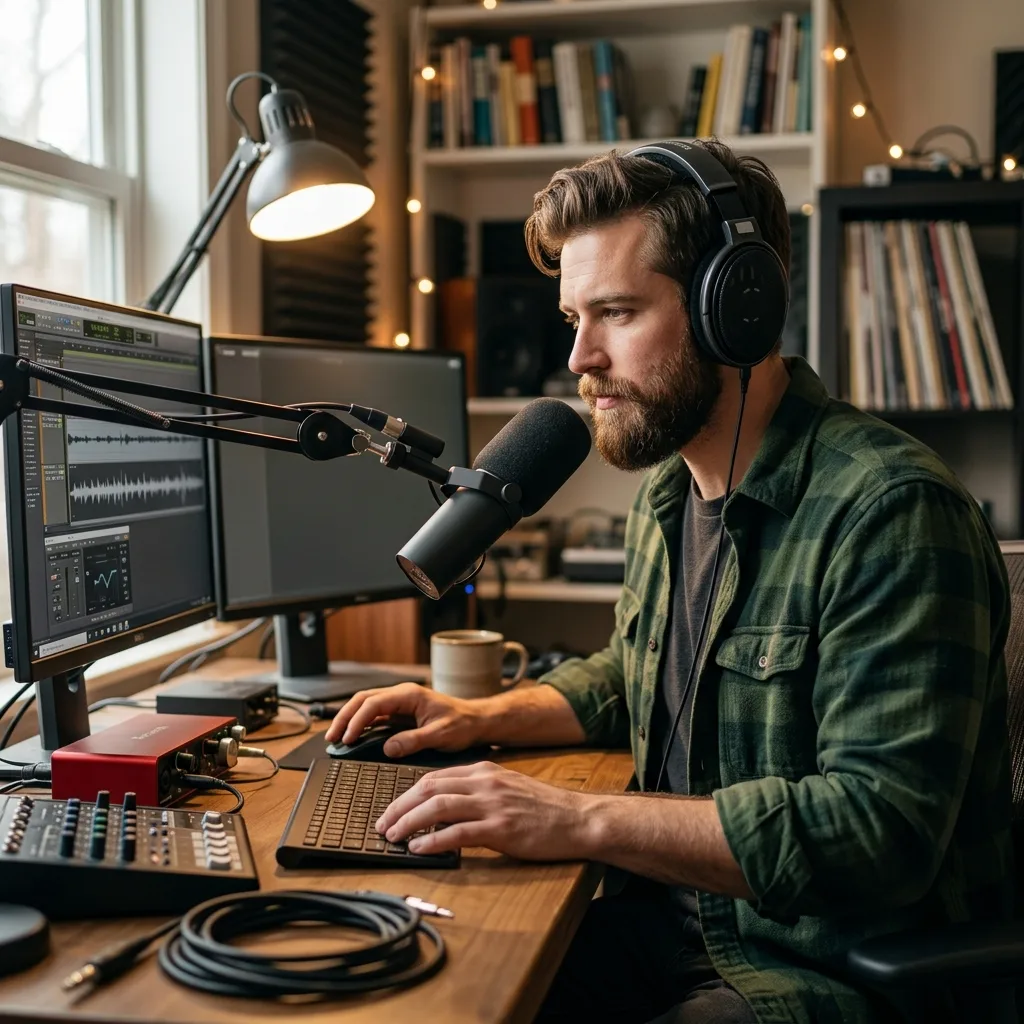
Podcasters and streamers
A spoken intro dies when vocals fight the host. Use the AI Instrumental Generator to create intros, outros, ad beds, and loopable transitions that stay under dialogue, fit the episode mood, and avoid the recycled podcast-template sound.
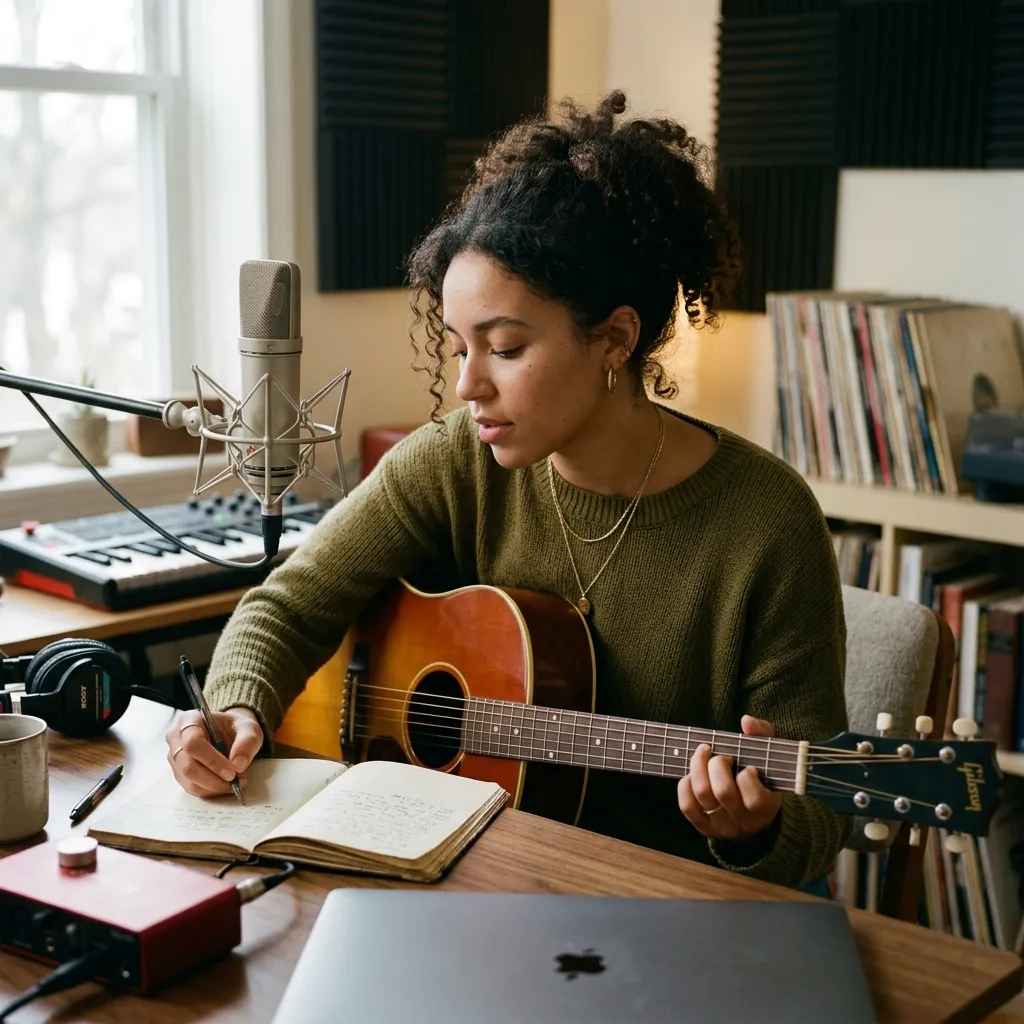
Songwriters and vocalists
A singer may have melody ideas before a producer has time to build the track. Use an AI backing track generator for vocals to sketch chords, groove, and space in minutes, then record toplines over a cleaner instrumental arrangement.
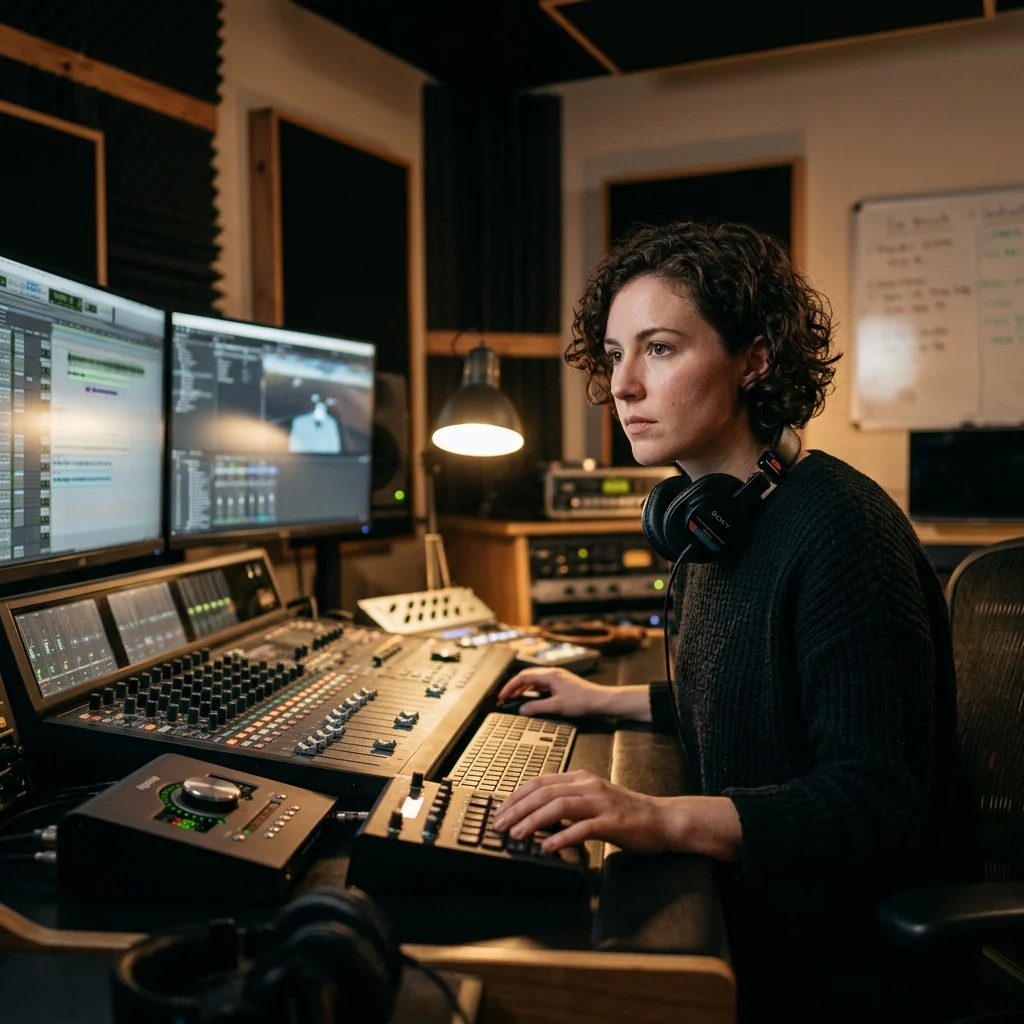
Game and film makers
Temp music often misses the emotional beat and custom scoring can take weeks. Generate 10 instrumental song generator variations for menus, cutscenes, trailers, or corporate films, then pick the version that supports the scene before final sound design.
From idea to no vocal track in three steps
With CreateMusicAI, an AI Instrumental Generator workflow stays practical: define the scene, guide the sound, then refine the track.
Describe the no vocal track
Open CreateMusicAI and write the job clearly: a 90-second YouTube bed, a sparse backing track for vocals, a seamless game loop, or a cinematic cue for a product reveal. The more concrete the scene, the less generic the output.
Choose style tags
Choose Subgenre, Mood, Instrument, Texture, and Vocal Mode tags before generating. Keep Instrumental Only selected when you need background music, BGM, podcast beds, beats, or backing tracks without lyric fragments.
Generate and refine
Generate a first pass in the Instrumental Generator, then listen for pacing, density, and space. If the track is too busy, add minimal, dry, sparse, or no vocals. If it feels flat, add cinematic, layered, percussion, or high-fidelity mix.
Instrumental Generator questions answered
What creators need to know about an AI Instrumental Generator, no-vocal tracks, backing music, royalty-free instrumental use, and AI instrumental music quality.
What is an AI Instrumental Generator and how does it work?
An AI Instrumental Generator converts a text description into a complete no-vocal track. CreateMusicAI reads your prompt, style tags, and Instrumental Only setting, then builds the arrangement from scratch: rhythm, harmony, instruments, texture, and overall mood.
Can I generate instrumentals without vocals using AI?
Yes. This page opens with Instrumental Only selected by default, and Vocal Mode tags like No Vocals reinforce the request. That setup is built for backing tracks, beats, BGM, podcast beds, and background music where sung words would hurt the result.
What styles can the Instrumental Generator create?
The Instrumental Generator supports ambient, lo-fi, jazz instrumental, cinematic orchestral, electronic synth, meditative, chillwave, downtempo, post-rock, vaporwave, world ambient, and dark ambient directions. Combine 3-5 tags with a real use case for sharper output.
Can I make backing tracks for singers and rappers?
Yes. Use CreateMusicAI as an AI backing track generator for vocals by describing chord mood, groove, density, and vocal space. Prompts like sparse piano bed, dry drums, or open middle range help the instrumental leave room for a topline.
Can I use AI instrumental music for YouTube or podcasts?
CreateMusicAI generates royalty-free instrumental music from scratch, which reduces third-party sample and stock-library conflicts. For monetized videos, podcasts, client ads, or commercial releases, check your plan terms so the final license matches the project.
How do I avoid generic instrumental output?
Specific prompts beat broad genre labels. Instead of writing chill music, describe the scene, tempo feel, instruments, and texture: warm felt piano for a quiet product demo, brushed percussion, seamless loop, no vocals. The Instrumental Generator follows concrete direction more reliably, especially when the use case is clear.
Is this better than searching stock music libraries?
Stock libraries are useful, but they often make you compromise on mood, length, exclusivity, or licensing. An AI Instrumental Generator lets you create a custom track around the exact scene, then regenerate variations instead of browsing hundreds of almost-right results.
Do I need music production skills to use it?
No. CreateMusicAI is designed for creators who can explain the result they need but do not want to program chords, drums, or arrangement details manually. Producers can still use the generated instrumental as a fast sketch, reference, or writing layer.
Start Creating Copyright-Safe Music Today
Join thousands of creators using Create Music AI for royalty-free music—100% safe for YouTube, Spotify, and TikTok. Free to start, no credit card required.