
Build Heavy Drops With a Dubstep Music Maker
Use this AI Dubstep Music Maker to shape bass drops, wobble bass, riddim, brostep, melodic dubstep, and full tracks without opening a complex production setup.
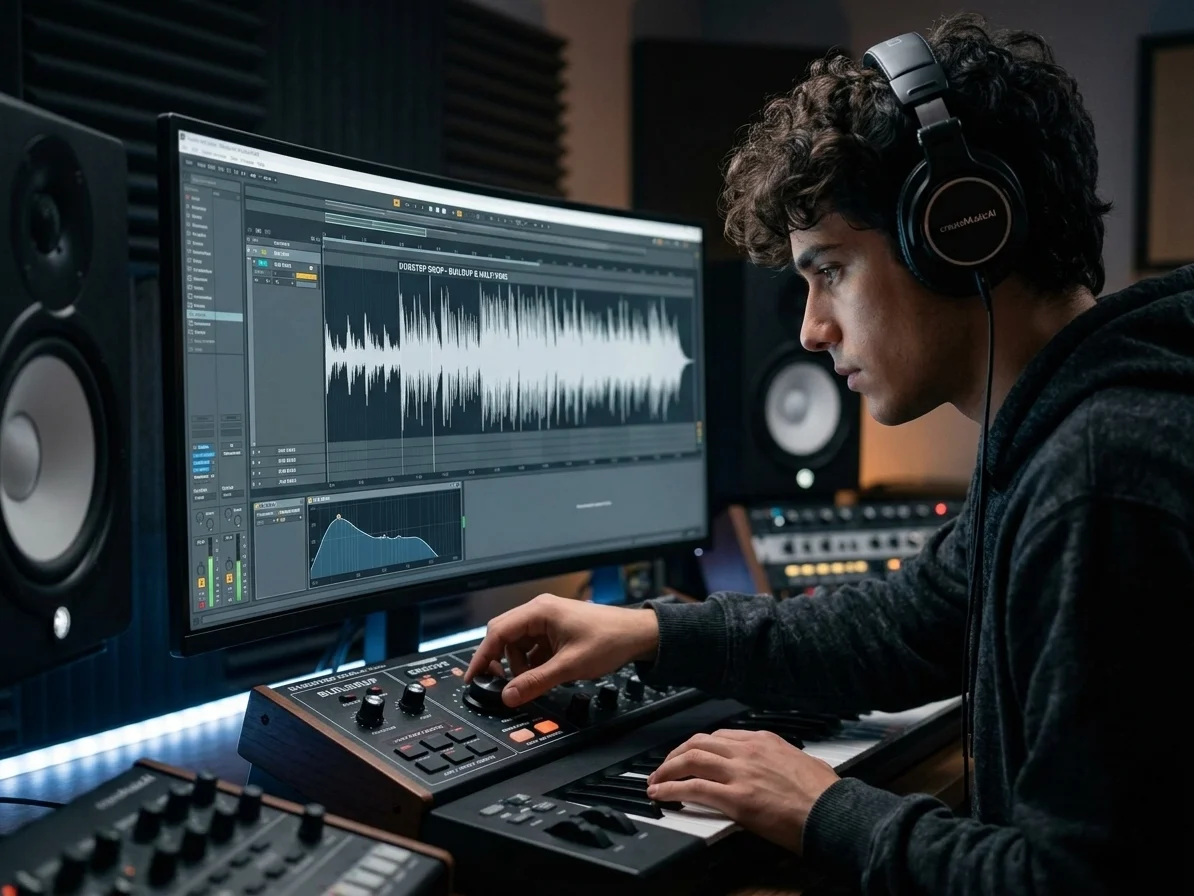
Heavy Drop Control for Real Dubstep Energy
CreateMusicAI helps you describe the buildup, impact, and half-time groove before the drop hits. This Dubstep Music Maker turns those notes into aggressive drums, heavy sub bass, and a track that works for edits, streams, and game clips.
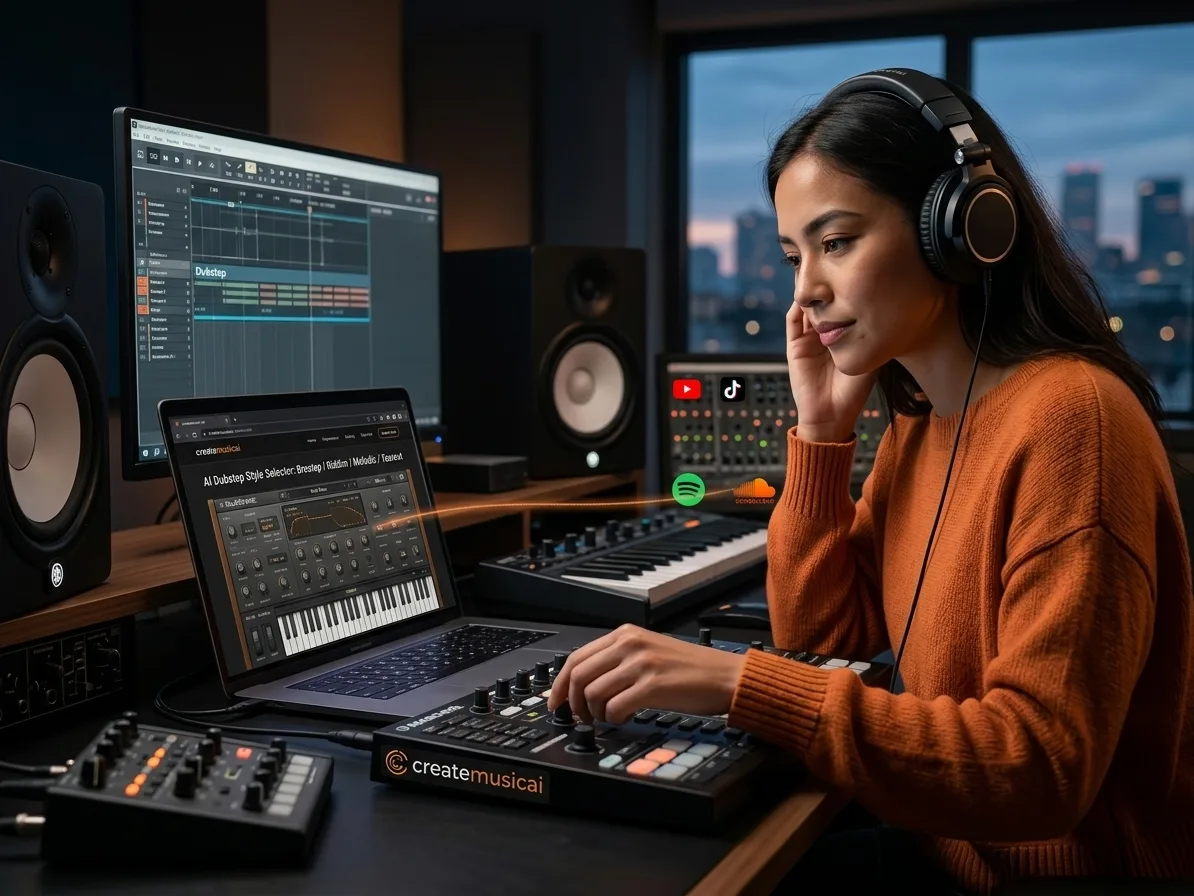
Subgenre Accurate Bass Music From Prompts
Brostep, riddim, melodic dubstep, chillstep, and tearout need different bass weight. Our AI Dubstep Music Maker reads those choices in your prompt, so your Dubstep Music Maker result does not flatten every idea into generic EDM.
Royalty Free Tracks for Creator Workflows
You can generate royalty-free dubstep from scratch for YouTube intros, workout cuts, trailers, and short-form edits. The Dubstep Music Maker gives creators a clean starting point without hunting through overused loop packs.
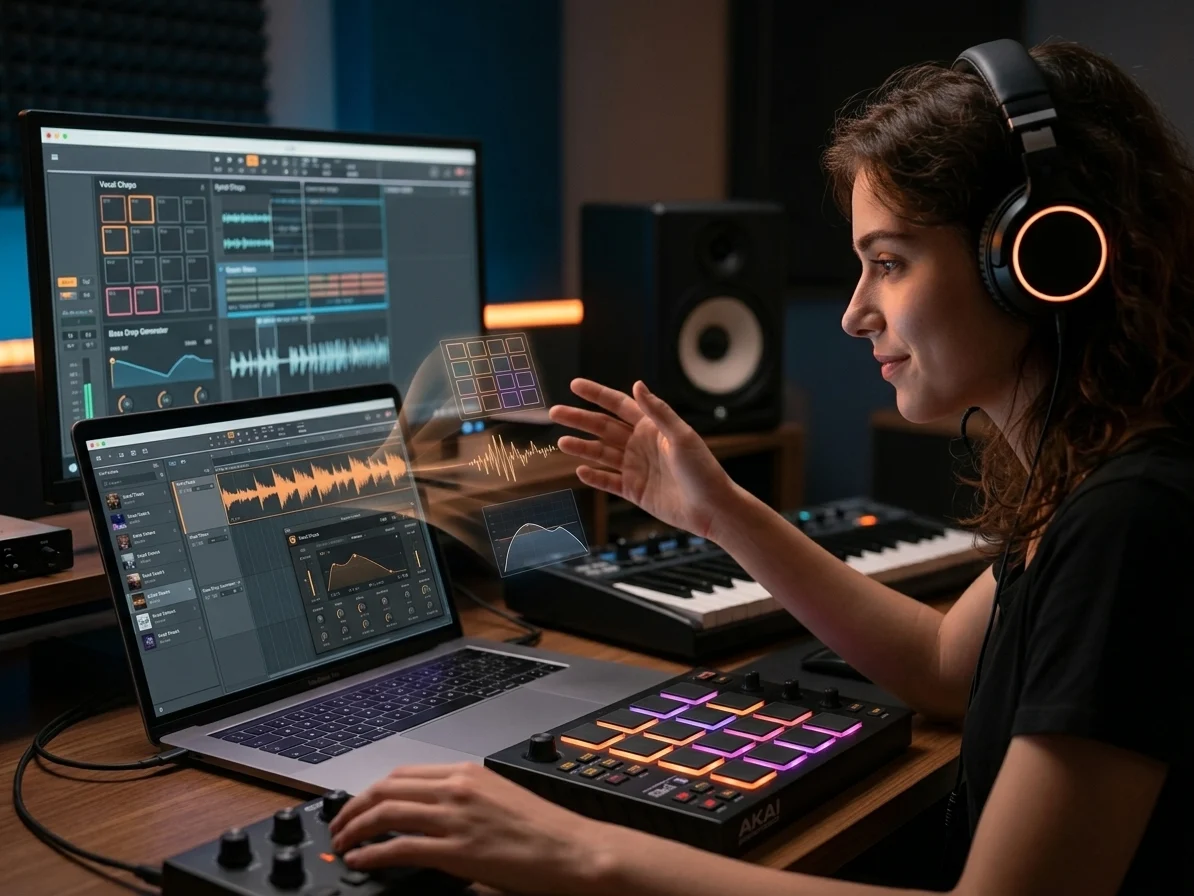
Prompt to Drafts That Fit Your Next Session
Start with plain language like drum pads, glitchy effects, vocal chops, or a bass drop generator idea. This AI Dubstep Music Maker gives you full-track drafts you can review, regenerate, or rebuild around in your wider workflow.
Who Gets the Most From Dubstep Creation
A Dubstep Music Maker helps creators move from bass ideas to finished tracks faster, with online access and fewer technical barriers.
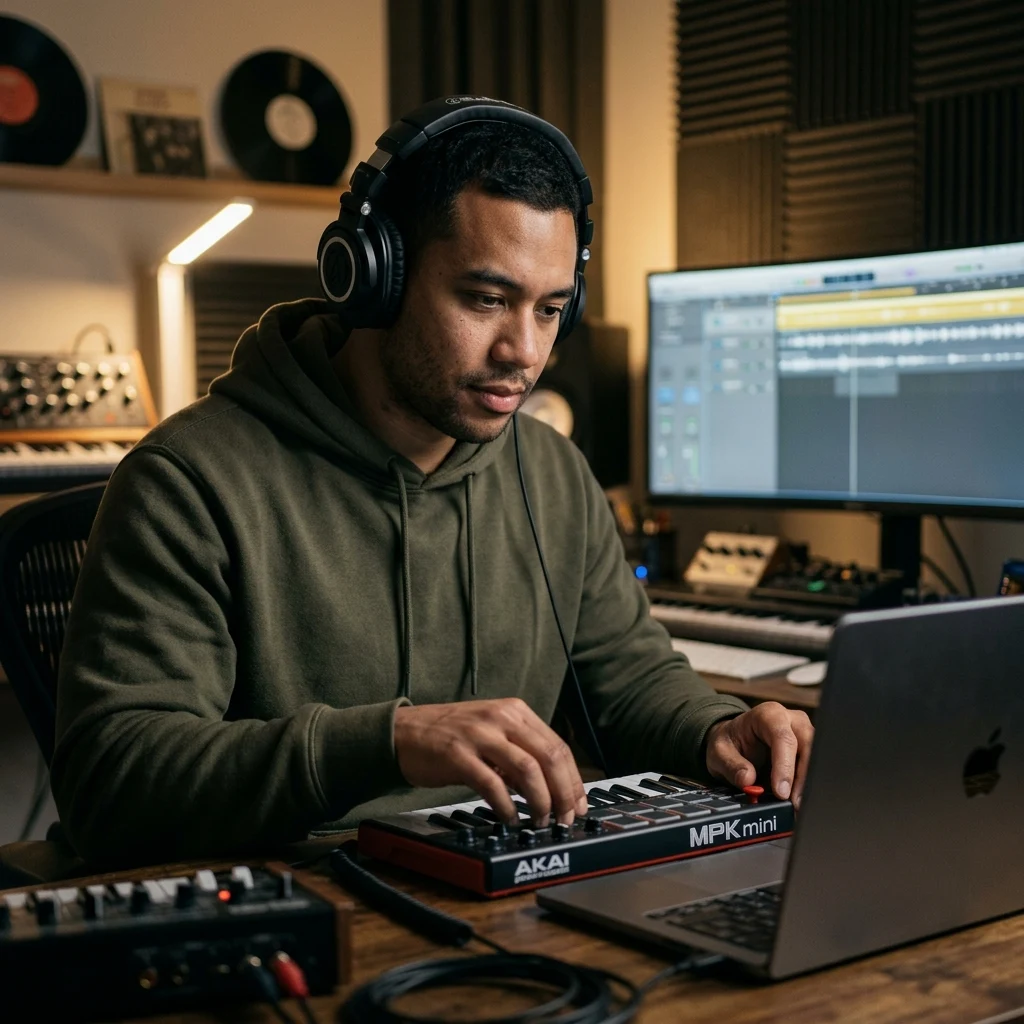
Content Creators
Searching stock libraries for a 15-second bass drop can waste an entire edit session. An AI Dubstep Music Maker lets you match the cut, intensity, and rhythm in minutes, then publish with a track built from scratch.
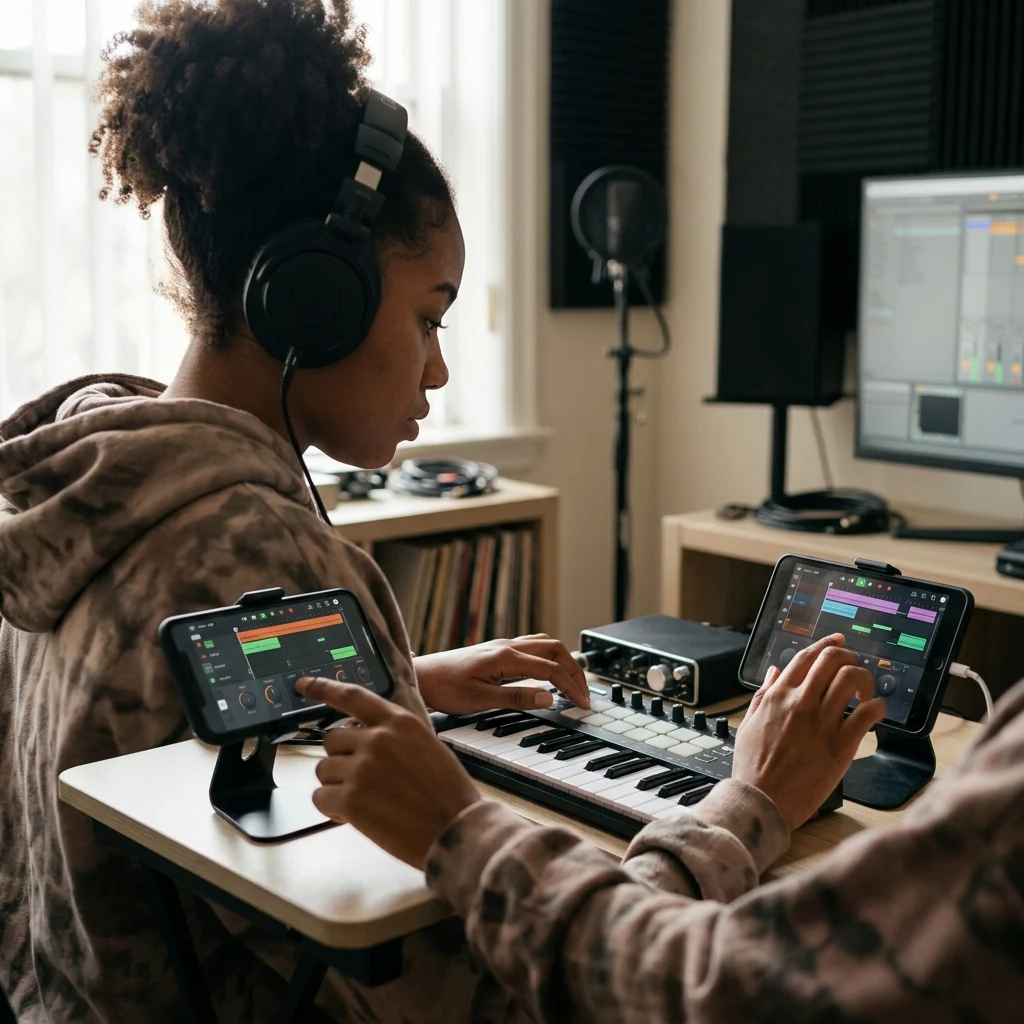
Mobile Beat Makers
Beat pad apps are quick, but many stop at loops. This Dubstep Music Maker turns your rhythm idea into a complete arrangement with drums, bass, mids, and FX, so one phone note can become a full track direction.
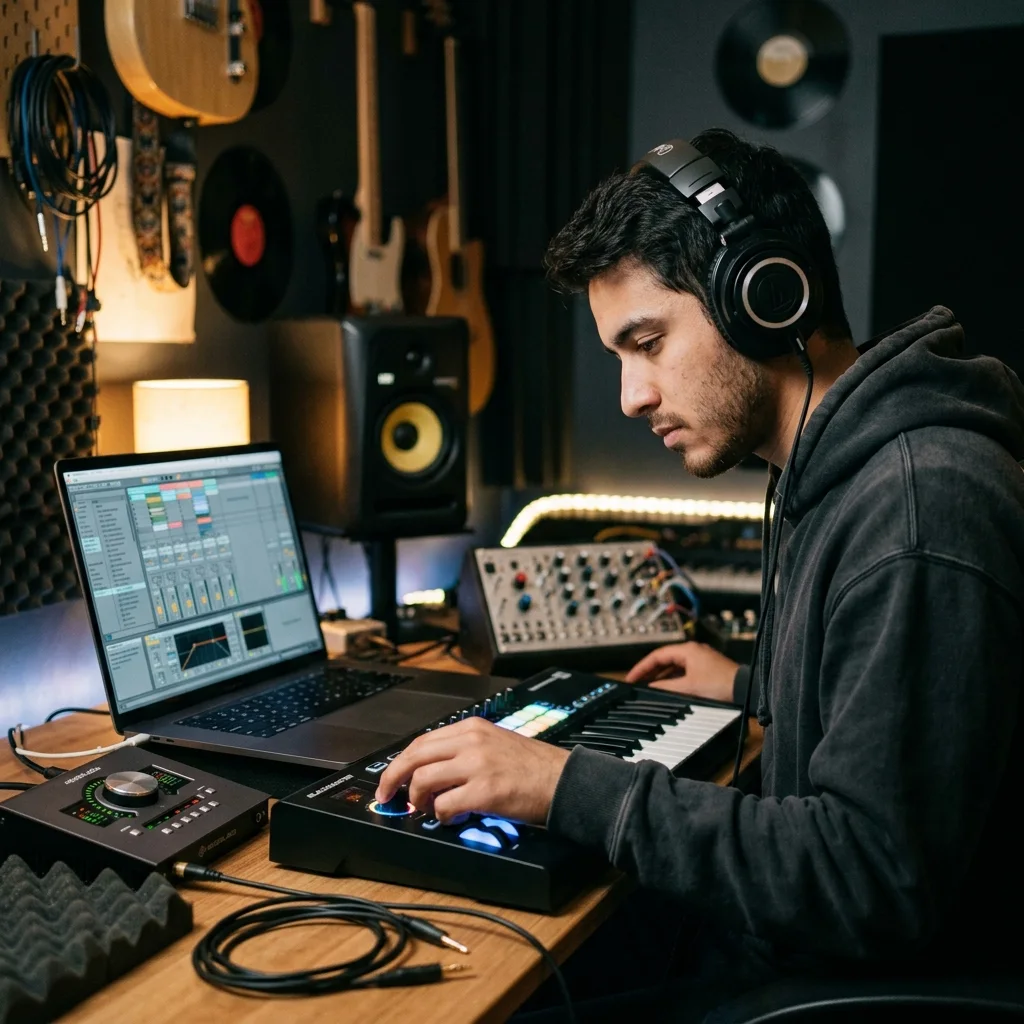
Aspiring Producers
DAW sessions can disappear into 40 loop tweaks before the drop feels right. Use the AI Dubstep Music Maker to audition 10 direction ideas, then keep the bassline, energy, and arrangement that actually moves.
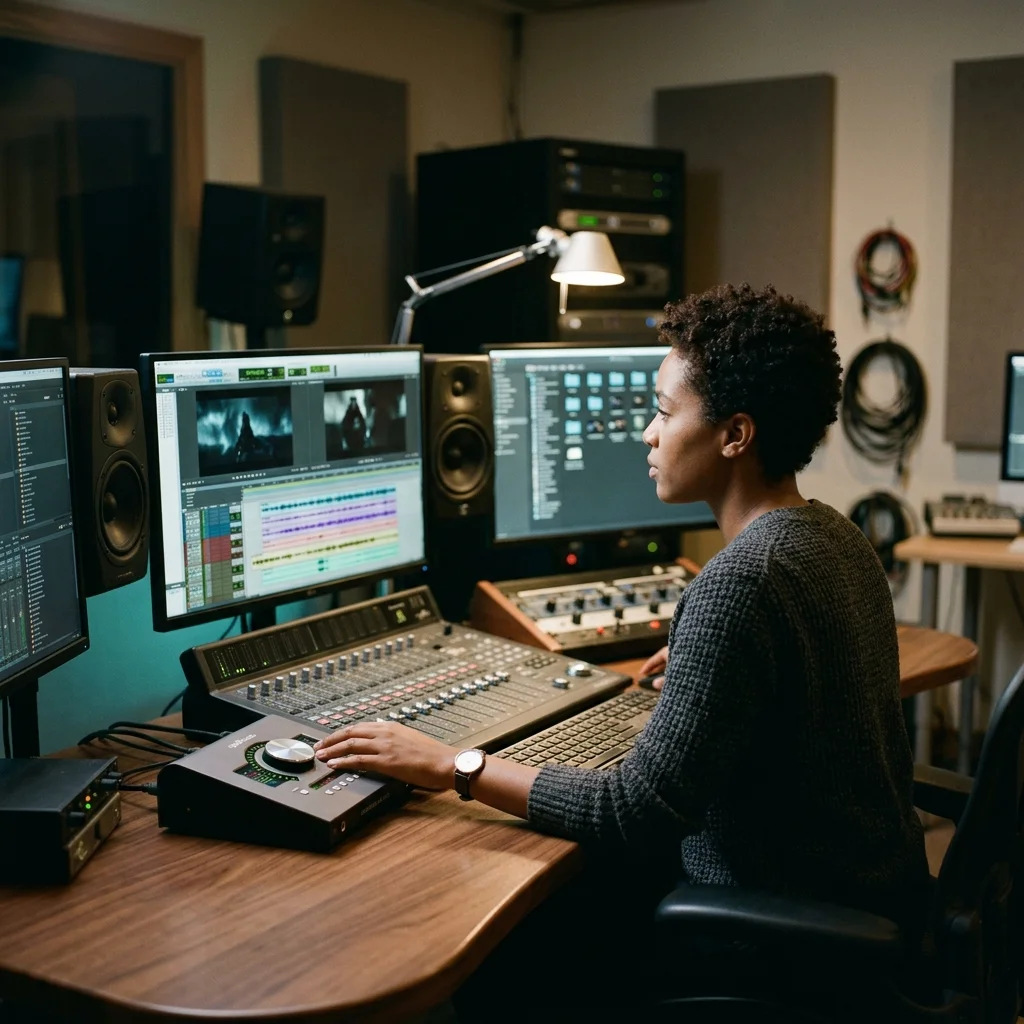
Game and Trailer Editors
Action edits need music that lands exactly on impact. A free dubstep music maker gives you aggressive builds, heavy drops, and tense transitions for boss fights, product reveals, and high-speed montage cuts.
Turn Bass Ideas Into Finished Drops
With CreateMusicAI, an AI Dubstep Music Maker session takes three clear steps from prompt to review-ready track.
Describe the Drop
Open CreateMusicAI and write the scene, energy, and bass character you want. Mention wobble bass, growling synths, heavy sub bass, vocal chops, or a dubstep beat maker online workflow if those details matter.
Choose the Dubstep Shape
Select subgenre and production tags such as brostep, riddim, melodic dubstep, half-time groove, heavy drops, or glitchy effects. The Dubstep Music Maker uses those choices to keep the track focused.
Generate and Refine
Create a full track, listen for the buildup and drop timing, then regenerate with tighter wording if needed. Your AI Dubstep Music Maker prompt becomes a practical draft for publishing or further production.
Dubstep Music Maker Questions
Clear answers about using an AI Dubstep Music Maker for bass drops, beats, online creation, and creator-safe music workflows.
What is the difference between a dubstep music maker and a dubstep beat maker?
A dubstep beat maker usually focuses on drums, bass, and drop ideas. A dubstep music maker can shape a fuller arrangement with intro, buildup, drop, and outro. For general beat workflows, try the AI Beat Maker; for nearby styles, use the AI Trap Music Generator.
What is a Dubstep Music Maker for beginners?
A Dubstep Music Maker is a tool for creating dubstep beats, drops, and full tracks without building every sound manually. It helps beginners move past blank DAW sessions by turning plain descriptions into structured bass music.
How does CreateMusicAI's Dubstep Music Maker work?
CreateMusicAI's Dubstep Music Maker reads your prompt, style tags, and mood choices, then generates music from scratch. You can guide the result with terms like wobble bass, heavy sub bass, half-time groove, drum pads, FX, or vocal chops.
Can I make bass drops without production experience?
Yes. The AI Dubstep Music Maker is designed for users who know the sound they want but not the full production chain. Describe the buildup, impact, and bass texture, then review the generated result.
Is this useful as a dubstep beat maker online?
Yes. You can use it as a dubstep beat maker online when you need quick rhythm ideas, bass movement, and track structure from a browser workflow. It is built for fast starts rather than complex setup.
What dubstep styles can I create with prompts?
You can prompt for brostep, riddim, melodic dubstep, chillstep, tearout, drumstep, and festival dubstep. The Dubstep Music Maker responds best when you pair a subgenre with 3 to 6 production details.
Can I use generated dubstep in videos or games?
CreateMusicAI generates new music from your prompt, so the output is royalty-free from third-party samples. Check your plan terms for export and commercial use options before releasing client or monetized projects.
Does the AI Dubstep Music Maker create vocal chops?
The AI Dubstep Music Maker can create processed vocals, chopped vocals, minimal vocals, and breathy vocal textures when you request them clearly. Add the vocal style near the end of your prompt for cleaner control.
Do I need an app or DAW to start?
No separate app or DAW is required to begin. Start online with a prompt, generate a track, and decide later whether you want to rebuild, remix, or extend the idea in your usual production environment.
How do I get stronger wobble bass results?
Use exact sound-design language. Prompts with wobble bass, growling synths, heavy sub bass, distorted bass, punchy drums, and heavy drops usually guide the Dubstep Music Maker more clearly than vague mood-only prompts.
Can I use it as a dubstep bass drop generator?
Yes. Describe the buildup, impact, wobble bass, sub bass, and drop timing you want. The AI Dubstep Music Maker can act as a dubstep bass drop generator for track ideas, game edits, and trailer moments, while broader electronic tracks can start from the AI EDM Music Generator.
Start Creating Copyright-Safe Music Today
Join thousands of creators using Create Music AI for royalty-free music—100% safe for YouTube, Spotify, and TikTok. Free to start, no credit card required.