Drag and drop your audio file here, or click to browse
Supports: MP3, WAV, OGG, M4A, AAC, FLAC, WMA
Vocals
Separate vocals and instrumental audio
Drum Separation
Separate vocals, drums, bass, and other instruments

AI Drum Remover
Show Case
AI Drum Remover
Upload a song and use CreateMusicAI AI Drum Remover to separate drums, vocals, bass, and other instruments in one online workspace. Remove drums from song references for rehearsal, isolate the rhythm section for analysis, or export cleaner stems for remix sessions without installing heavy production software.
Remove Drums from Song Files with AI
CreateMusicAI AI Drum Remover gives musicians a focused way to split a finished mix into usable parts. Instead of fighting EQ tricks or searching for rare drumless versions, you can use AI Drum Remover to hear the drum stem separately, keep vocals and bass organized, and remove drums from song material for your next session.
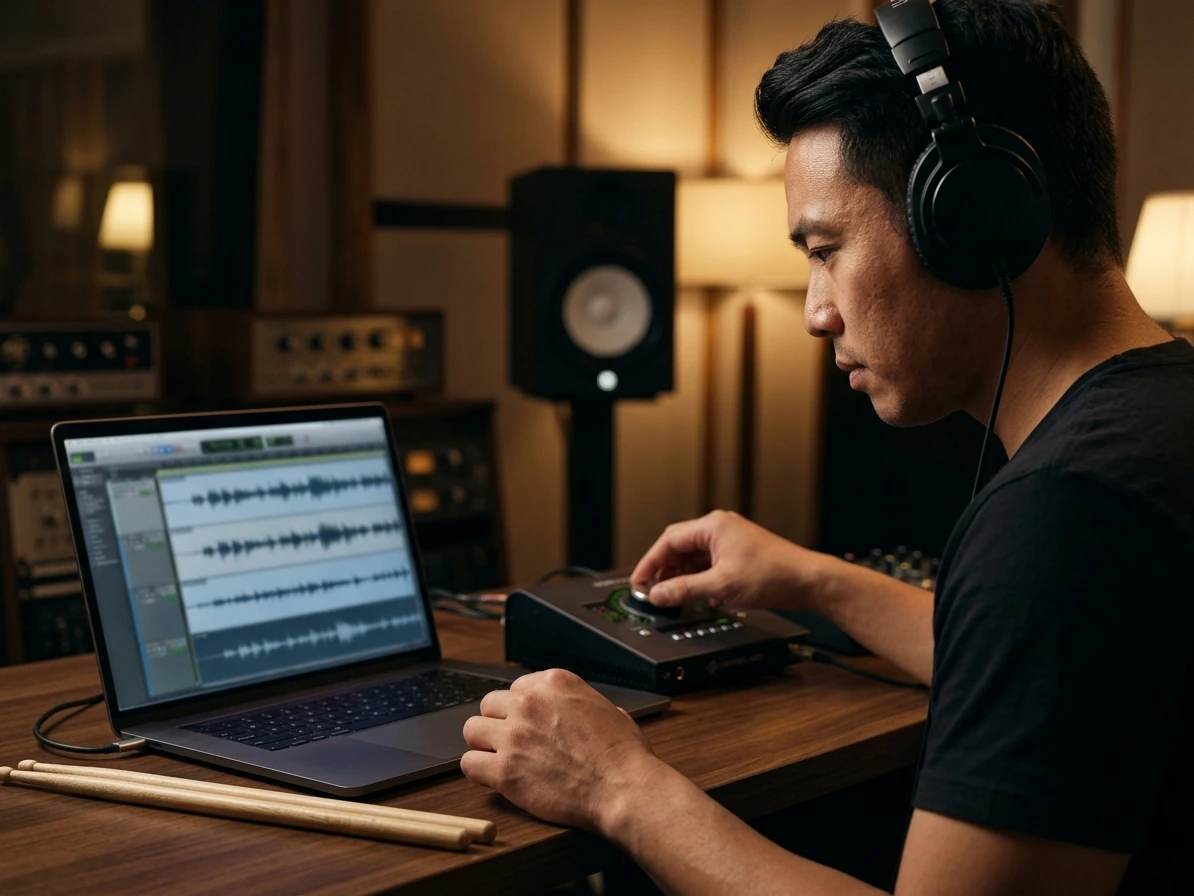
Isolate the Drum Track
Use AI Drum Remover to detect kicks, snares, cymbals, toms, and percussion inside a full mix. Preview the drum stem beside vocals, bass, and other instruments so you can study groove choices, check transitions, or download the rhythm layer for closer listening.
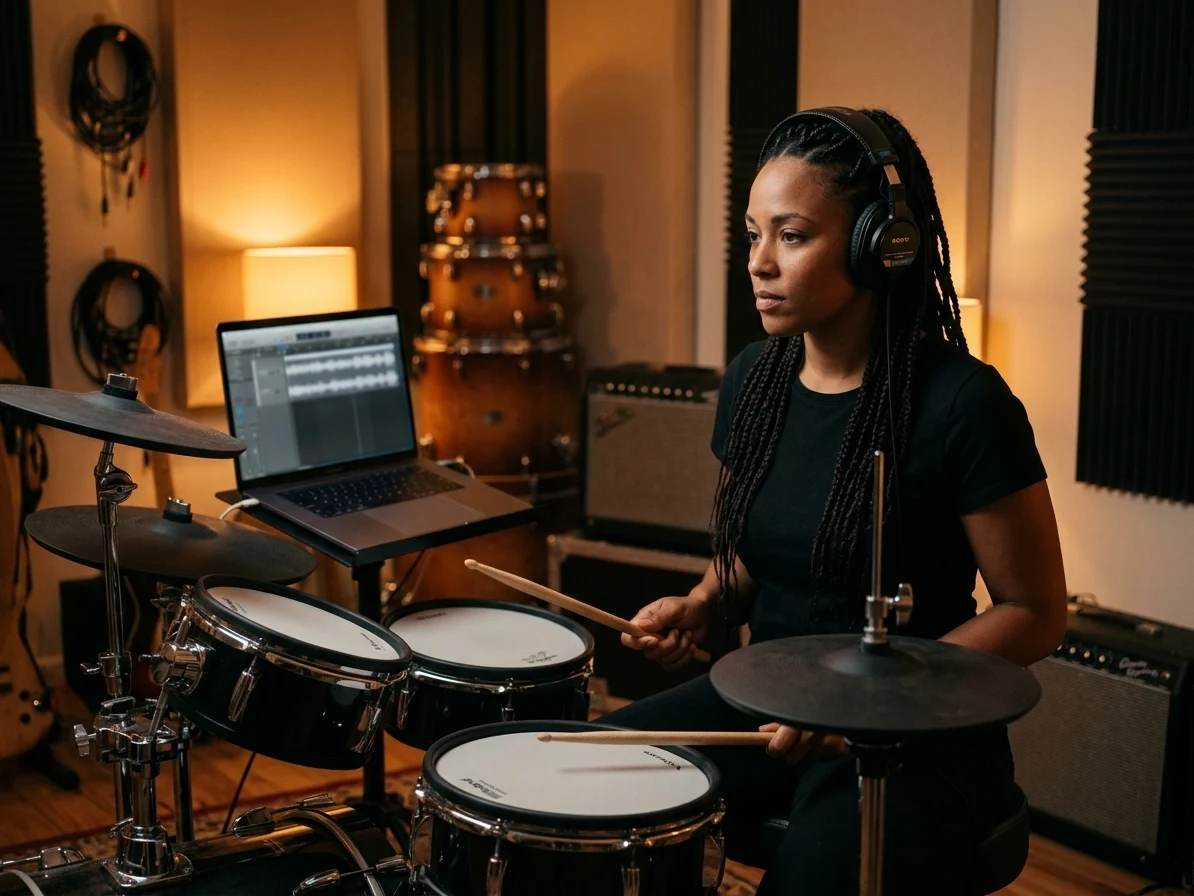
Build Drumless Practice Tracks
Remove drums from song references when an official drumless version is not available. Drummers can rehearse covers against the remaining band mix, teachers can prepare lesson material faster, and students can focus on timing without losing the musical context.
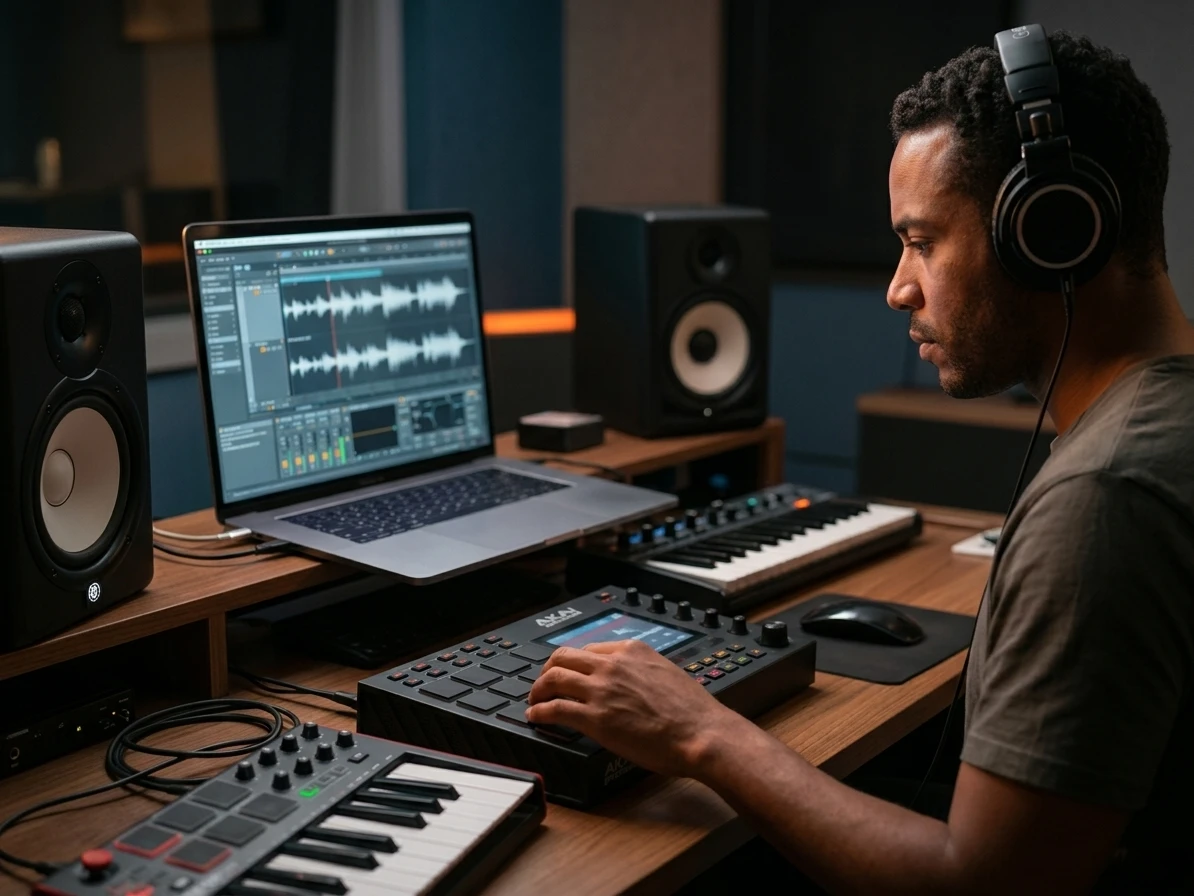
Clean Samples for Remixes
Use AI Drum Remover on loops, demos, and finished mixes before replacing grooves or building edits. Producers can remove drums from song sections, preserve useful vocals and bass, reduce rough filtering work, and prepare cleaner material for a DAW session.
Who Uses an AI Drum Remover?
AI Drum Remover is useful whenever the drum part blocks practice, remixing, teaching, or close listening. CreateMusicAI keeps the AI Drum Remover workflow approachable for quick experiments while still giving creators separate stems they can move into a more detailed production setup.

Drummers Making Covers
Remove drums from song files when no official backing track exists, then record your own performance over the remaining band mix. The separated drum stem also helps you compare fills, ghost notes, and kick placement before filming a cover.
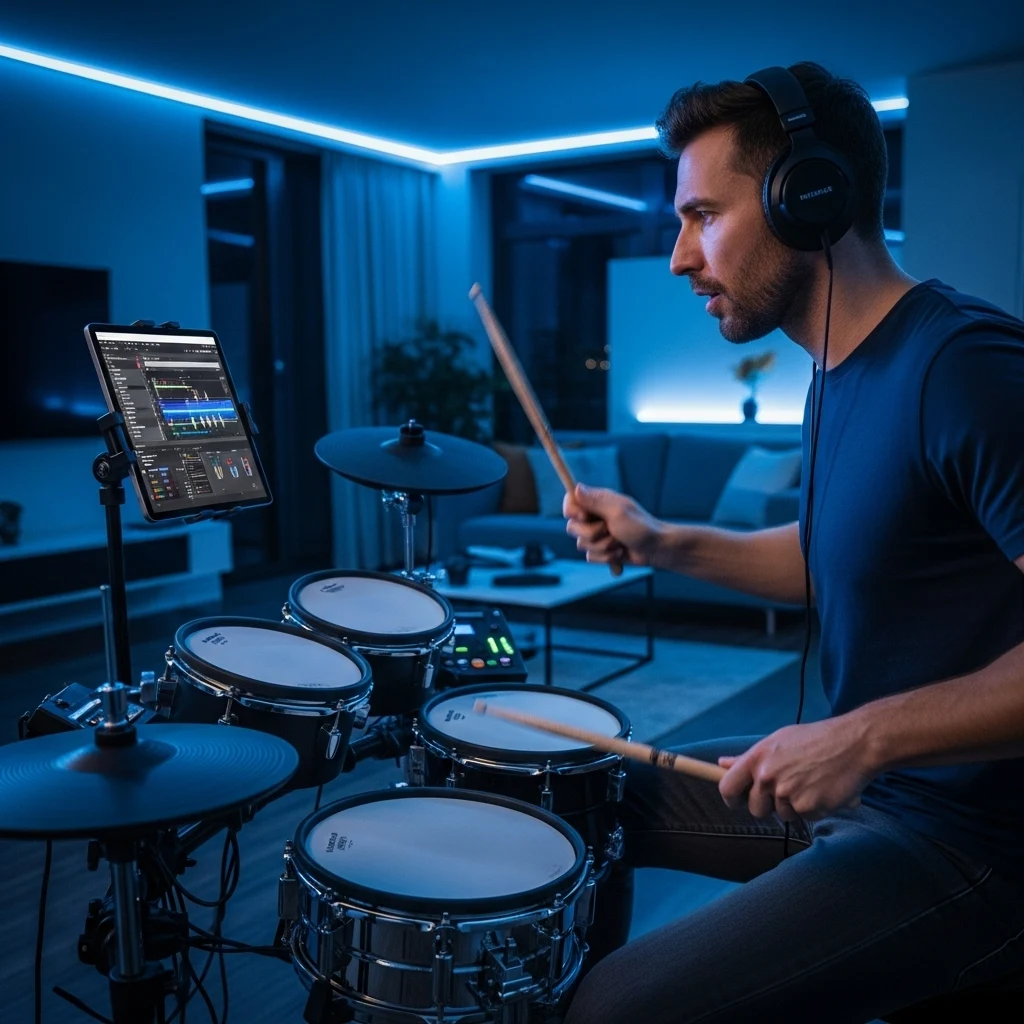
Producers Replacing Grooves
Separate drums from bass, vocals, and harmonic layers so you can test a new pocket without rebuilding the entire arrangement. Use AI Drum Remover to audition alternate patterns, tighten a demo, or create space for programmed drums.

Teachers and Students
Compare the isolated drum stem with the full arrangement during lessons, making fills, transitions, and subdivision choices easier to explain. Students can practice along with a drumless track and then check the original groove for reference.

DJs and Remix Artists
Prepare cleaner stems for edits by isolating percussion while keeping vocals, bass, and other instruments available. CreateMusicAI helps remix artists avoid blunt EQ cuts when they need a tighter intro, breakdown, or drum replacement idea.
How to Use AI Drum Remover
Use AI Drum Remover to remove drums from song files with a short upload, split, preview, and download workflow designed for real music tasks rather than a vague one-click promise.
1. Upload Your Audio
Choose an MP3, WAV, FLAC, or another common audio file. CreateMusicAI reads the mix and prepares it for AI Drum Remover processing, so you can start from a rehearsal reference, demo, loop, or finished track.
2. Select Drum Separation
Run the drum separation mode to split the track into vocals, drums, bass, and other instruments. Listen to the drum stem and the remaining layers before saving anything, especially if the original mix has dense cymbals or distortion.
3. Download and Rebuild
Download the separated drum stem and the non-drum stems, then rebuild a drumless practice track, lesson file, remix session, or groove-replacement sketch in your DAW. Keep the original rights situation in mind when sharing finished work.
Frequently Asked Questions
Answers to common questions about CreateMusicAI AI Drum Remover, drum separation quality, downloads, and rights for uploaded recordings.
Is AI Drum Remover free to try?
Yes. You can try AI Drum Remover online with limited free usage, which is enough to test the workflow on a short rehearsal reference or demo. Higher processing limits are available on paid plans.
Can I remove drums from song files and keep the other instruments?
Yes. AI Drum Remover separates the mix into drums, vocals, bass, and other instruments. You can download the non-drum stems and rebuild a drumless version in your editing workflow instead of accepting a single flattened output.
Can I isolate drums instead of removing them?
Yes. The same split gives you an isolated drum stem, which is useful for studying grooves, sampling percussion, checking cymbal patterns, or understanding how the rhythm section supports the rest of the song.
Will the drumless track sound perfect?
AI separation quality depends on the original recording. Dense cymbals, heavy distortion, room bleed, and layered percussion can leave artifacts, so preview the stems before using them in a final practice video, lesson, or remix.
Can I use the separated drums commercially?
You are responsible for having the rights to the original audio and any project that uses it. CreateMusicAI AI Drum Remover does not grant rights to copyrighted recordings or samples supplied by someone else.
What is the difference between AI Drum Remover and AI Stem Splitter?
AI Drum Remover focuses this page on drum removal, drum isolation, and drumless practice workflows. AI Stem Splitter is the broader tool for users who want a general vocals, drums, bass, and instruments separation page.
What kinds of files work best?
Clear stereo mixes with balanced drums usually produce the most useful AI Drum Remover results. If you remove drums from song files with crushed mastering, loud cymbals, or heavy live bleed, expect to spend more time previewing and choosing the cleanest stem.
Do I need production software to use it?
No. You can upload, process, preview, and download stems online with AI Drum Remover. A DAW is helpful when you want to remove drums from song material, rebuild a polished drumless mix, arrange a remix, or combine the exported stems with your own drums.