
What Is a Drill Music Generator
Why This Drill Music Generator Feels Built for Drill
CreateMusicAI's Drill Music Generator focuses on regional control, low-end movement, and fast iteration so your AI drill drafts avoid generic trap results.
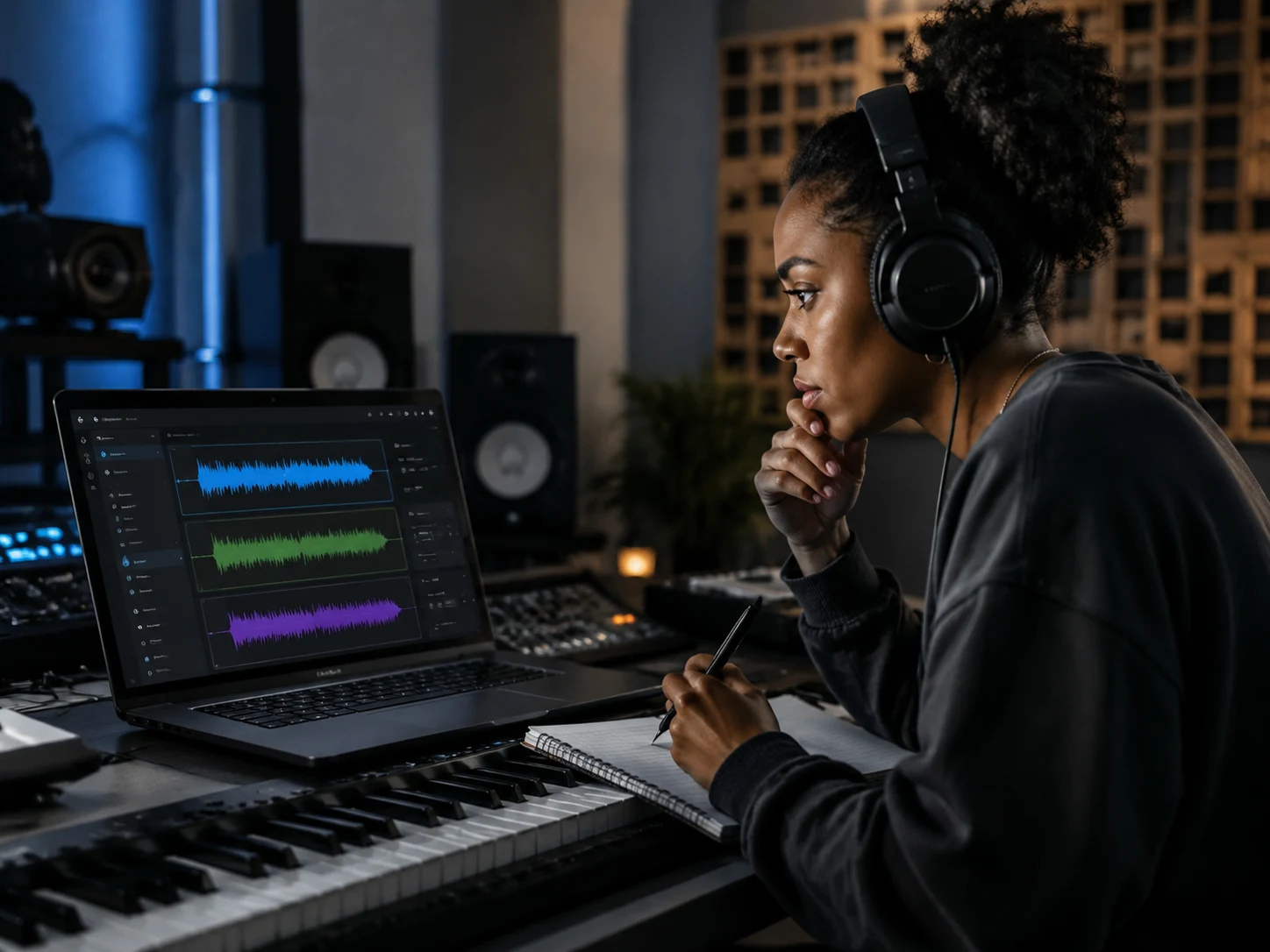
Drill Regions That Sound Distinct
A serious Drill Music Generator has to understand that UK drill, Brooklyn drill, NY drill, and Chicago drill do not move the same way. CreateMusicAI gives you style tags and prompt examples that point the AI toward the right pocket: darker UK tension, bouncier Brooklyn momentum, colder Chicago minimalism, or melodic drill with more hook space. The AI Drill Music Generator helps you steer the region before you generate, so the first draft already has a clear identity.
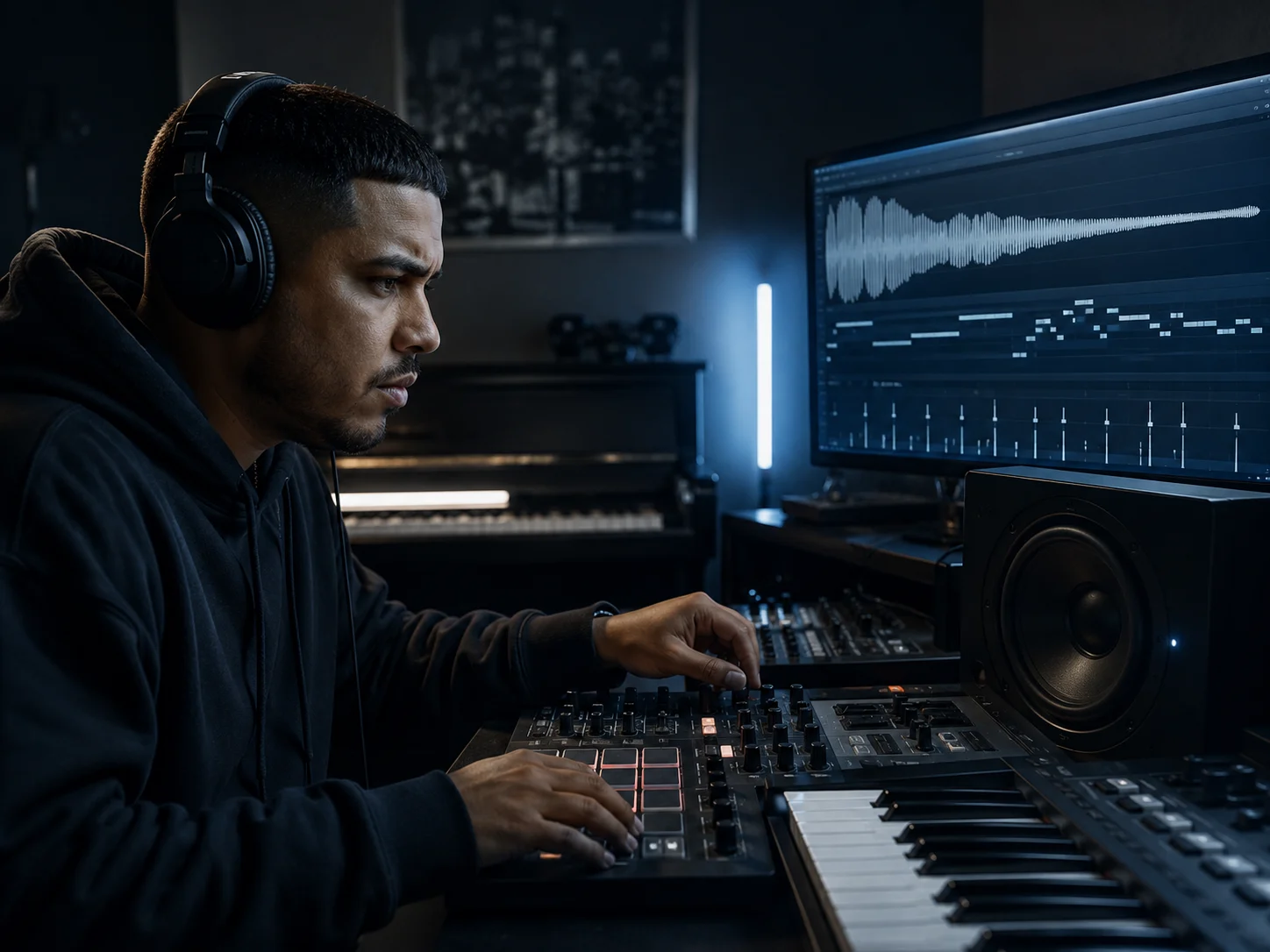
Sliding 808s Dark Piano and Sparse Drums
Drill lives or dies on the details: sliding 808s that move between notes, minimal drums that leave room for flow, sharp snares, tight hats, and eerie piano or bell melodies. The Drill Music Generator is tuned around those building blocks. Instead of asking for a vague dark beat, describe the bass movement, melody texture, and drum feel. CreateMusicAI's AI Drill Music Generator turns that detail into a track that feels closer to a real drill session.
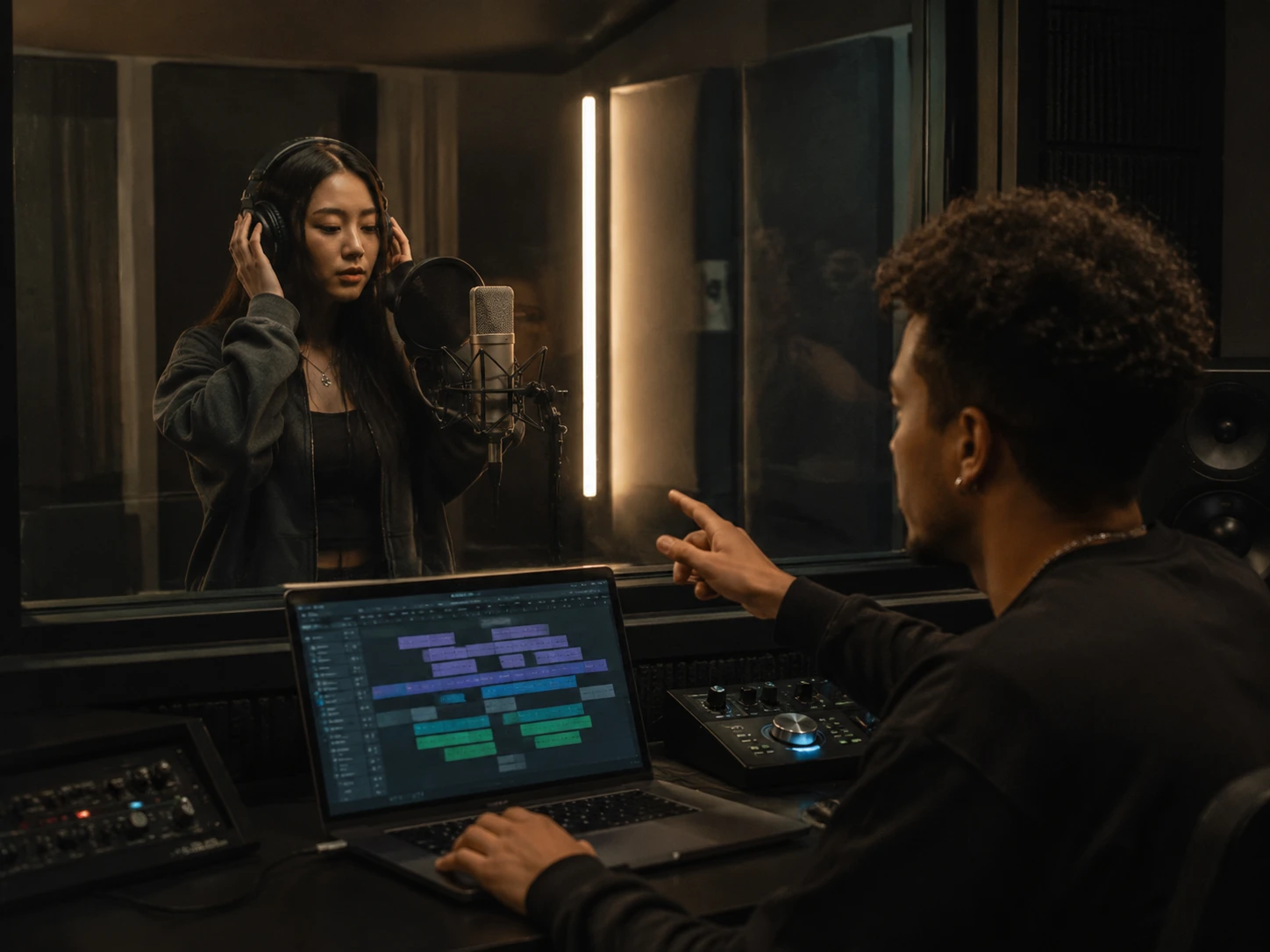
Full Drill Songs or Instrumental Beats
Some sessions need a full song sketch with vocals, while others need a clean instrumental for writing, recording, or client review. CreateMusicAI supports both workflows in one Drill Music Generator. Choose instrumental when you want a drill beat with no vocals, or describe a vocal direction when you need a hook idea, deadpan delivery, gritty rap vocals, or chant-like ad-libs. The AI Drill Music Generator keeps the workflow fast without locking you into one output type.
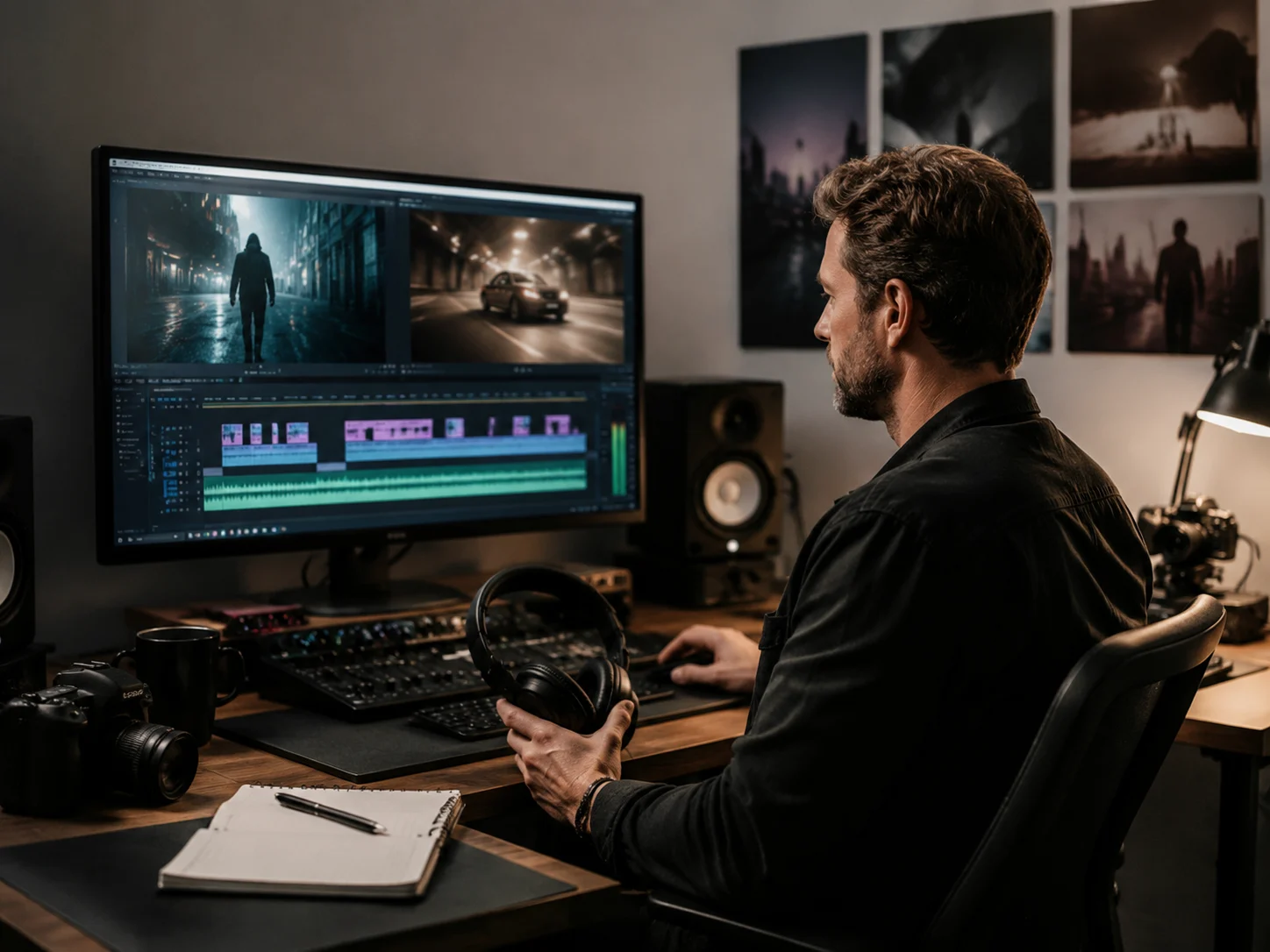
Royalty-Free Drill Tracks for Real Projects
Digging through beat marketplaces can slow down a release, and reused loops can create clearance questions. Every track from this Drill Music Generator is created from your prompt, so you can build a royalty-free drill draft for videos, demos, reels, games, or recording references without chasing sample credits. CreateMusicAI's AI Drill Music Generator gives creators a faster starting point: generate, compare versions, download the strongest idea, and keep moving.
Who Uses This AI Drill Music Generator
From rappers writing over a new pocket to video creators needing dark motion, the Drill Music Generator fits fast creative workflows.
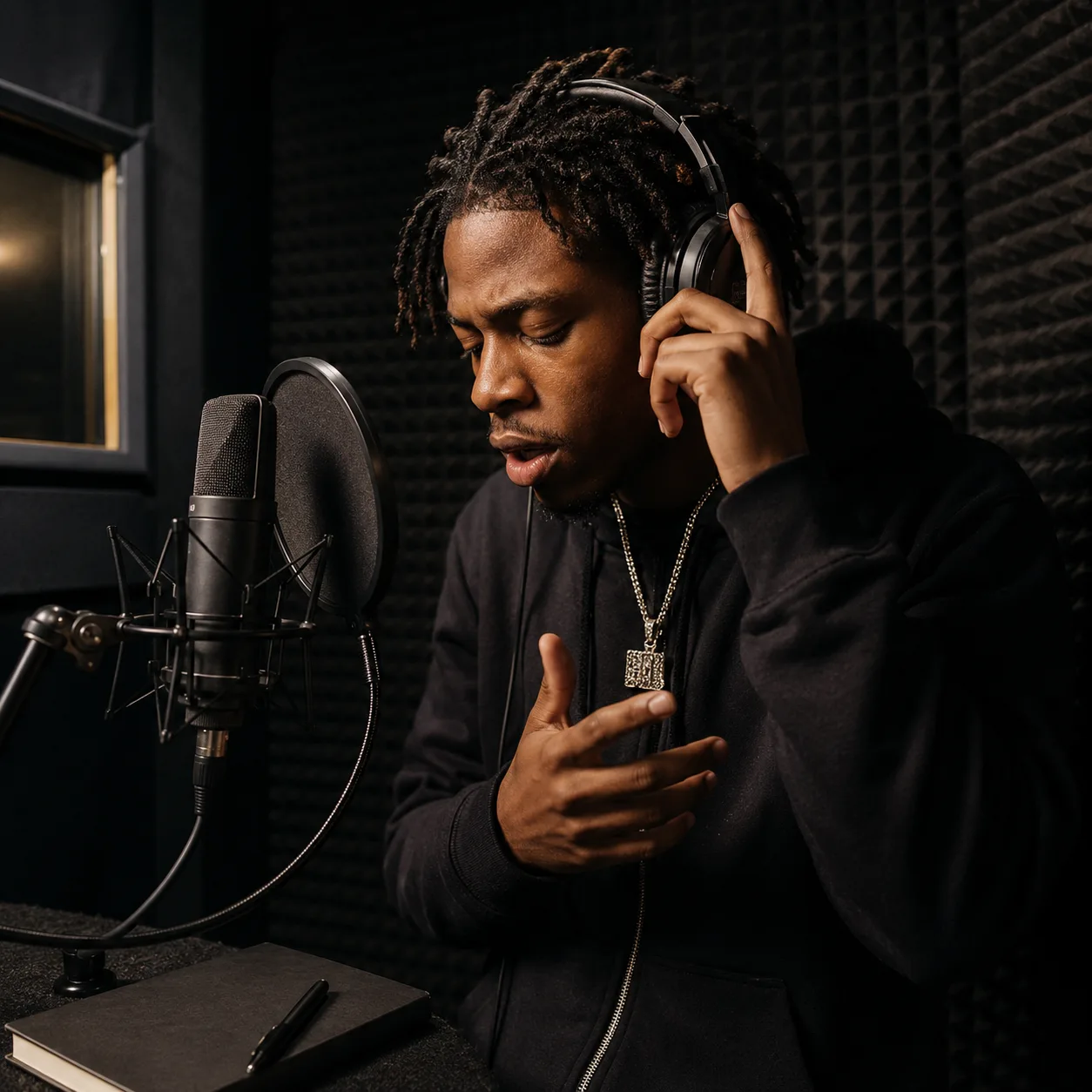
Rappers and Vocalists
You have a flow idea but no beat that matches it. The Drill Music Generator lets you create several drill instrumentals before a writing session: one cold UK drill draft, one bouncy Brooklyn drill version, and one darker Chicago-style beat. Use the AI Drill Music Generator to test cadence, write hooks, or practice delivery without waiting for a producer to send a pack.
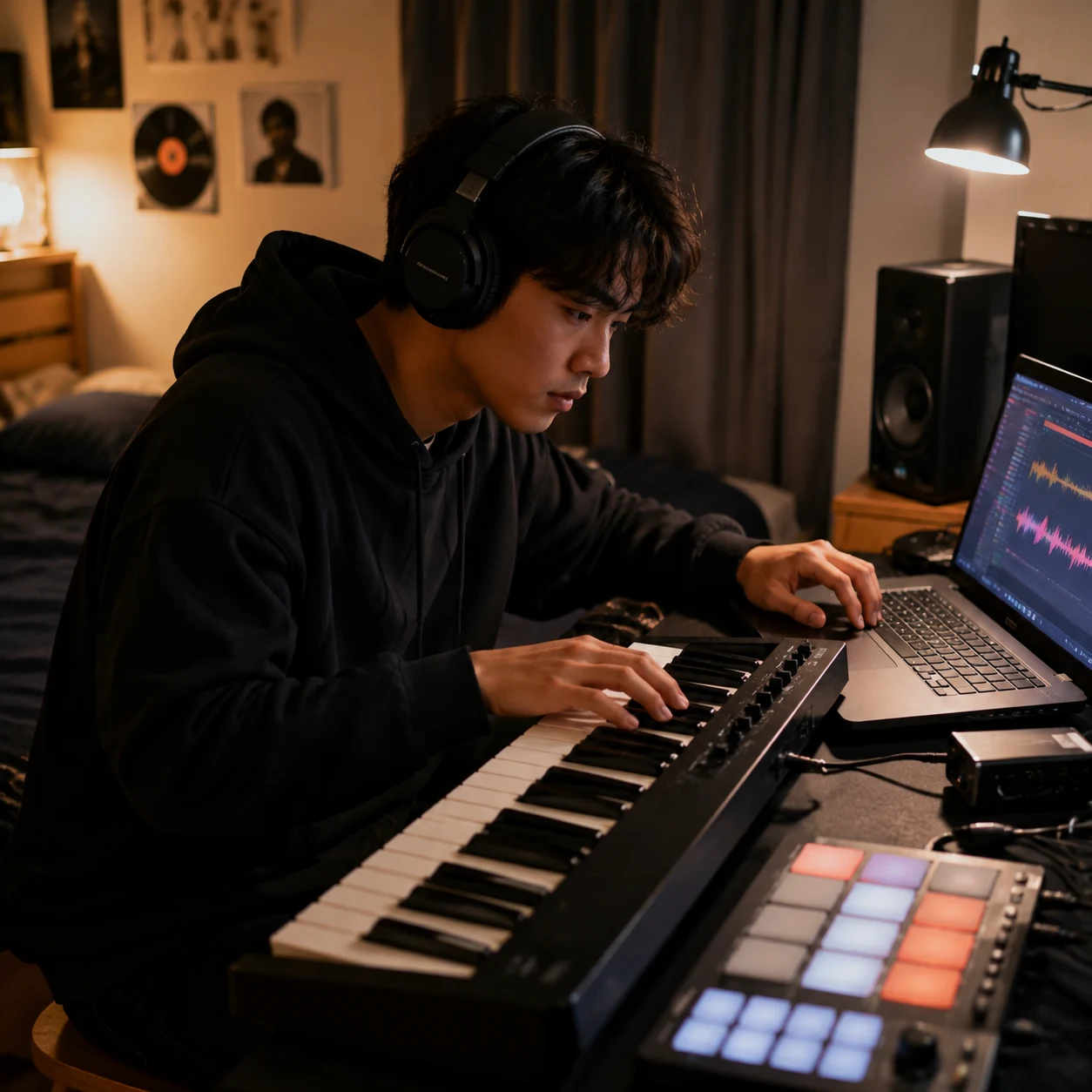
Bedroom Producers
Building a drill beat from scratch can take hours before the 808 slides and drum pocket feel right. CreateMusicAI gives producers a quick sketching surface. Prompt the Drill Music Generator for dark piano, sparse drums, hard 808 movement, and a tempo feel, then use the result as a reference, arrangement idea, or starting point for deeper DAW work.
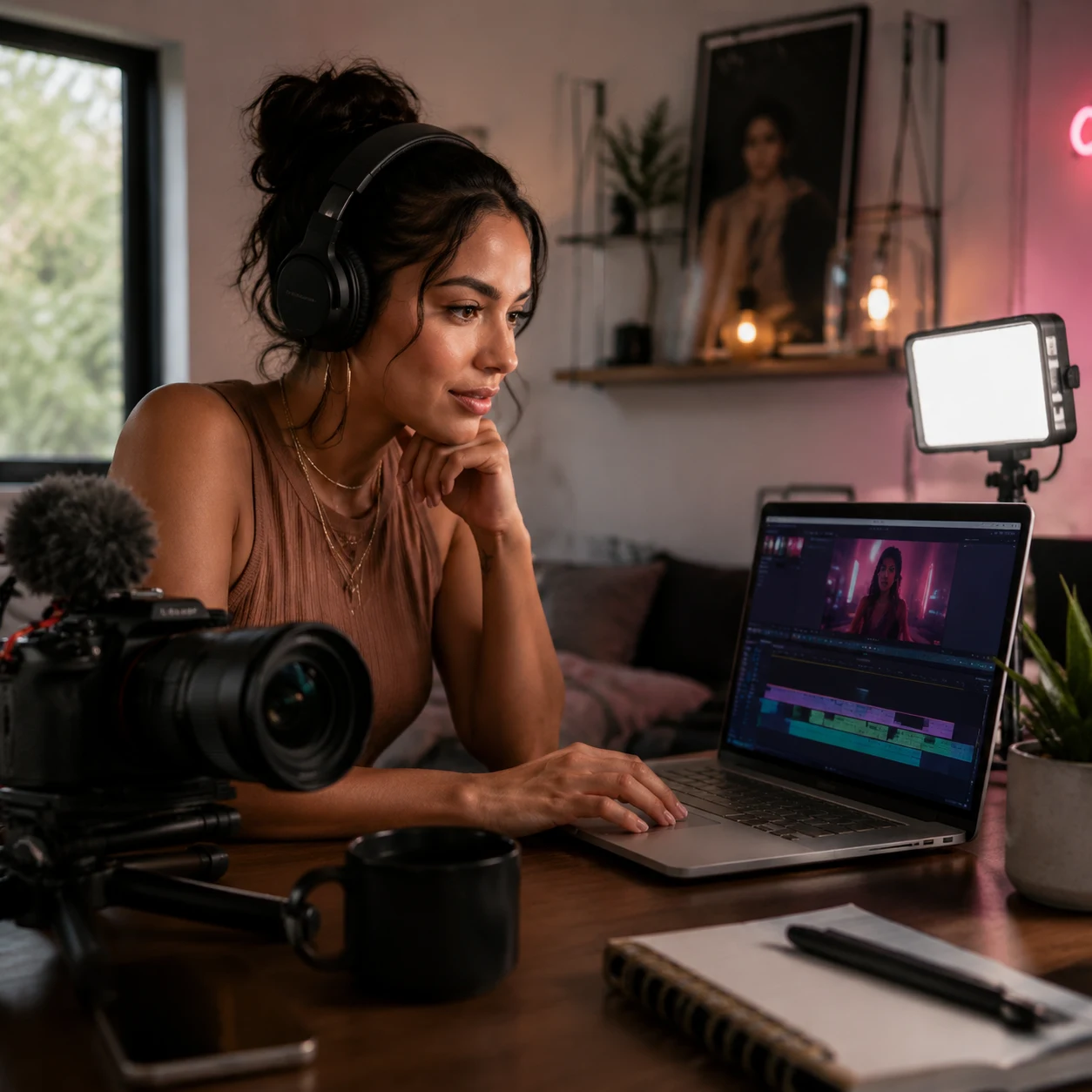
Content Creators
Short-form edits need music that hits immediately, but stock libraries rarely deliver authentic drill energy. The AI Drill Music Generator creates royalty-free drill music for reels, sports cuts, fashion clips, gaming videos, and gritty trailers. Describe the scene, choose the intensity, and get a track that supports the edit instead of fighting it.
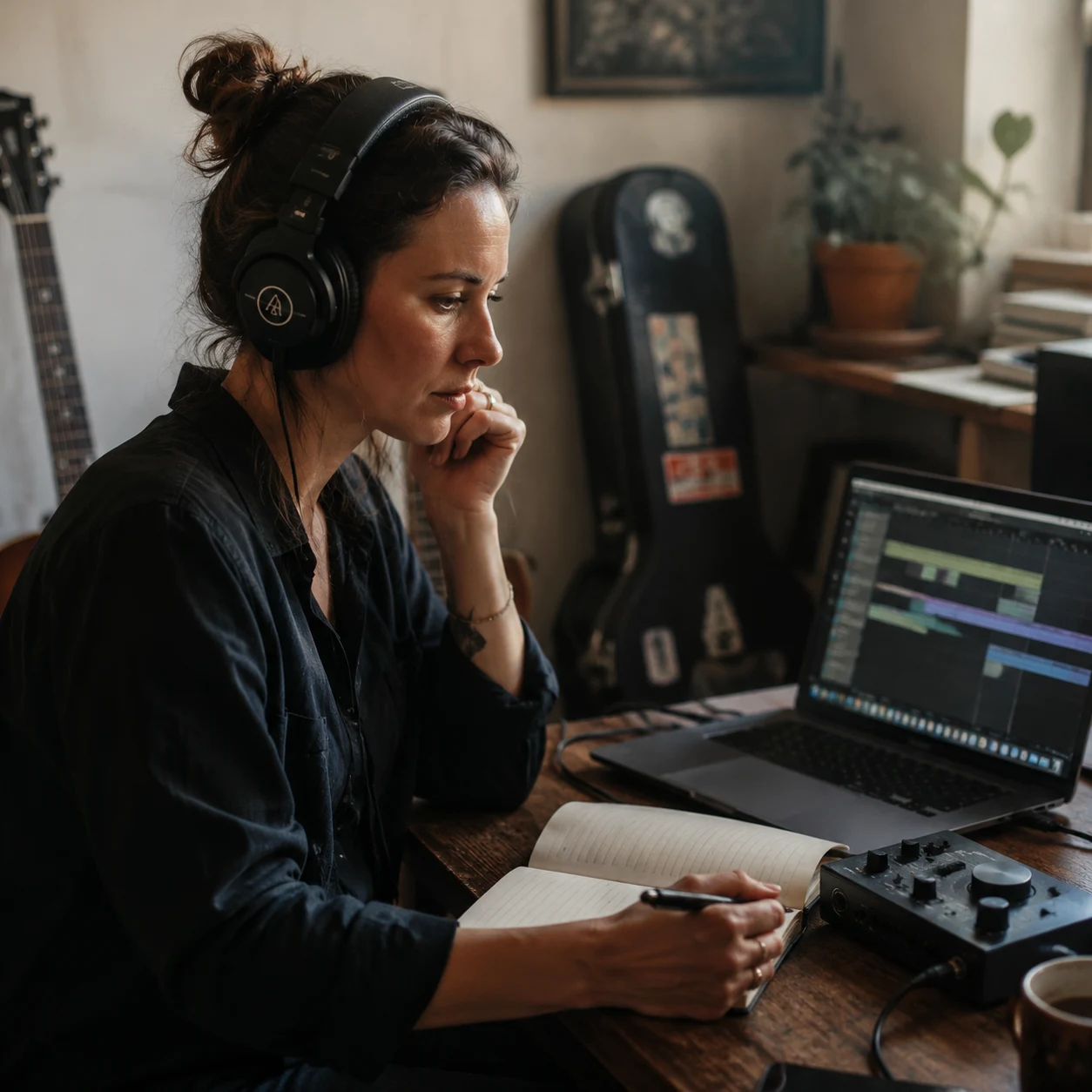
Independent Artists
Momentum matters when you are shaping a single, mixtape idea, or demo folder. Use the Drill Music Generator to compare different regional directions before booking studio time. The AI Drill Music Generator helps independent artists generate a draft, decide whether the hook needs vocals or an instrumental pocket, and walk into the next session with something concrete.
How to Make Drill Music in Three Steps
CreateMusicAI's Drill Music Generator moves from prompt to downloadable drill track without DAW setup or production theory.
Choose the Drill Direction
Start by selecting the style that fits your project: UK drill, Brooklyn drill, Chicago drill, NY drill, melodic drill, or dark trap drill. Add mood tags such as dark, cold, menacing, aggressive, or tense so the Drill Music Generator knows the emotional lane before it builds the track.
Describe the Sound in Plain Language
Write a prompt like 'UK drill with sliding 808s, sparse drums, dark piano, and deadpan male rap vocals' or 'Brooklyn drill instrumental with hard 808s and chant ad-libs.' The AI Drill Music Generator responds best when you mention region, bass movement, melody texture, and vocal direction together.
Generate Compare and Download
Generate one or more drafts, listen for the 808 pocket and drum spacing, then adjust your prompt if the track needs more bounce, more darkness, or no vocals. Download the version that works and use the Drill Music Generator again whenever you need another beat direction.
Frequently Asked Questions About the Drill Music Generator
Answers to the common drill creation questions around regions, 808s, vocals, rights, and prompt control.
Can this make UK drill, Brooklyn drill, and sliding 808 drill beats?
Yes. The drill music generator can create UK drill, Brooklyn drill, Chicago drill, and melodic drill directions. Mention sliding 808s, dark piano loops, aggressive hats, Brooklyn drill beat maker references, or a specific regional mood in your prompt to steer the result.
Can a Drill Music Generator make UK drill and Brooklyn drill?
Yes. CreateMusicAI's Drill Music Generator supports regional prompts for UK drill, Brooklyn drill, NY drill, Chicago drill, and melodic drill. Use it like a UK drill music generator by placing the region name early in your prompt, then add details like sliding 808s, sparse drums, dark piano, or aggressive rap vocals. The AI Drill Music Generator uses those cues to shape the rhythm, mood, and arrangement.
Is the AI Drill Music Generator free to try?
CreateMusicAI gives new users a low-friction way to test the Drill Music Generator before committing to a paid workflow. You can experiment with drill prompts, style tags, and instrumental settings, then decide whether the output quality fits your recording or content needs.
How do I get realistic sliding 808s in drill music?
Be specific. Instead of typing only 'drill beat,' ask the Drill Music Generator for sliding 808s, hard-hitting 808 bass, sparse drums, sharp snares, and the regional feel you want. Phrases like 'UK drill with sliding 808s and dark piano' or 'Brooklyn drill with hard 808 movement and chant ad-libs' give the AI Drill Music Generator stronger musical direction.
Can I generate drill instrumentals with no vocals?
Yes. Choose an instrumental workflow or include 'no vocals' in the prompt. The Drill Music Generator can create drill beats for freestyle practice, recording sessions, video edits, or DAW arrangement ideas without adding a vocal performance. If you want vocals later, generate a second draft with gritty rap vocals or deadpan delivery.
Can I use AI-generated drill tracks commercially?
Tracks created by the Drill Music Generator are generated from your prompt instead of copied from a third-party beat library. That makes them a practical royalty-free starting point for many creator projects, especially when you need royalty-free drill beats for edits, demos, or references. For commercial releases, monetized videos, client work, or distribution, check the current CreateMusicAI plan and license terms so your usage matches the right tier.
What is the best prompt for an AI Drill Music Generator?
The best prompt combines four parts: region, mood, sound details, and vocal choice. A strong example is 'UK drill, dark and menacing, sliding 808s, sparse drums, eerie piano, deadpan male rap vocals.' For a beat-only result, use 'Brooklyn drill instrumental, aggressive, hard 808 bass, sharp snare, minimal drums, no vocals.' The Drill Music Generator works better when the prompt describes what should be heard, not just the genre name.
Start Creating Copyright-Safe Music Today
Join thousands of creators using Create Music AI for royalty-free music—100% safe for YouTube, Spotify, and TikTok. Free to start, no credit card required.