How to compress MP3 files online
The workflow is simple: add a file, choose the size or bitrate, then download the compressed MP3 without opening an editor.
Upload audio
Drop an MP3 or another common audio format. The compressor reads it in your browser and shows the original size.
Choose size or bitrate
Pick a target size if you only care about file weight, or switch to bitrate when you want direct kbps control.
Download MP3
Compress the file, compare the output size, and save a smaller MP3 for messages, demos, lessons, or client previews.
A free MP3 compressor for music delivery
CreateMusicAI adds MP3 compression as a fast free tool for the moments after you export, master, edit, or share audio.
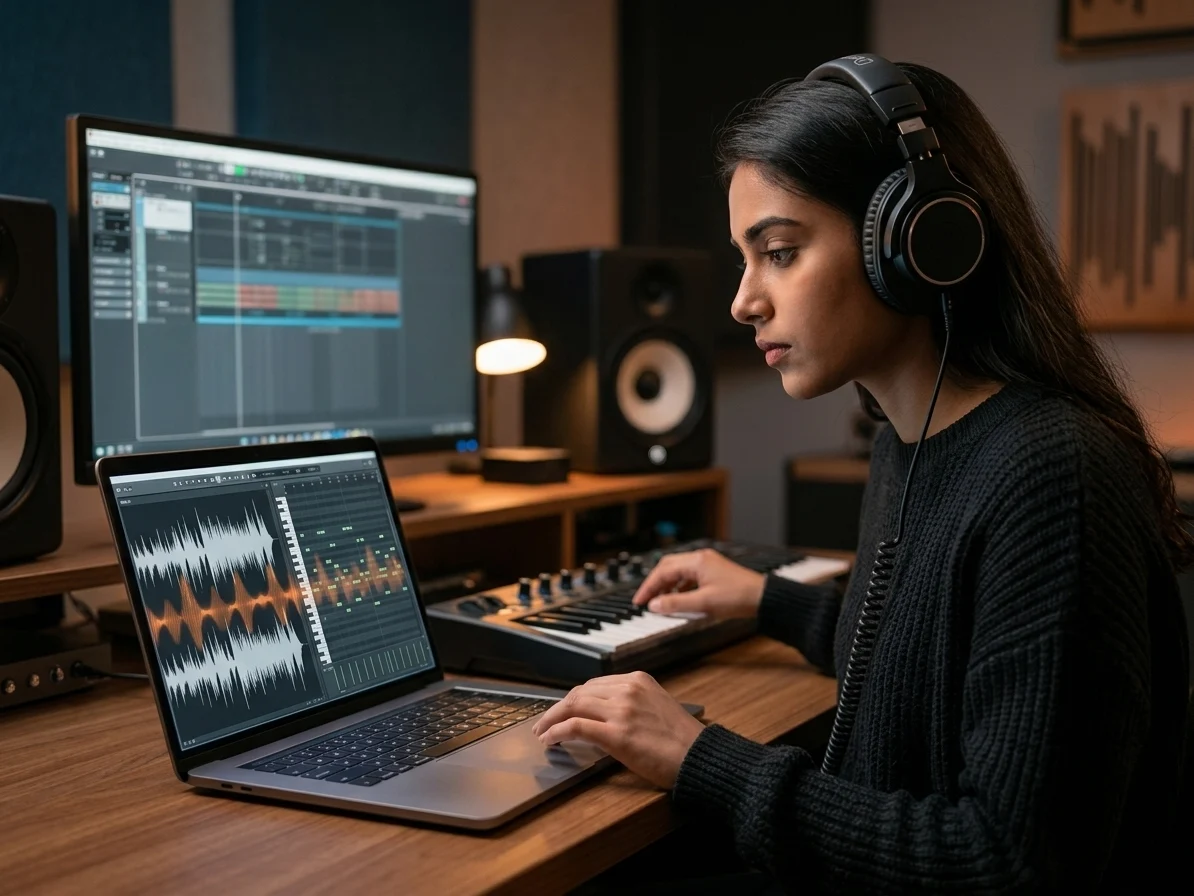
Compress MP3 in the browser
The MP3 compressor works locally, so short drafts, voice notes, music previews, and exported ideas can become smaller without a server upload.
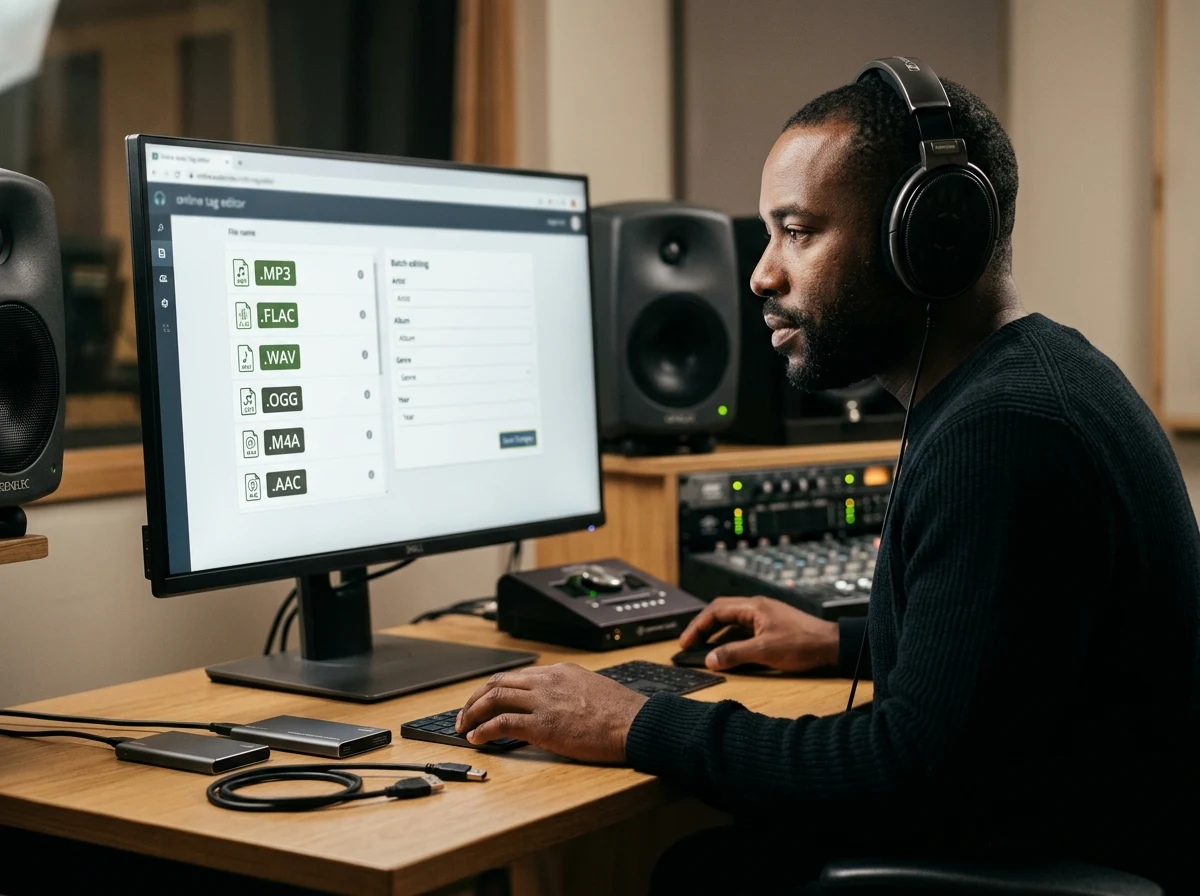
Choose size or bitrate
Set a target file size for everyday sharing, or use bitrate mode when you already know whether 64, 128, 160, or 192 kbps fits the job.
Keep delivery copies light
Use the smaller MP3 for email, social posts, course audio, feedback links, beat previews, and quick approvals while keeping your master file elsewhere.

Continue the music workflow
After compression, move to AI music generation, AI mastering, or stem splitting when the file needs creative work instead of only a smaller export.
Who uses an online MP3 compressor
Use the compressor when audio needs to move faster, fit an upload limit, or become easier to review without replacing the original file.

Content creators
Compress MP3 files for voiceovers, intro music, podcast clips, and social audio before sending or uploading.
Independent artists
Share smaller demos, rehearsal takes, beat ideas, and reference mixes before choosing what to master or release.
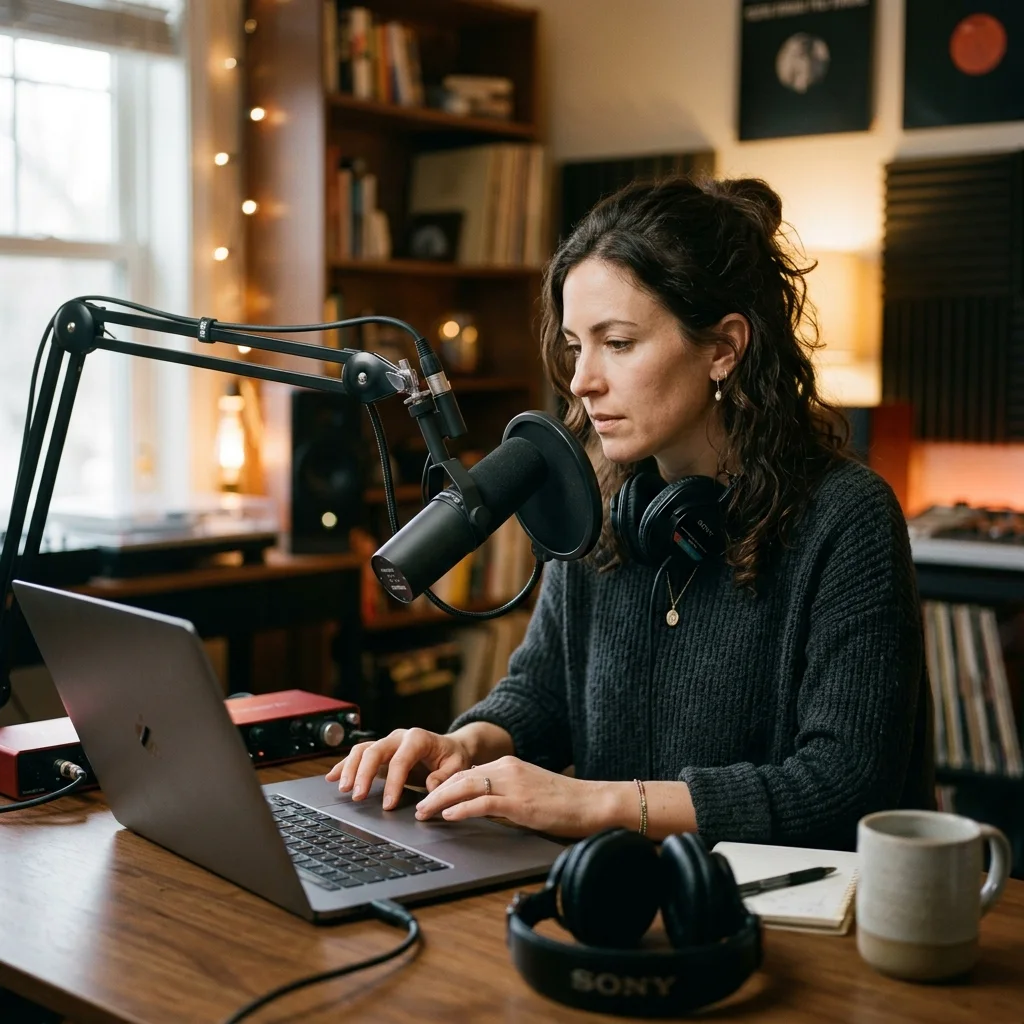
Podcasters and educators
Reduce MP3 file size for spoken lessons, interviews, classroom audio, and private feedback.
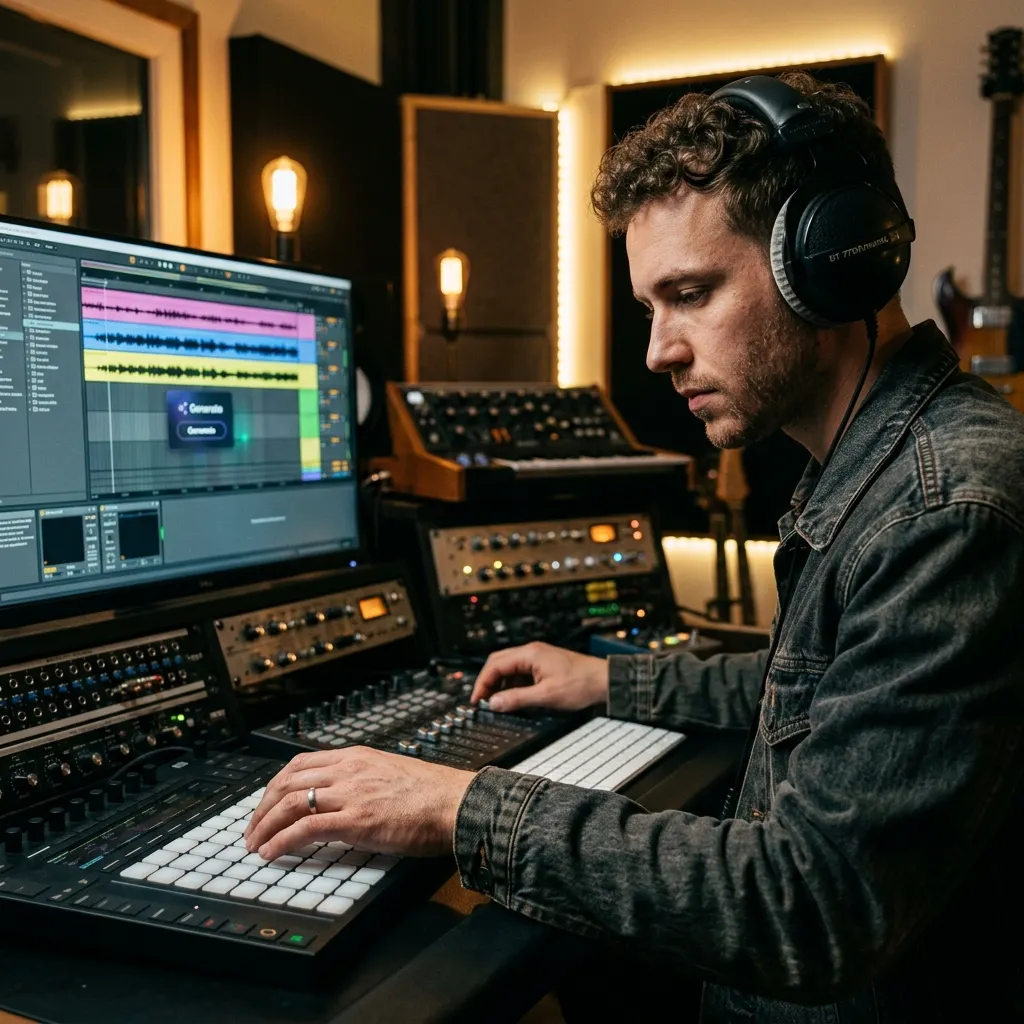
Producers and DJs
Create lighter previews for loops, edits, set notes, mashup drafts, and client approvals.
Related music tools
Move from the current task to the next focused tool without starting over.
MP3 compressor FAQ
Quick answers about file size, privacy, bitrate, mono output, and how this free tool connects to CreateMusicAI.
Is this MP3 compressor free?
Yes. The MP3 compressor is a free browser tool and does not spend CreateMusicAI credits. Credits are reserved for AI generation, mastering, stem separation, and other server-side music workflows.
How do I compress MP3 without losing too much quality?
Start around 128 kbps for balanced sharing. Use 160 or 192 kbps when music detail matters. Use 64 or 96 kbps for speech, rough drafts, or very small preview files.
Does the MP3 compressor upload my file?
No. The current compression happens in your browser. The audio is decoded, encoded, and prepared for download locally.
Should I set file size or bitrate?
Use target size when you want a 10 MB file closer to 5 MB. Use bitrate when you understand kbps and want direct control over the quality-size tradeoff.
Why is the compressed MP3 not always smaller?
If the source is already low bitrate, very short, or heavily compressed, a new MP3 may not shrink much. Lower the bitrate or choose mono if size matters more than stereo detail.
What should I do after reducing MP3 file size?
Use the compressed MP3 for delivery. If the audio still needs creative work, open AI mastering, AI stem splitter, or the AI music generator from the broader CreateMusicAI workflow.