Free Online Virtual Guitar
Related music tools
Move from the current task to the next focused tool without starting over.
Play An Online Virtual Guitar In Three Steps
Open this browser guitar, choose a playable setup, then move from simple notes to recorded guitar ideas without installing extra software.
Set Up The Online Virtual Guitar
Pick steel acoustic, nylon, clean electric, or drive tones. Use standard tuning, Drop D, DADGAD, Open G, half-step down, or custom string tuning, then move the capo while the Virtual Guitar keeps every fret mapped correctly.
Play Frets Chords And Scales
Click or tap the fretboard, use keyboard shortcuts for faster Virtual Guitar playing, mark chord shapes, strum with Space, and highlight major, minor, pentatonic, or blues scales across the neck.
Record Tune Share And Export
Capture an Online Virtual Guitar take in the browser, export played or marked notes as MIDI, copy a shareable fretboard link, or use reference-string playback for quick tuning checks.
Online Virtual Guitar Controls Built For Real Practice
This browser guitar goes beyond a clickable fretboard by combining performance, theory, export, and tuning workflows in one fast browser tool.
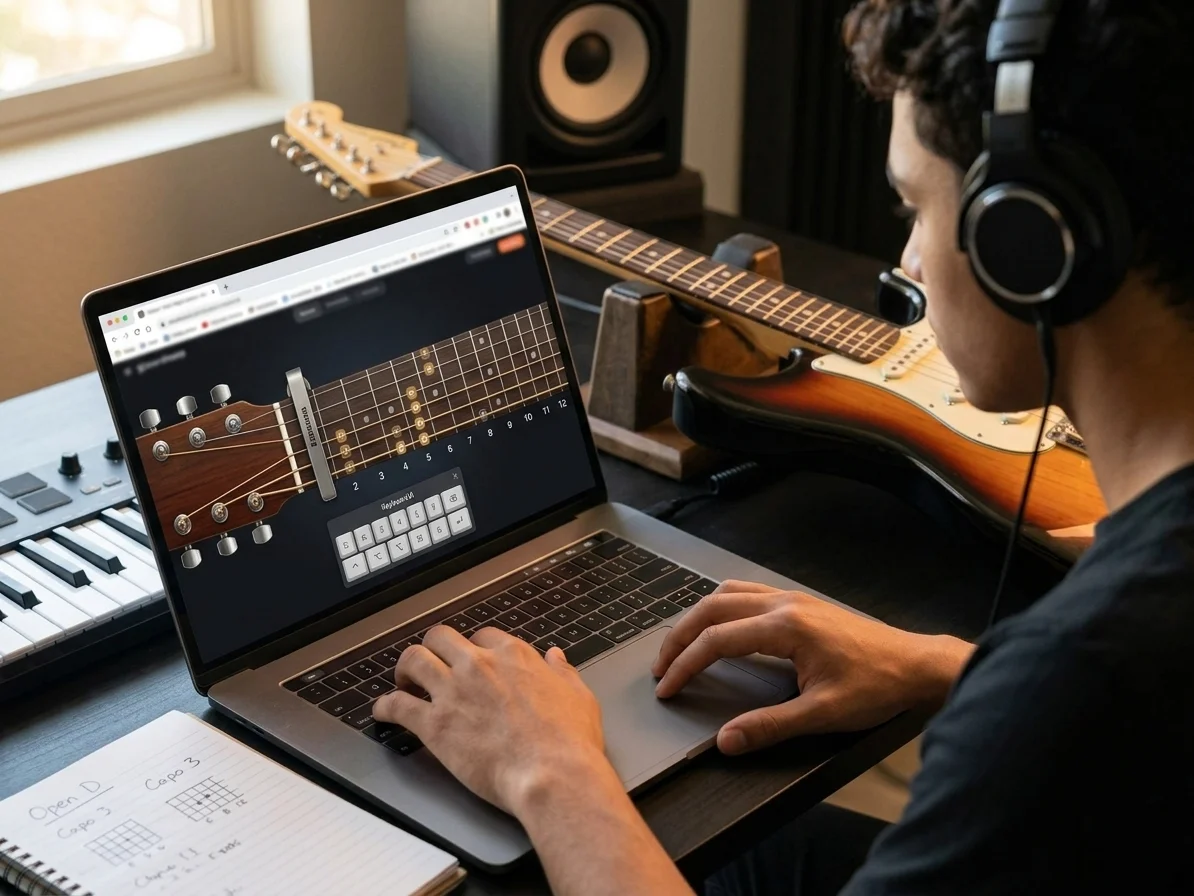
Playable Virtual Guitar Fretboard With Real Guitar Logic
The Virtual Guitar models six strings, open strings, capo movement, alternate tunings, fret positions, keyboard shortcuts, and same-string note choices. Use a compact 12-fret view for beginner practice, or open the full 22-fret range when you need lead lines, bass notes, and higher inversions.
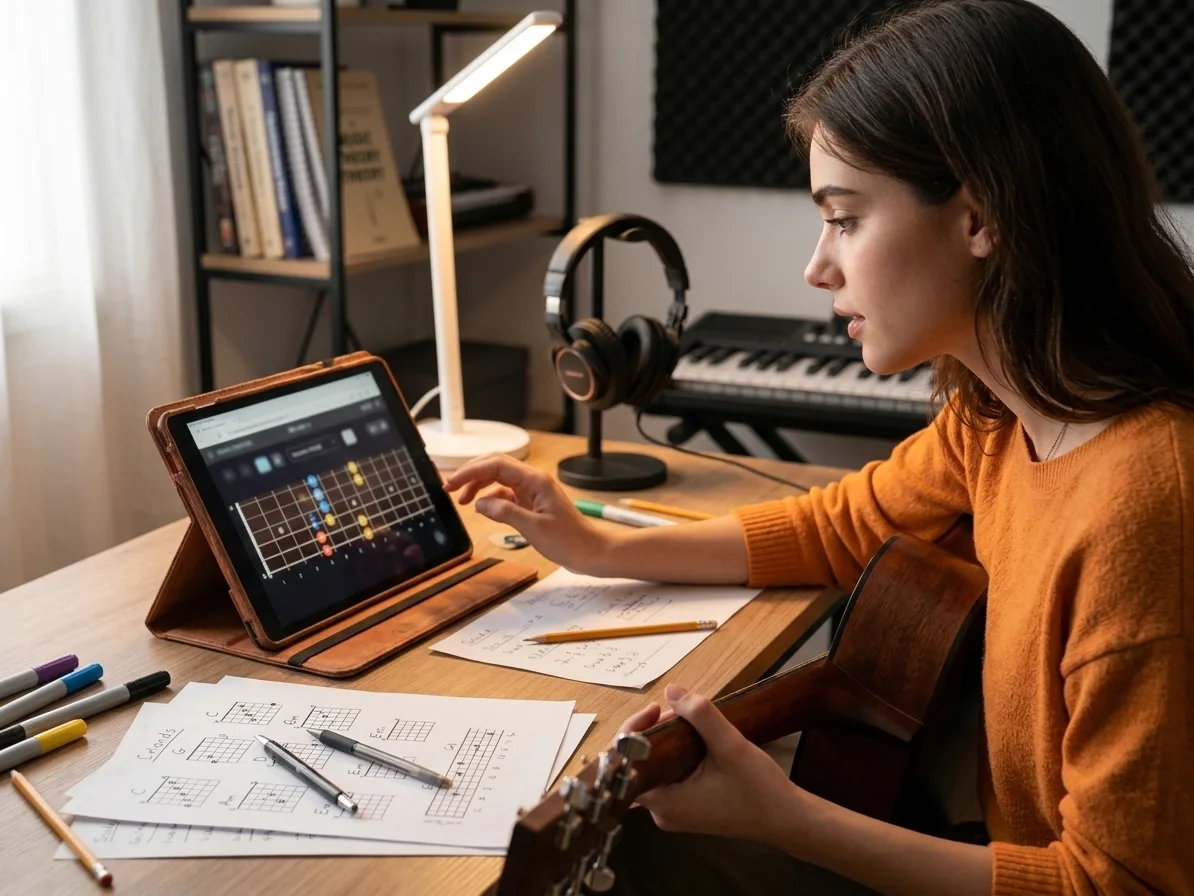
Chords Scales And Fretboard Theory
Mark common open chords, strum them up or down, and switch label modes between note names, intervals, scale degrees, and shortcuts. The Virtual Guitar turns scale highlights into a clear fretboard map, so you can see why a melody fits a chord instead of guessing by ear alone.
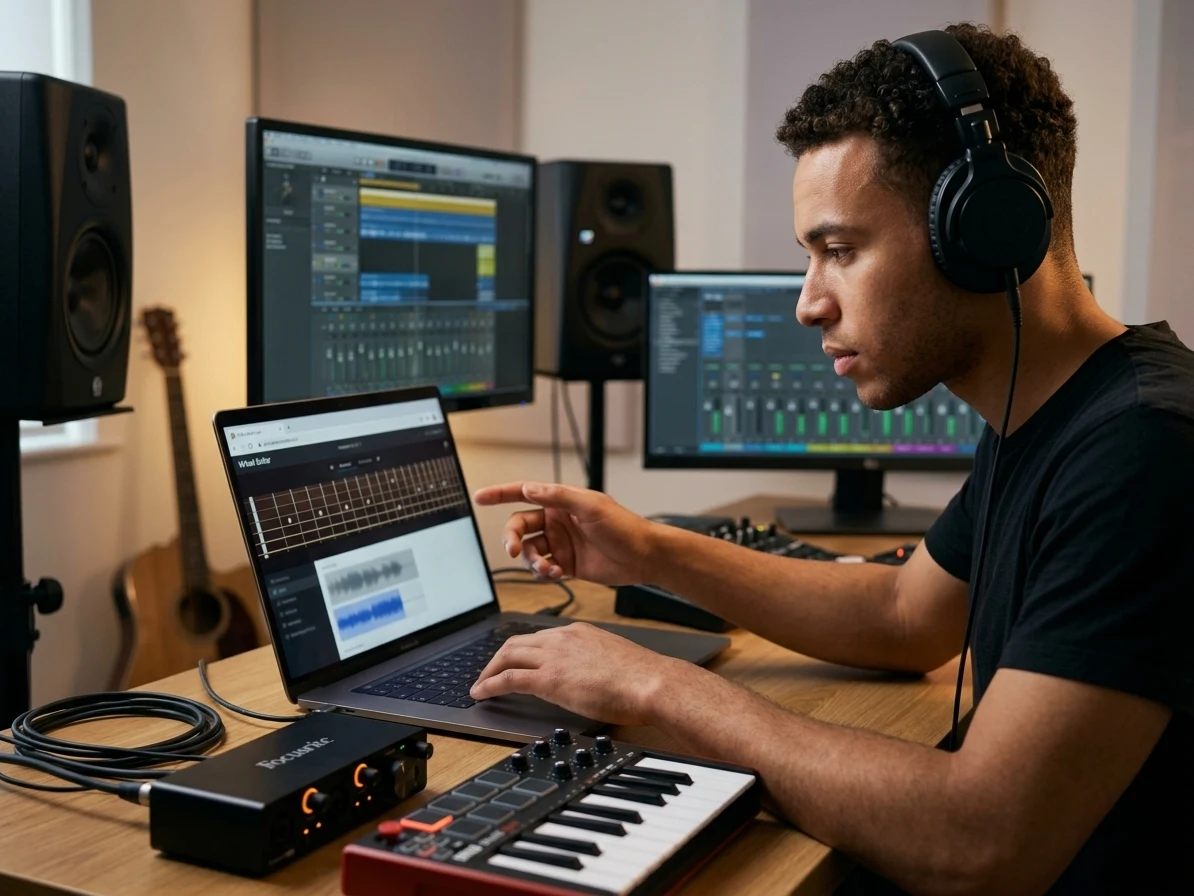
Recording MIDI And Share Links
Record browser audio when you want to capture a riff, then download the take or export played notes as a MIDI sketch for your DAW. Marked notes, scale choices, capo, tuning, and sound settings can also be saved in the URL, making the Virtual Guitar useful for lessons and repeat practice.
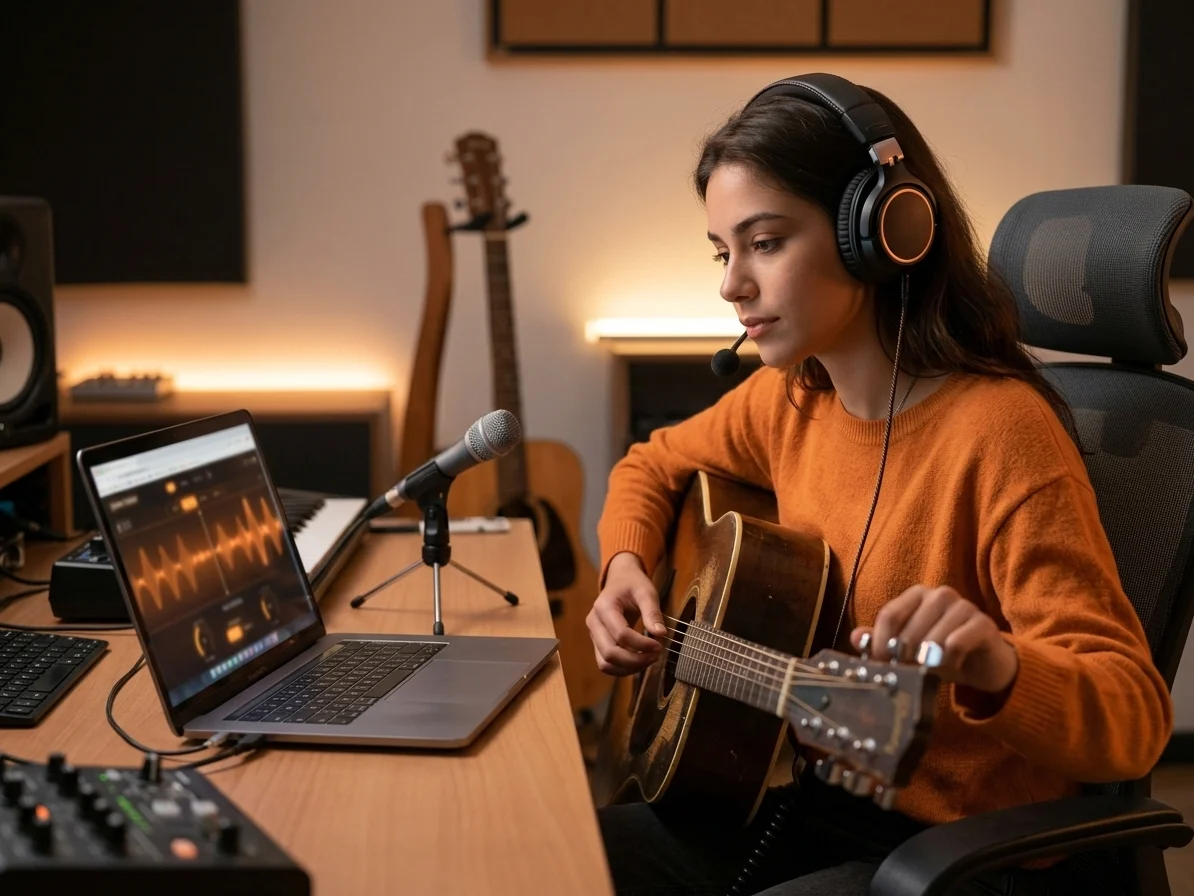
Manual Reference Tuning Tools
Use looping reference strings when tuning by ear and keep them beside the playable fretboard. The tuner tools live inside the Online Virtual Guitar surface, so checking pitch does not interrupt practice or force you into a separate tuner app.
Who Gets More From An Online Virtual Guitar
The browser guitar helps whenever you need guitar thinking faster than a full studio setup, a separate tuner, or a physical instrument nearby.

Guitar Beginners
New players can use the Virtual Guitar to see string numbers, fret positions, note names, and chord shapes in one view. The 12-fret mode keeps the layout readable while scales and intervals explain the map behind the sound.

Music Teachers And Students
Teachers can share the same Online Virtual Guitar link with marked notes, a scale pattern, or an alternate tuning. Students can open it on a laptop or tablet and hear the example without installing guitar software.
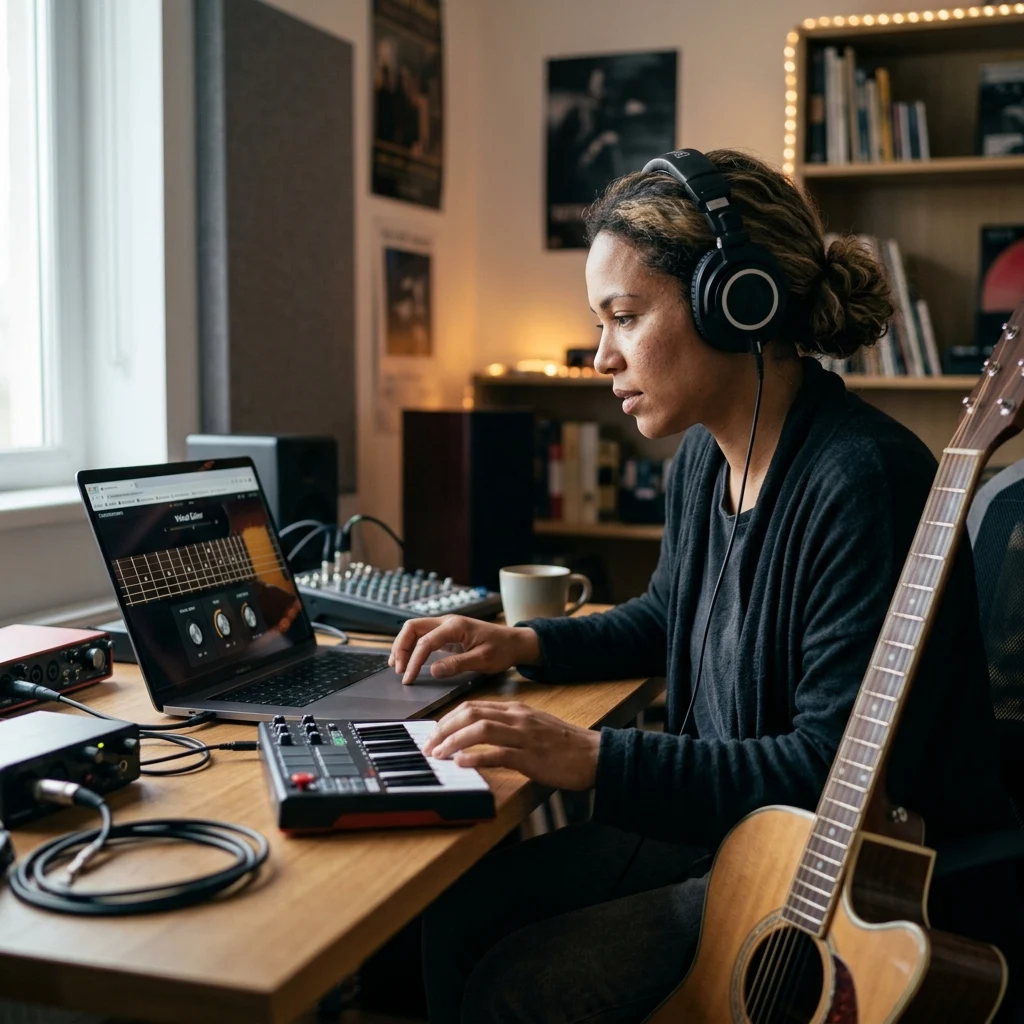
Songwriters And Producers
A guitar idea often appears before a DAW session is ready. Use the Virtual Guitar to test a progression, capture a quick take, or export MIDI that can become a cleaner production part later.

Tuning And Practice On Shared Devices
When a physical tuner, interface, or guitar app is missing, the Online Virtual Guitar still offers reference strings, keyboard playing, and shareable practice setups in the browser.
Related tools for your next step
Online Virtual Guitar FAQs
Answers to common questions about playing, tuning, recording, exporting, and learning with an Online Virtual Guitar.
What is an Online Virtual Guitar?
An Online Virtual Guitar is a playable guitar fretboard that runs in your browser. CreateMusicAI's Virtual Guitar lets you click, tap, or use keyboard shortcuts to play notes, mark chords, study scales, tune strings, record ideas, and export MIDI.
Can I use alternate tunings on the Virtual Guitar?
Yes. The page includes Standard, Drop D, half-step down, DADGAD, Open G, and custom tuning. Capo control is separate, so you can combine a tuning with a capo and share that setup in the URL.
Does the Online Virtual Guitar include chords and scales?
Yes. You can load common chord shapes, mark your own notes, strum the marked shape, and highlight major, minor, pentatonic, or blues scales. Labels can show note names, intervals, scale degrees, or shortcuts.
Can I record the Virtual Guitar?
Yes. The recording panel captures browser audio during your practice session. After recording, you can play the take back or download the audio file generated by the browser.
Can I export MIDI from the Virtual Guitar?
Yes. The MIDI export uses your played notes or the currently marked chord shape. It creates a .mid file that you can import into a DAW and assign to a guitar, synth, or any other virtual instrument.
How does tuning work in the Virtual Guitar?
The Virtual Guitar provides looping reference strings for the current tuning and capo setup. Click a string reference to hear its target pitch while you tune by ear or check the mapping before sharing the setup.
Can I play the Virtual Guitar with a computer keyboard?
Yes. Four keyboard rows map to guitar strings, Shift reaches the top two strings, Space strums marked notes, and bracket keys move the capo. Labels can show the shortcut for each mapped fret.
Can I share an Online Virtual Guitar chord or scale setup?
Yes. Marked frets, scale selection, tuning, capo, sound, and label mode are encoded in the page URL. Copy the link after setting up the fretboard and reopen it later with the same Virtual Guitar layout.