
AI Music Mastering
Upload your mix and a reference track. CreateMusicAI reads the reference's loudness, tonal balance, and dynamics — then shapes your track to match, without touching your arrangement.
Mastering That Follows Your Reference, Not a Generic Preset
Most AI mastering tools apply the same processing to every track. CreateMusicAI reads an actual reference you provide — matching its specific loudness curve, spectral balance, and dynamic feel to your mix.
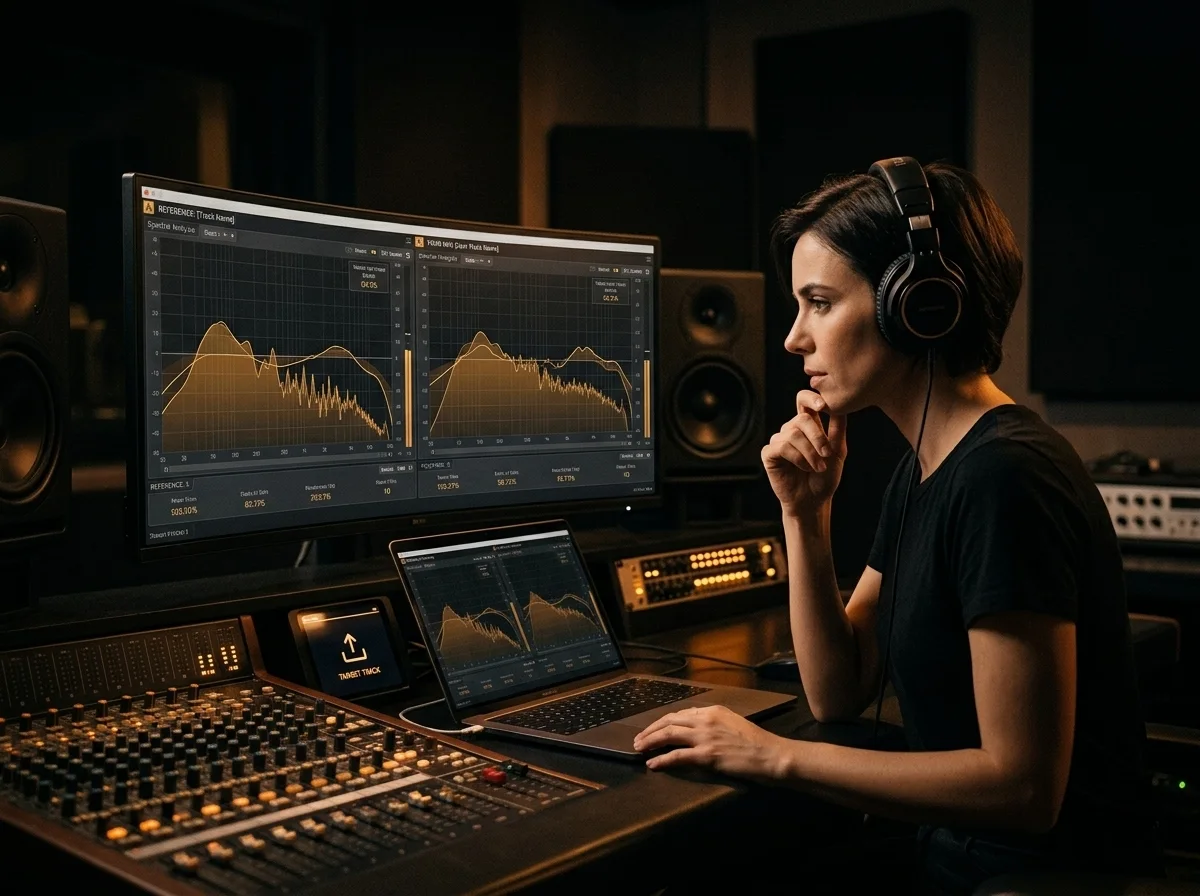
Reference-Matched, Not Formula-Driven
Upload any commercially released track as your target sound. CreateMusicAI analyzes its frequency curve, stereo width, and loudness profile — then applies equivalent processing to your mix so both tracks sit in the same sonic space. No preset chains, no guessing.
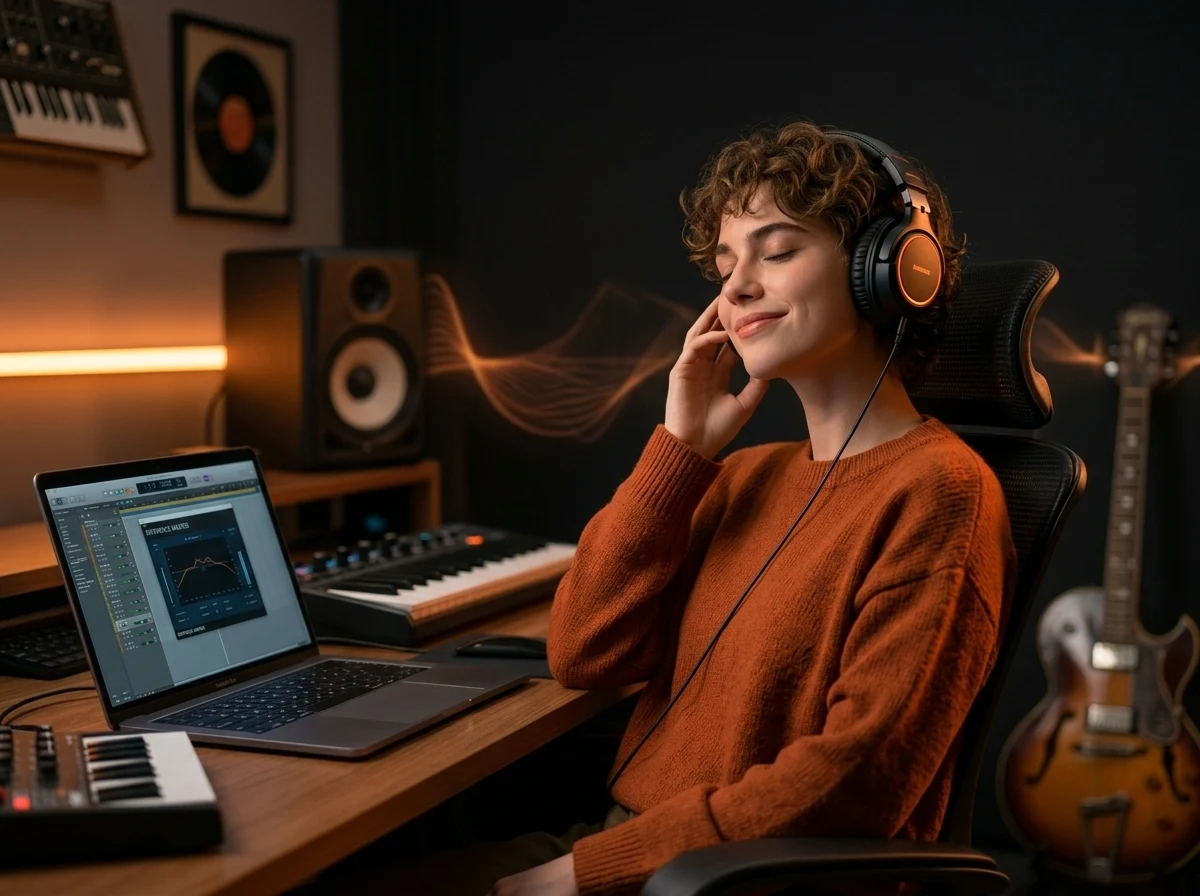
Your Mix Stays Yours
The top complaint about AI mastering is over-processing — when the tool changes your dynamics and arrangement character, not just the technical output. CreateMusicAI targets the mastering stage only: loudness, tonal balance, and width. Your composition, energy, and creative decisions stay exactly as you recorded them.
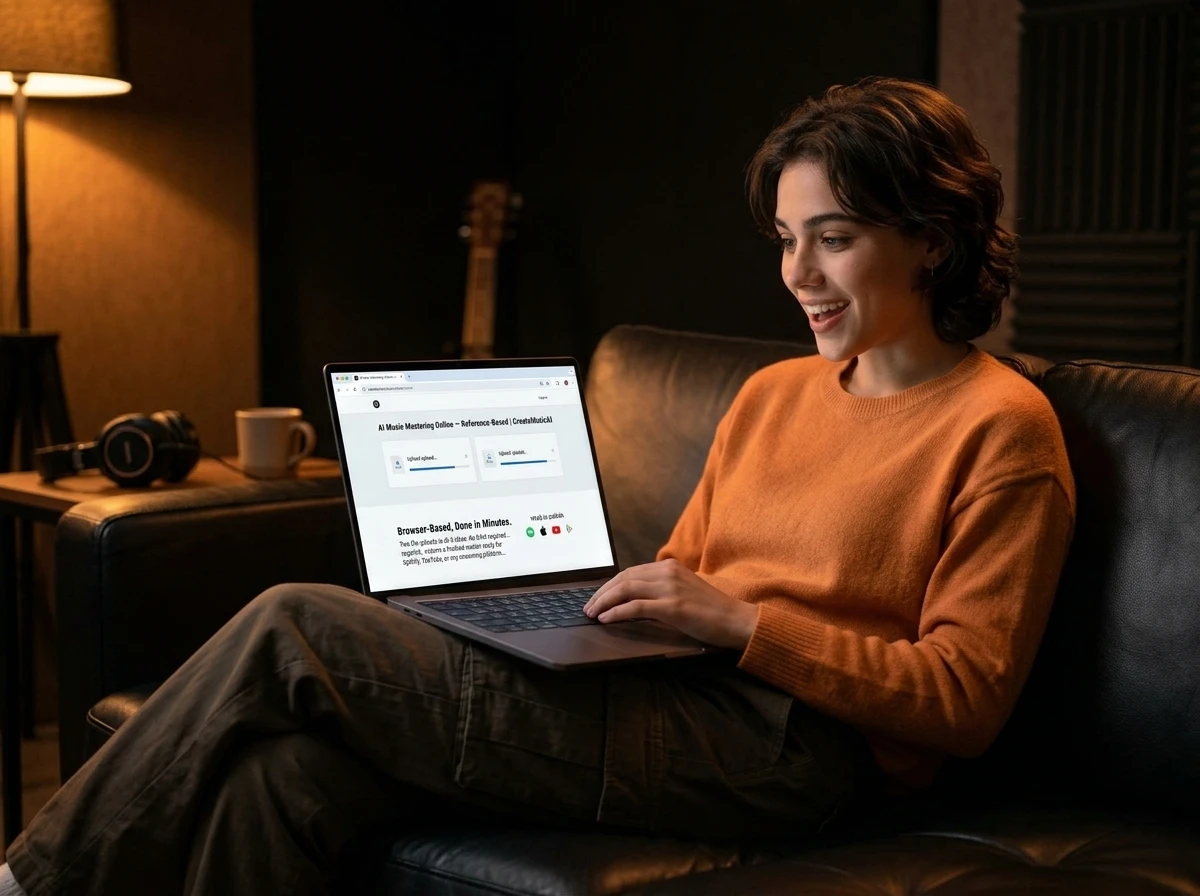
Browser-Based, Done in Minutes
Two file uploads is all it takes. No DAW required, no account setup, no plugin installations. Submit your target and reference, and CreateMusicAI returns a finished master ready for Spotify, YouTube, or any streaming platform — most tracks complete in under two minutes.
Who Uses CreateMusicAI for Mastering
Anyone who needs release-ready audio without paying a mastering engineer per track relies on CreateMusicAI's reference-based approach.
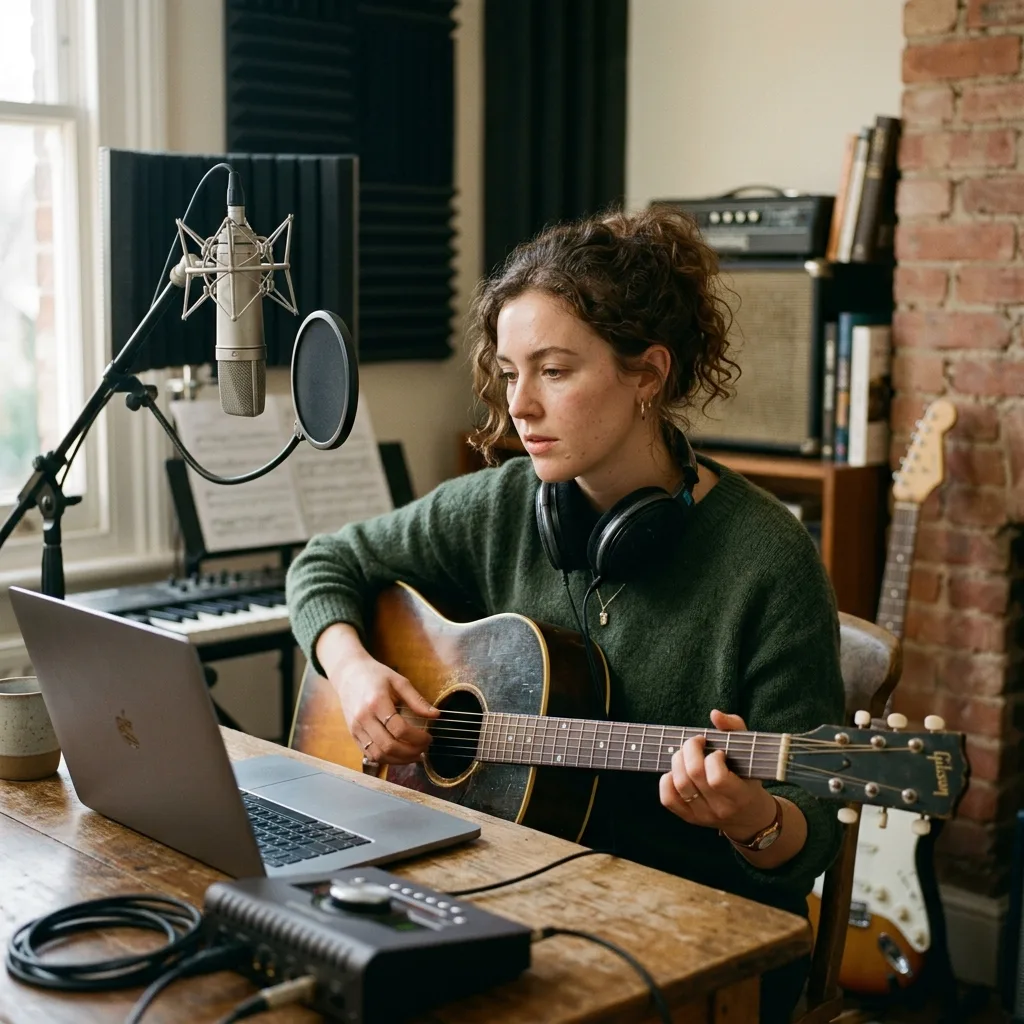
Independent Artists
Pick a released song that sounds the way you want your track to sound. CreateMusicAI maps your mix to that reference — so your release sits at a competitive loudness level on Spotify or Apple Music, without a $100–200 studio invoice.

Bedroom Producers
Compare your raw mix against the mastered output side by side. Hearing exactly what changed — and what stayed the same — is one of the fastest ways to understand where your mix needs work before you even hit the master stage.
Content Creators
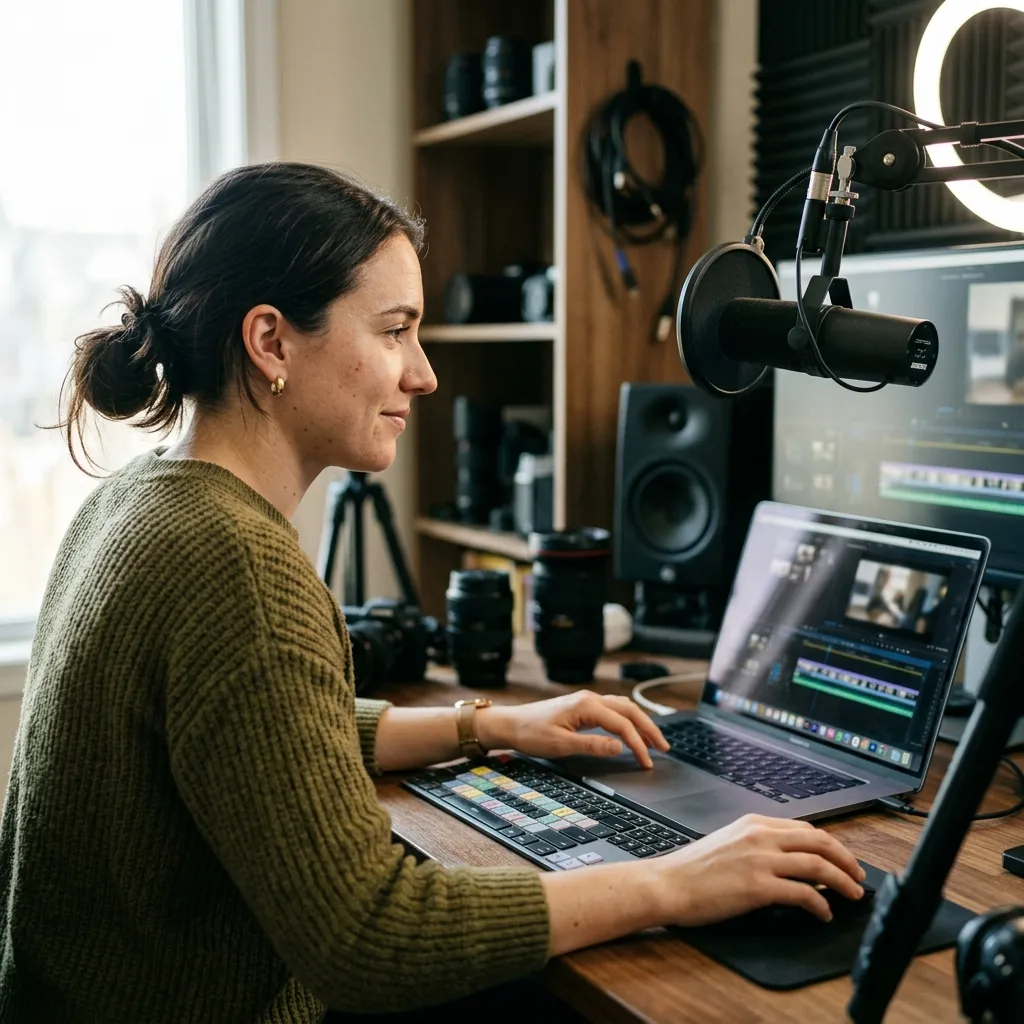
Music that sounds quiet or muddy next to licensed tracks loses viewers. CreateMusicAI brings your original music up to the loudness and clarity of mainstream releases — so your content sounds intentional, not amateur, on YouTube, TikTok, or Instagram.
Small Labels and Studios
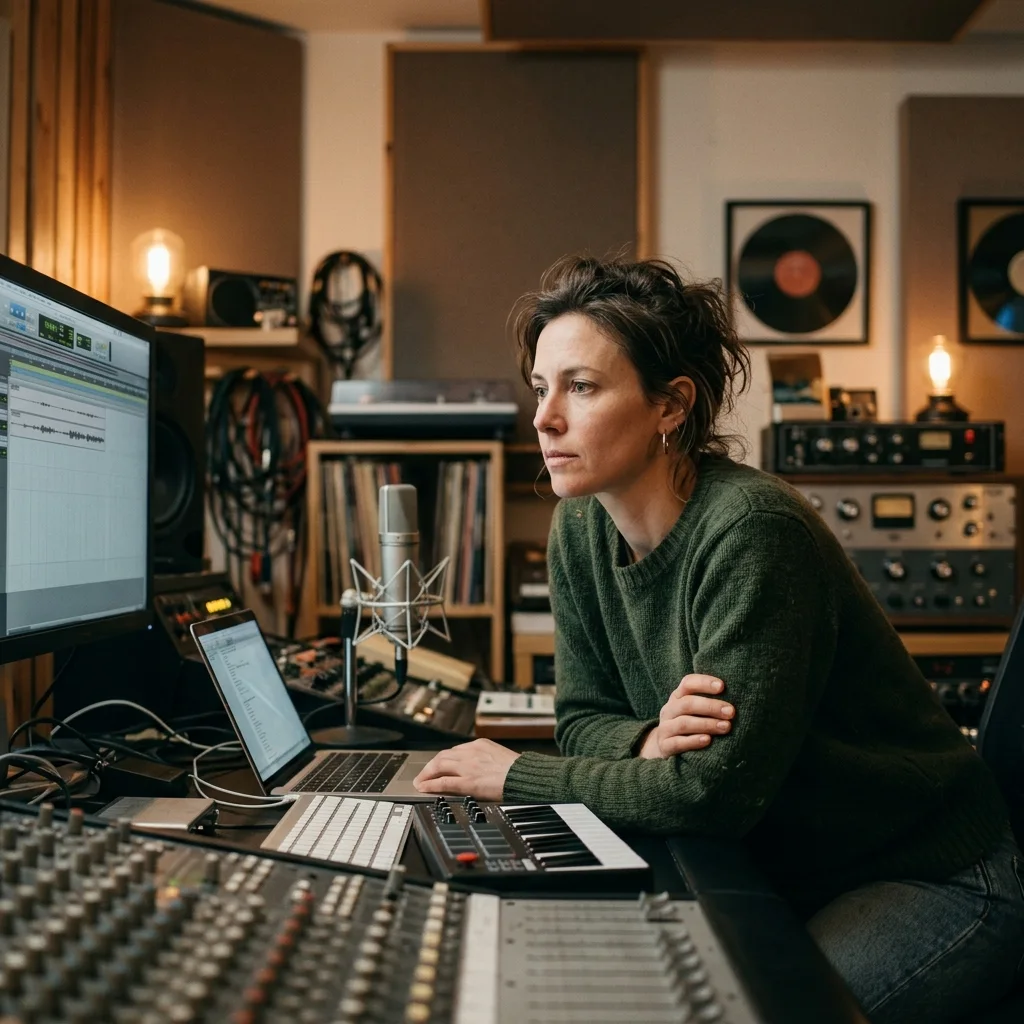
Running mastering through an engineer for every release adds up fast. CreateMusicAI handles the reference-matching step at scale — your team defines the target sound once per project, and every track in that batch gets processed to the same spec.
How AI Music Mastering Works on CreateMusicAI
Two files, a few minutes, and a master that reflects the sound you actually want — not what a generic algorithm decided.
Upload Your Target Track
Select the mix file you want mastered. CreateMusicAI accepts MP3, WAV, OGG, M4A, AAC, FLAC, and WMA. This is the file that gets processed — upload the cleanest export of your mix, ideally with 1–2 dB of headroom.
Choose a Reference Track
Pick a released song that represents the loudness, tonal color, and dynamic feel you want your track to match. The reference must be a different file from your target. Commercial releases with the sound you're targeting work best.
Submit and Track Progress
CreateMusicAI analyzes the reference's spectral and loudness characteristics, then applies matching EQ, compression, and normalization to your mix. Most tracks complete in under two minutes. Your mastering history panel shows live status — you don't need to stay on the page.
Download and Release
Once processing finishes, download your mastered file directly from the browser. The output is ready for distribution — Spotify, Apple Music, YouTube, TikTok, or any platform that expects a professionally mastered audio file.
AI Music Mastering — Common Questions
Questions about how reference-based AI mastering works, what it can and cannot do, and how to get the best output from CreateMusicAI.
Is AI mastering good enough for an actual release?
For most independent and streaming releases, yes — with the right reference. The key limitation of generic AI mastering is that it applies one-size-fits-all processing. CreateMusicAI's reference-based approach avoids this: you set the target sound, and the AI works toward that specific result. The output handles loudness normalization, tonal balance, and stereo width at a level that passes streaming platform checks and holds up next to commercially released tracks.
How is reference-based mastering different from standard AI mastering?
Standard AI mastering runs your track through a preset processing chain based on what the algorithm was trained on. Reference-based mastering analyzes an actual song you provide — its frequency response, dynamic range, and loudness target — and applies equivalent processing to your mix. The result reflects a sound you already know and can compare against, not an abstract 'professional' preset.
Will my track sound like a copy of the reference?
No. CreateMusicAI extracts the technical characteristics of the reference — its spectral shape, loudness level, and stereo width — and applies those processing decisions to your track. The melody, arrangement, instruments, and mix decisions you made are untouched. Think of the reference as setting the technical destination; your music is still the content that gets there.
What audio formats does CreateMusicAI accept?
Both your target mix and reference track can be uploaded as MP3, WAV, OGG, M4A, AAC, FLAC, or WMA files. The mastered output is delivered as a high-quality audio file ready for direct distribution.
How long does mastering take?
Most tracks complete in under two minutes. Processing time depends on file size and current load. You can monitor real-time status in your mastering history panel — the job runs server-side, so closing the tab or switching away does not interrupt it.
Can I use the mastered track commercially?
Yes. Your original recording belongs to you, and the mastered output is entirely yours — CreateMusicAI applies technical processing to your audio, with no third-party samples or generated content added. Commercial licensing rights are included with paid plans. See our pricing page for details.
Is CreateMusicAI's AI mastering free?
You can start for free. Each mastering job uses credits from your account balance. Free accounts include a starting credit allocation. Additional credits and higher-volume plans are available — visit our pricing page to compare options.