How Reference-Based AI Mastering Works
A practical explanation of reference tracks, Matchering-style audio matching, loudness, tone, dynamics, and what automatic mastering can and cannot fix.
Mastering is often described as the final polish before a song is released. That is true, but it can also make the process sound more mysterious than it really is. Mastering does not rewrite a song, replace a mix engineer, or turn a rough recording into a finished production by itself. It works at the final stereo-file level: loudness, tonal balance, dynamics, stereo presentation, and playback consistency.
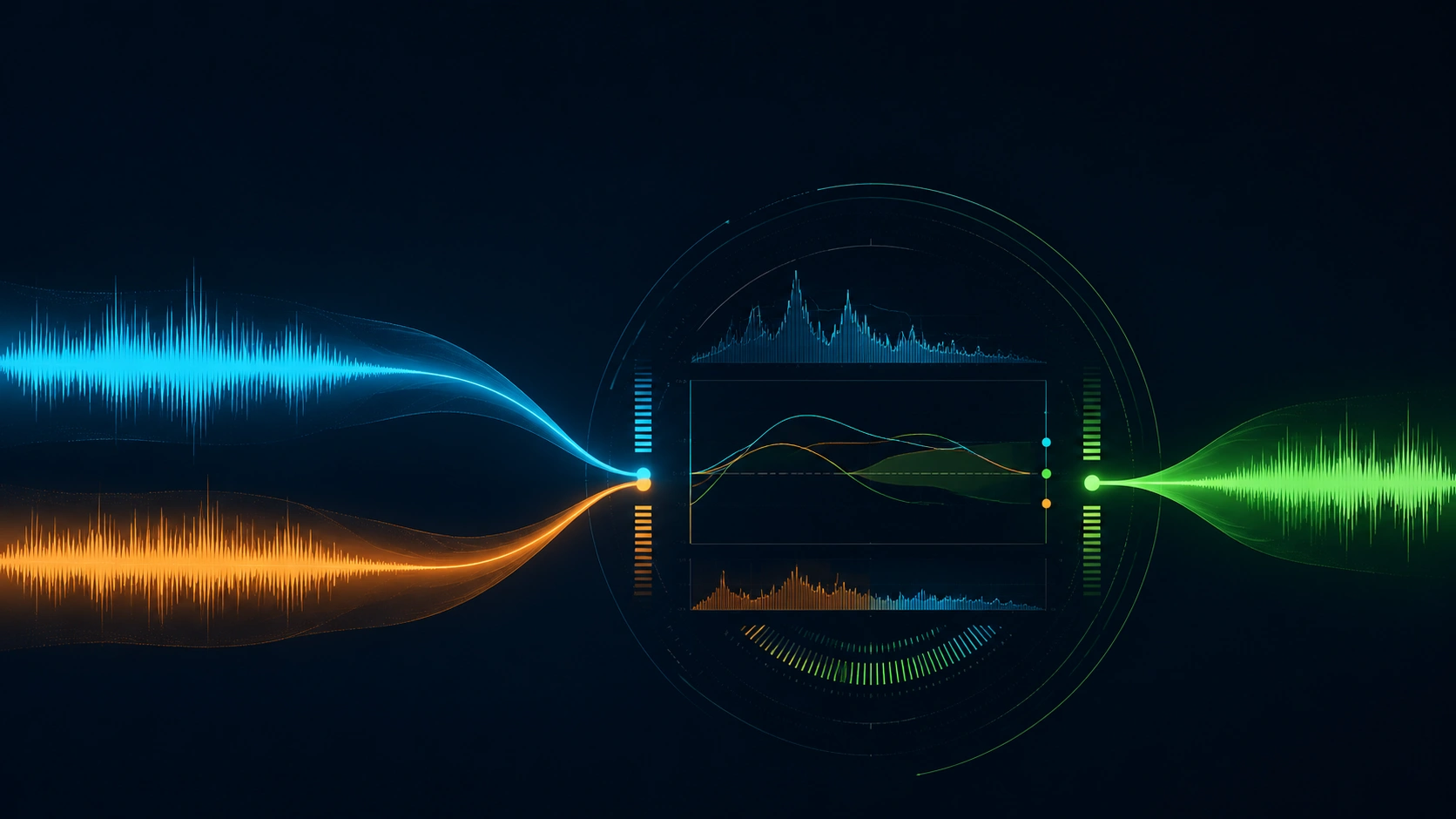
Reference-based mastering makes that final step more concrete. In AI Music Mastering, the workflow is built around the same practical idea: instead of asking an algorithm to make a track sound "professional" in the abstract, you provide two files:
- the target, which is the song you want to master
- the reference, which is a released or finished track that represents the loudness, tonal balance, and overall presentation you want to approach
The goal is not to copy the reference song. The goal is to use it as a technical destination. A good reference tells the mastering process what kind of low end, brightness, density, width, and level feels appropriate for the track you are finishing. That is why the upload panel asks for both files: the target gives the system the material to process, while the reference gives it a measurable direction.
That distinction matters. The most useful automatic mastering tools are not magic buttons. They are audio analysis and processing systems. When they are used with a suitable mix and a sensible reference, they can be very useful. When the mix is clipped, unbalanced, or paired with the wrong reference, they cannot hide those problems forever.
What Mastering Actually Changes
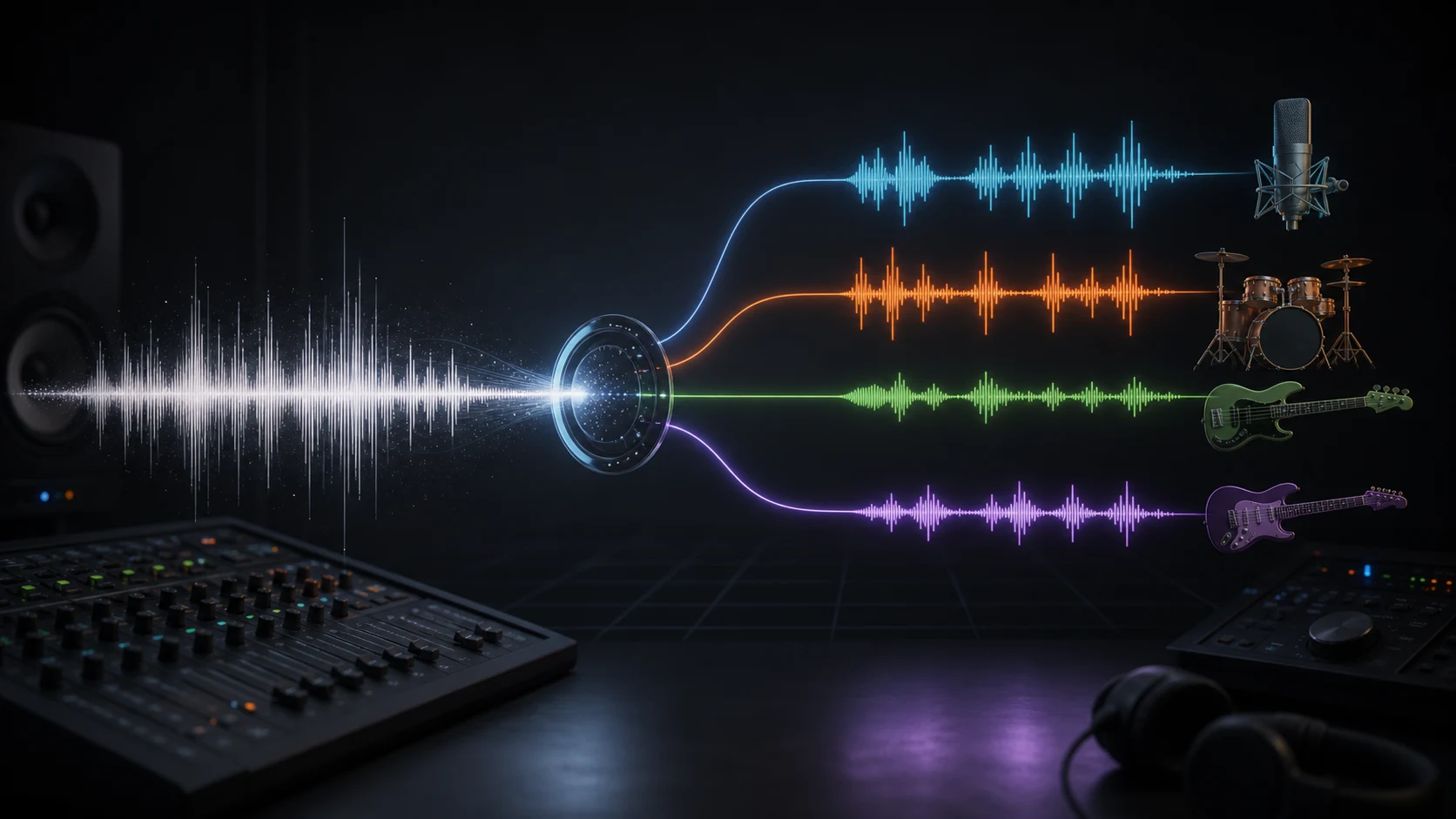
Mastering works on the final mix, usually a stereo WAV, FLAC, AIFF, or high-quality audio file exported from a DAW. At this stage, the drums, bass, vocals, guitars, synths, effects, and other elements are already mixed together. A mastering process cannot independently turn the vocal down, move the snare forward, or rewrite a bass line unless it first uses source separation or another more invasive process.
The main changes are broader:
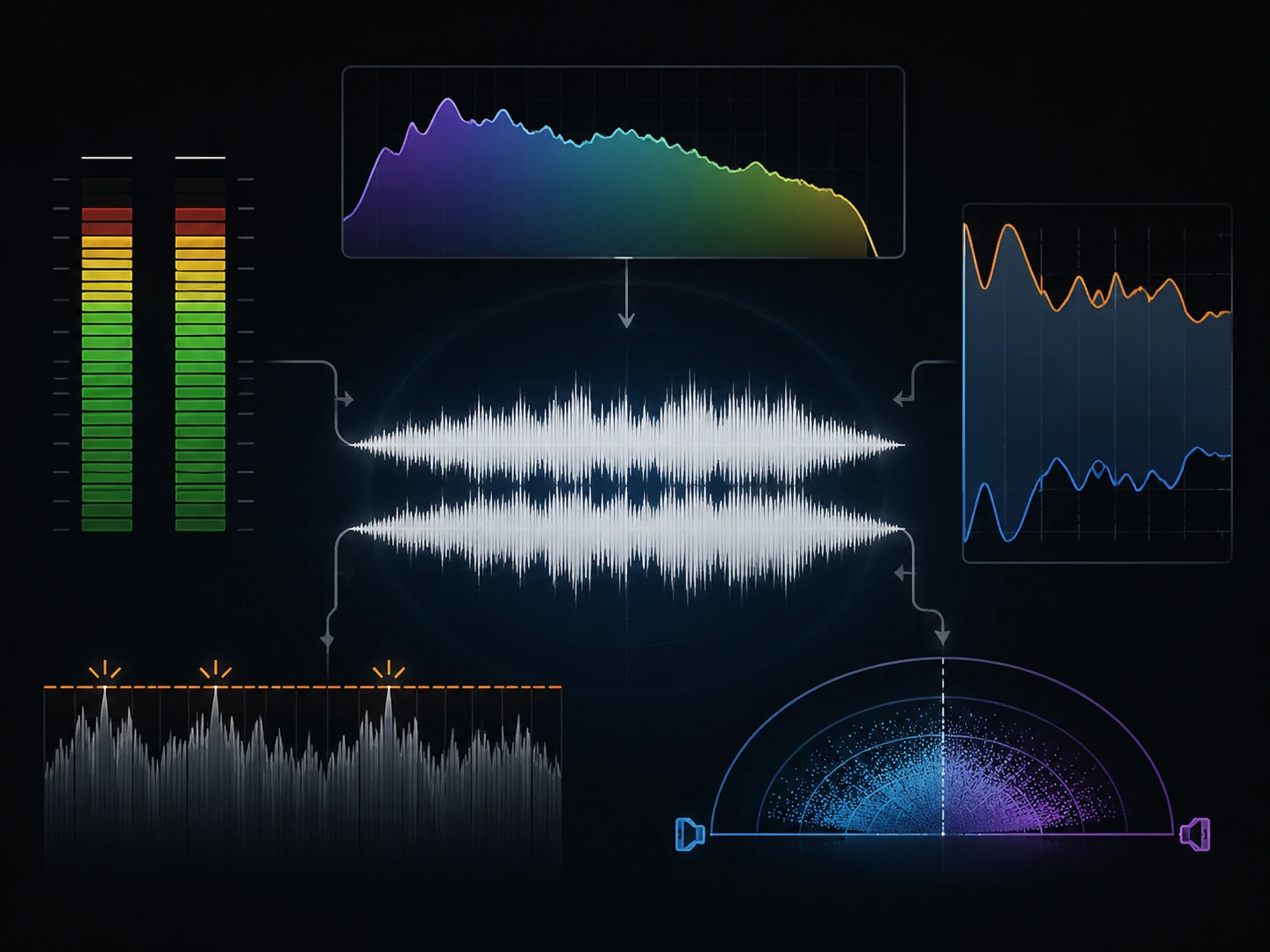
- Loudness: how loud the track feels overall, often discussed with LUFS rather than only peak level
- Tonal balance: whether the track is dark, bright, boomy, thin, harsh, or balanced across the frequency spectrum
- Dynamics: how much dynamic range remains between quiet and loud moments
- Peak control: whether the file clips, distorts, or overloads playback systems after limiting
- Stereo width: how wide or narrow the mix feels
- Translation: how consistently the track plays on headphones, speakers, phones, cars, and streaming platforms
Traditional mastering engineers make these decisions with trained ears, monitoring systems, LUFS and peak meters, and musical judgment. Automatic mastering systems try to estimate and apply part of that process algorithmically. In a browser-based mastering workflow, these are the kinds of broad final-stage traits the operation is trying to shape.
Reference-based systems are more specific than generic presets because they are not aiming at a single default sound. They analyze a reference track and use its measurable audio characteristics to shape the target.
Why Reference Tracks Matter in Mastering
Why do you need a reference track for mastering? Because it gives the process a reality check. Without one, it is easy to keep making a mix louder, brighter, wider, or heavier simply because the current version starts to feel normal after repeated listening. A reference track resets your ears.
For mastering, a reference usually helps answer questions like these:
- Is my low end close to the kind of record I am trying to release?
- Is the vocal area too sharp or too recessed?
- Is the track much quieter than comparable releases?
- Is the mix overly compressed compared with music in the same style?
- Does the stereo image feel too narrow or artificially wide?
The reference should not be random. A sparse acoustic ballad is a poor reference for a dense EDM track. A heavily limited trap record is a poor reference for a dynamic jazz performance. A good reference has a similar genre, arrangement density, vocal or instrumental focus, tempo feel, and release context. In this workflow, choosing the reference is the most important creative decision you make before submitting the job.
The most common mistake is choosing a reference only because it sounds impressive. A reference is useful when it gives the mastering process a realistic target for your song. If the target mix and the reference have completely different instrumentation, low-end design, or dynamic intent, the matching process may push your track in the wrong direction.
How Matchering-Style Mastering Works
One open-source project that explains this workflow well is Matchering. Matchering is designed around two inputs: a target track and a reference track. Its purpose is to process the target so that it better matches the reference in measurable mastering characteristics.
The important point is that this is not generative AI. Matchering does not write new melodies, synthesize new instruments, or replace the mix with content from the reference. It is closer to transparent digital signal processing guided by analysis.
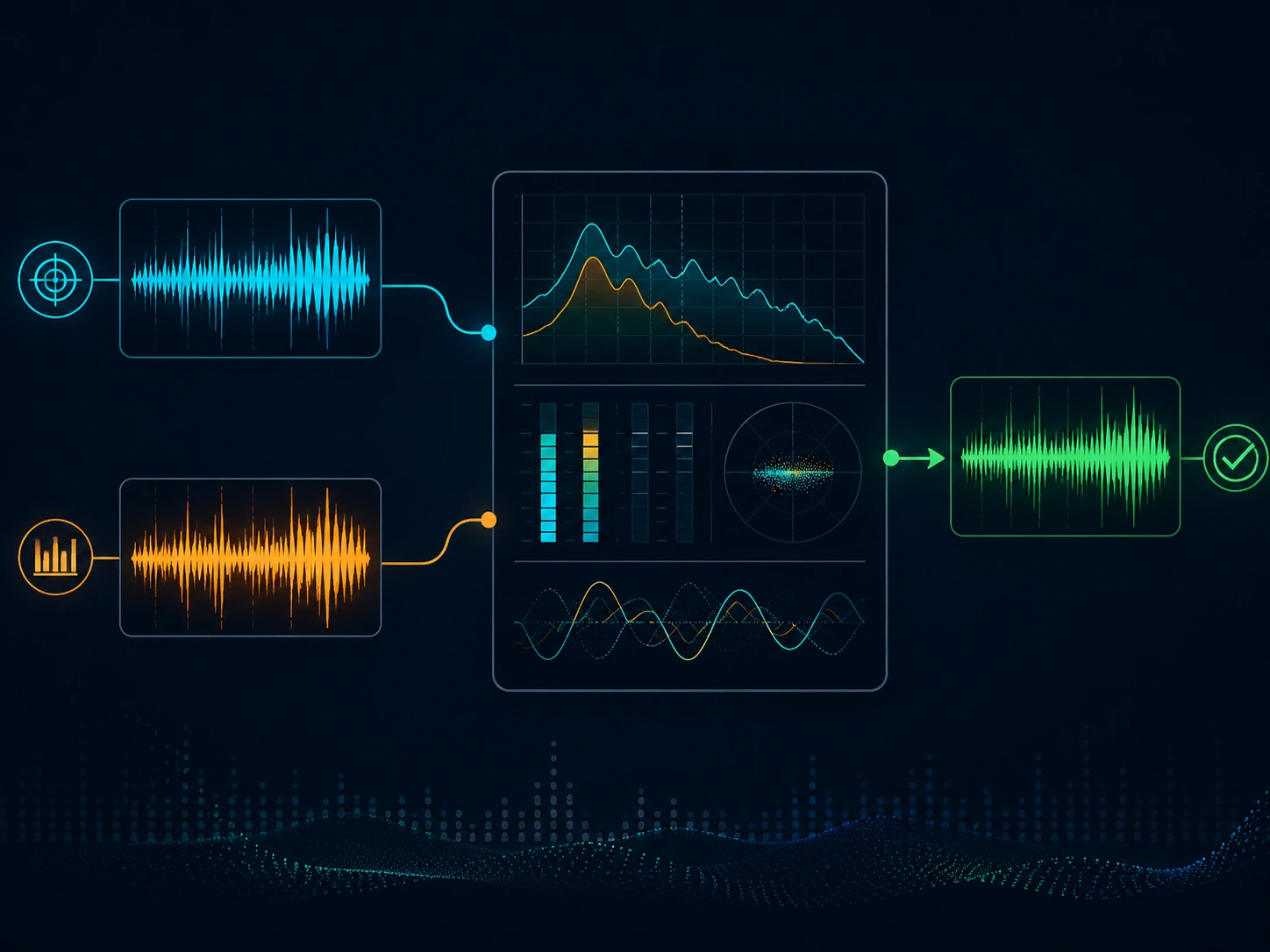
In practical terms, a Matchering-style process can analyze and adjust characteristics such as:
- the average power or RMS level of the reference
- the target's frequency response compared with the reference
- the perceived color or tonal curve of the reference
- peak amplitude and headroom
- stereo width
- final limiting and normalization behavior
This kind of system is useful because mastering is partly about measurable relationships. If a target mix is much darker than the reference, the algorithm can tilt the frequency balance. If the reference is louder and denser, the target can be processed toward that loudness and dynamic profile. If the stereo field is noticeably different, width can be adjusted within reasonable limits.
But "matching" should not be misunderstood. The algorithm is not hearing intent the way a human mastering engineer does. It is estimating a technical relationship between two audio files. That can be powerful, but it is still constrained by the quality of the input mix and the appropriateness of the reference.
What Reference-Based Mastering Can Do Well
Reference-based mastering is especially useful when the mix is already healthy and the goal is to reach a more finished presentation. This is the core use case: upload a target mix, choose a reference, then listen to whether the resulting master moves in the right direction.
It can help an independent artist make a demo or release candidate sit closer to a commercial reference. It can help a producer compare several possible references and hear how different tonal targets affect the same mix. It can help a content creator bring original music closer to the level and clarity of licensed tracks used on YouTube, TikTok, or short-form video.
It is also useful for learning. When you compare the unmastered mix against the mastered result, you can hear which parts of the spectrum changed, how much limiting was needed, and whether the low end or high end needed correction. That feedback can reveal mix issues before the next version.
For many creator workflows, speed matters too. A reference-based system can produce a result quickly enough that you can test different directions without booking a mastering session for every revision. That does not make it a replacement for every human mastering job, but it makes mastering less blocked by setup and waiting time.
What AI Mastering Can and Cannot Fix
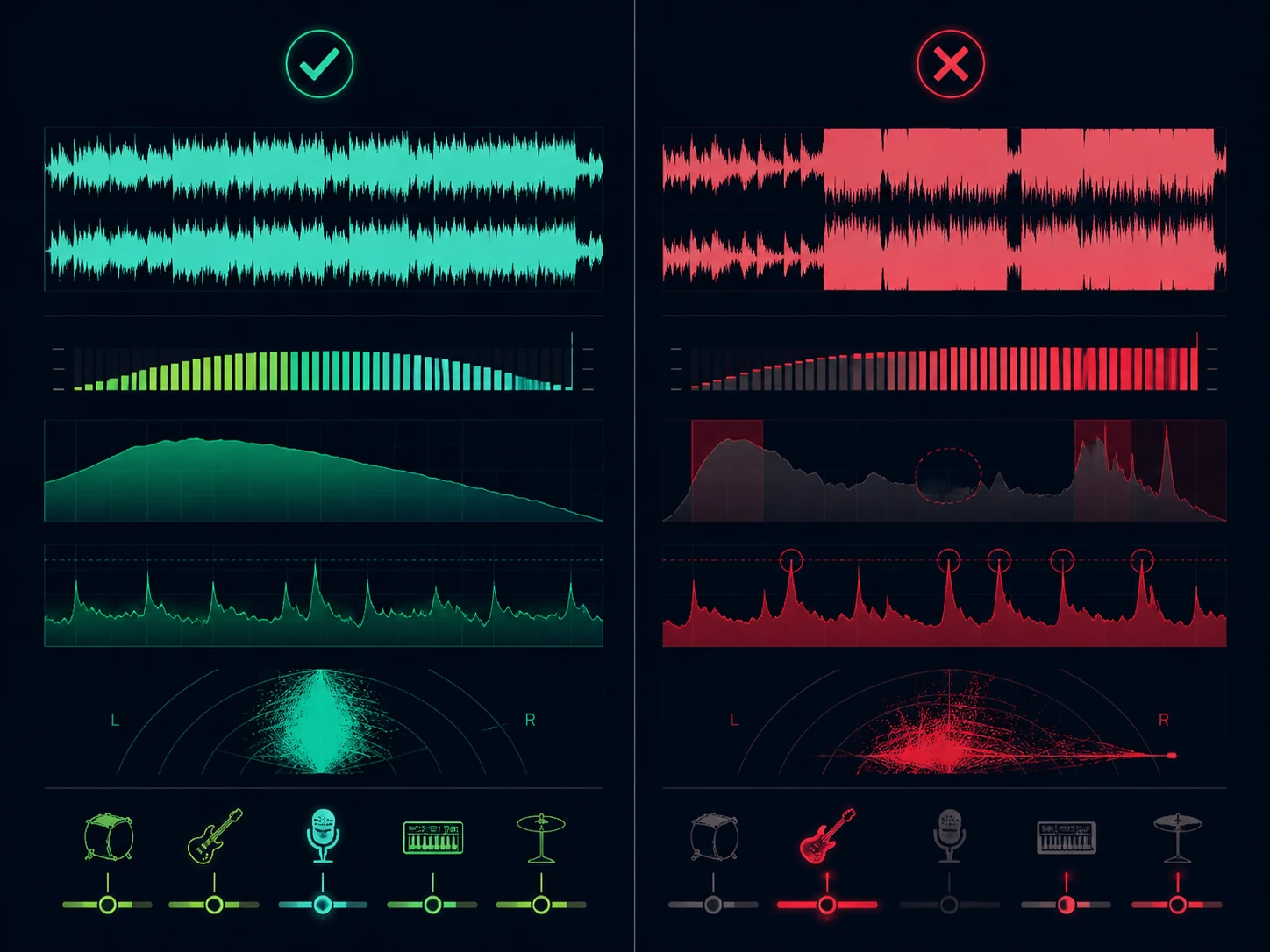
Can AI mastering fix a bad mix? The honest answer is no. It can improve final presentation, but it cannot fully solve problems that belong in the mix.
If the vocal is too quiet, mastering may make the whole track brighter or louder, but it cannot cleanly raise only the vocal without affecting everything around it. If the kick and bass are masking each other, mastering can tighten the low end somewhat, but it cannot redesign the rhythm section. If cymbals are harsh, a broad tonal adjustment may reduce the edge, but it may also dull the entire mix.
Automatic mastering is especially limited when the target file is already damaged. A clipped export, distorted master bus, low-bitrate MP3, or mix that has already been heavily limited gives the algorithm less room to work. Once transient detail and dynamic range are crushed, a mastering process cannot reliably reconstruct them. In practical terms, if the waveform already has flat-topped clipping before upload, an automatic mastering tool can still process the file, but it cannot recover information that was destroyed in the export.
Bad references can also create bad masters. If the reference is much brighter, louder, wider, or more compressed than your track should be, the algorithm may push your mix toward those traits even when they are not musically appropriate.
This is why the best results usually come from three things:
- a clean mix export
- enough headroom for processing
- a reference that actually belongs near the target song
How to Prepare a Mix Before Automatic Mastering
What file format should you upload for AI mastering? Before uploading a track for reference-based mastering, treat the mix as if you were sending it to a human mastering engineer.
Export the cleanest version you have. WAV or FLAC is usually better than a low-bitrate MP3 because it preserves more detail for analysis and processing. A clean lossless export gives the process better material to analyze. Remove any temporary loudness maximizer from the master bus unless it is part of the sound you intentionally mixed into. If the mix is already hitting a limiter hard, the mastering process has very little space left to improve it.
How much headroom should you leave before mastering? Leave practical headroom. You do not need to make the track extremely quiet, but avoid clipped peaks and avoid printing a file that is already pushed to the ceiling. A mix peaking around a few dB below 0 dBFS is usually much easier to process than a file that is already flat-topped.
Fix obvious mix problems first. If the bass is too loud, the vocal is buried, or the snare is painfully sharp, solve that in the mix before mastering. Reference-based mastering can improve the final presentation, but it should not be used to avoid basic balance decisions.
Finally, compare level-matched versions when judging the output. Louder usually sounds better for a few seconds even when it is not actually better. Turn the mastered result and original mix to similar perceived loudness before deciding whether the master improved the song.
How to Choose a Good Reference Track
A good reference is not simply your favorite song. It is a song that gives the mastering process a realistic target.
Choose a reference in the same broad genre and production style. If your track is modern pop with a vocal up front, choose a modern pop reference with a similar vocal focus. If your track is instrumental lo-fi, choose an instrumental lo-fi reference instead of a bright radio pop single. If your track is heavy bass music, choose a reference with comparable low-end density and loudness expectations.
Arrangement density matters. A minimal track can sound huge because there is less competing information. A dense arrangement needs a different balance. If your song has layered vocals, guitars, synths, and drums, a sparse reference may encourage the wrong tonal curve.
Also pay attention to the section you are comparing. Do not compare your quiet verse to the reference's final chorus and conclude that your track is weak. Compare similar sections: chorus to chorus, drop to drop, verse to verse, instrumental break to instrumental break.
The better the reference, the more useful the match. The worse the reference, the more confidently the process can move in the wrong direction.
Automatic Mastering vs. a Human Mastering Engineer
Is AI mastering better than human mastering? Not as a blanket statement. Automatic mastering and human mastering solve overlapping but different problems.
Automatic mastering is fast, repeatable, and accessible. It is useful for demos, independent releases, content music, quick revisions, and producers who want to hear a more finished version before making mix decisions. It can also be consistent when the task is well defined: make this target track closer to this reference.
A human mastering engineer adds context. They can notice that the reference is a poor match, that the mix needs revision, that the vocal is too sharp, that the low end will not translate, or that the artist is chasing loudness at the expense of impact. They can also make judgment calls that are difficult to reduce to a target curve.
So the practical question is not whether automatic mastering replaces human mastering in every case. It does not. The better question is when a fast reference-based process is enough, and when a project deserves the taste, communication, and accountability of a mastering engineer.
For many creators, automatic mastering is a useful first master, release draft, comparison tool, or fast final step for a straightforward release. For high-stakes releases, label projects, vinyl preparation, complex albums, or music with unusual sonic goals, a human engineer can still be the better choice.
How This Becomes a CreateMusicAI Feature
CreateMusicAI turns this reference-based workflow into a browser tool: AI Music Mastering.
The process is intentionally direct. Upload the track you want to master, upload a separate reference track, and let the system process the target toward the reference's loudness, tone, dynamics, and stereo presentation. You do not need to install Matchering, prepare a Docker environment, manage command-line settings, or configure local audio tools.
The best way to think about the feature is not as a promise that every mix will become perfect. It is a practical reference-based mastering workflow for creators who want a cleaner, louder, more release-ready version of a track while still understanding the limits of mastering.
Use a clean mix. Choose a relevant reference. Compare the result honestly. That is where automatic mastering is most useful.
Author