Related tools for your next step
Quick Tuning Guide
Pick an instrument, play one string or note, and use the needle to make the pitch settle in the center.
- 1
Play one note
Play a single sustained note. Mute nearby strings so the tuner hears one clear pitch.
- 2
Read the needle
Left or negative cents means flat. Right or positive cents means sharp. The green center is in tune.
- 3
Adjust slowly
Tune up if the note is flat, tune down if it is sharp, then wait for the needle to settle.
Use chromatic mode for vocals, alternate tunings, samples, and any instrument that is not listed.
What if the needle jumps?
Move closer to the microphone, reduce background noise, mute other strings, and play a longer note.
What does cents mean?
Cents measure the distance from the target pitch. Zero is centered, negative is flat, and positive is sharp.
When should I change A4?
Keep A4 at 440 Hz for most practice. Change it only when your ensemble, recording, or teacher uses another reference.
What Is an Online Tuner
Online Tuner Features for Everyday Practice
Use a free online tuner that keeps pitch, cents, frequency, reference tones, and common string tunings close to the same workflow.
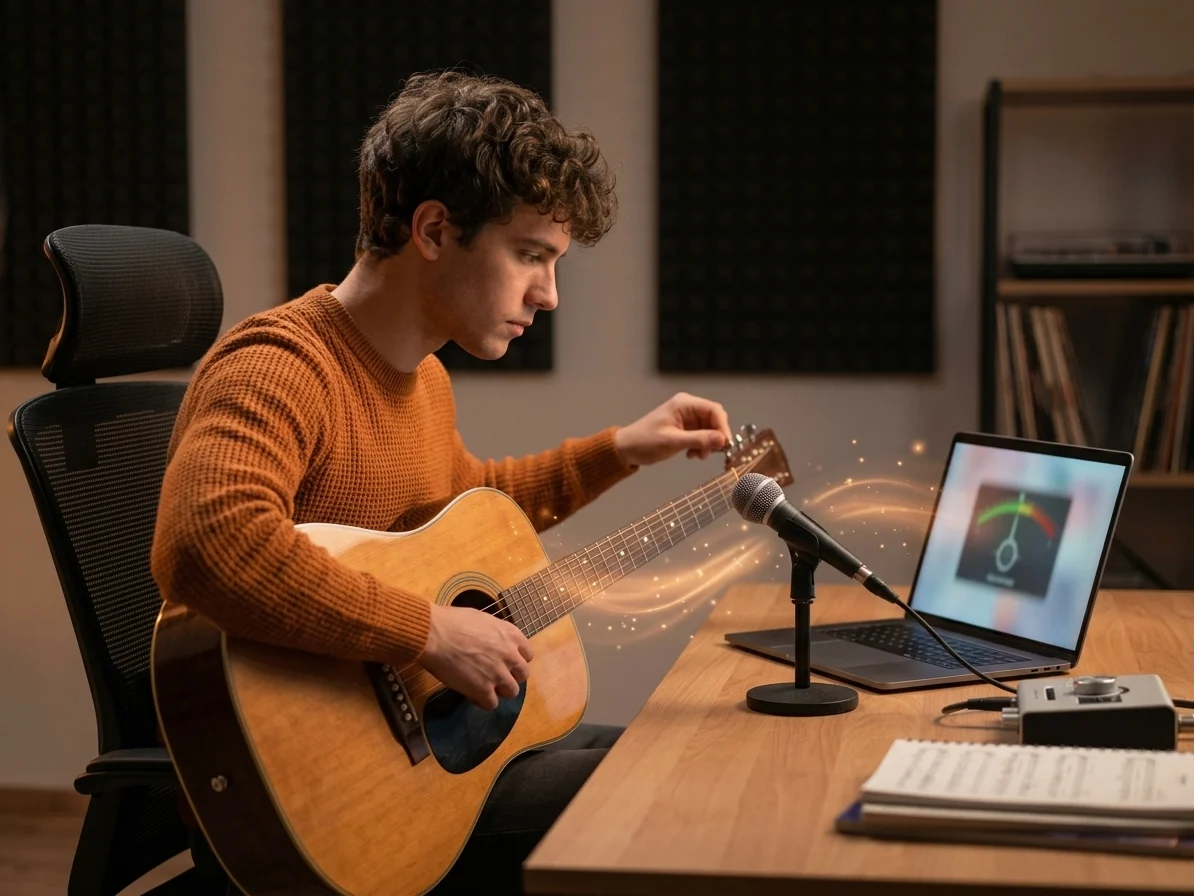
Real-Time Pitch Detection
The online tuner listens through your microphone and shows the nearest note, live frequency, and cents offset as you play.
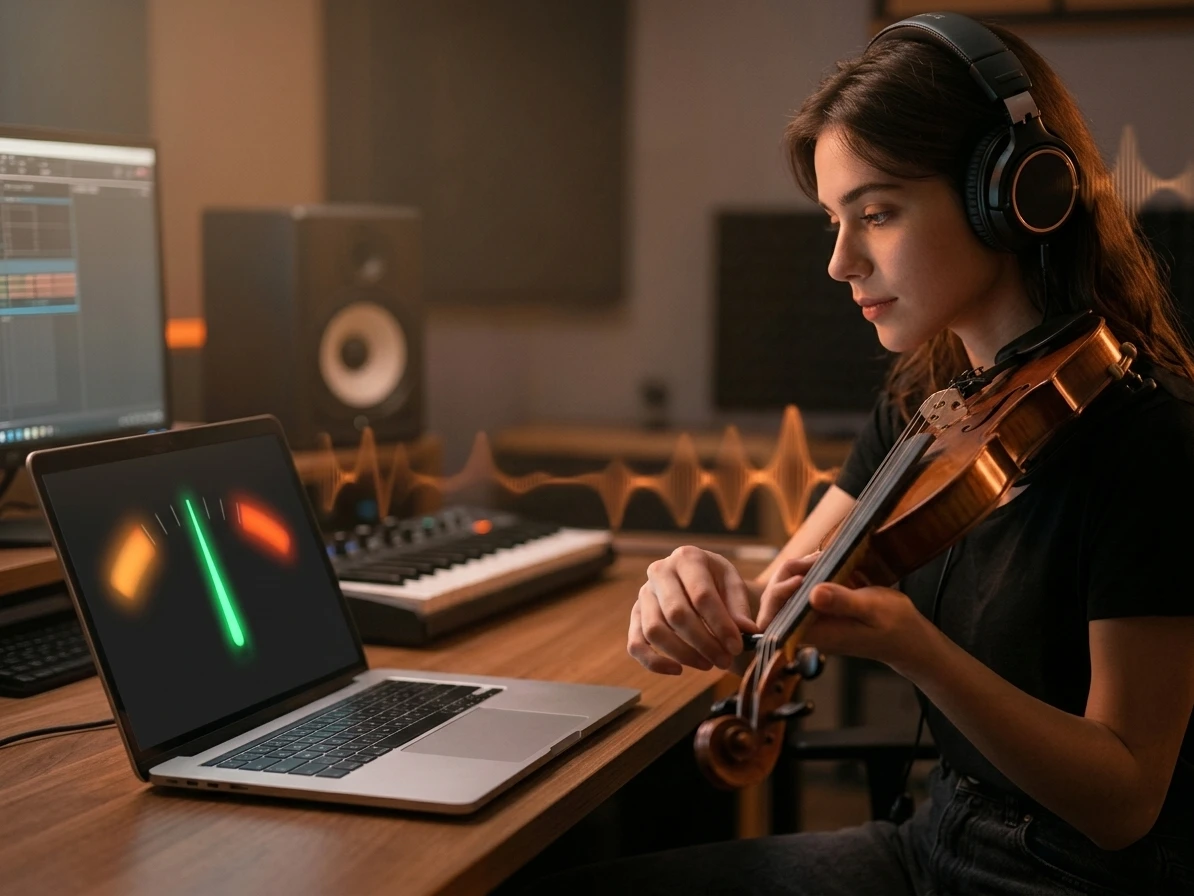
Clear Flat and Sharp Feedback
See whether your note is flat, sharp, or centered so each adjustment has a simple next step instead of guesswork.
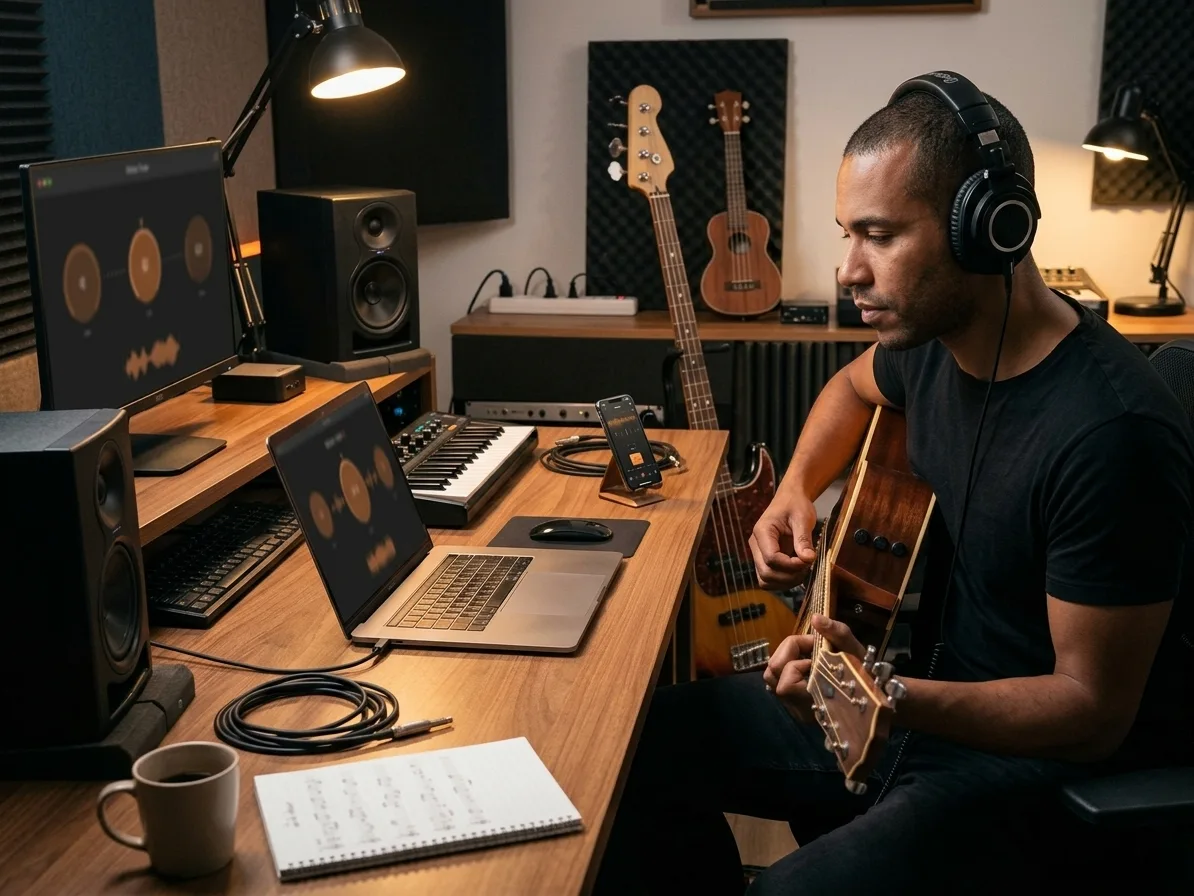
Reference Tones for Common Strings
Switch from chromatic notes to guitar, bass, ukulele, violin, viola, or cello strings when you want to check pitch by ear.
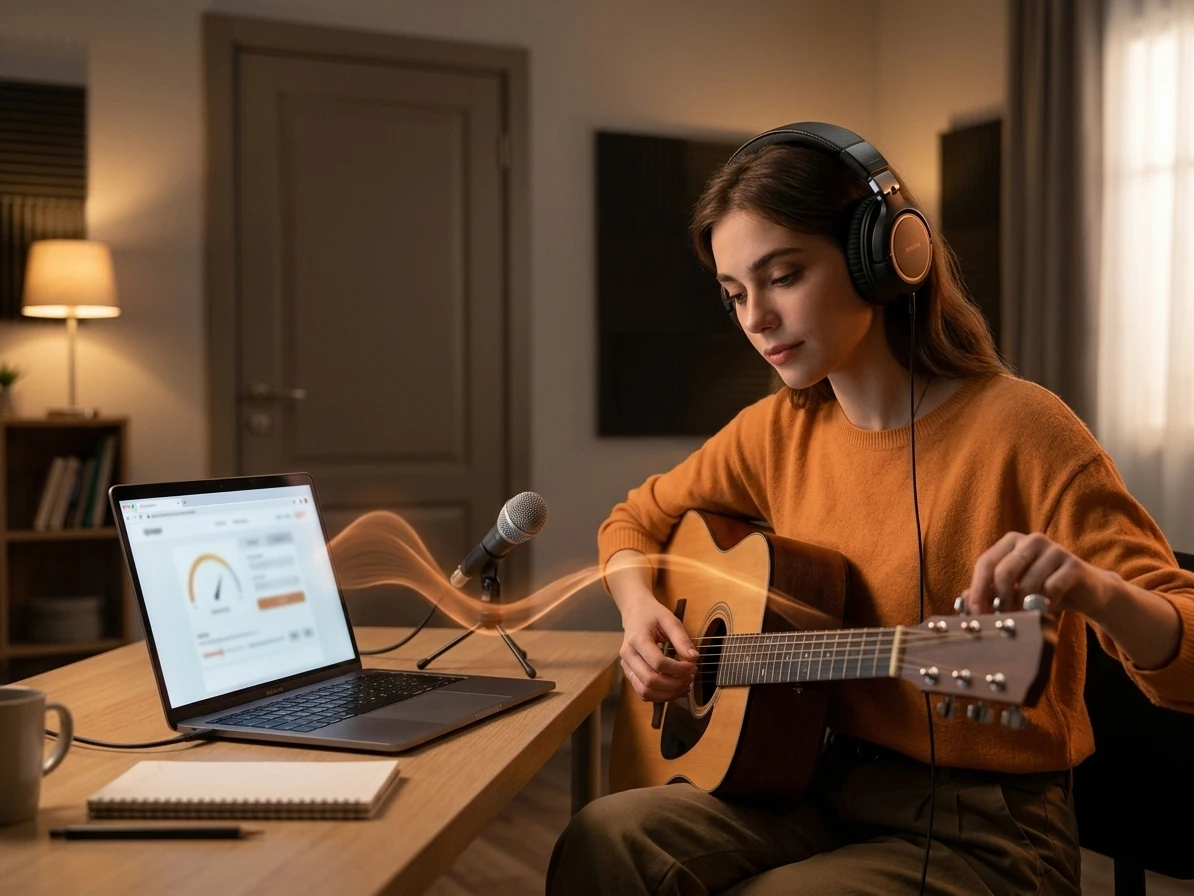
Browser Based and Private
This free online tuner analyzes microphone input in the browser, which keeps quick practice checks simple without uploading audio.
Online Tuner FAQs
Answers for accuracy, privacy, calibration, microphone access, and using a Free Online Tuner with different instruments.
Is this tuner accurate enough for daily practice?
Yes, this Online Tuner is designed for practice, lessons, rehearsals, and quick instrument checks. For the most stable result, tune in a quiet room, play one note at a time, and keep the microphone close enough.
Does the Free Online Tuner work for guitar and ukulele?
Yes. The Free Online Tuner reads pitch chromatically, so it can tune guitar, ukulele, bass, violin, viola, cello, voice, and more. Choose the reference tone preset when you want common open strings, or stay in chromatic mode for any note.
What does cents mean on a tuner?
Cents measure how far your note is from the nearest target pitch. Zero cents is centered, negative cents means the note is flat and should be tuned up, and positive cents means it is sharp and should be tuned down.
Why does the tuner needle jump around?
The needle can jump when the input is too quiet, the room is noisy, the note decays quickly, or more than one string rings at the same time. Mute nearby strings, play a steady note, and check the clarity and input readouts before adjusting.
Can I use this Free Online Tuner on my phone?
Most modern mobile browsers support microphone access, so this Free Online Tuner can work on phones and tablets. If the tuner cannot hear you, check browser permission settings, avoid Bluetooth microphones with delay, and reload the page after granting access.
Why can I change A4 from 440 Hz?
A4 at 440 Hz is the common modern reference, but some ensembles, orchestras, historical pieces, and personal workflows use 432 Hz, 442 Hz, or another calibration. The Online Tuner updates every target frequency when you change A4.
Does the tuner record or upload my microphone audio?
No. The Online Tuner uses your microphone for real-time pitch detection in the browser. Your audio is not uploaded as a file or stored, which makes it practical before a private practice session.
Is a chromatic tuner different from an instrument tuner?
A chromatic Online Tuner identifies any note in the scale, while an instrument-specific tuner focuses on expected strings or notes. Chromatic mode is more flexible for alternate tunings, vocals, orchestral instruments, samples, and reference tone checks.