Free Circle of Fifths
Related tools for your next step
What Is a Circle of Fifths Chart
How to Use the Circle of Fifths
Use this interactive chart as a practical map for key signatures, relative keys, chords, and progressions before your next writing session.
Choose a Major or Minor Key
Click an outer major key or inner minor key. CreateMusicAI keeps the selected key visible, switches mode instantly, and updates every panel without sending you to a separate key signature chart.
Read the Key Signature and Scale
Check sharps, flats, exact signature notes, and the full scale. The circle of fifths chart also shows the relative minor or relative major, so paired keys stay easy to understand.
Copy Chords and Try Progressions
Use diatonic triads or seventh chords, then test common chord progressions such as I V vi IV or ii V I. Copy the result into a lesson note, chart, DAW marker, or songwriting draft.
Read Keys Faster with a Circle of Fifths Chart
Use the chart to turn key signatures and relative keys into quick choices instead of memory tests.

Key Signatures Without Guesswork
The wheel shows how each move changes the key signature. CreateMusicAI adds the exact sharp or flat names, so you can confirm C major, E flat major, F sharp major, and their relatives before writing a part.

Relative Keys Stay Connected
Every selected key displays its relative major or relative minor beside the scale. That makes the circle of fifths chart useful for beginners learning relationships and songwriters moving between bright major sections and darker minor hooks.
Move from Theory to Chords
Keep the theory chart close to the writing task with chords, progressions, spelling controls, playback, and copy actions.

Diatonic Chords Ready to Use
The selected key becomes a chord palette with triads, seventh chords, and common chord progressions. Instead of moving between a circle of fifths chart, a scale chart, and a separate progression list, you can make one clean harmonic choice.
Spelling Controls for Real Charts
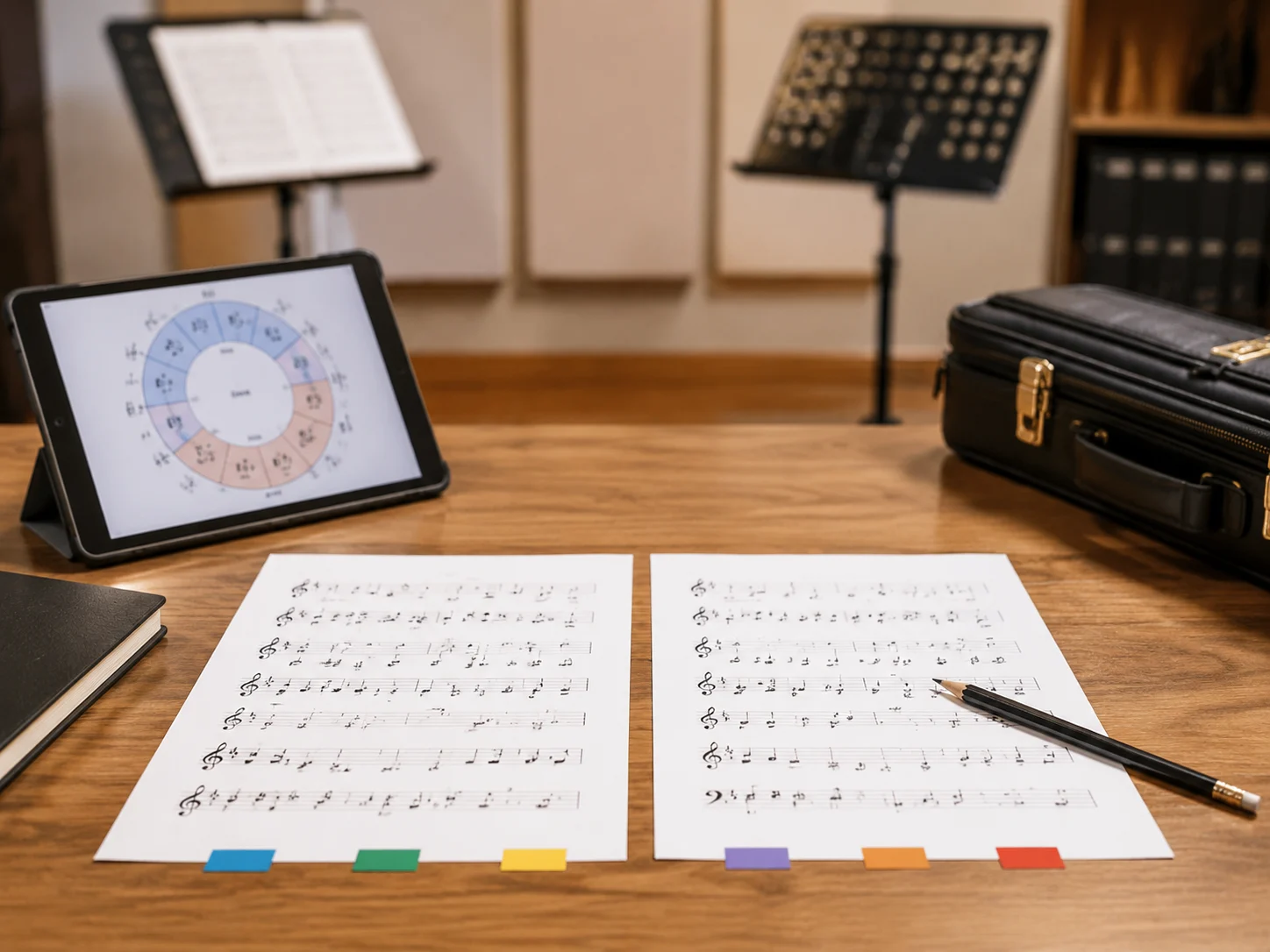
Enharmonic keys can be written with sharps or flats depending on the score, instrument, or lesson. Auto, Sharps, and Flats modes let the interactive wheel match the notation language your chart already uses.
Who Uses an Interactive Circle of Fifths
Different musicians search for a circle of fifths chart for different reasons, but they all need fast answers they can trust.

Beginners Learning Key Signatures
Memorizing the order of 7 sharps and 7 flats can slow early theory practice. The interactive circle of fifths turns those relationships into visible choices for key signatures, scales, and relative minor keys.

Songwriters Building Progressions
Blank chord charts waste momentum when an idea is fresh. Use the circle of fifths chart to choose a key, scan diatonic chords, compare 5 common progressions, and move into a usable verse or chorus shape.

Teachers Explaining Relationships
A printed circle of fifths chart helps, but a clickable version makes the lesson easier to follow. Teachers can show major and minor relationships, nearby keys, and chord functions on 1 shared screen.

Performers Preparing Transpositions
Singers, guitarists, pianists, and band leaders often need a cleaner key before rehearsal. The wheel makes nearby keys visible while the panel gives scale notes and chords for a quick performance chart.
Circle of Fifths FAQs
Quick answers about the circle of fifths, key signatures, relative minors, chord progressions, and how to read the chart.
What does the circle of fifths show?
The circle of fifths shows the relationship between the 12 major keys and their relative minor keys. Moving clockwise adds sharps, moving counterclockwise adds flats, and neighboring keys usually share many notes. CreateMusicAI uses that map to connect key signatures, scales, chords, and progressions in one interactive view.
How do I read a circle of fifths chart?
Start at C, then move clockwise by perfect fifths for sharp keys or counterclockwise for flat keys. A circle of fifths chart usually places major keys outside and relative minor keys inside. Click a key here to see the signature, scale, nearby keys, and chord options immediately.
Can beginners use this circle of fifths tool?
Yes. CreateMusicAI keeps the wheel visual, but the side panel explains the selected key in plain musical terms. Beginners can click any key, read the signature, compare relative major and minor, and copy chords without memorizing every pattern first.
How does the circle of fifths help with chord progressions?
The circle of fifths helps you see which keys and chords are closely related. In this tool, each selected key shows diatonic chords plus 5 common chord progressions. That gives songwriters a practical starting point instead of only a theoretical diagram.
What is the relative minor on the circle of fifths?
A relative minor is the minor key that shares the same key signature as a major key. On a circle of fifths chart, it usually appears inside its paired major key. For example, C major and A minor share no sharps or flats.
Why do sharps and flats matter on this chart?
Sharps and flats define how a key is written and read by musicians. Some enharmonic keys can be spelled in two ways, such as F sharp and G flat. The spelling controls let the circle of fifths chart match the notation your lesson, instrument part, or score needs.
Can I copy chords from the chart?
Yes. The selected-key panel includes copy actions for the key summary, diatonic chords, and each progression. Use the copied text in notes, teaching slides, lead sheets, DAW markers, or songwriting documents when you want the theory to stay with the project.
Is this different from a printable circle of fifths chart?
A printable circle of fifths chart is useful as a reference, but it cannot react to your key choice. CreateMusicAI adds playback, copy buttons, spelling options, triads, seventh chords, and progressions, so the chart becomes an online working tool.