Drag and drop a song here, or click to browse
Supports: MP3, WAV, OGG, M4A, AAC, FLAC, WMA

AI Vocal Splitter
Showcase
AI Vocal Splitter
Upload a full song and let AI split vocals from the instrumental in minutes. Extract acapellas, build karaoke tracks, and hear lead vocals more clearly without installing desktop software.
Vocal Splitter for Clean Exports
AI Vocal Splitter for Fast Clean Acapellas
Our Vocal Splitter gives you clearer vocal files, steadier instrumentals, and a practical AI Vocal Splitter workflow for covers, edits, rehearsal, and remix prep.
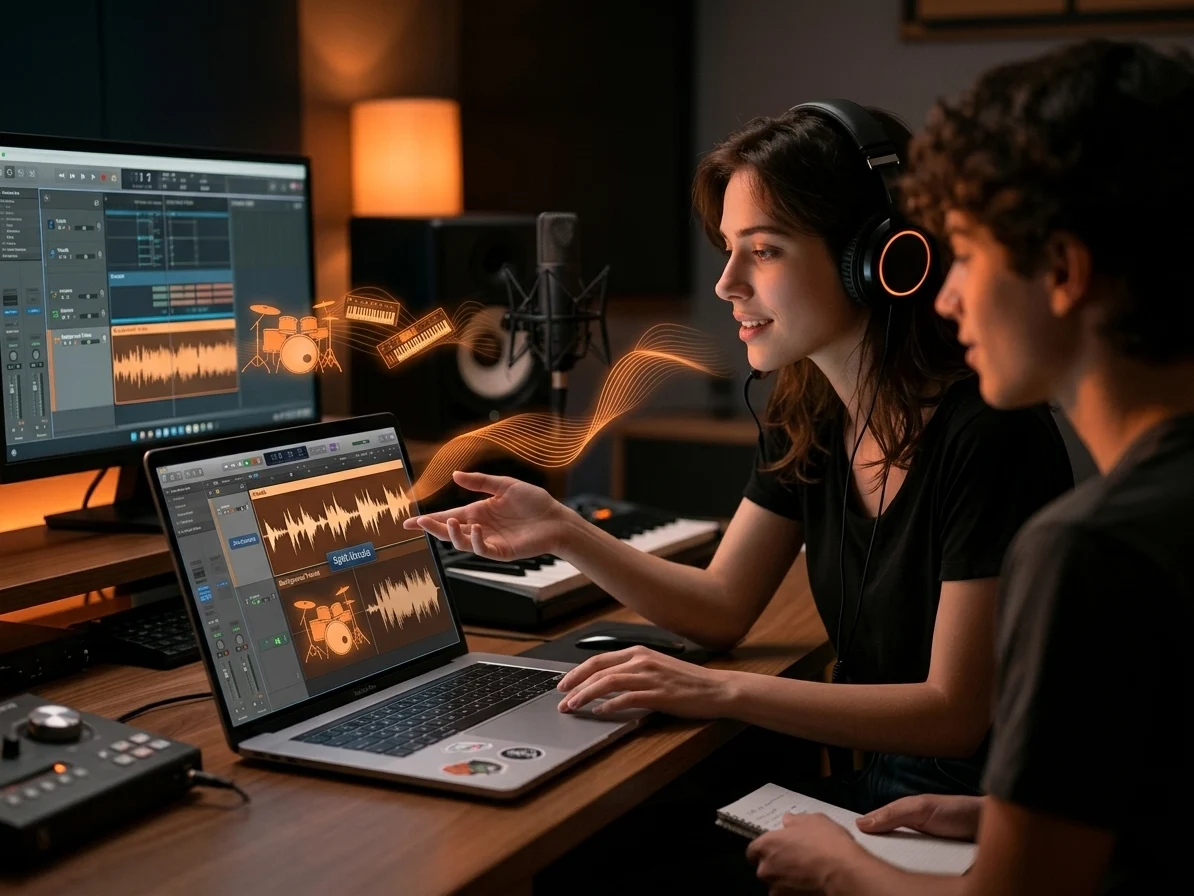
Split Vocals Without Crushing the Mix
Our Vocal Splitter keeps the lead vocal more audible while reducing bleed from drums and synths, so your export stays usable for covers, rehearsal tracks, and quick client drafts.
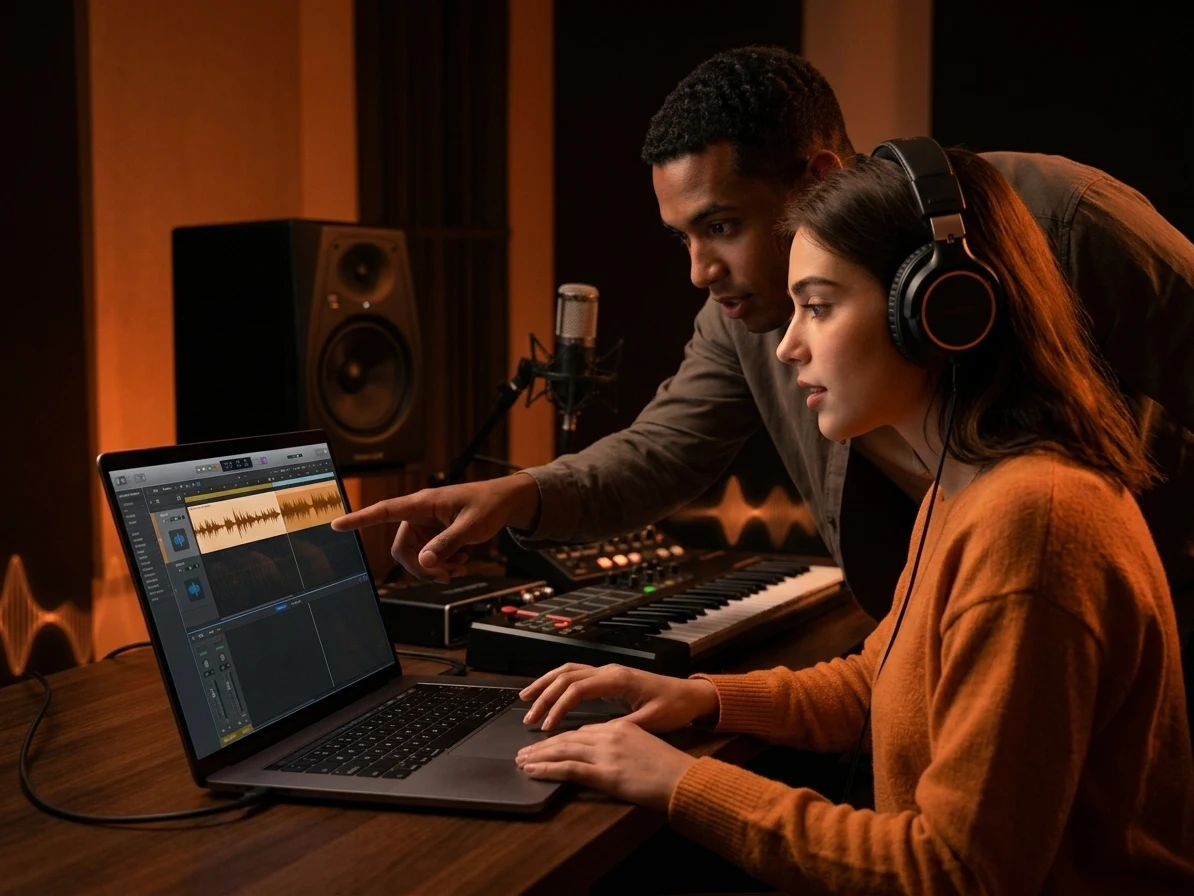
Extract Acapellas You Can Actually Use
Our Vocal Splitter helps you pull an acapella from a finished song, line it up in your DAW, and move faster on mashups, sample prep, and first-pass edits.
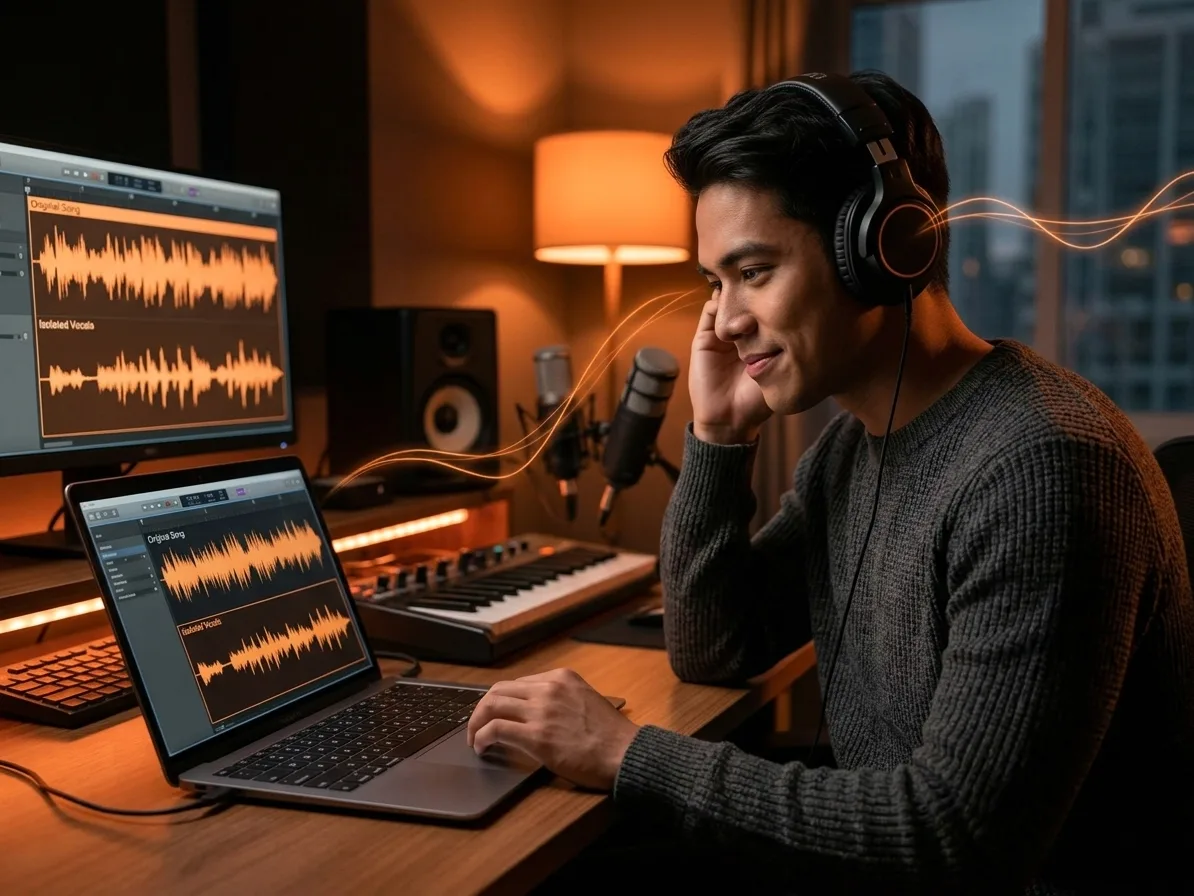
Hear Lead Vocals More Clearly
Our Vocal Splitter lets you remove the singer from the backing track or isolate the vocal line, which makes phrasing study, harmony checks, and lyric practice easier in every session.
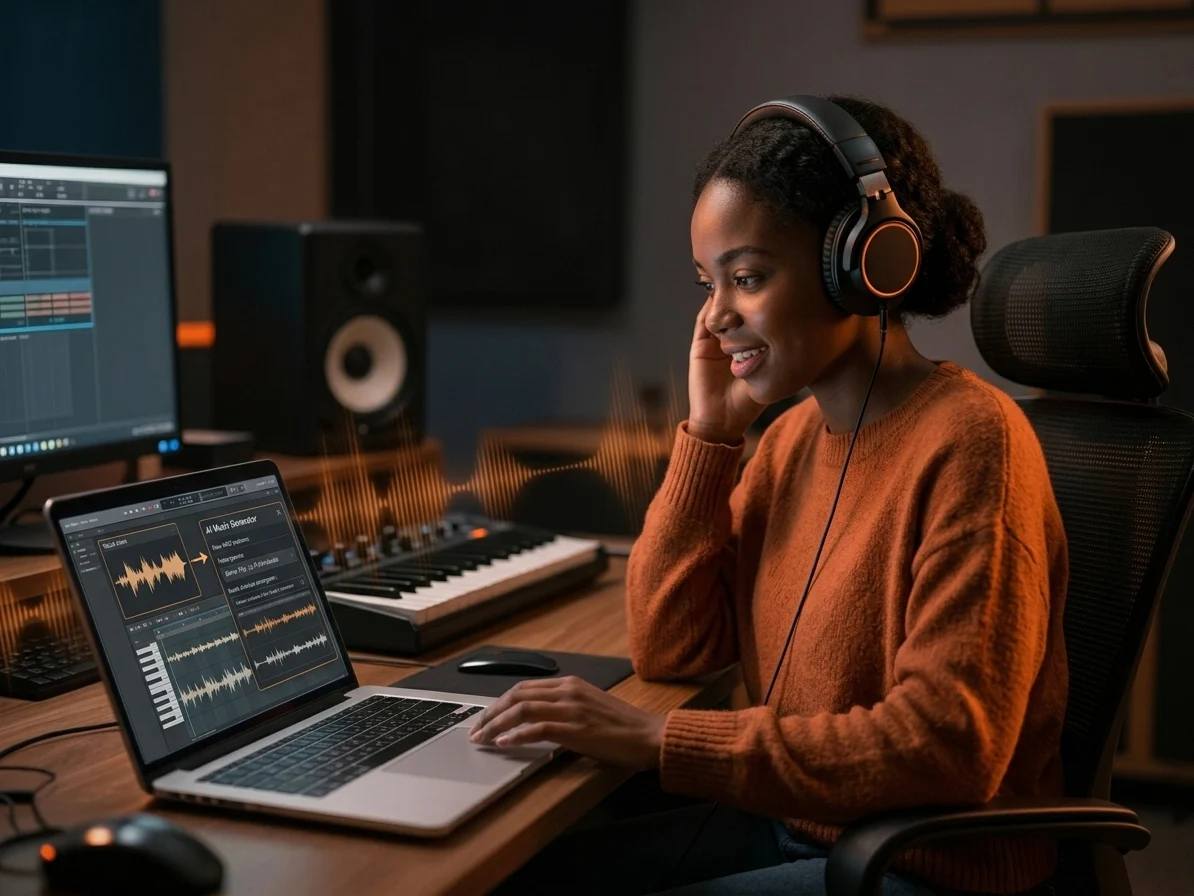
Turn Split Vocals Into New Ideas
Our Vocal Splitter gives you a vocal-first reference you can cut, loop, and audition for mashups, lyric edits, and arrangement notes before you open a full DAW session.
Who Needs a Vocal Splitter Most
A Vocal Splitter helps different users solve different bottlenecks, from 2-track rehearsal prep to fast remix drafts, with one online upload and export workflow.

Karaoke Singers
Our Vocal Splitter cuts prep from a full mixing session to a fast 2-track export, so karaoke singers can move from upload to practice-ready instrumentals in minutes.

Remix Producers
Remix producers often test 2 or 3 mashup ideas in one sitting. Our AI Vocal Splitter gives you a fast first pass, so more of that session goes into arrangement instead of manual cleanup.

Cover Creators
Cover creators may replay the same 8-bar phrase over and over to catch entrances, breaths, and harmony timing. Our Vocal Splitter makes those details clearer, which shortens listening prep before recording.

Music Teachers
Music teachers can turn 1 reference song into 3 focused exercises for ear training, lyric work, and ensemble rehearsal. Our Vocal Splitter reduces prep overhead while giving students cleaner examples to follow.
From Full Song to Vocal File
With CreateMusicAI, your Vocal Splitter workflow takes three moves: upload the song, let AI separate the vocal layer, then preview and download.
Upload a Song
Open CreateMusicAI, upload MP3, WAV, FLAC, M4A, OGG, or AAC audio, and choose vocal mode when you want the fastest Vocal Splitter result.
Let AI Separate the Vocal
Our tool analyzes the mix, finds the singer against the backing track, and renders vocal plus instrumental outputs you can compare before exporting.
Preview and Download
Listen for bleed, check whether the acapella or instrumental fits your next task, and download the files you need for practice, edits, or content work.
Frequently Asked Questions
Common questions about using our AI Vocal Splitter online.
What is an AI Vocal Splitter?
CreateMusicAI's AI Vocal Splitter is an online tool that separates the singer from the rest of a song. You upload one file, the system analyzes the mix, and you get vocal and instrumental outputs that are easier to study, reuse, or edit.
Can this Vocal Splitter extract an acapella?
Yes. This Vocal Splitter can isolate the vocal layer and give you an acapella-style export for remix drafts, cover prep, and lyric practice. Results depend on how dense the original mix is, but clear lead vocals usually separate best.
What formats can I upload and download?
You can upload MP3, WAV, FLAC, M4A, OGG, AAC, and WMA audio files. Export options currently focus on practical vocal and instrumental files, so you can move straight into rehearsal, editing, or content publishing.
Will it work on duets or backing vocals?
It can, but dense harmonies and overlapping backing parts are harder than a single clear lead line. CreateMusicAI handles many pop, karaoke, and remix use cases well, yet heavily layered choruses may still keep some vocal bleed in the instrumental.
Can I use the exported files commercially?
You need rights to the original song before using any extracted vocal or instrumental commercially. CreateMusicAI does not add third-party claims to your upload, and you can review available export options on our pricing page.