
AI Song Writer gratis
Explora borradores de canciones generados por CreateMusicAI
Casi en casa
Mensajes de voz
¿Qué es un AI Song Writer?
Un Song Writer para letras, hooks y borradores completos
CreateMusicAI te ayuda a pasar de la página en blanco a material útil para componer: versos, coros, puentes, rimas e ideas basadas en prompts que conservan tu propia voz.
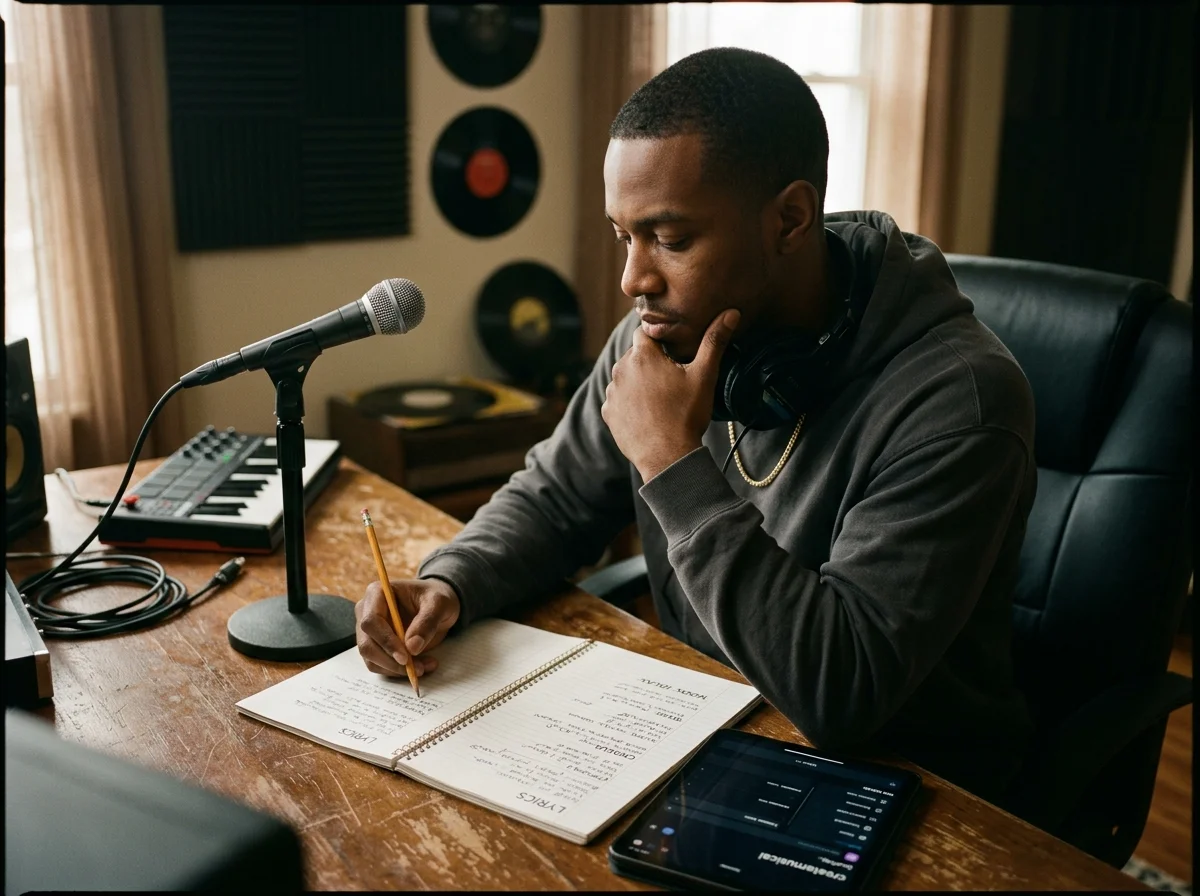
Convierte ideas en secciones de canción
Describe la historia, emoción o escena que buscas. El Song Writer crea inicios de verso, opciones de coro, hooks e ideas de puente para que empieces con un borrador real en lugar de una página vacía.
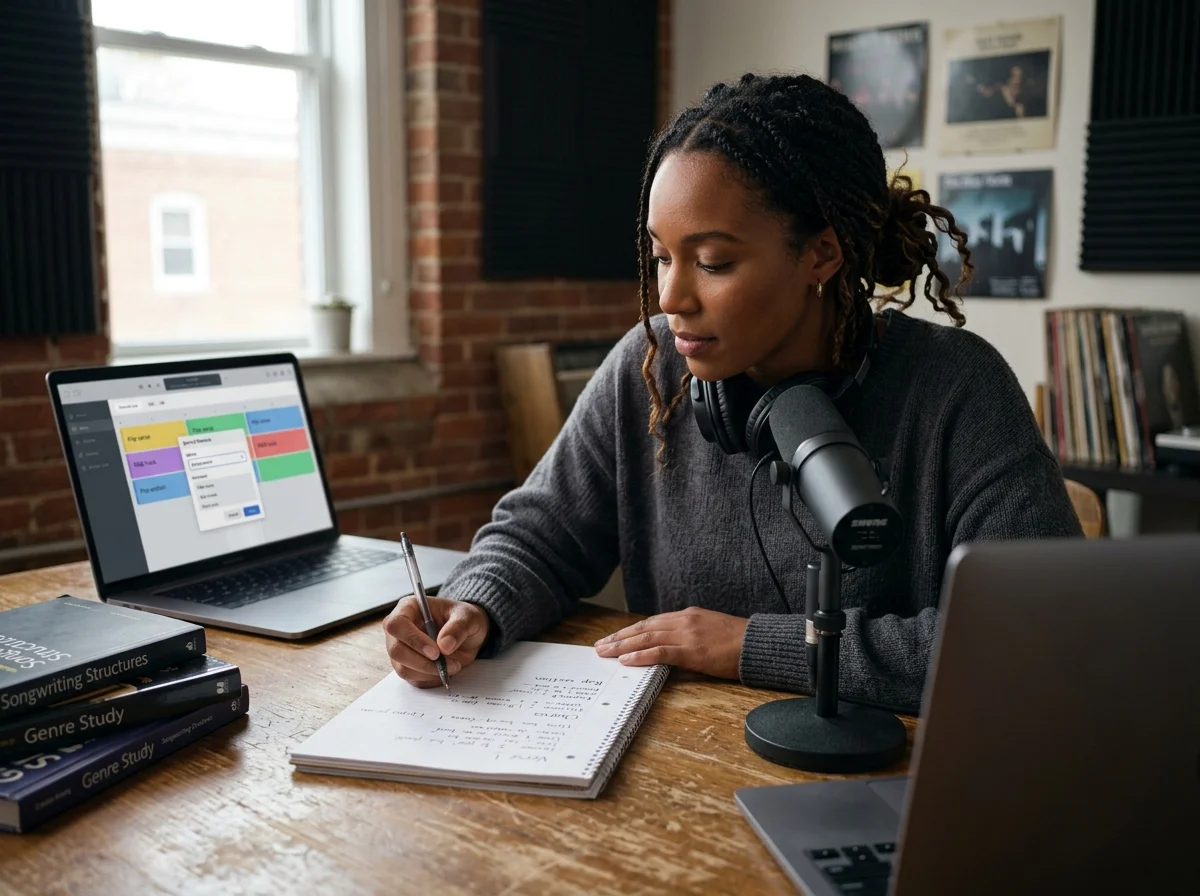
Da forma a la letra por género y estructura
Elige pop, rap, country, R&B, rock, folk u otro estilo y después una estructura, como verso-coro o verso-coro-puente. CreateMusicAI mantiene cada sección organizada y lista para convertirla en música.
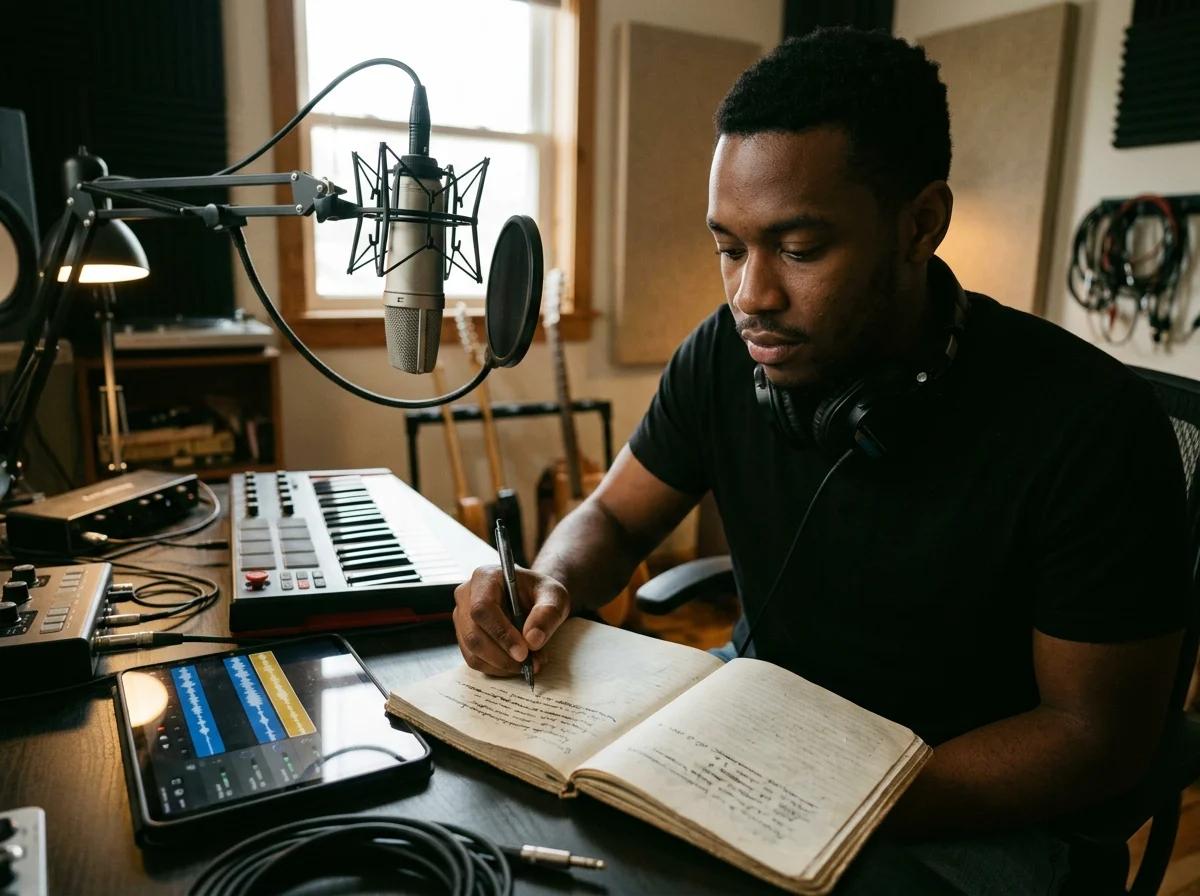
Reescribe las líneas que suenan genéricas
Usa el AI Song Writer como coautor cuando una rima resulte plana o el coro necesite más fuerza. Genera líneas alternativas, frases más sólidas y transiciones más limpias sin descartar tu idea original.
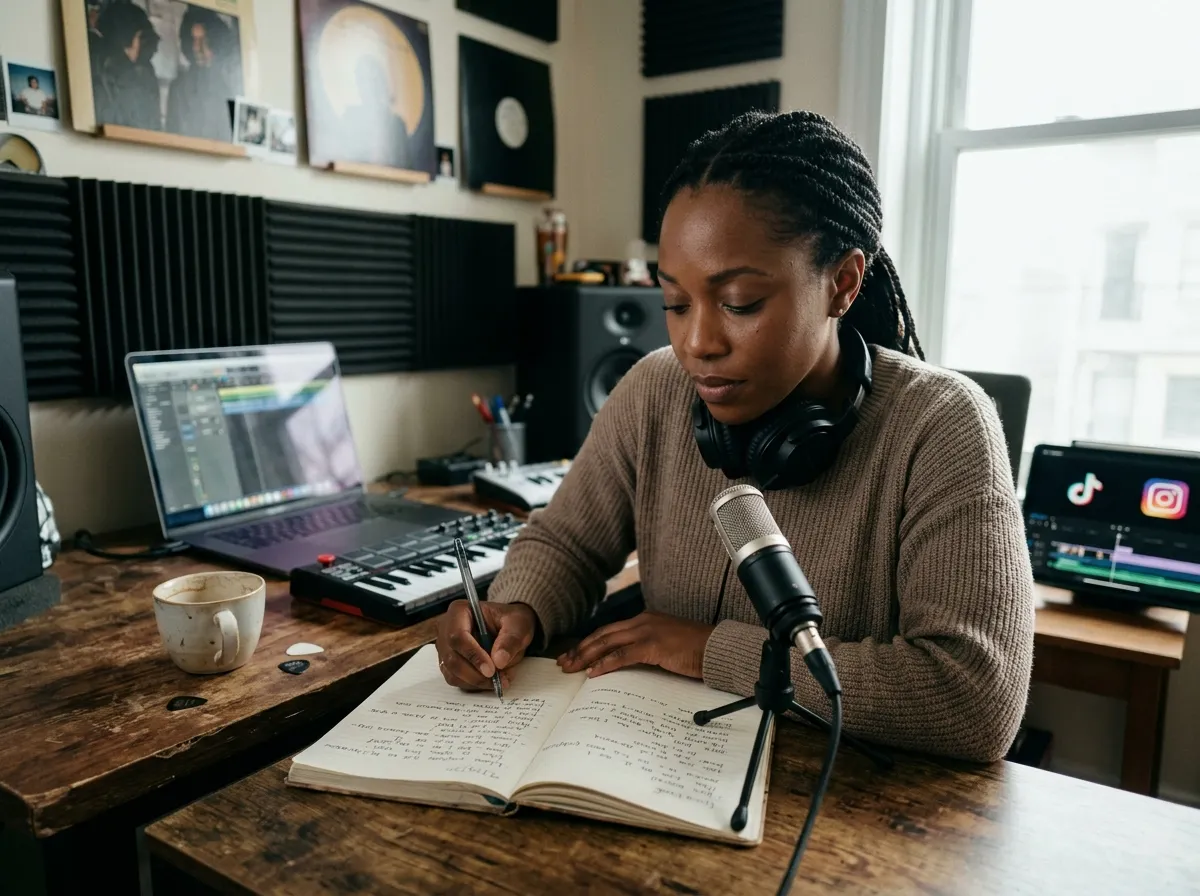
Crea letras para proyectos reales
Crea hooks para vídeos cortos, versos para demos, letras de jingles o conceptos para una sesión de estudio. Cada borrador se puede editar, está libre de regalías y queda listo para tu criterio creativo.
¿Quién usa un AI Song Writer?
El Song Writer es ideal para creadores que necesitan palabras rápido, pero quieren conservar el control del tema, el tono, la estructura y la edición final.
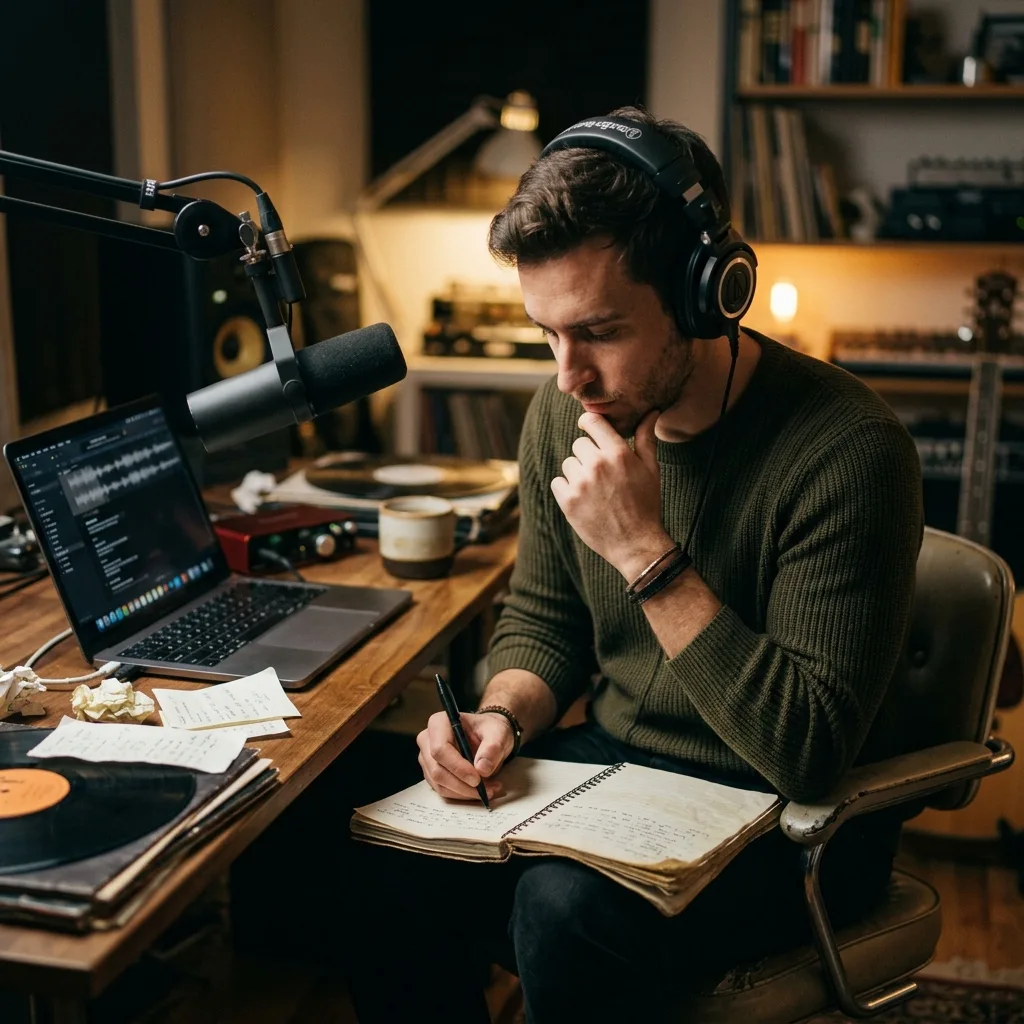
Creadores de contenido
Escribe hooks pegadizos, letras de parodia, intros o ideas breves para vídeos y publicaciones sociales. CreateMusicAI te ofrece borradores que puedes recortar, adaptar y grabar rápidamente.
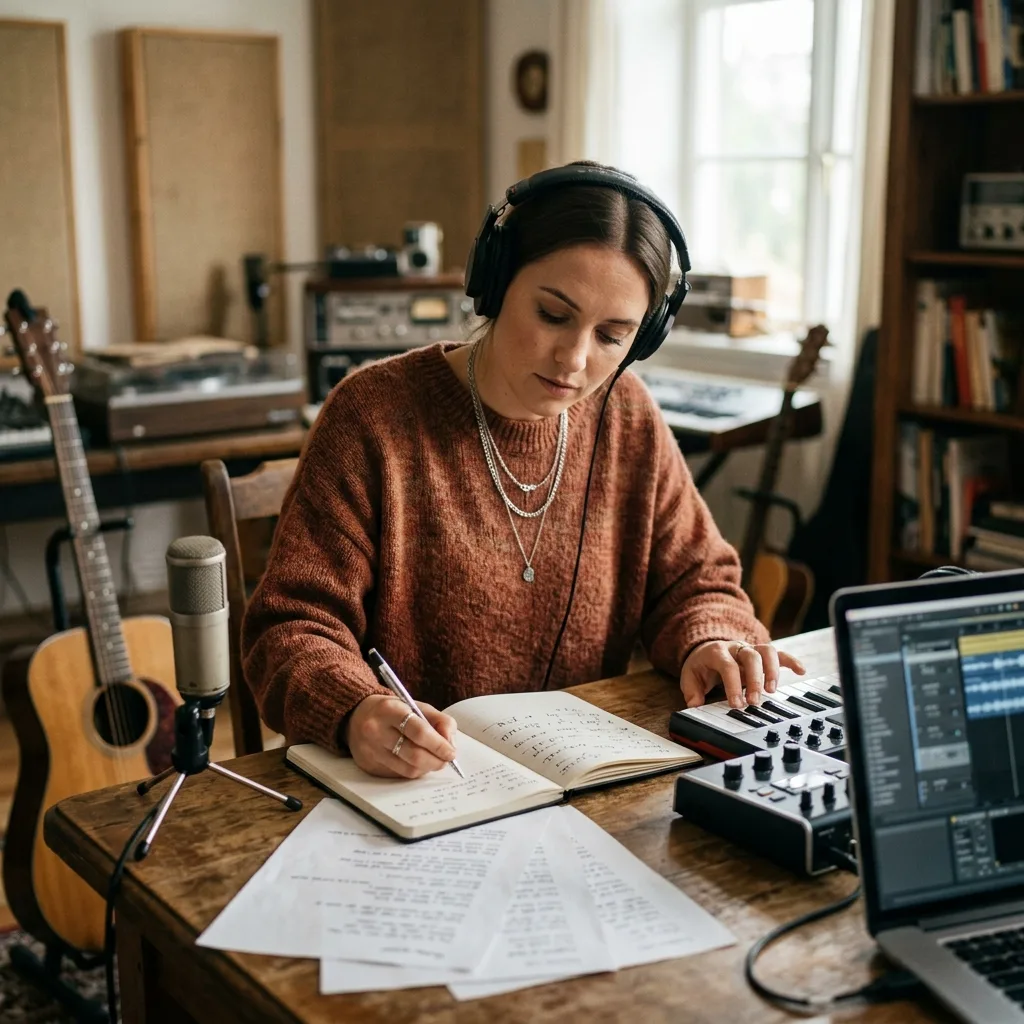
Artistas y compositores
Rompe el bloqueo creativo con opciones de coro, inicios de verso y direcciones para la letra. Usa el AI Song Writer para explorar enfoques y conserva las líneas que suenen a ti.
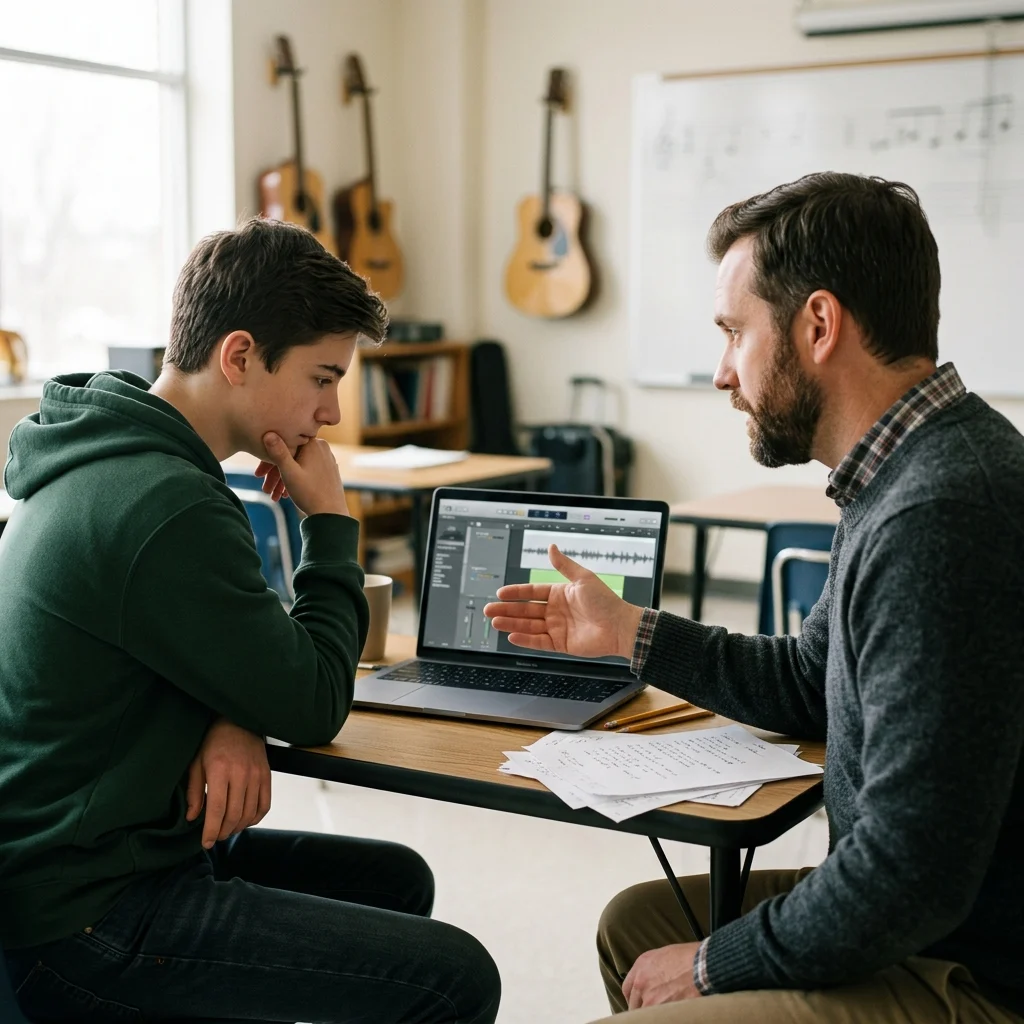
Profesores y estudiantes
Estudia la rima, el punto de vista y la estructura generando ejemplos con distintos estados de ánimo. El Song Writer facilita comparar, revisar y comentar versos y coros.

Marcas y agencias
Prepara letras para campañas, conceptos de jingle o ideas de identidad sonora sin esperar una sesión completa de composición. CreateMusicAI ayuda al equipo a probar varias direcciones antes de producir.
Cómo escribir una canción con IA
Usa CreateMusicAI como un espacio práctico de composición: define el encargo creativo, genera un borrador y revisa las secciones más fuertes. Mantén un objetivo claro para quien escucha, como un coro más potente, un verso más preciso o un giro emocional más limpio.
1. Da al Song Writer un encargo claro
Introduce el tema, la escena o el conflicto emocional. Añade detalles como quién canta, qué ha cambiado y qué debería hacer sentir el coro.
2. Elige ánimo, estilo y estructura
Escoge género, ánimo, idioma y forma. Una balada acústica triste necesita un ritmo distinto al de un hook pop enérgico o un verso de rap construido con rimas internas.
3. Genera, compara y edita
Crea un borrador, guarda el hook más fuerte, reescribe las líneas débiles y genera otra versión si la historia necesita imágenes más precisas o un coro con mejor desenlace.
De idea inicial a borrador cantable
Usa el Song Writer como un ciclo repetible: empieza amplio, concreta la canción y conserva solo las líneas que funcionan.
Captura el momento central
Empieza con un momento claro para el oyente: la disculpa, la primera victoria, la llamada perdida o la frase que el cantante debió decir antes.
Pide secciones, no solo canciones
Genera un coro, verso, puente o hook por separado cuando necesites más control. Las peticiones pequeñas hacen que el AI Song Writer sea más fácil de dirigir.
Reescribe hacia tu voz
Pide a CreateMusicAI una línea más simple, una imagen más precisa, más rima interna o un tono menos dramático. El mejor borrador suele salir tras varias pasadas enfocadas.
Lleva la mejor letra a la música
Cuando la letra funcione, úsala como prompt para una canción completa, voz demo o referencia de estudio. Conserva tus ediciones finales antes de crear audio.
Preguntas frecuentes sobre AI Song Writer
Respuestas a preguntas habituales sobre el uso de CreateMusicAI como Song Writer para letras, hooks y borradores de canciones.
¿Puede un AI Song Writer escribir una canción completa?
Sí. CreateMusicAI puede generar borradores completos con versos, coros, puentes y hooks. La mayoría de los creadores obtiene mejores resultados al tratar el Song Writer como un compañero para el primer borrador y editar después las líneas que necesiten detalles más personales.
¿Se puede usar gratis el Song Writer?
Puedes empezar con acceso gratuito y generar ideas de canciones online. Hay planes de pago cuando necesitas más generaciones, iteraciones más rápidas o un flujo de composición más amplio.
¿Puedo generar solo un hook, un coro o un verso?
Sí. Indica al AI Song Writer exactamente qué sección necesitas: un hook de coro, un segundo verso, un puente o la reescritura de una línea débil. Los prompts específicos suelen producir resultados más precisos que las peticiones vagas.
¿Las letras de IA sonarán genéricas?
Pueden sonar así si el prompt es genérico. Añade una escena concreta, un narrador, un conflicto, un género y un objetivo emocional. CreateMusicAI responde mejor cuando pides un momento específico, como una disculpa nocturna con un estilo bedroom pop íntimo.
¿Puedo usar comercialmente las letras generadas?
Las letras generadas a partir de tu prompt están libres de regalías y puedes usarlas en tus proyectos. La licencia comercial y las condiciones de la cuenta pueden depender de tu plan; revisa las condiciones de uso vigentes antes de publicar un trabajo de pago.
¿Qué diferencia hay entre un generador de letras y un Song Writer?
Un generador básico se centra en producir texto. El flujo de un Song Writer también ayuda con la estructura, los hooks, el ánimo, la dirección de género, las reescrituras y la conversión de una idea inicial en un borrador que puede transformarse en música.
¿Necesito experiencia componiendo canciones?
No. Quien empieza puede usar prompts en lenguaje sencillo, mientras que los compositores con experiencia pueden usar CreateMusicAI para obtener alternativas rápidas, probar rimas o encontrar enfoques nuevos cuando un borrador se atasca.
¿Cómo adapto el AI Song Writer a mi estilo?
Describe tu lenguaje habitual, el punto de vista, el género y lo que quieres evitar. Puedes pedir líneas más sencillas, más rima interna, menos metáforas, un hook más fuerte o una voz más conversacional.